Solid meshing of Rearview Mirror using ANSA
Aim:
The aim of the challenge is to generate a 3D Solid FEA mesh for a rearview mirror.
Objective:
- Analyze the CAD model for any geometry errors. If present, then correct it.
- Generate 2D Ortho-TRIA & TRIA mesh on the surface of each component.
- Define the volume of each component and deploy UNSTRUCTURED TETRAHEDRAL volume mesh on all the components.
- Fix up element quality errors if present, and recheck the CAD model for any geometry errors.
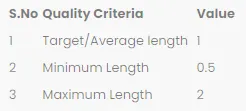
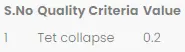
Element Quality Criteria for this challenge.
Procedure.
The first and foremost step is to import and analyze the CAD geometry.
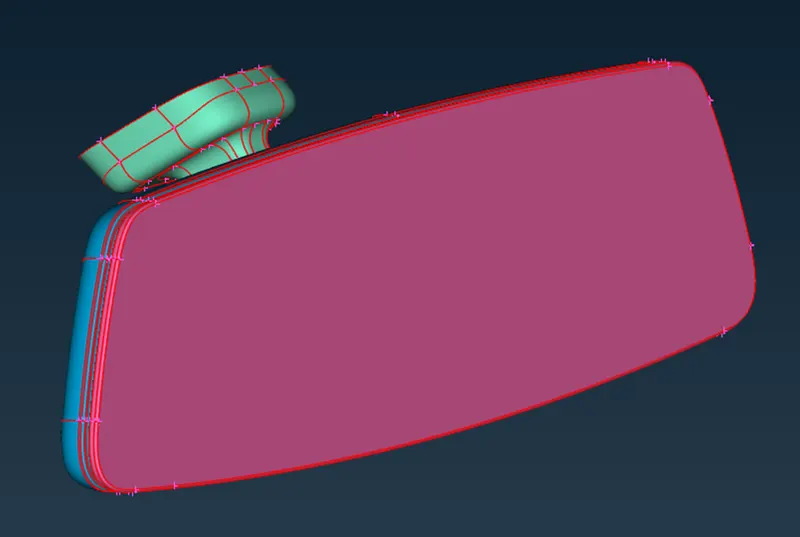
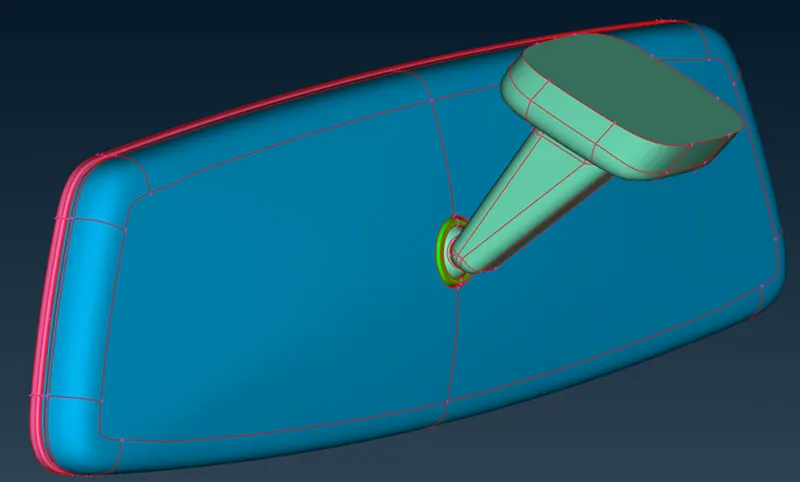
In this part, we have 4 components, which are as follows,
- Mirror.
- Mirror holder.
- Pivot Ball.
- Mirror Mount.
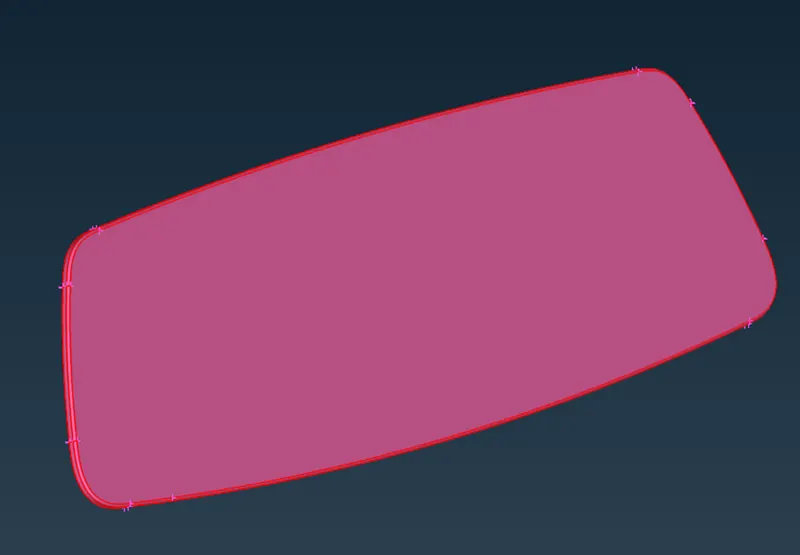
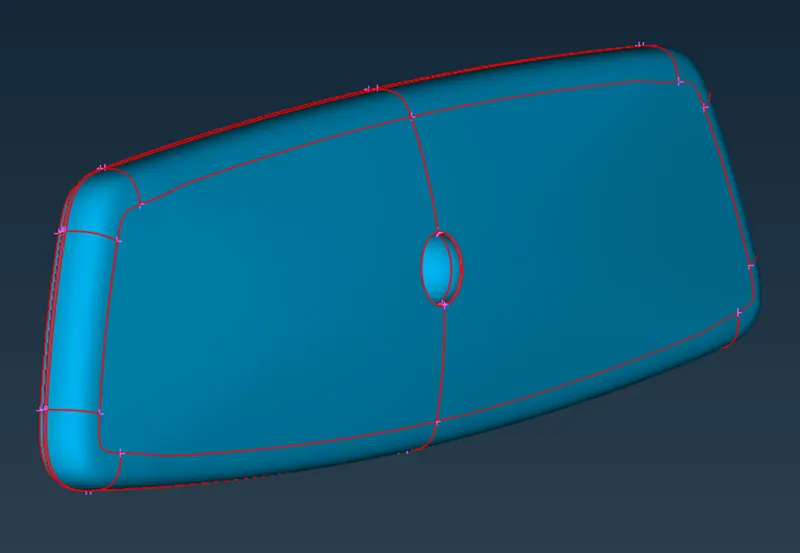
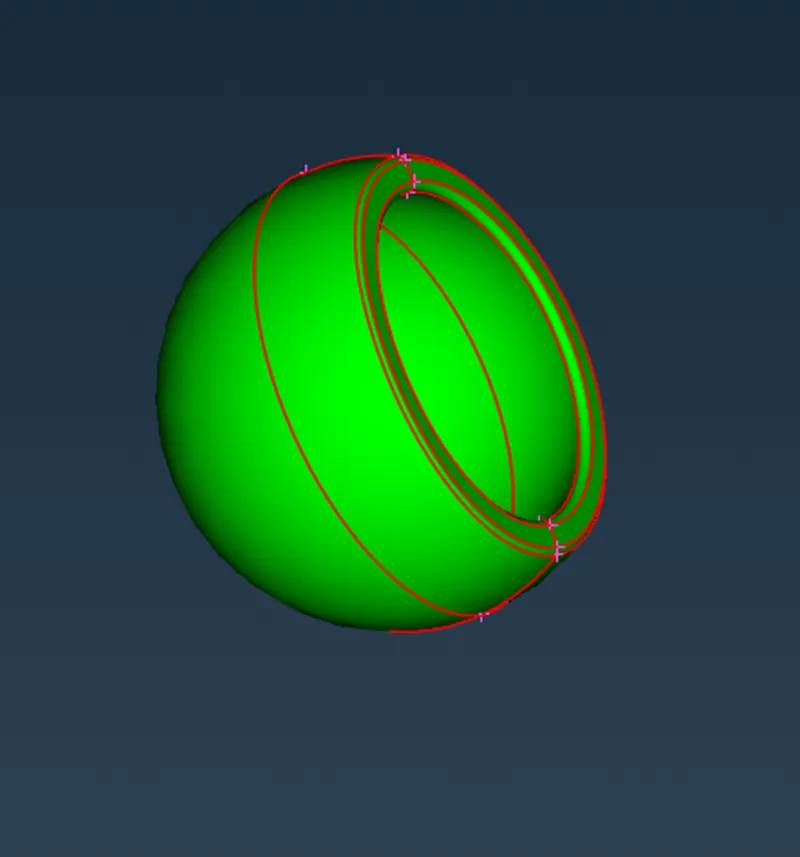
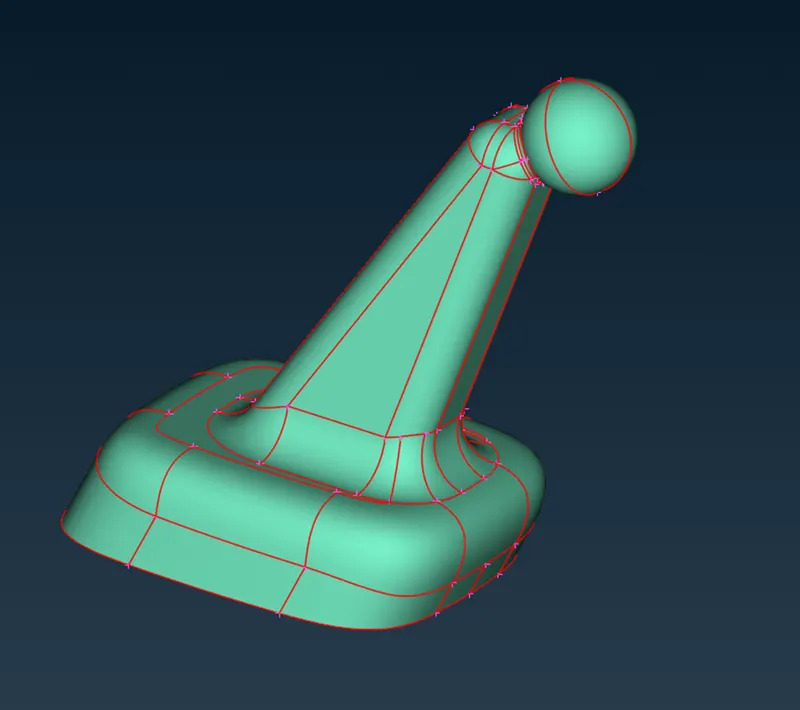
After importing the CAD geometry to ANSA we check for any geometry error that came with the model. To do so we go to the Check-Geometry option in ANSA.
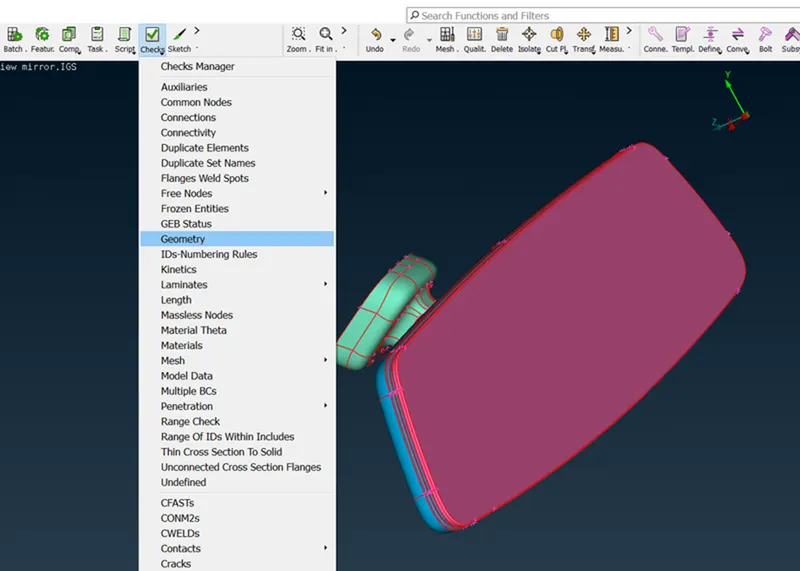
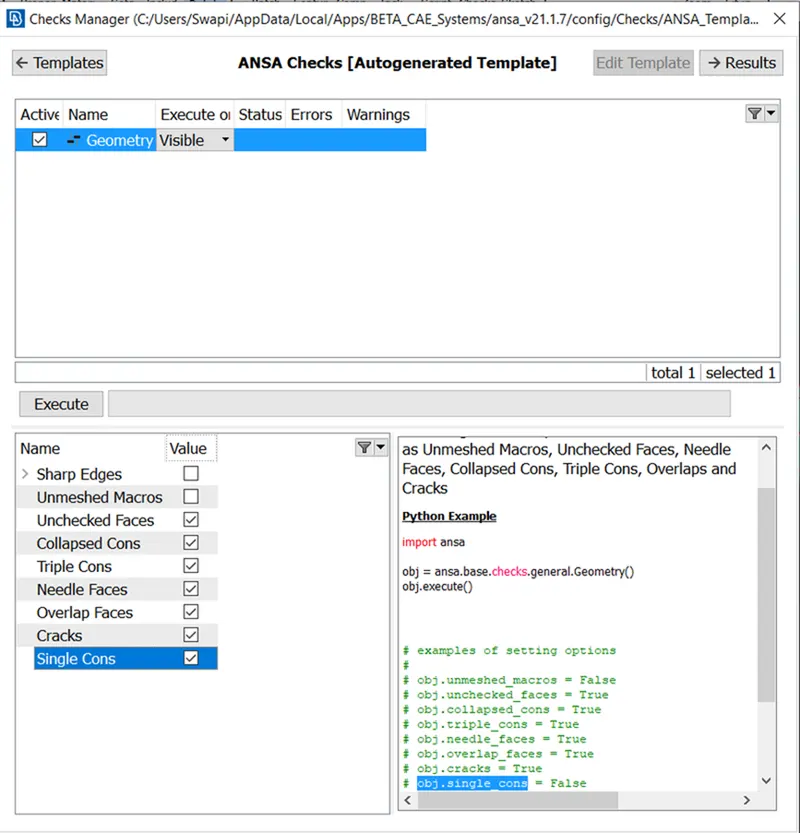
ANSA will check the CAD model over above mention criteria, and if the model fails any of these ANSA will prompt any error describing the reason for the error.
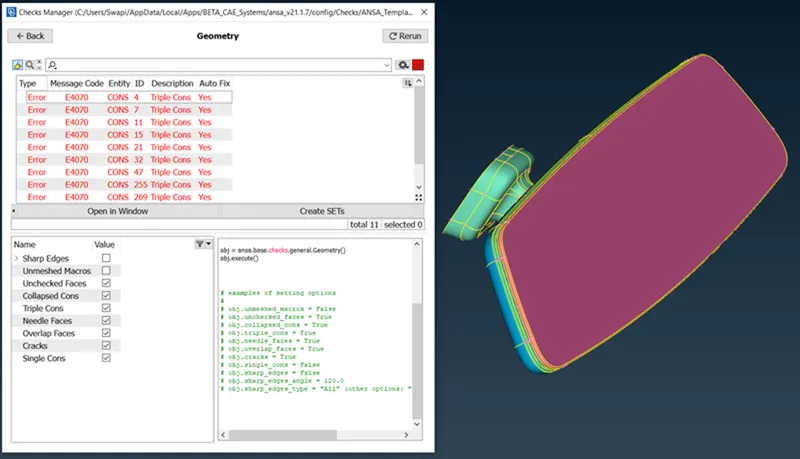
As we executed the geometry check function, we found some errors. Now there are 2 ways to solve these errors:
- Auto fix option that ANSA provides. (ANSA will fix the failing features.)
- Manual fix-User will manually fix the failing faces or Cons.
In our challenge, ANSA was able to auto-fix all the errors.
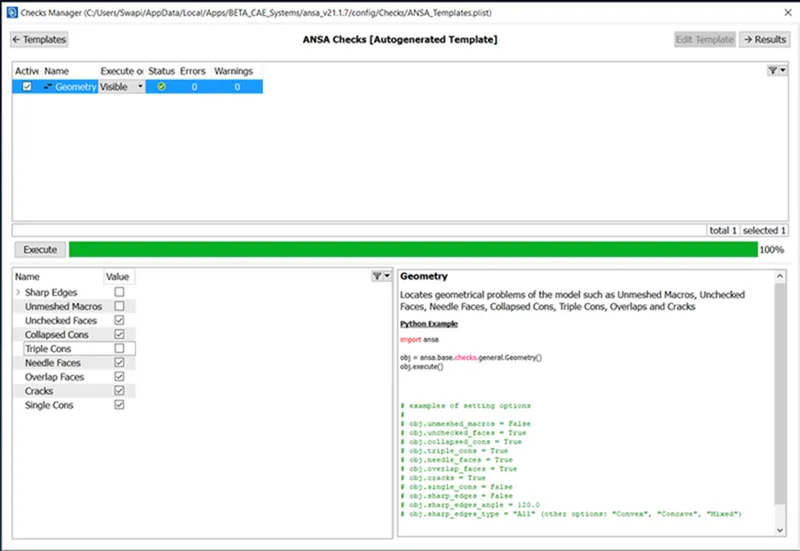
The second step is to Generate 2D Ortho-TRIA & TRIA mesh on the surface of each component.
Before generating mesh we apply the element quality criteria that are mentioned above. For this, we select the mesh parameter command in ANSA.
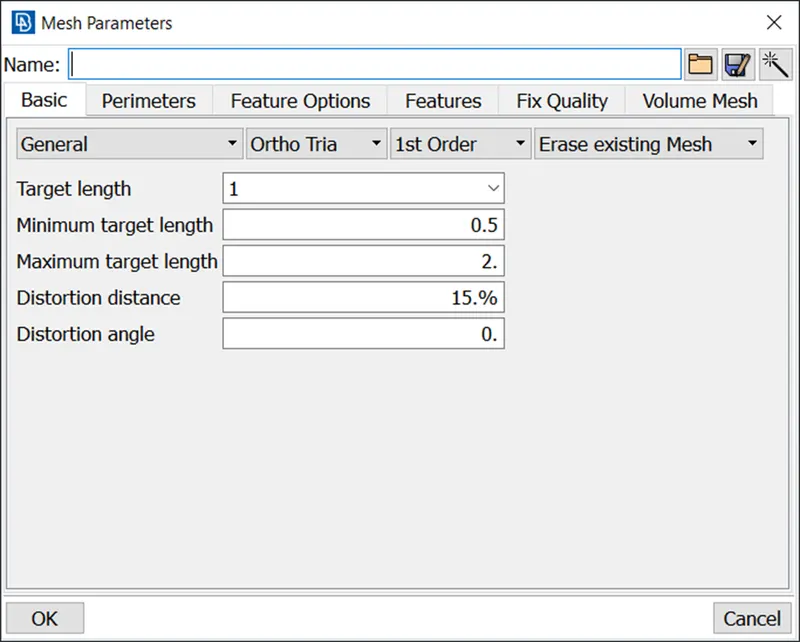
In this command, we will input our target length of the element to be 1mm and a minimum length of the element to be 0.5mm, and a maximum to be 2mm. We keep the mesh type general and we select 1st order Ortho-TRIA element type.
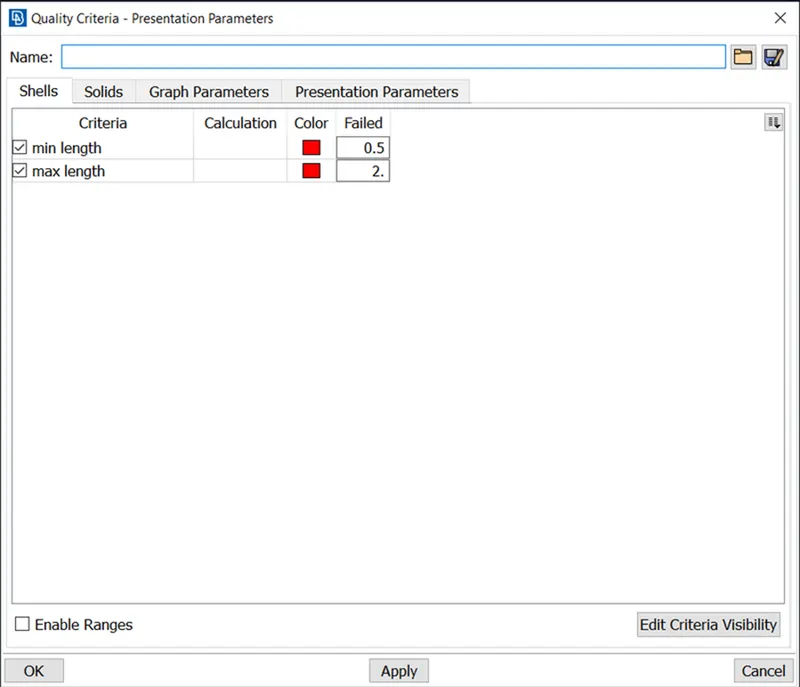
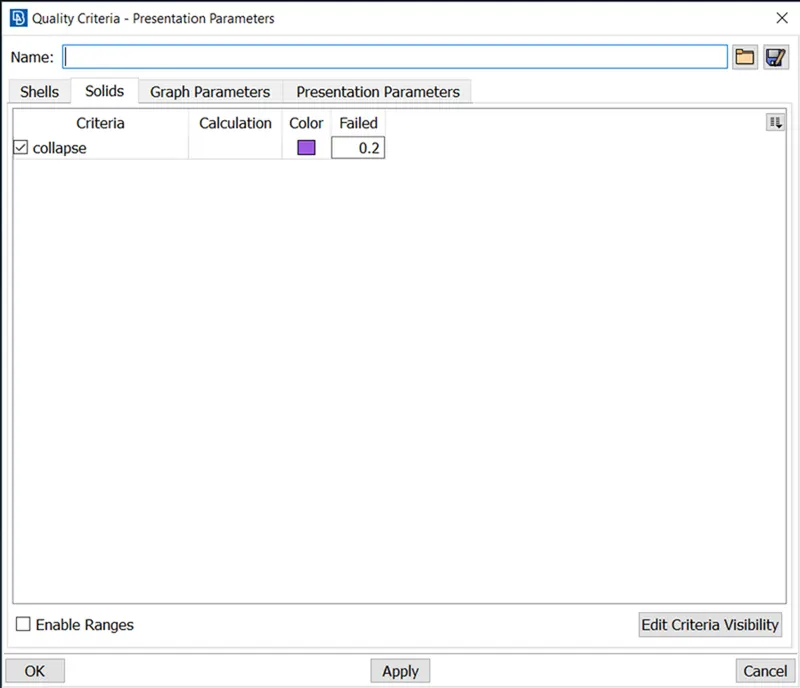
In this command, we will input the element quality criteria that are provided. And in the presentation parameters, we will do the following changes.
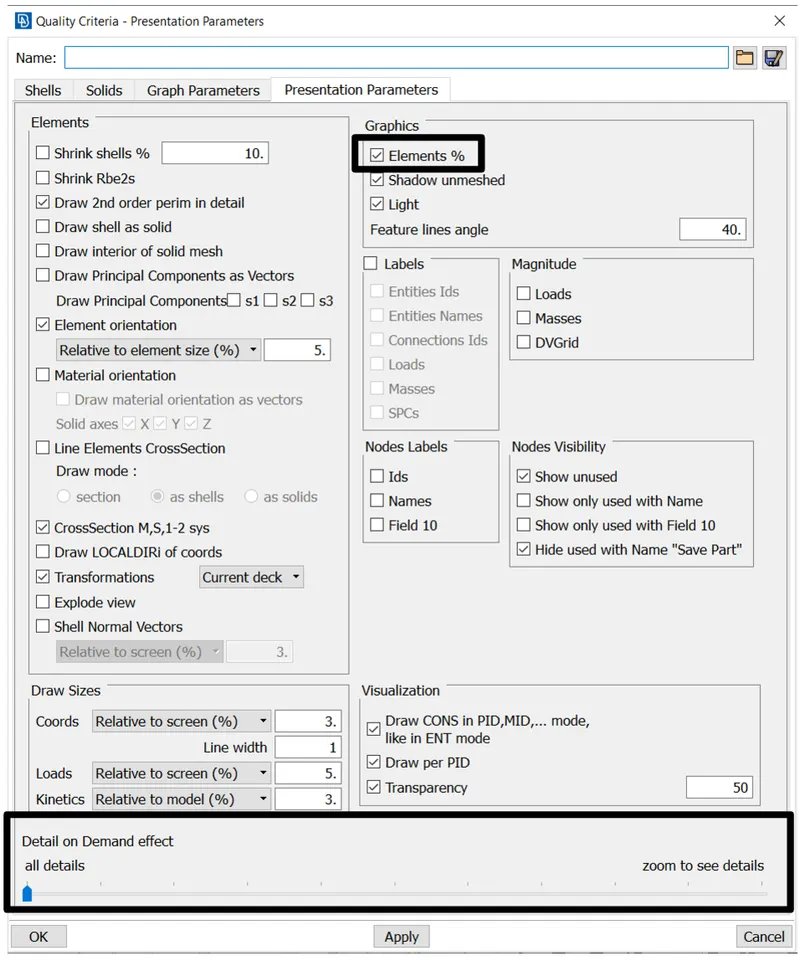
After selecting mesh parameters and quality criteria we will go to the mesh window to apply element length to our component.
Now ANSA will create points on the surface with 1 mm approx. distance between each point.
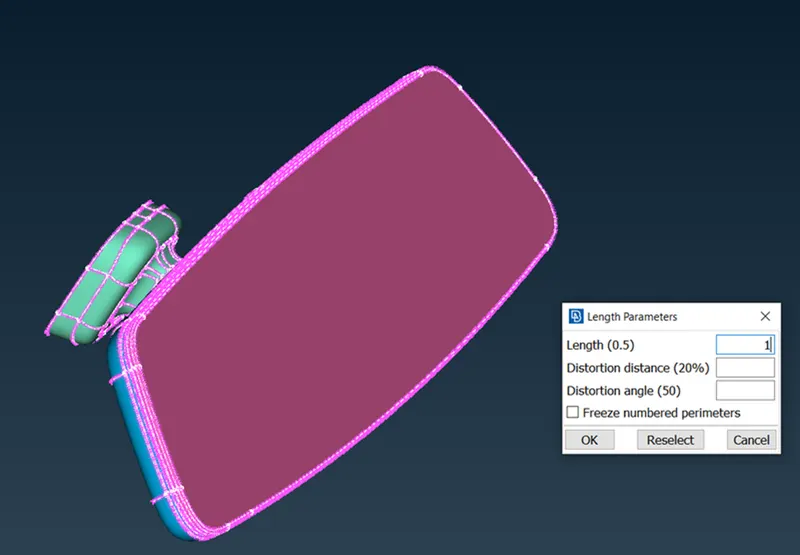
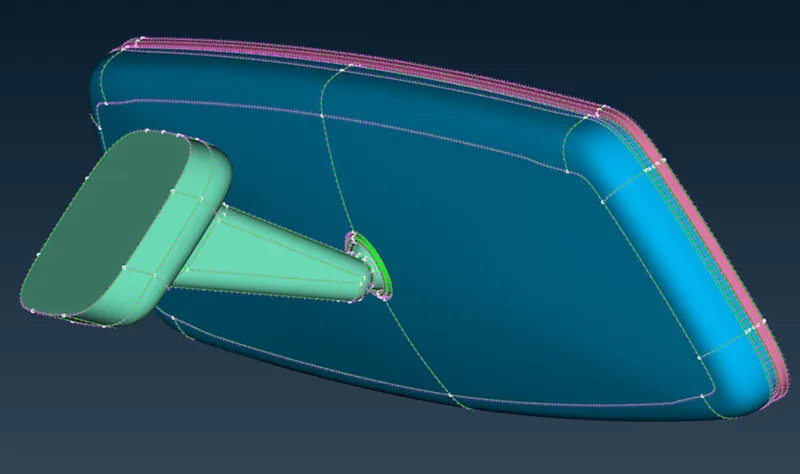
A quick measurement can be done before applying mesh to make sure all the features pass quality criteria.
Some CONS can be suppressed for better mesh flow, for example, to capture a small radius in this problem we can capture the peak point of the radius and suppress the adjacent CONS for better results.
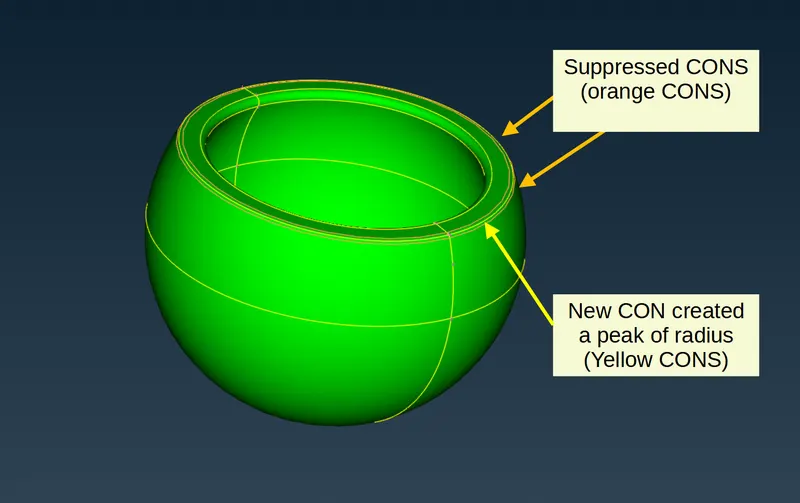
Similarly, we can fix up local geometry on all the other components for good mesh flow.
Fig showing all the suppressed CONS on all the component
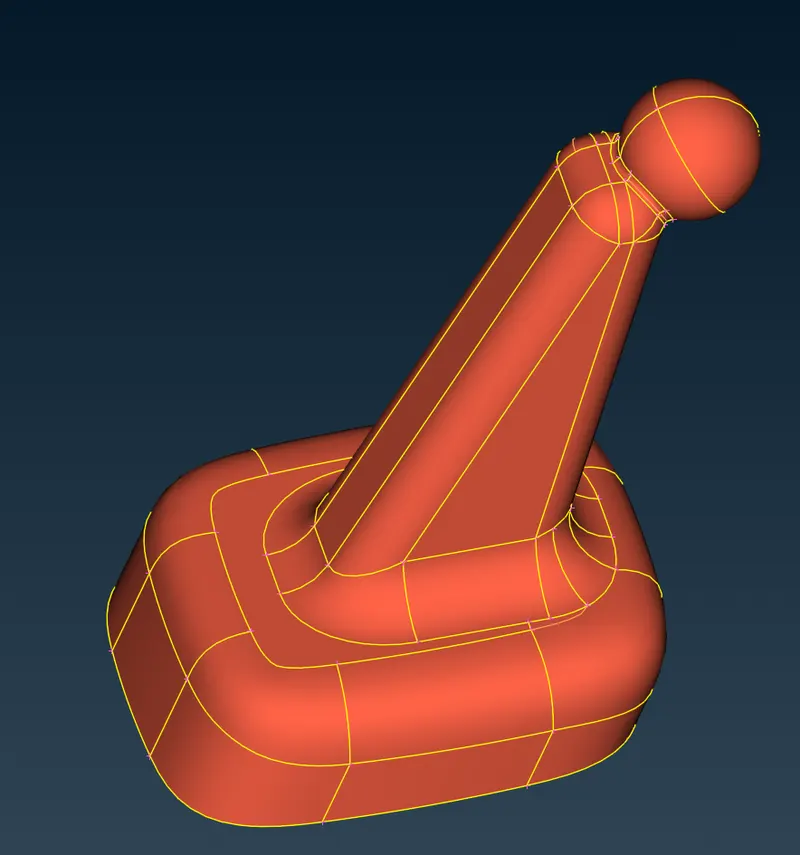
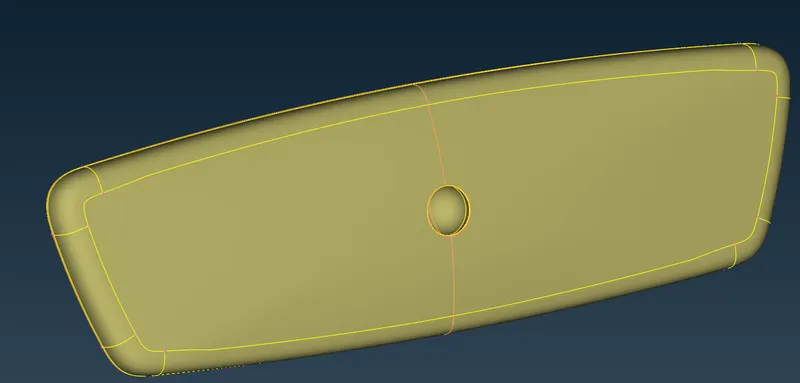
The steps to generate surface mesh on the mirror component are as follows,
- Mesh critical features like corner radius first using ORTHO-TRIA elements. This can be done by the SPOT MESH command of ANSA.
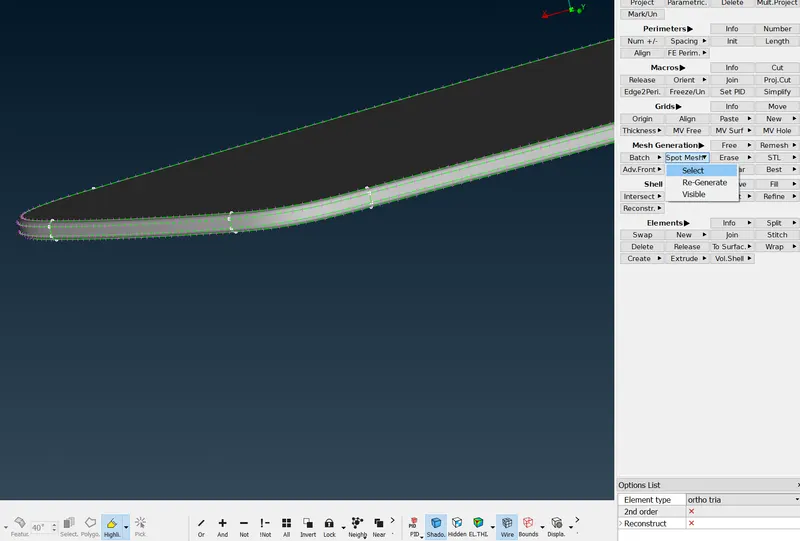
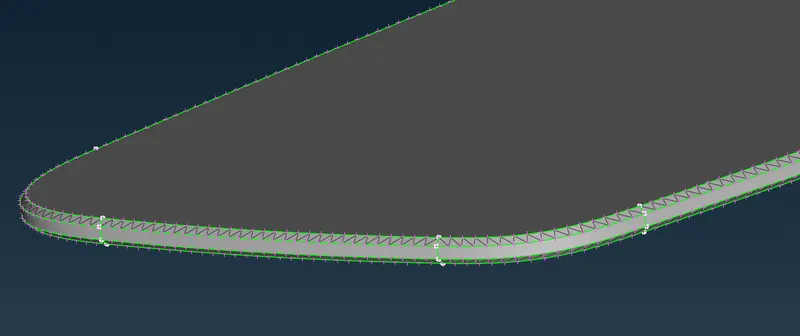
- Mesh the renaming noncritical feature like flat faces with TRAI elements using the same process.
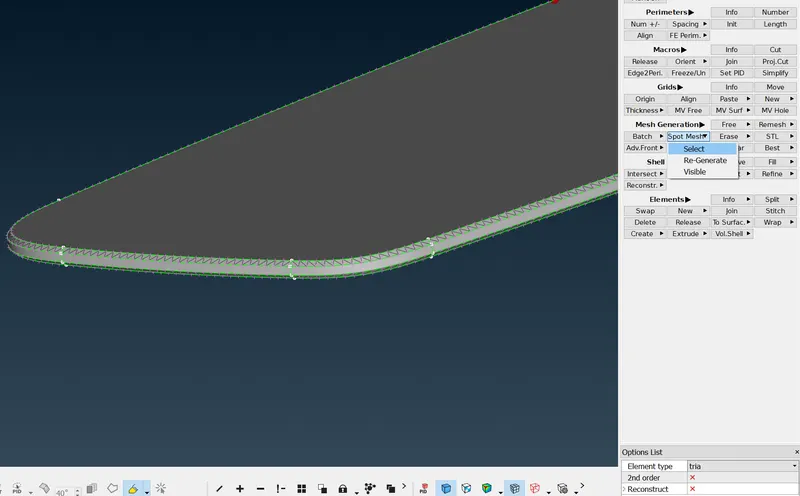
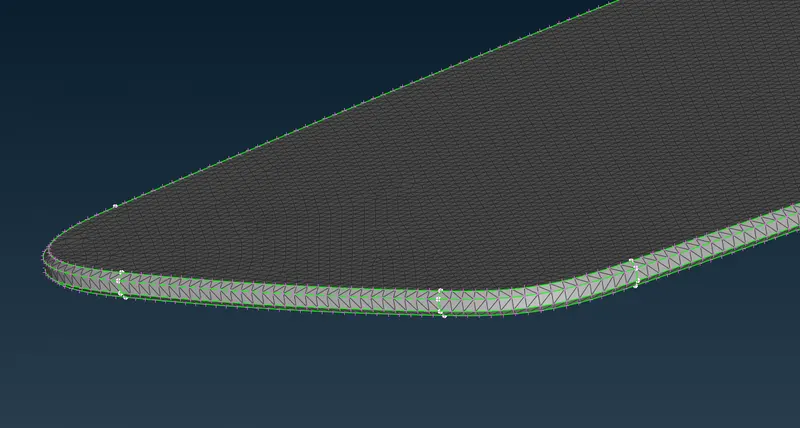
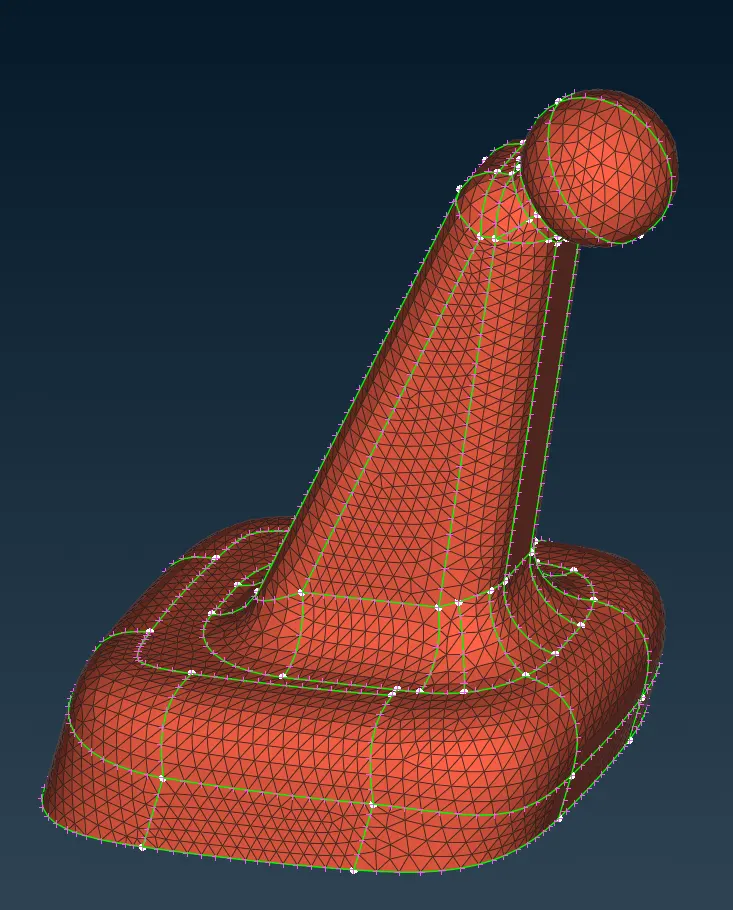
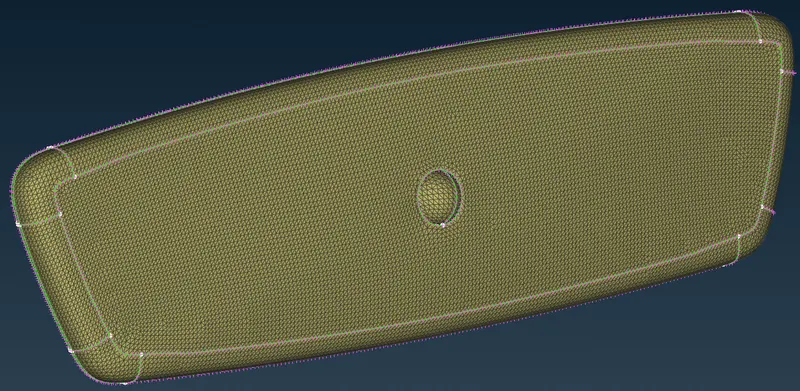
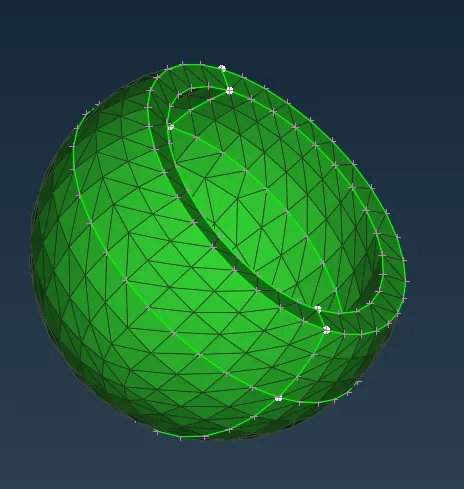
By following the same procedure with can generate mesh for Mirror Housing, Pivot Ball, and Ball joint mount.
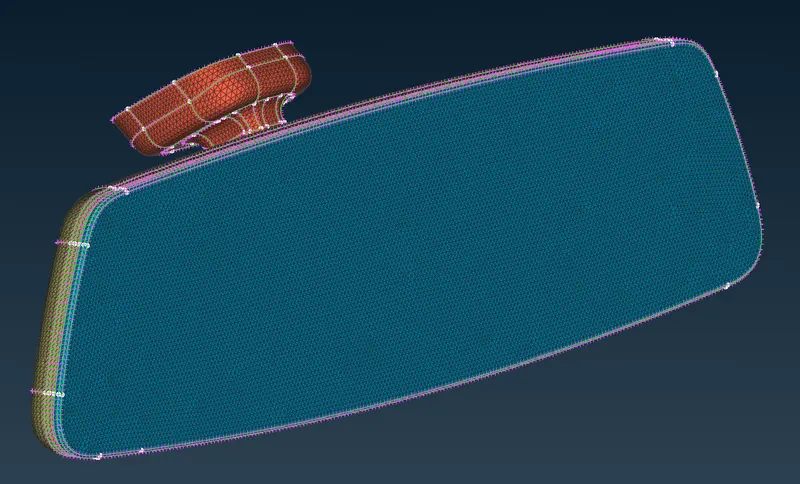
The third step is to define the volume of each component and deploy a Tetrahedral volume mesh on all the components.
As ANSA will not recognize the part with the volume, We can use the DEFINE Comand in the Volume mesh section of ANSA to determine the volume of the components. (see bellow images for the process)
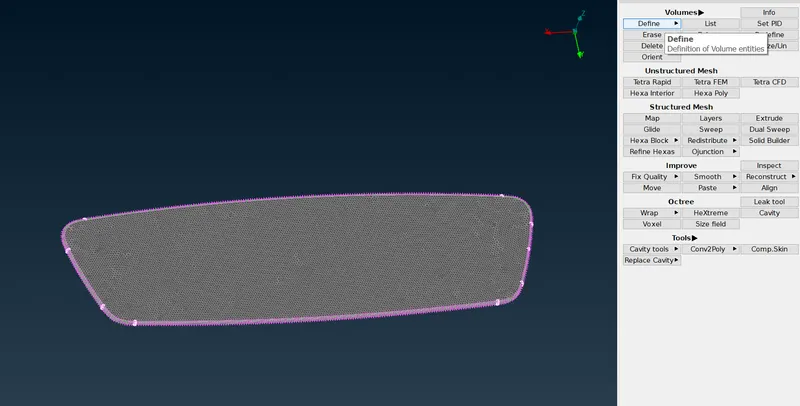
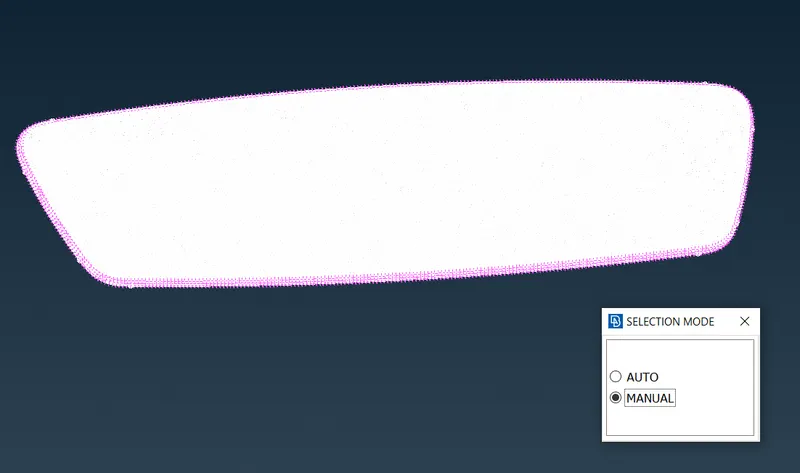
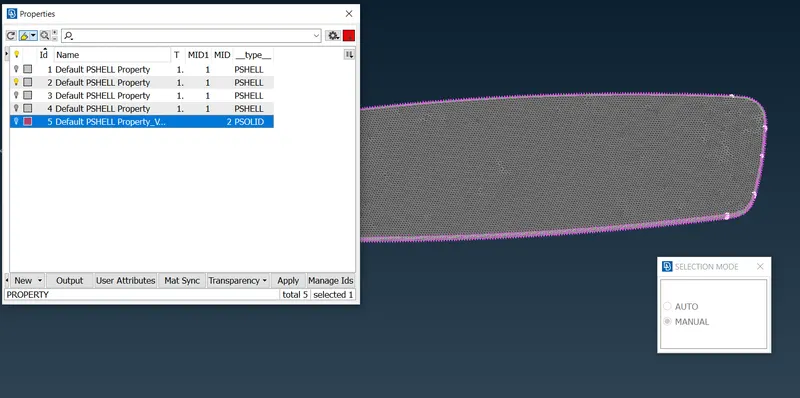
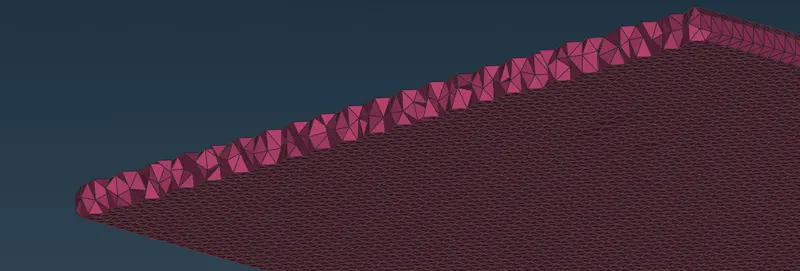
After defining the volume we will re-mesh the empty volume with TETRAHEDRAL elements. ANSA will automatically fill the volume with UNSTRUCTURED TETRAHEDRAL elements, to do so ANSA uses different algorithms out of which 2 are common for this problem
- TETRA RAPID.
- TETRA FEM.
For this challenge, we will be using the TETRA RAPID algorithm. (see bellow images for the process)
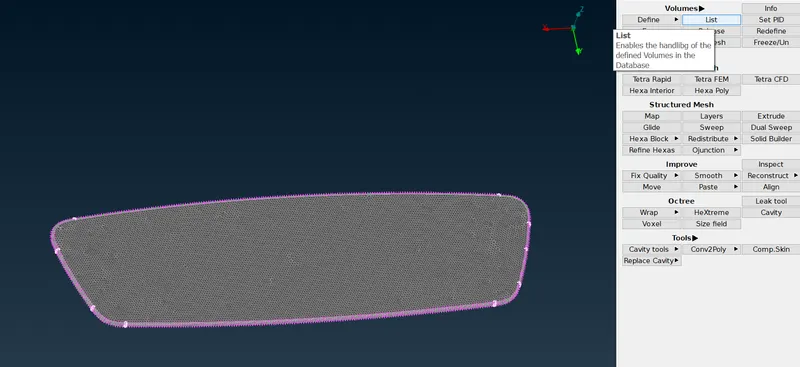
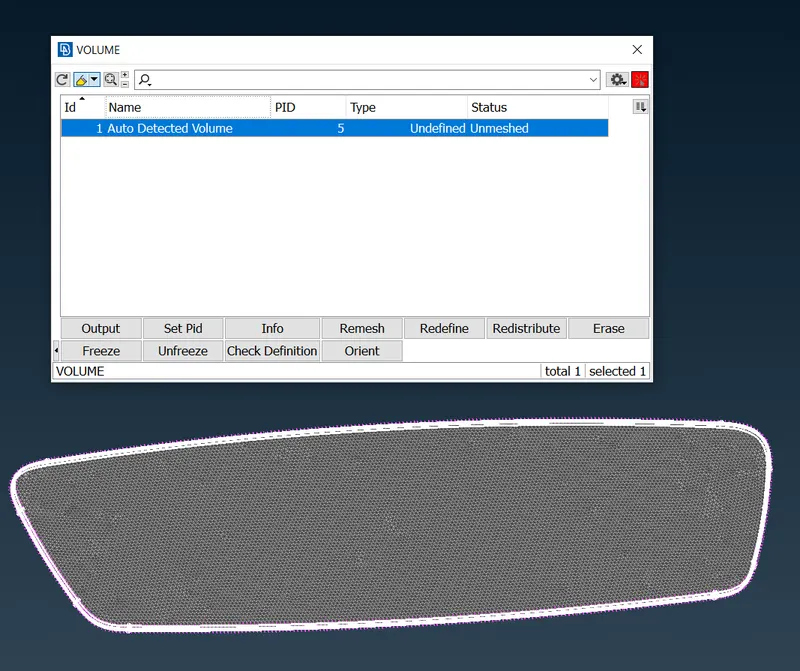
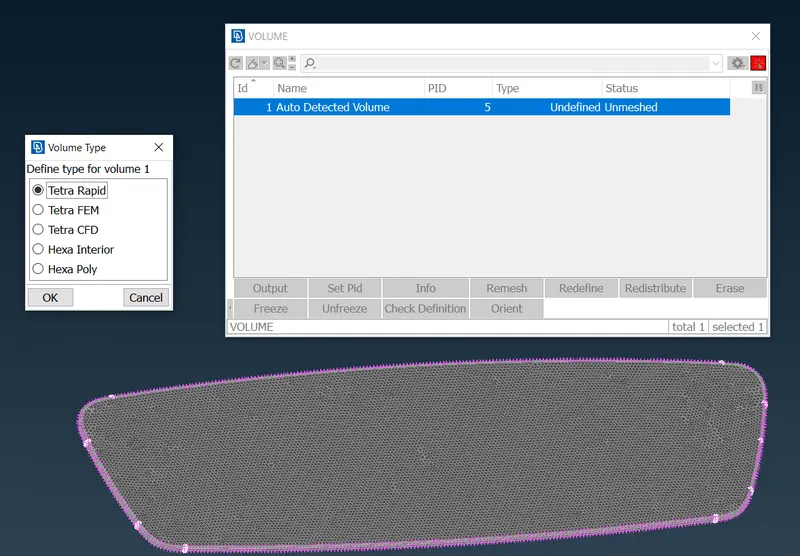
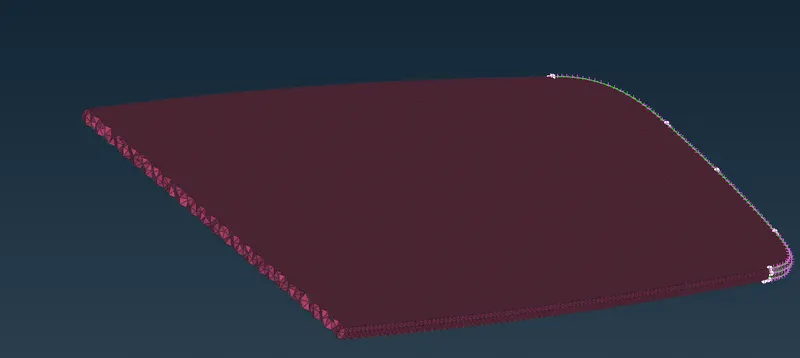
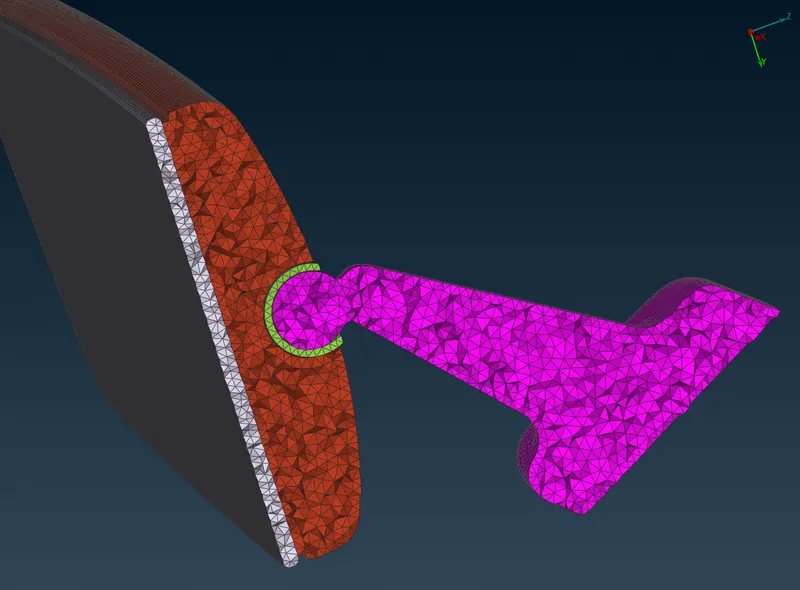
After defining volume and deploying volume mesh to all the remaining components, The section view of the rearview mirror will look like this,
Finally, we will check for any element failing for element quality criteria. (No failing elements in our challenge)
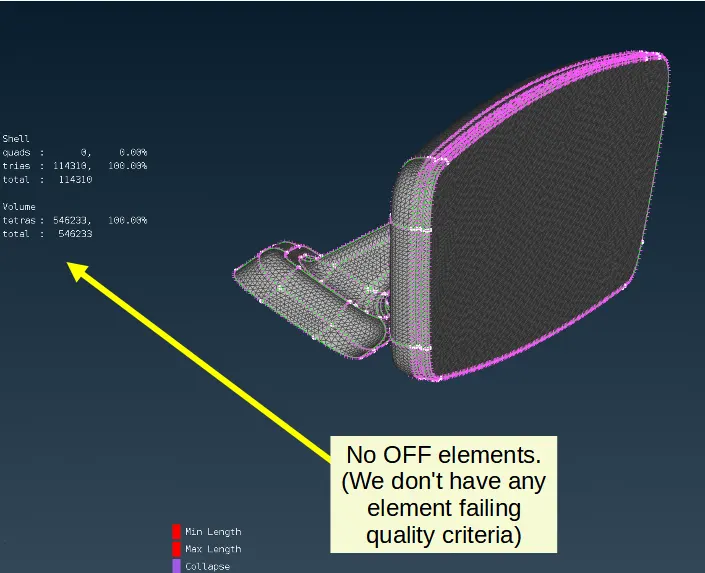
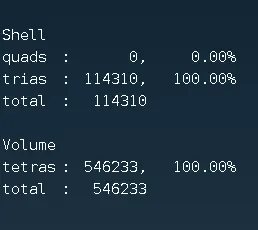
The total number of elements is as follows,
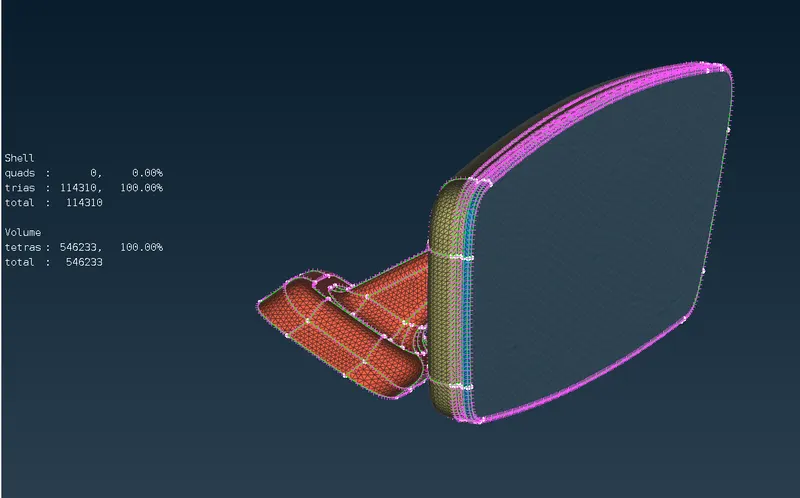
- LEARNING OUTCOME:
By doing this challenge I learned,
- How a SPOT MESH command can be used to generate ORTHO-TRIA surface mesh.
- How to define a volume in ANSA.
- How to use TETRA RAPID and TETRA FEM algorithm to generate unstructured 3D mesh/volume mesh in ANSA.
- What is TET COLLAPSE and how this quality error can be solved
- CONCLUSION:
This concludes the 2D/surface and 3D/volume meshing of the rearview mirror component without any element quality error in ANSA.