Morphing using ANSA
Aim:
The aim of this challenge is to understand the fundamental concept of MORPHING in ANSA.
Objective:
- A brief explanation about morphing.
- Apply Morphing techniques to move some features on a plastic component.
- Apply Morphing techniques to move some features on a sheet-metal component.
Morphing
Morphing refers to an alteration in shape or form. FE modelling and simulations are typically carried out in a design cycle after the concept CAD is produced. It will be helpful if conceptual revisions are performed in the FE model itself, taking the time required for CAD generation off the cycle. CAE Morphing can be used to do this. As the name suggests, morphing is the conversion of one shape to another. In the case of mesh morphing, the same idea is applied. Using morphing techniques, the prototype model can be adjusted to the necessary proportions to produce new designs.
Morphing is widely used in the automotive industry. A general example is the conversion of a hatchback vehicle into a sedan vehicle and vice versa.
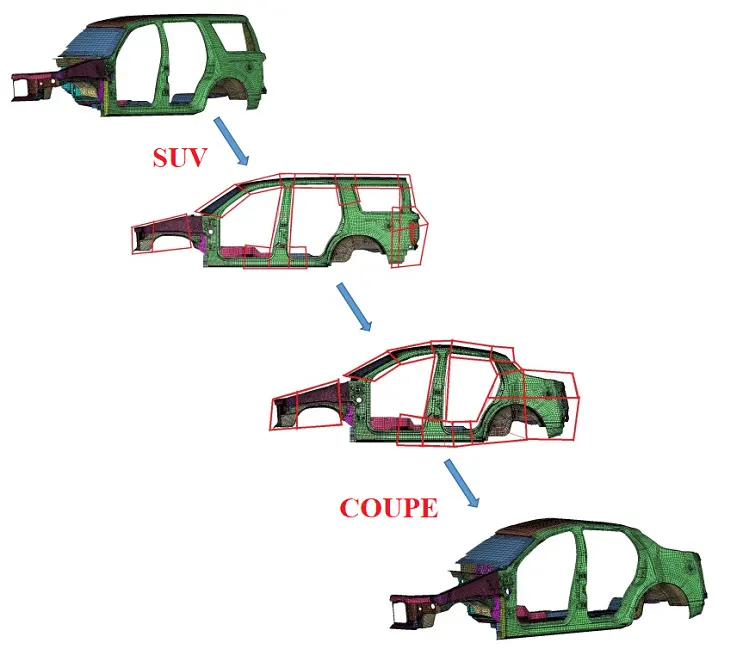
Morphing can also be used to improve feature shape.
- Case 1 Applying the Morphing technique on a plastic component.
We have a CAD model of the Plastic handrest trim. This has some dog-house and rib features.
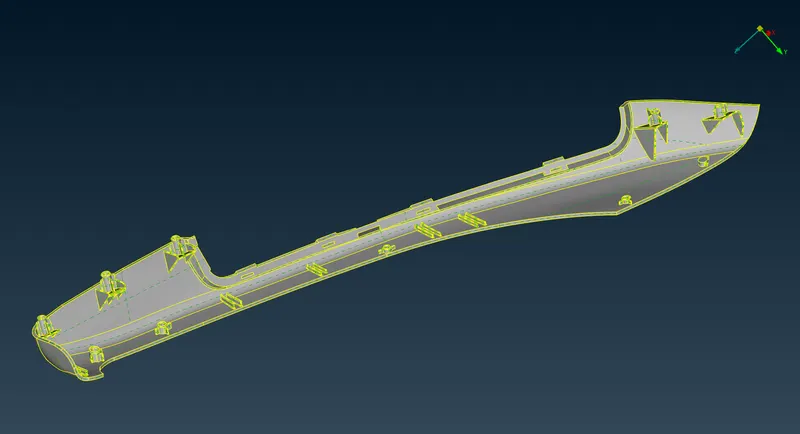
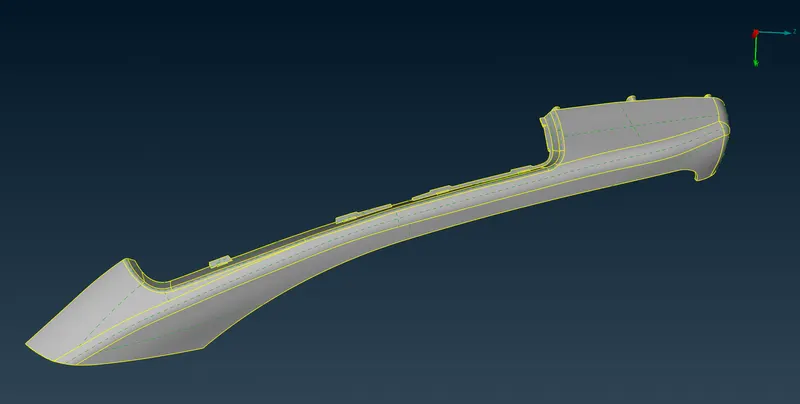
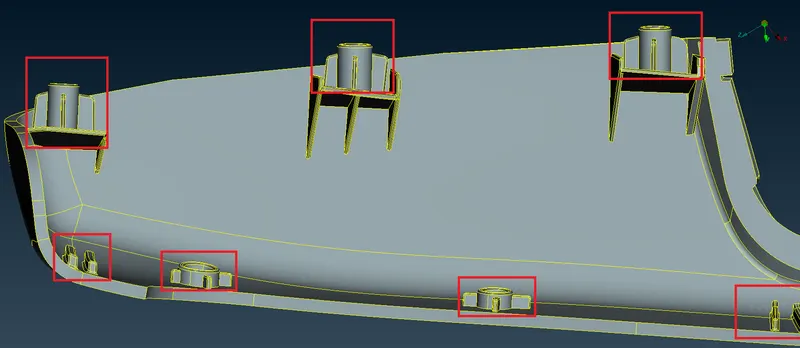
Now we want to increase the height of these features shown in the image, to do so we will use the MORPH deck in ANSA.
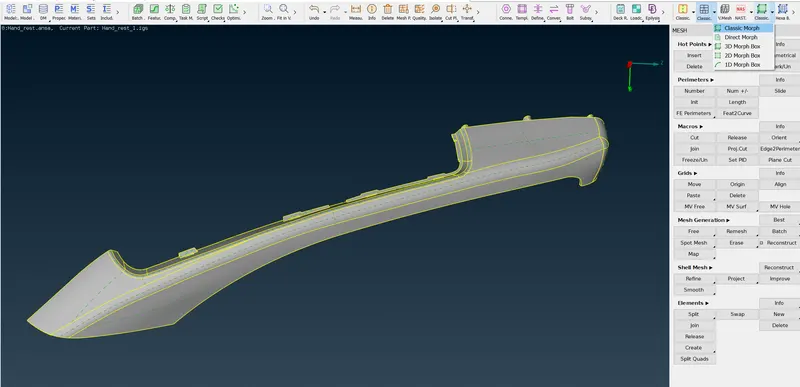
In the MORPH deck, there is a command name NEW under the BOX tree.
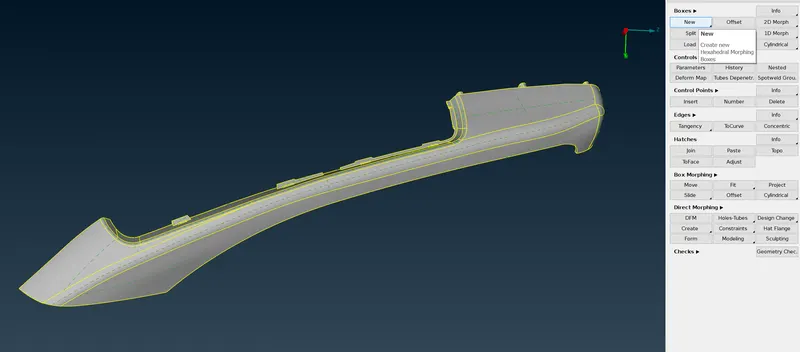
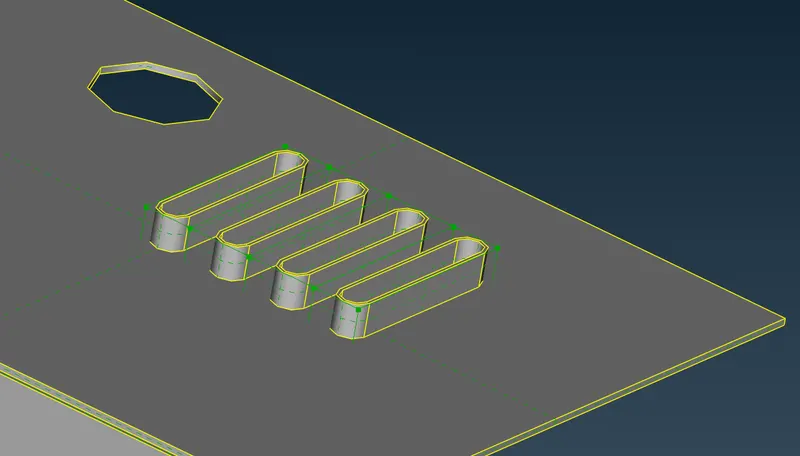
In this command we select the features we want to move, and ANSA will create a box with 8 control points.
The number of control points can be increased, or the control box can be further split into more pieces using the SPLIT command under the BOX tree.
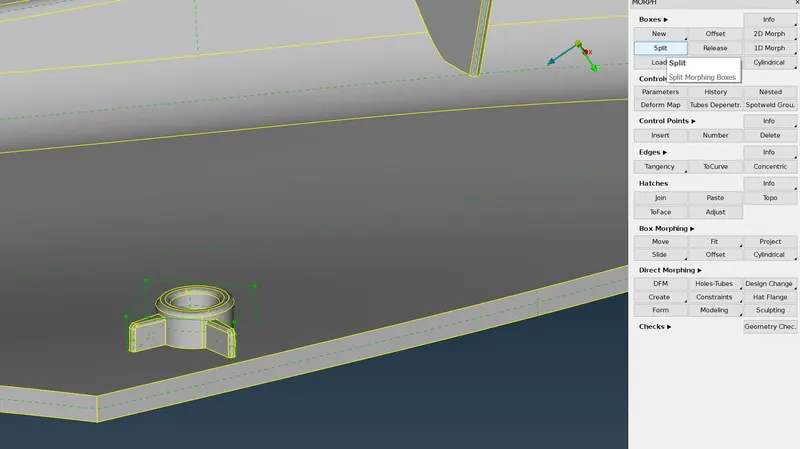
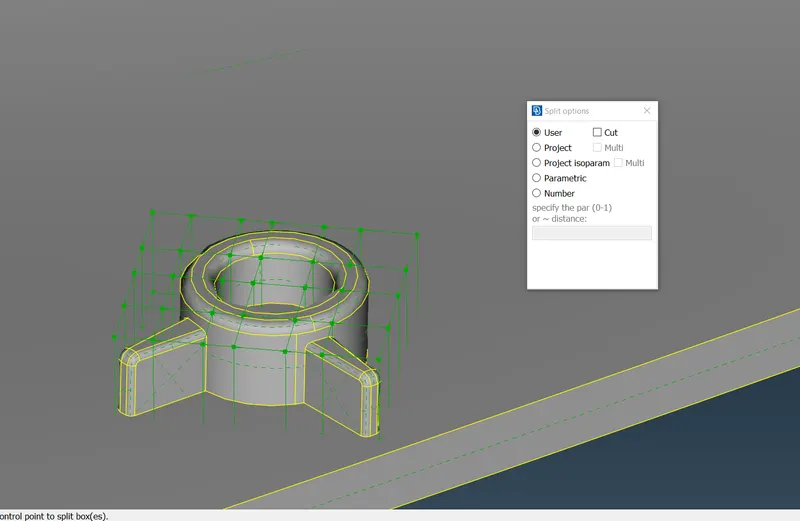
Now we can use the MOVE command under the BOX MORPHING tree to move or relocate our features.
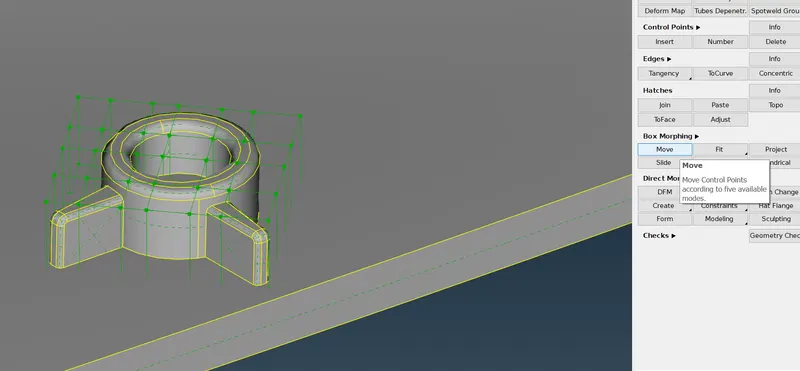
In our case, we can use the top control points to translate our features into a positive X direction.
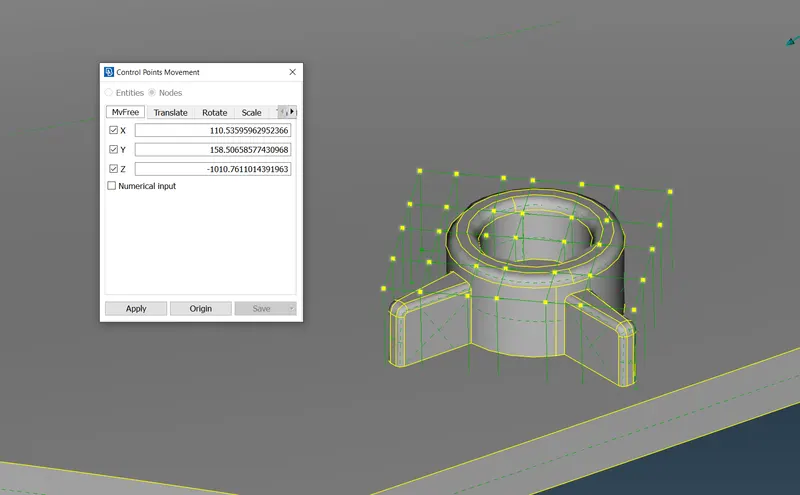
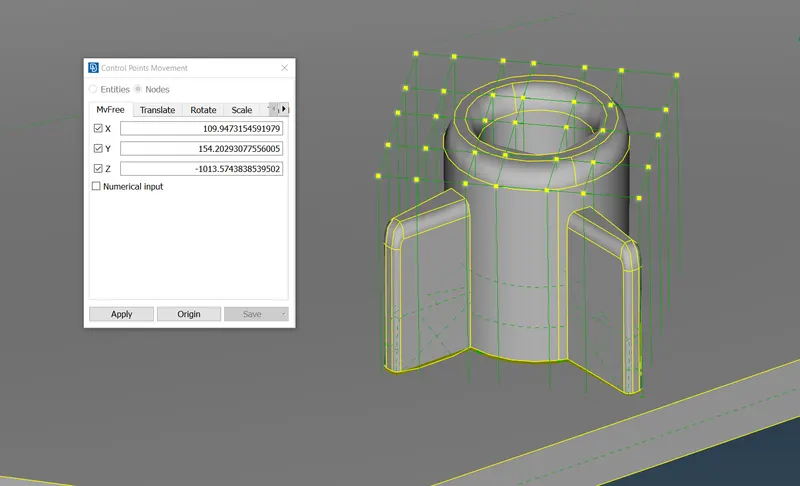
Similarly, we move all the rest of the features with the same method.
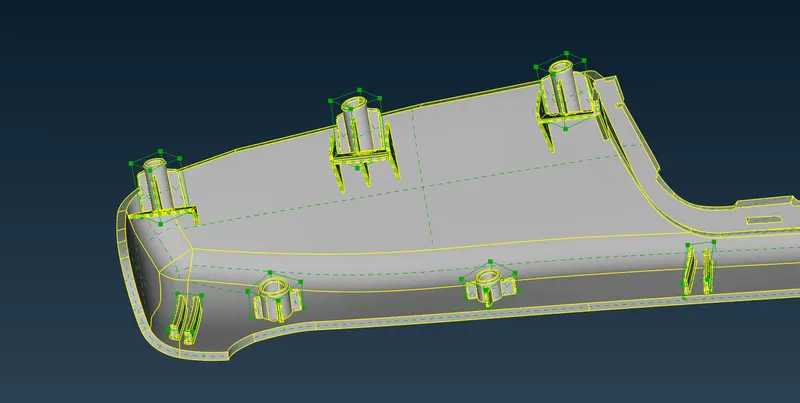
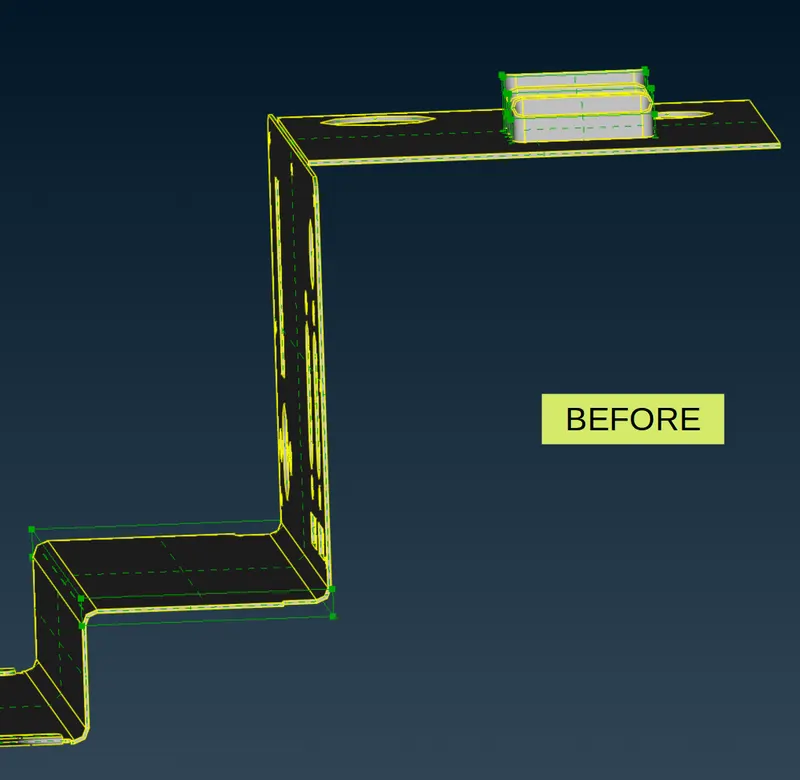
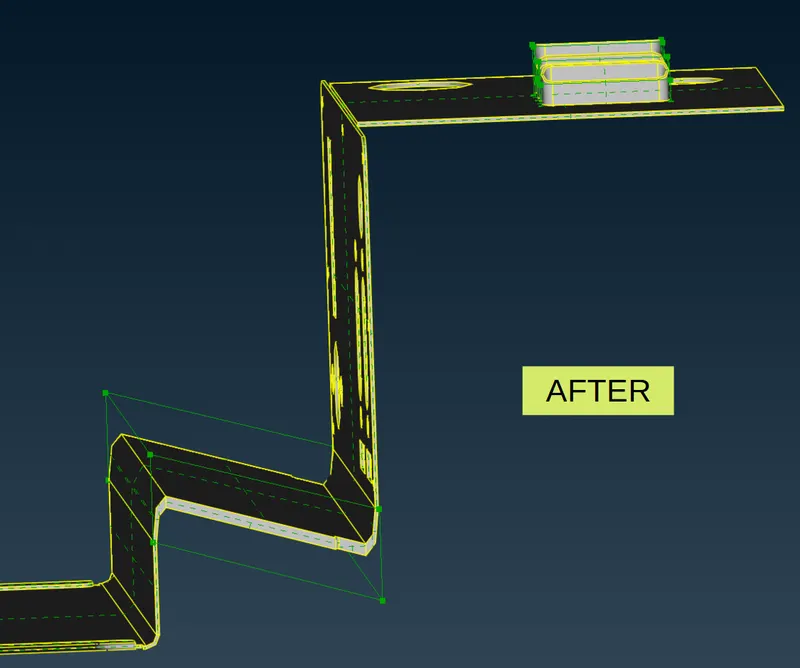
- Case 2 Applying the Morphing technique on a sheet-metal component.
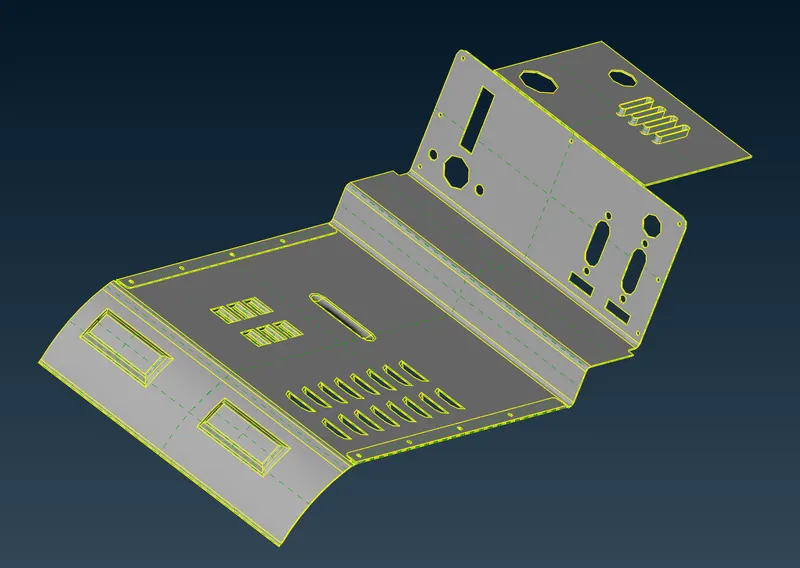
We have a CAD model of the sheet-metal component. This component has some features that we want to move.
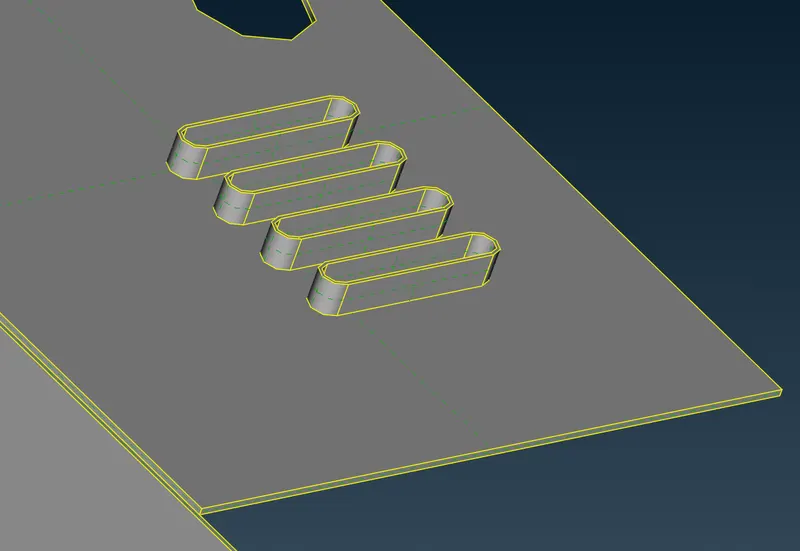
By using the above mention method we can create a control box for these features.
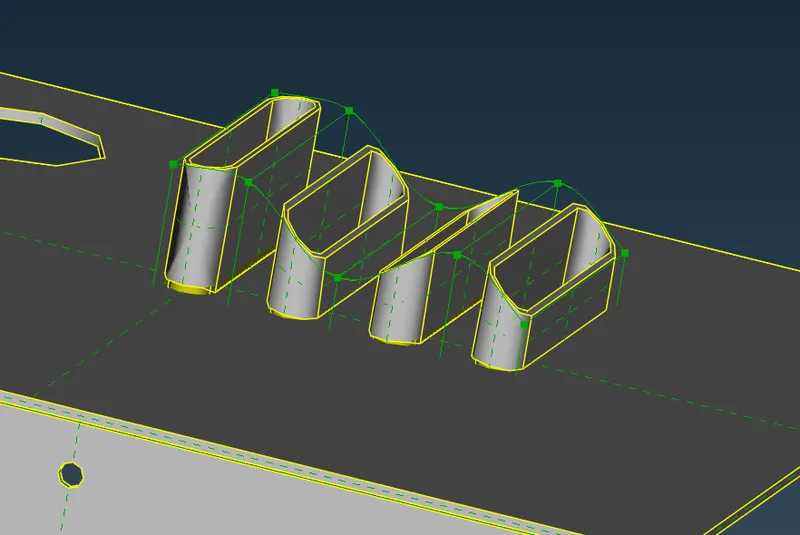
we can move the feature in any direction we want. we can also create more control points by splitting the control box,
- LEARNING OUTCOME:
By doing this challenge I learned,
- The fundamental concept of MORPHING.
- How to use MORPH BOX, MOVE, and SPLIT commands in ANSA.
- CONCLUSION:
This concludes the morphing challenge.