Week- 5 - Solid meshing
1. AIM: Do a Solid Meshing for the Rear view mirror component.
2. OBJECTIVES OF THE PROJECT:
For the given Rear view mirror component, check for the geometrical errors and mesh the Surfaces with the given 2D element Quality criterias given below.
|
S.No |
Quality Criteria |
Value |
|
1 |
Target/Average length |
1 |
|
2 |
Minimum Length |
0.5 |
|
3 |
Maximum Length |
2 |
Use tetra elements to mesh the Volumes defined in the model and check for the below quality after Volume meshing.
|
S.No |
Quality Criteria |
Value |
|
1 |
Tet collapse |
0.2 |
3. BODY OF THE CONTENT:
Let's Explore whole process step by step.
- IMPORTING THE FILE: Importing the given .IGS file using a path file > open
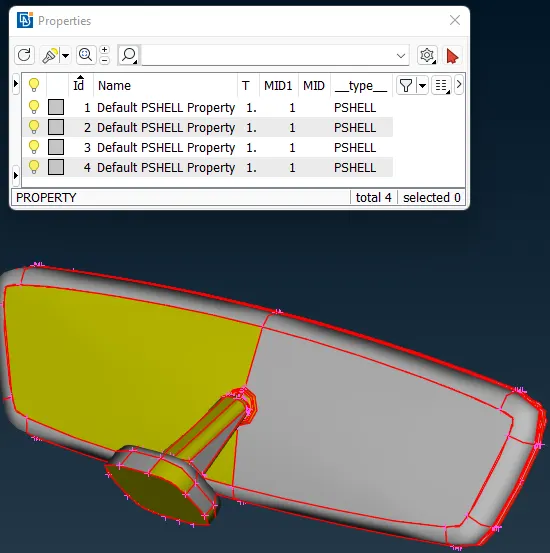
Fig: 01 Rearview_mirror.IGS
- GEOMETRY ERROR: After importing the file. First task should be to check the geometry errors of the part.

Fig: 02 Geometry errors
We can see the model has 4 parts, Like Cover, Mirror, Handle and Ball Joint. There are a total 606 errors in geometry. There are 'Needle faces', Which can be fixed either auto or manually. Most of Errors are 'Single cons' types. If I Topo in assembly level, it will make a triple cone. So, 'showing only' one part and then 'Topo' and checking 'geometry error' each. Now After this we can see all parts as per below fig.
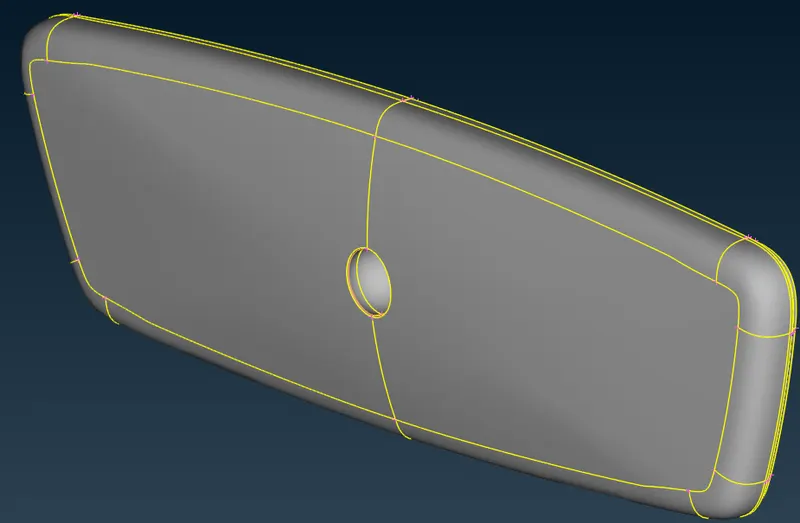
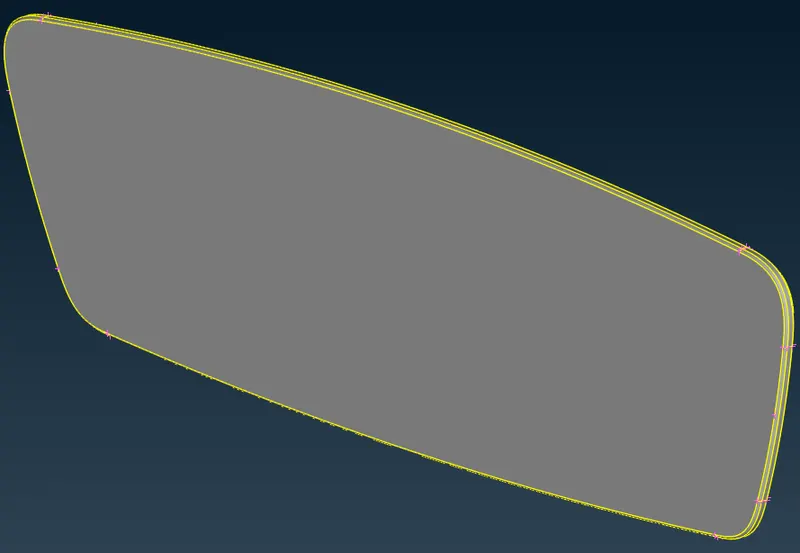
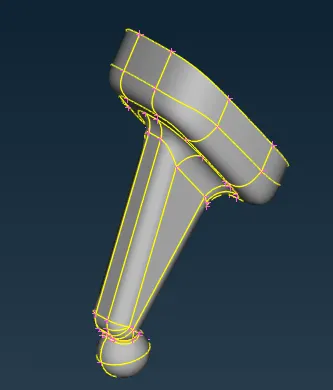
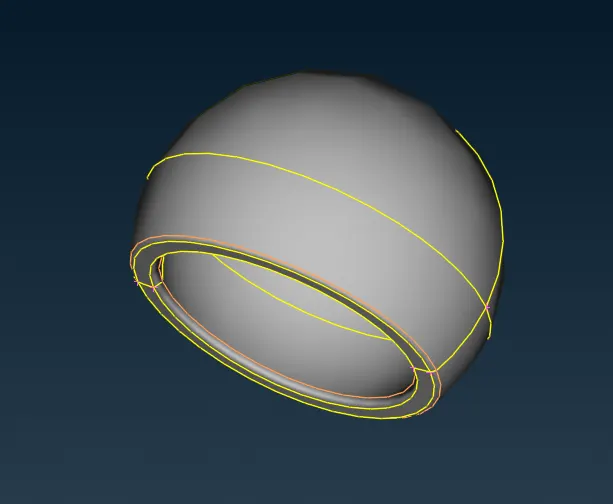
Fig: 03 Geometry Parts
- THICKNESS MEASUREMENT: After clearing geometry error. Let's measure parts thickness at various points. This is a Solid component, So at many locations it gets huge variation in thickness. Like 0.90, 2, 9.91, 12.86 etc..
- MESH GENERATING (Volume mesh): Now the second step is to generate mid-surface. But As we can see, the model geometry is very complex, and mid-surface is not possible. So, doing a solid-meshing for all parts. Before doing solid-mesh we have to create a mesh for the outer surface after 'TOPO CLEANUP'. For Volume mesh here we are using 'tetra elements'. So, to capture a good surface at curved edges appling 'ortho tria' and at flat surfaces appling 'trias'. (see fig). Before doing the mesh set Mesh Parameters & Quality Criteria as per given. Here for Volume meshing, only we check Min length and Max length errors.
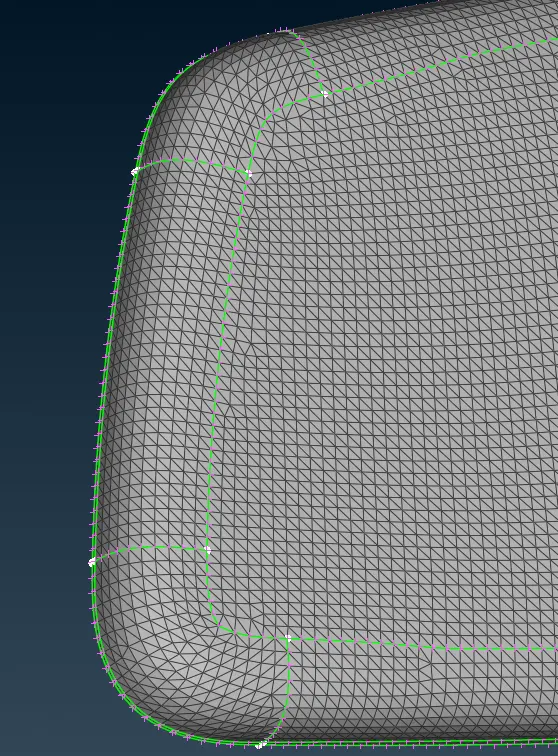
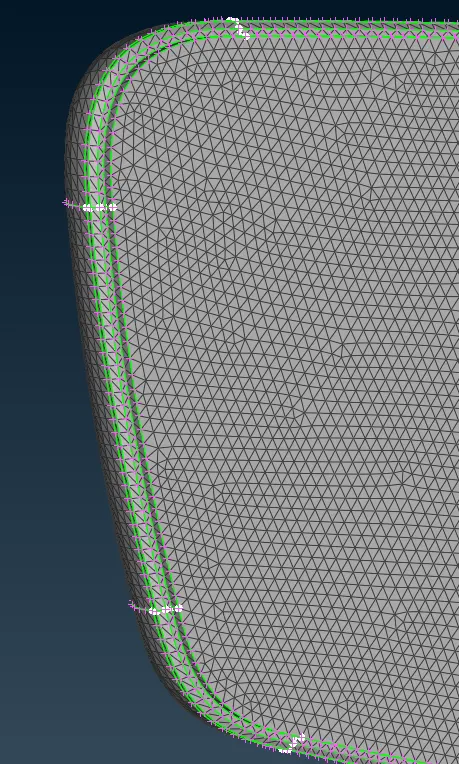
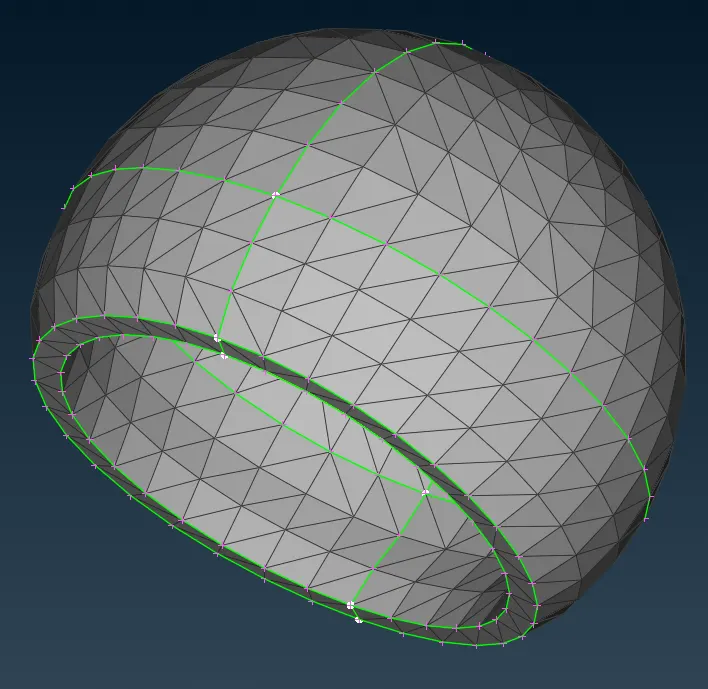
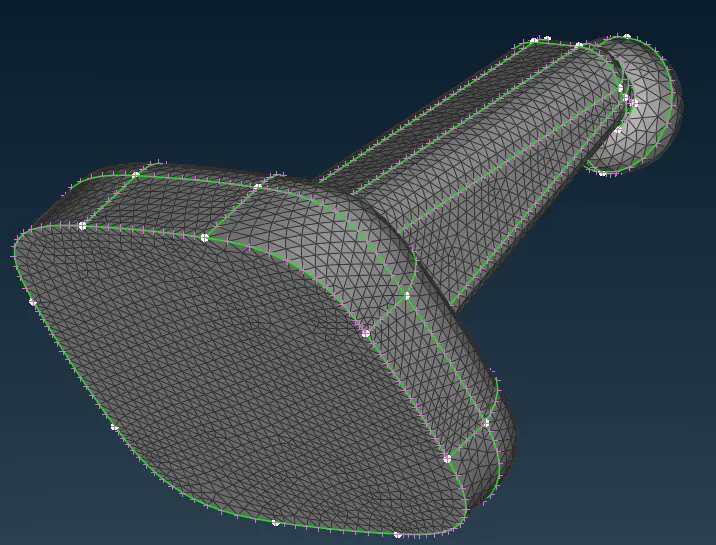
Fig: 04 Meshing at Surfacing
Here above part is a PSHELL type. see below fig.
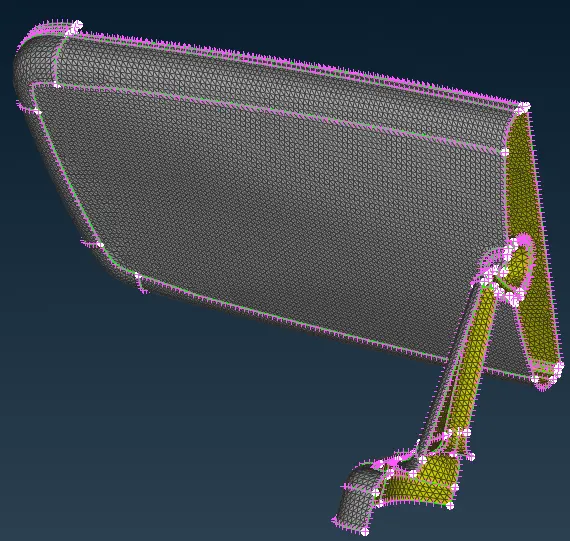
Fig: 05 Half Section of Assembly Parts
ANSA can't auto-detect volume. To detect a volume First need to mesh the SHELL. Then to use the 'Define' function. (Volume Mesh > Volumes > Define). Where there are some options for detect on 'whole db', 'visible', 'selected'. Select as per suitable. Using a 'List' function we can see generated volumes.
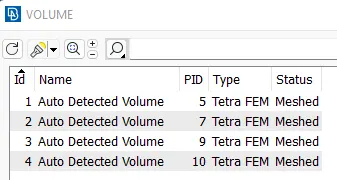
Fig: 06 Volume List
At initial stage, Status of generated volume was Unmeshed. There are many ways to generate mesh. There are mainly two types of mesh, Structured mesh & Unstructured mesh. As of now we are using 'Tetra FEM' (VOLUME MESH>Unstructured Mesh>Tetra FEM). (This function automatically creates a Tetrahedral mesh inside selected Volumes, initially with pyramid elements if the starting surface mesh contains quad elements. It is to be used mainly for structural applications.). From the outside it looks the same as per SHELL mesh, but if we cut it in half can see how the mesh is done in it (see fig). For quality of mesh, only 'collapse' criteria need to be checked.
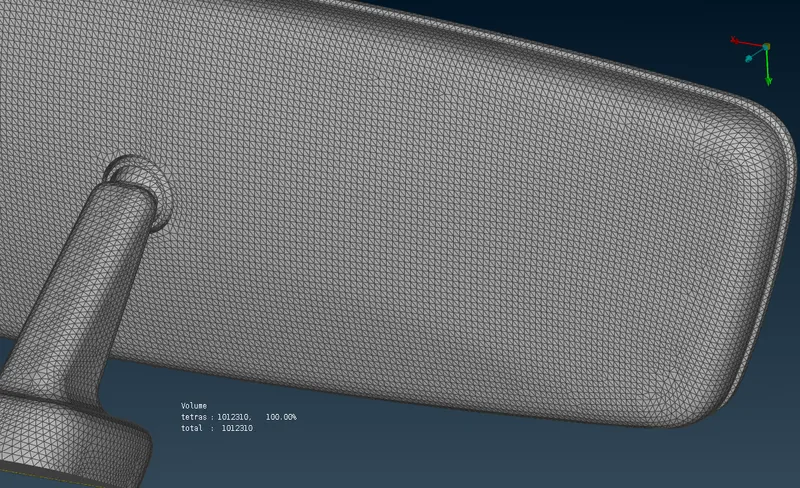
Fig: 07 Volume Mesh
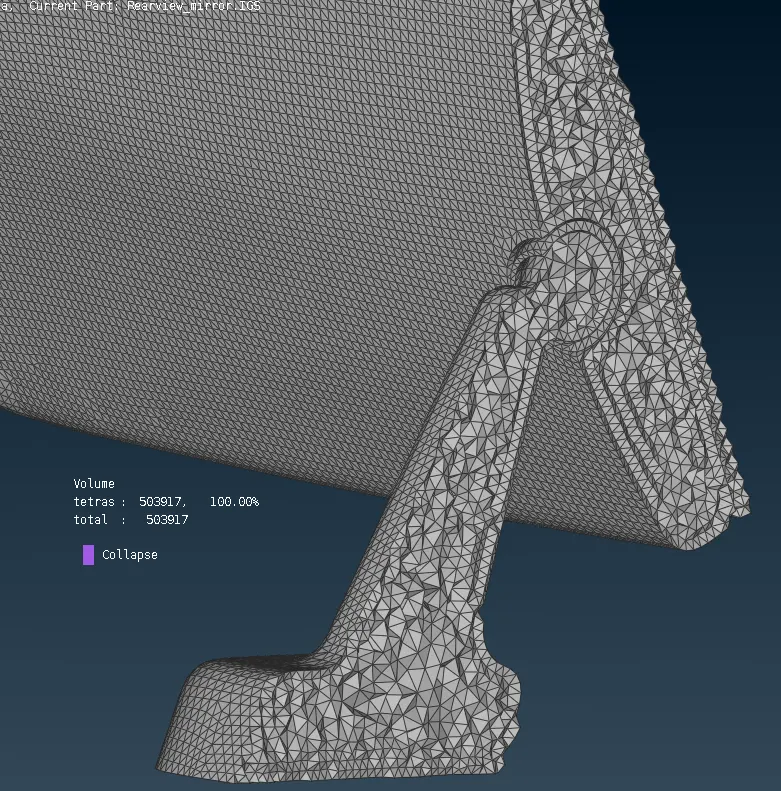
Fig: 08 Half section of Volume Mesh
One more thing is to be done for quality, Surface Quality after Volume mesh should be good & There should not and kinks and dips on the surface of the component.
4. LEARNING OUTCOMES:
This challenge has a Solid model. I think this was the easiest challenge. With this challenge I learn Volume Mesh in ANSA, Types of Mesh in volume. Especially 'Unstructured mesh'. After meshing the quality error, I learned how to use the 'Fix quality' function. If kinks and dips are present can fix it using 'MV free' etc.
5. CONCLUSION:
Finally the challenge is completed. This challenge is a practice model for me as a Solid component. It has complex features. After this challenge, I’m able to do meshing for any PSOLID object with as per given criteria. As per me a volume meshing is less time consuming with respect to Mid-surface creation and meshing.