Week- 5 - Solid meshing
Aim:- For given Rear view mirror component check the geometry and do solid meshing followed by shell meshing in surface of component with given element quality criteria.
Objective:-
* Used tria and ortho tria element for solid meshing.
* Check only minmum length and maximum length element quality for shell element.
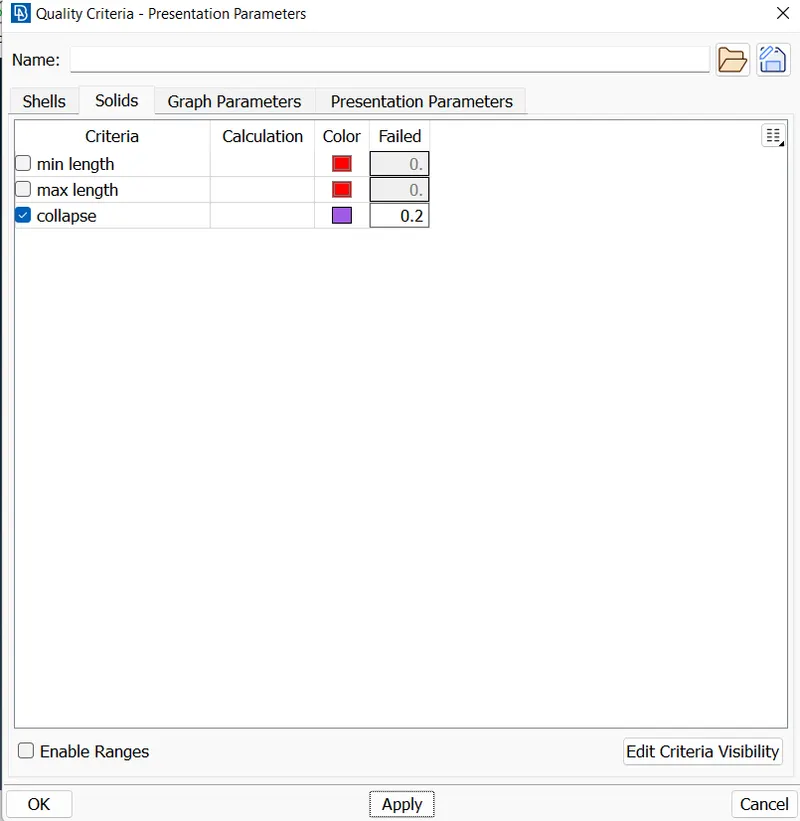
* Check tet collapse for 3D element.
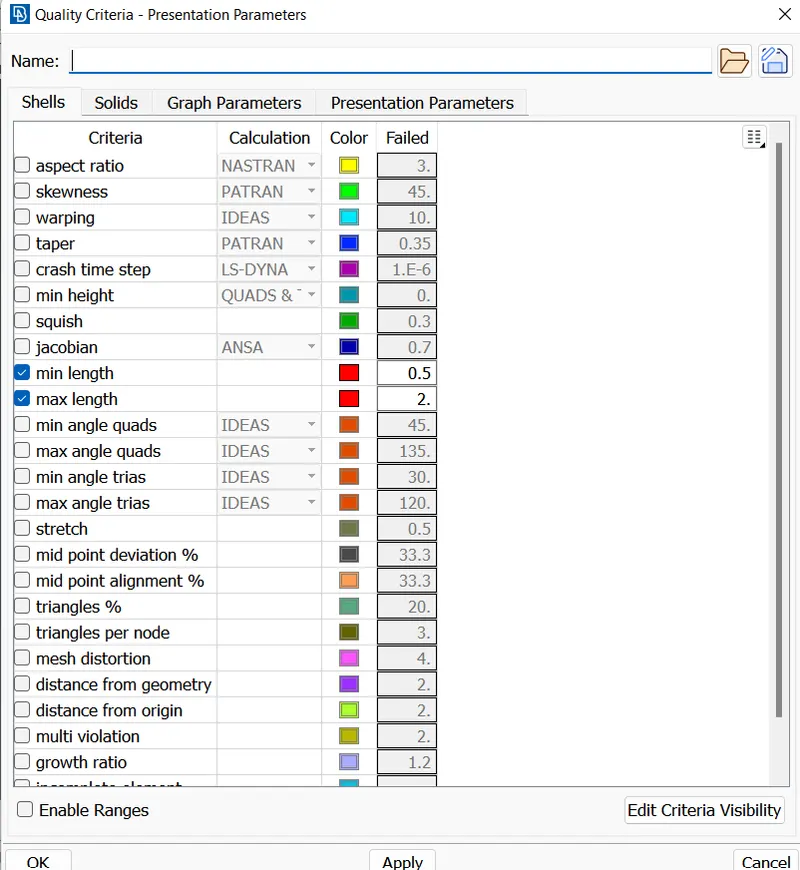
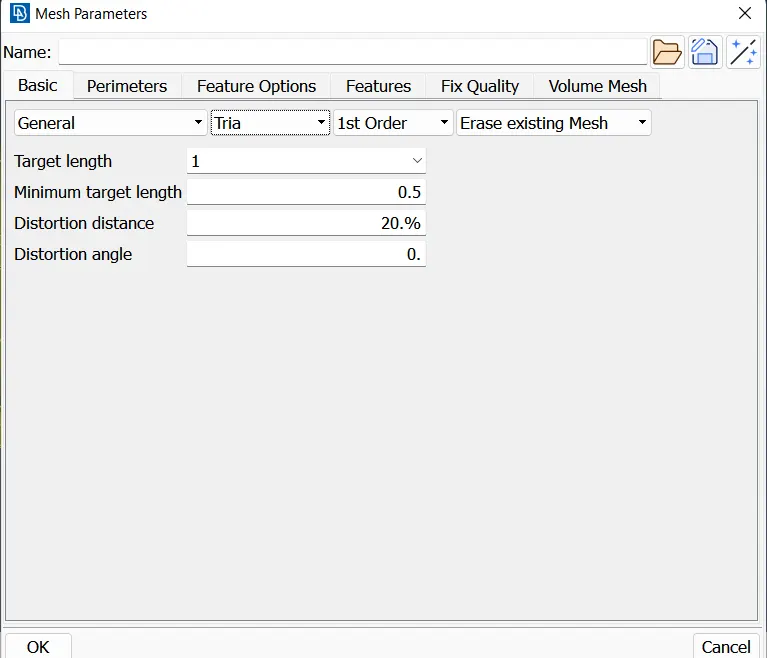
* Element quality criteria for meshing the given component
| S.No | Quality Criteria | Value |
| 1 | Target/Average Length | 1 |
| 2 | Minimum Length | 0.5 |
| 3 | Maximum Length | 2 |
| 4 | Tet Collapse | 0.2 |
Procedure:-
* Import the given model :
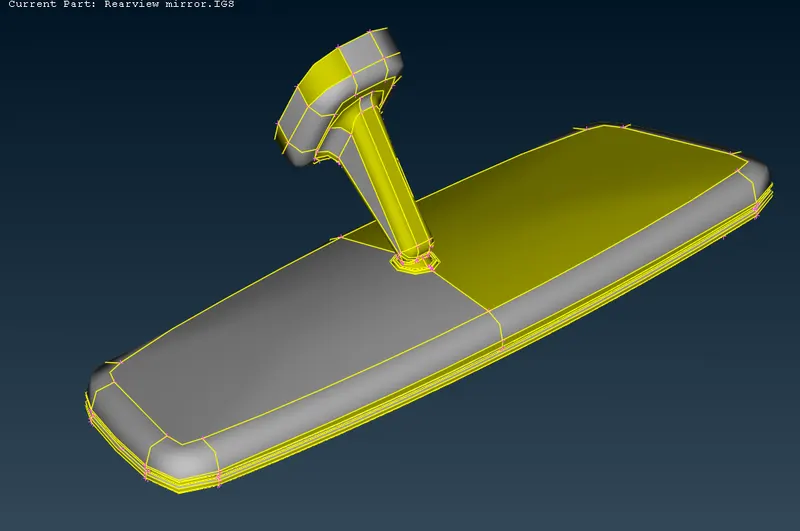
* First we import the model in ANSA ( file - open - select file - ok )
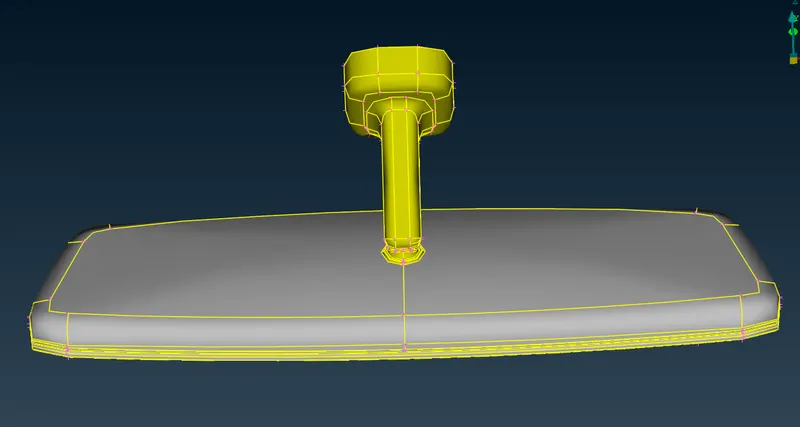
* The whole component having 4 subcomponents with separate PID's.
* After importing the model do topo operation so all single cons are removed.
* Check the Geometry :
* For check the geometry we check one by one all components separately. ( tools - checks - geometry )
* If erros are shown in check manager we have to fix it.
* Some errors are clear by ansa and some which can not clear by ansa that errors are cleared manually.
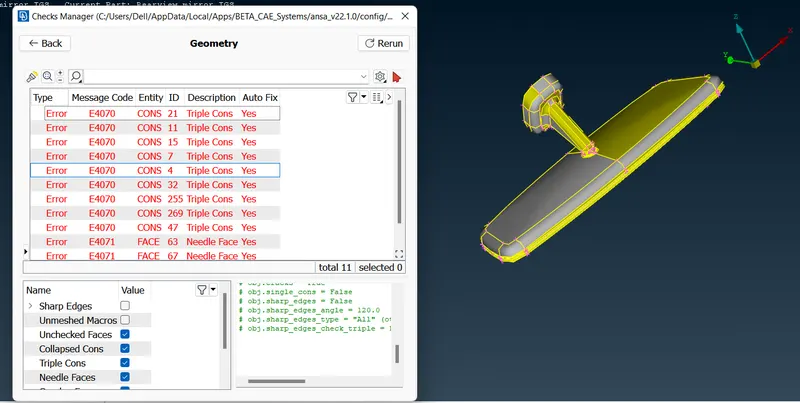
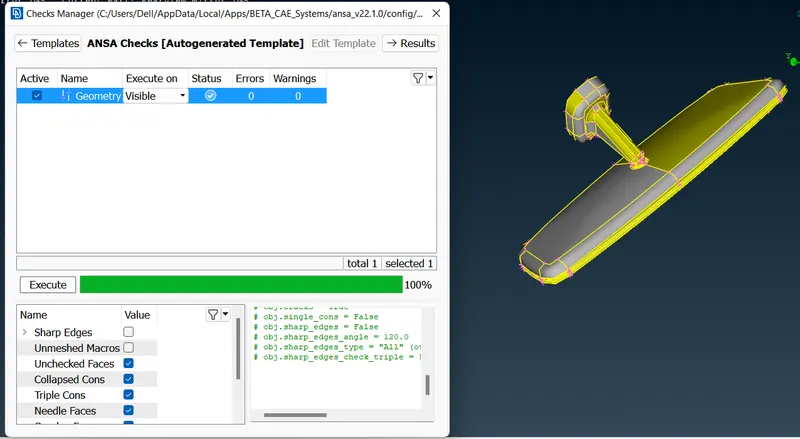
* In this way we check our geometry and clear the issues.
* Set the orient of model:
* All surface should be in same orient for better results of simulation. ( topo - faces - orient )
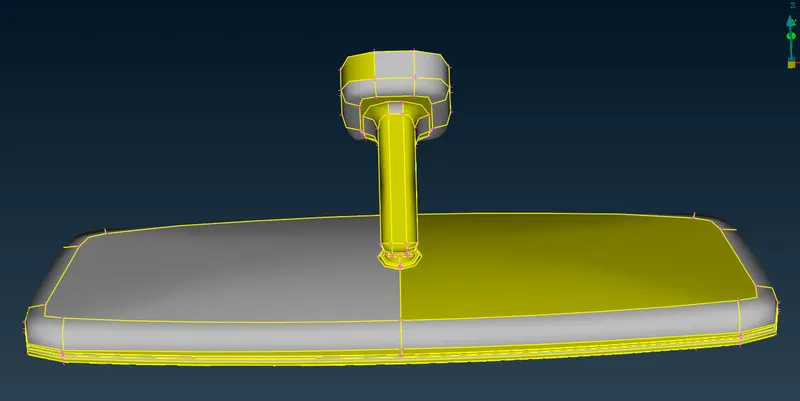
* Improve the resolution of model:
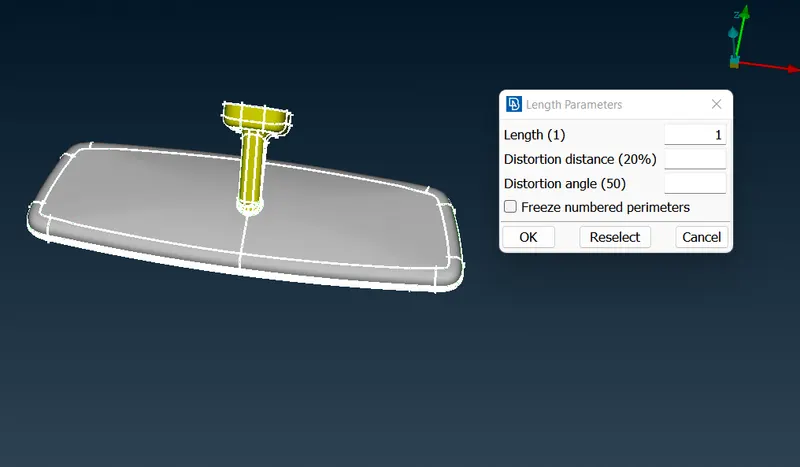
* For improve the resolution we go to mesh module and selecting 'length' in the perimeter section. We will then need to select the model and assign a 1 mm length for perimeter and macros. This improves the resolution of the model.
* Mesh Generation with quality parameters :
* Before start meshing we have to set the given quality criteria and mesh parameter as shown in below image.
1) Shell Meshing :-
* In this model we have to do shell meshing in surface of component.
* There are 4 components in this model so we mesh all the components separately .
* Before meshing we have to check the geometry and do proper defeaturing operation for maintain the given element quality.
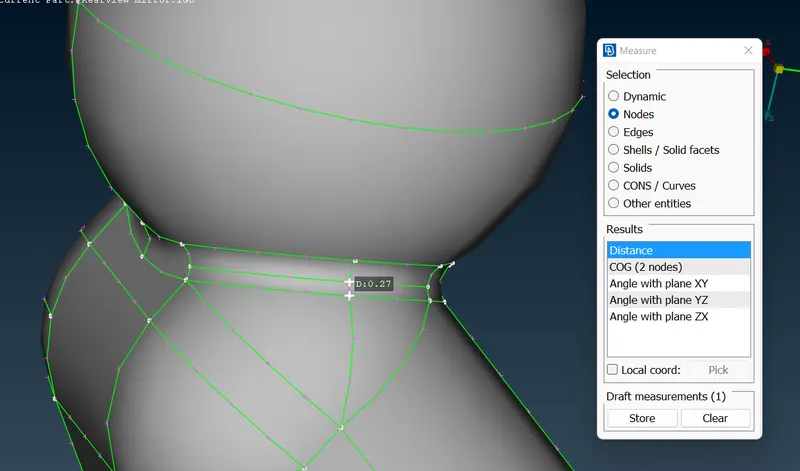
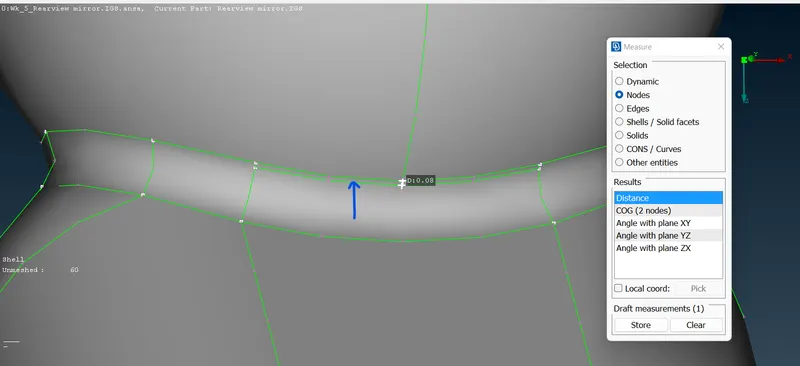
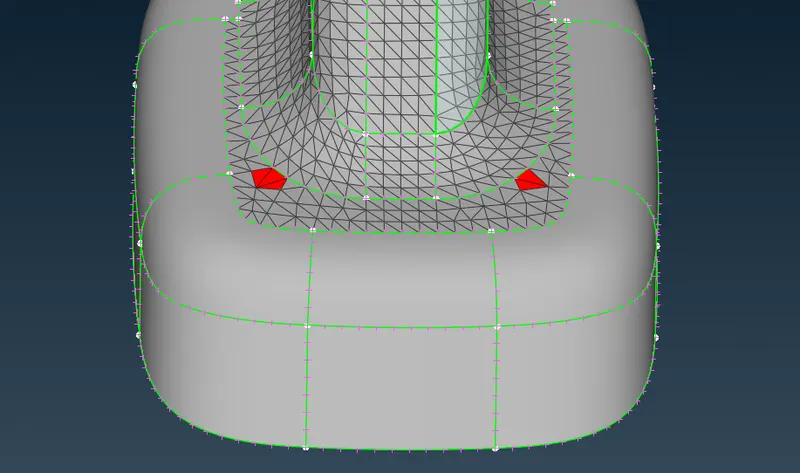
* As we can see that in above 2 images , the length between 2 cons are less than minmum element length ( 0.50) so we have to defeature the 1 cons for maintain element quality.
* For flat surfaces which is not soo complicated , meshed with tria element and curved surfaces are meshed with Ortho tria element. the representation is shown in below image. ( mesh generation - spot mesh )
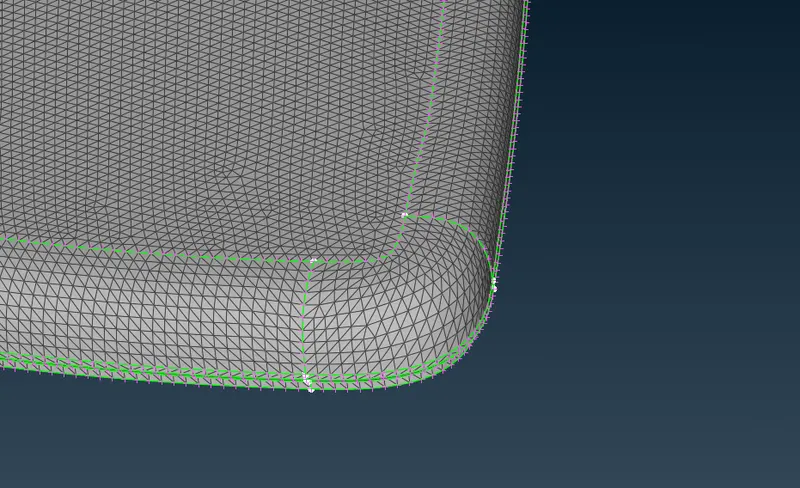
* For better mesh generation we use reconstruct tool and smooth option.
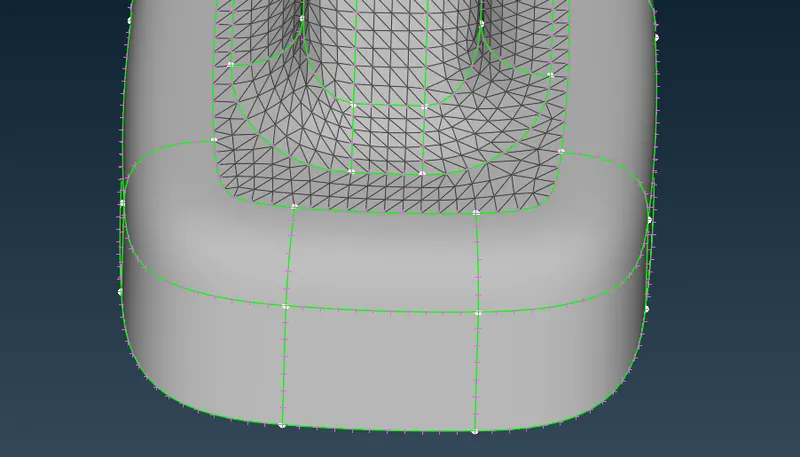
* In above image we can see that the operatin of reconstruct tool which solve the failed element problem and generate better mesh flow.
* Final meshed component-
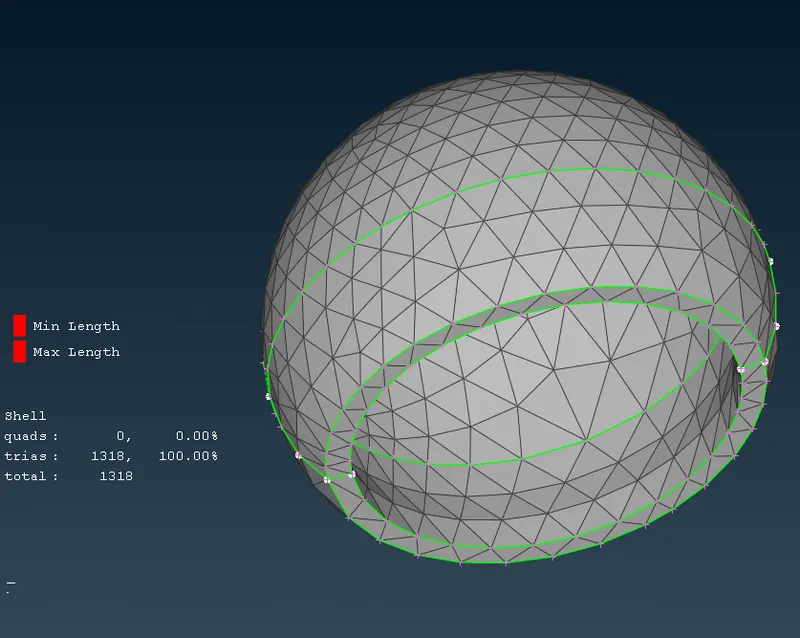
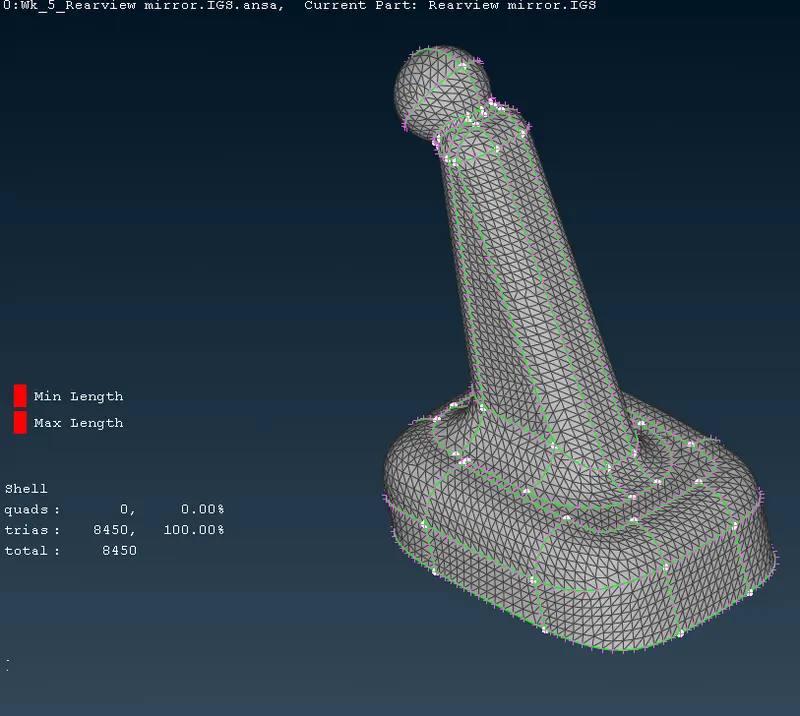
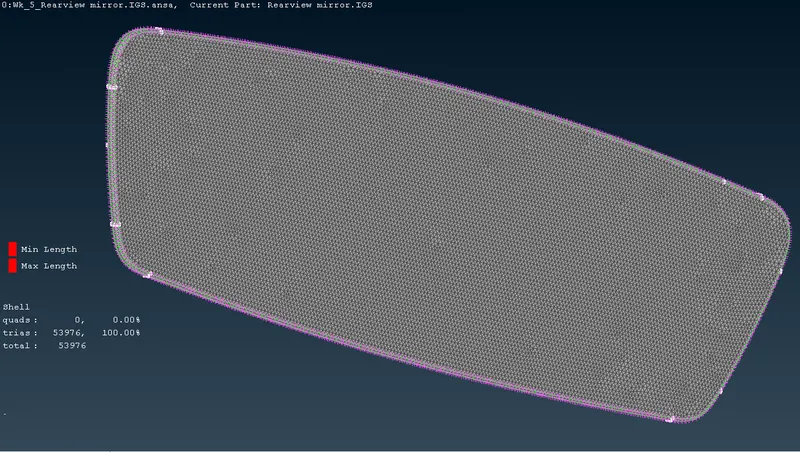
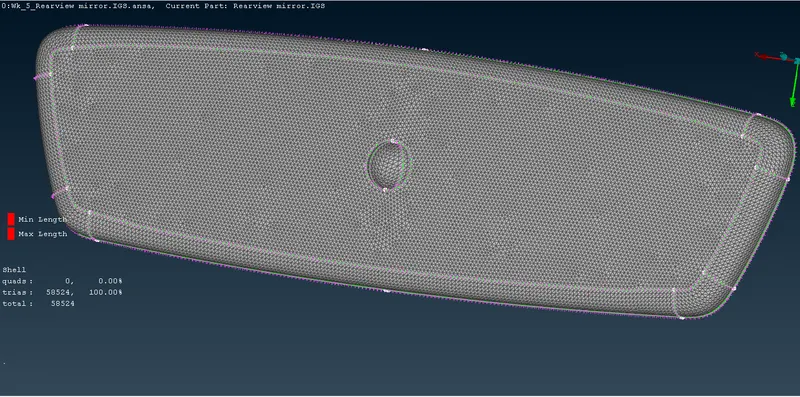
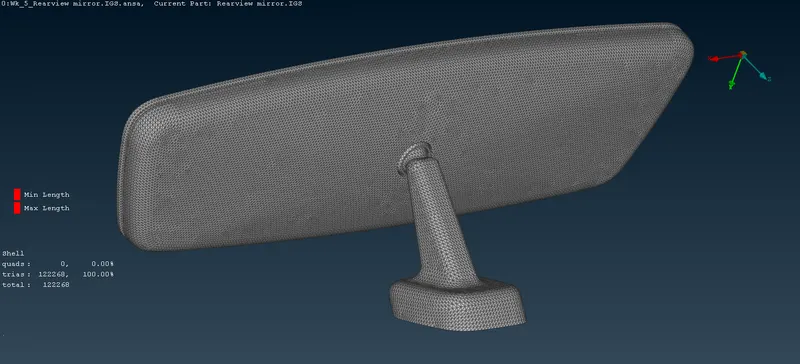
* In complete meshed model there are no off element present.
2) Solid meshing :-
* After getting a proper shell for the components we can go ahead for solid meshing.
* First we have to Define the volumes to each component.
* For define volume we go to volumes - define and click on Ok it will detected automatically volumes separately.
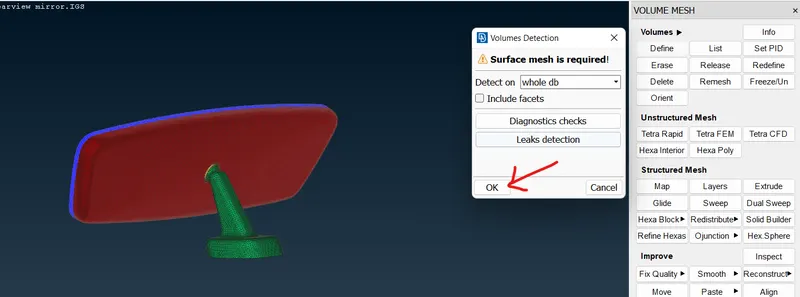
* The volumes are successfully detected for all 4 components and shown in volume list. ( volumes - list )
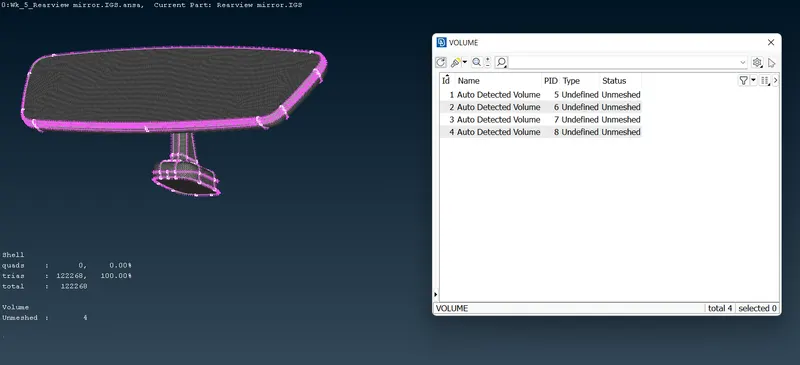
* We can see that in above image, volumes are created and status is shown is unmeshed.
* We can see that in below image , after creating the volume ANSA automatically generated the PID's for new volumes.
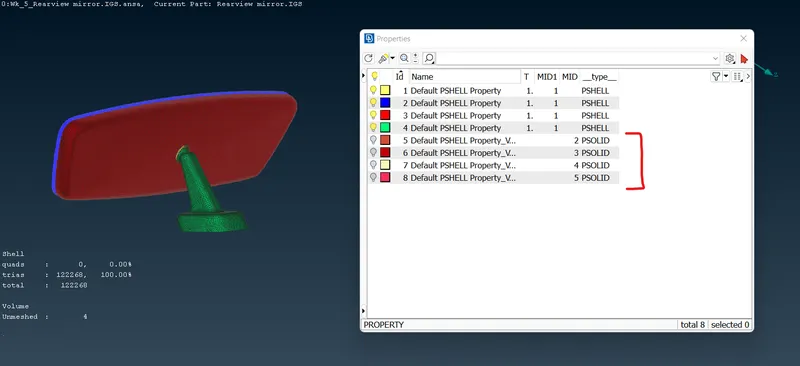
* After that we go for solid meshing with individual component's volume. ( Volume mesh - unstructured mesh - tetra rapid - select volume )
* Next we need to check the solid elements to see if any fail for the tet collapse criteria by switching to hidden mode. There are two ways to fix tet collapse failures. One is by using the Fix Quality tool from the volume mesh module (Improve > Fix Quality). but in this way the surface element are get disturbed.
* Other method to solve the tet collapse failed element is move free the element in desired axis to clear the quality.
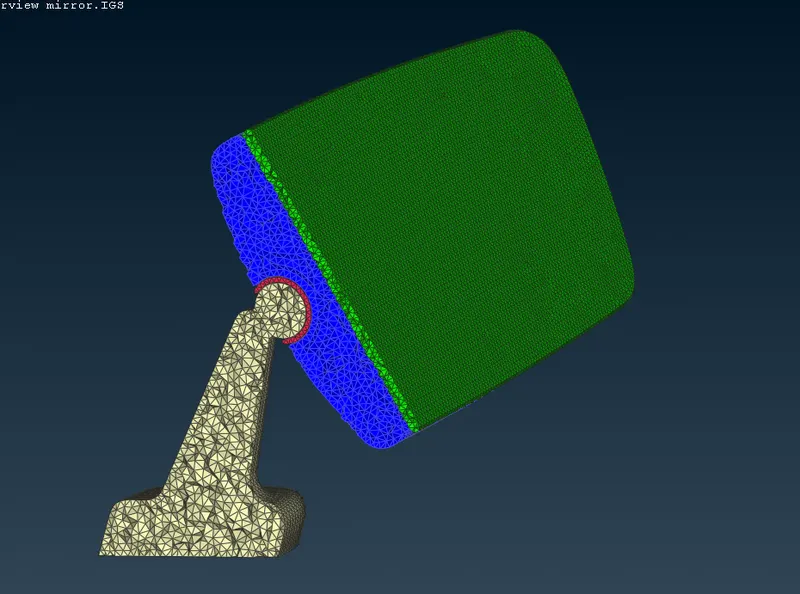
* In this way we do solid meshng for all 4 component one by one.
* Representation of solid meshing :-
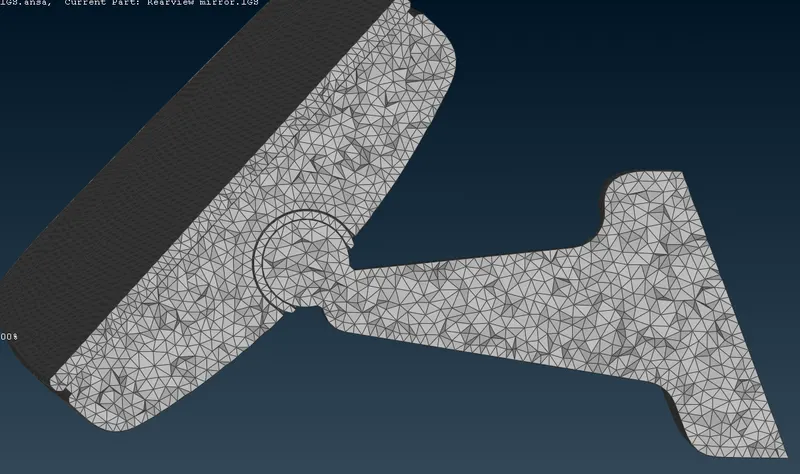
* For checking failed elements - activated shadow mode-
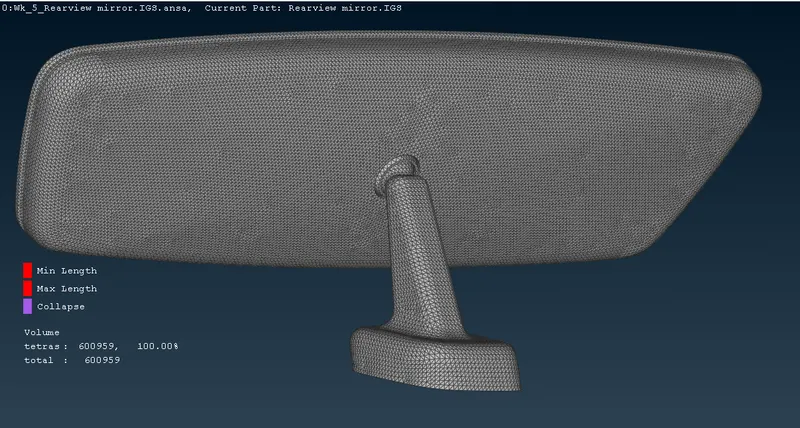
* We can see that in above image there are no off element are present.
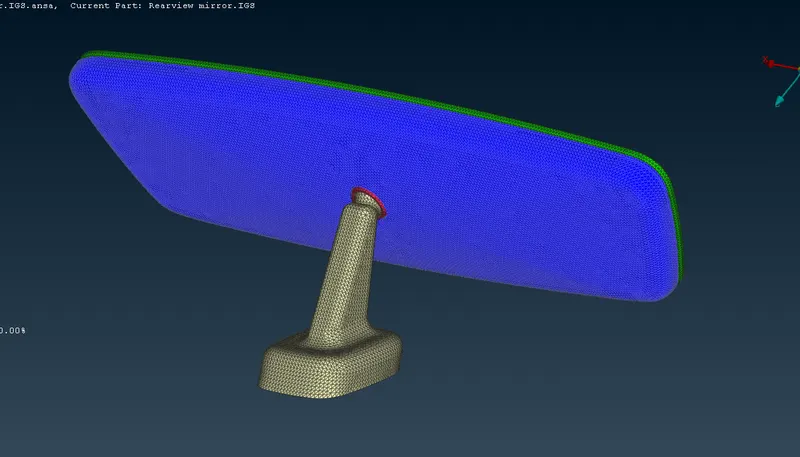
* final meshed model -
Learning outcomes:-
* Learn how to do solid meshing.
* Learn to assign volumes for solid meshing.
* Understood where use tria and ortho tria element.
* Learn how to fix tet collapse failed elements.
Conclusion:- The given rear view mirror model had been successfully meshed with 3D elements followed by geometry cleanup and shell meshing.