Week- 5 - Solid meshing
Aim:
- For the given Rear view mirror component, check for the geometrical errors and mesh the Surfaces with the given 2D element Quality criterias given below.
|
S.No |
Quality Criteria |
Value |
|
1 |
Target/Average length |
1 |
|
2 |
Minimum Length |
0.5 |
|
3 |
Maximum Length |
2 |
- Use tetra elements to mesh the Volumes defined in the model and check for the below quality after Volume meshing.
|
S.No |
Quality Criteria |
Value |
|
1 |
Tet collapse |
0.2 |
PROCEDURE:
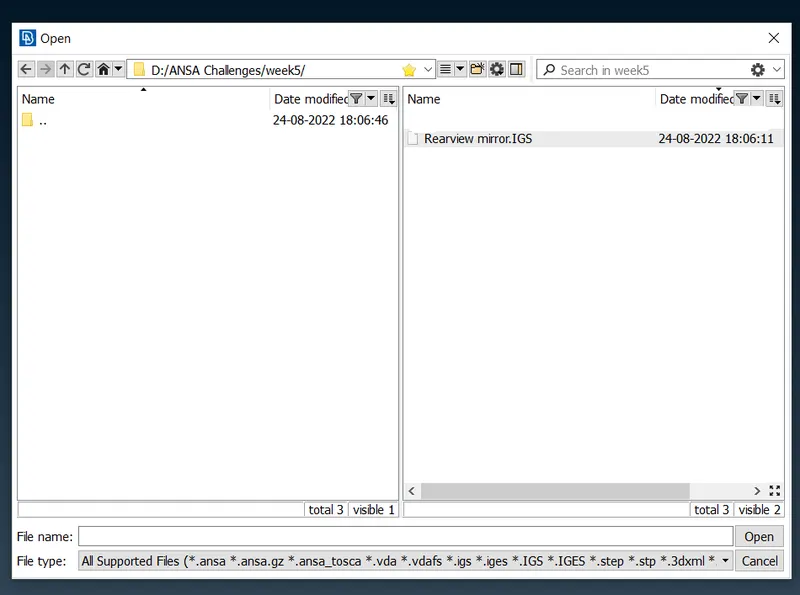
- First we are going to Import the geometry.
- The image given below is the CAD geometry after importing and this geometry is without topo cleaning or geometry cleanup.
- And the model is opened in toto mode .
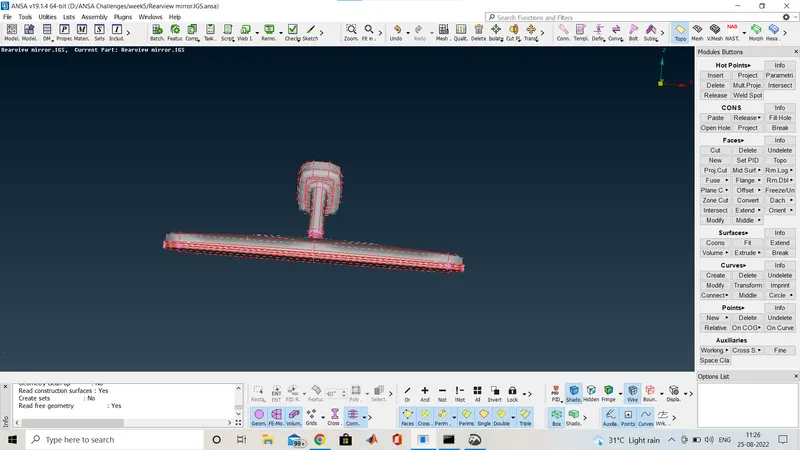
Here the cons are released as you can see the red coons.this is the geometry without topo
so we are going to topo the geometry now and the image is provided below.
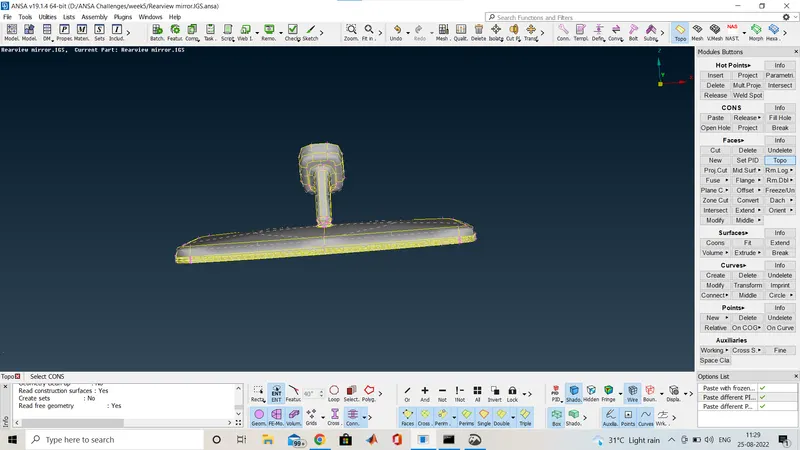
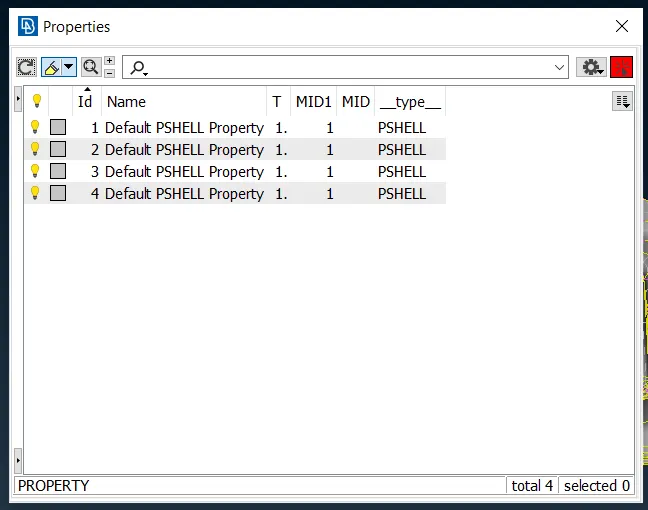
Here you can see that the component is divided into 4 parts.so now we will go through it and check the geomety cleanup.
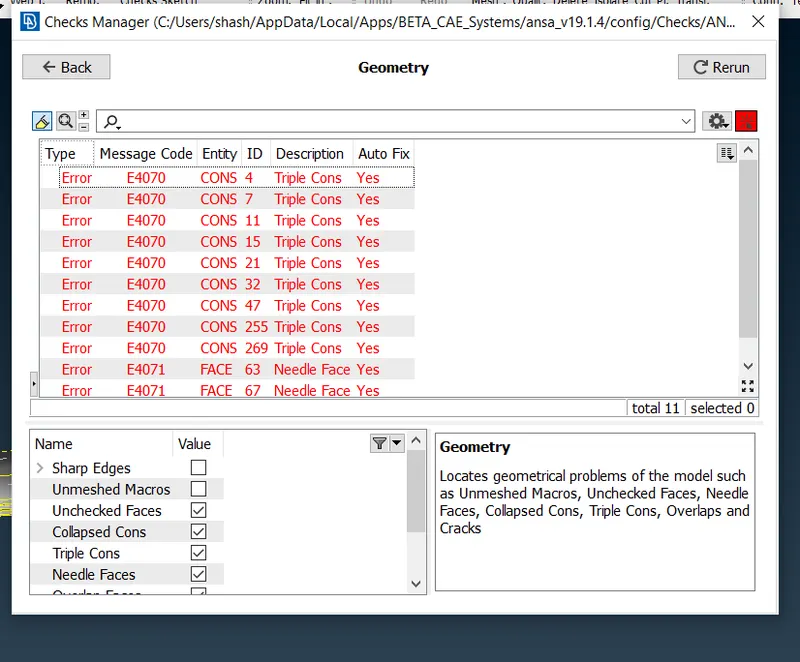
Here i go through the checks manager and check for the geometry cleanup so we will fix it though manual and automatic but i will go through the auto mode so it will save time.
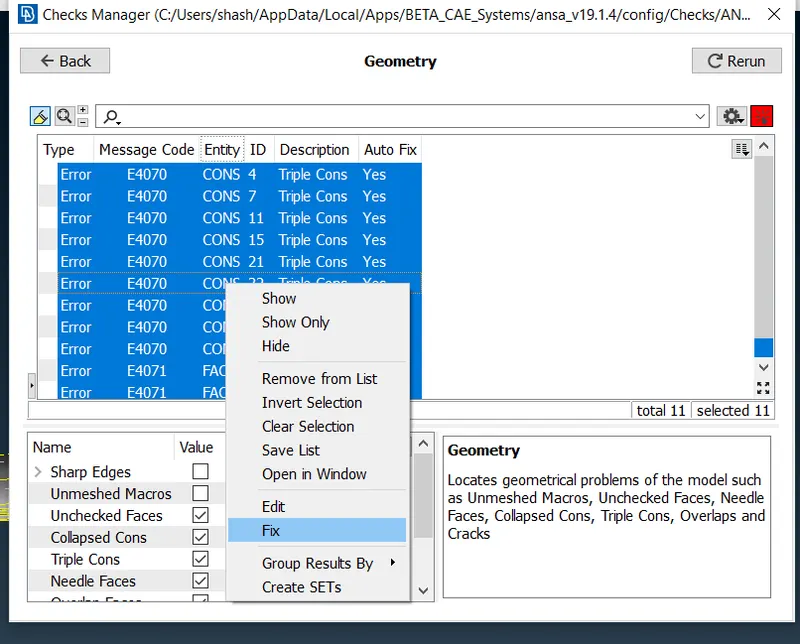
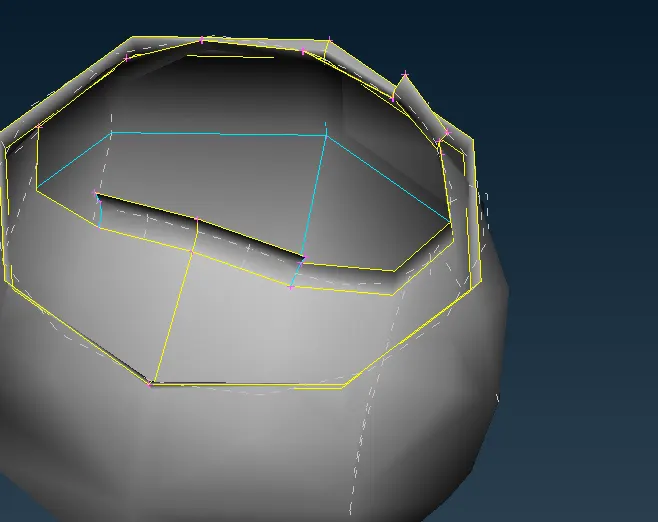
This is the one part where triple con found and geometry cleanup required.
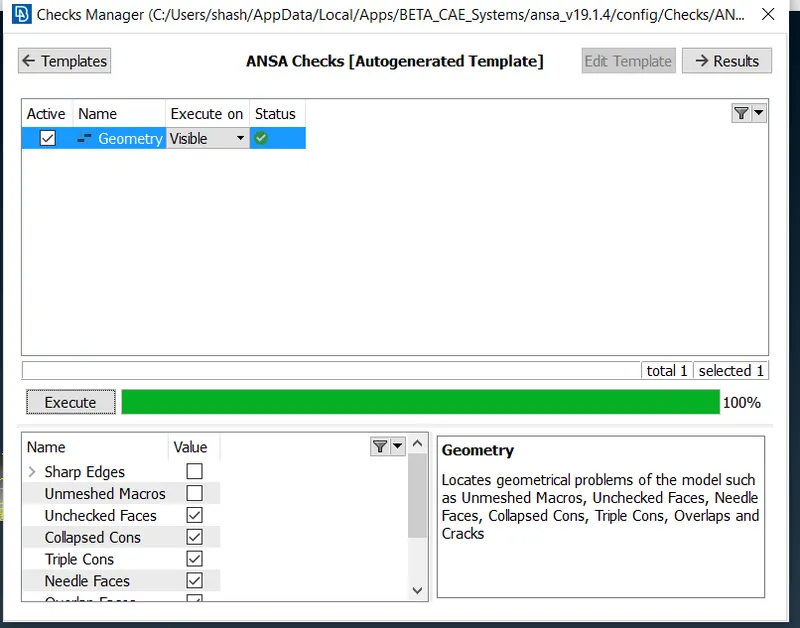
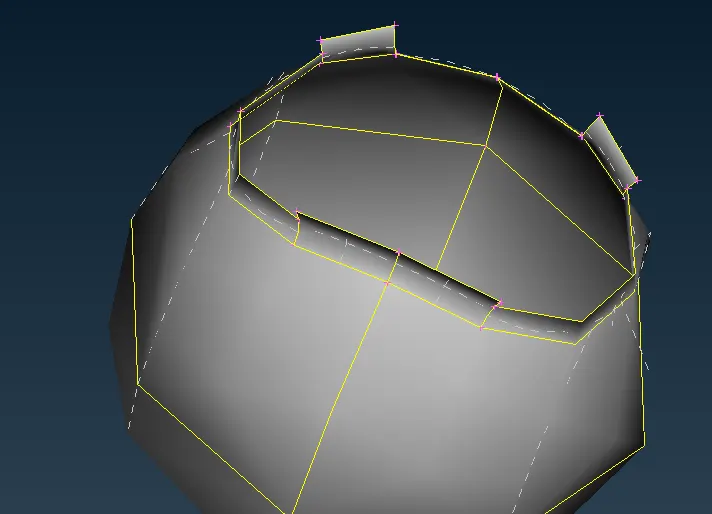
After geometry cleanup it looks like this. This is how we will go for the whole parts.
Now we will proceed for the shell meshing, before that we will give the quality critaria for the shell mesh and also mesh parametre as per the question.
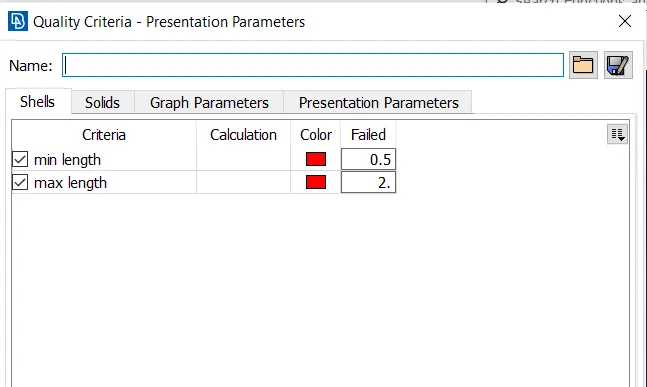
This is the quality for shell mesh.
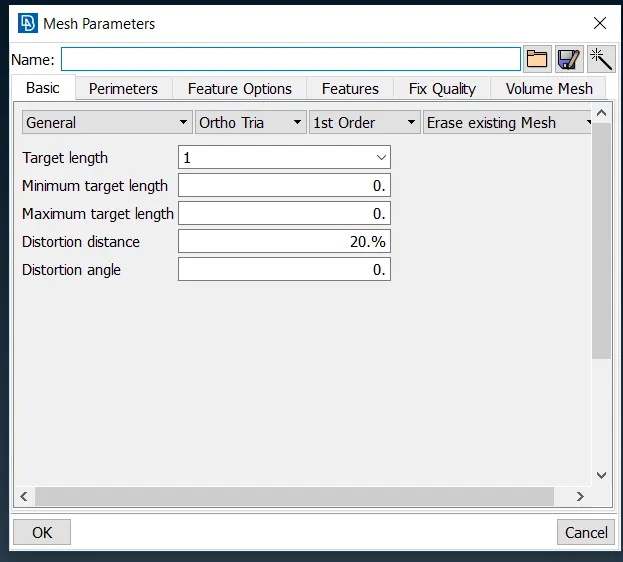
This is the mesh parametre for the shell mesh and here you can see we have given as ortho tria,1st order.
So now we will proceed for the meshing.
Here we have a option of automatic meshing with batch mesh and a manual mesh but i go through the manual,one by one we open the parts from all the 4 parts and mesh it so i will show you the component after the shell meshing how it look and also go for quality check.
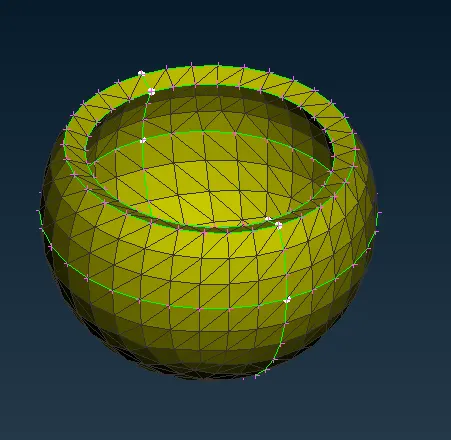
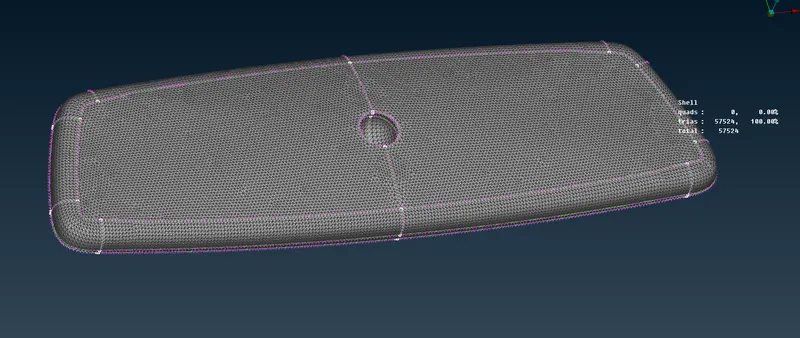
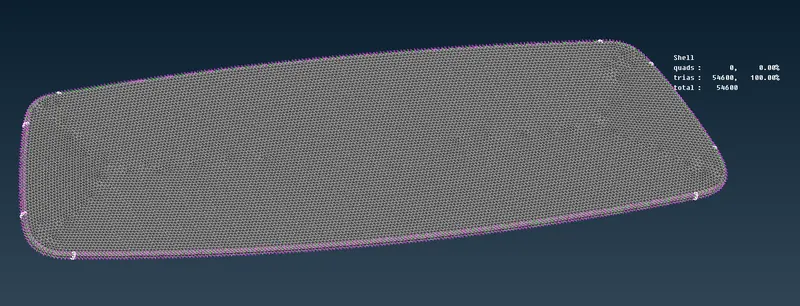
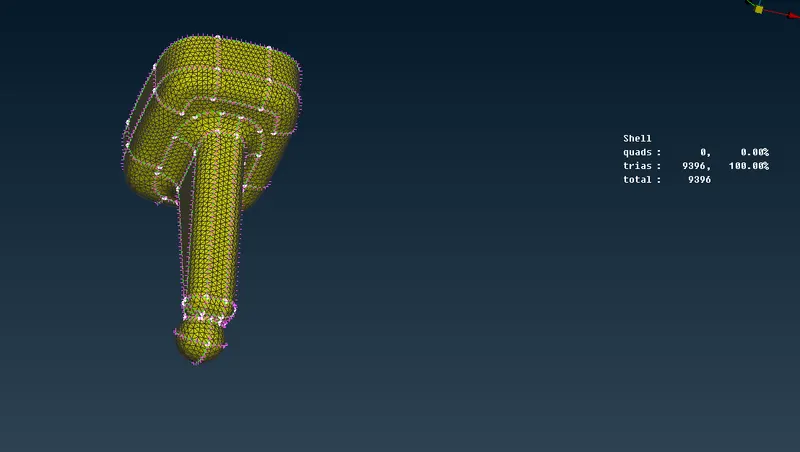
You can see here in the quality area for the shell mesh we don't of any off element so the quality of the mesh is good with 0 off element.
Now after that we will proceed with for the solid meshing or volume mesh.
Now before going for that we have to conform that the component is completly closed volume that means there is no cracks or single cons found.
in my model it is closed volume.
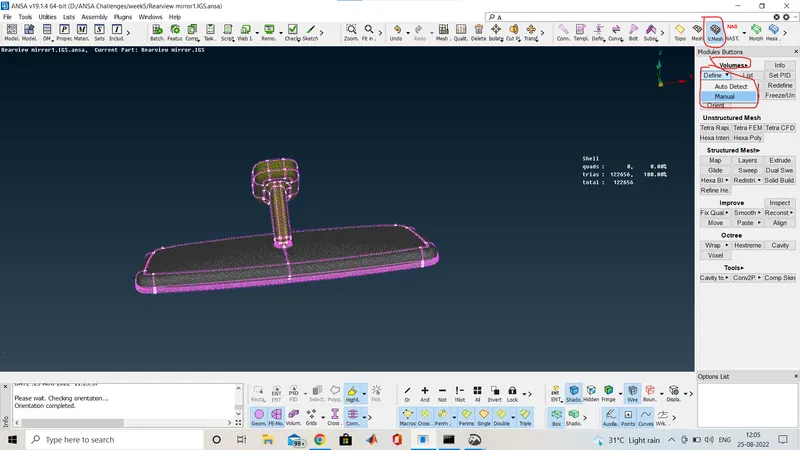
And we have to define the volume for the component on which the solid meshing is to happen.So i defined it for all the for component as shown in below image.
We will define the volume from the V.Mesh deck>Volumes>Define>Manual. as the image shown below.
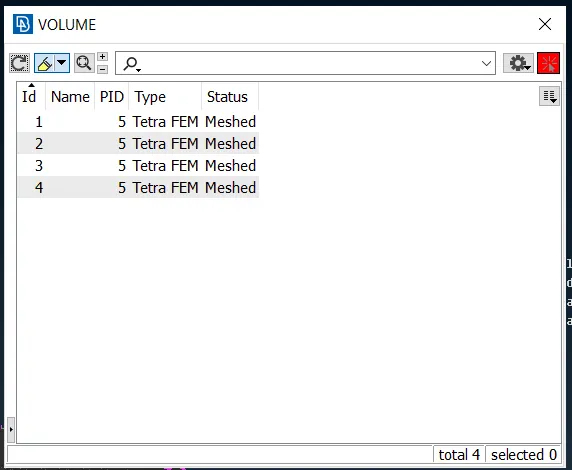
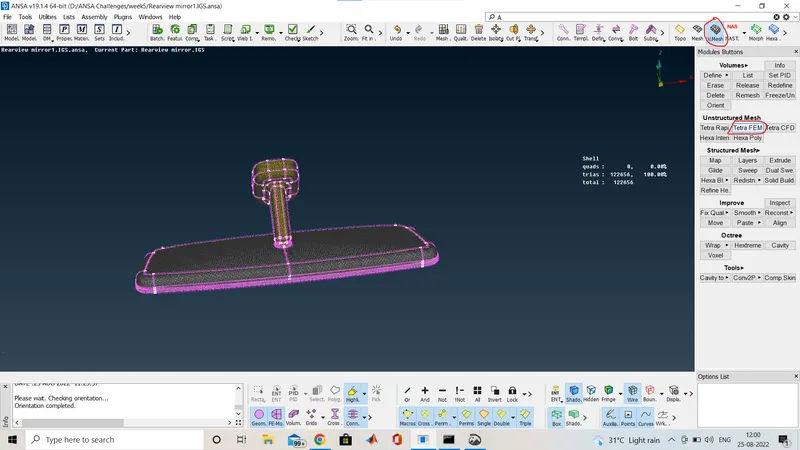
After defining the volume we will proceed for the meshing and here i am going with the Tetra FEM meshing here we will find it in V.Mesh deck>Unstructured Mesh>Tetra FEM.
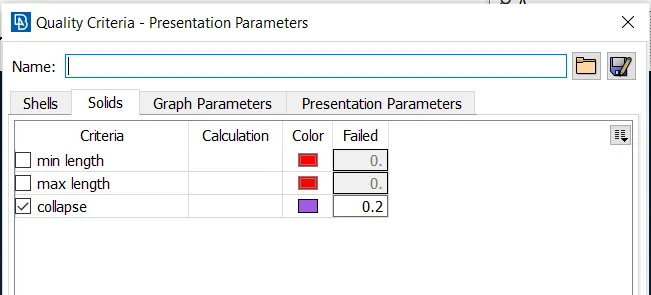
Now after that provide the quality critaria for solid meshing.So here only one quality is required that is TET COLLAPSE.
i am showing one by one all the componet after the sold mesh.
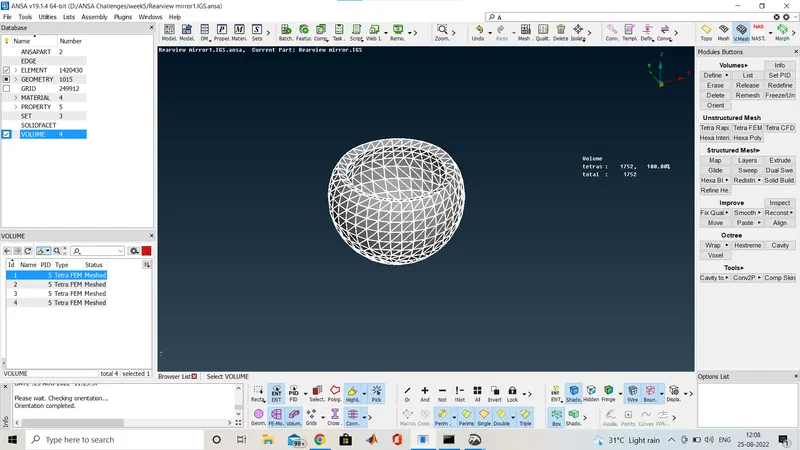
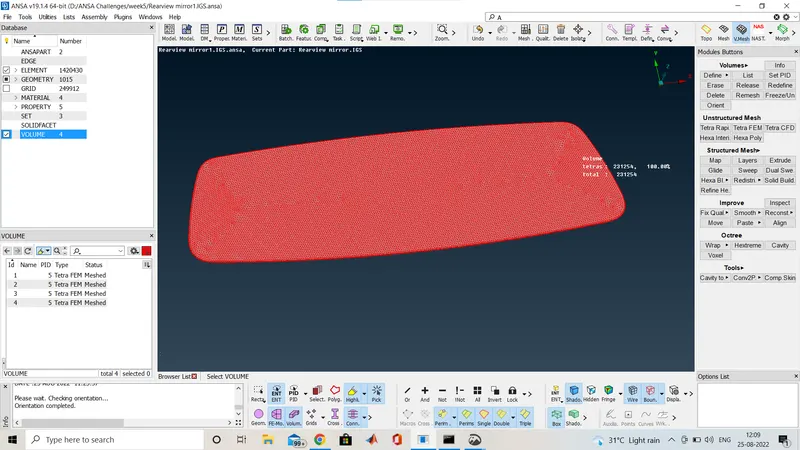
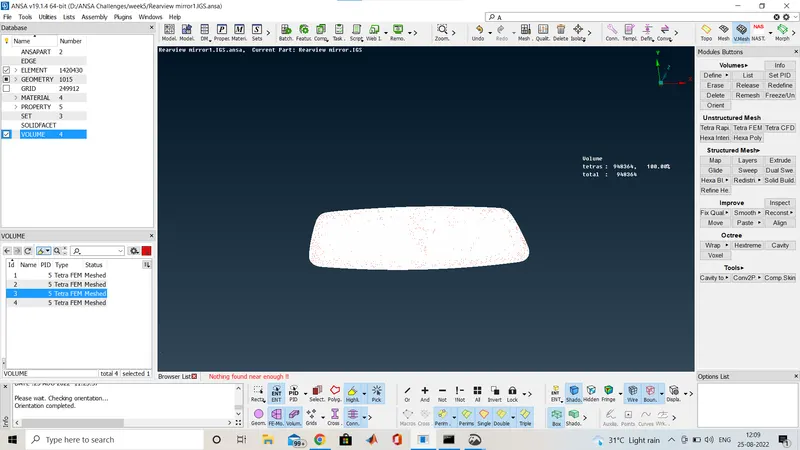
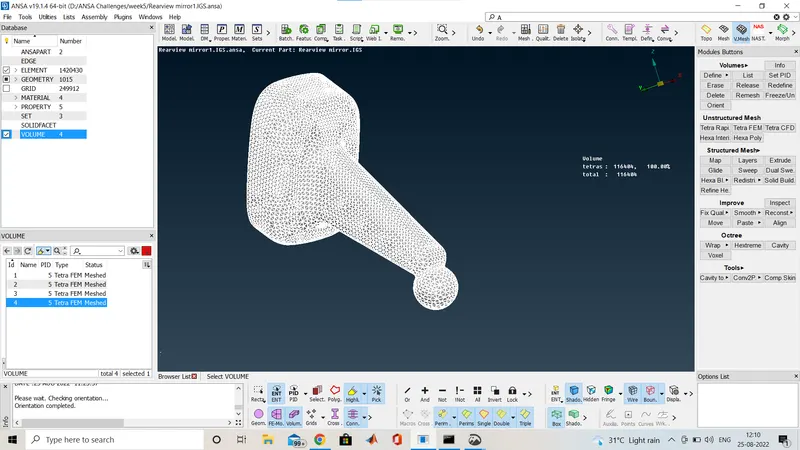
Now i am giving the image whole component at at once.
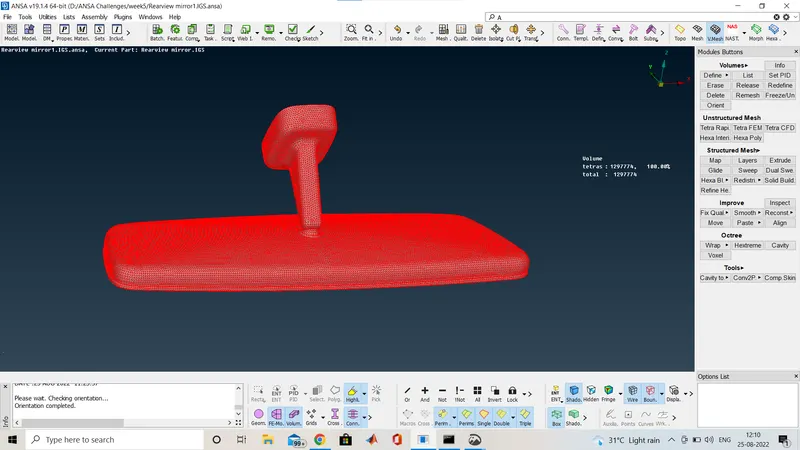
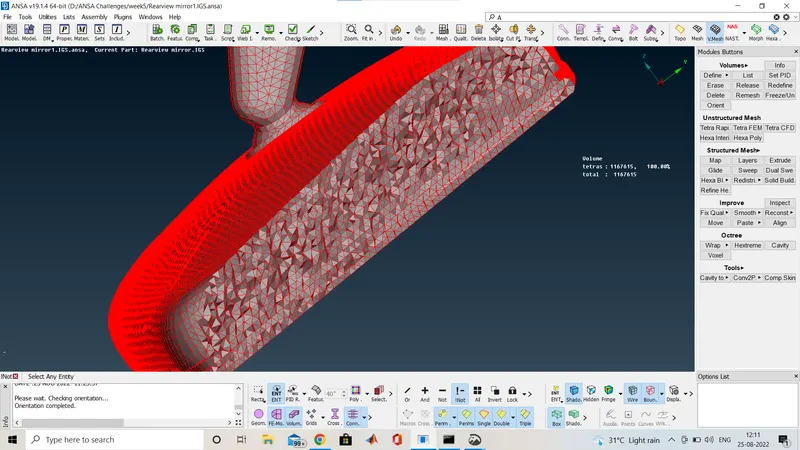
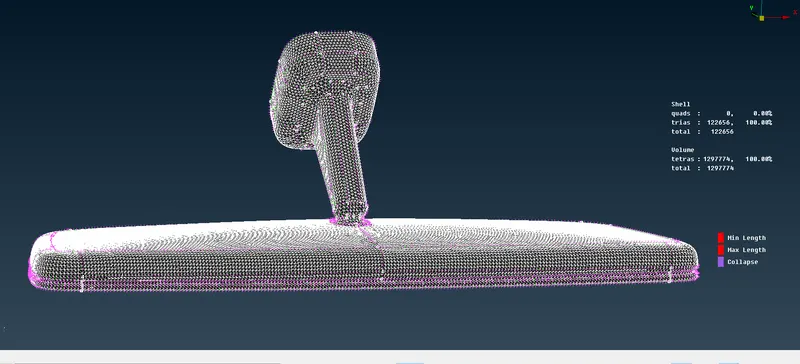
Thhis is how the volume mesh looks like the solid one from the cross section i made a cut to show the internal mesh how the solid mesh looks .
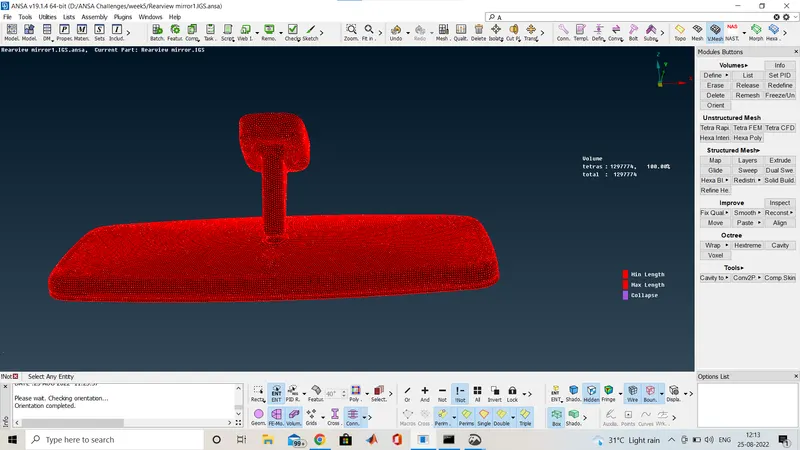
Here you can see that there is no off elemrnt as per the quality critaria given so my solid mesh is good with no kinks and raise.
CONCLUSION:
Successfully shell meshed the model and also meshed in solid mesh under given quality criteria.
LEARNING OUTCOMES:
- Learned about meshing using ortho tria and normal tria also learns about batch mesh
- Performed topology clean up and set up quality criteria.
- learned about assing volume to the model.
- And finally learned about the Tetra meshing in volume mesh or solid mesh.