Week- 5 - Solid meshing
OBJECTIVE :
To perform 3D meshing (solid meshing) for the given rearview mirror component with tetra elements and following the corresponding quality criteria :
For 2D elements :
|
S.No |
Quality Criteria |
Value |
|
1 |
Target/Average length |
1 |
|
2 |
Minimum Length |
0.5 |
|
3 |
Maximum Length |
2 |
For 3D elements :
|
S.No |
Quality Criteria |
Value |
|
1 |
Tet collapse |
0.2 |
PROCEDURE :
1. The given component rearview mirror has to be opened in the ANSA window and then the geometry of the component needs to be checked carefully to get a better understanding of the model.
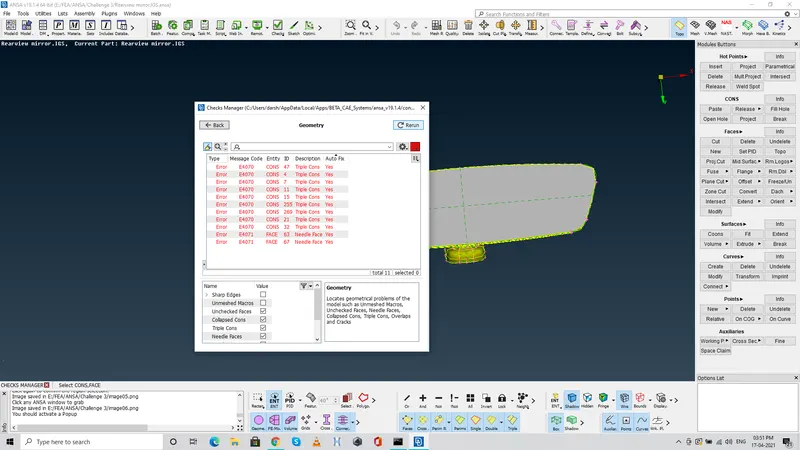
2. Once it is done, the geometry should be checked for any errors and all of them has to be fixed to get a refined quality component. To perform that go to checks >> geometry >> execute >> Fix the errors which are indicated.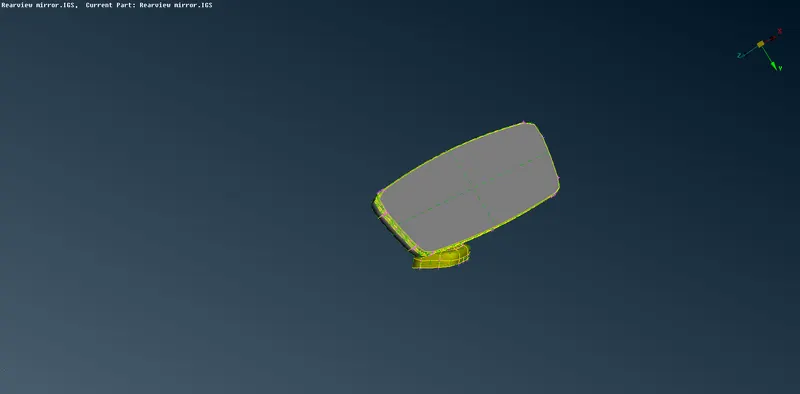
3. Now, the mirror has various parts which are attached as a single component, for our work convenience we can seperate it into smaller parts and work on them easily as we usually do. Once all the parts are seperated manually, each of them firstly needs to be meshed with 2D tria elements such that they act as a mapping source to create the solid meshing.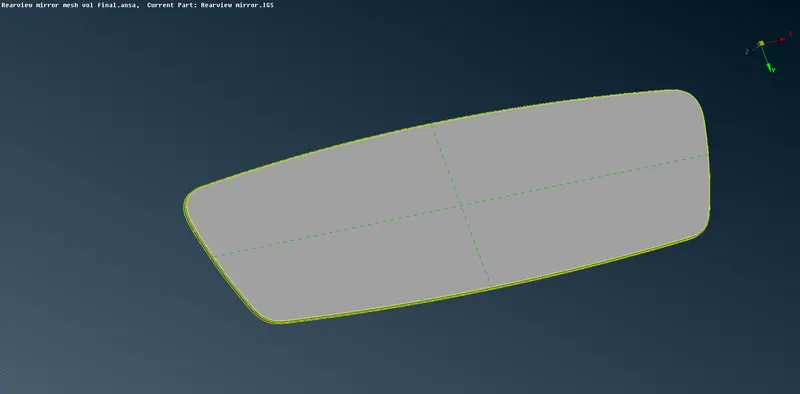
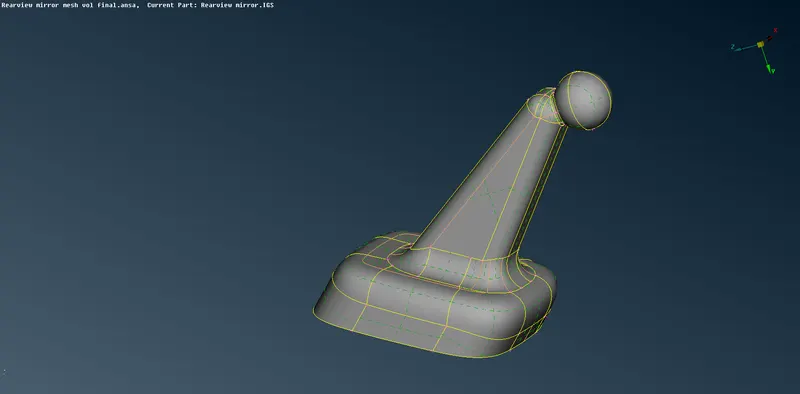
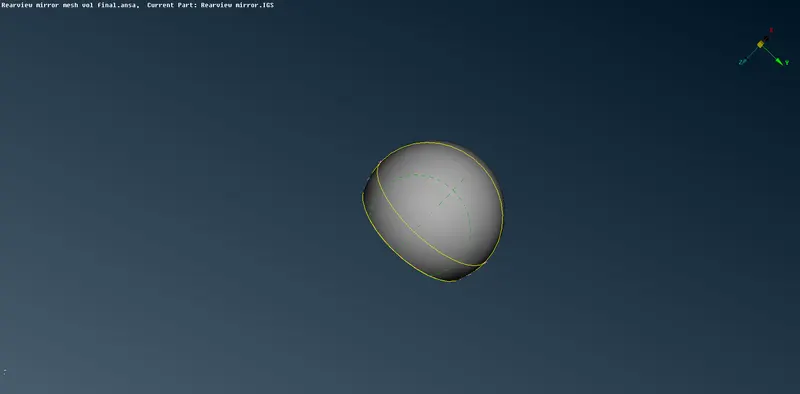
4. Now, all these components which are disintegrated into smaller parts are to be meshed with 2D tria elements. Here, we can see that there are several curved surfaces in all the parts. Inorder to capture the curved features properly we can use Ortho trias instead of trias as they capture the curved features much better than the normal trias.
But, the downside is the ortho trias make the process more time consuming when it comes to analysis so we need to use both the ortho trias and trias incombination to keep the time consumption in mind.
Keep the perimeters and macros to 1 unit to see the features in good resolution, fix the mesh parameters and quality criteria to the given units respectively and then go to Spot mesh >> select type of elements as Ortho tria >> select the entity and mesh.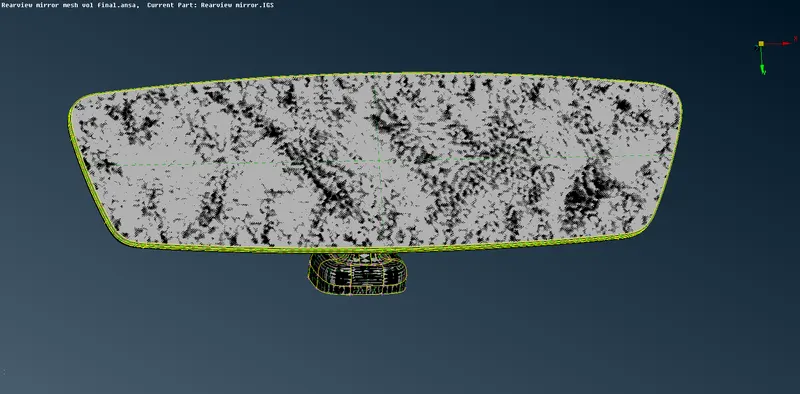
5. Once the 2D mesh is done, we need to make sure that there are no elements which fails for the given quality criteria so that we can use them for solid meshing. Then, go to Volume mesh Deck and define volumes for each and every part which we've seperated and meshed. Go to Volumes >> Define >> Manual >> select the entity and middle mouse button.
6. Then, the quality criteria for the solid elements need to be fixed. Here the only quality criteria is tet collapse which is 0.2 Go to Utilities >> Quality criteria settings >> Solids >> Collapse >> 0.2
7. Now, after all the parts are defined for the volume, go to unstructured mesh ( Since tetra mesh is unstructured ) and select Tetra rapid or Tetra FEM which both gives the output of our desired quality.
8. Once the meshing is done, we need to check whether the elements fail for the tet collapse. If they are failing, those elements need to be isolated and then go to grids >> Mv free and edit the nodes of the elements to clear the elements from tet collapse failure. Remember to edit the nodes orientation in the direction which doesn't affect the flowof elements on the top plane.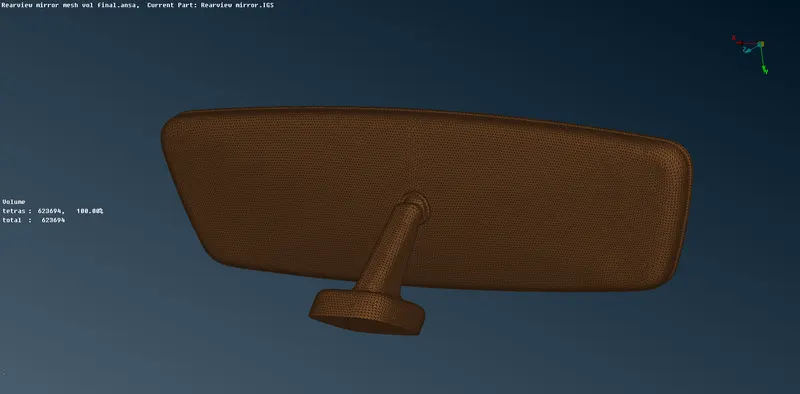
9. In order to check the solid mesh elements, we can switch off the geometry and FE model and view only the volume mesh. Then turn on the Bounds such that it gives the view on connectivity of elements. 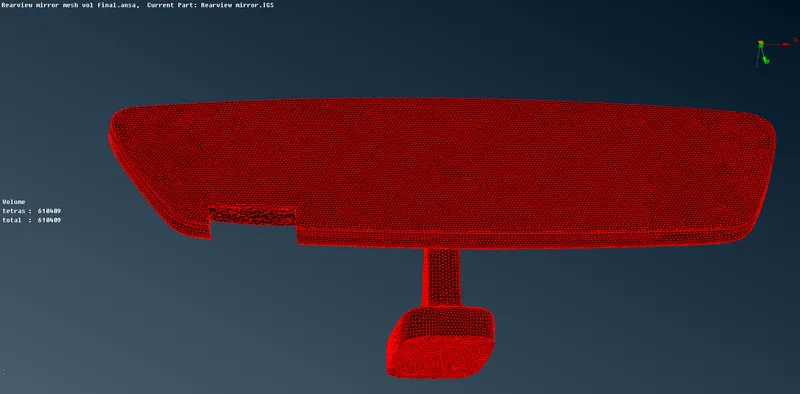
RESULT :
The given component of rear view mirror has been meshed with solid tetrahedral elements while following the given quality criteria.
Inference :
Usage of Ortho tria and its need in meshing.
Uasge of tria and ortho tria in combination to reduce the computational timing without compromising the component features.
Usage of solid meshing with Tetra rapid and TetraFEM to create solid mesh model for the given component
Clearing the elements which failed for Tet collapse by using Grids >>MV free