Week- 5 - Solid meshing
Q.1) ANSWER
AIM- To do a pre-processing on the given Rear view Mirror component using ANSA.
OBJECTIVE-
- To check for any geometrical errors in the model.
- To generate a 2D mesh on the component according to the given quality criterions.
- To generate volume mesh on the component using tetra elements.
PROCEDURE-
1.1) Importing the model:
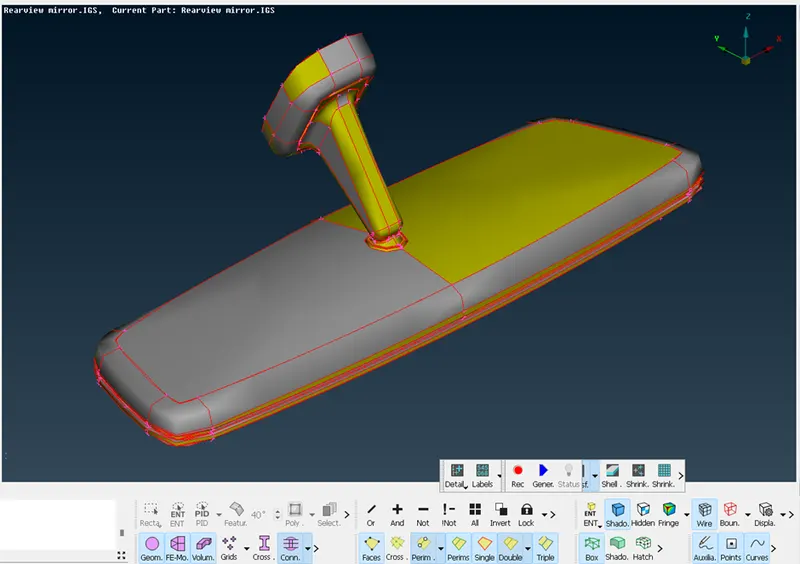
- The model is imported into the workspace using the command [file>open >and select the model to be imported]
- The model will be imported into the workspace.
1.2) Topology Clean up:
- We topo the surface to clear the free edges and unwanted cuts.
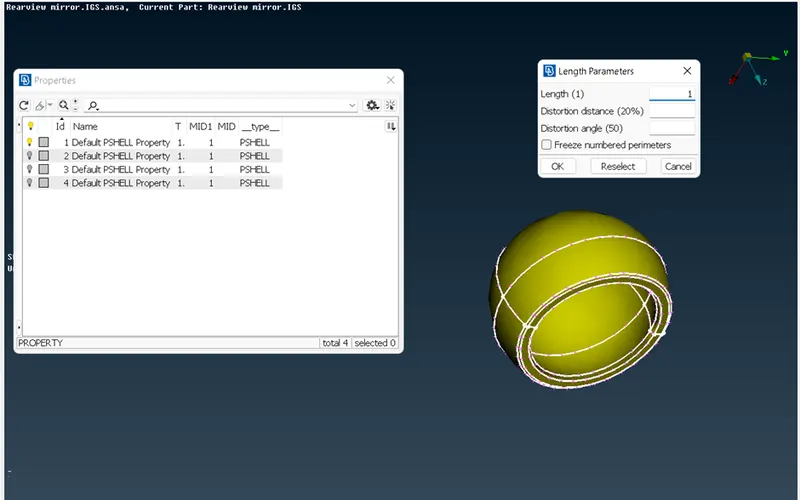
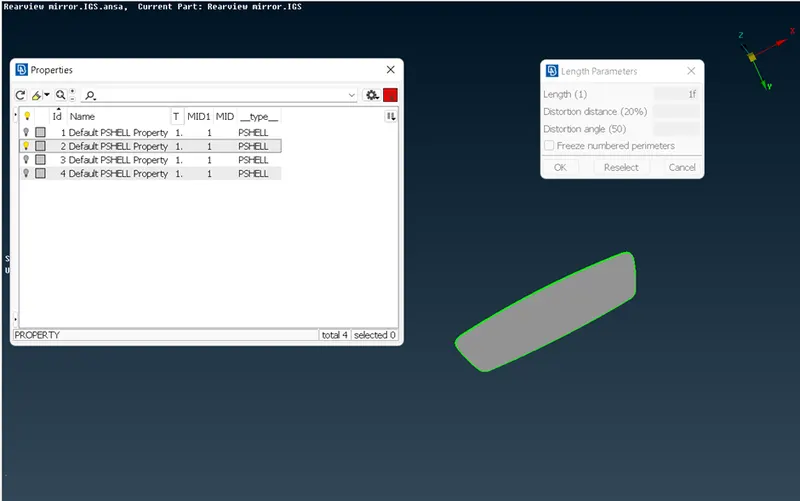
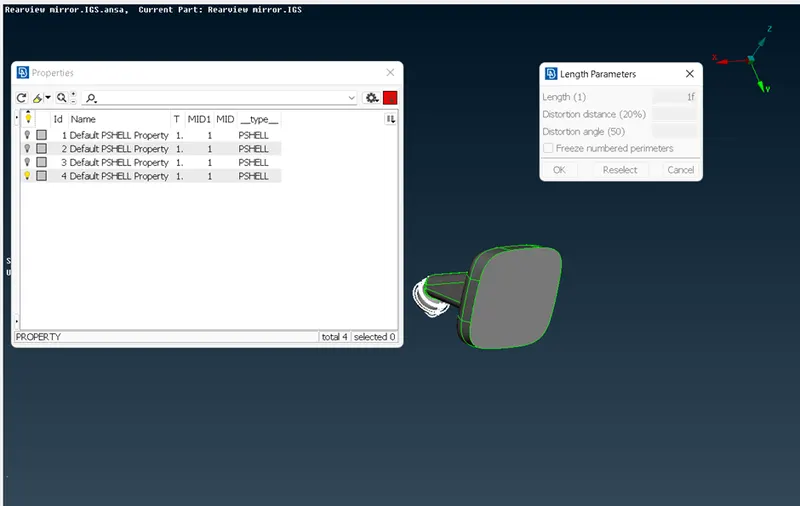
- First, we split the model into 4 different components according to their respective properties and then we assign the given length parameter to them and topo the surface.
- We get the following results.
1.3) Geometry Clean up:
- Before working on the model, we need to check whether the model has any geometrical errors or not.
- To check the geometrical errors, we use the checks manager available in the tool bar.
- In the check manager we select geometry option and click execute.
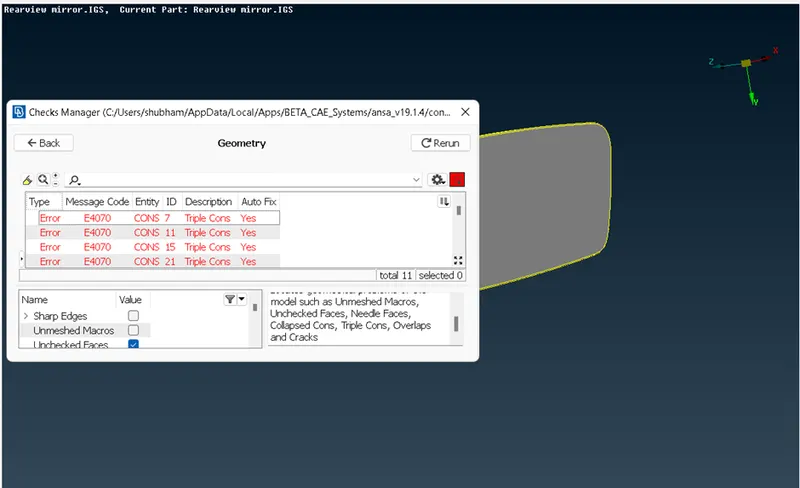
- The geometrical errors can be fixed manually and automatically.
- In this case we fix the errors automatically by clicking the fix option.
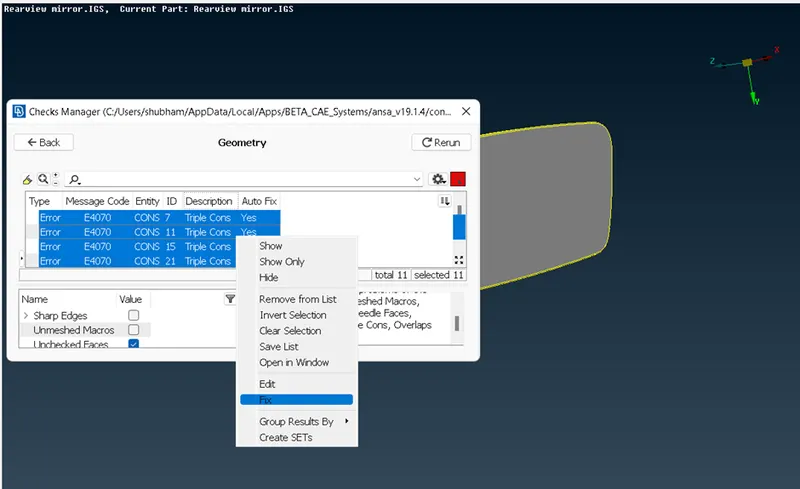
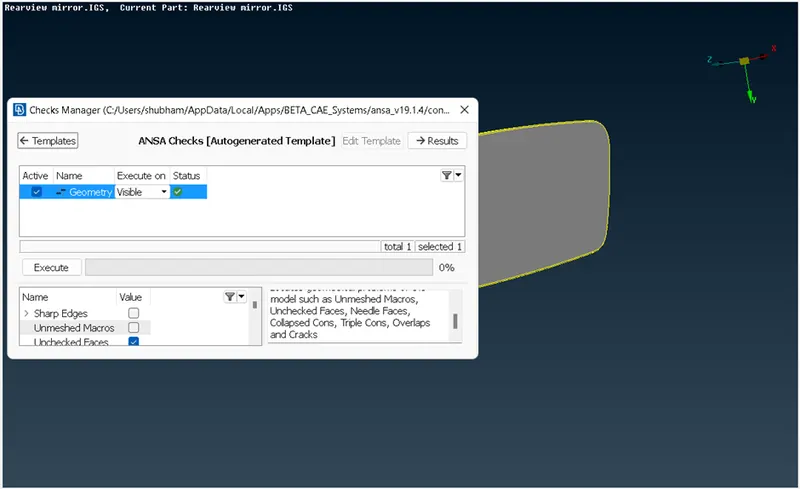
- Once the model has no error it will show green status as shown in the above image and we can proceed further.
1.4) MESHING:
- Before starting the mesh we assign the quality criterions and the mesh quality parameters.
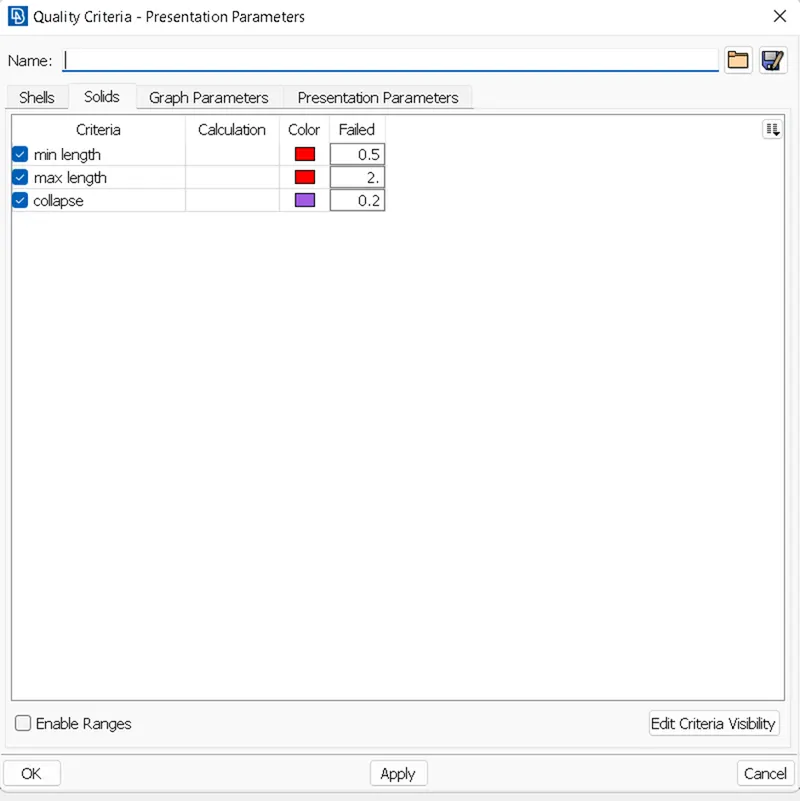
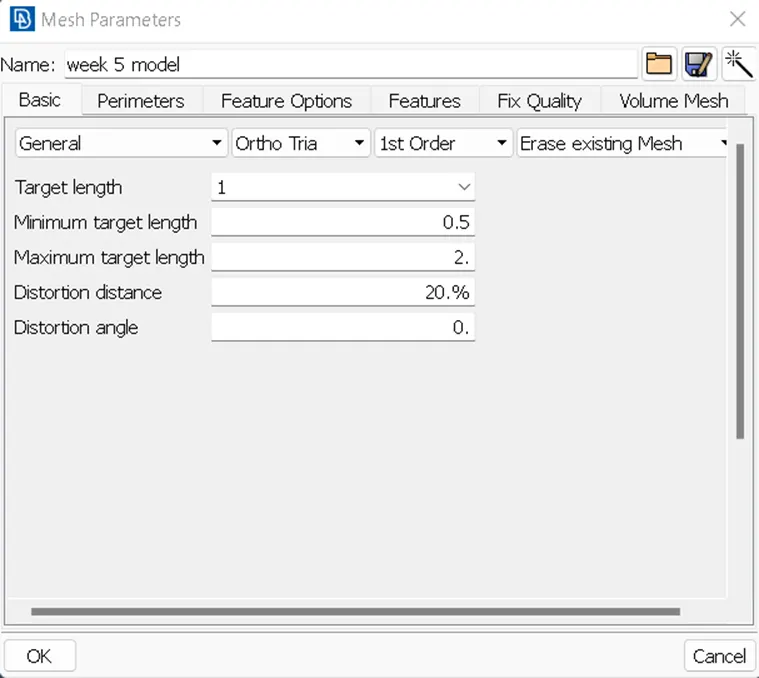
- Now we start meshing. There are various options which we can use for meshing but In this model we use spot mesh command. [mesh generation<spot mesh]
- We mesh each part separately for accurate mesh flow.
- The created mesh is then refined using the shell mesh command improve>reconstruct, smooth, reshape tool in the mesh module.
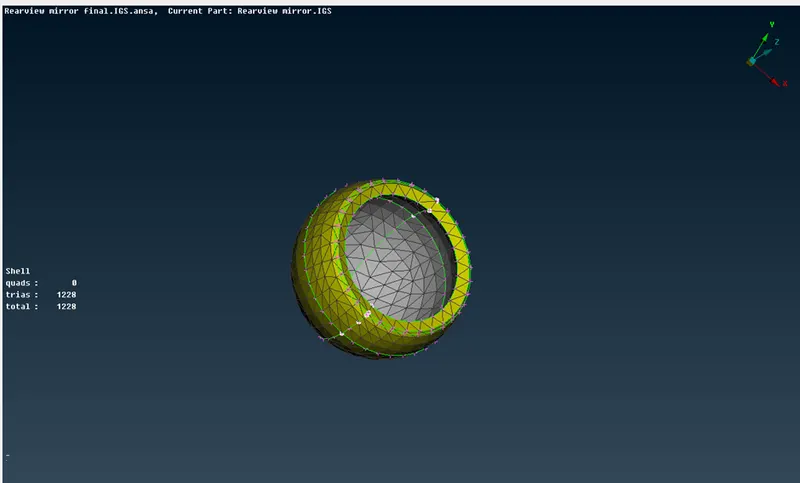
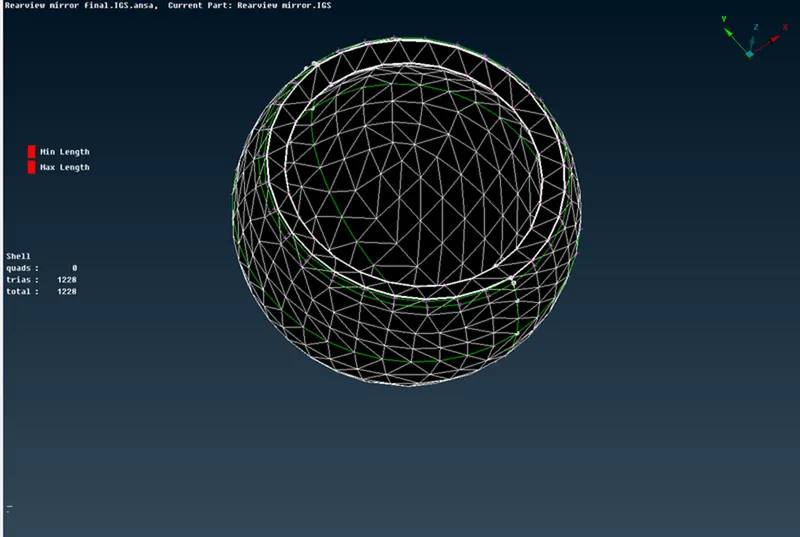
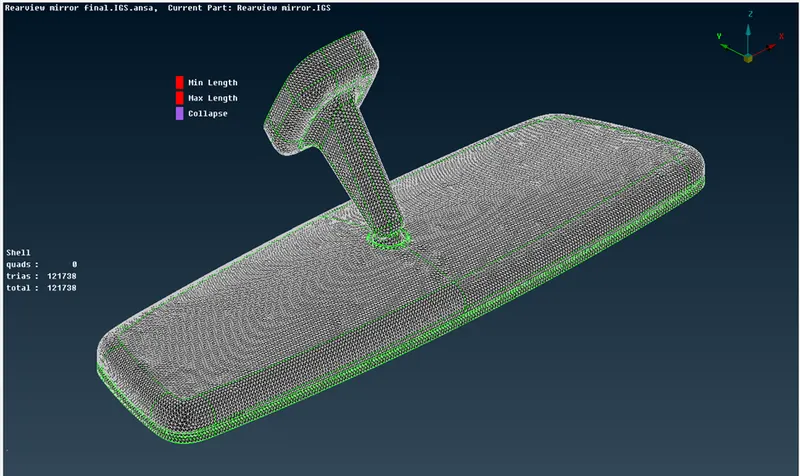
1.5) Generating Volume Mesh:
- After the mesh is generated, we need to define the Shell object to solid and then mesh it.
- Tetra Rapid and Tetra FEM are used in order to define the mesh under volume. Here we have used the Tetra Rapid option to mesh.
- The volume property ID is defined separately with respect to the PSHELL ID.
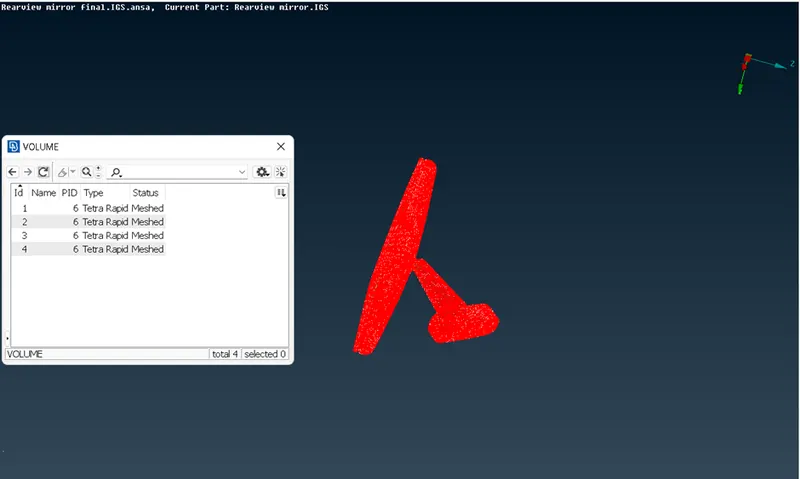
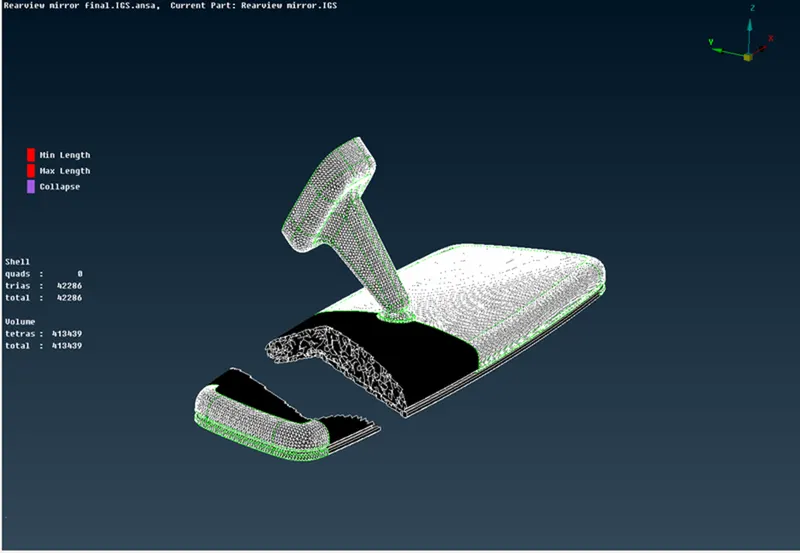
- Final image of the given component.
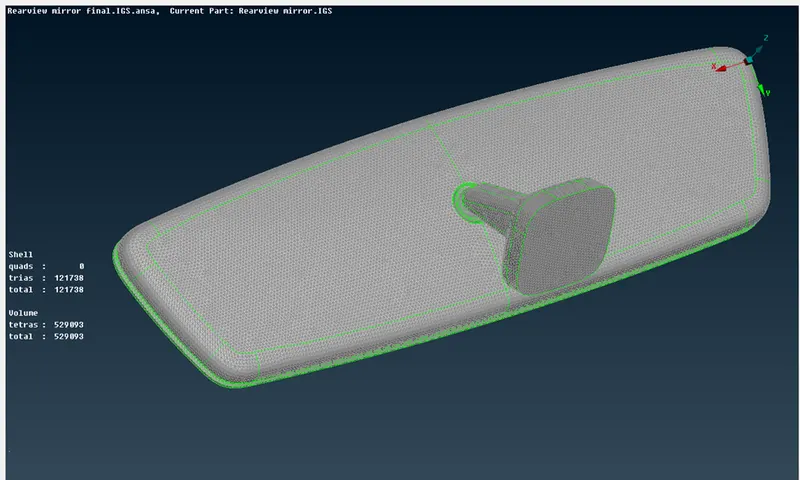
1.7) LEARNING OUTCOMES-
- Meshing on the given component using tetra. Tria and ortho tria elements.
- Generating volume mesh for a solid model, how to define the volume.
- Learned how to zero off elements and clear Tet collapse errors.
1.8) CONCLUSION-
- Geometry cleanup, 2D volume meshing of the given Rear view mirror mode was successfully done.