Week- 5 - Solid meshing
1. OBJECTIVE:
To mesh the given geometry using tetramesh
2. PRE-REQUISITES:
- To clean the imported geometry
- To perform the tria shell mesh
- To perform the geometry checks, material checks.
- To perform the volume mesh from generated tria mesh
- To perform checks for quality of mesh.
3. GEOMETRY CLEAN-UP:
It is important to study the imported geometry.
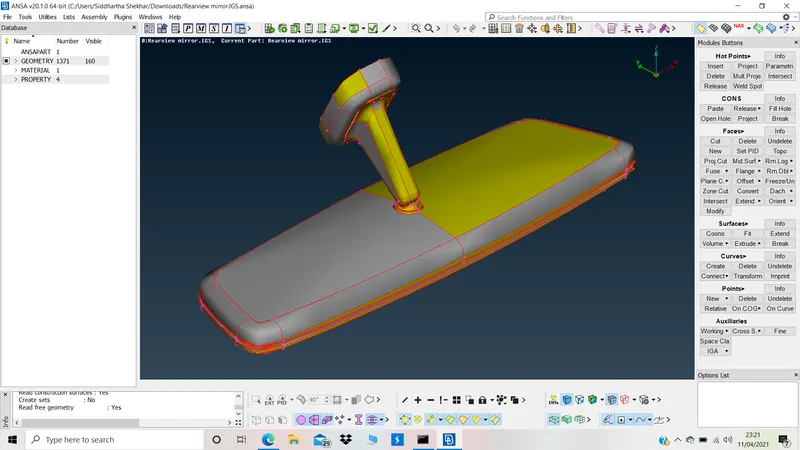
Topology clean up:
Topo deck >> Faces >> Topo >> select geometry >> click ok.
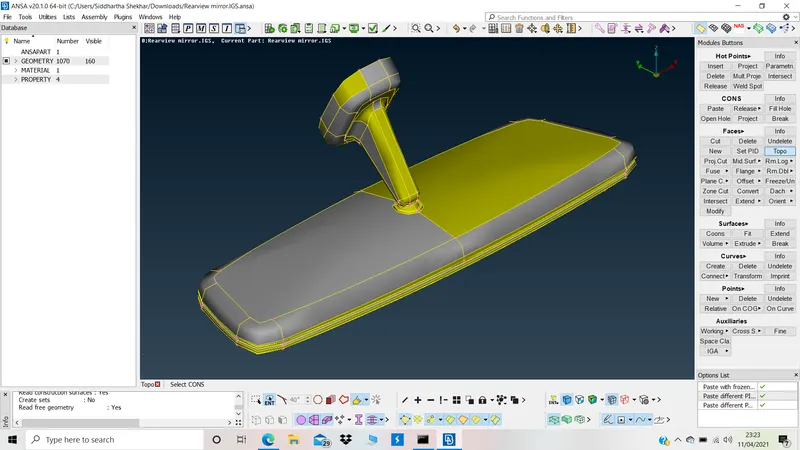
Orientation:
Topo deck >> faces >> orient >> Auto >> grey vol outside >> click ok
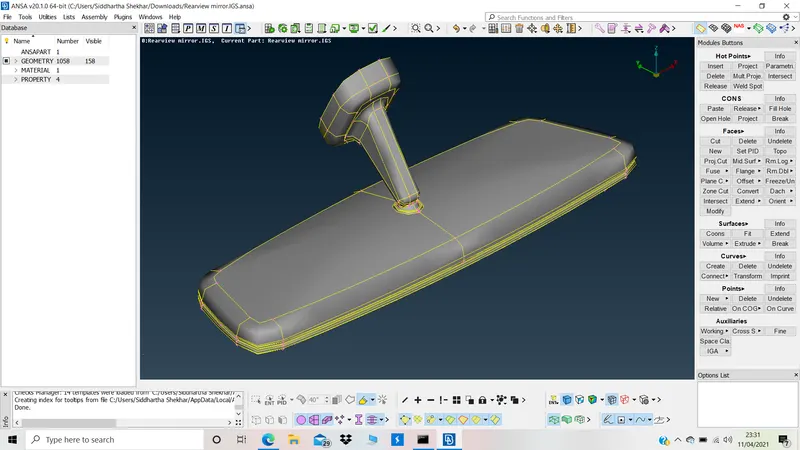
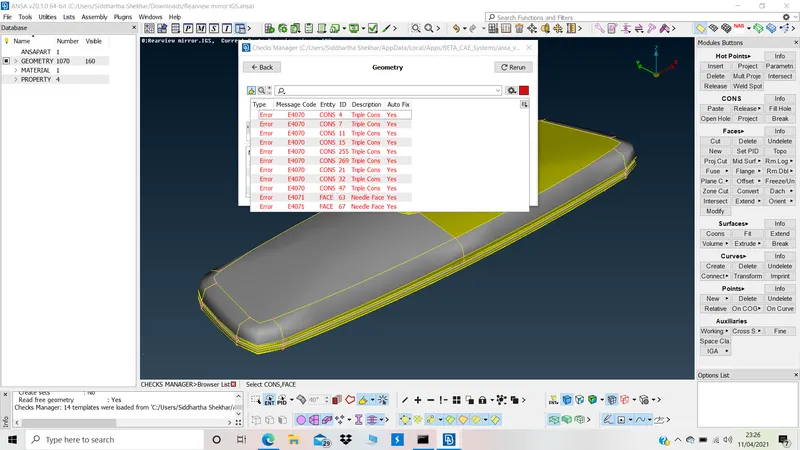
Geometry check:
Geometry check >> execute >> delete triple cons >> delete sharp edges (needle face)
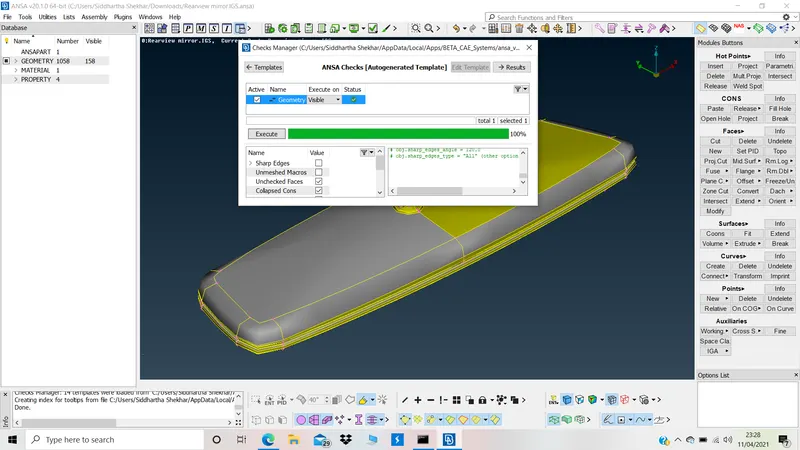
4. GEOMETRY DISINTEGRATION:
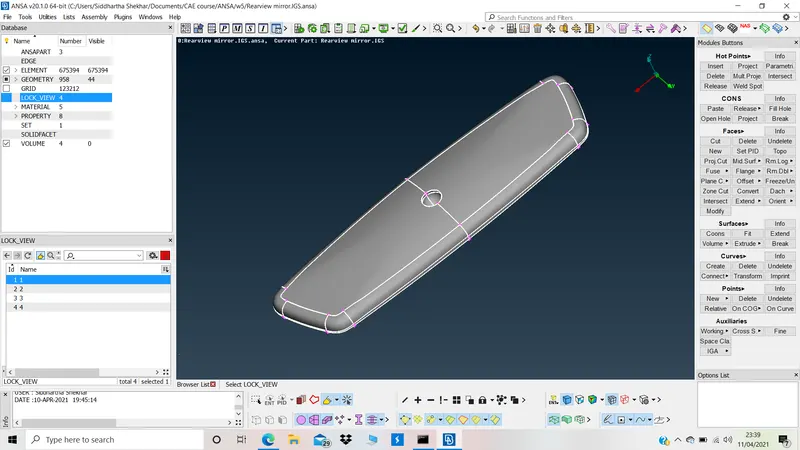
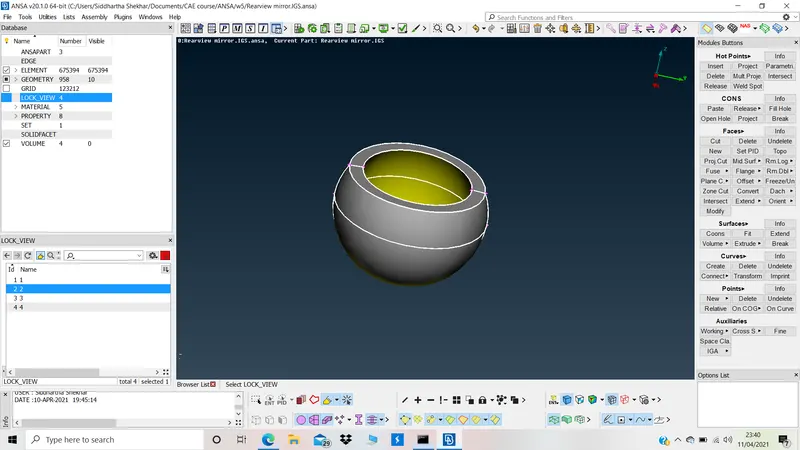
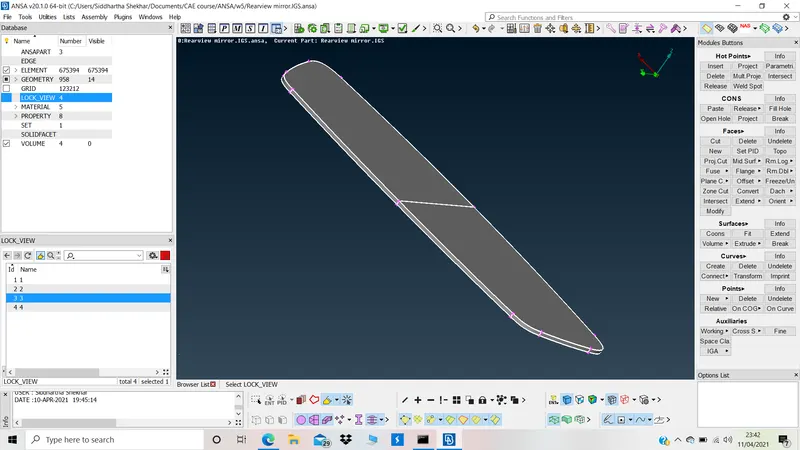
Geometry is disintegrated into multi lock views to ease up the mesh. To mesh the areas not directly visible.
1.
2.
3.
4.
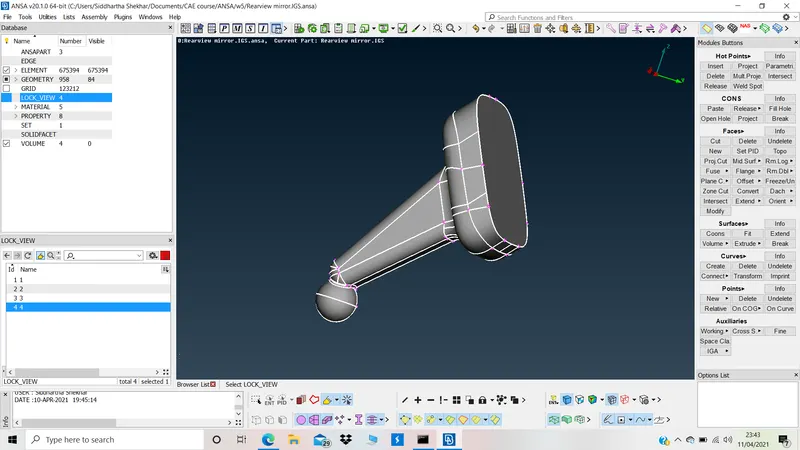
Combined
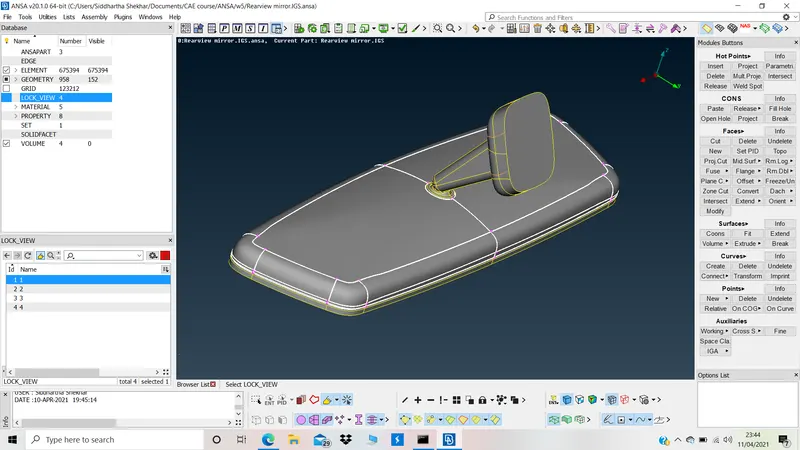
5. MESH
Mesh criteria:
f11>>pshell>>min size = 0.5 >> max size = 2>>solid>>tet collapse = 0.2
1.
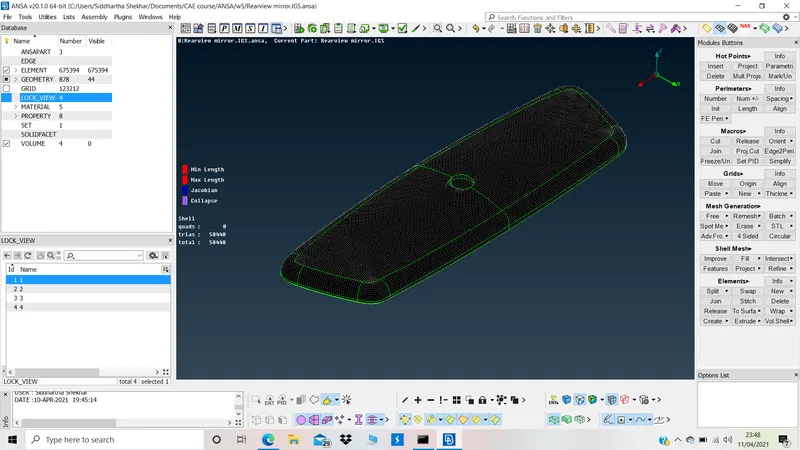
2.
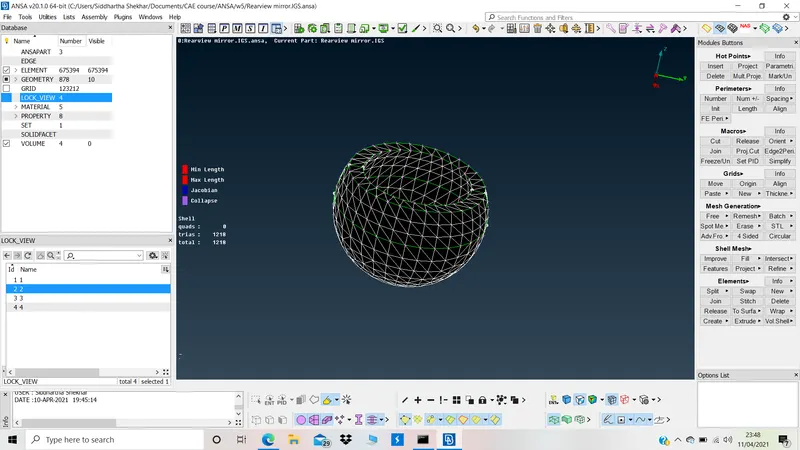
3.
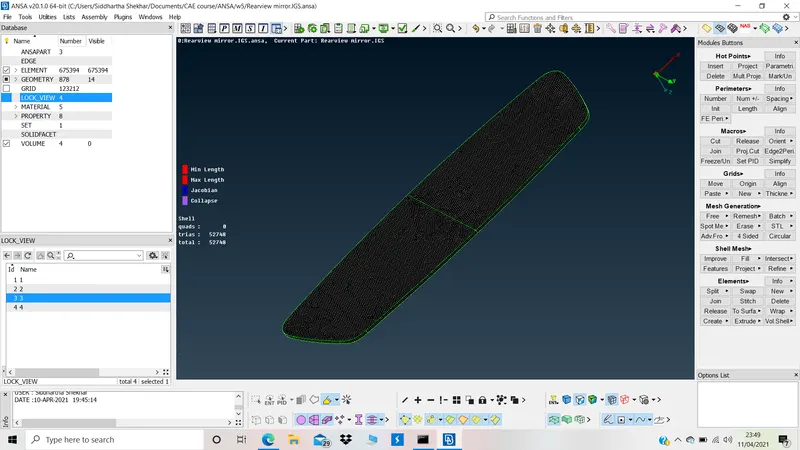
4.
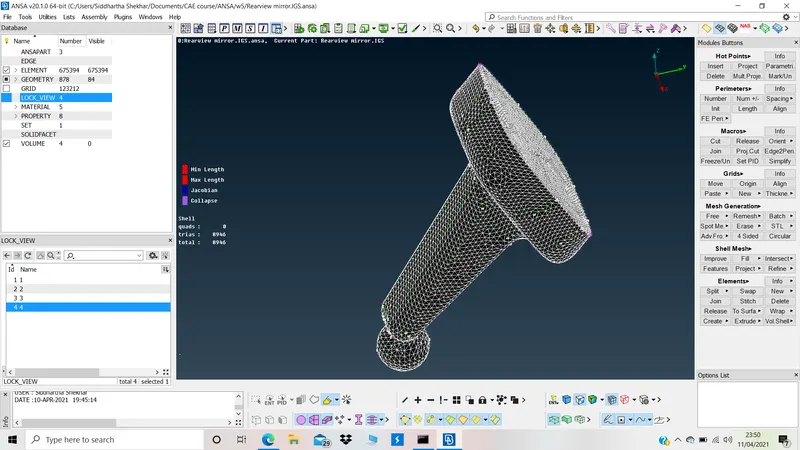
Combined Mesh
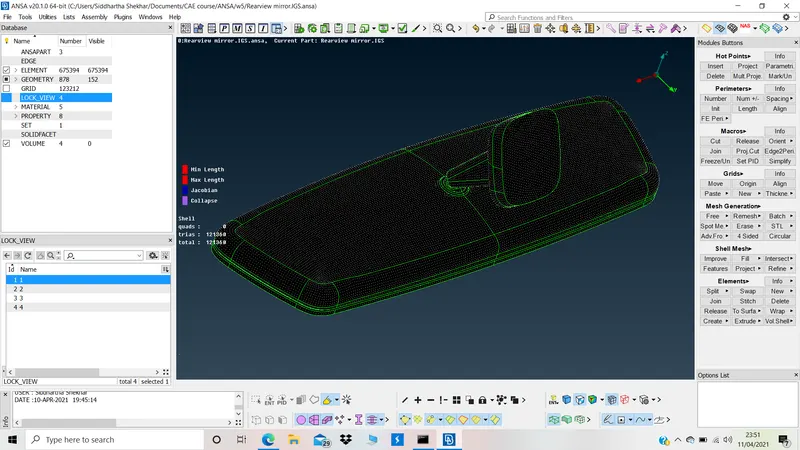
6. Checks:
In FE only mode, all elements were checked for dips and peaks.
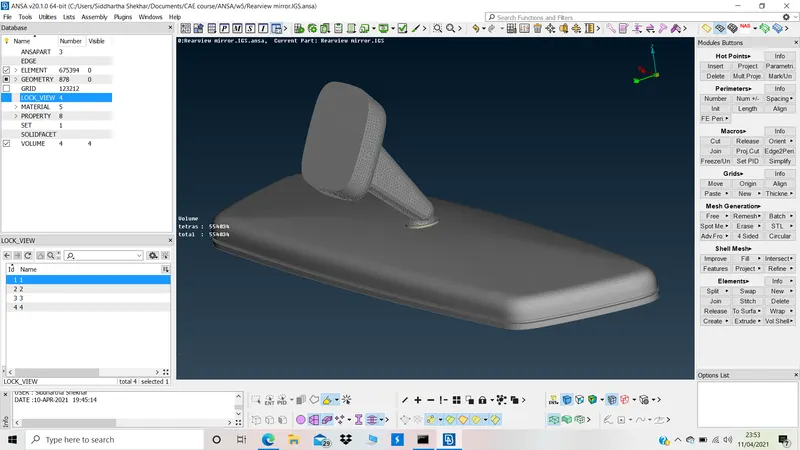
Model file is attached