Week- 5 - Solid meshing
Week 5-Solid meshing
Aim:
To do pre-processing methods on a given 3D component by checking the model's geometrical error, generating 2D mesh on the component as per given quality criteria and generating volume mesh on the component using tetra elements.
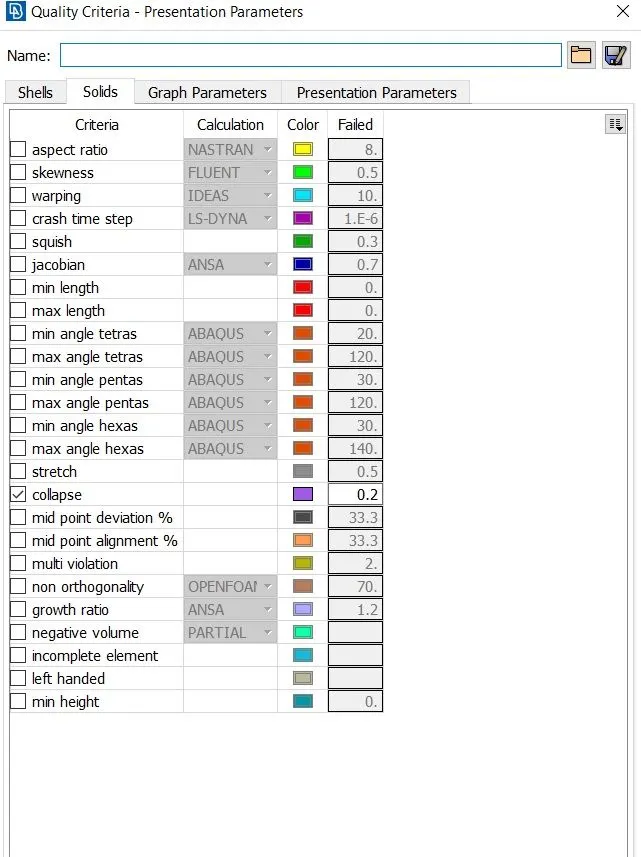
Quality Criteria
Target / avg length : 1
Minimum Length: 0.5
Maximum Length: 2
Tet collapse: 2
Procedure:
Initially, the 3D model has to be imported in the ANSA workspace and the imported component will be,
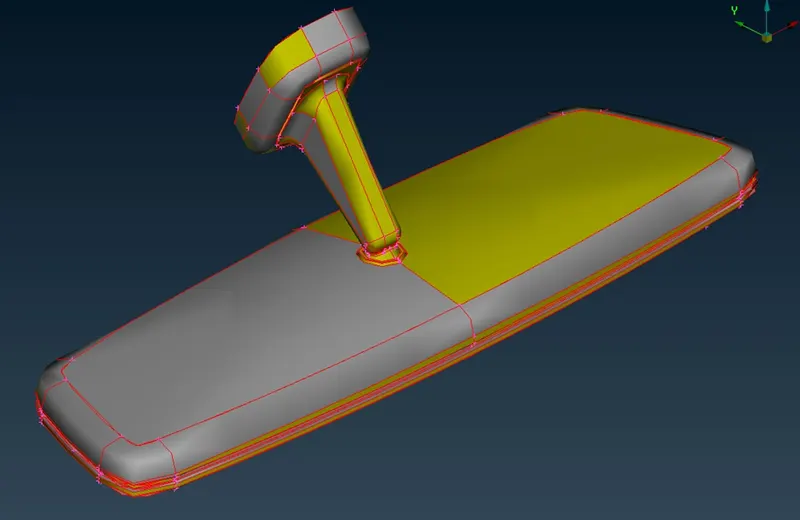
After importing the 3D model geometry cleanup have to be done on the model, and have to perform TOPO on the model by using topo option available in the tools and to modify the orientation of the model orient option which is available has been used.
Geometrical cleanup have been done on the model using “Geometrical check” option, and the result was
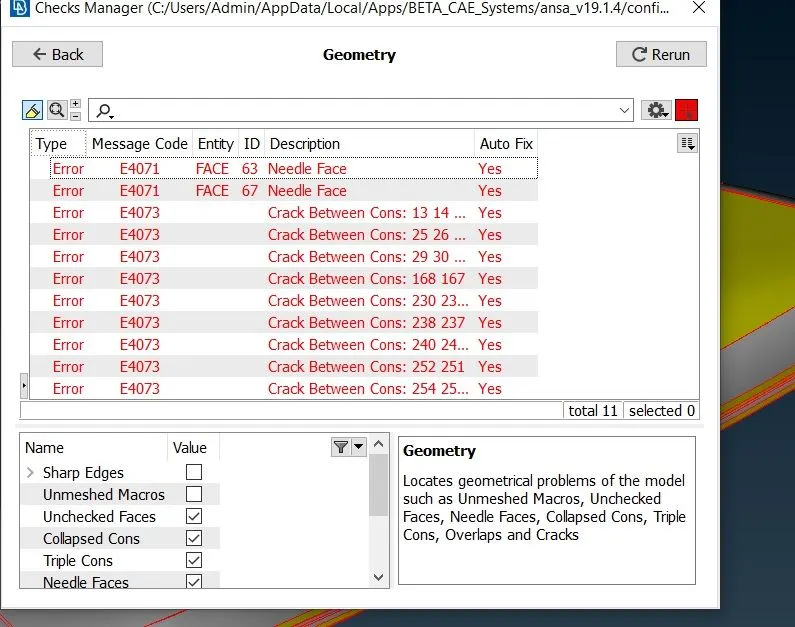
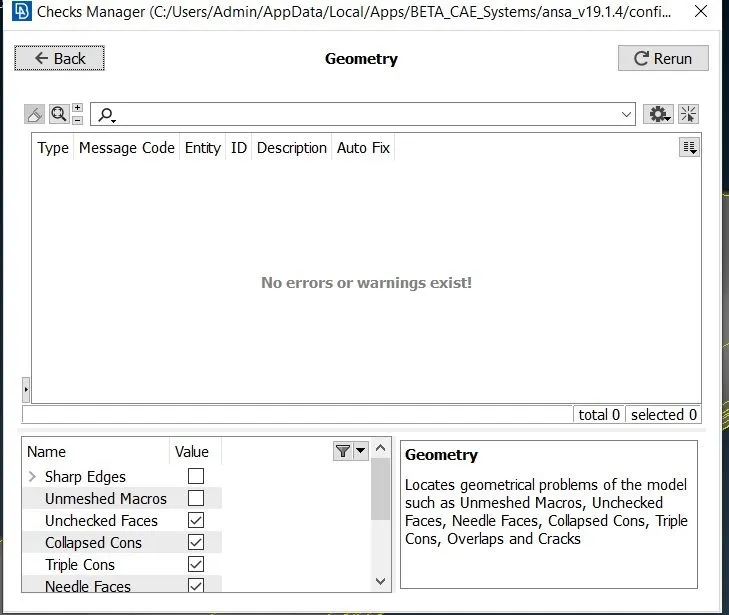
Errors have been checked and fixed, and most of the errors was fixed automatically.
2D meshing
To proceed for meshing, we have to apply mash parameters and the quality criteria which have to be assigned to the model before meshing.
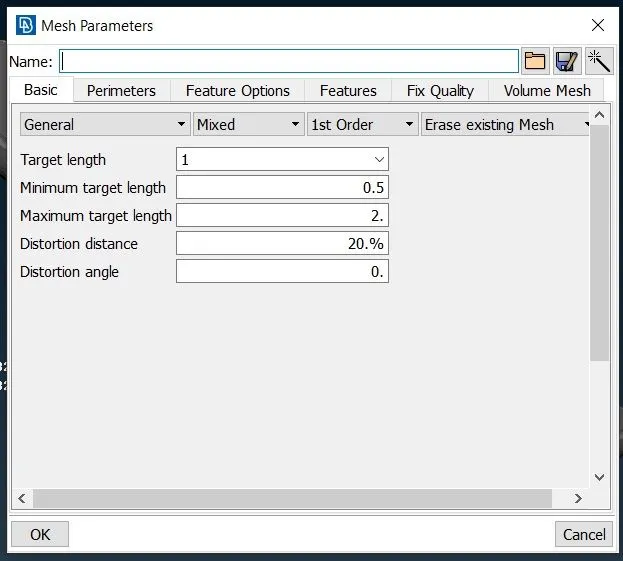
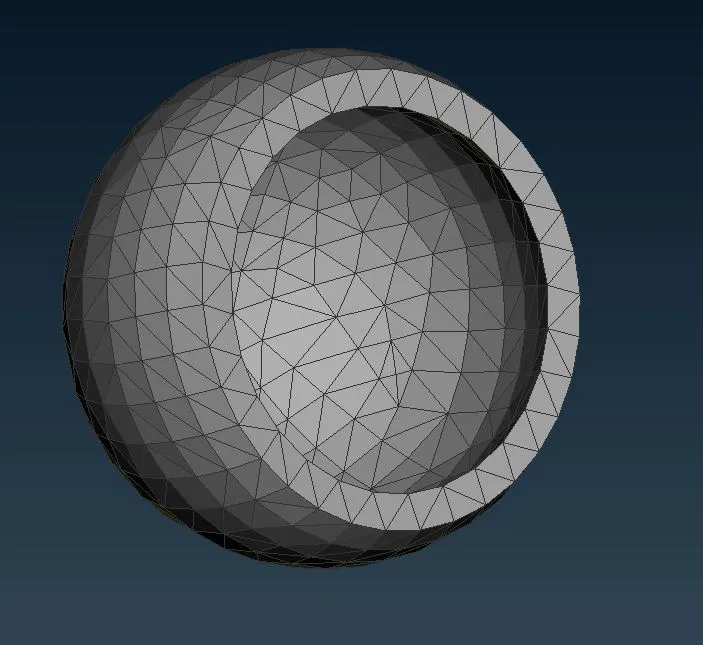
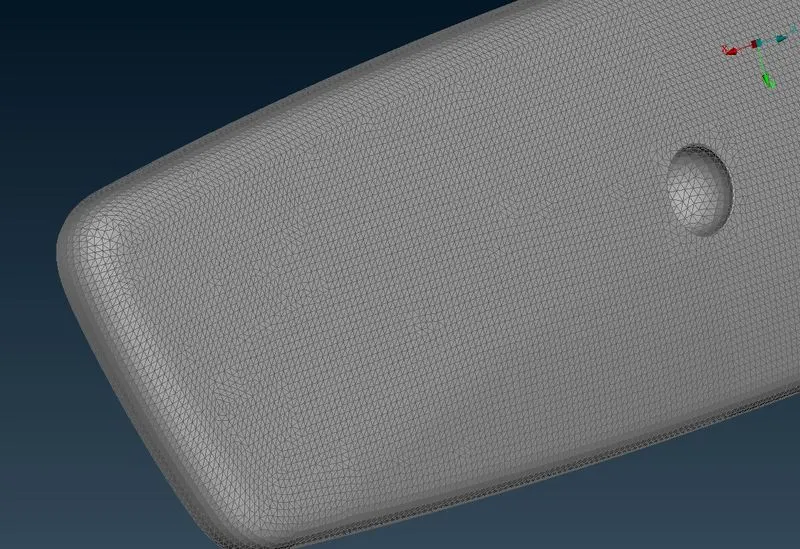
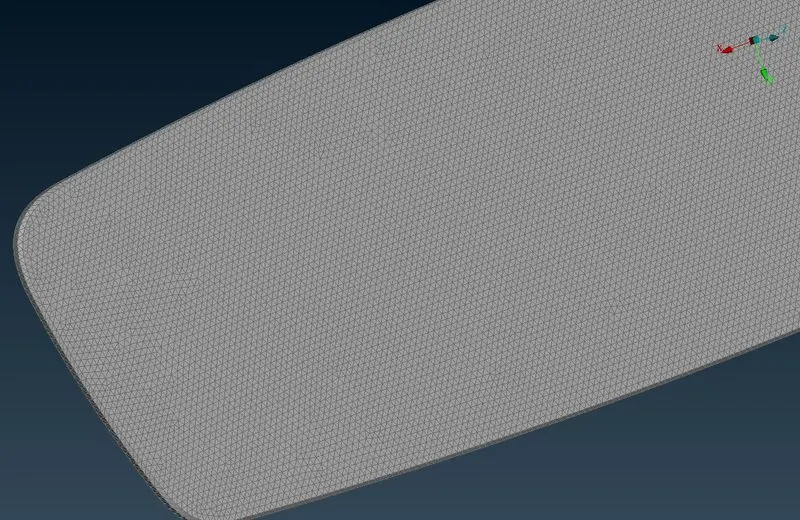
In order to mesh the available component, select the spot mesh option available under Mesh generation and we have to the select element type which is available in the right bottom corner as “ortho tria” for curved face and “tria” for flat surfaces in order to get efficient meshing over the component. Then the created mesh is refined using the reconstruction option which is available under shell mesh and the meshed components are
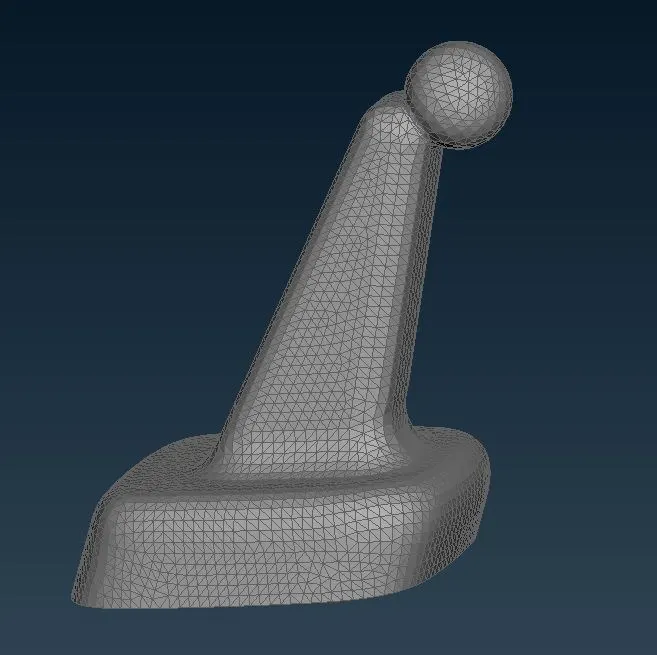
Defining Volume
Volume of the component is defined individually by using Define option in volume mesh module, then the property is created, after assigning property, open volume list option and we could be able to find the list volume meshes we have created and we have to remesh each one with “Tetra FEM mesh”.
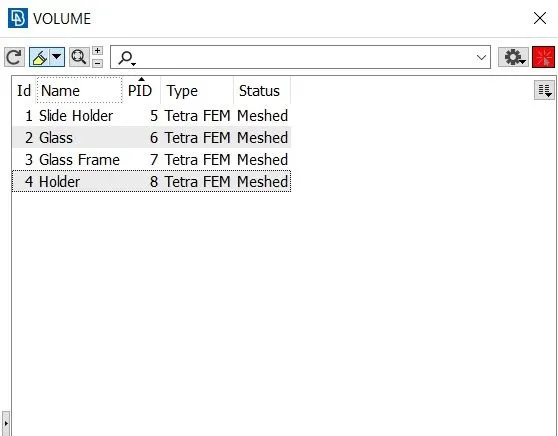
After meshing the, volume list will be shown as above.
After meshing the components when proceeded we could see some errors which have failed in the collapse
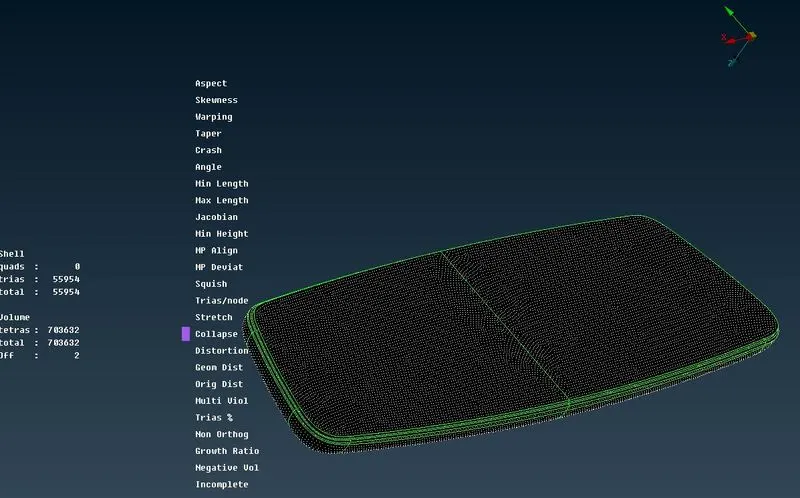
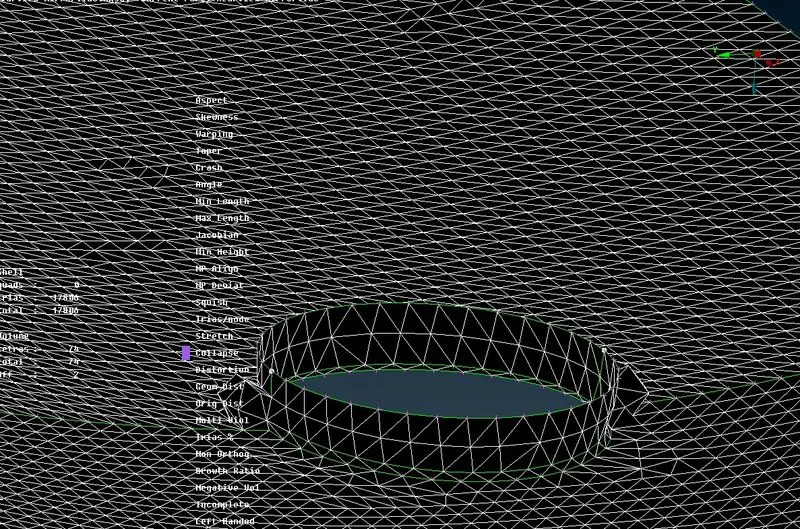
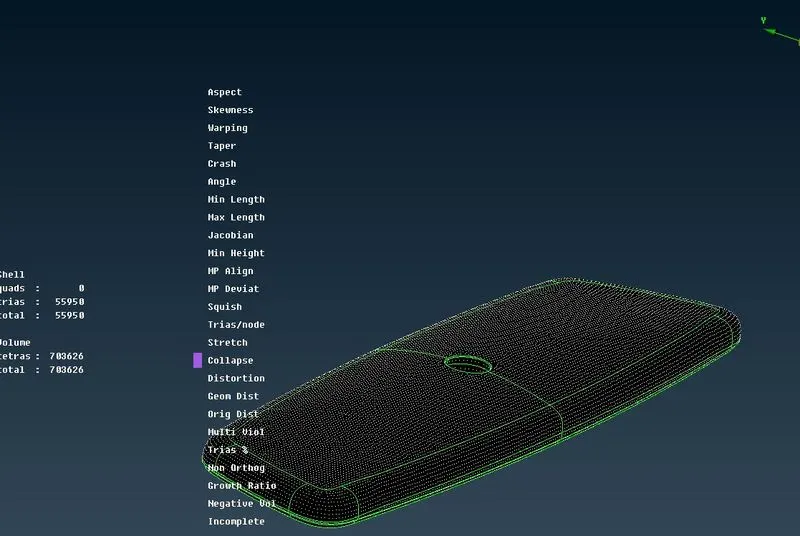
These errors have been sorted out and resolved in meshing part and then
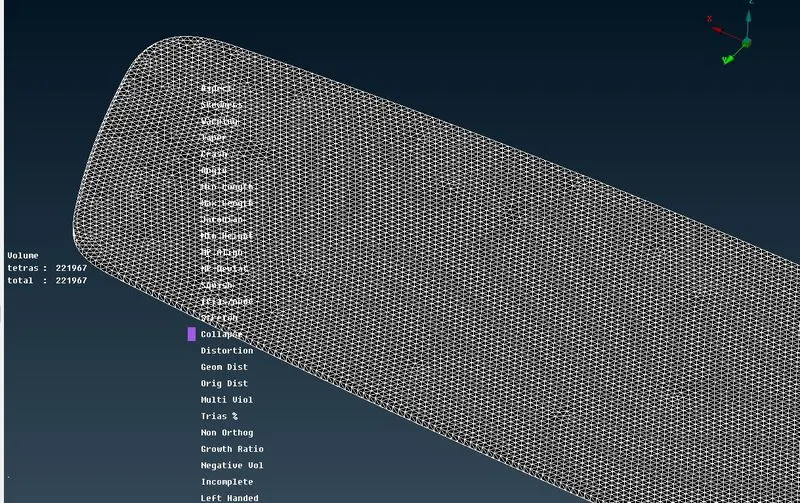
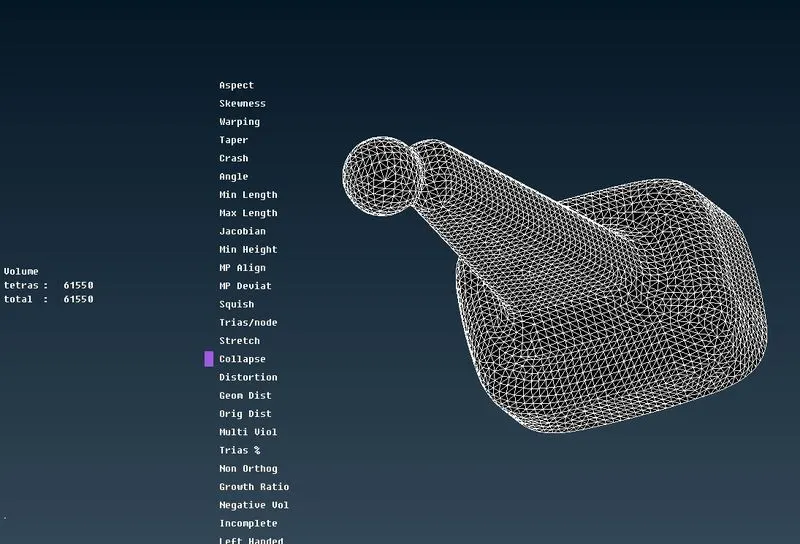
Learning outcomes;
In this challenge, have learned how to mesh the given component using tria and ortho tria elements and to remesh the mesh to better, and to define volume and apply volume meshing.
Conclusion:
Given geometrical rear view mirror model is checked for the geometrical errors, meshed with tria and ortho tria elements after the meshing volume has been defined. And defined volume has been meshed by the Tetra FEM method, the quality check is made on the elements, and occurred errors have been sorted.