Week- 5 - Solid meshing
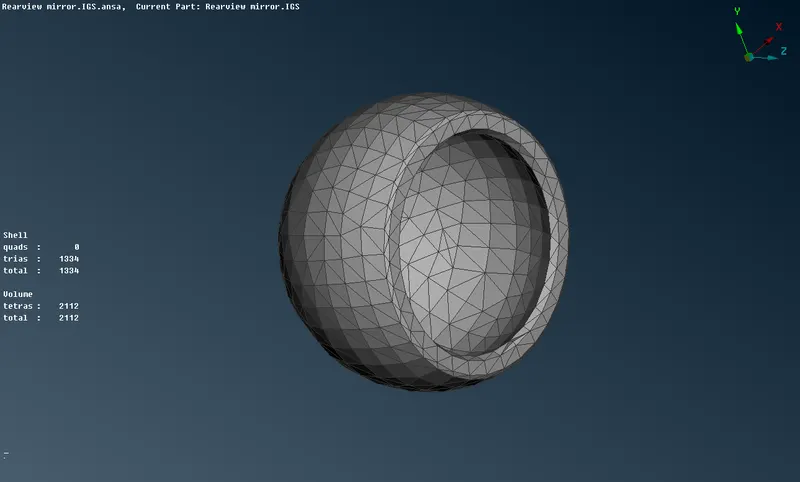
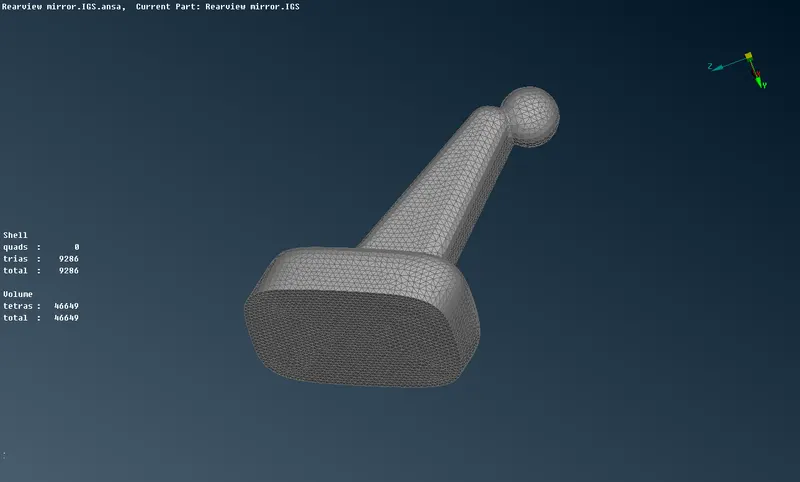
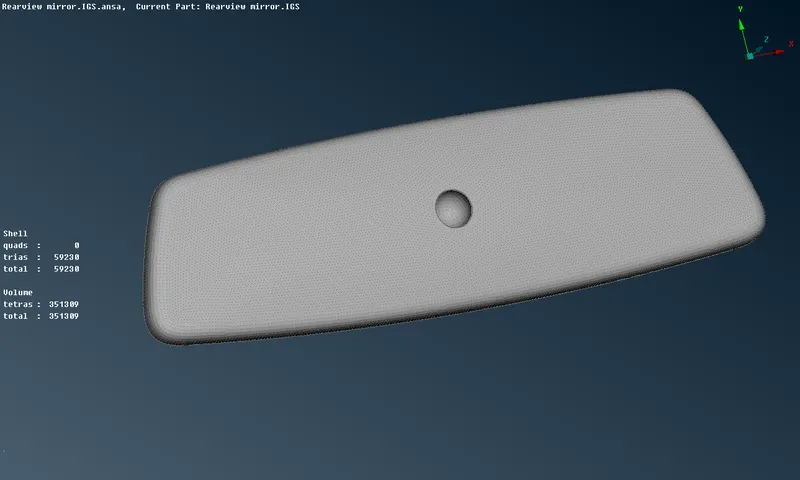
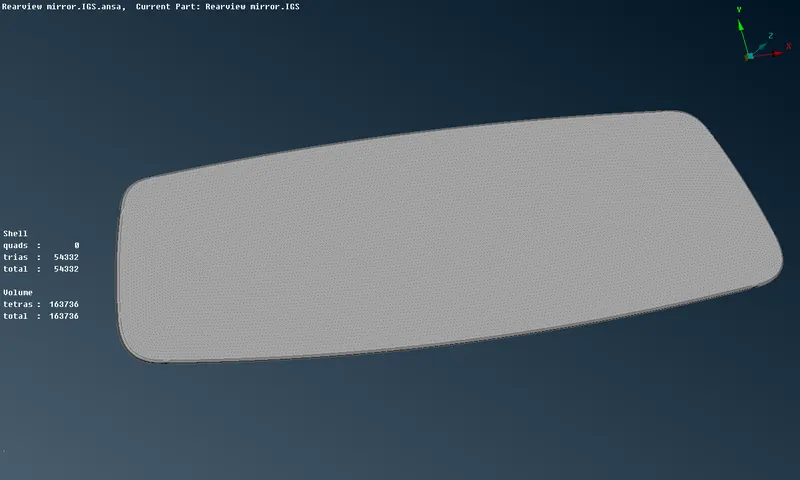
To perform surface meshing to the given Rear view mirror compponent and tetra mesh
on its volume as per given criterias.
PROCEDURE
Step 1:- Geometry Import
Open ANSA software go to open in file selected component.
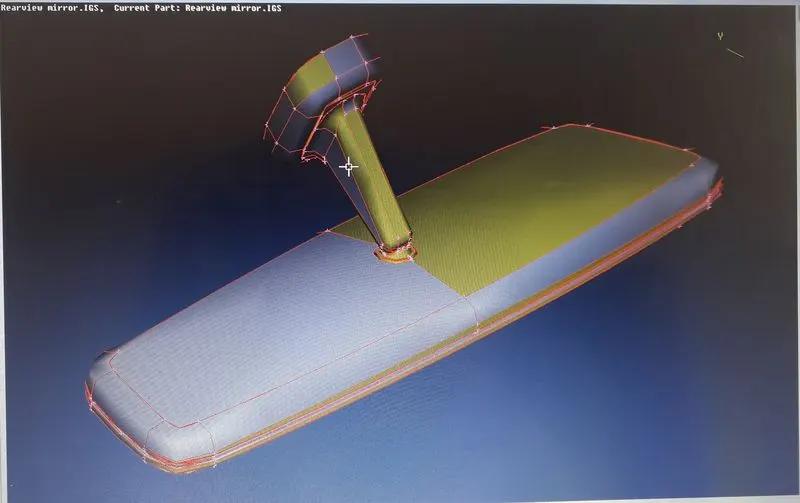
Step 2 :- Topology and Geometry Clean up
After importing component, apply Topo then go to Mesh desk->perimeter->length
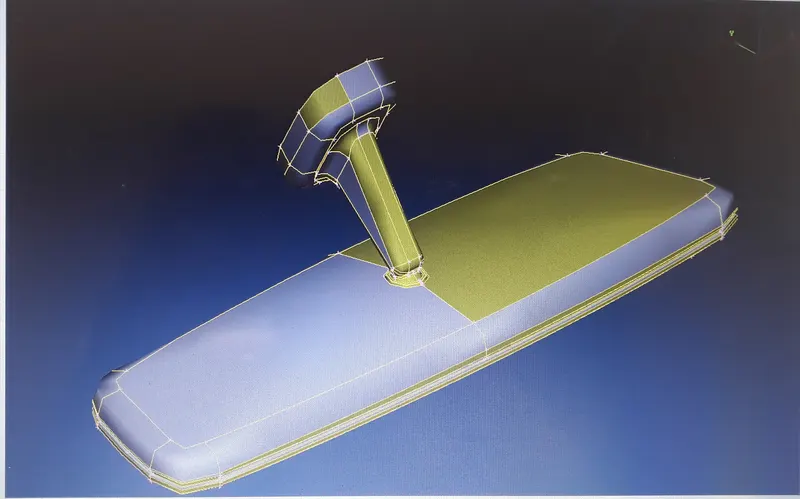
for checking geometry go to,
Tools->check->geometry then execute
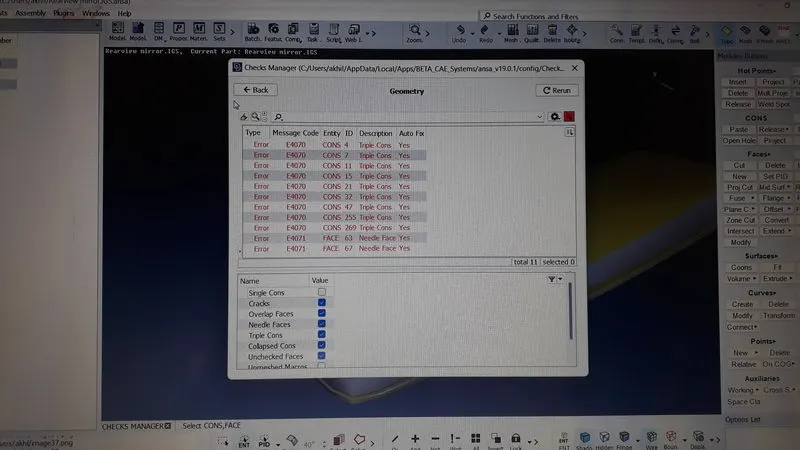
we got some errors then select all the errors and auto fix them. Then execute again we got,
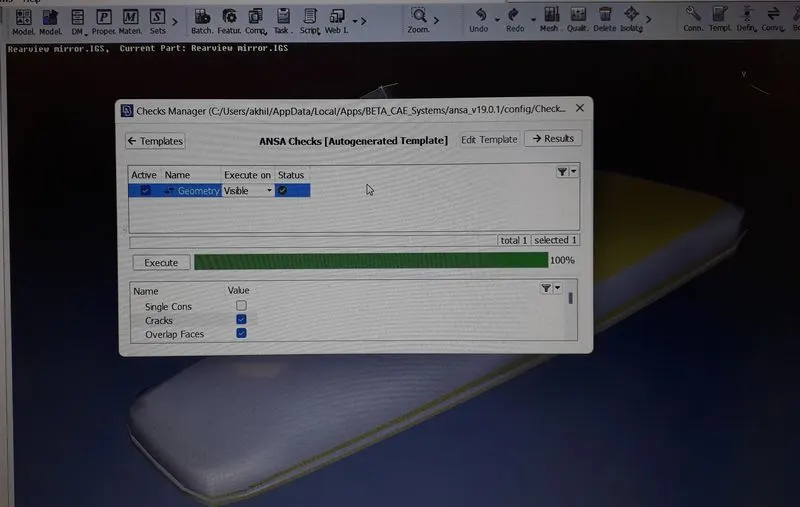
Step 3:- Assigning the Quality parameter as per given
we took In shell minimum length is 0.5 and
maximum length is 2.
Target length is 1.
In solid collapse is 0.2.
This process follow and Take seperate part.
Use orient command. Then Used fine command also to model clean and shape used to easier for
next operation.
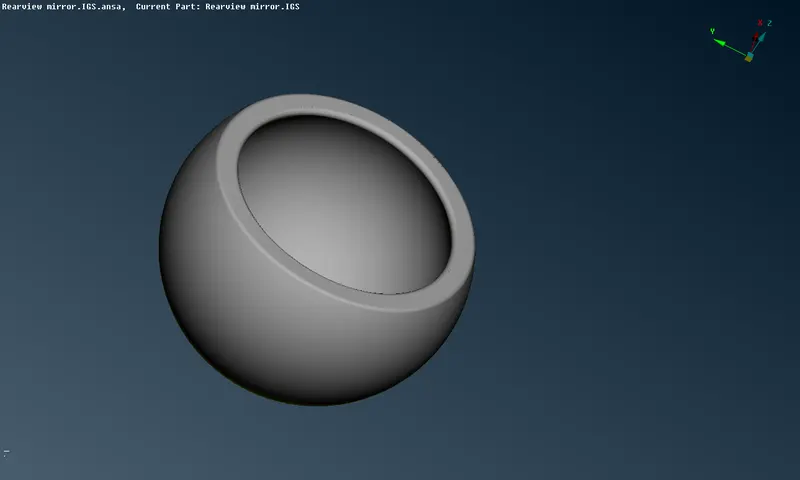
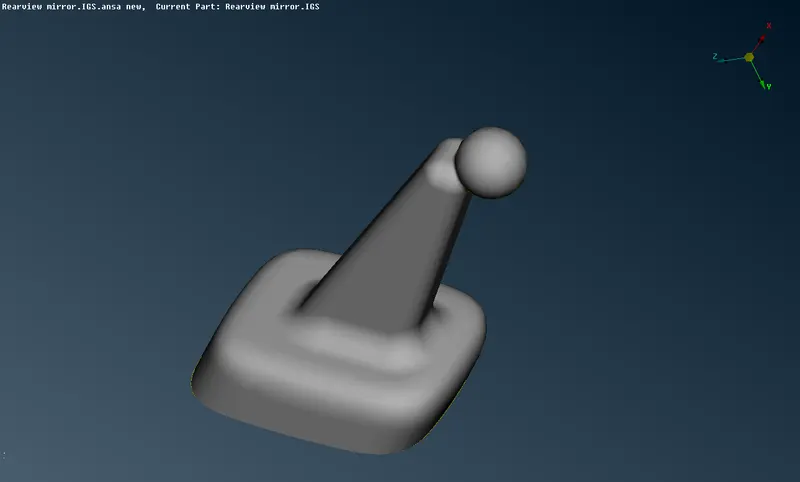
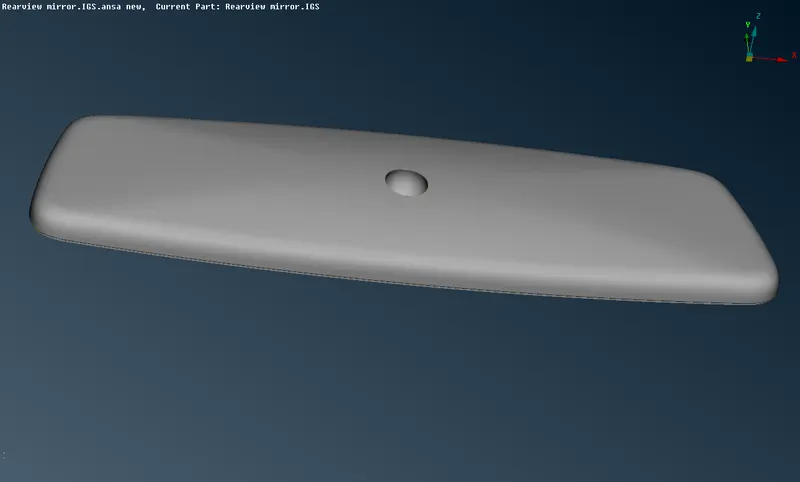
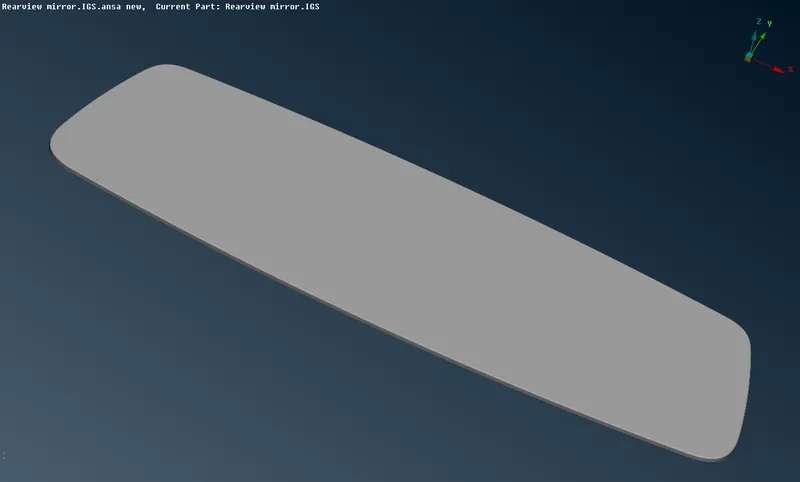
Step 4 :- Shell Meshing
After assigning quality parameter and geometry check move mesh module and
apply ortho tria and tria elements.
Ortho tria on curve surface and tria on flat surface.
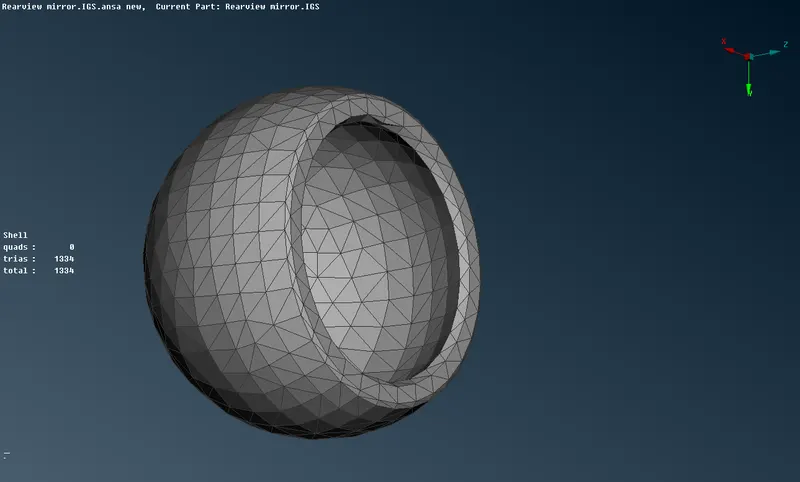
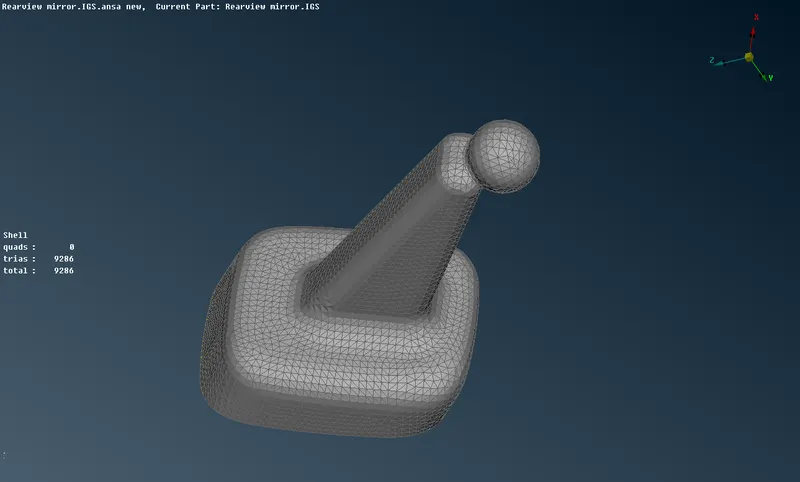
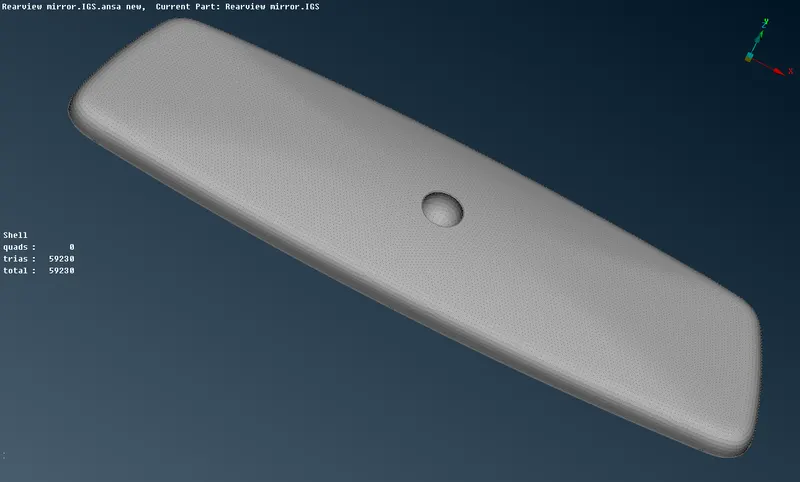
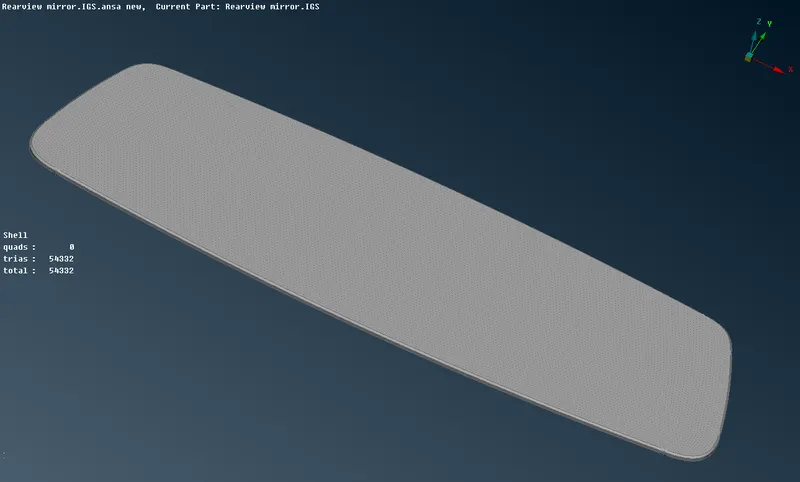
After that,
Step 5 :- Volume Meshing
After surface meshing and solving OFF element go to volume mesh deck then define geometry .
select part using manual mode. Then middle click for confirmation. After that Go to List file generated
right click on that file and select remesh and then go to Tetra rapid or Tetra FEM.
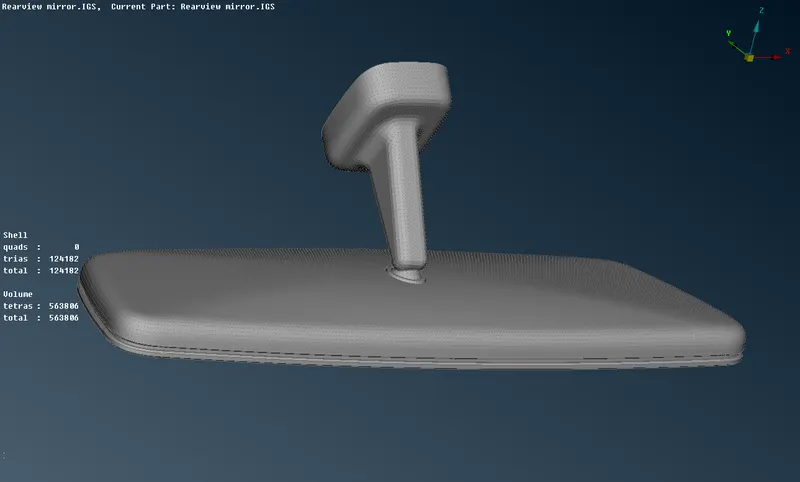
CONCLUSION:-
The surface and volume mesh is applied in the given Rear view mirror component and quality criteria is
satisfied. No off element are present on both surface and Volume mesh.