Week- 5 - Solid meshing
Aim:
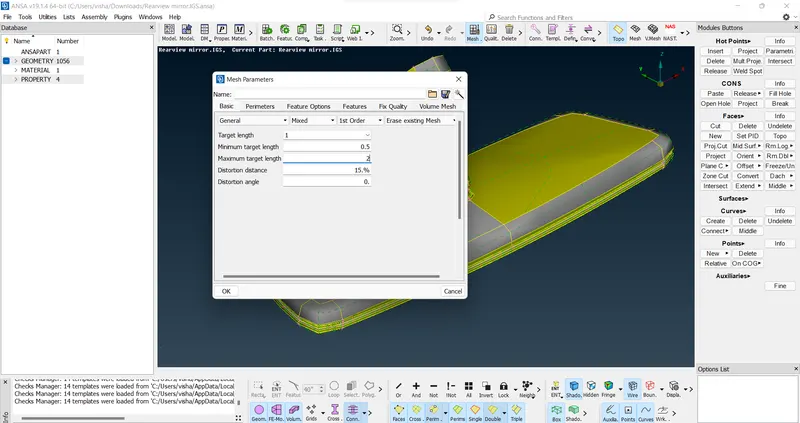
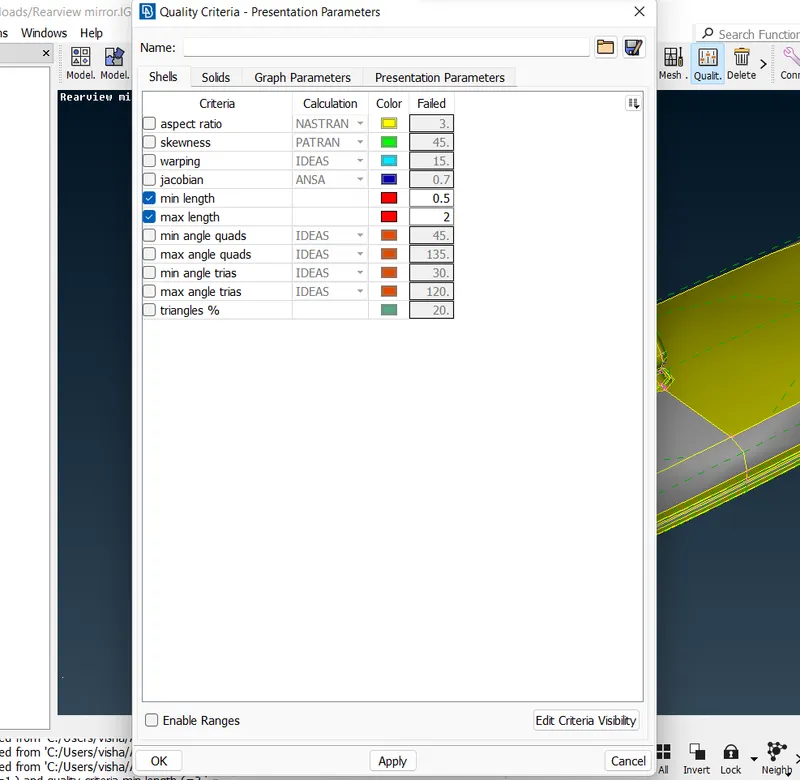
For the given Rear view mirror component, check for the geometrical errors and mesh the Surfaces with the given 2D element Quality criterias given below.
|
S.No |
Quality Criteria |
Value |
|
1 |
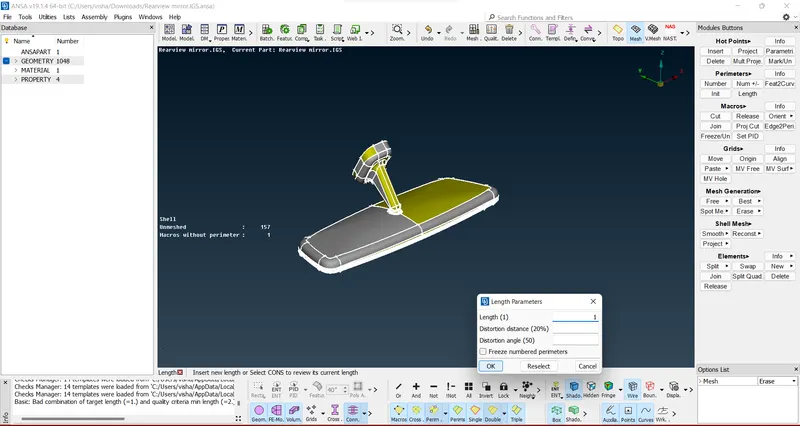
Target/Average length |
1 |
|
2 |
Minimum Length |
0.5 |
|
3 |
Maximum Length |
2 |
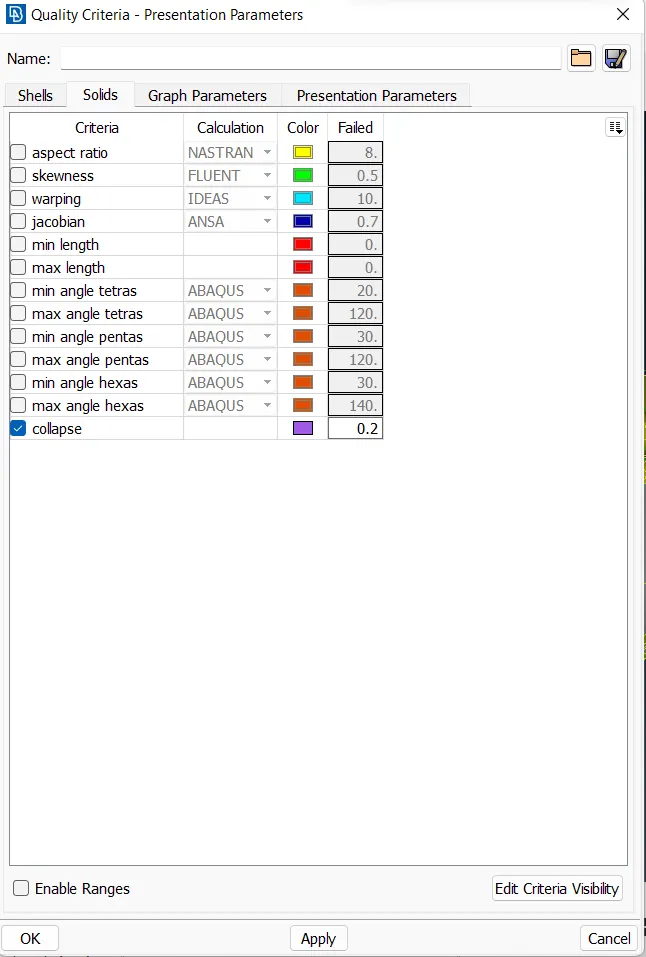
Use tetra elements to mesh the Volumes defined in the model and check for the below quality after Volume meshing.
|
S.No |
Quality Criteria |
Value |
|
1 |
Tet collapse |
0.2 |
Procedure:
1. Import the igs model inside the ANSA interface
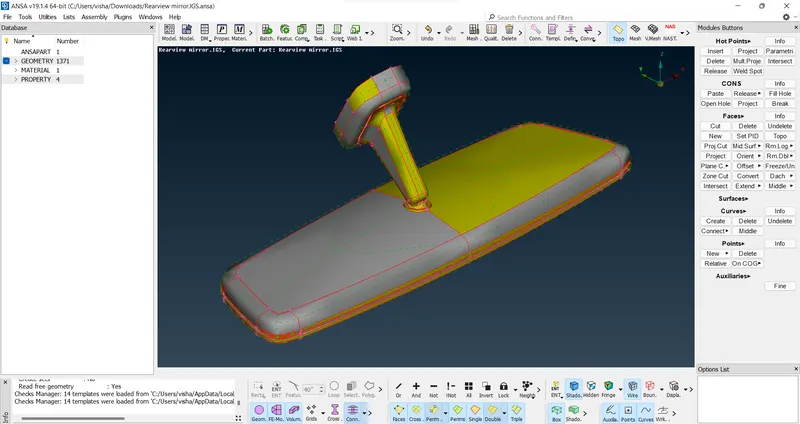
2. Give topo command to the entire model and remove unecessary hot points to generate a proper model
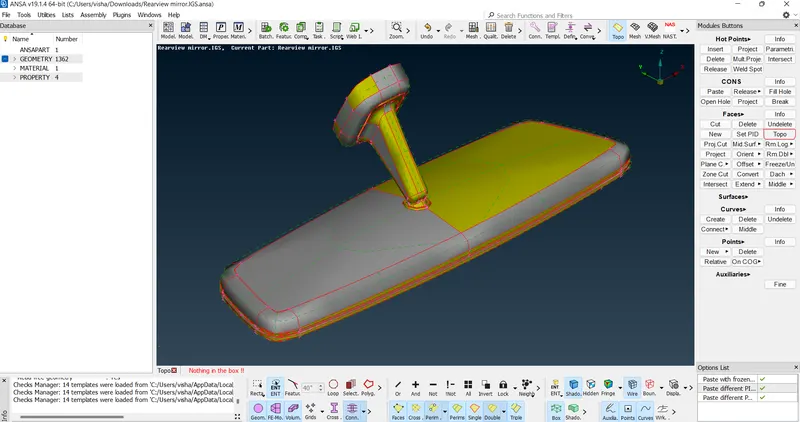
3. Check for geometry errors in the model and fix them using auto fix
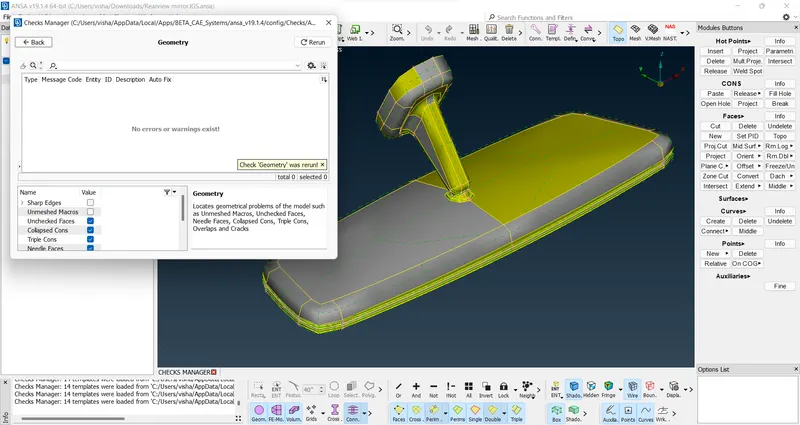
4. Clean the geometry for meshing so that no elements may fail.
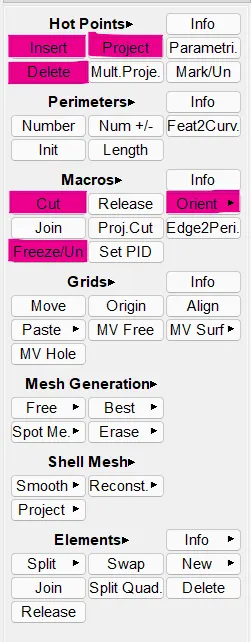
5. Input the mesh parameters, quality criteria for shell mesh and solid mesh as given
6. Set the length of perimeter and macros using the length command
7. Shell mesh the entire model using spot mesh option and two tria options
a. Ortho tria for curved surfaces because it gives accurate results than basic trias but take more computational time
b. Basic tria for flat surfaces because it gives similar results to ortho trias on flat surfaces and have less computational time and save resources.
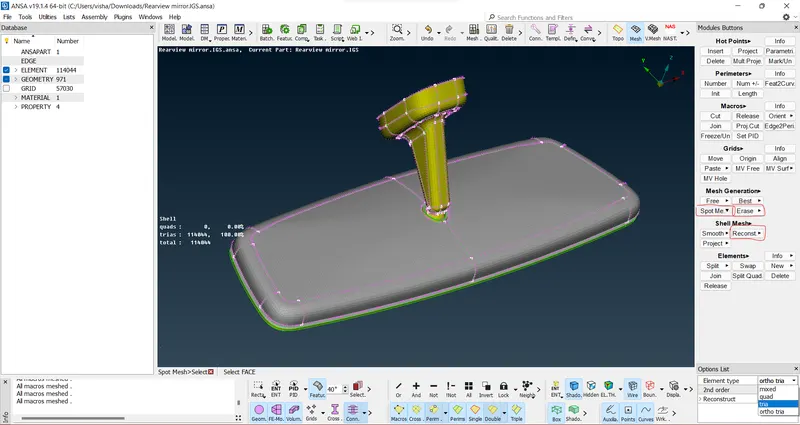
8. Check for any failing elements and reconstruct as needed to make the model fit for convergence of elements
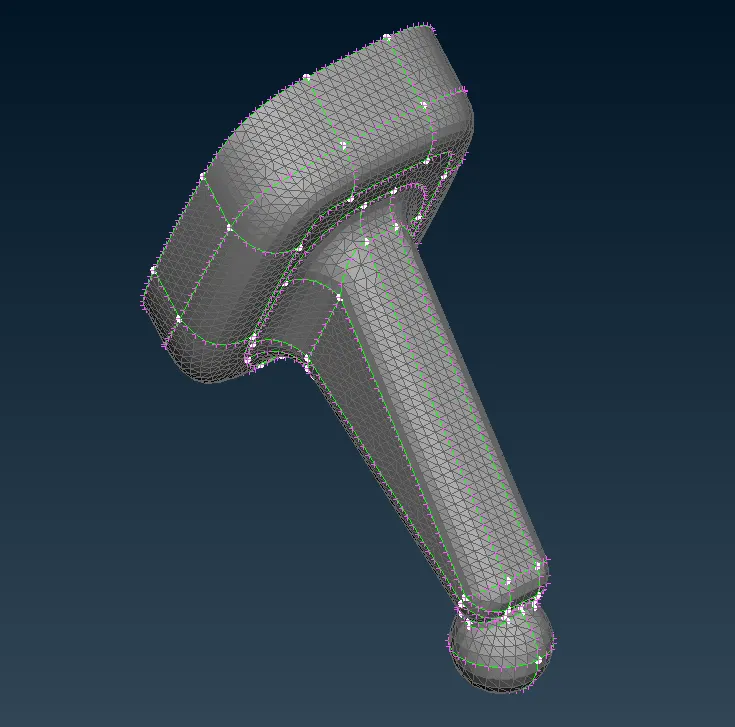
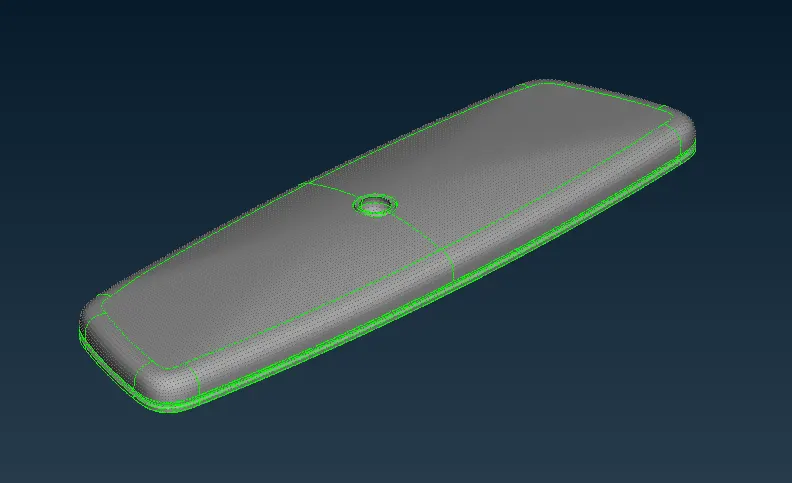
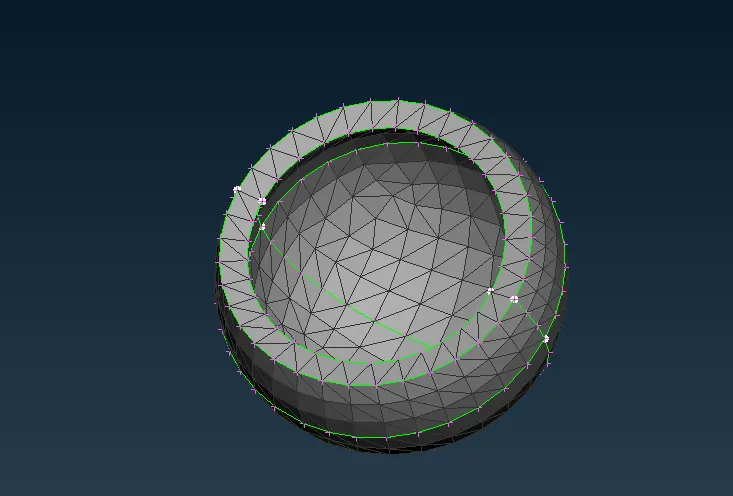
9. Go to volumetric mesh tab, then use define command, then select manual option and select the model to create a volumetric element for the model, created volume can be viewed and edited in the list command
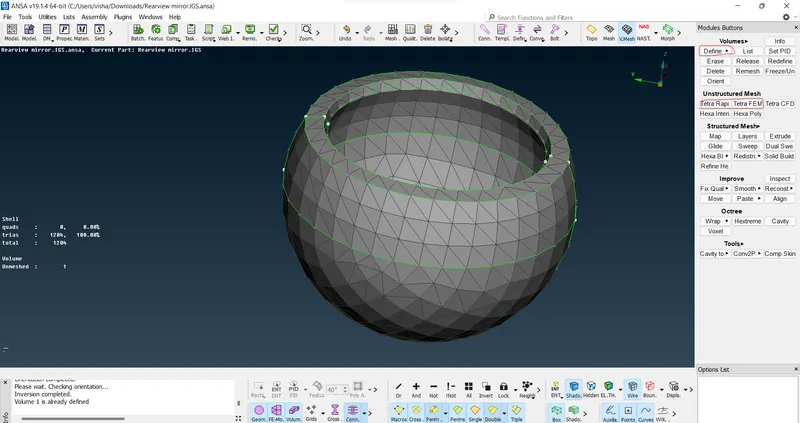
10. Go to unstructured mesh module and select Tetra FEM option or Tetra rapid option to generate mesh in the volume created.
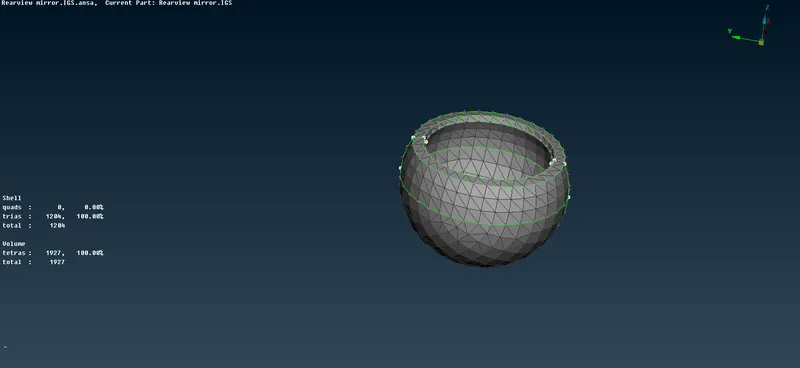
After meshing, the number of elements will show in the info tab on the left.
11. Fix any failing element for the quality criteria by using Improve tab
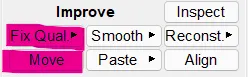
Use fix quality only if it's not disturbing the surface mesh smoothness otherwise use the move element option along the z-axis to improve the quality.
12. Do this for all components
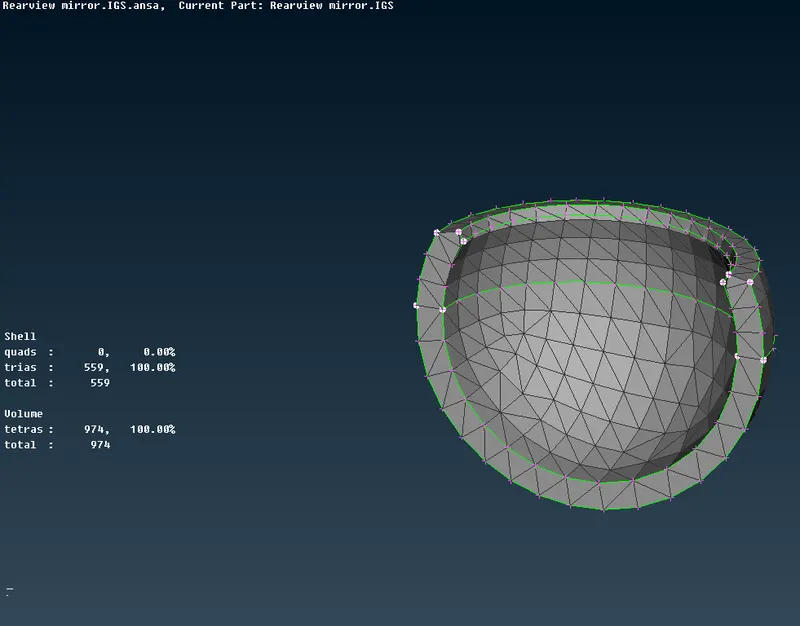
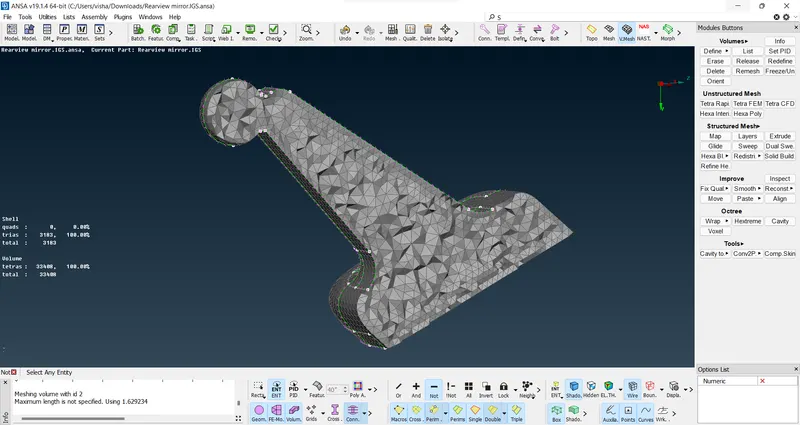
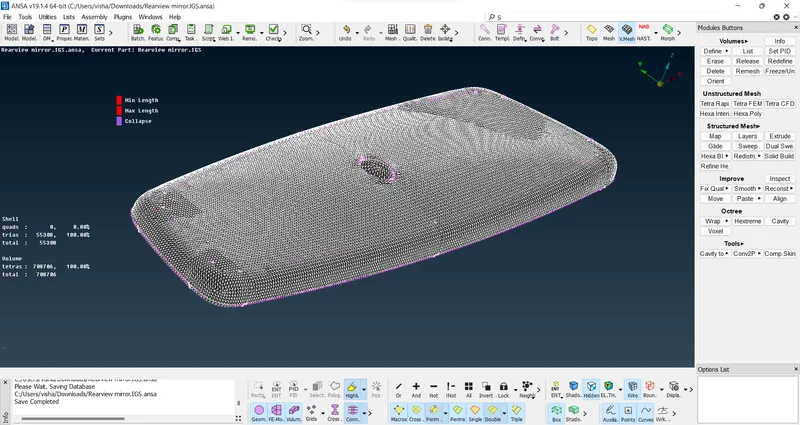
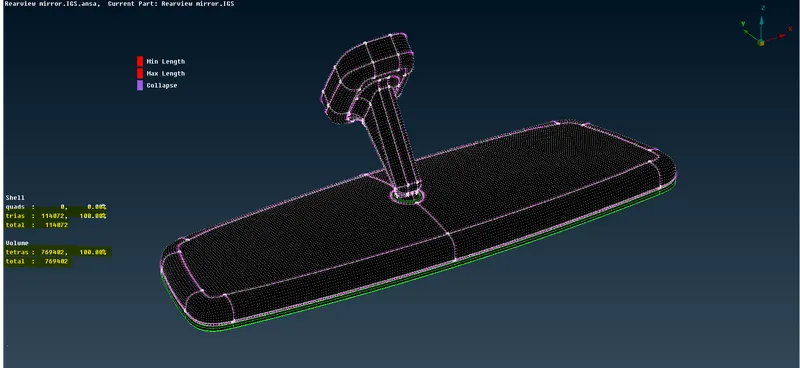
All elements pass the criteria and a volumetric mesh is generated.
Learning outcomes:
1. Insight into 3D meshing
2. Introduction to new commands and some exploration of the meshing module.
3. Fixing quality issues for 3D mesh
Results:
1. Proper 3D mesh model
2. Gained knowledge of the module.
3. File attached for review