Week 5 Challenge : Surface wrap on Automotive Assembly
OBJECTIVE:
For the given models, check for the geometrical errors and delete surfaces which are unwanted for Surface wrap as shown in the videos. After clearing geometry, Merge all 3 models and perform surface wrap.
Target length for Wrap = 3 mm
PROCEDURE:
We have three models to work with in this challenge, the first one is Engine:
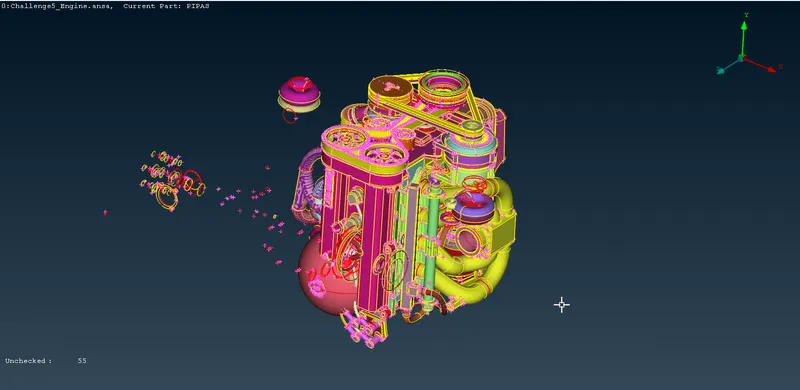
We will delete all the extra features that are just suspending in space and not connected to the model:
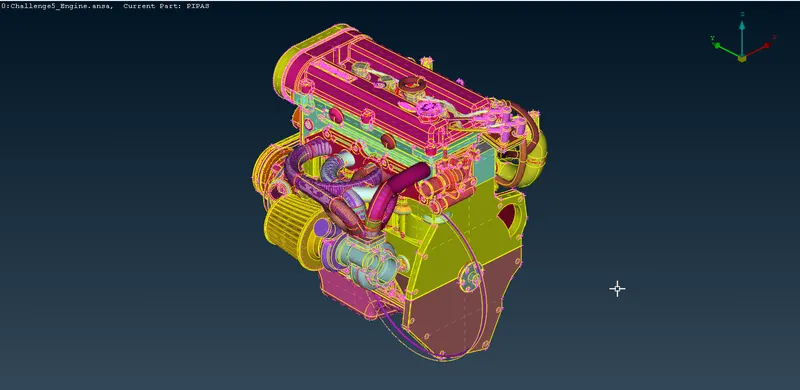
Next we will remove small rings that were used to provide fillets or other curvature during design:
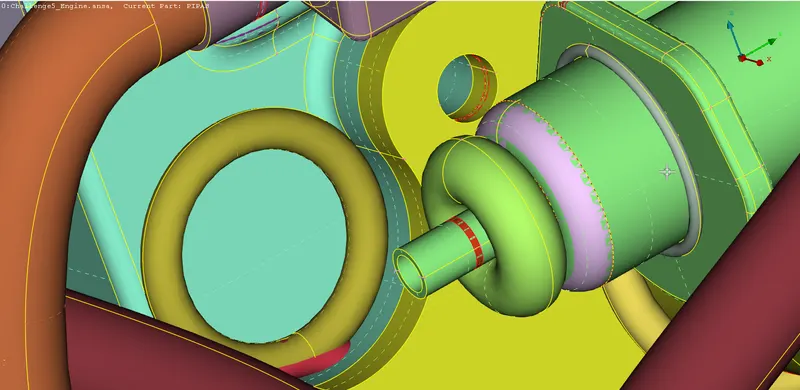
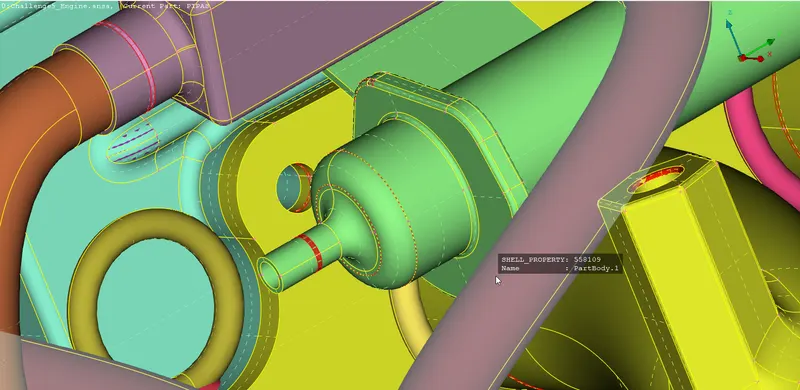
Once we are done with that, we remove the overlapped surfaces, since we are only doing a surface wrap we will only be checking external PIDs as we are not that concerned about the interior:
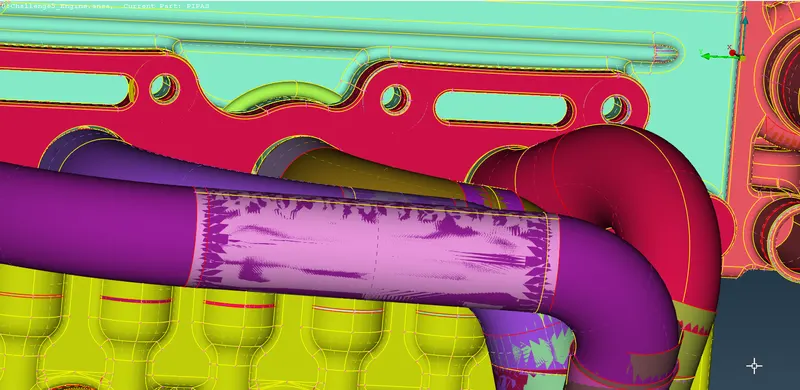
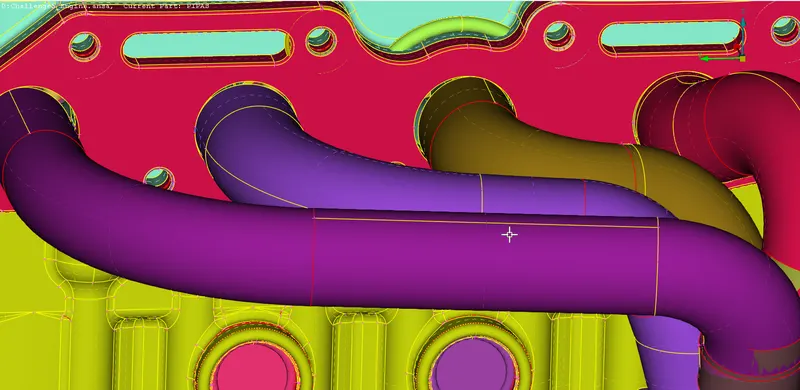
Next, we remove thin parts like these chains which are too small to accommodate surface wrap:
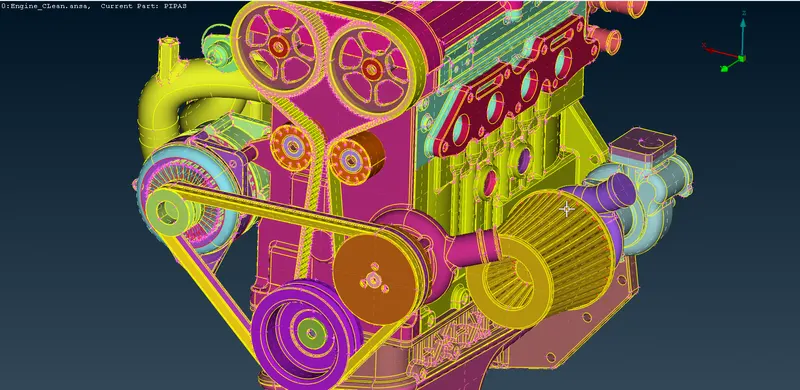
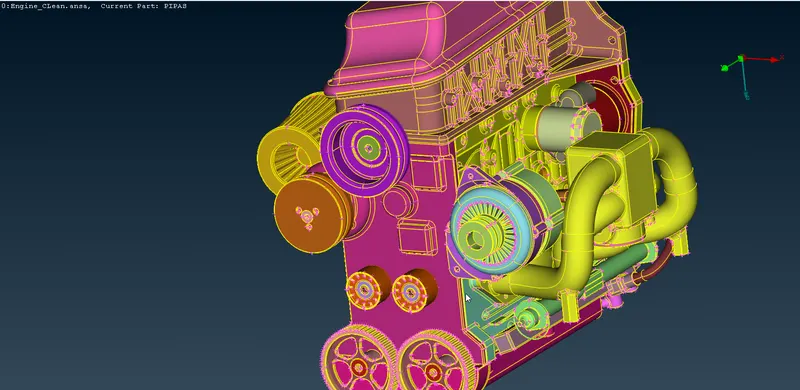
Lastly, we fill all the holes on the model as they can distort the surface wrap:
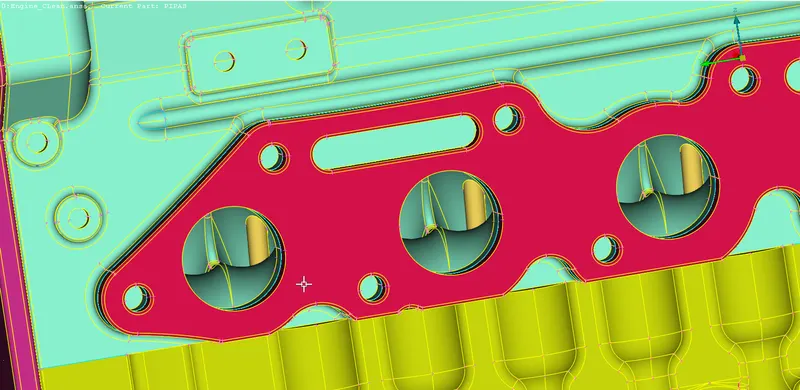
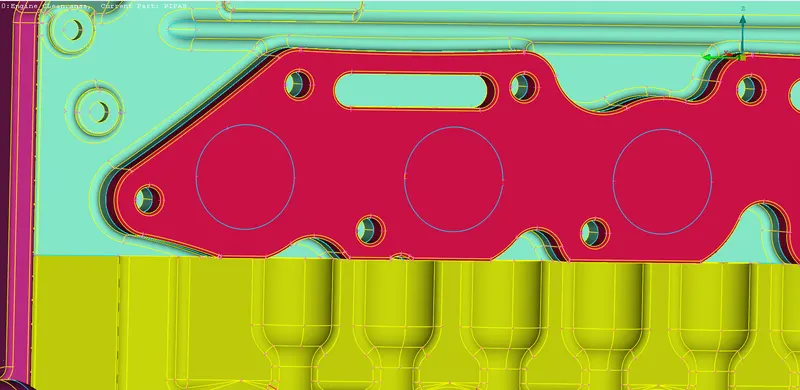
Finally our cleaning is done for the engine:
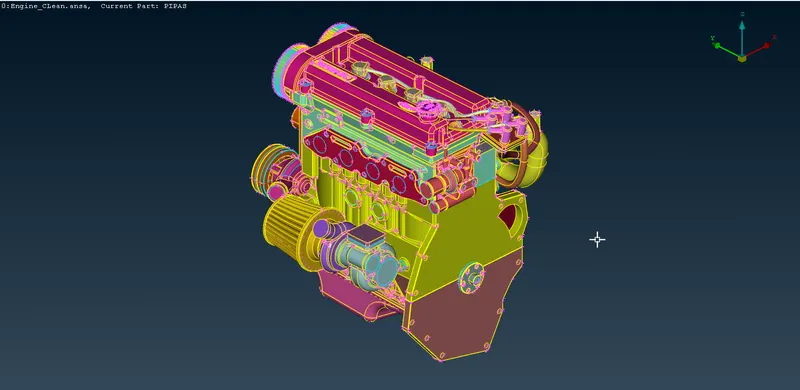
Next is the Gearbox Model:
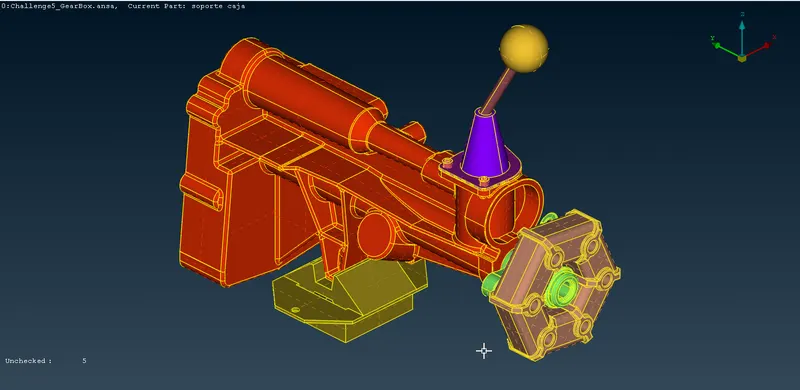
We will check for some single cons and fix them:
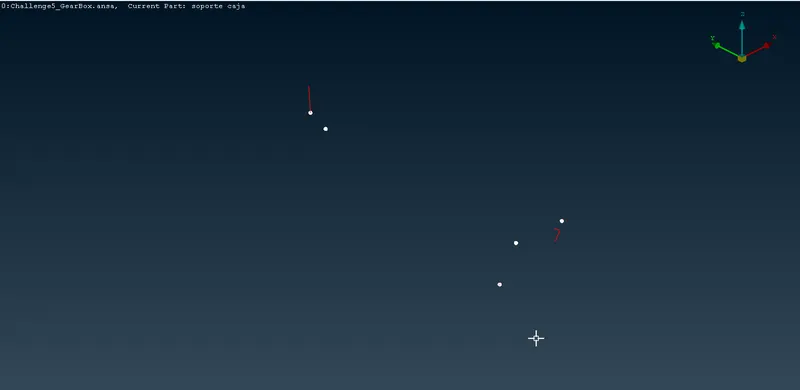
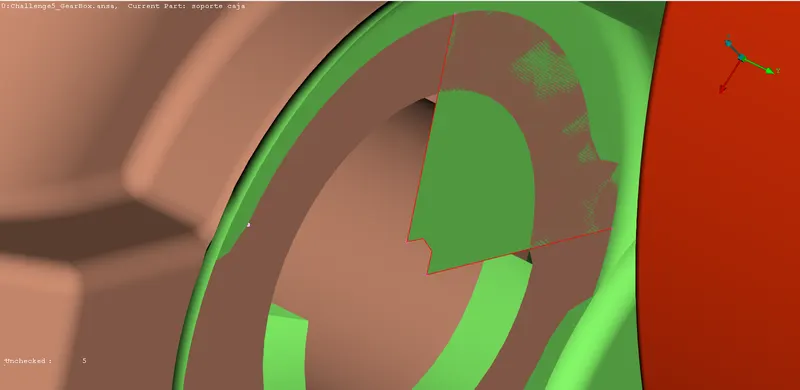
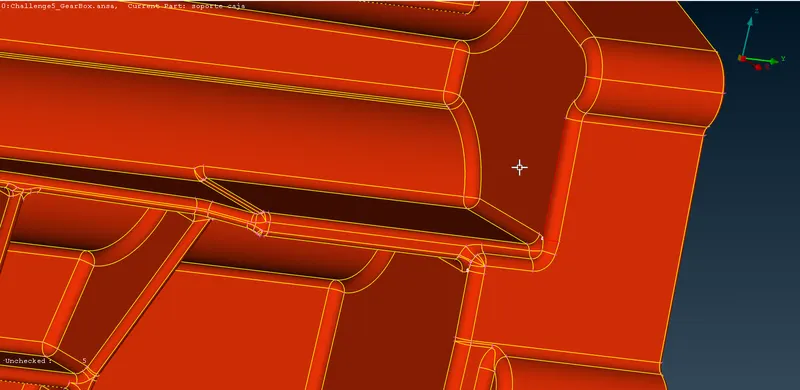
Next is the Transmission Model:
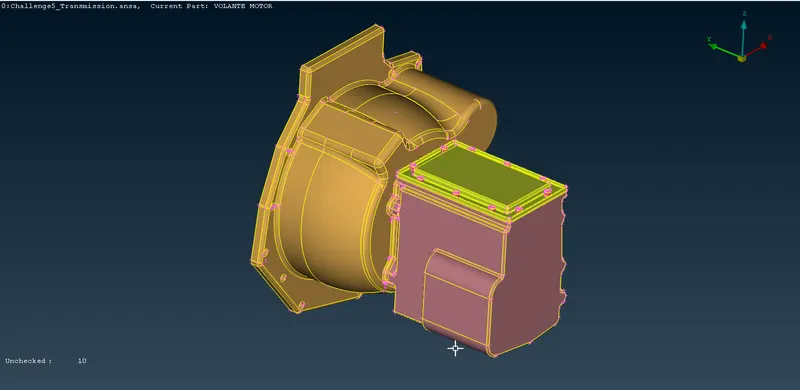
It has some overlapping surfaces and single cons which we will fix:
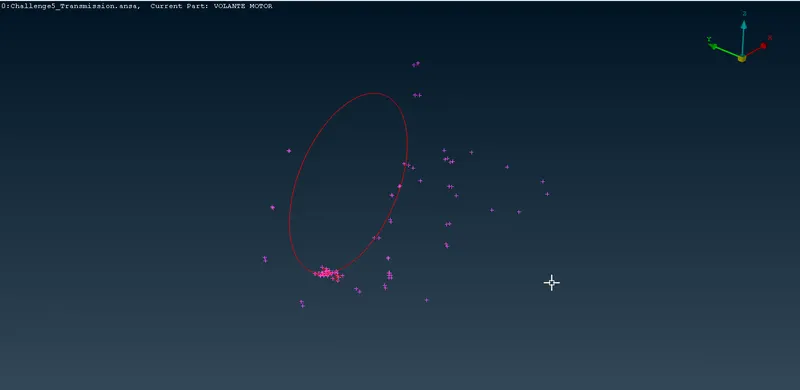
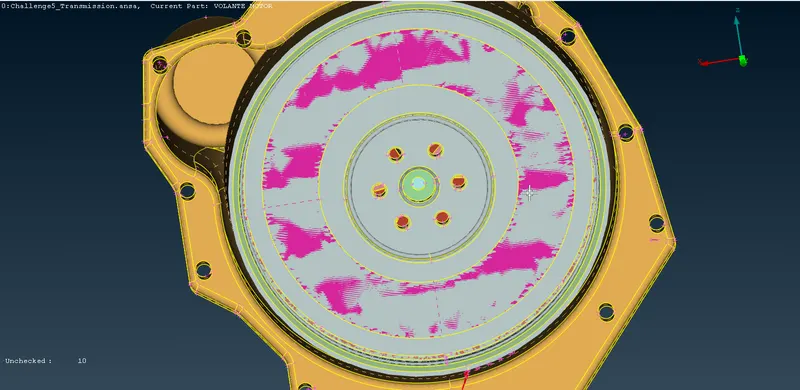
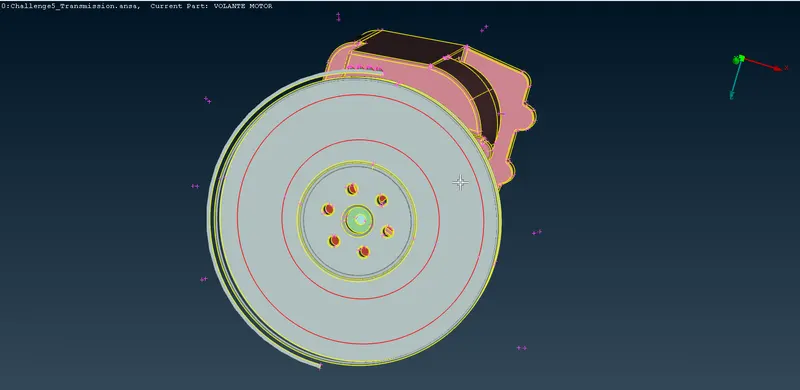
Some unnecessary extruding surface as well:
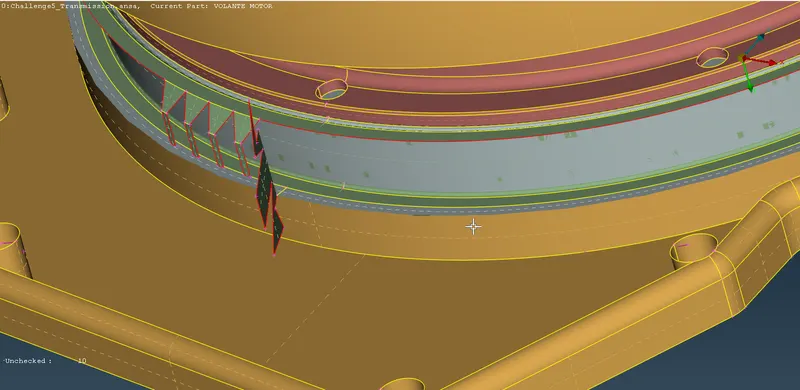
Once we are done with cleaning the models we will use the merge option and merge the engine file with transmission:
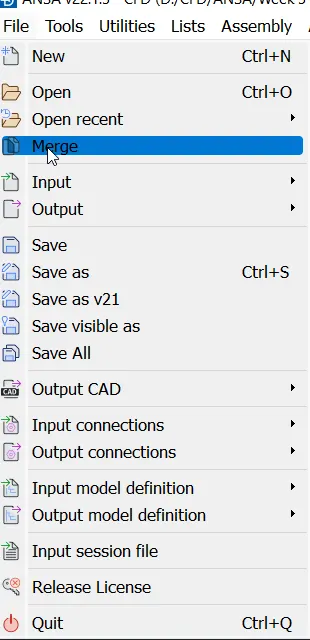
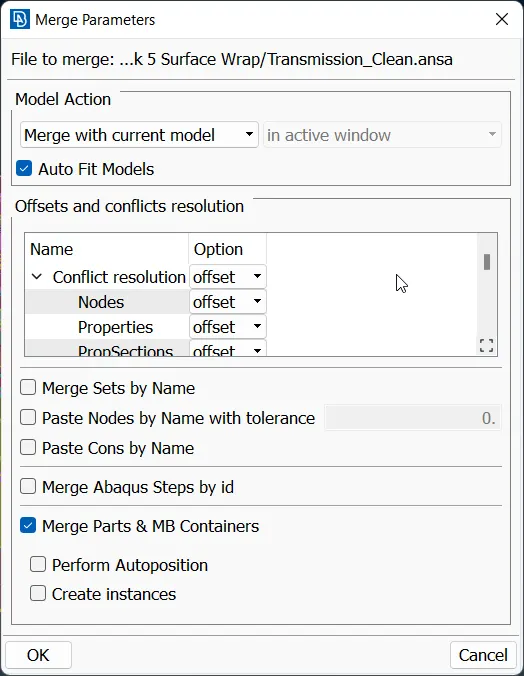
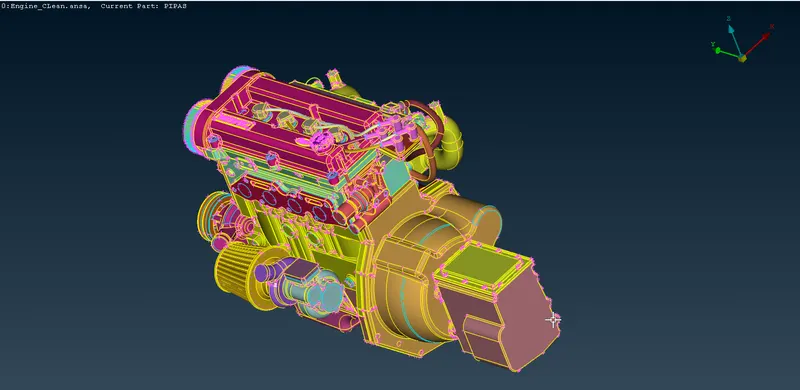
and then merge the gearbox model as well:
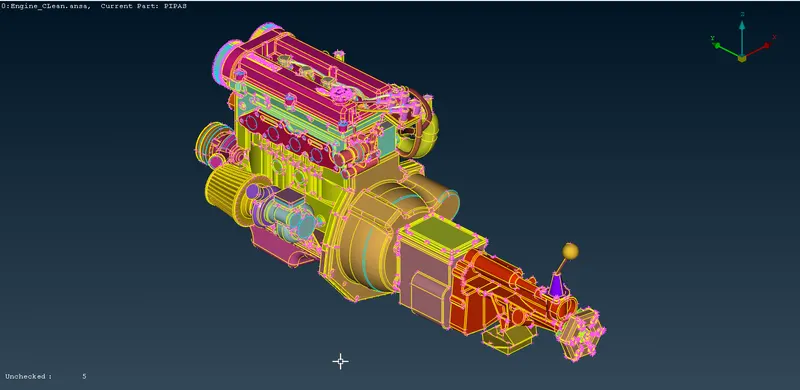
Next we will close up any remaining holes:
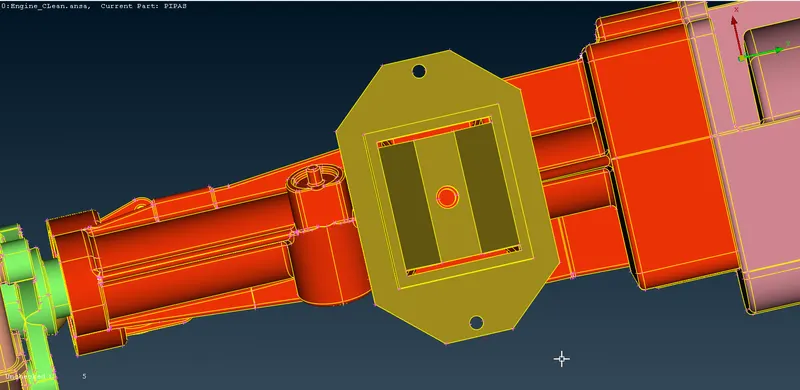
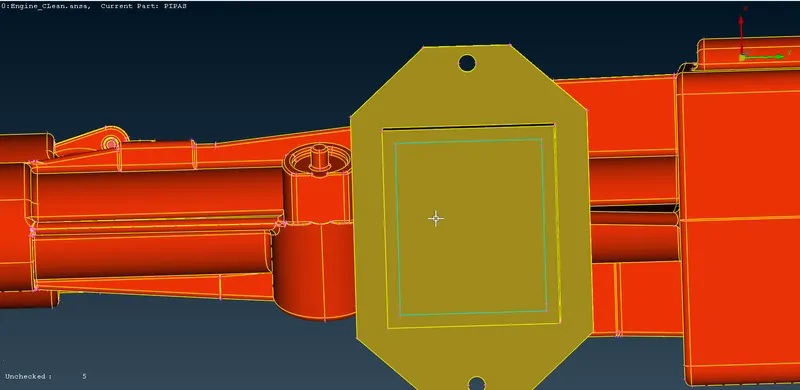
Once we have close all the holes, we can move ahead with the surface wrap, We will use the Wrap tool from elements pallete:
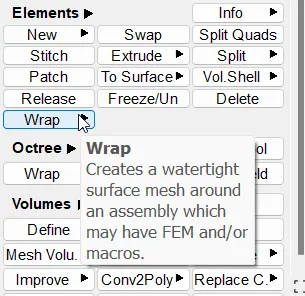
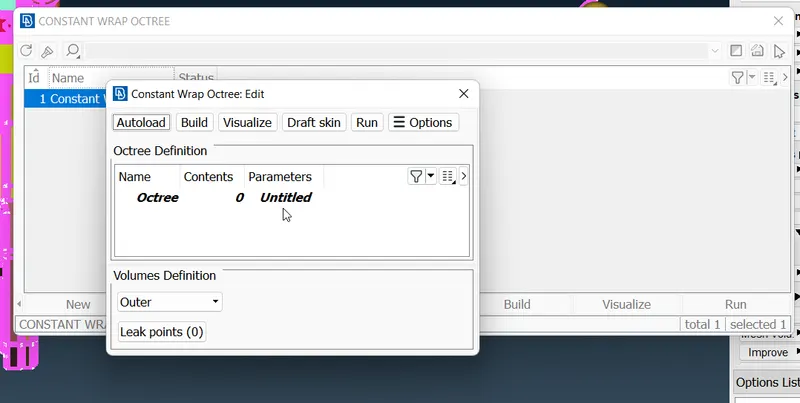
We will open the Parameters and name our parameter and give the element size 3mm:
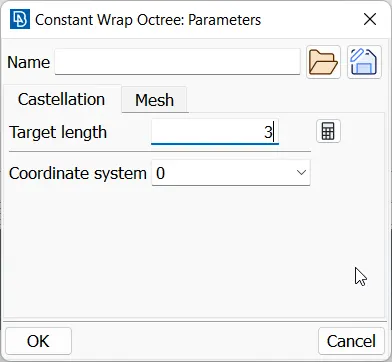
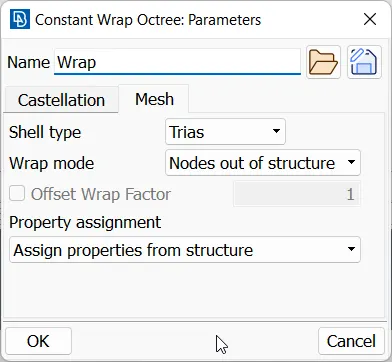
Next we will open contents and import all the PIDs and mark them for surface wrapping and hit run:
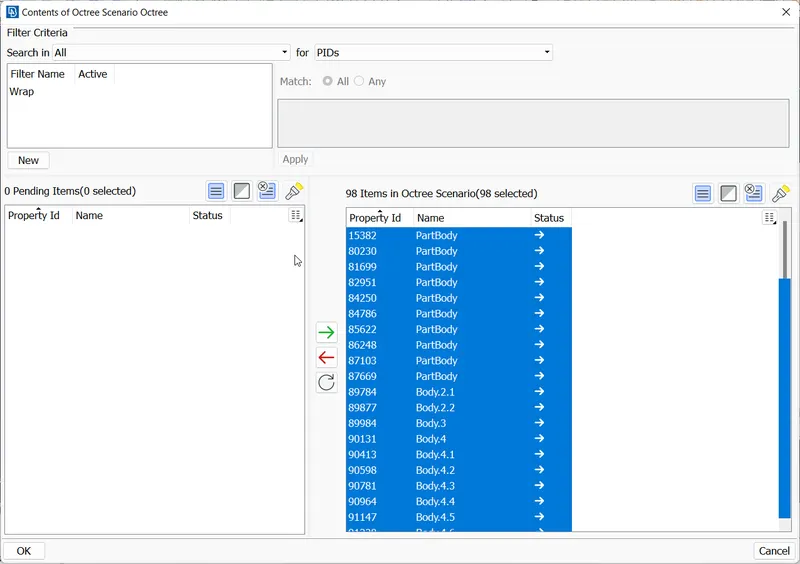
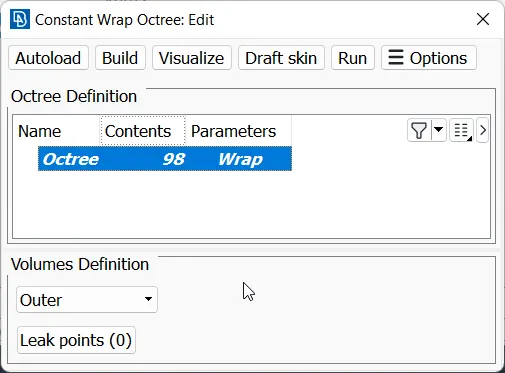
We will get our surface wrap:
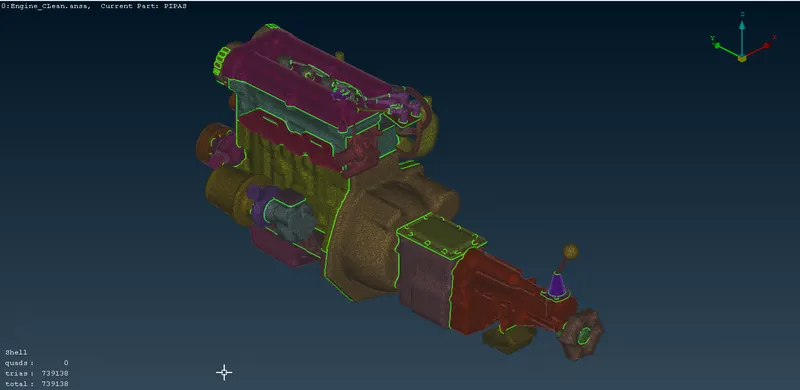
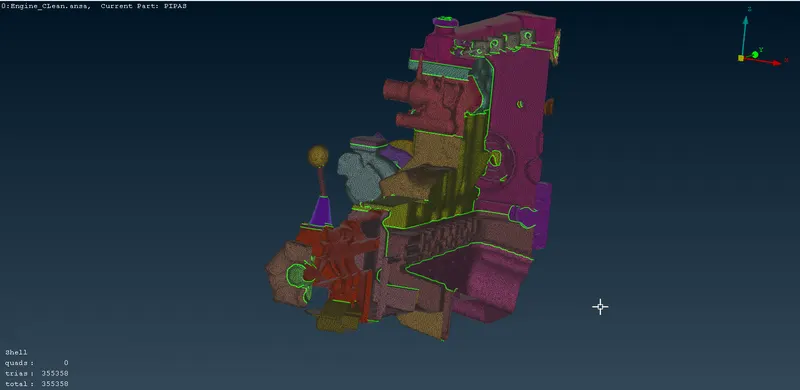
CONCLUSION:
We have successfully learned how to assemble models in ANSA and generate surface wrap on a model
Project File