Week 5 Challenge : Surface wrap on Automotive Assembly
Surface wrap on Automotive Assembly
Aim: To merge the different models and perform surface wrap on the models.
Procedure:
Geometrical Clean-Up:
-Open the geometrical model in ANSA. There are three models. Let’s start with Engine Model.
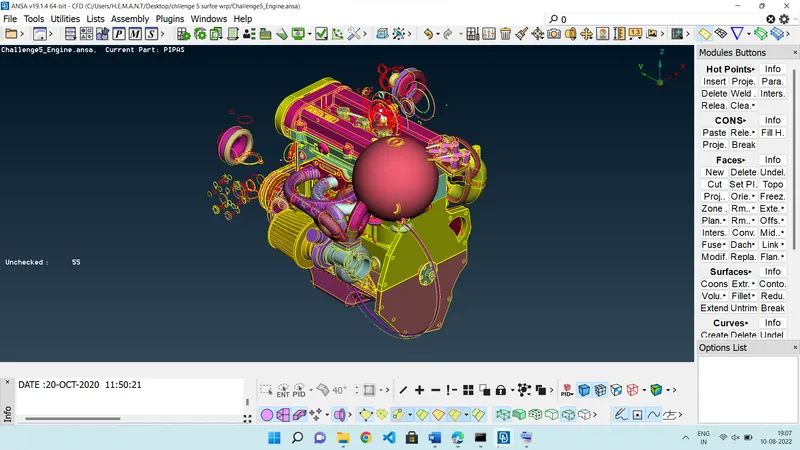
-Delete the unnecessary surfaces in the exterior using the Delete option. We can observe the rings which have no significance. The designer might have used rings to create fillets in the model.
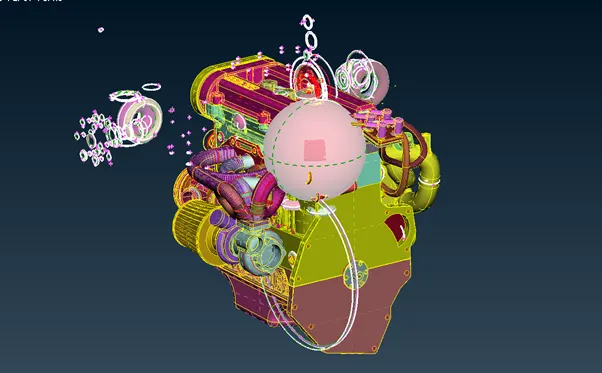 |
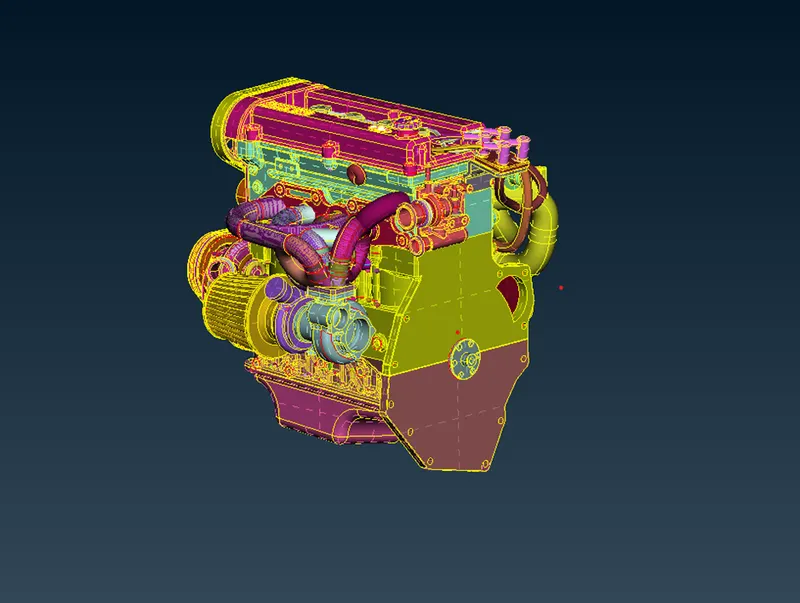 |
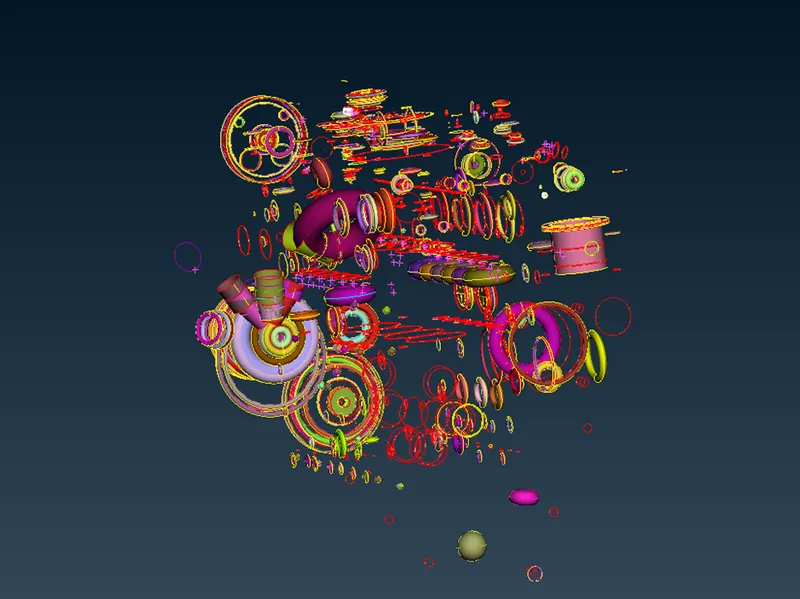
-There are still rings inside the model but we are not concerned about those interior rings as we are going for surface wrapping.
 |
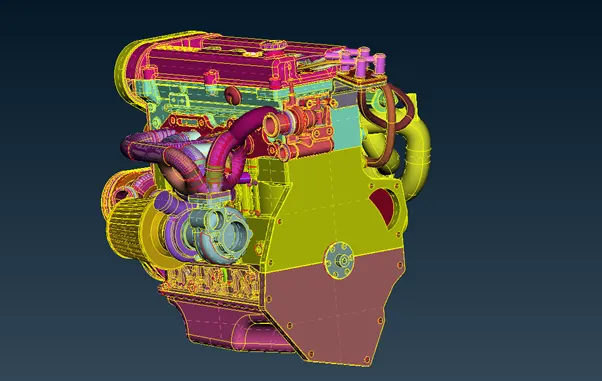 |
-Make sure to delete all the rings present on the exterior of the model. Also, delete the belts and the inlet manifolds. Those surfaces will create distortion in wrapped surfaces.
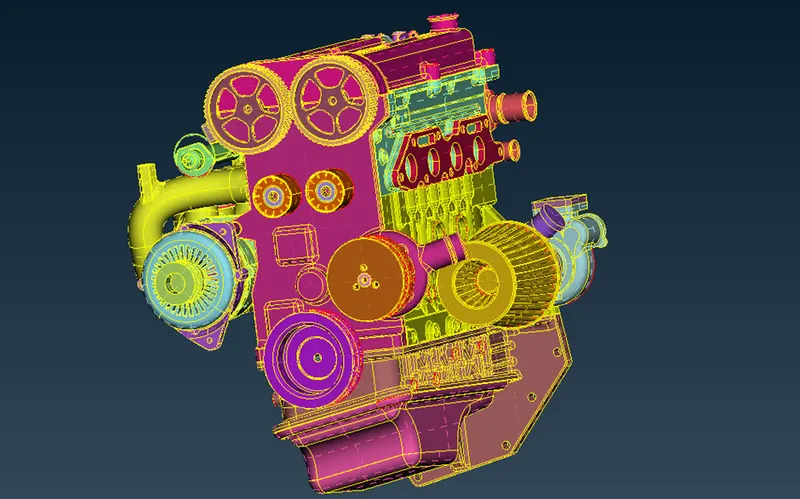
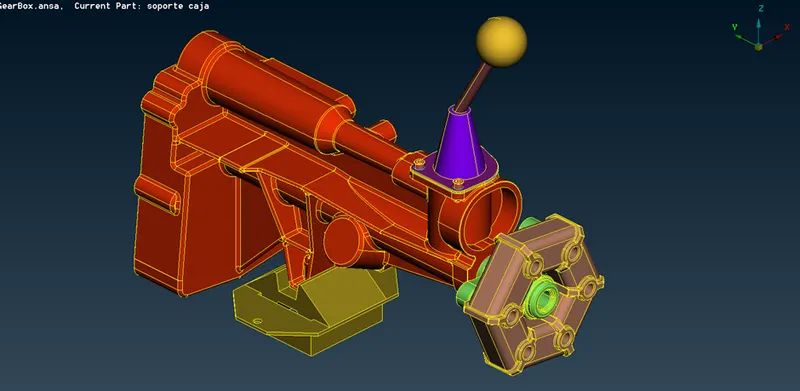
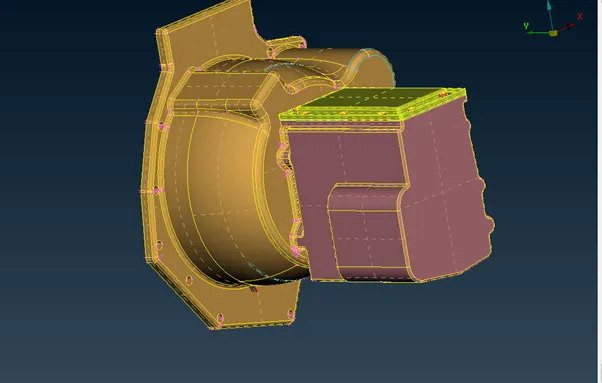
-Similarly, perform this operation of geometrical clean-up for other models i.e. Transmission and Gearbox
 |
 |
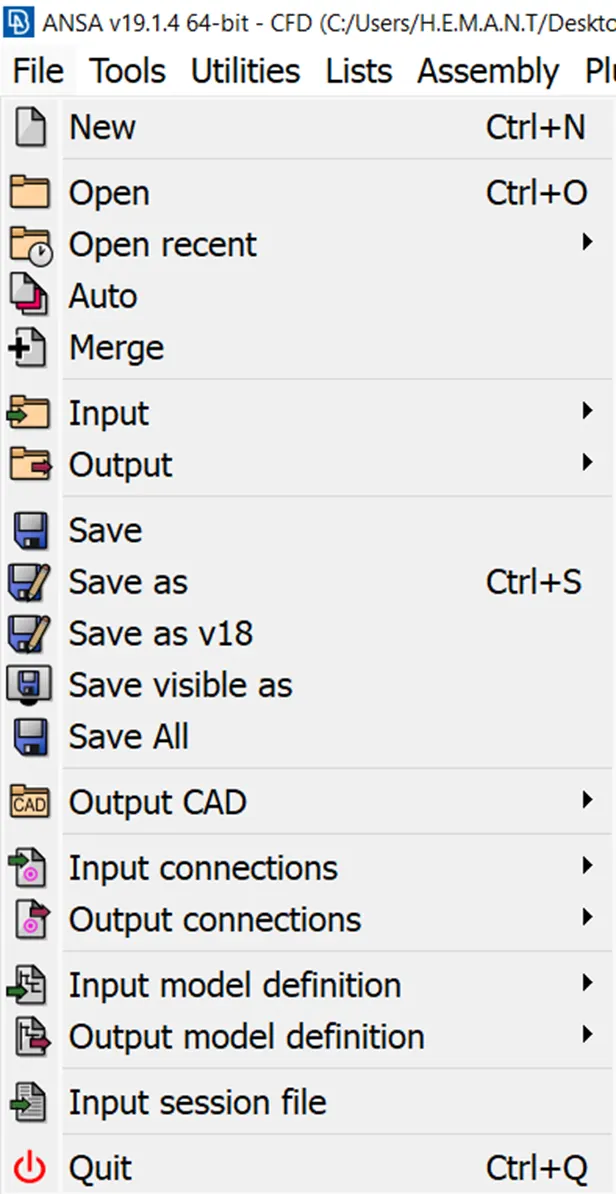
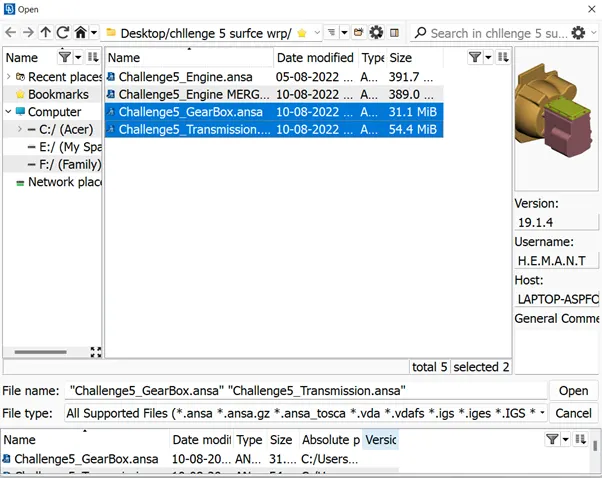
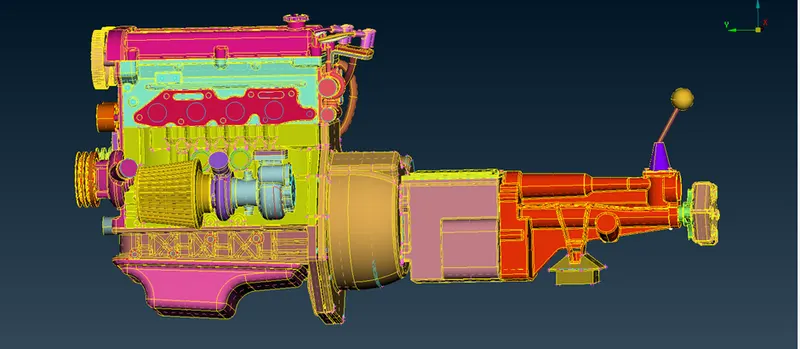
-After geometric clean-up, merge the different models into one model. Click on the File and click on the Merge option. Select the model file that is to be merged. Click on Open to complete the process.
 |
|
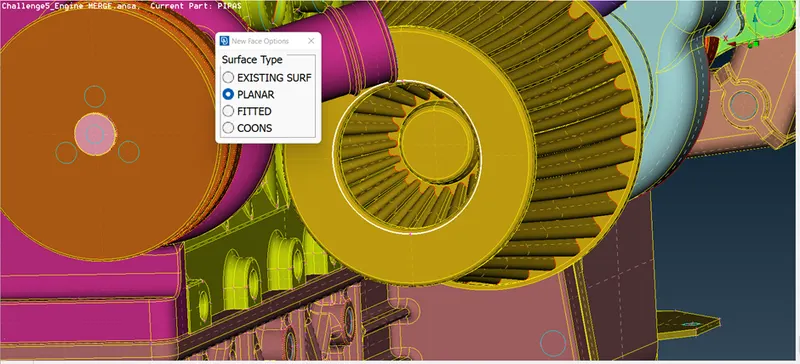
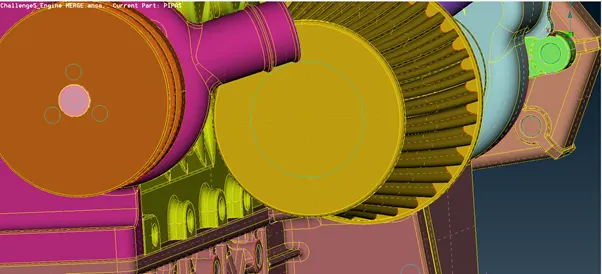
-Cover all the holes or opens to avoid distortion in meshing. Use the New option in the File module to cover the holes or openings. Such surfaces may create mesh elements with high skewness.
 |
 |
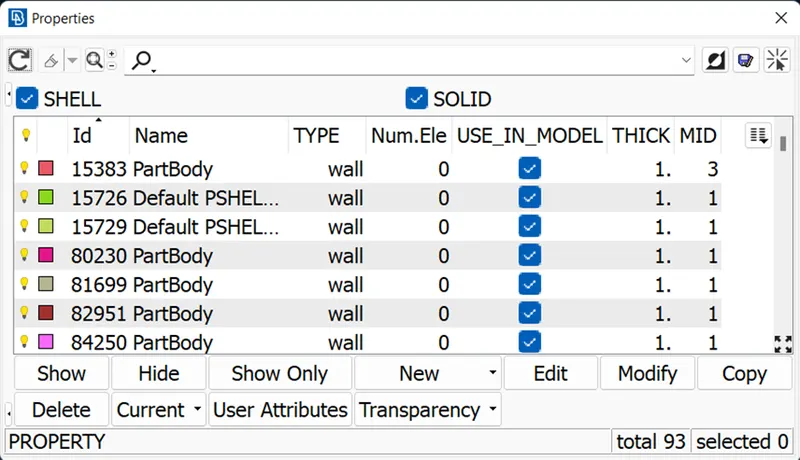
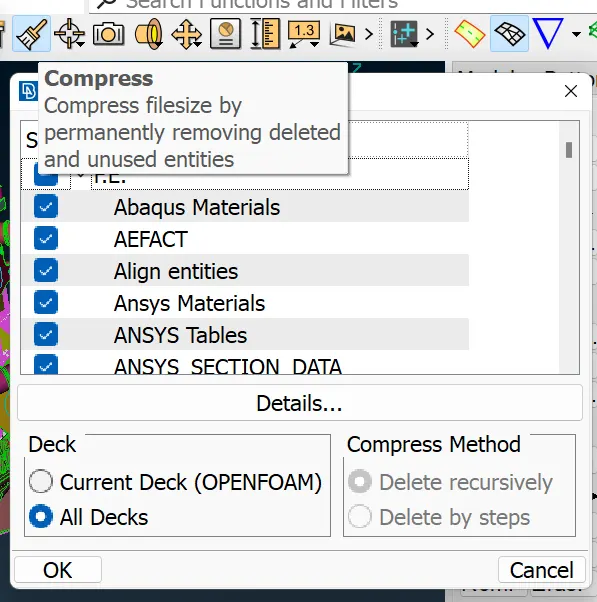
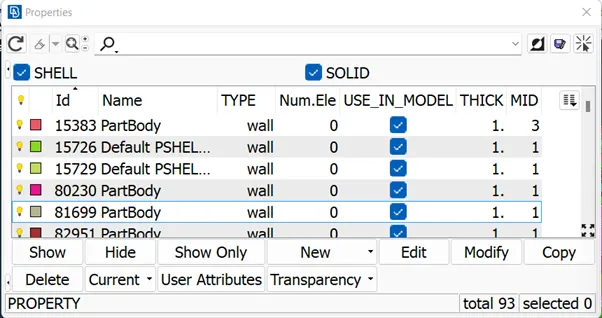
-There are many non-existing PIDs in the model. To delete those, click on the Compress option.
 |
 |
 |
Surface Wrap:
-For the Surface Wrap, after the geometrical clean-up, click on the Wrap option in the Element module in the Mesh deck. Opt for the Constant Length option.
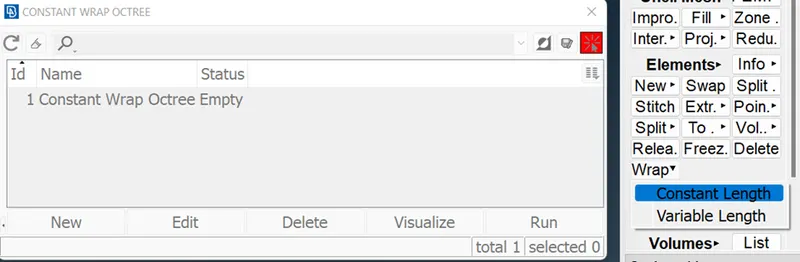
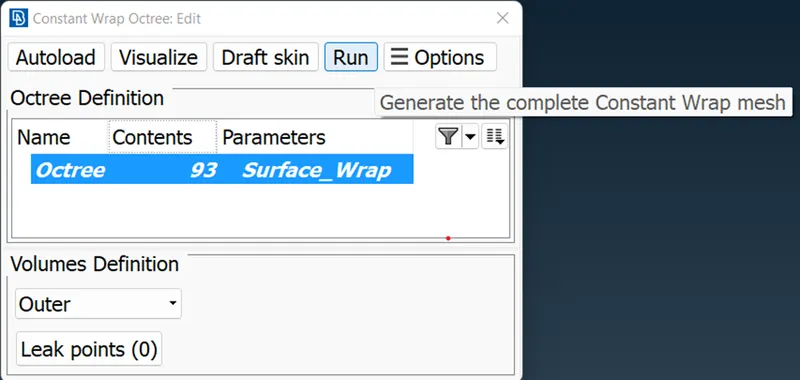
-Double-click on the Constant Wrap Octree to edit it. Double-click on Untitled (Parameters) to edit the mesh parameters this Octree.
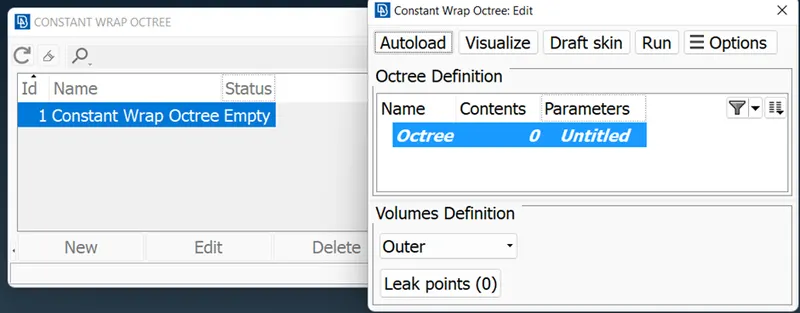
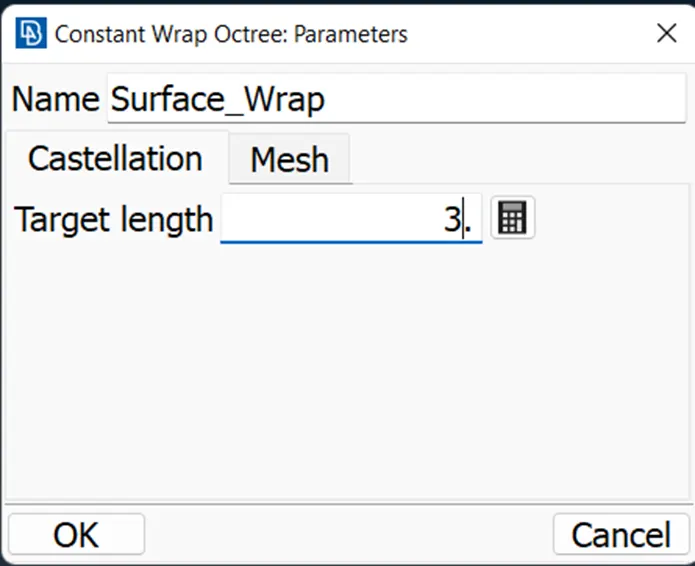
-Name the parameter as ‘Surface_Wrap’. Specify the Target Length as 3mm under the Castellation tab. Click on Ok.
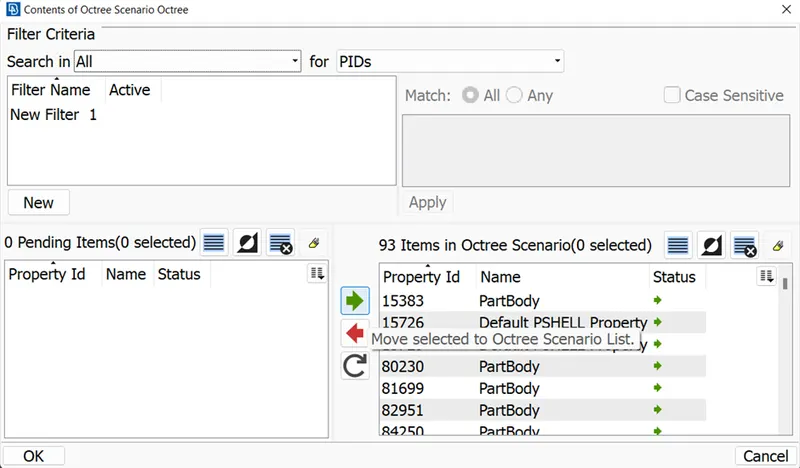
-Double-click on the 0 (Content) for the selection of PIDs to mesh under the Constant Wrap Octree. Select all the PIDs and click on the Move option (green arrow) to move the PIDs into the Octree Scenario List. Click on Ok.
-Click on the Run option under the Constant Wrap Octree: Edit tab to generate the mesh.
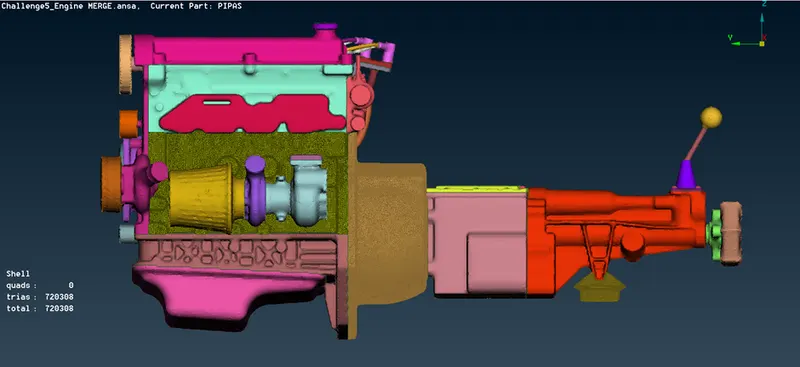
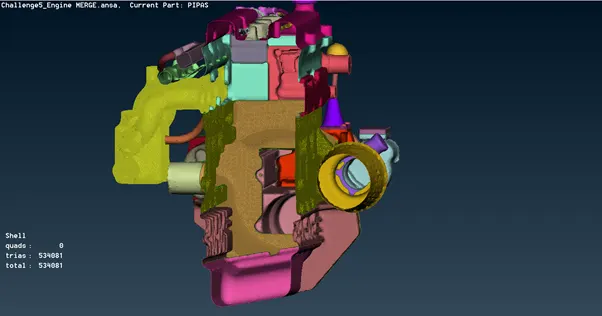
-The below figure is the surface wrap of the merged model. And as mentioned, it created a hollow shell as result.
 |
 |
Conclusion:
We learned to merge the different components into one model and to create the surface wrap mesh on the model.
Link for the model:
https://drive.google.com/file/d/1QDfnaGdZ_x7If3idWTGuEnxykxCiNUes/view?usp=sharing