Surface wrap on Automotive Assembly
OBJECTIVE:
The objective of this project is to do a geometrical clean up and to delete unwanted surfaces on all the three given models and to merge them to perform a surface wrap to create a water tight mesh.
TOOLS USED:
TOPO:
- Universal Delete to delete unwanted surfaces on the models.
- CONS`rarr`Paste & Release the CONS to make sure the CONS are all pasted properly to perform Fill hole to fill the holes.
- CURVES`rarr`Delete to delete unwanted curves present on the given model.
- HOT POINTS`rarr` Insert to inseret hotpoints if needed, Delete to delete unwanted hot points.
MESH:
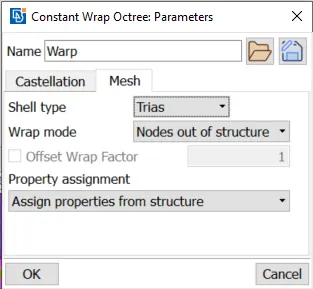
- Elements`rarr` Warp to perform surface wrap `rarr`Constant length to define the desiered mesh length and to define the mesh type as triaangular.
PROCEDURE:
Since we just going to do surface wrap we no need to be bothered about all the unwanted surfaces, cons, curves present inside the models. We just have to clear all the elements which are present outside the body, to create a water tight geometry. We have to clear all the tripple and single cons that are present on the outside of the body so that they dont create any issue while performing surface wrap.
Given Models,
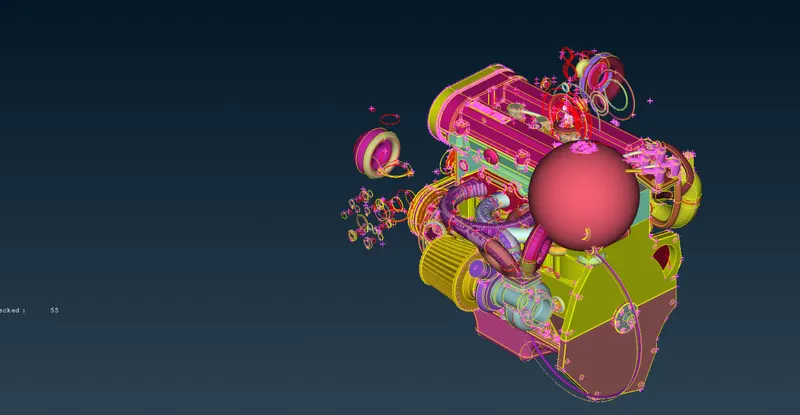
1.Engine.
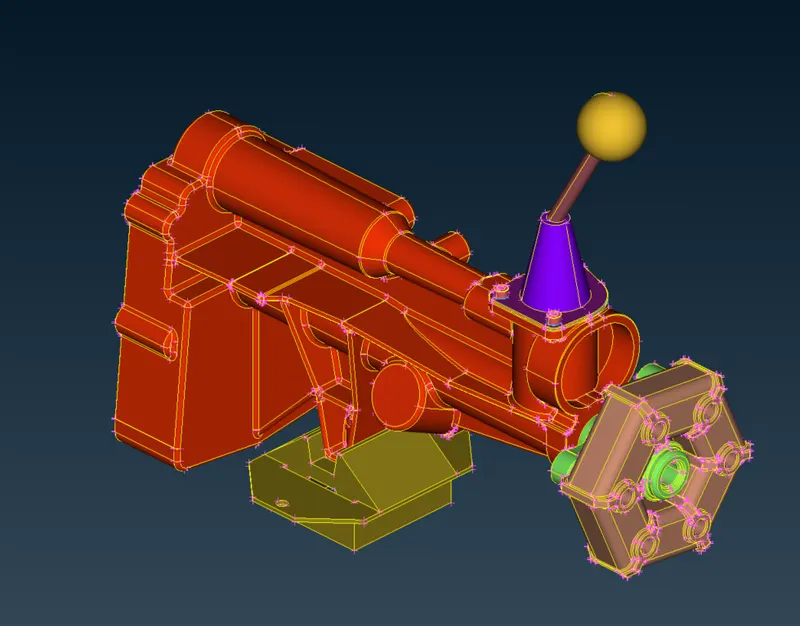
2.GearBox.
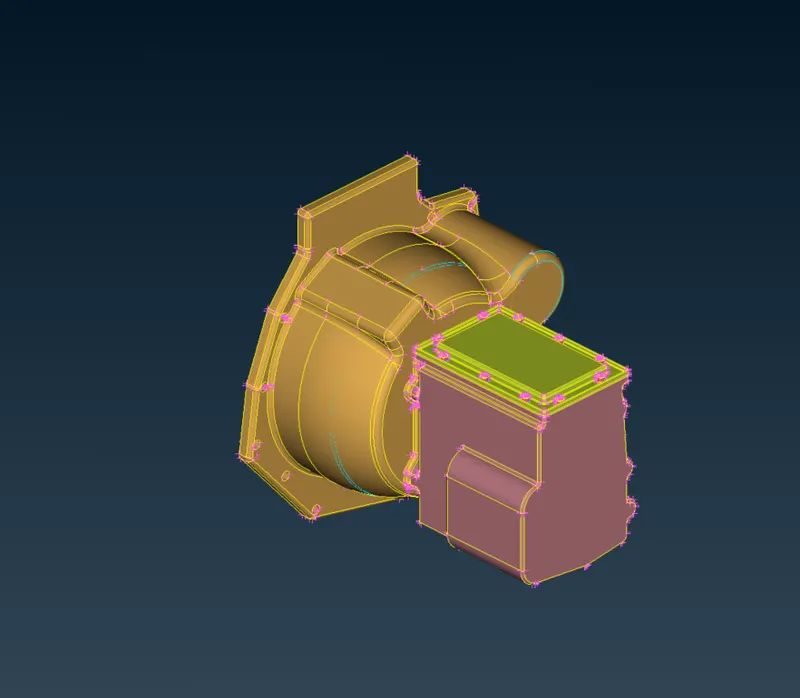
3.Transmission.
Engine Clean up:
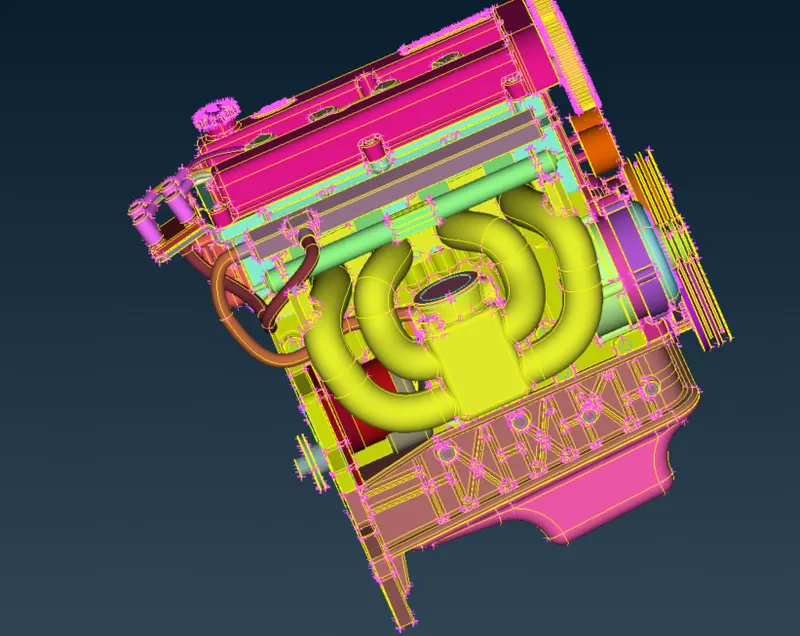
All the surfacess are cleaned up and the unnecessary pipes that were present are all also deleted. Our engine model is ready to be merged with other models.
GearBox clean up:
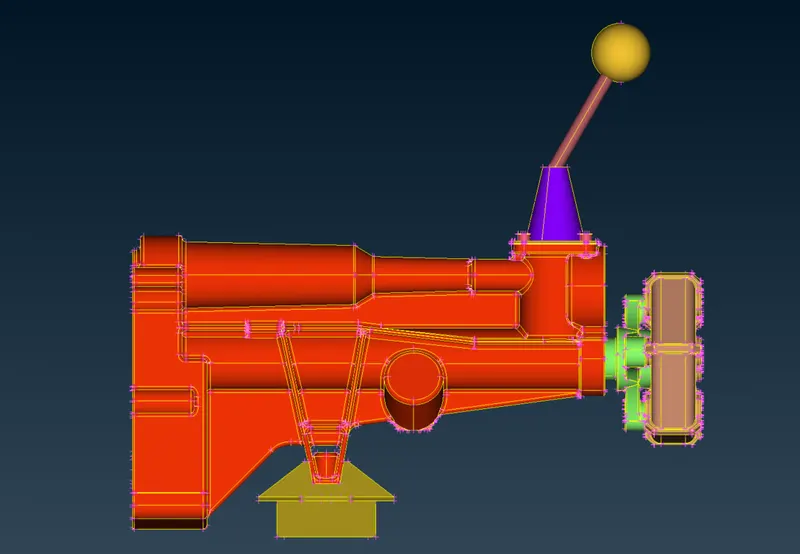
All the triple cons that were peresent are cleared.
Tranimission Clean up:
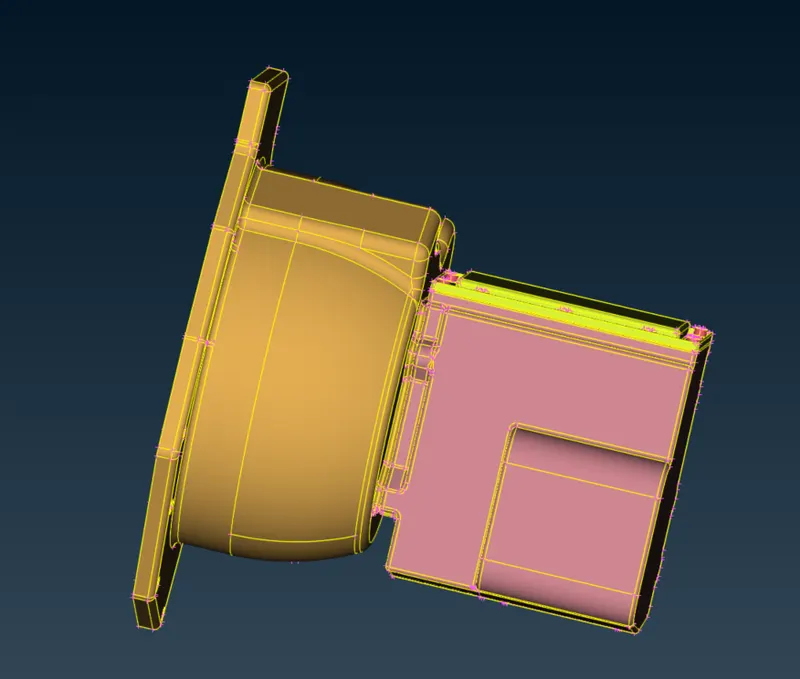
ASSEMBLY:
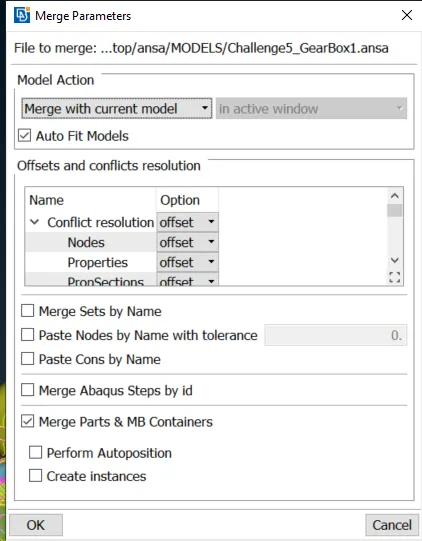
Since we have do surface wrap on all the three models combined we have to merge all the models together, using Merge command. First we have to merge transmission with engine and then gear box.
When select the models to be merged a pop up will appear, in that we have to select merge with current model under Model action and every offsets and conflicts resolution should be set to offset. Then a warning pop up will come up showing if there are any errors while wrapping.
 `rarr`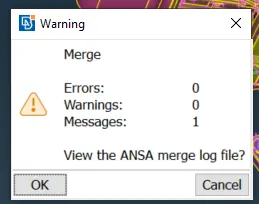
After all the models are merged we have to close all the holes present in all the bodies inorder to get a water tight body.
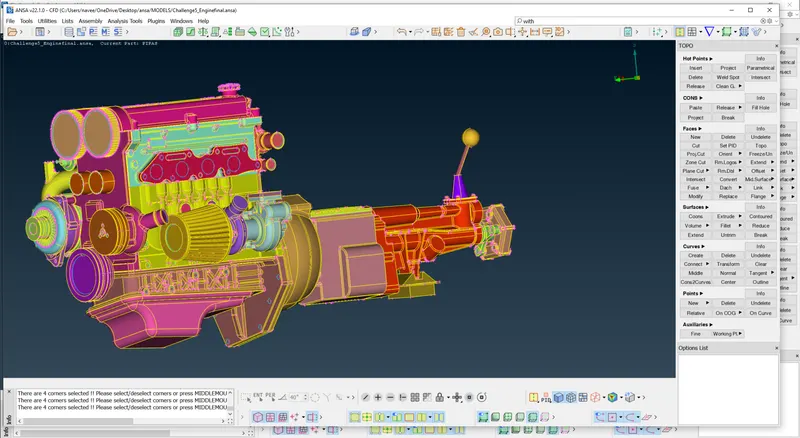
As we can see from the image all the geometries are merged and all the holes are filled.
MESHING:
To perform surface wrap Elements `rarr` Wrap `rarr` Constant length a pop up will come up with constant wrap octree as empty, by double clicking it a pop up to edit the constant wrap octree will appear to define the name and the target length of the mesh under castellation and in the sam pop up under Mesh we can define the mesh type and warp mode. Then it will go back to wrap edit window there by double clicking octree a pop up with all the PID's will come up there we have select all the PID's the OK, it will take back to octree edit window with all the contents selected then we have click RUN to perform the surface wrap. Since our whole model is big it will take some time wrap.
`rarr`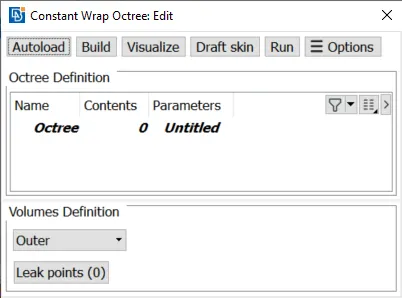
`rarr`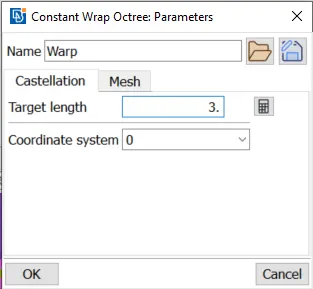 `rarr`
 `rarr`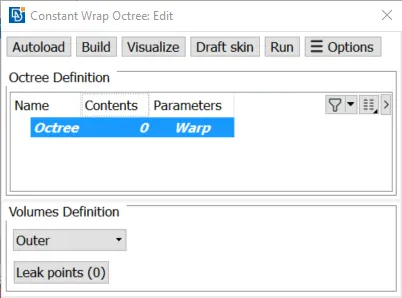
`rarr`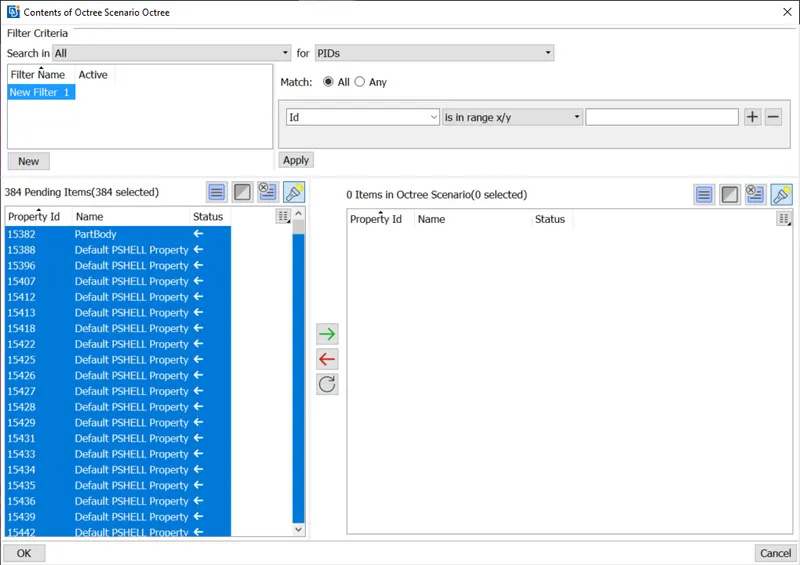
`rarr`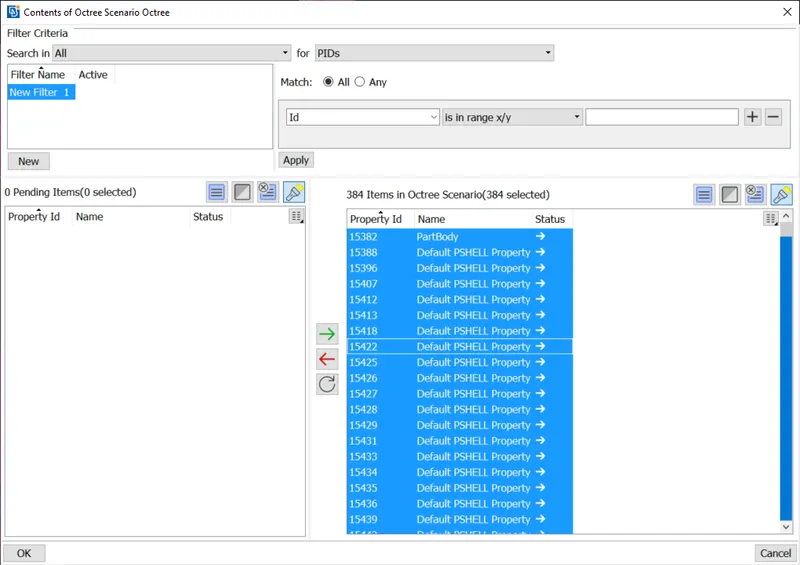 `rarr`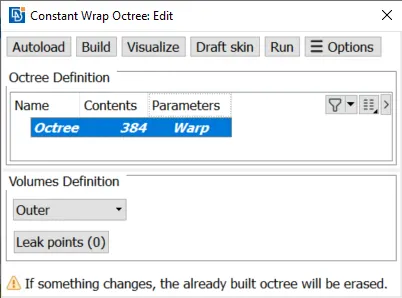
RESULTS:
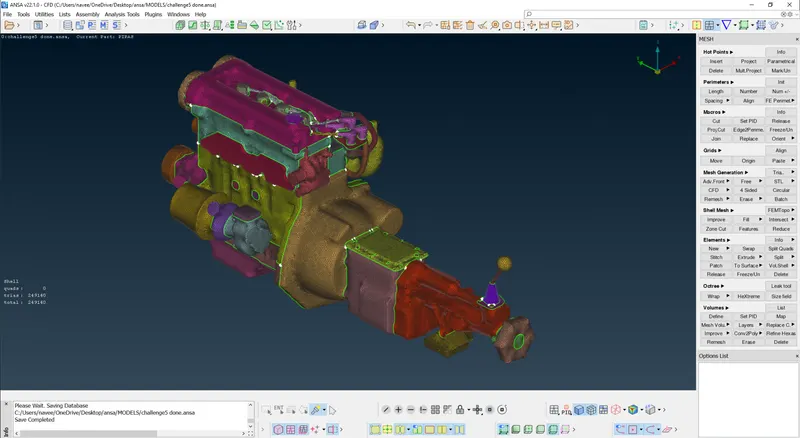
From the image we can clearly see that our whole model is fully surface wraped without any errors.
Final Model link: https://drive.google.com/file/d/16Yghmnh7a7IGQjsv78YpJHT8PEdyOfNV/view?usp=sharing
Learning Outcomes:
- Learnt how to perform a surface wrap.
- Learnt how to merge different models.
- Got familiar about water tight geometry.
- Learnt how to identify unnecessary surfaces that didn't belong to model.
CONCLUSION:
The geometry clean up of all the models are done perfectly, all the models are merged together to perform surface wrap and surface wrap is done of desiered target length.