CFD meshing on Turbocharger
OBJECTIVE:
The objective of this project is to do a basic geometric check and the do a Surface & Volumetric mesh using ANSA, on the given turbocharger. Also to define the different targlent lengths on the respective PID's.
TOOLS Used:
- Checks:
Checks is basically used to checks the errors in the model.
Tools used under Checks:
Checks manager`rarr`Geometry checks`rarr`Execute.
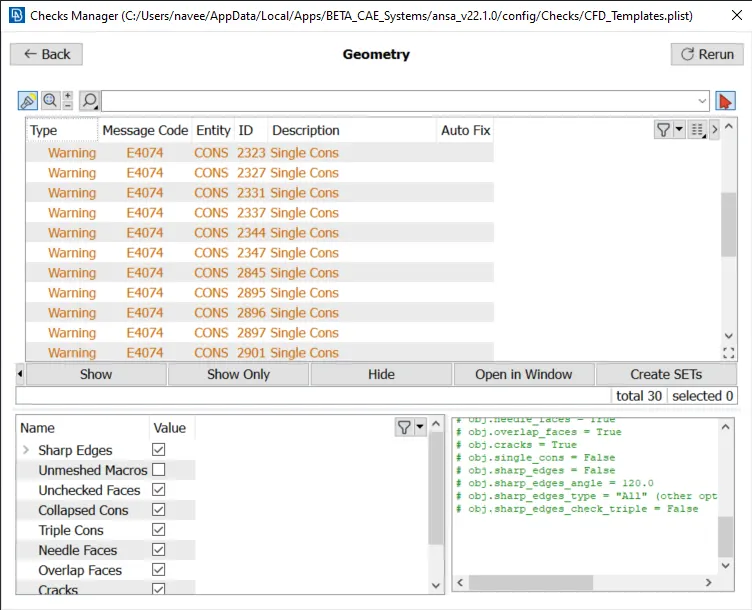
By clicking checks command a new pop up will appear, in that by clicking checks manager we can get a pop up window with diiferent types of checks that can be performed. In that by clicking Geometry_Checks and from the obtained pop up we can select geometry and penatration command and then execute. Then ansa will do the geometry check and will give the results.
- Topo:
Faces:
Delete(to delete the unwanted faces). New (to create the required faces).Intersect(to intersect required cons with faces).
Curves:
Create (to create required curves). Delete(to delete unwanted curves or unwanted created curves)
Hot Points:
Insert (to insert hot points if needed) Intersect (to intersect created curves & faces).Delete(to delete unrequired Hot points).
CONS:
Fill hole(to fill holes).Project(to project cons on faces).
- PID Selection:
To define PID's specifically.
PID(from the lists from the top)`rarr`create New PID`rarr` name the PID `rarr`Apply(select the particular PID)
- Mesh:
Perimeters`rarr`Length`rarr`Perimeter & Macro.
Perimeters(to define the target length). Length(to define the perimeter and macros lenght).
By clicking length under perimeter in mesh module. we can get a pop up window to define perimeter and macros length of the model.
Surface Mesh:
Mesh generation`rarr`Spot mesh`rarr`select or visible.
By long pressing spot mesh command we can see a pop up. Under that we either select 'select' to select individual PID's or visible command to do mesh on the currently visible PID.
Volume Mesh:
Volume`rarr`Define`rarr`Whole db.
To create the volume mesh:
List`rarr`Remesh`rarr`Tetra Rapid.
By clicking define option under volumes, we can select what type of PID we want do volume mesh on. We can either select Whole db or visibel or select option to define the PID.
Then under unstructured mesh we can select what type of mesh we want to perform, in our case we are using Tetra Rapid mesh.
Unstructed Mesh`rarr`Tetra Rapid(then select the PID).
To view the crossectional view of meshed volumetric mesh: Cut plane`rarr`New`rarr`Select a particular axis`rarr`click the point somwhere on the model`rarr`then we can view the crossectional view.
PROCEDURE:
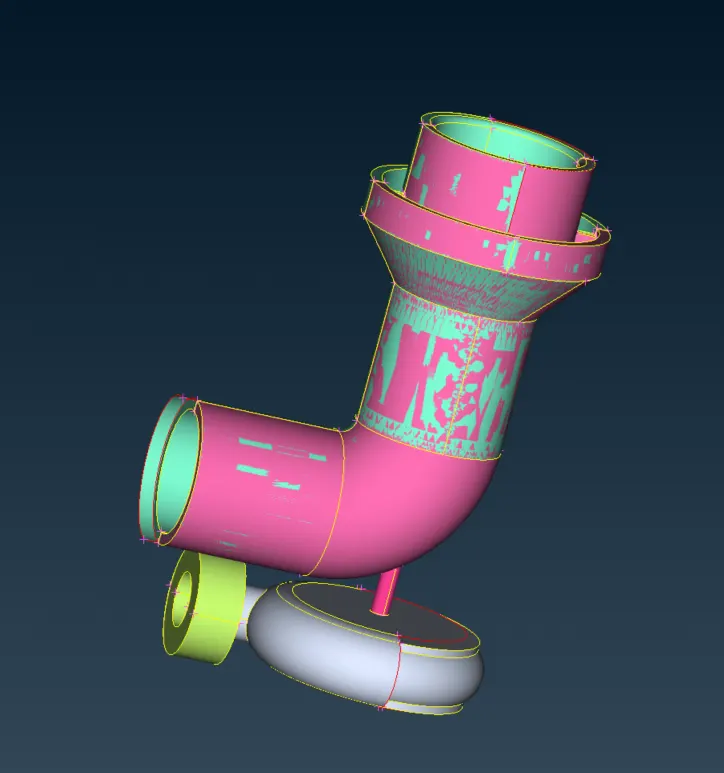
Given PID:
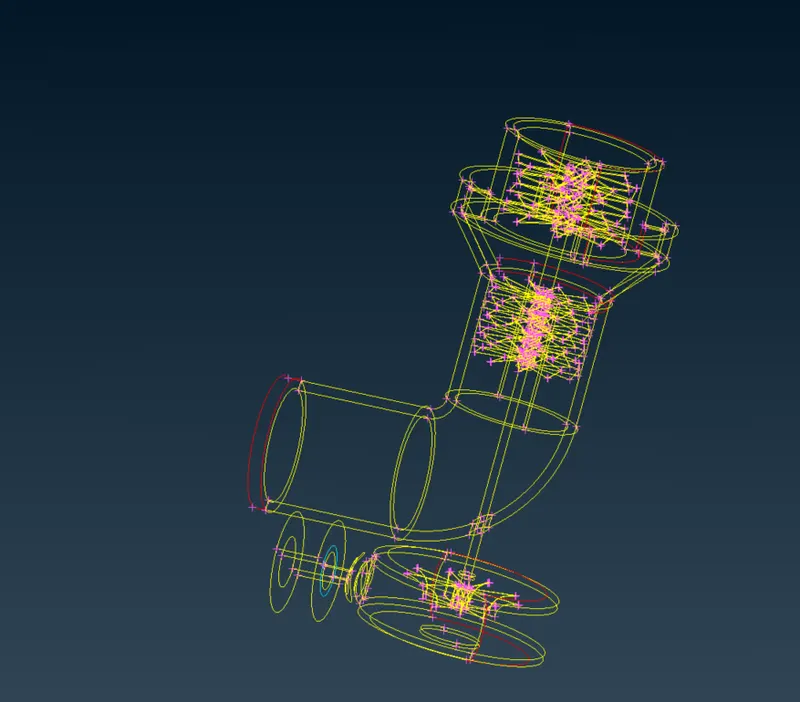
Wire Frame of the given PID:
Geometry Checks:
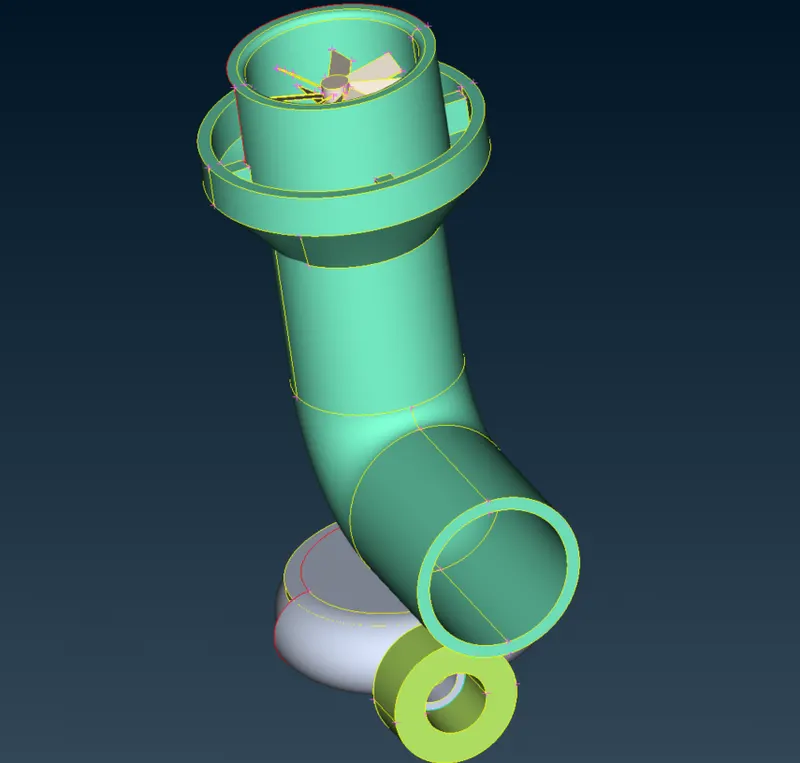
Deleting The unwanted surface:
Creating the required Faces:
By using create curves, also intersecting the created curves,
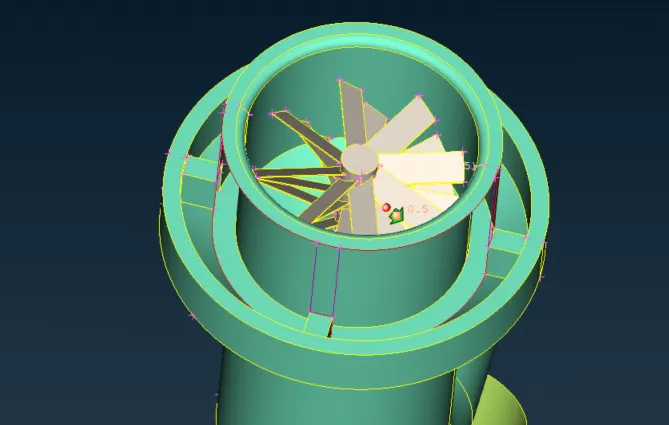
Filling the faces, also deleting the created curves,
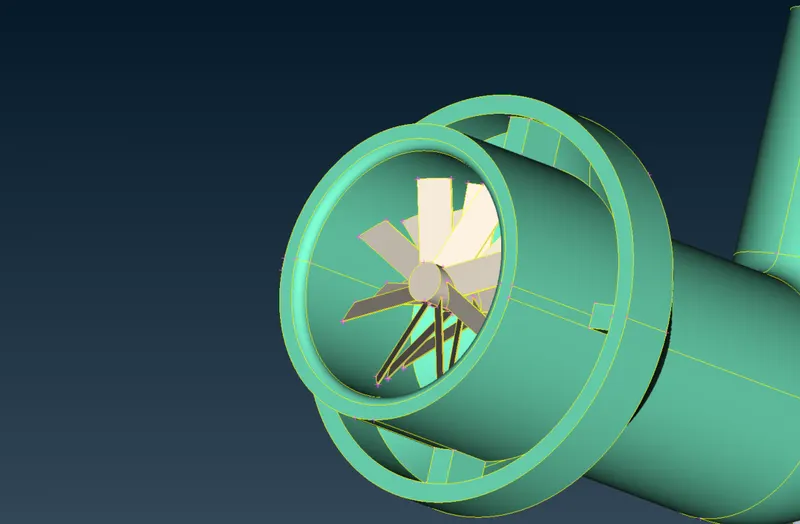
Intersecting the surfaces to remove single cons,also deleting the unvanted faces,
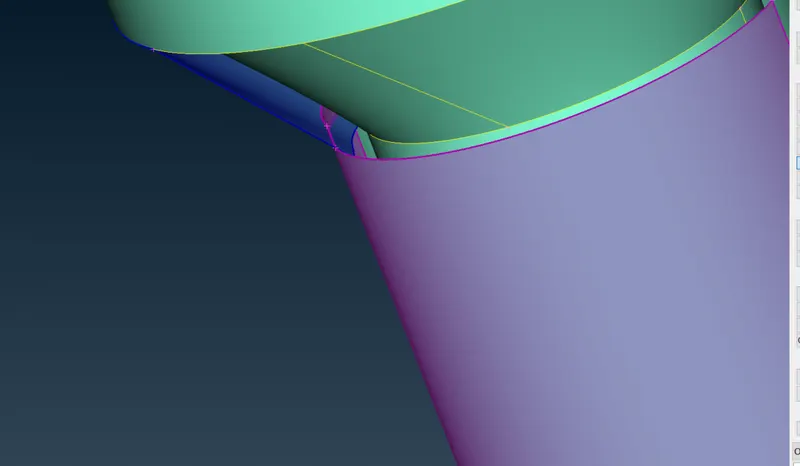
created surface,
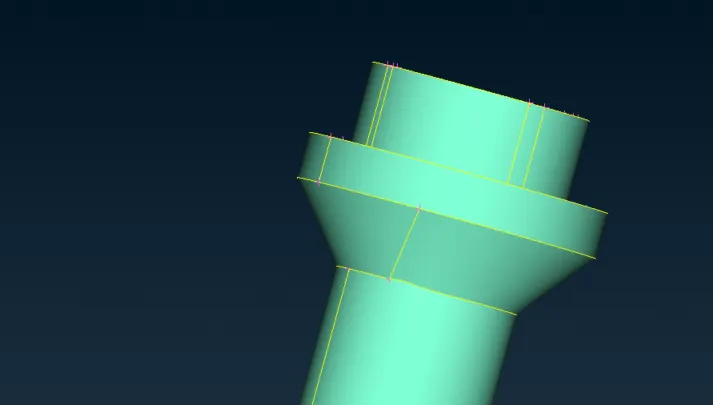
Inserting hot points to do a symmetry of surface to create the new required face, using Transform option,
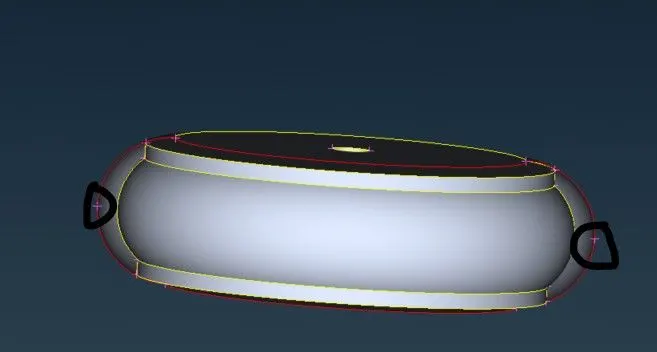
Transform`rarr`Copy`rarr`Entities`rarr`selecting the entitie which is needed to tranform`rarr`Symmetry`rarr`Mirror 3 points plane`rarr` select the points.
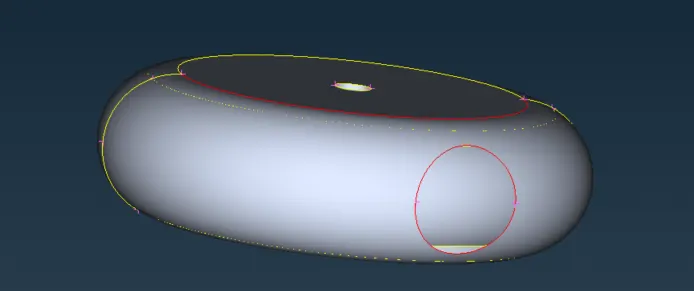
Using fill hole command,
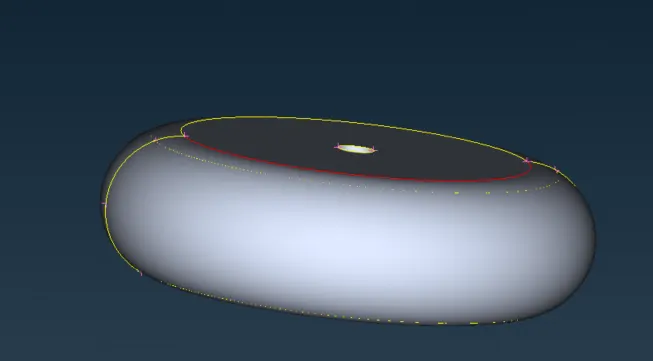
Deleting all the unwanted faces,
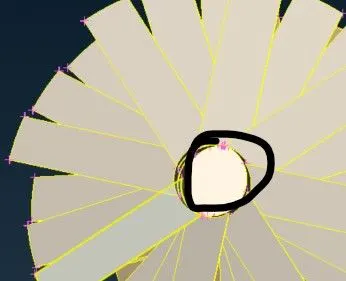 `rarr`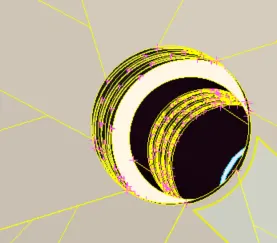
Deleting the over lapping surfaces,
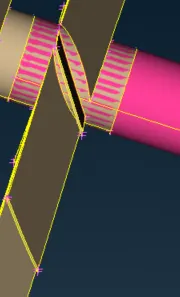 `rarr`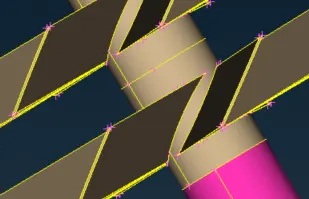
Deleting the overlapping surface by projecting the hot points,
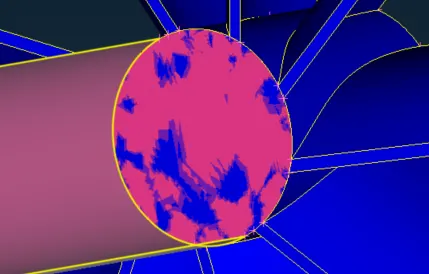 `rarr`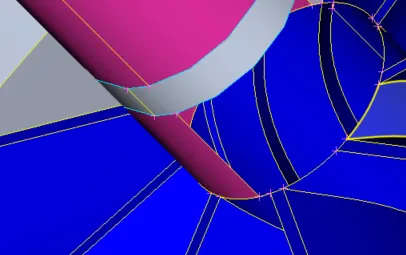
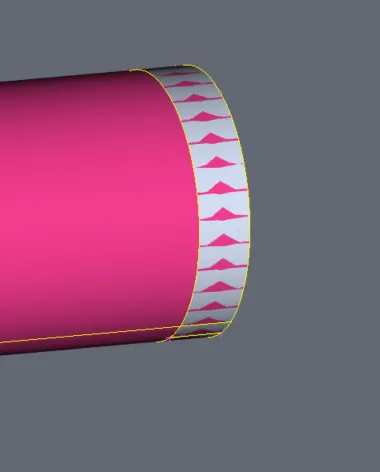 `rarr`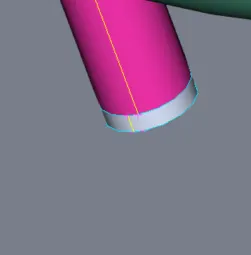
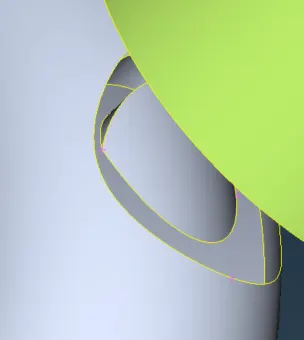 `rarr`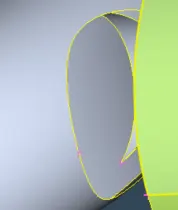
Defining the PID's:
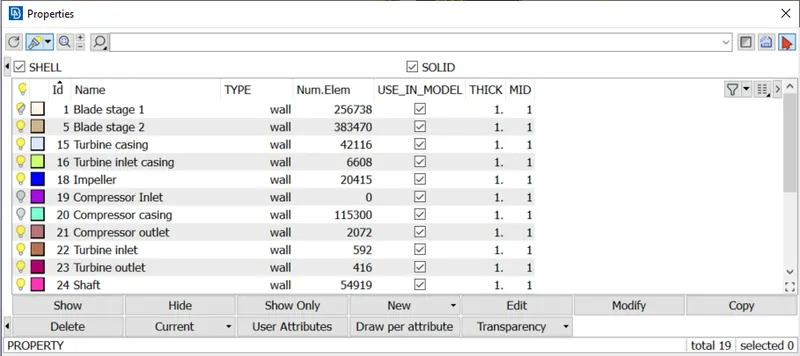
SURFACE MESH:
- Turbo casing = 5 mm
- Compressor casing = 5 mm
- Inlet casing cover = 5 mm
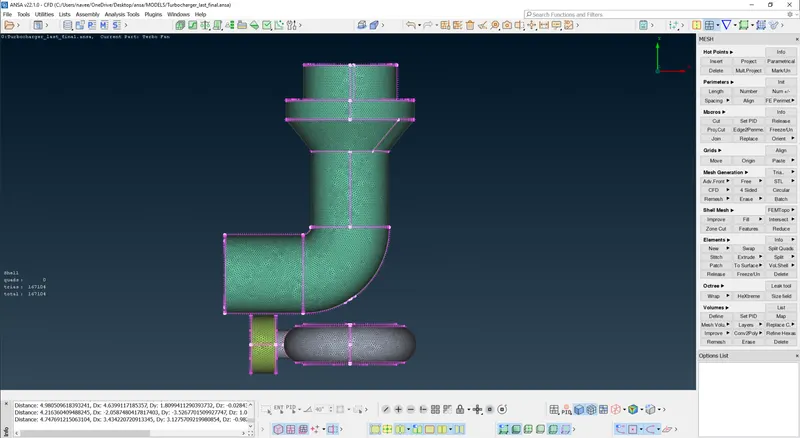
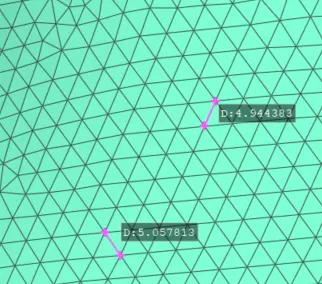
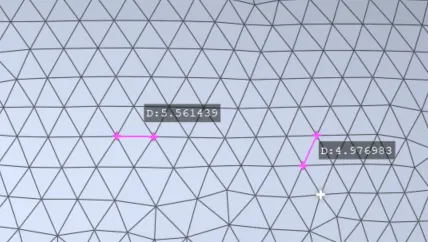
Inorder to verify the mesh lenght, we can use measure option,
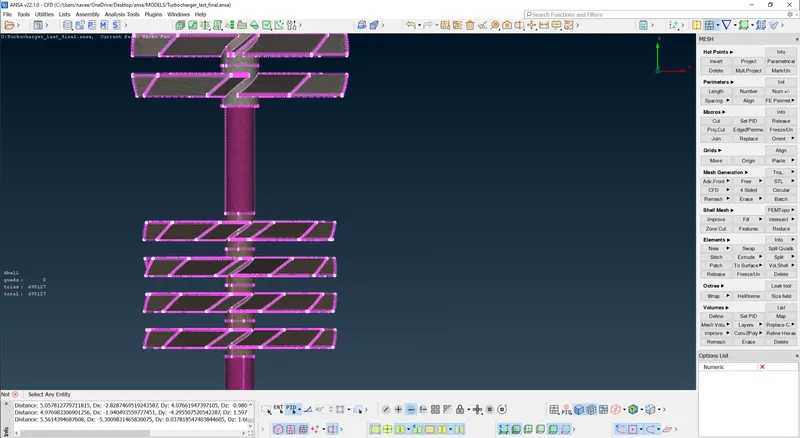
- Blade stage-1 = 1 mm
- Blade stage-2 = 1 mm
- Shaft rotor = 1 mm
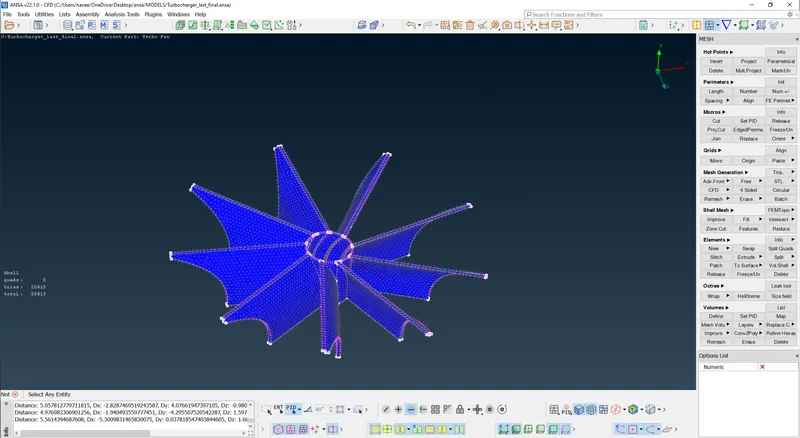
- Impeller = 2 mm
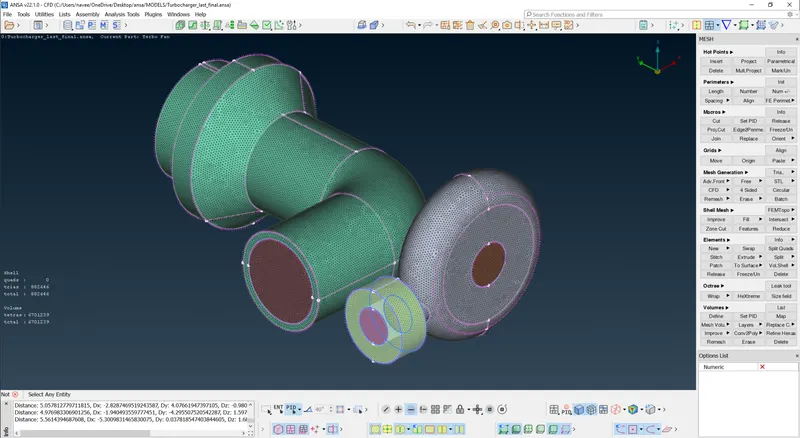
Fully surface meshed modle,
Volume Mesh:
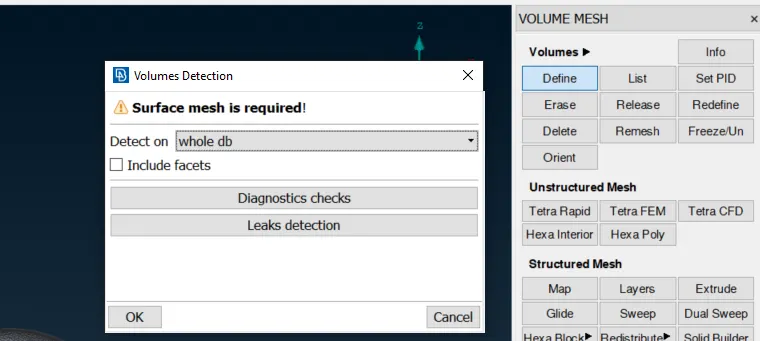
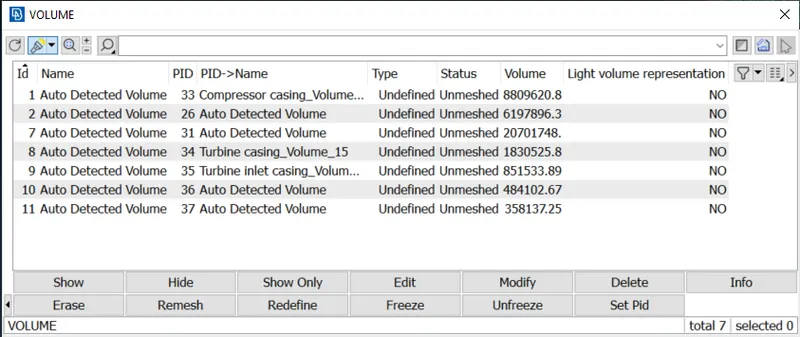
from the above image we can see that ANSA has automatically detected all the volume meshes including solid volume and fluid volumes, but we only need the fulid flowing volume, so we can delete the solid mesh and mesh the recquired fluid volume.
To do define the type of mesh we are using unstructured mesh module, in that we are using Tetra Rapid mesh.
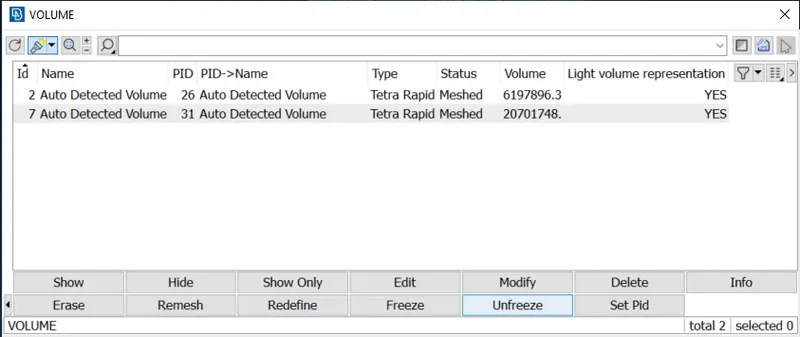
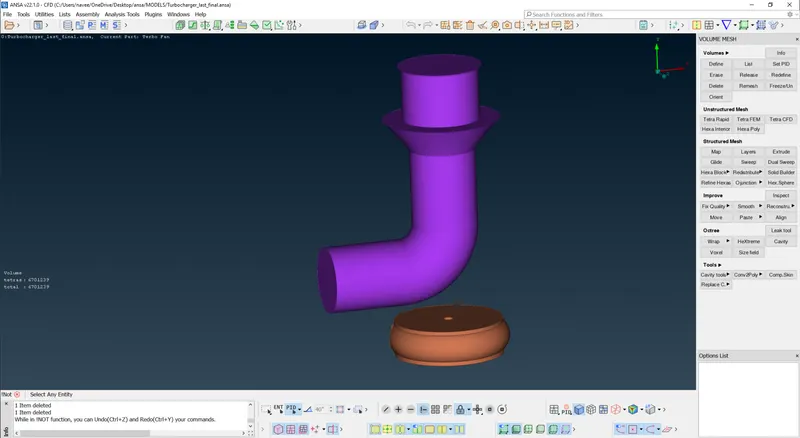
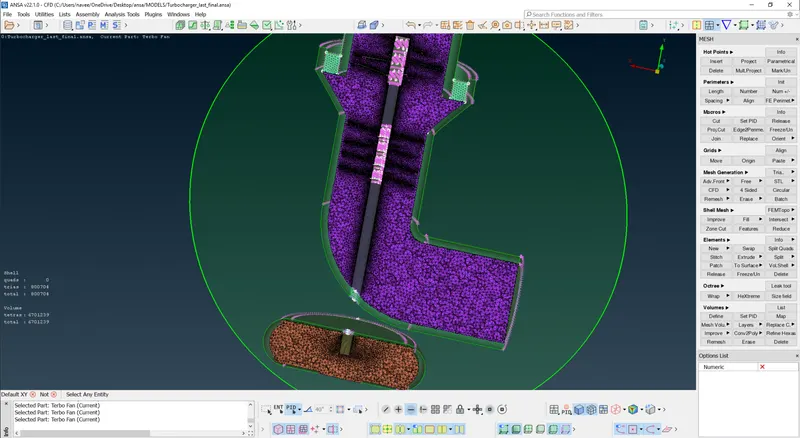
The final fully Volumetric meshed modle,
Cross sectional view of volumetric mesh
CONCLUSION:
The given geometry is volumetric meshed. All the elements have been surface meshed while only the fluid regions have been volumetric meshed.
Learning Outcomes:
- Got familiar with more complicated and advance ANSA tools
- Learnt about volumetric meshing along with 2D meshing.
- Selection of volumes for volumetric meshing
- Different mesh length sizes tend to give errors at the contact regions of 2 different mesh length regions, therefore mesh ranges can be given to avoid erasing of mesh.