Week 5 Challenge : Surface wrap on Automotive Assembly
AIM :
To check and clear the geomentrical errors for the given models that is engine,gearbox,transmission of an automotive assembly.Perform the surface wrap after assembling the three models with a target length of 3mm.
OBJECTIVES :
*To check & clear geomentrical errors of the given models.
*Assembling all the three models and perform a surface warp for the entire assembly with target length of 3mm.
PROCEDURE:
STEP 1:
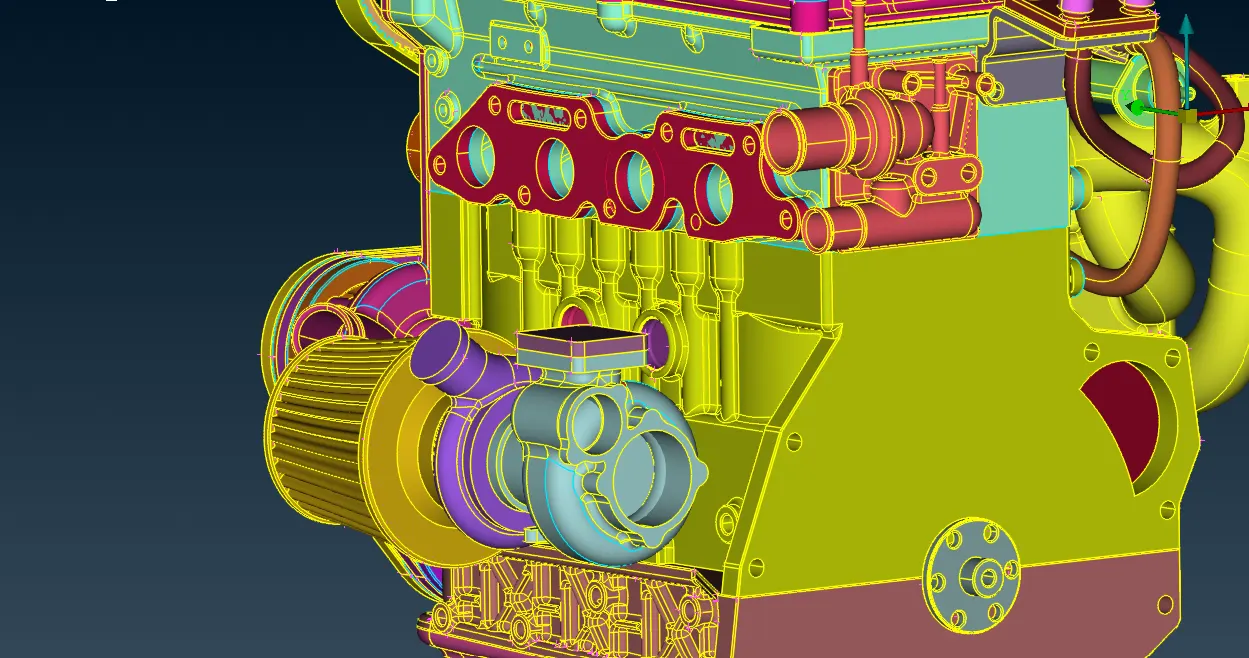
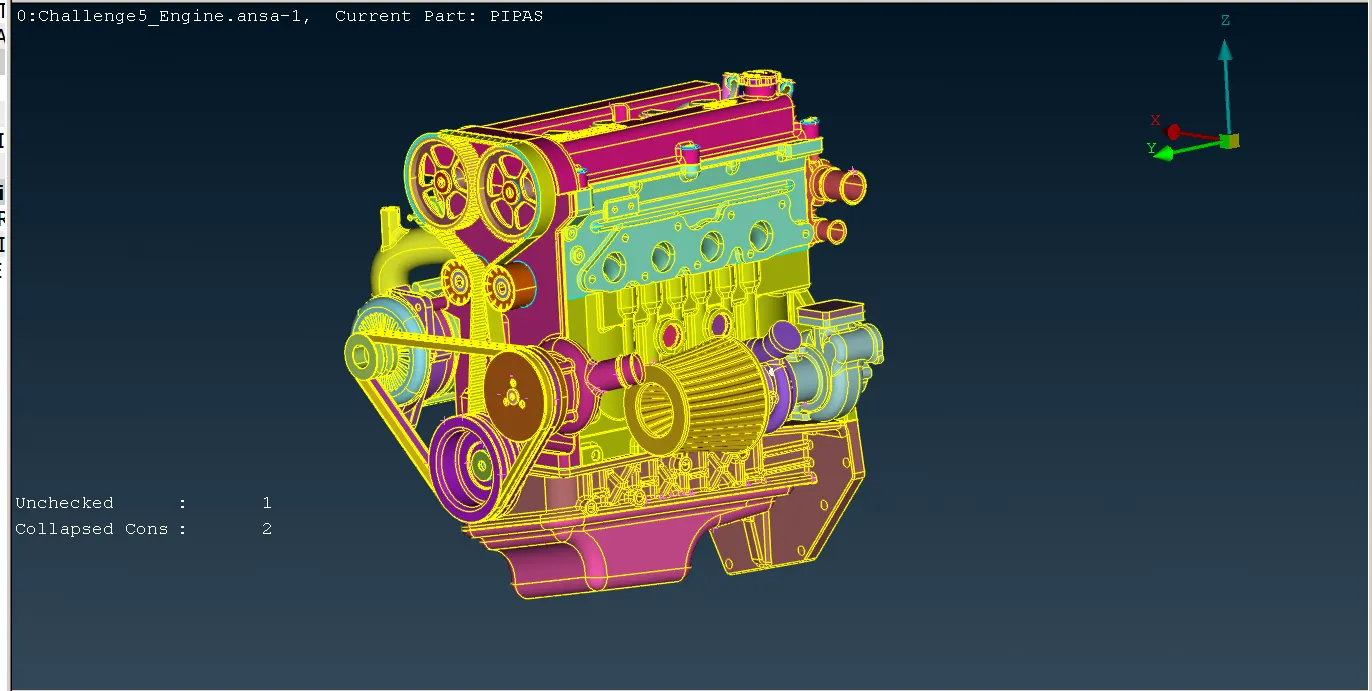
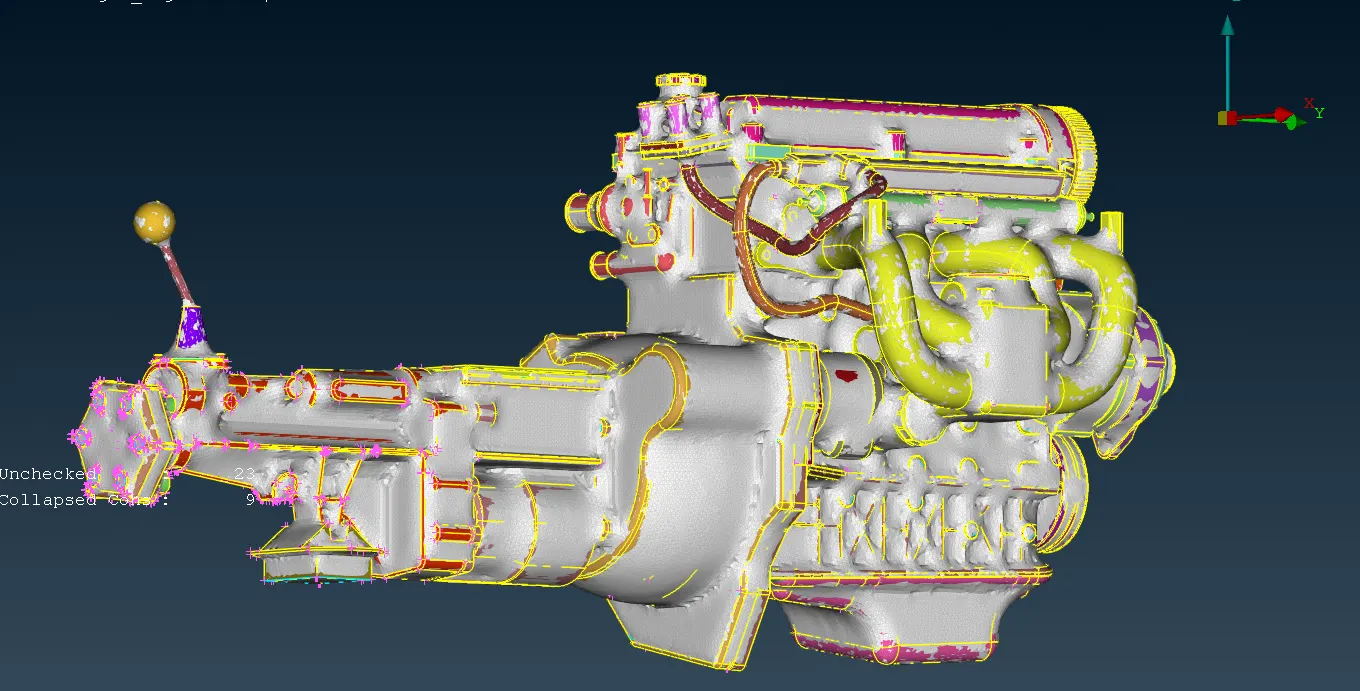
*We can start with the geomentry cleanup for the engine model and for that first to do topo.
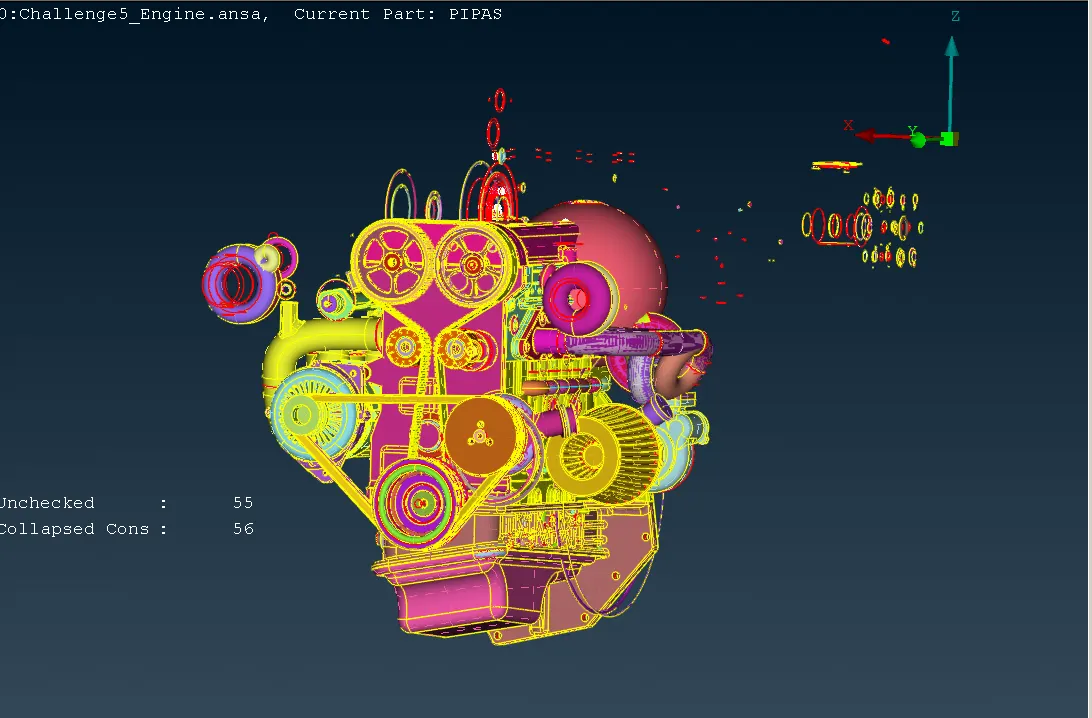
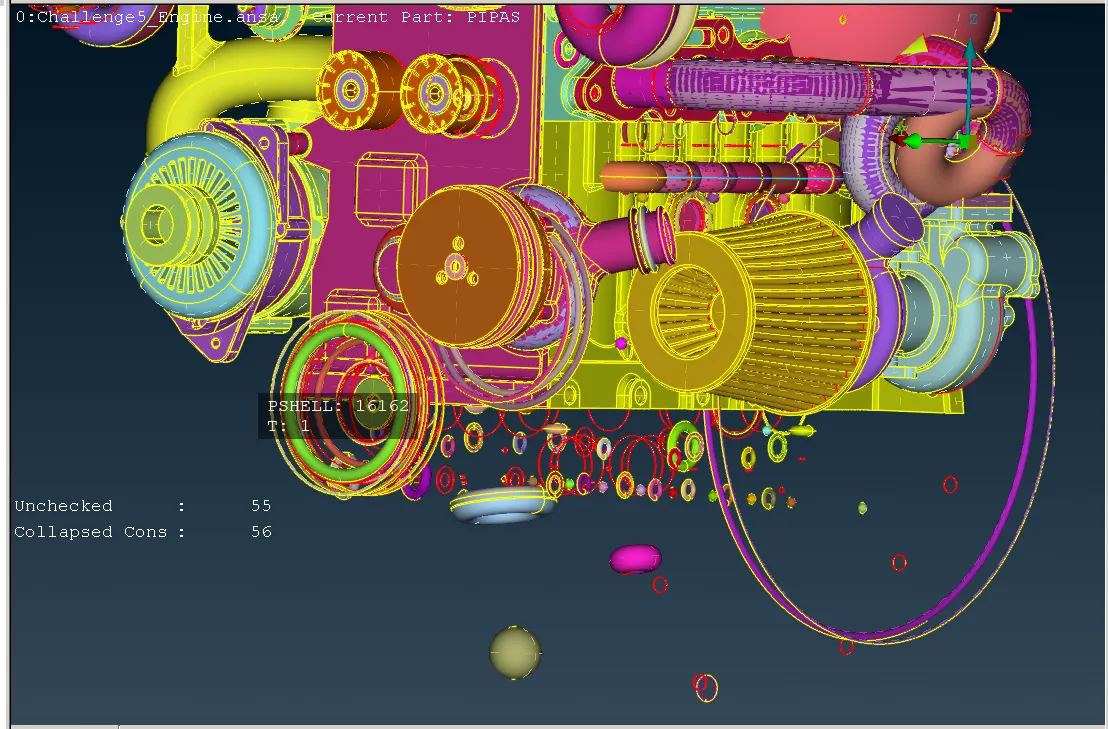
* Delete the unwanted surfaces for that we can use the PID seletion along with NOT option with this we can clear most of the unwanted surfaces in a single short.
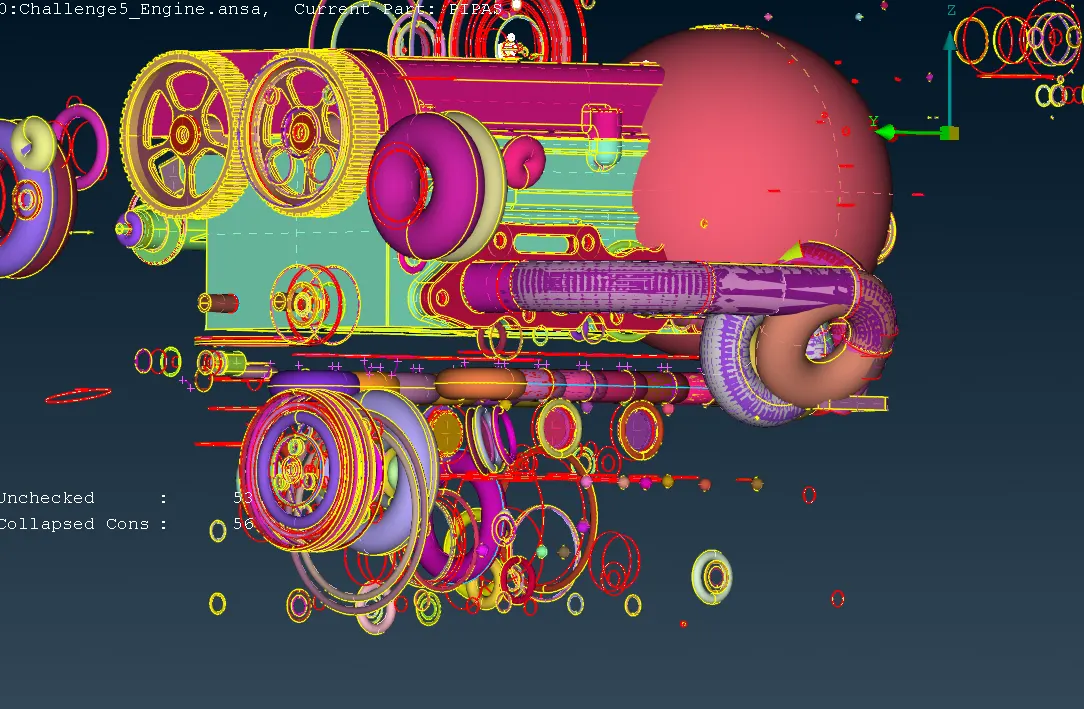
* Still ther are alot of ring type structures present in the model that are all eliminated one by one.
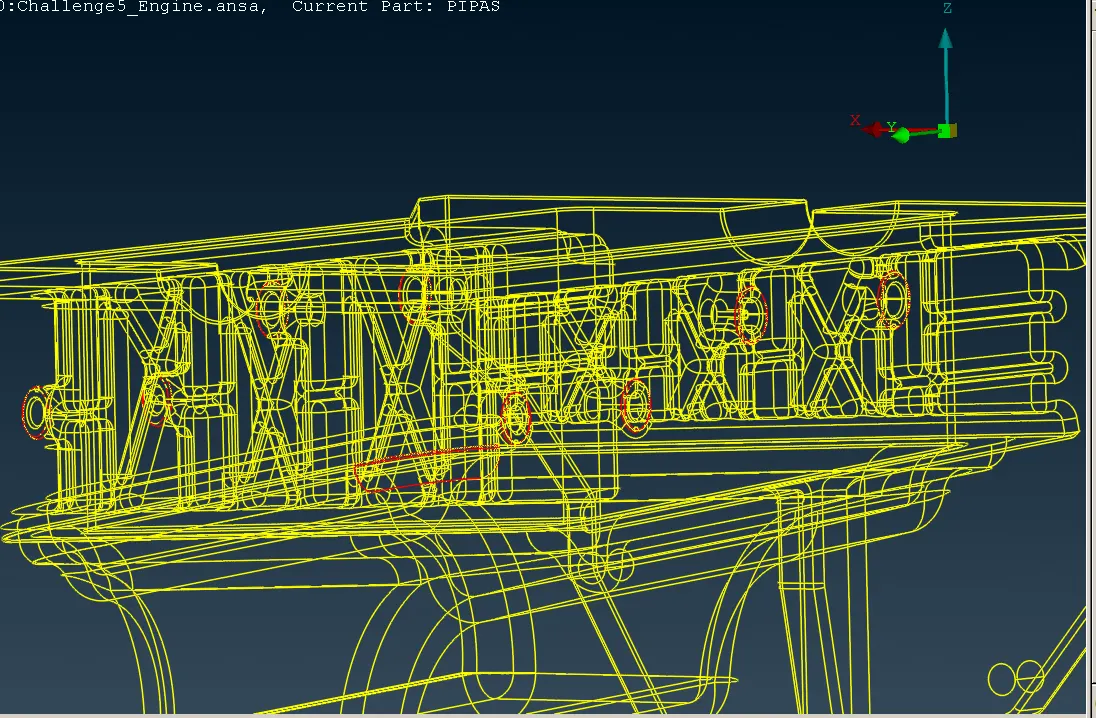
* Overlapped surfaces are also eliminated which are present in outer surfaces .
* Since we are trying to do a surface mesh we should concentrate on the outer surfaces of the component.
STEP 2:
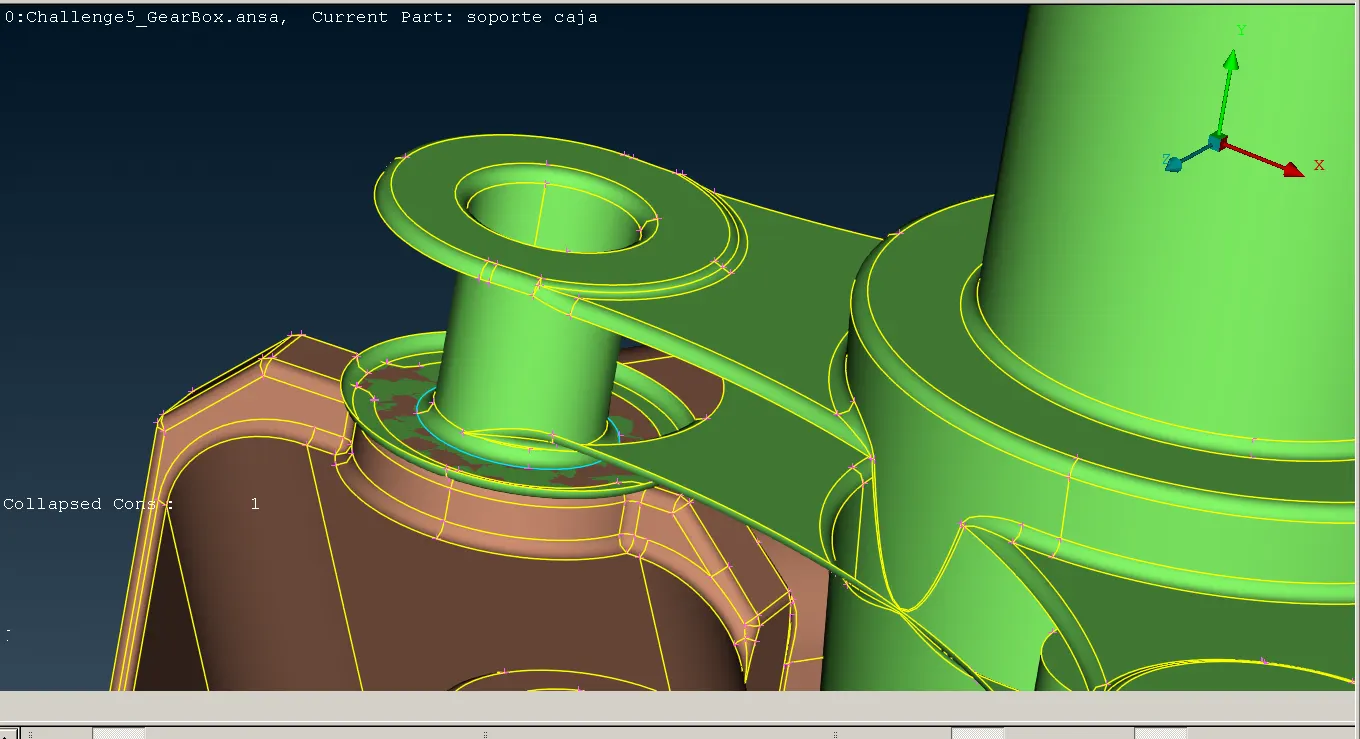
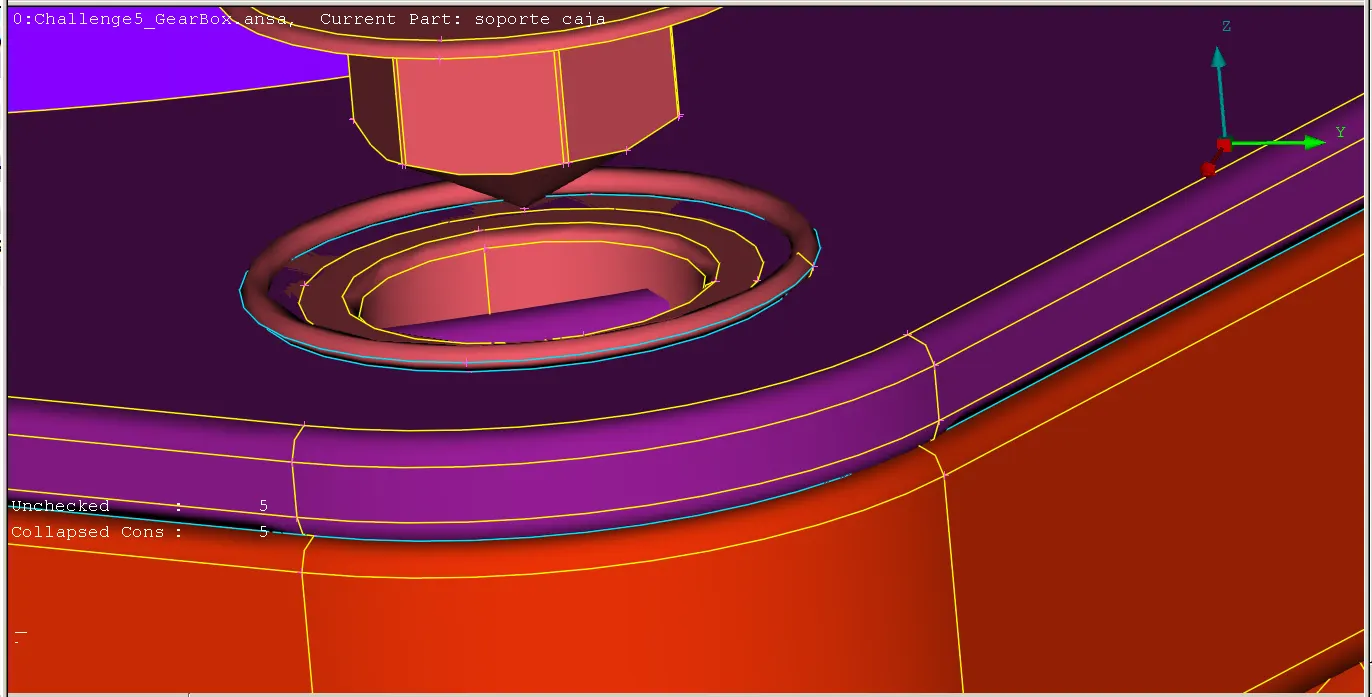
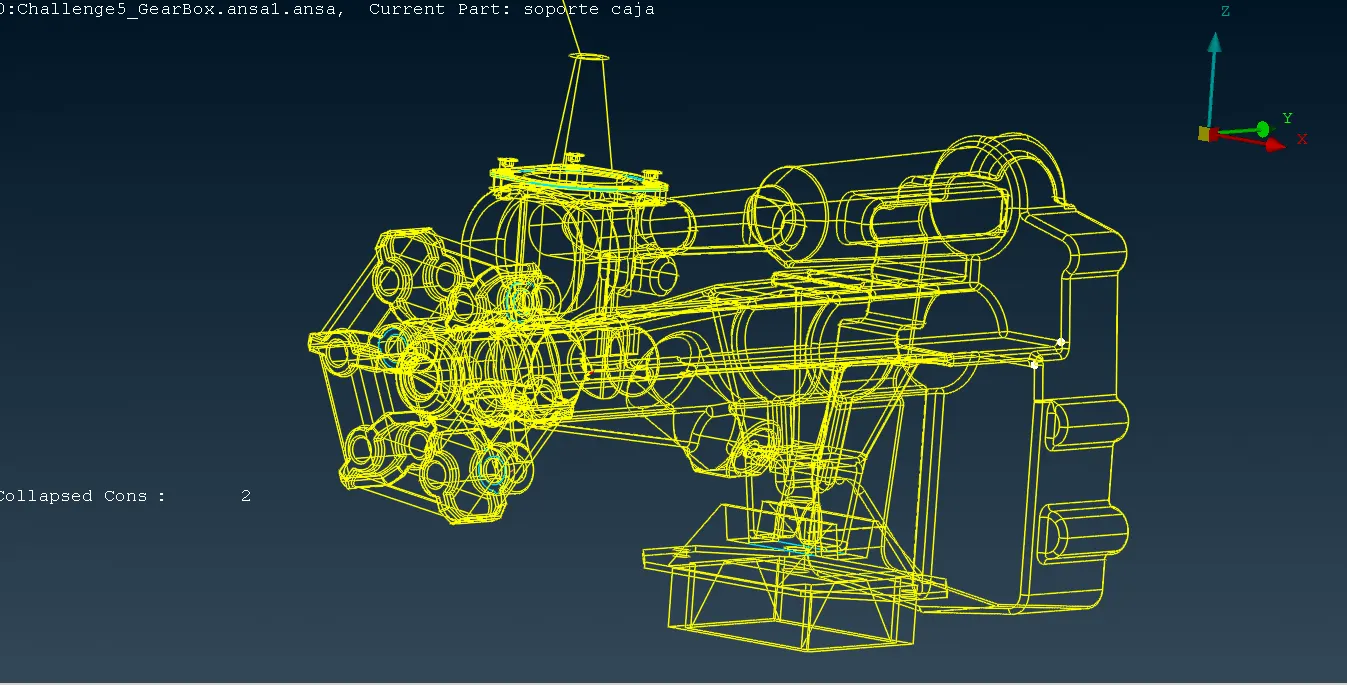
* Now start geomentry clean up for gear box model start with topo.
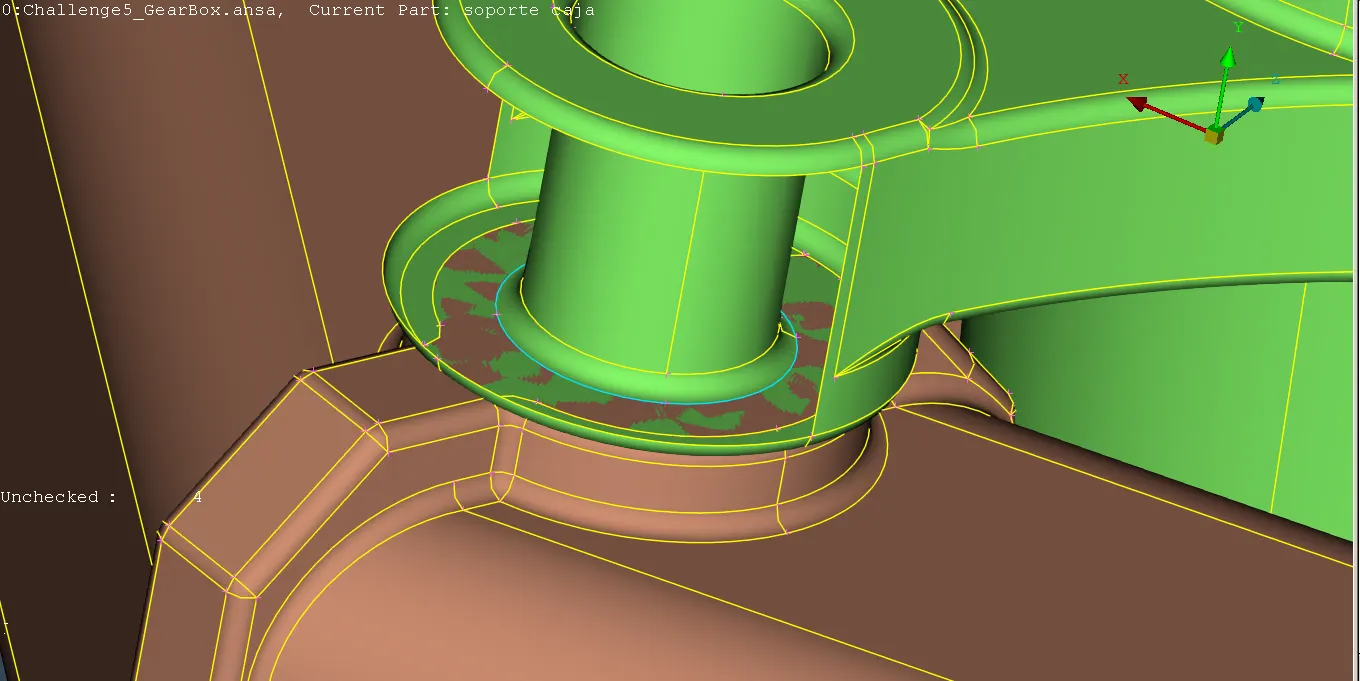
* now eliminate the overlapped surfaces in the top section for that isolate the surfaces which are all having triple cons
* We can see there is a ring type structure present in there delete that.
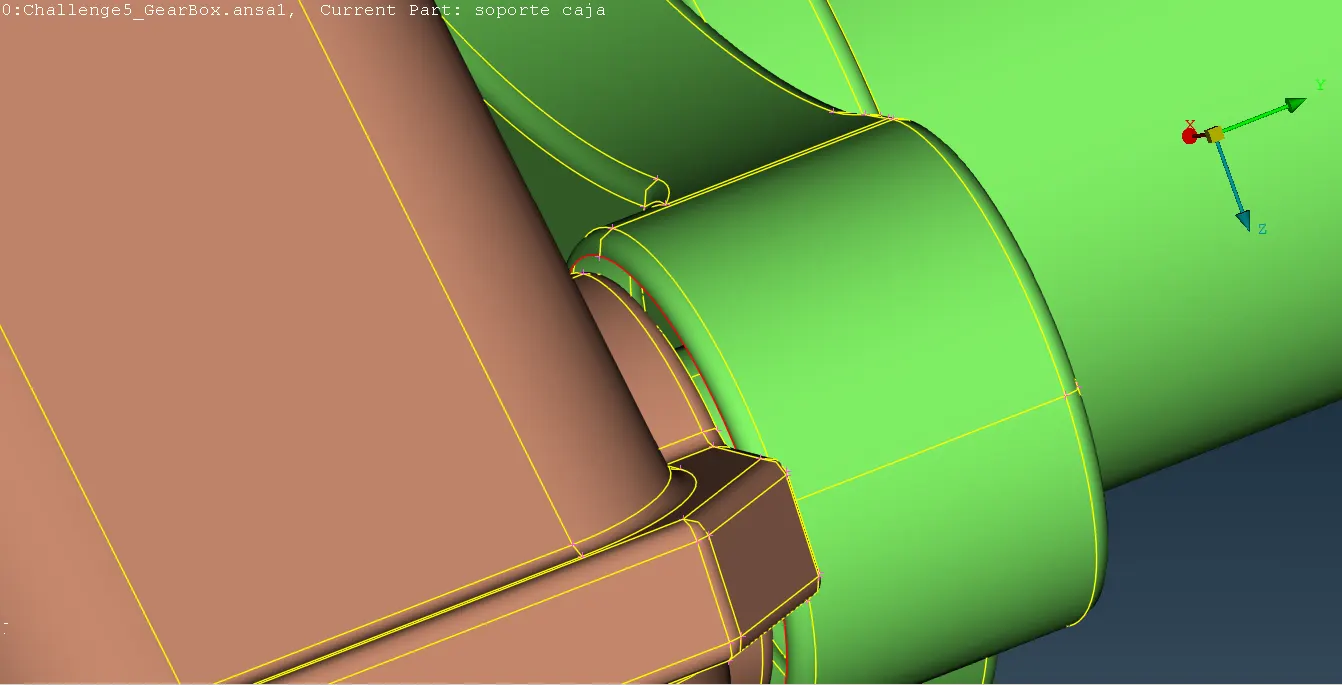
* In the bottom there is an overlapped surface present in there to delete that.
* There by deleting the overlapped surface we can see there is no connectiion between the two parts for that we can use extend option to connect the two parts together faces>extend .
STEP 3:
* Geomentry cleanup for for transmission system using topo.
* In the top section ring type structures present delete that and like we done inthe engine model by using PID selection with NOT option isolate the unnecessary surfaces and delete them all.
STEP 4:
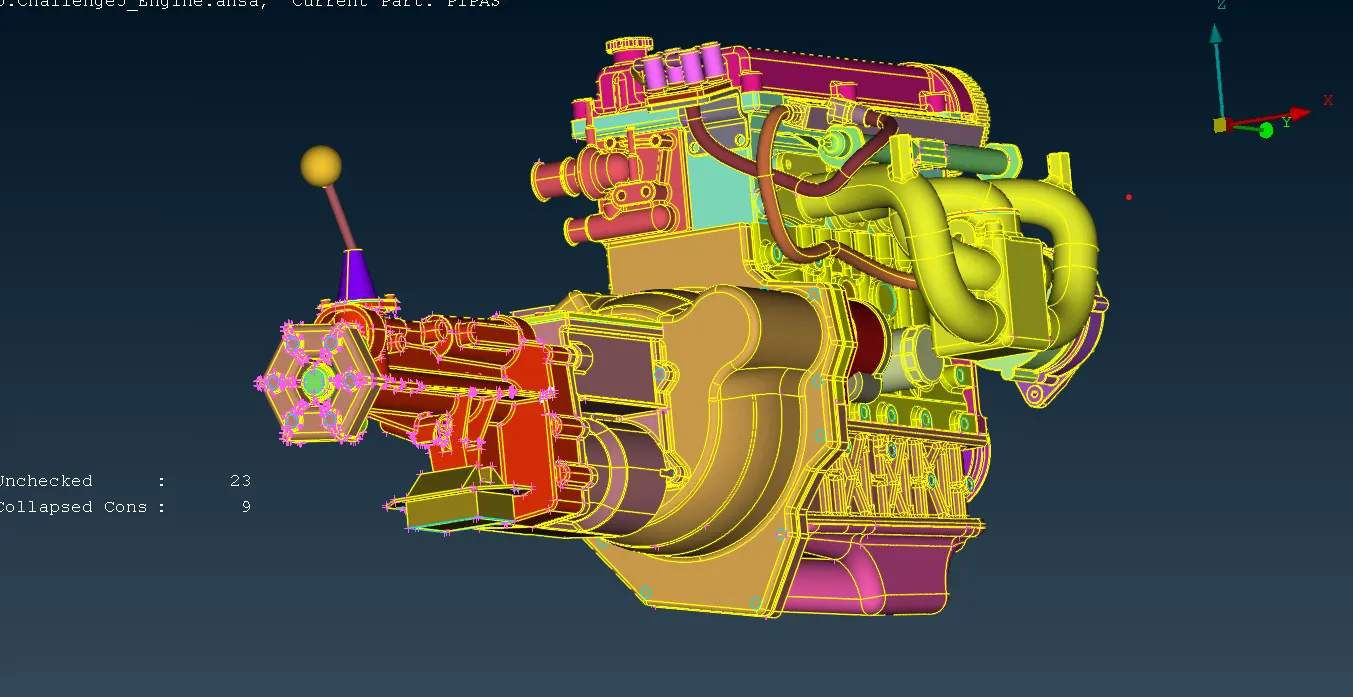
* After clearing the geomentrical errorrs all the three models should be assembled altogether for that merge option is used open >file>merge> select the file need to be merged.
* All three models are merged hence weare here to water type surface wrap the openings are closed.
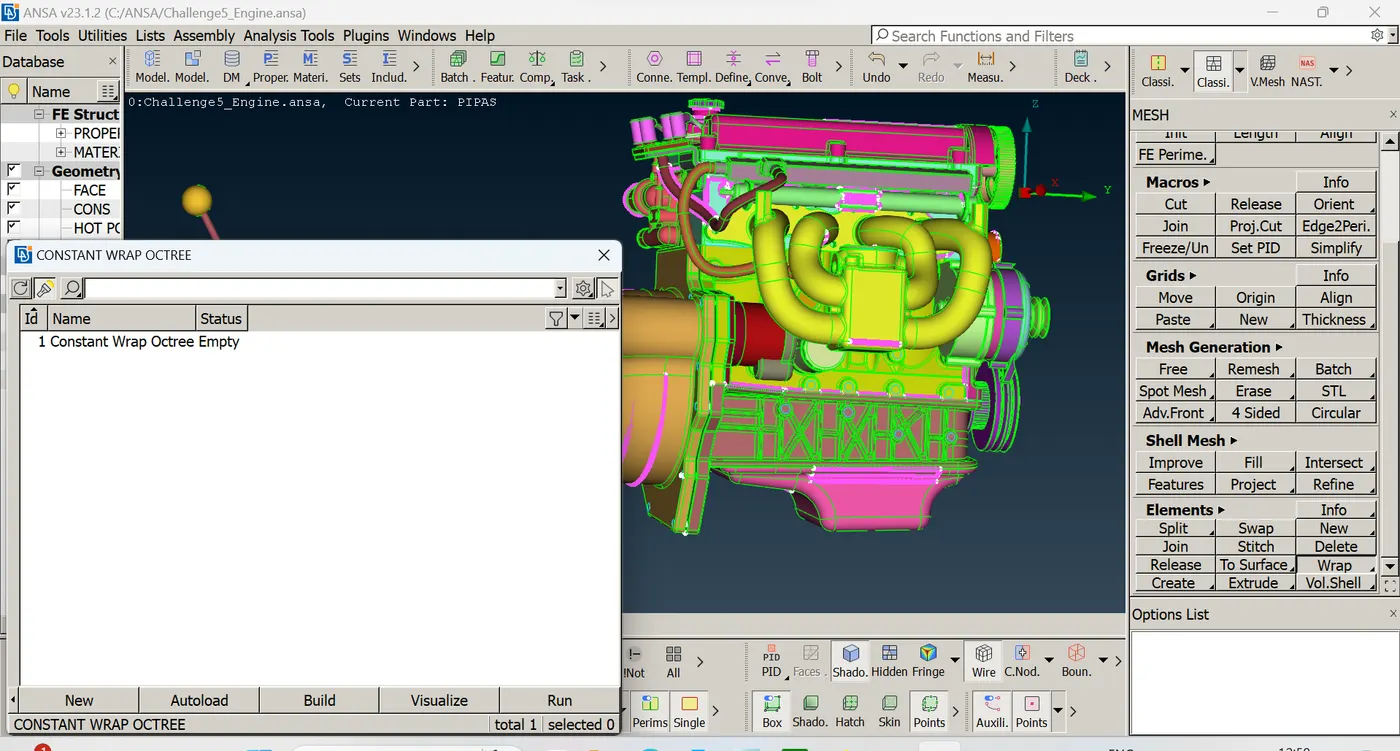
* For the surface wrap select the classic mesh deck>elements>wrap > constant length.
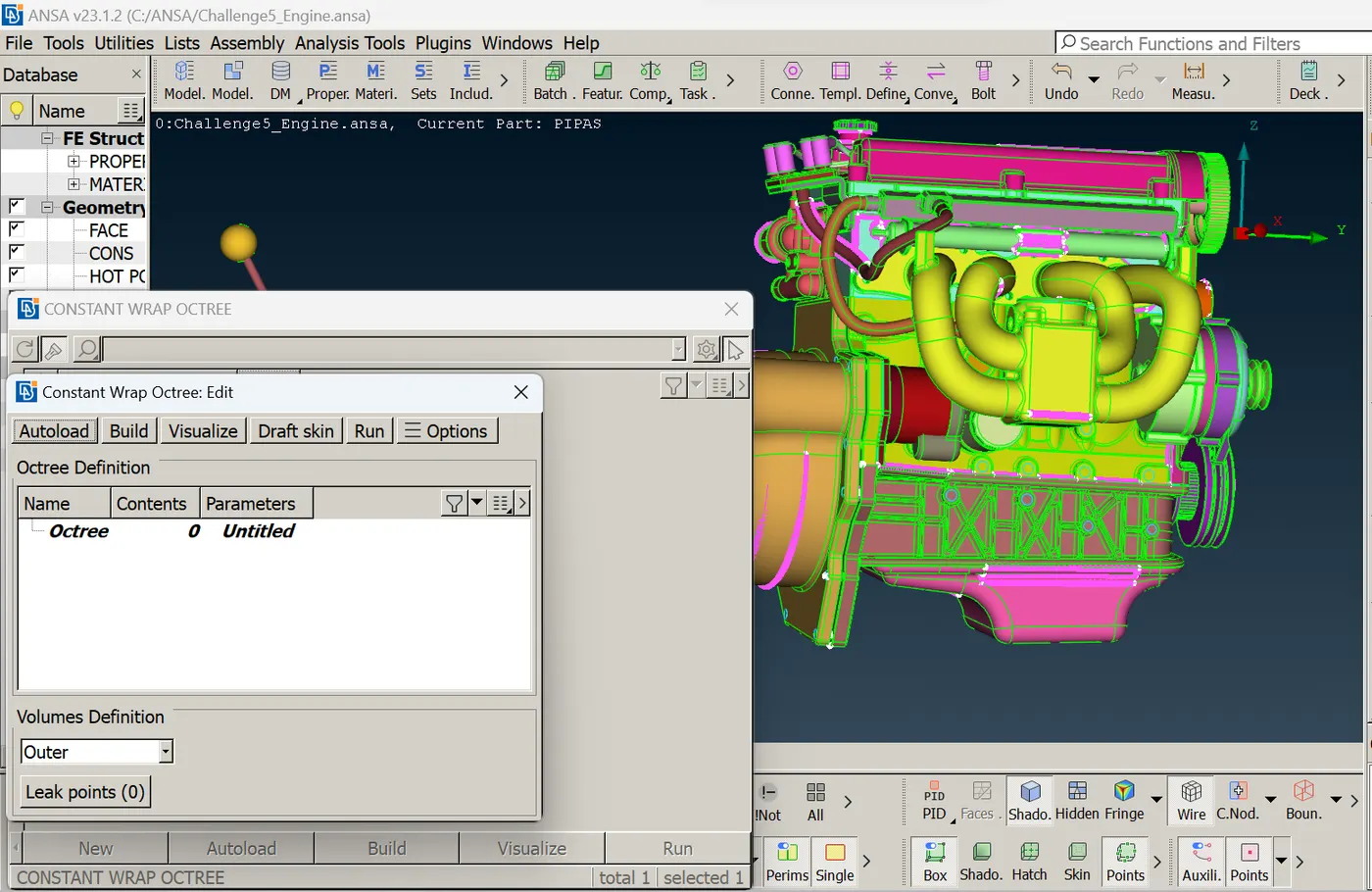
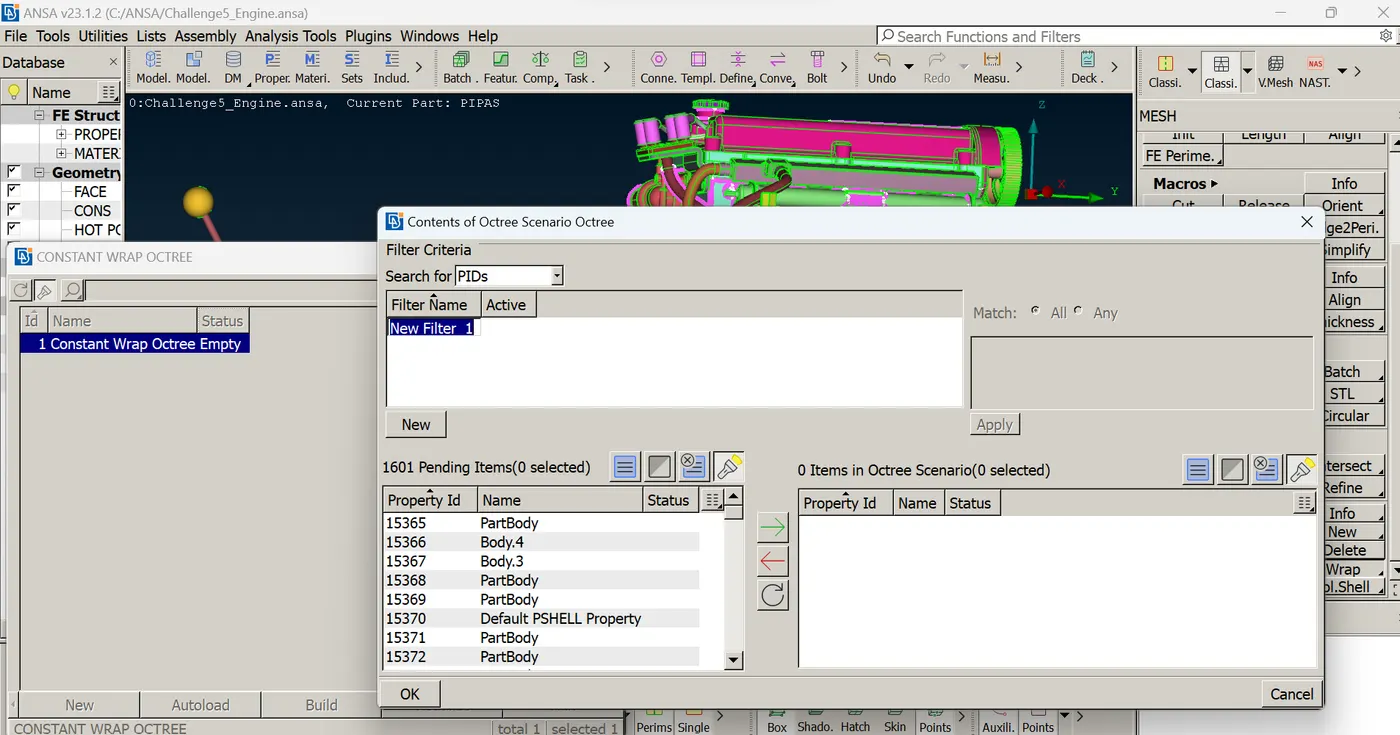
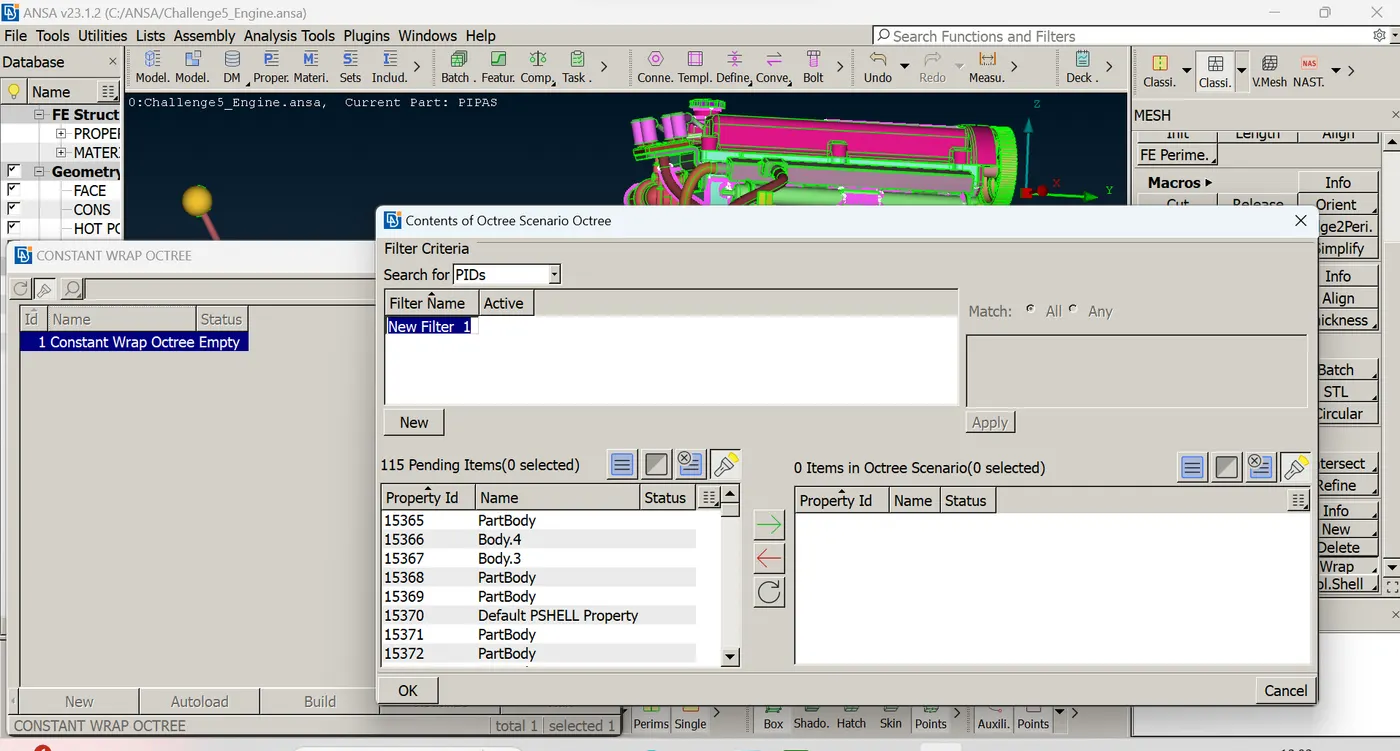
* A tab popsup it has octree selected as 0 and untitled in there we have to select no of PIDS to be added and the target mesh lengt to be defined for the surface wrap.
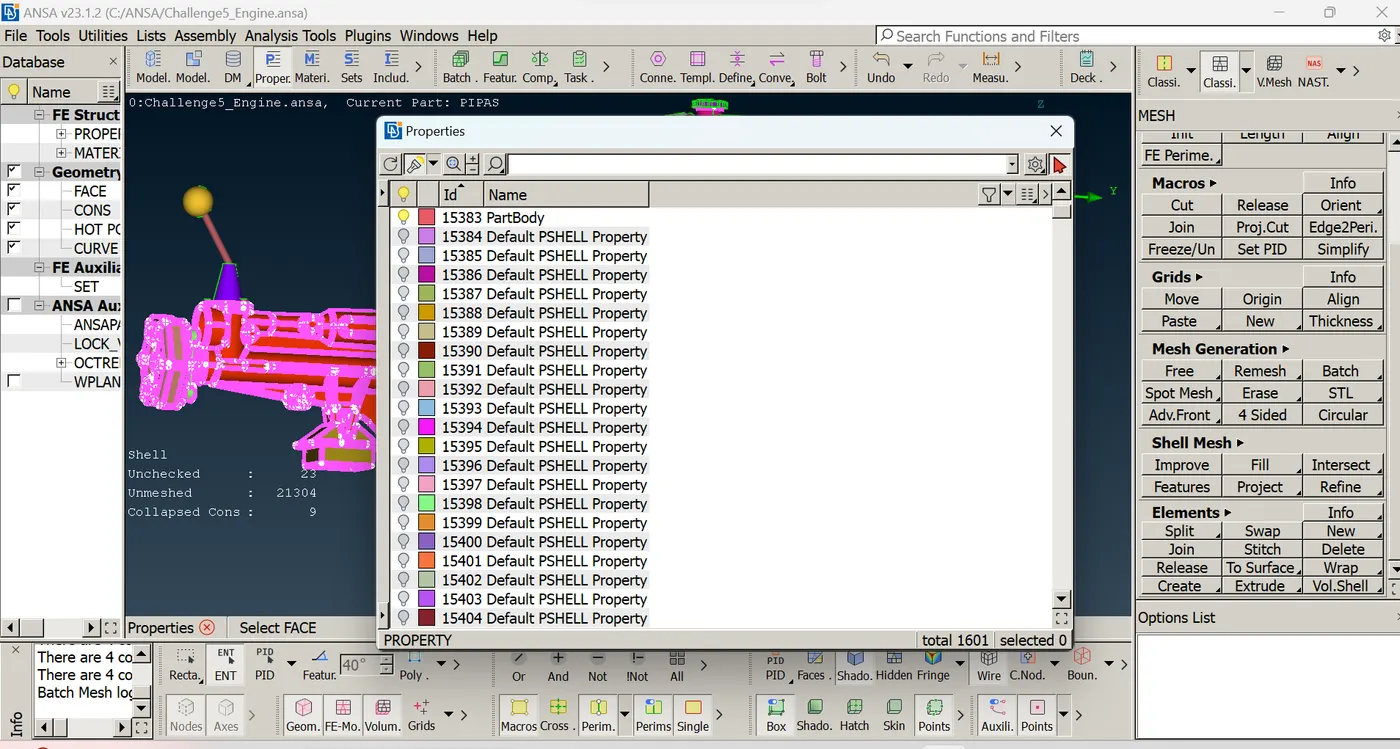
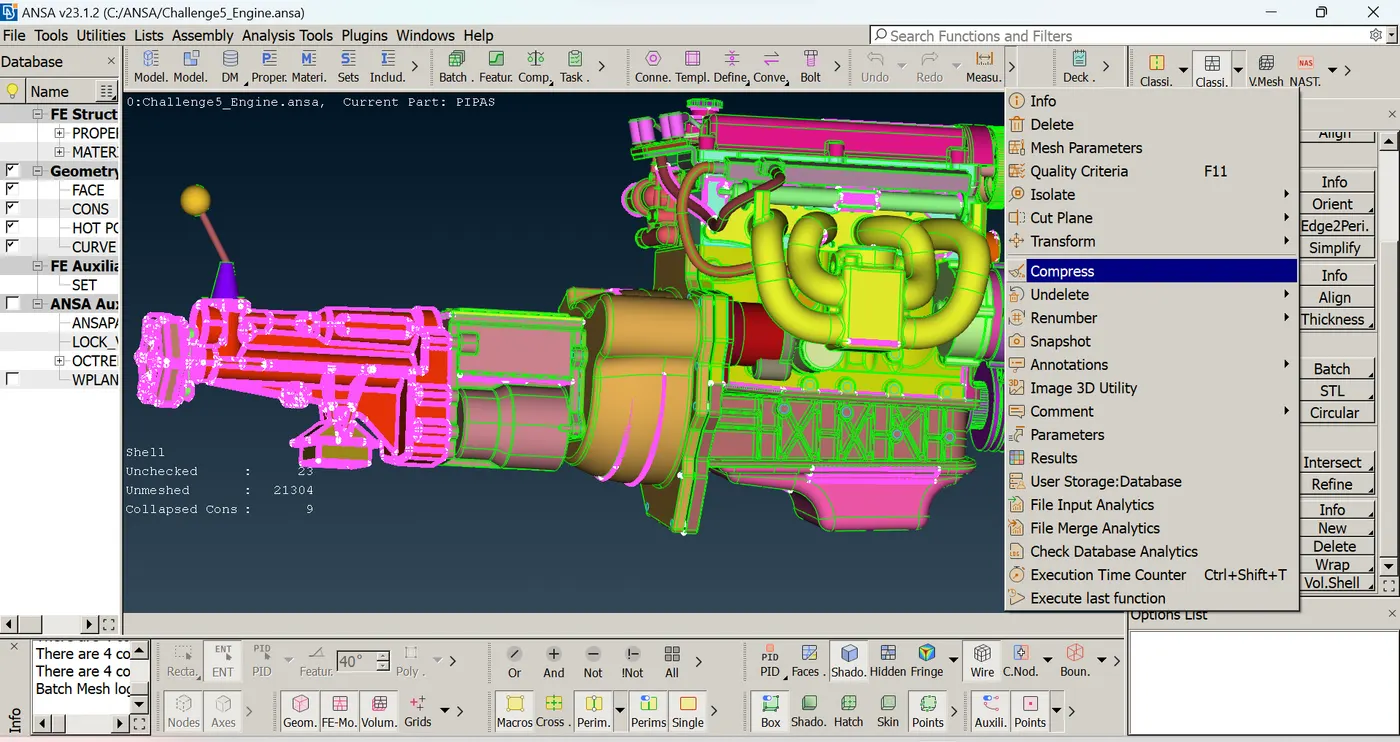
* Before that we need check and delete that the PIDS of deleted items. so we can use compress option to delete that unwanted PIDS.
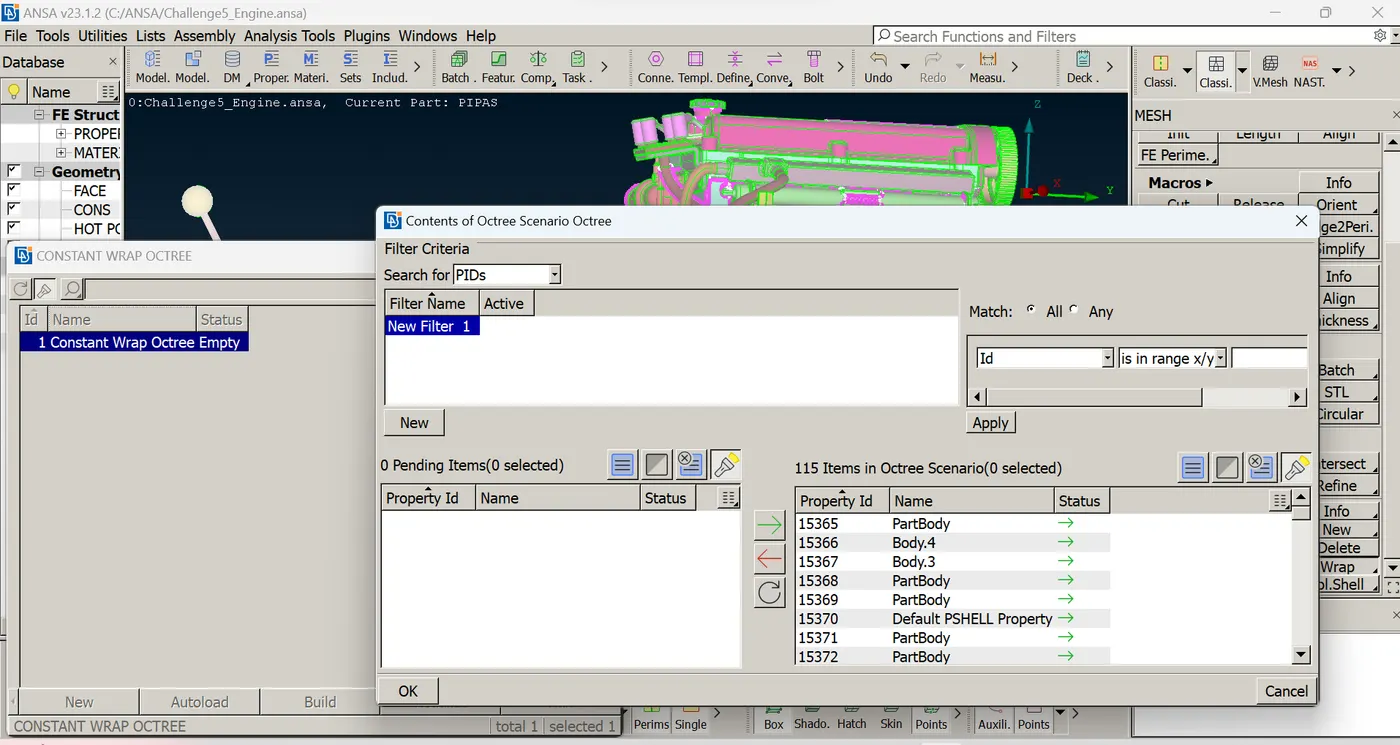
*select all the PIDS and move all by clicking green arrow now we can see the three merged models are selected and highlighted in the interface.
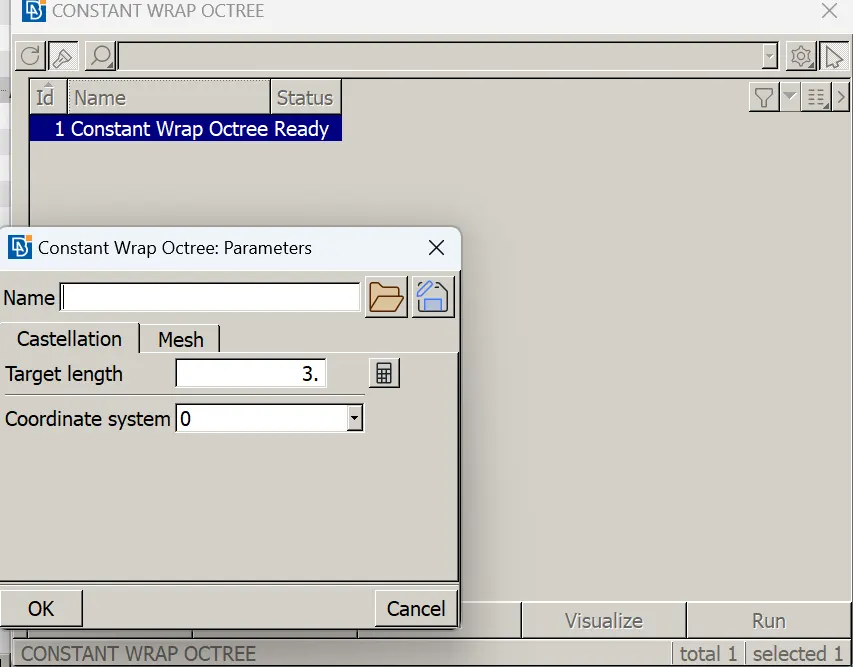
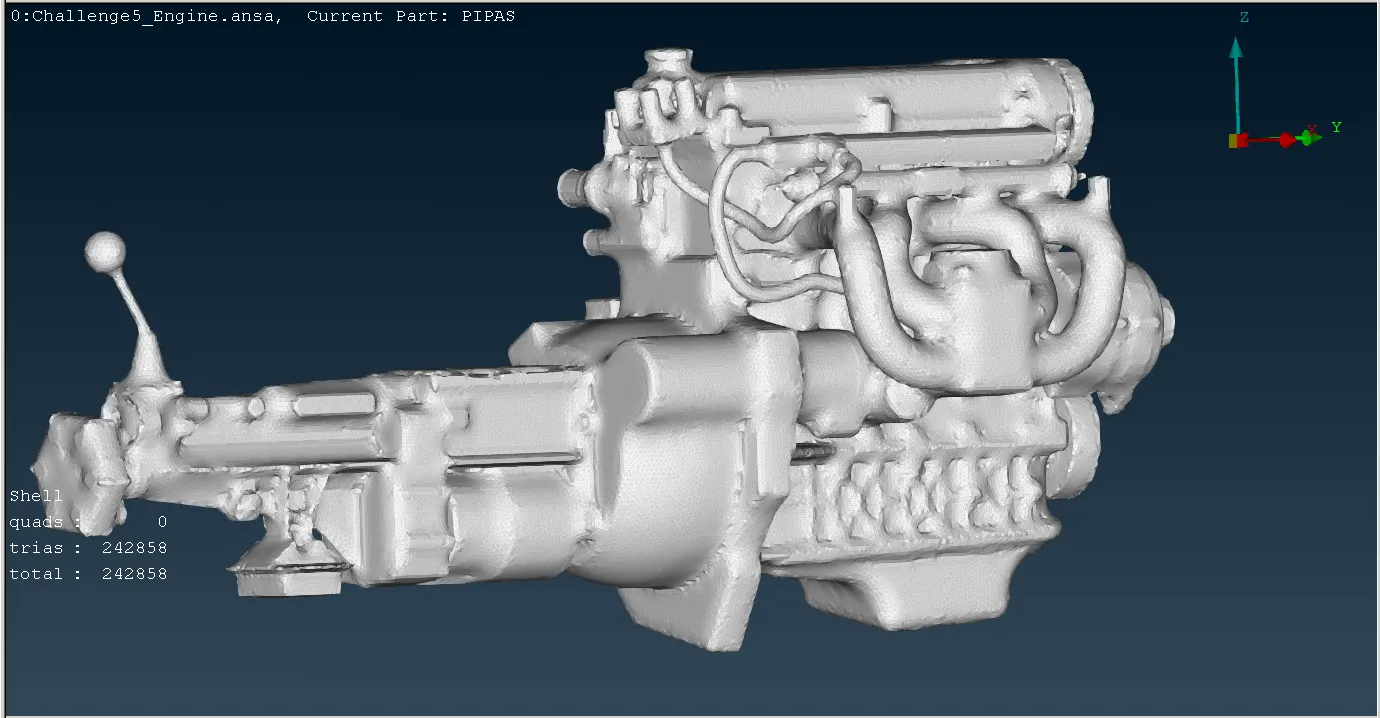
*fix the target length for the mesh which is 3mm. click run .
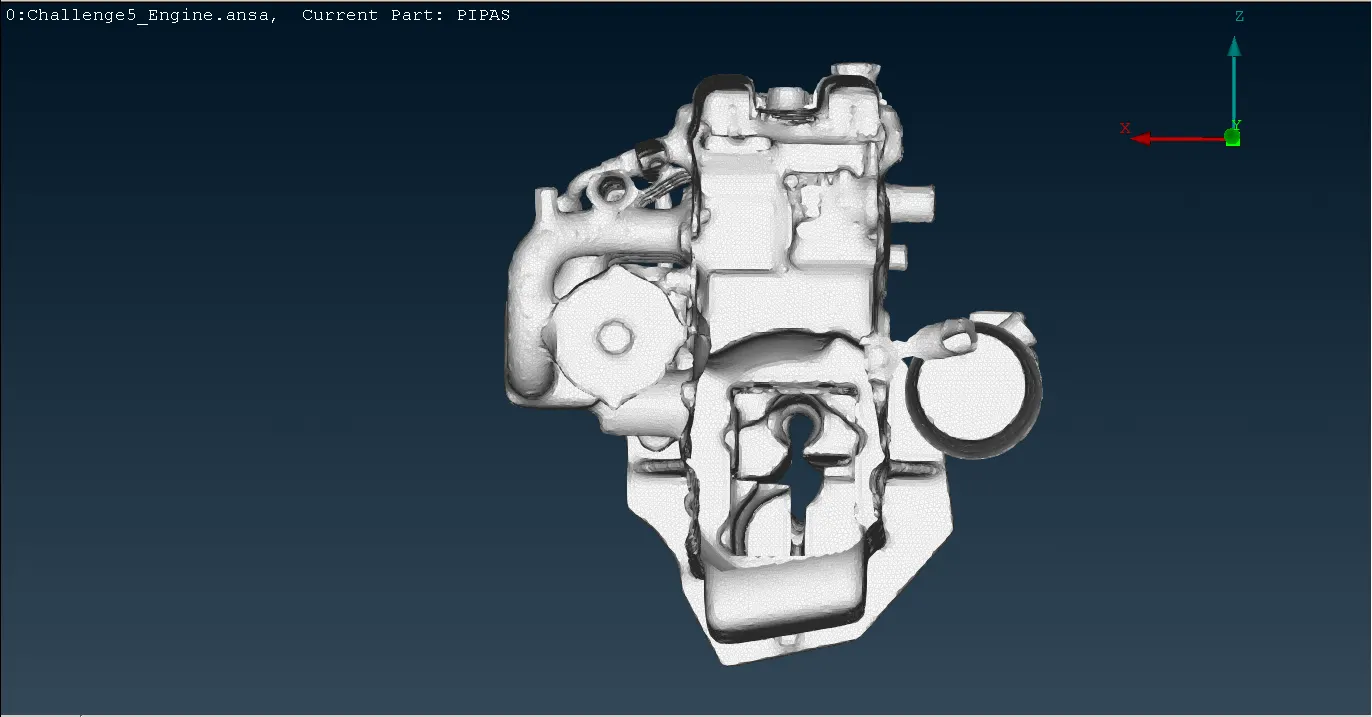
*Now we have an surface wrap for the merged models if we hide some small portions on both the ends we can see the surface wrap performed only onthe outer surface of the model so inside thers is only an hollow space.
CONCLUSION:
The given three models are geomentrically checked and the all three models are merged water type surface wrap is done with a target mesh length of 3mm.