Week 2 Challenge : Surface meshing on a Pressure valve
AIM :
To perform topology cleanup and mesh the given pressure valve model with three different target lengths (i.e) 1mm ,3mm ,5mm with element type as tria and mention which is giving good results with reason.
OBJECTIVES :
1) Identify and clear the geomentrical errors with the help of topo deck.
2) Assigning PID for the spring and column of the presure valve model to resolve the intersectional error with topo deck.
3) Mesh the model with given three different target lengths with classic mesh deck and mention in this three cases which has good mesh quality.
PROCEDURE :
In here we are using ANSA. ANSA is an preprocessing tool that provides all funtioality for full mode build up fromCAD data to ready to run solver input file,in a single integrated environment.
STEP - 1 :Open the file using ANSA and check for geomentrical errors for go to tool bar click the right arrow right after to the v-traps>check>check manager >geomentry checks execute. it will show what are errors we need to clear.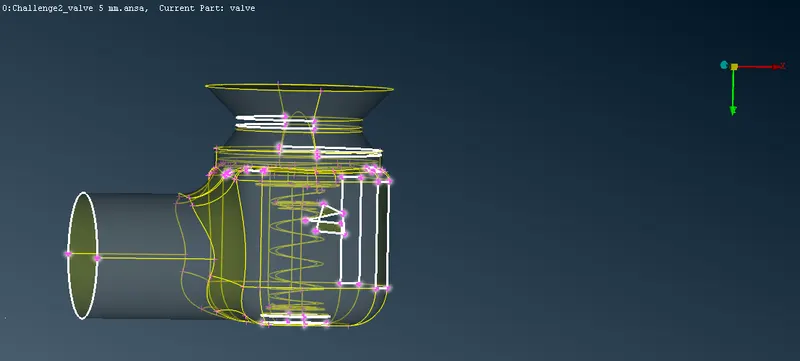
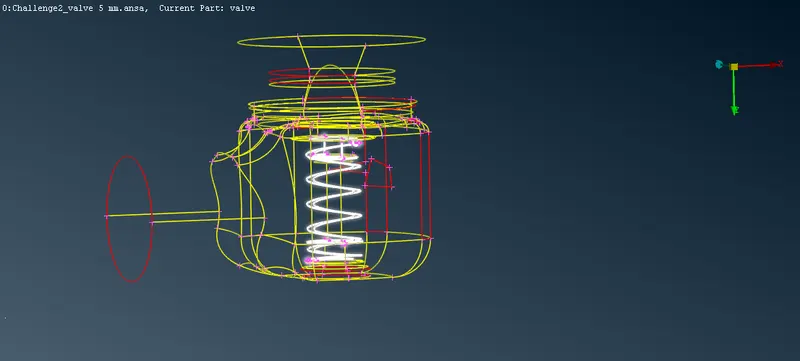
STEP - 2:To clear the cracks and the single cons in the model with TOPO deck . goto face>new it will pop up a window it has *existing surface*planar*fitted*coons .cracks and coons are eliminated with these and in cons>fill hole can also used to eliminate the cracks.
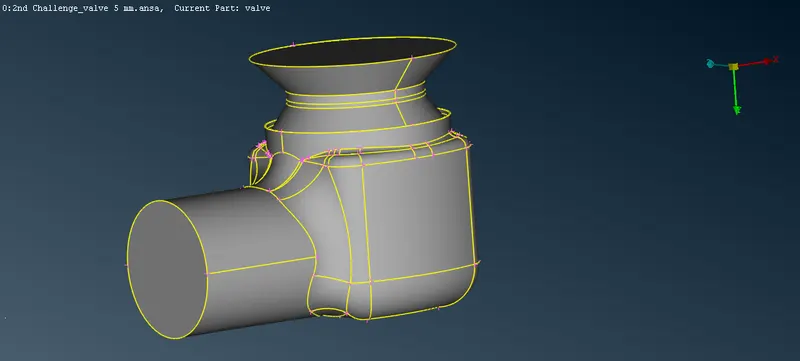
STEP - 3 :To clear the intersectional error first we need to isolate the spring and column of the pressure valve and give PID for them .here we can NOT and !NOT for isolating the parts.After go to the tool bar select PID do right click select>new> shell property.Now the PID is created but unassigned, For assigning PID for the parts seperatly do right click on the created PID and click apply >select the part.
STEP - 4:Now go to faces>intersect>select the spring and column do middle click. It will shows that intersected surfaces from that some are deleted which are all need it has kept.Red cons in the bottom also cleared.
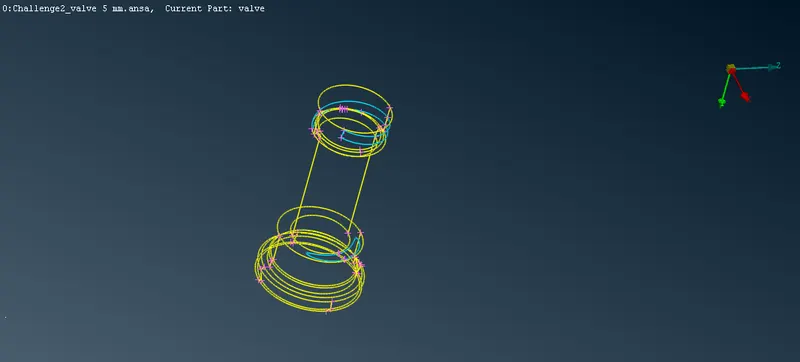
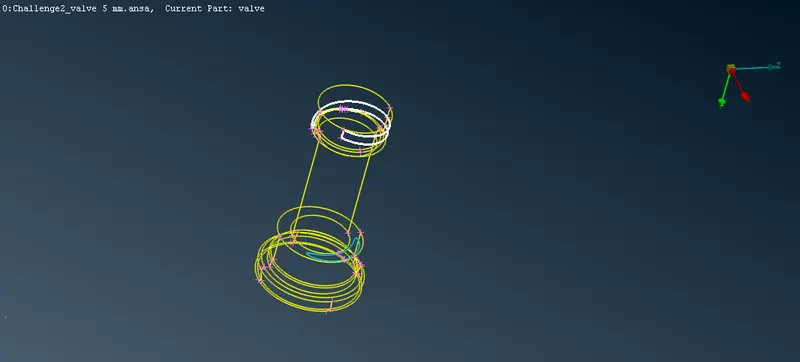
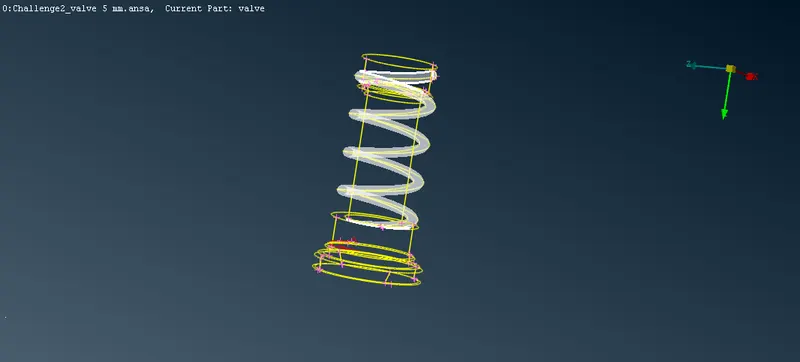
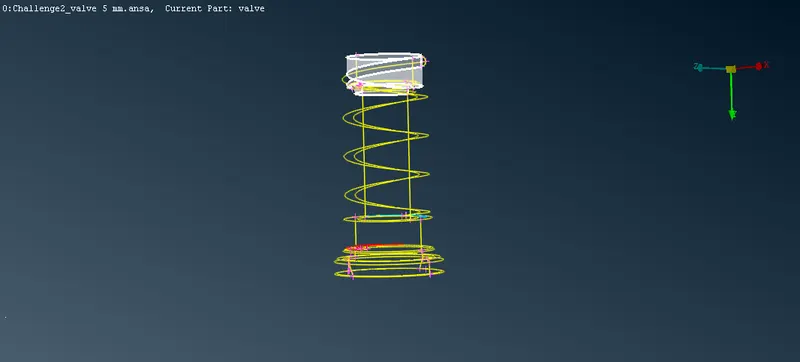
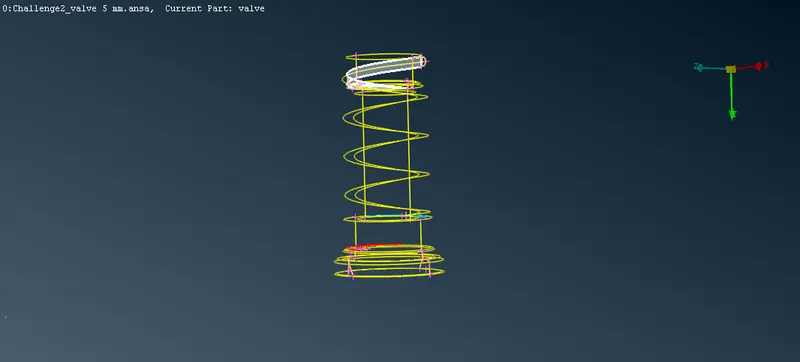
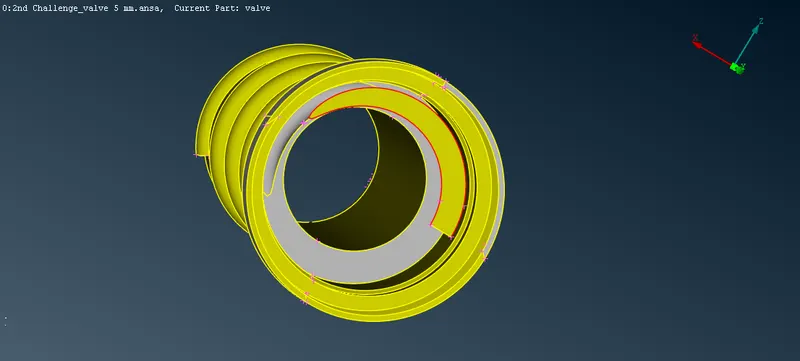
STEP - 5:After checking there are no more errrors in the model we will go for meshing. before that unnecessary hot points are deleted by selecting hot points>delete> select the entire pressure valve do middle click.
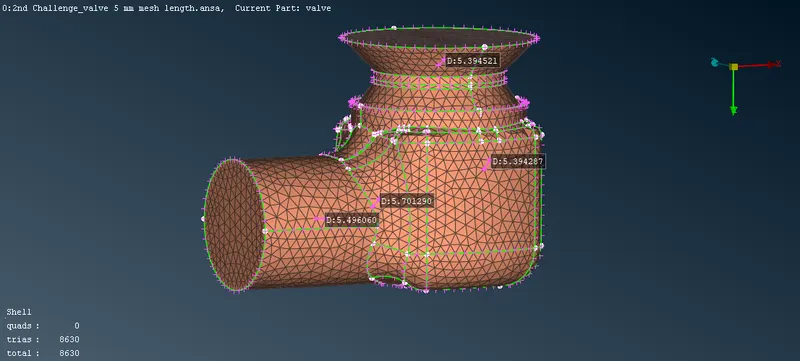
STEP - 6:Mesh the pressure valve with target length of 5mm for that we need to set the boundries. Go to tool bar select mesh parameters and give minimum length as 3mm and maximum length as 7mm similarly go to the quality criteria enable minimum and maximum length then give the same. In the classic mesh deck select perimeter>length>select entire model give the perimeters and macros as mm do middle click. Go to mesh generation>cfd >visible.
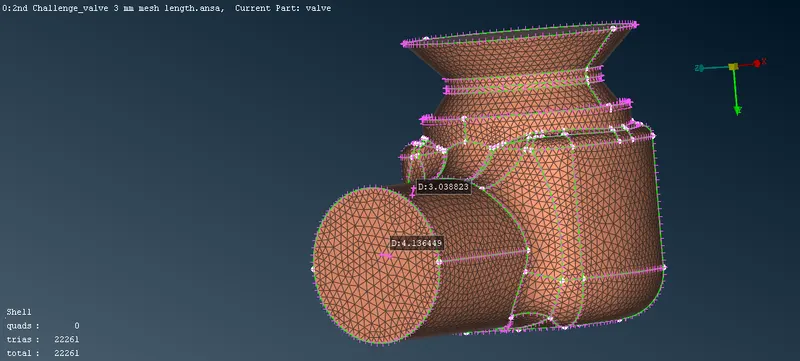
STEP - 7 : Now select>erase do the same process with target length of 3mm minimum length 0.5mm and maximum length 5mm .
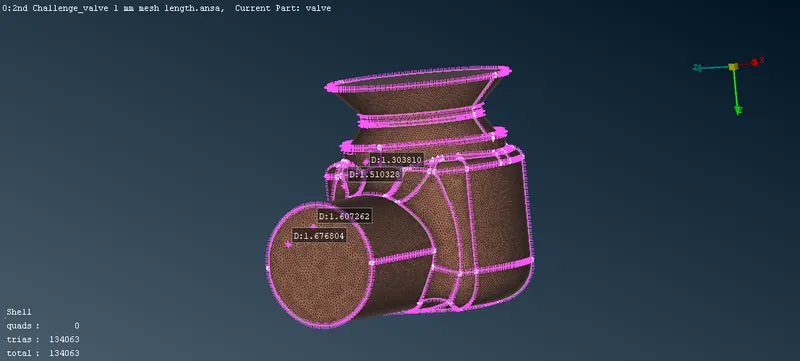
STEP - 8 : Again select>erase do the same process with target length of 1mm minimum length 0.5mm and maximum length 2mm .
RESULT:
Three different mesh with target lengths of 1mm,3mm,5mm is done under these three 1mm mesh has goosd quality of mesh . The quality of mesh increases with increse in number of mesh comparing the three meshs 1mm mesh high number of trias.