Project 1 : CFD Meshing for Tesla Cyber Truck
AIM:
To check and solve all the geomentrical errors in the given model of tesla cyber truck assign PIDS and do meshing with suitable target length with meshing wind tunnel volume with tetra elements.
PRODECURE:
STEP1:
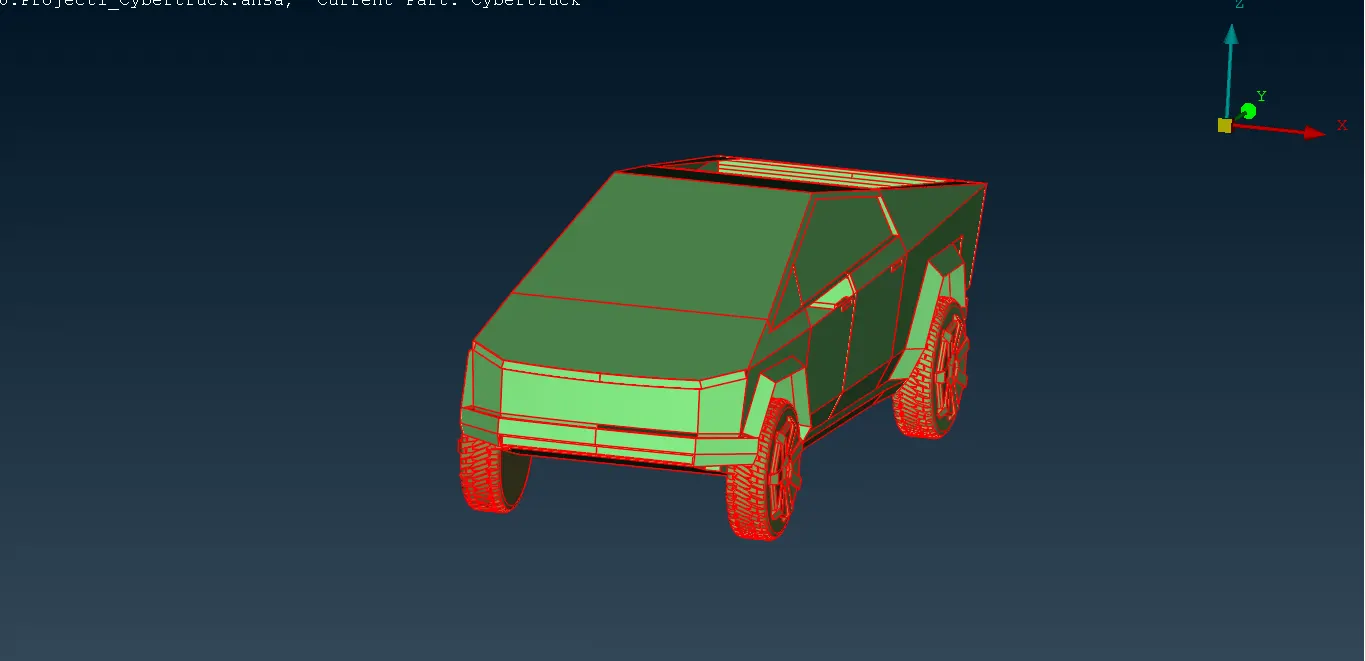
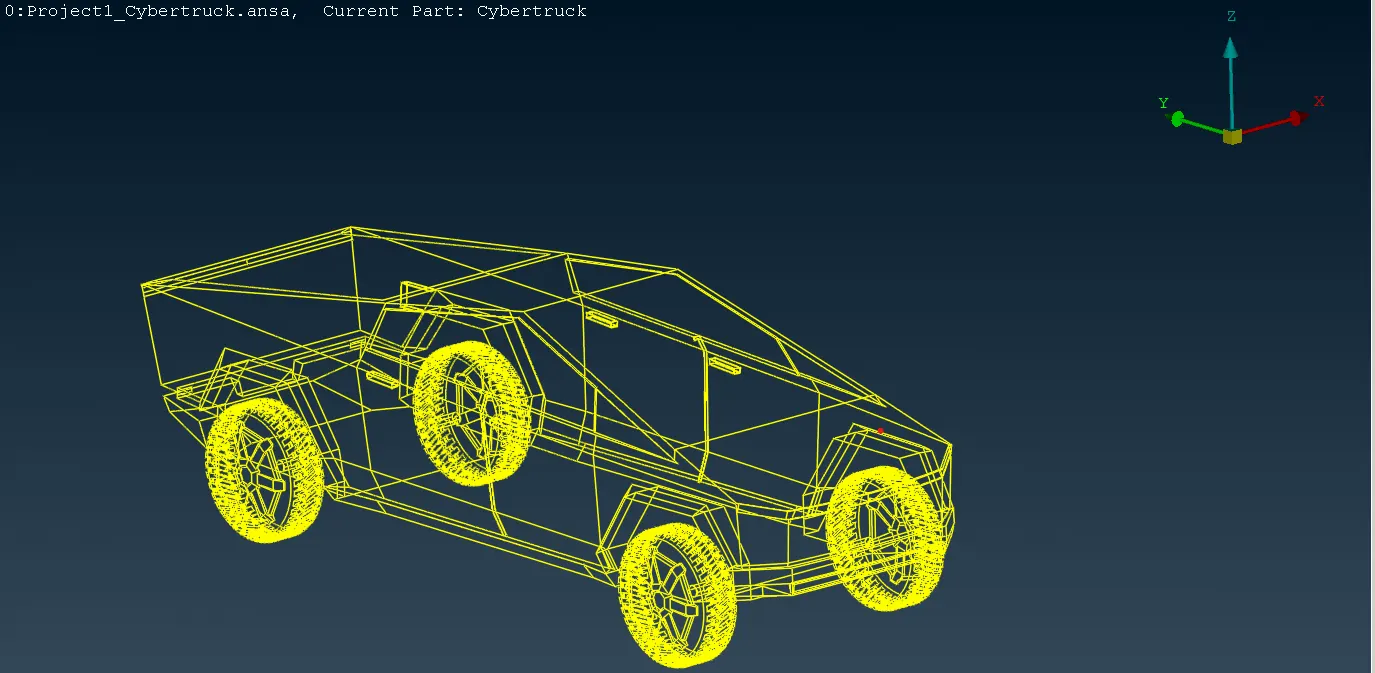
* Firstly to do TOPO for the model to minimise the errors.
* Then we can see the missing surfaces we can try creating the missing surfaces.
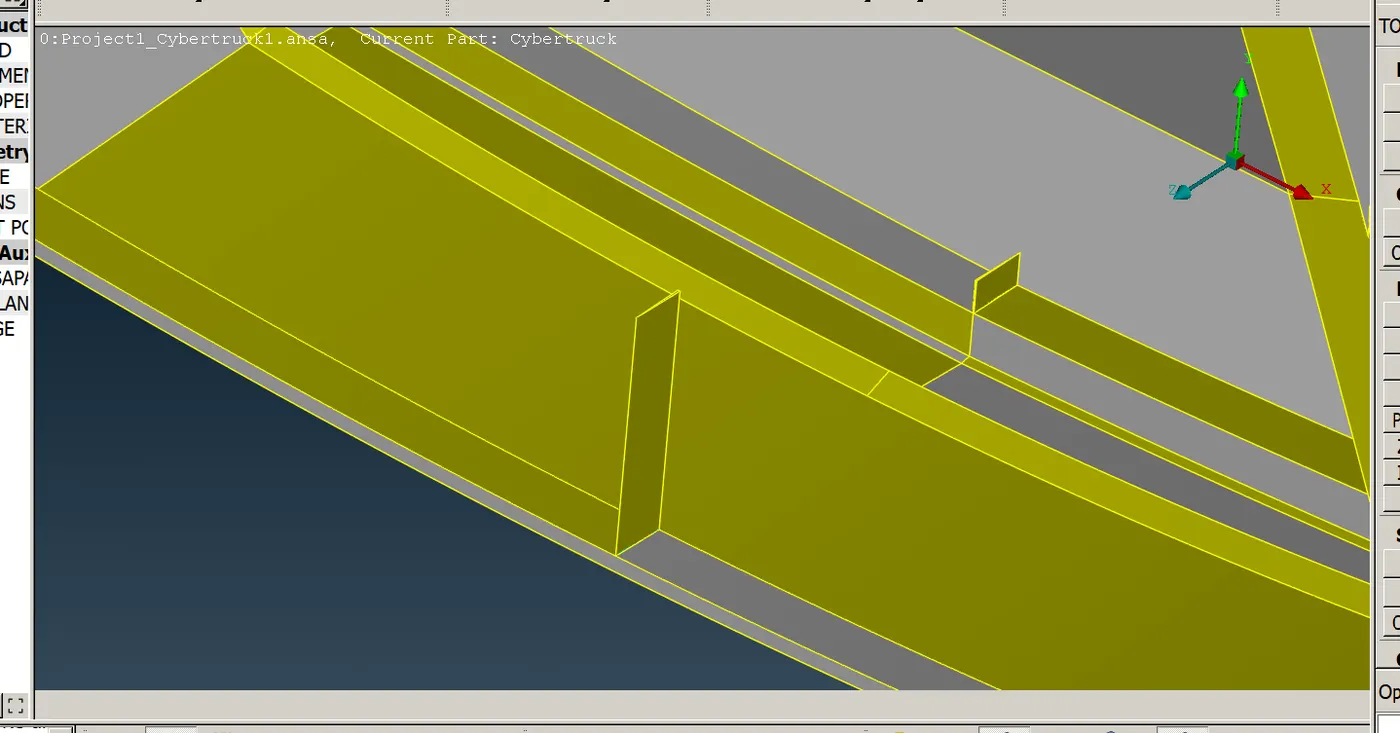
* Then we can check the geomentry of the model clear all the inappropriate single and triple cons of the model.
STEP2:
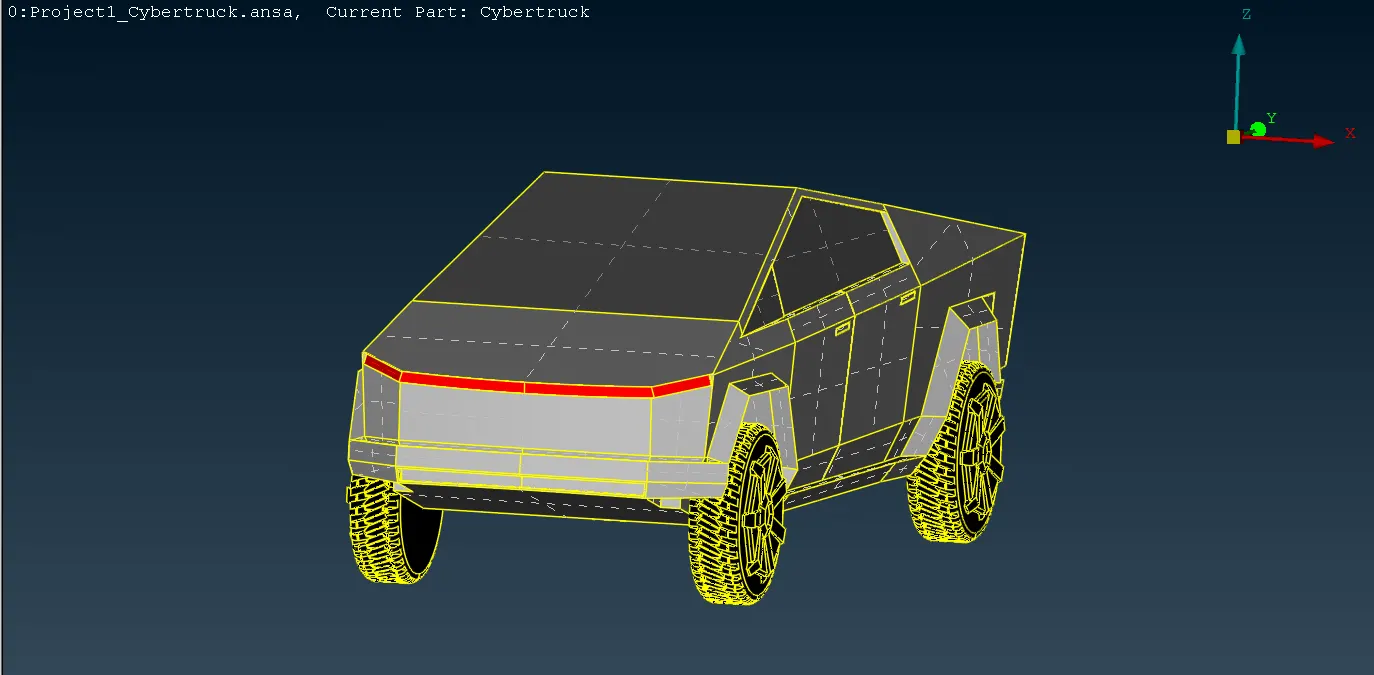
* We are after clearing all the geomentry errors we are now can assign PID.
* Assigning PIDs like for the wheels, windows, tail & rear lights and body.
STEP 3:
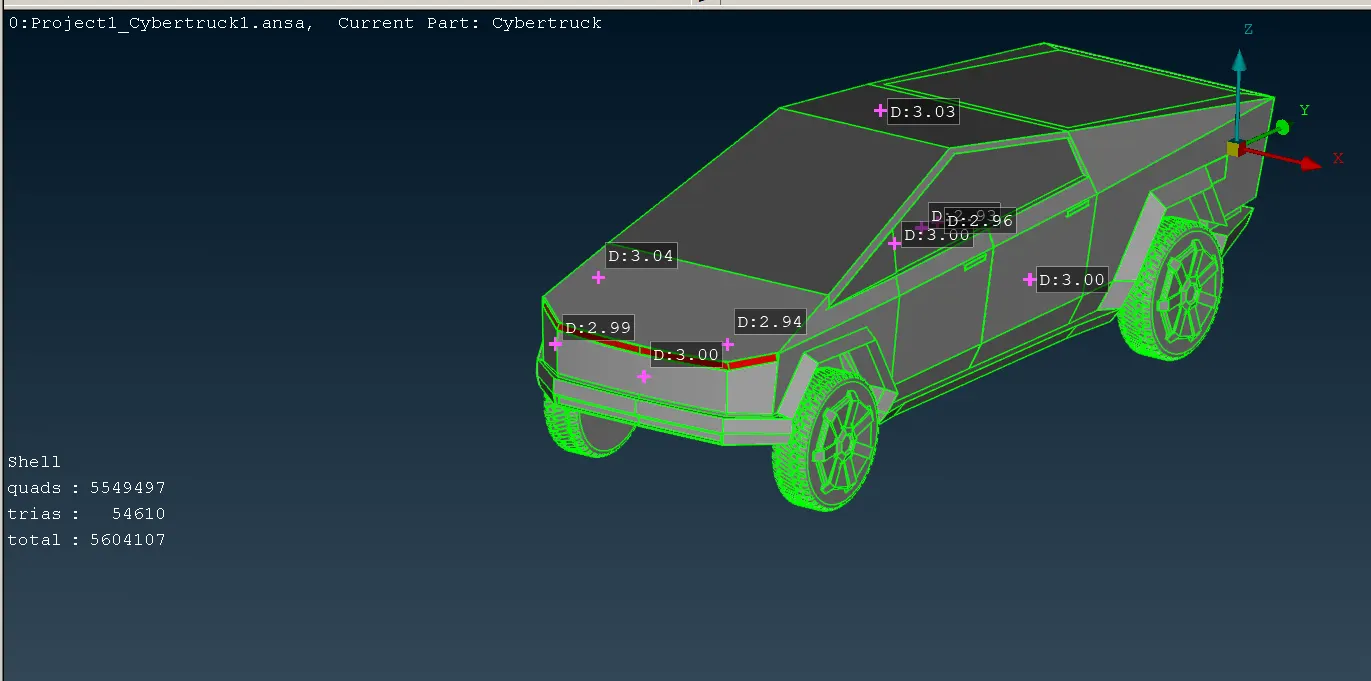
* After assigning PIDS now we can start to mesh every PIDS one after another .
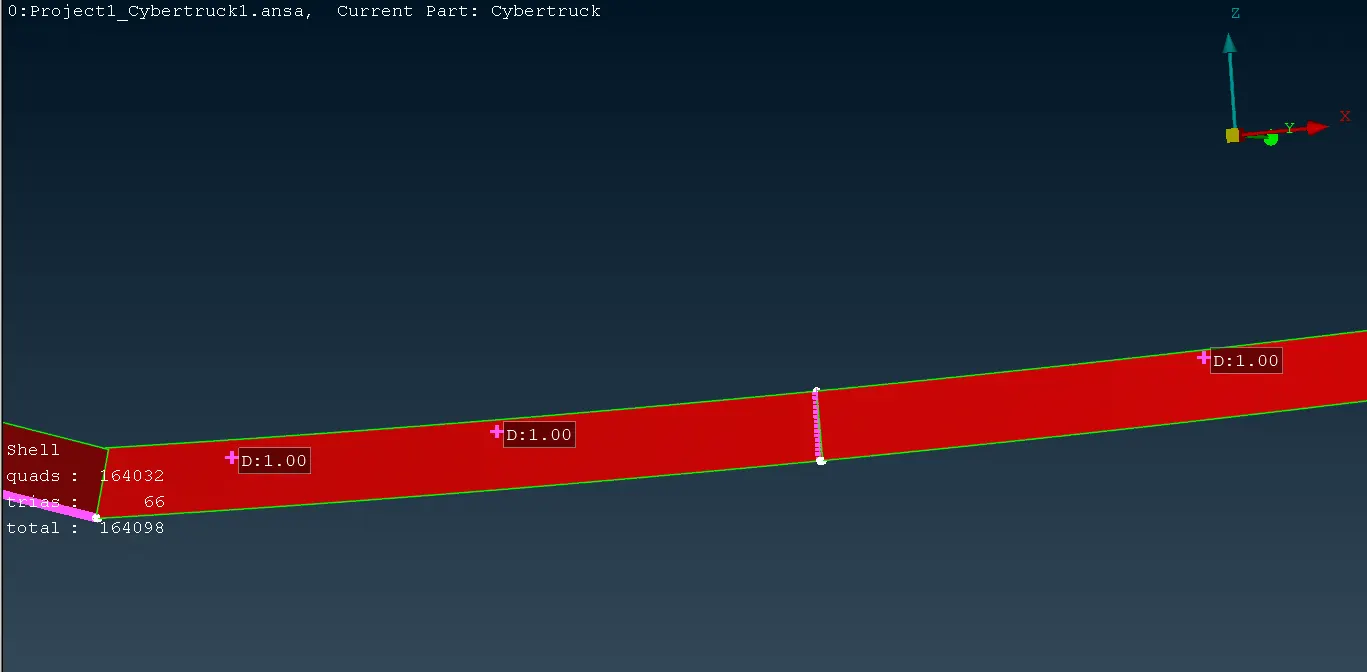
* first start with the rear and tail light of the model target mesh length for that target length of 1mm in the mesh parameters and quality criteria give minimum length as 0.4 and maximum length as 2mm in classic mesh deck>perimeters> define length and macros as 1 mm after that do go for mesh generation>cfd mesh >select and do middle click >use measure to check the mesh length is 1mm or not.
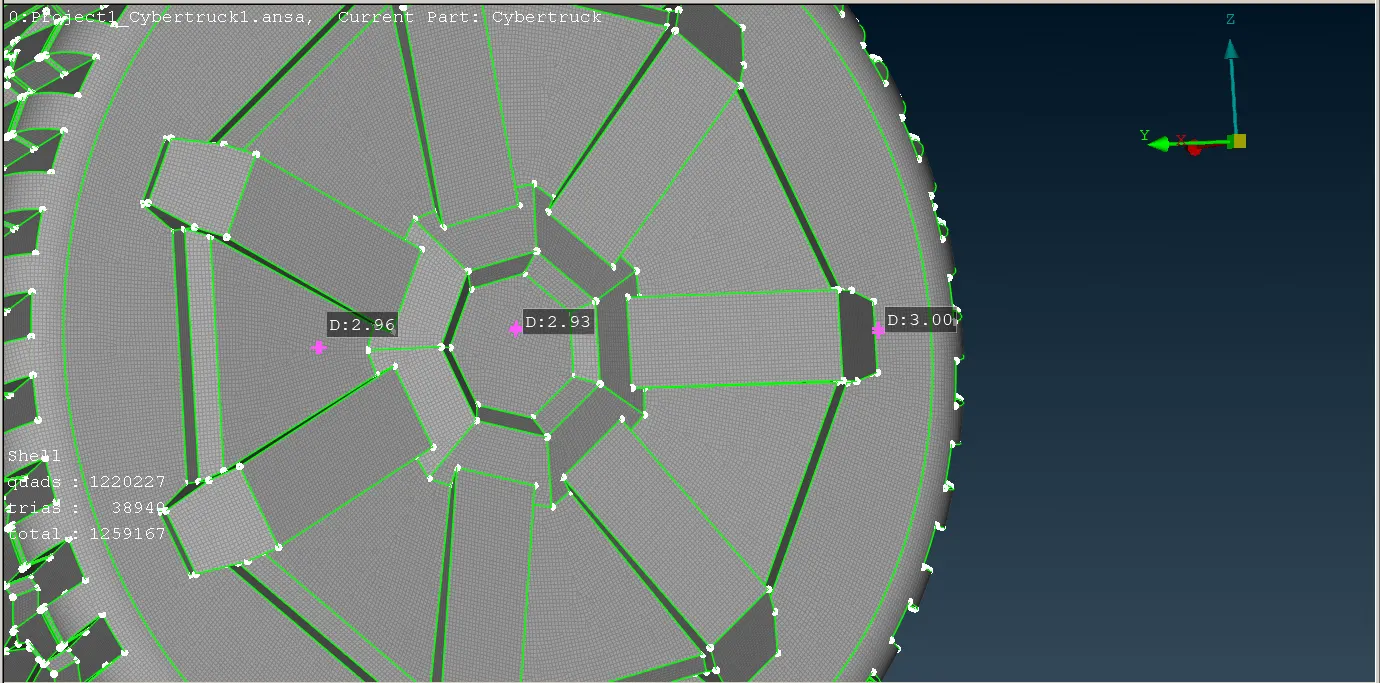
* Again start with the tyres of the model target mesh length for that target length of 2mm in the mesh parameters and quality criteria give minimum length as 1 and maximum length as 3mm in classic mesh deck>perimeters> define length and macros as 2 mm after that do go for mesh generation>cfd mesh >select and do middle click >use measure to check the mesh length is 2mm or not.
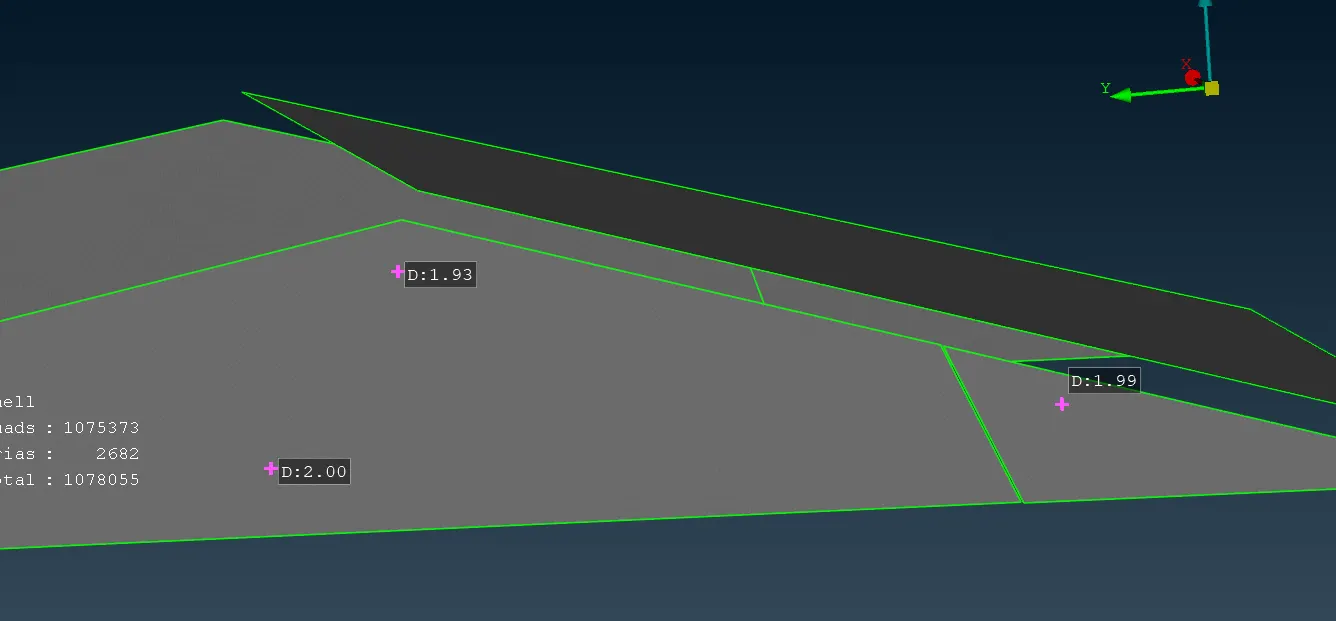
* Now with the windows of the model target mesh length for that target length of 2mm in the mesh parameters and quality criteria give minimum length as 1 and maximum length as 3mm in classic mesh deck>perimeters> define length and macros as 2 mm after that do go for mesh generation>cfd mesh >select and do middle click >use measure to check the mesh length is 2mm or not.
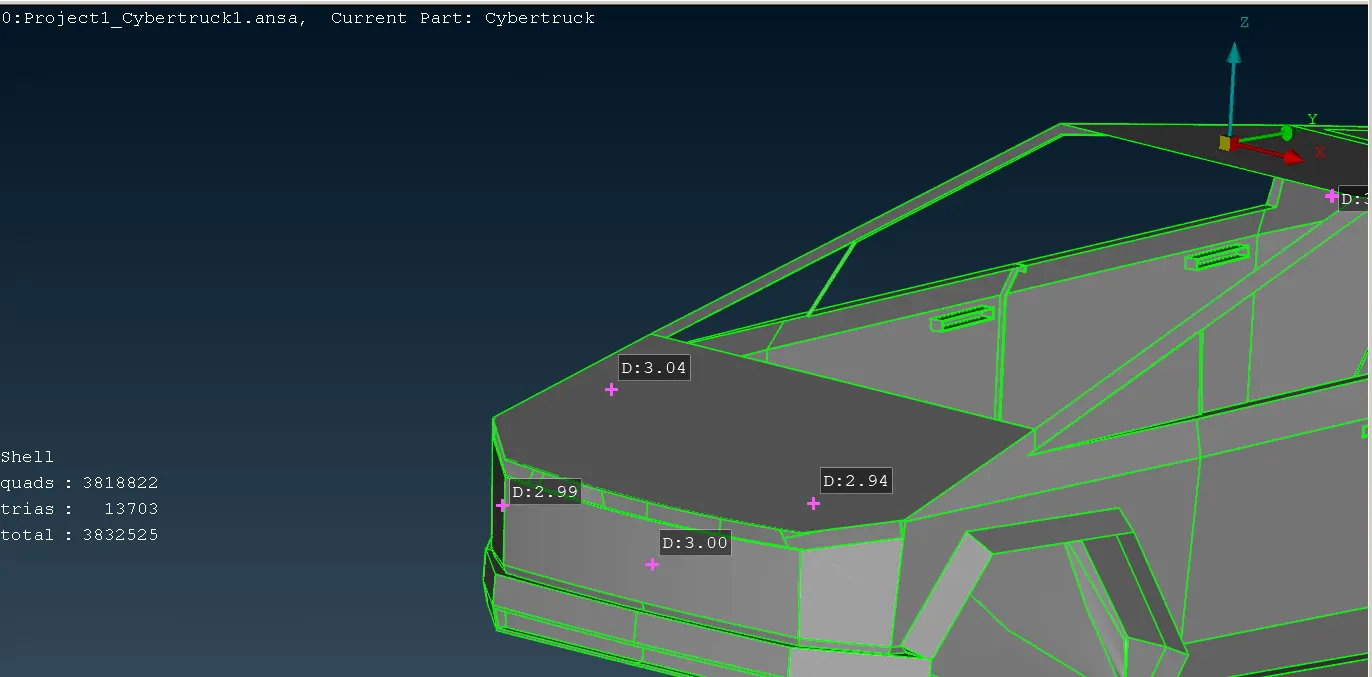
* Now we can mesh for the body of the model target length of 3mm in the mesh parameters and quality criteria give minimum length as 1 and maximum length as 5mm in classic mesh deck>perimeters> define length and macros as 2 mm after that do go for mesh generation>cfd mesh >select and do middle click >use measure to check the mesh length is 3mm or not.
STEP 4:
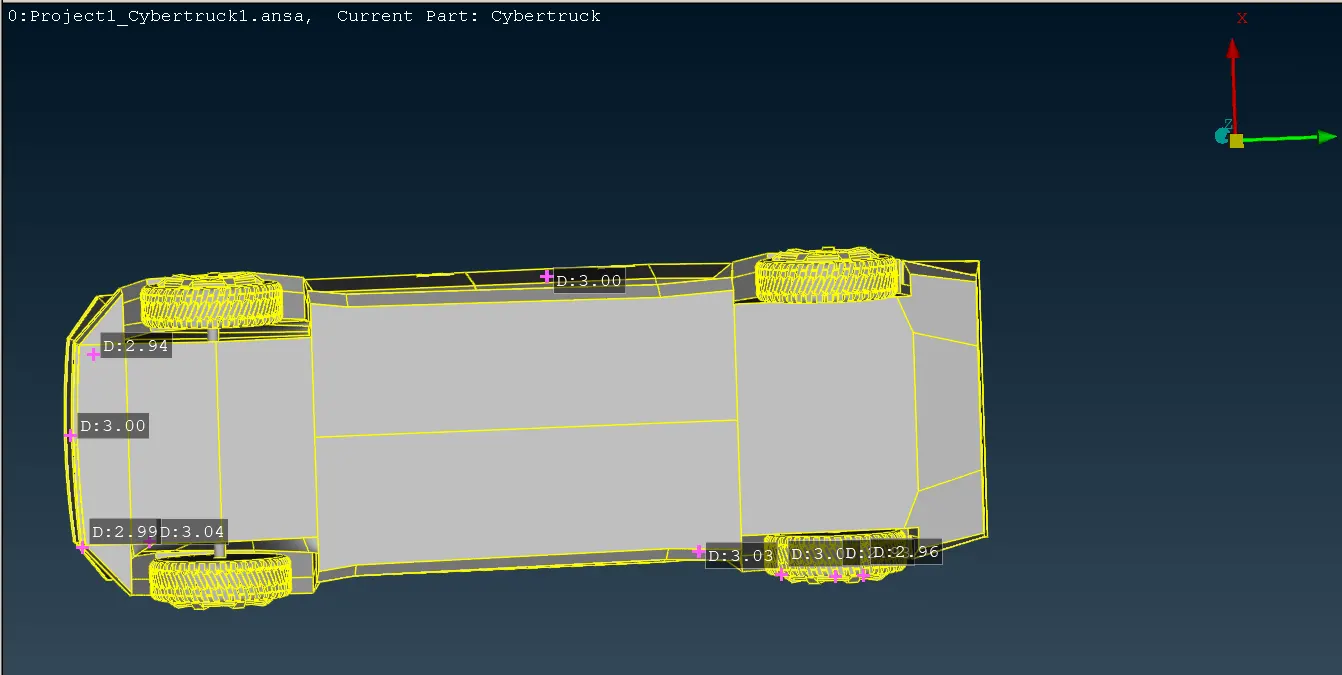
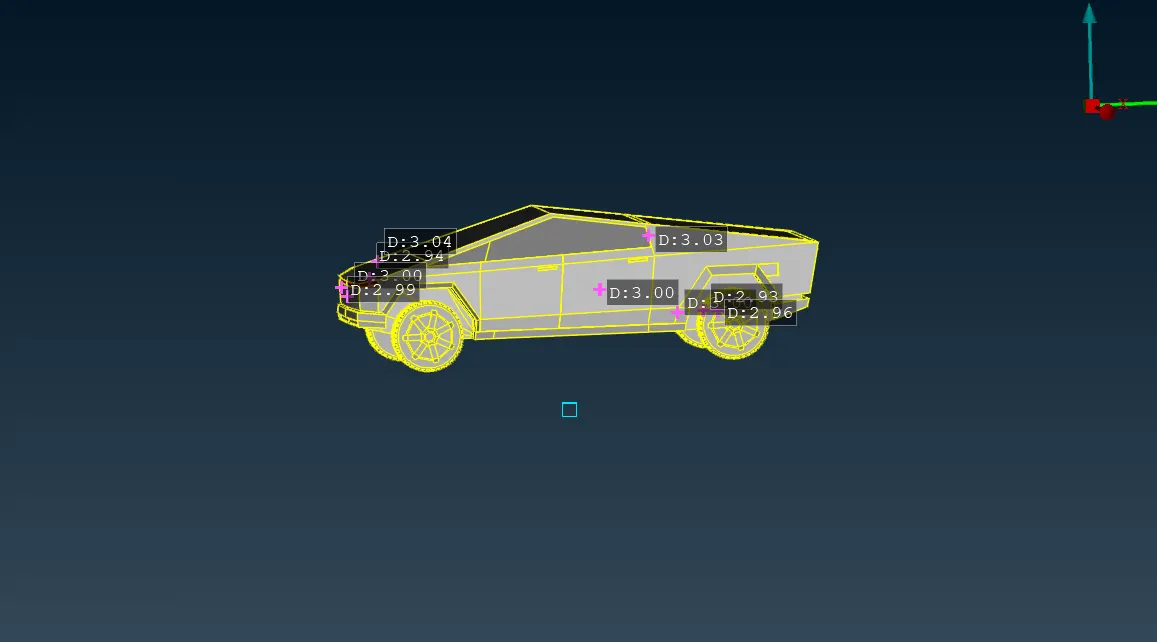
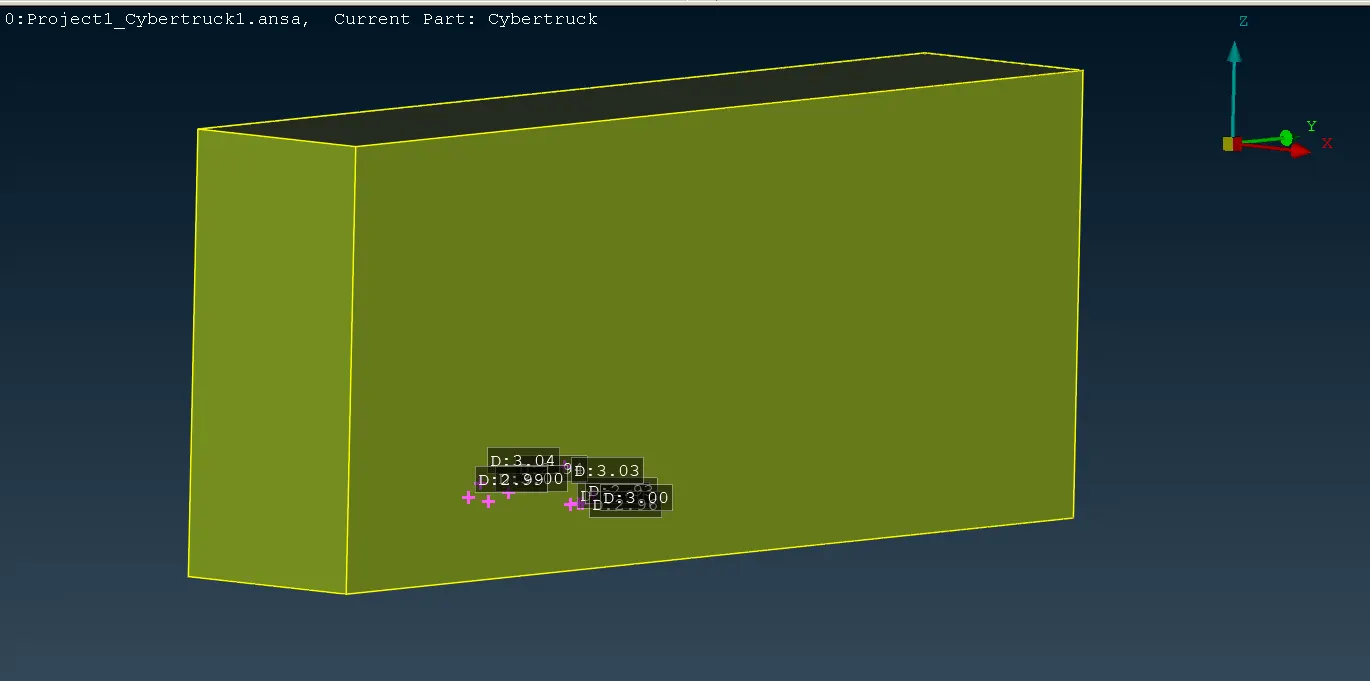
* Now we create a wind tunnel for the model for that we need to create the points by using points >relative in the topo deck for that create a hot point in the bottom center and xdistance x=-2830 to the z axis and from that point 4 times the distance in the -y axis and 6 times distances from y axis.
* Then create a point on the top 4 times the same x distance to the x axis
* Create 2 points near the three points created in the bottom 2 times onthe both sides of the ponits.
* Now we have to create a rectangular plan surface inthe bottom connecting all the point.
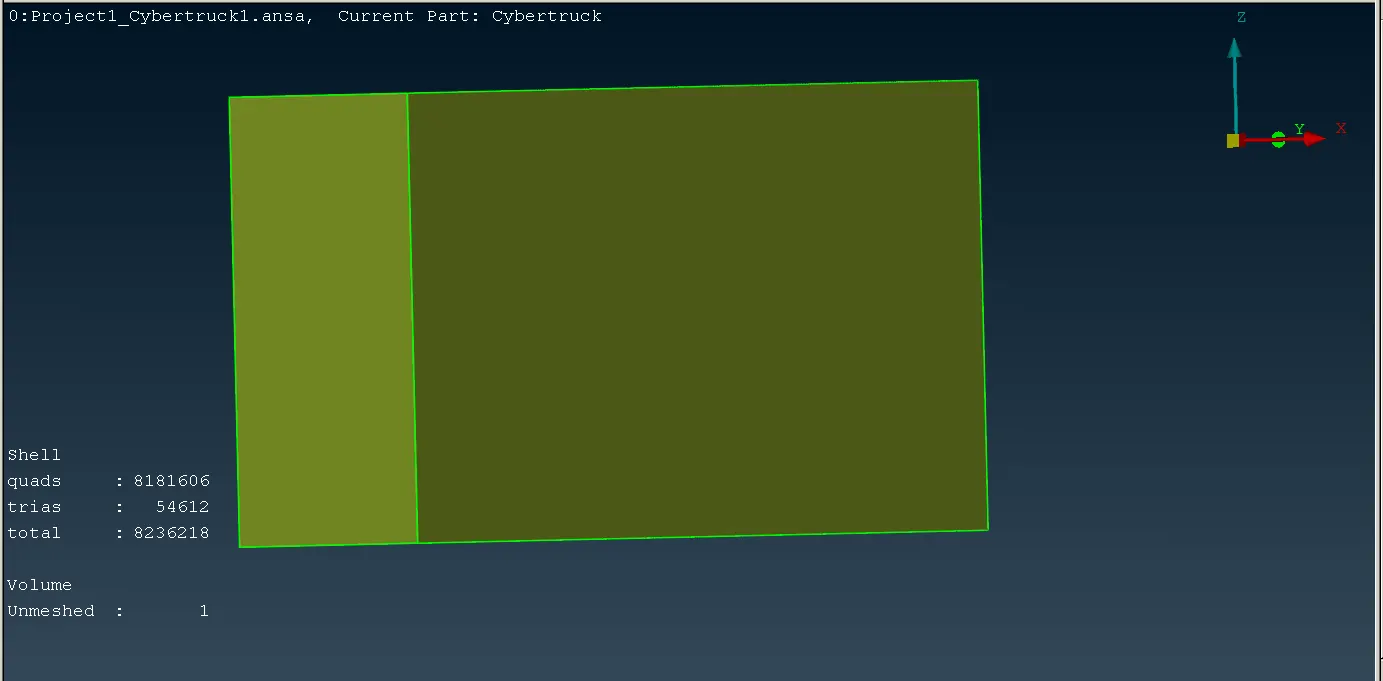
* Now go for the volumetric mesh deck define the volume by volumes>define there will be list of it we can leave the one complete volume of all the list.
* Select the one volume and mesh it by there we can create the wind tunnel of the model.
CONCLUSION:
We have solve all the geomentrical errors in the given model of tesla cyber truck PIDS have assigned and all the pids are meshed with suitable target length with wind tunnel volume with tetra elements.