Week 5 Challenge : Surface wrap on Automotive Assembly
AIM : Surface wrap on Automotive Assembly
For the given models, check for the geometrical errors and delete surfaces which are unwanted for Surface wrap as shown in the videos. After clearing geometry, Merge all 3 models and perform surface wrap.
Target length for Wrap = 3 mm
- In this challenge wee have three geometrical model, One by one wee will rectfy all the geometrical errors and at last we merge them and wrap it.
- We have following three geometrucal model.
- Engine model
- Gearbox model
- Transmission model
There is three step to do this challenge.
STEP 1 : REFINE THE GEOMETRY
- Engine model
- Gearbox model
- Transmission model
STEP 2 : MERGE THE GEOMETRY
STEP 3 : SURFACE WRAPPING
Here we are going for the first step and rectifying the geometrical errors.
STEP 1 : REFINE THE GEOMETRY
- Engine model
As we can see there are many rings like surface which don’t look like of any use as this ring are used by designer sometime to
create fillets in the model so we need to delete all those surfaces which don’t have any significance Now, in wrap meshing the
interior part is not that important so we don’t need to worry about all the single cons or all the overlap surfaces but it is good
practice to delete all the unwanted surfaces so make the geometry as fine as we can
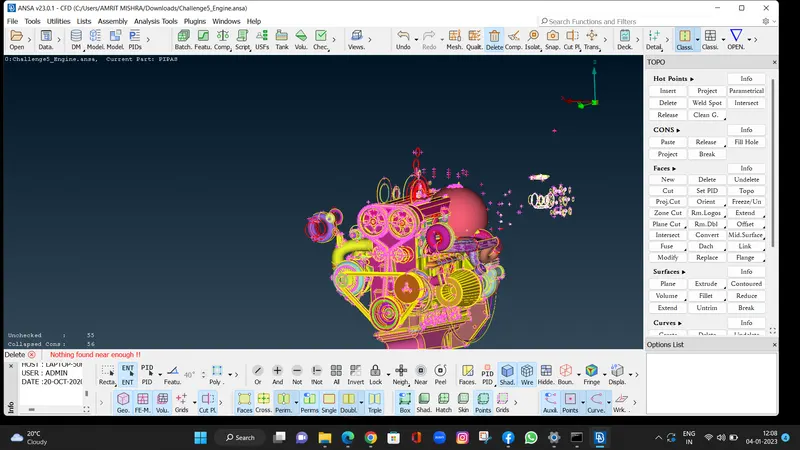
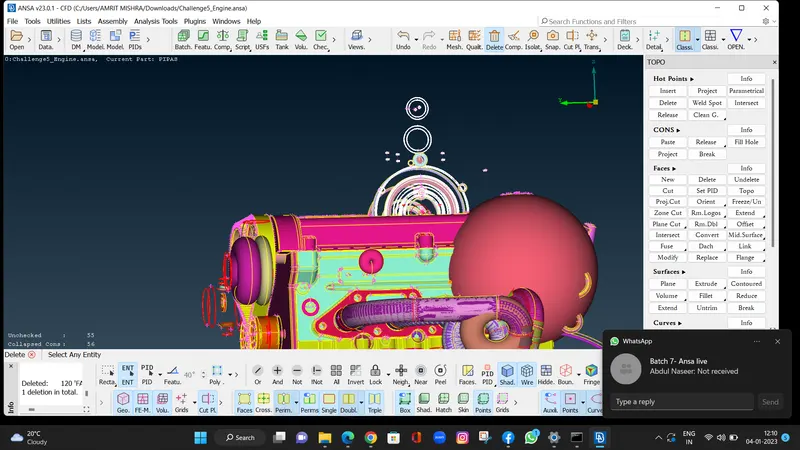
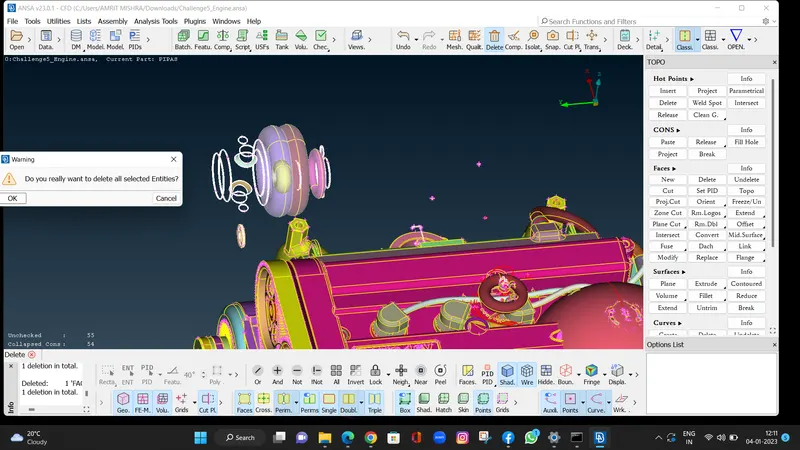
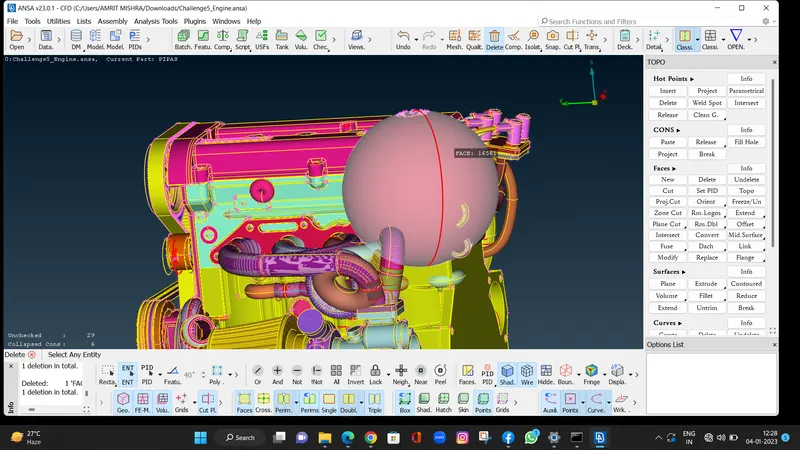
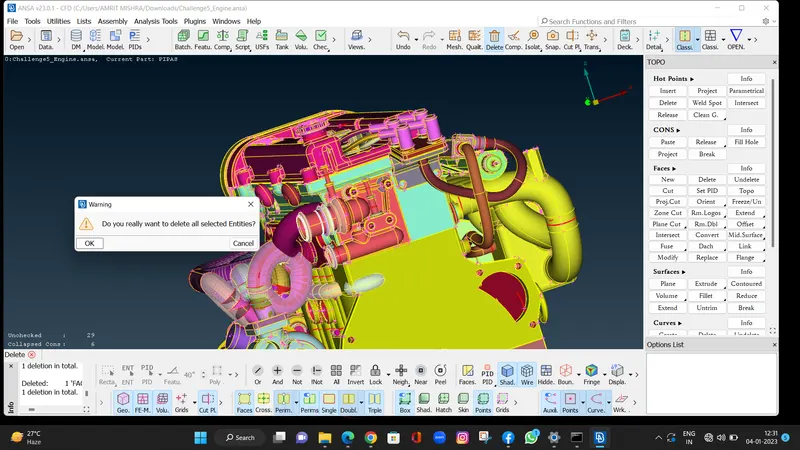
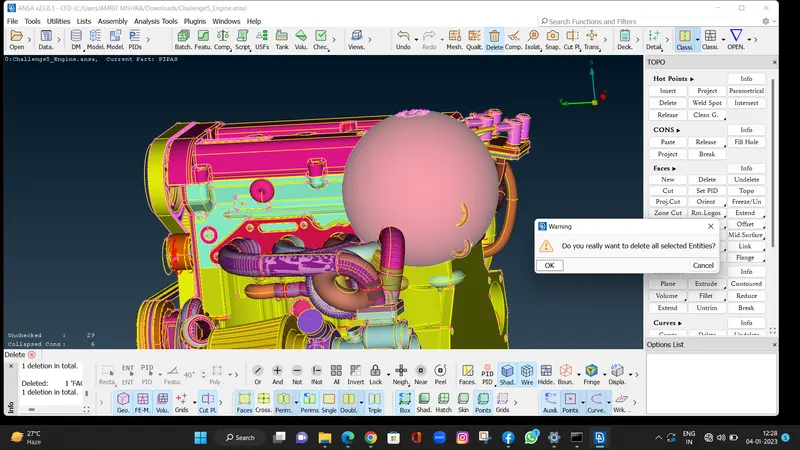
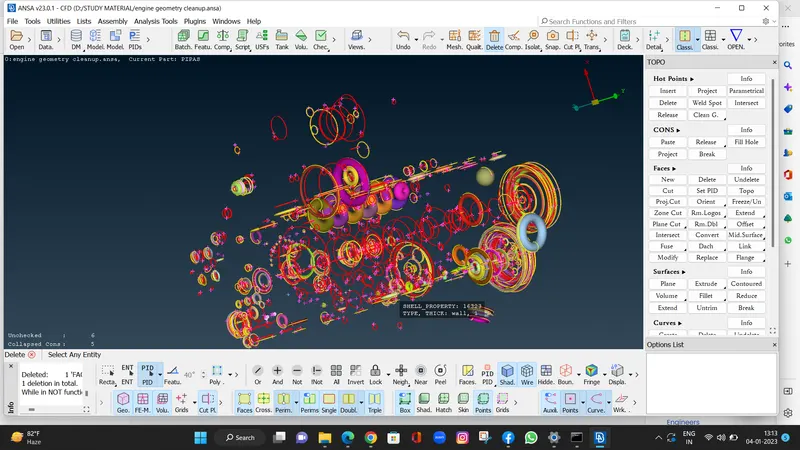
An easy way to so look at all the rings quickly we can use NOT Option with PID selection and we can hide the
important parts by which we can see all the rings clearly and then we can carefully delete the unwanted surfaces
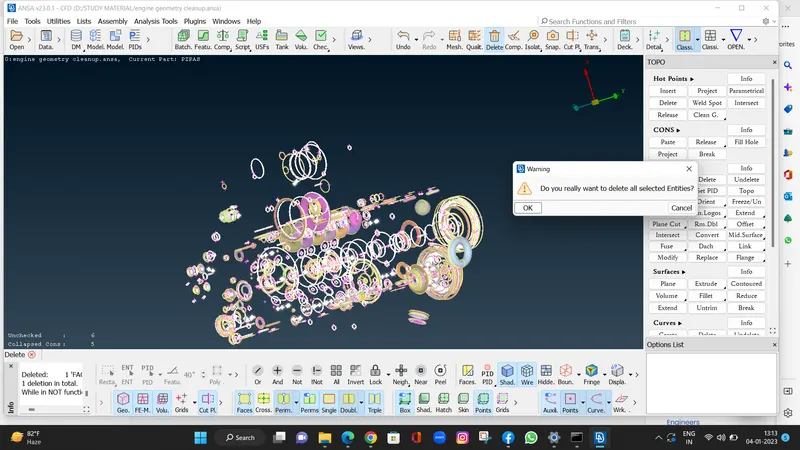
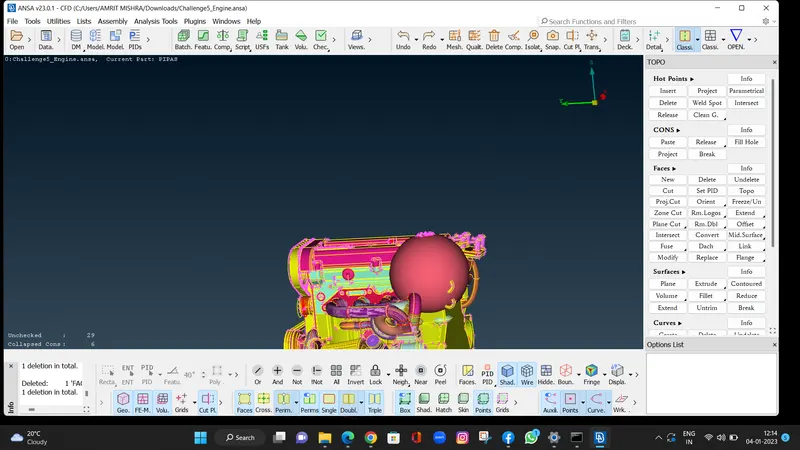
delete all rings.Also, the above pipes which can be seen as overlap surfaces are not important so can be deleted also in
wrap meshing the part which has small thickness can be deleted as we are using same target length for all the parts
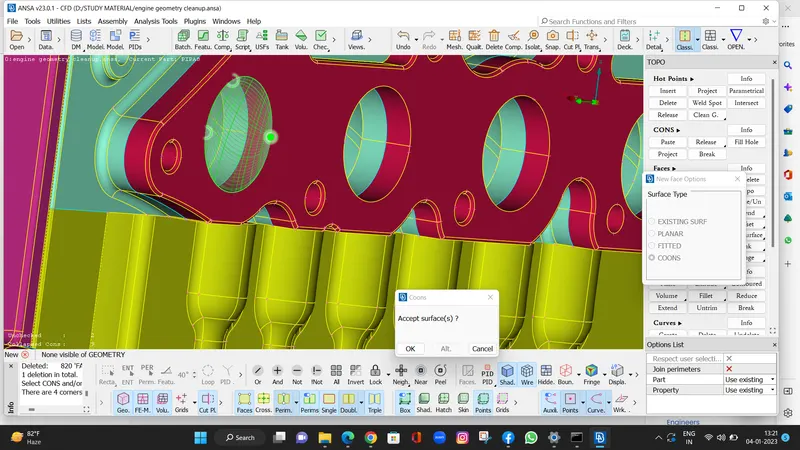
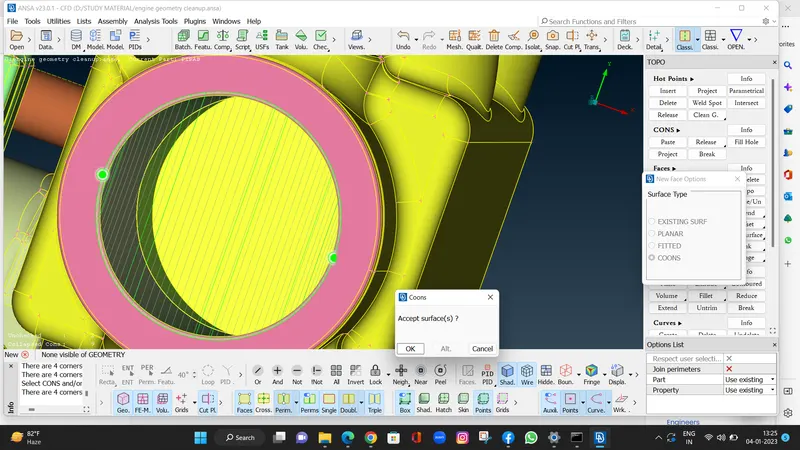
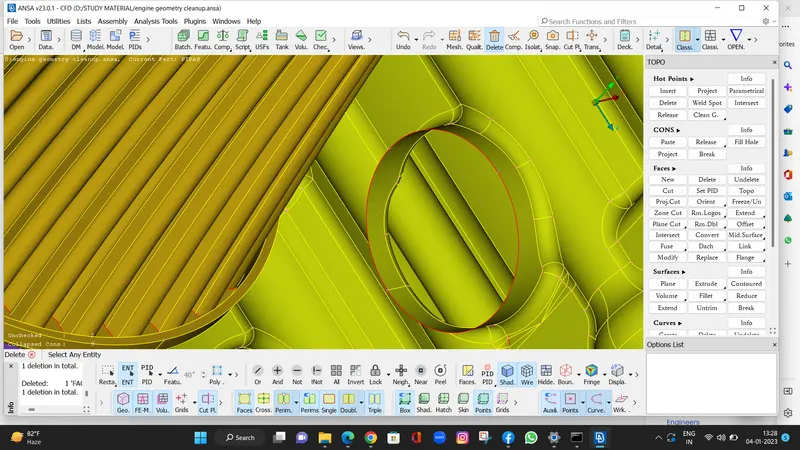
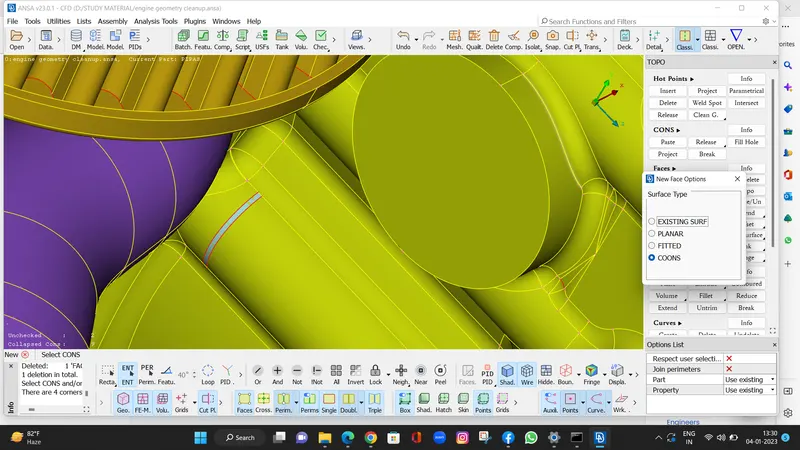
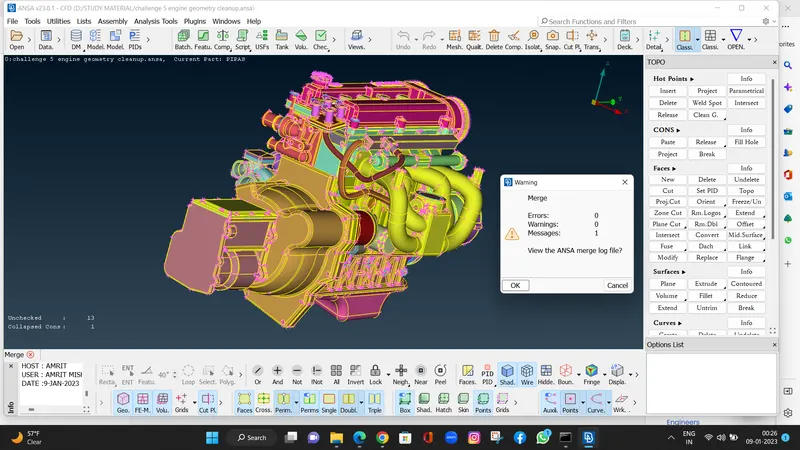
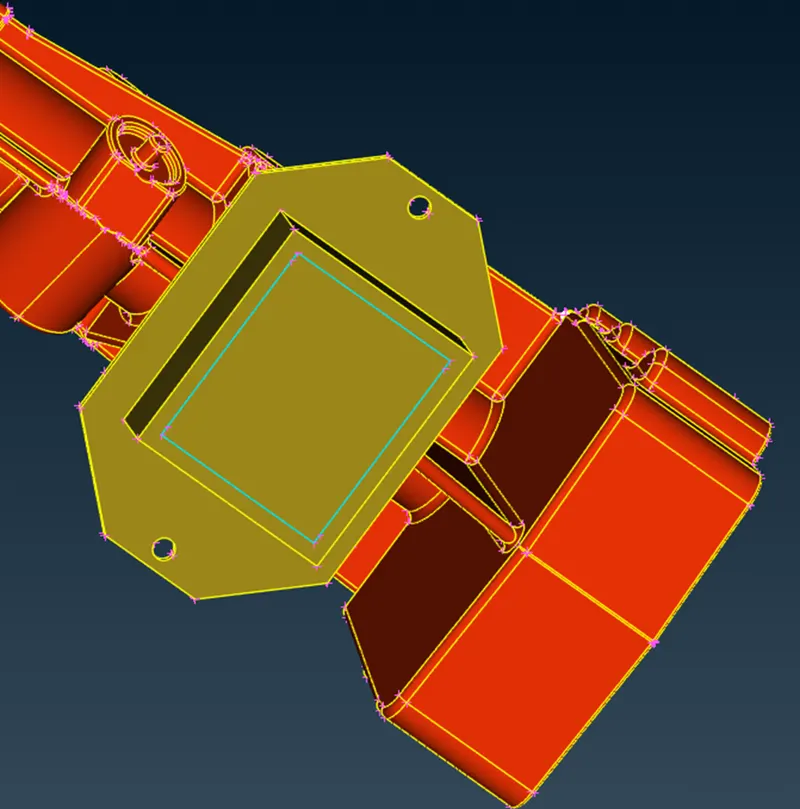
After deleting and closing all the open holes, closing all the holes is important as in wrap meshing the outer surface will
be selected and if the opening and it will mesh it from inside which we don’t need so we need to close all the open holes
- TRANSMISSION:
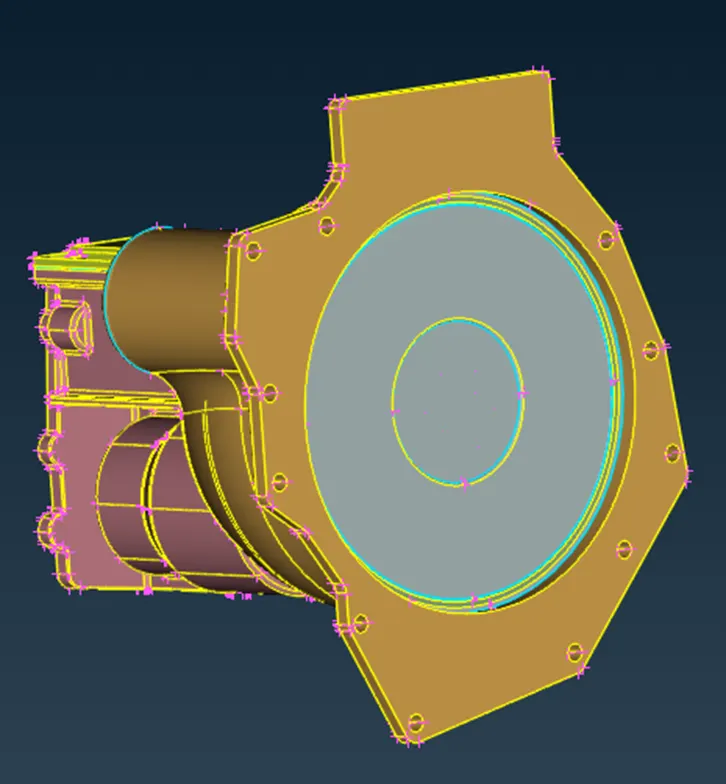
We don’t need to worry about the internal surface but on external surface we need to close the holes and make it even
- GEARBOX
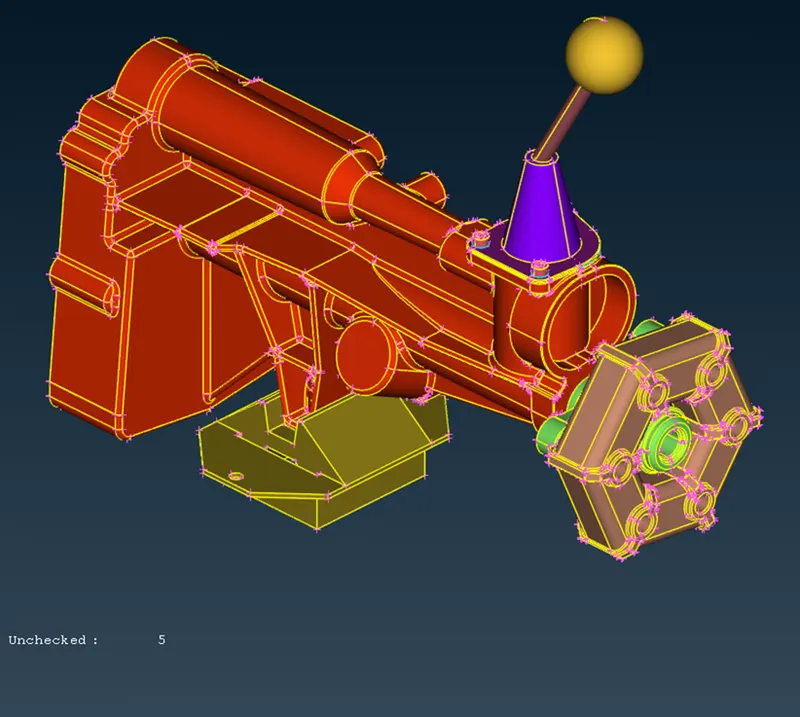
Similarly, we need to do topo clean-up and close all the openings
MERGE:
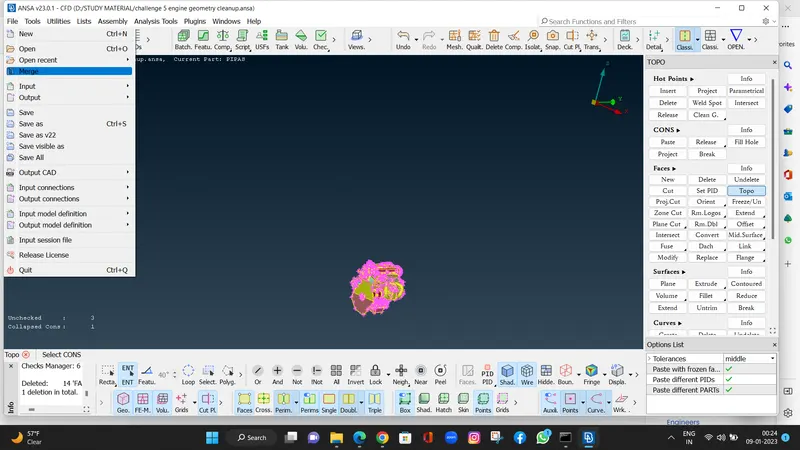
After cleaning all the models, we can merge them wo create an assembly, For merge we can go to FILE-> MERGE
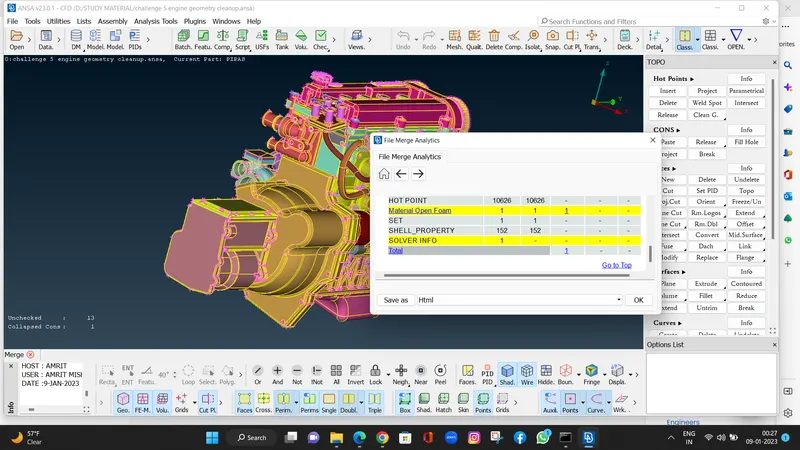
Select the required geometry
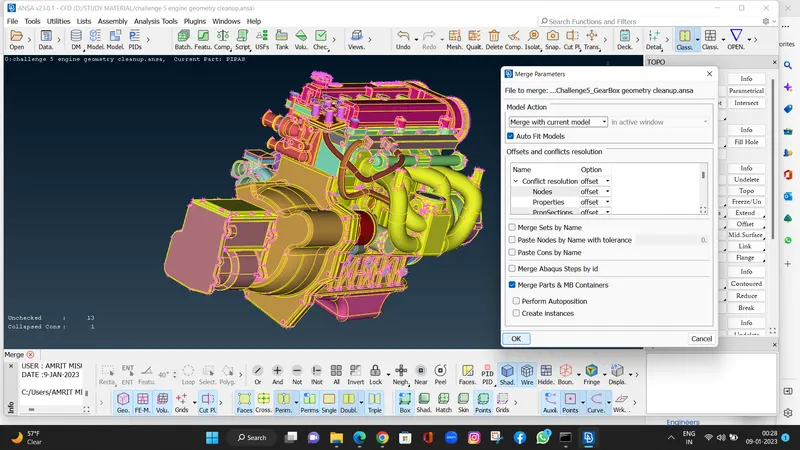
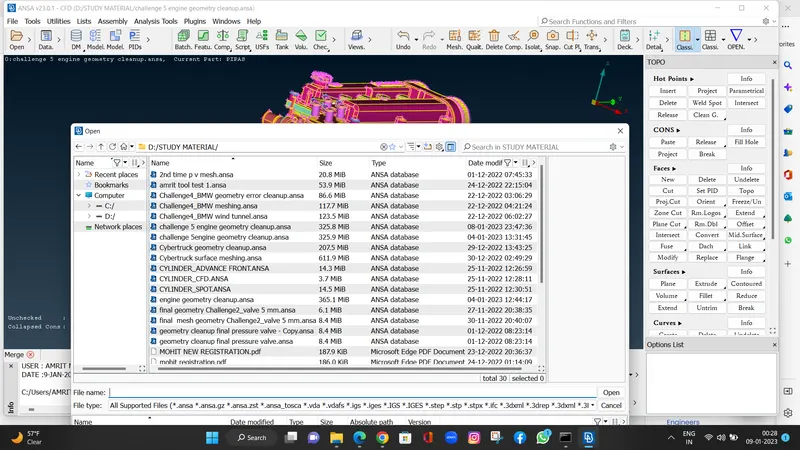
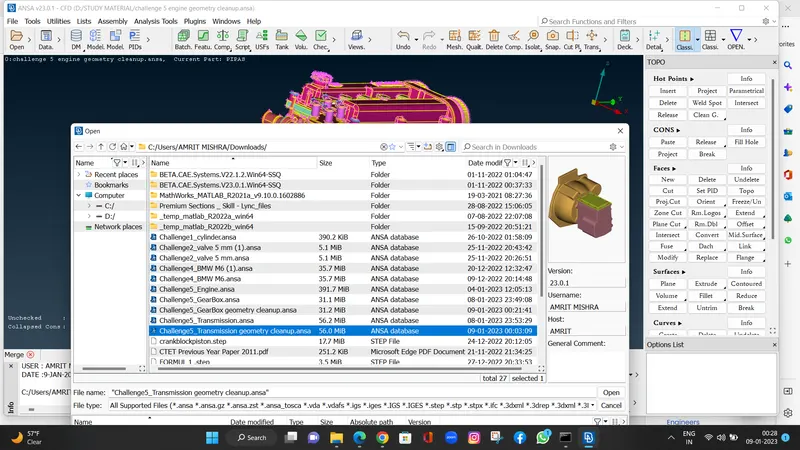
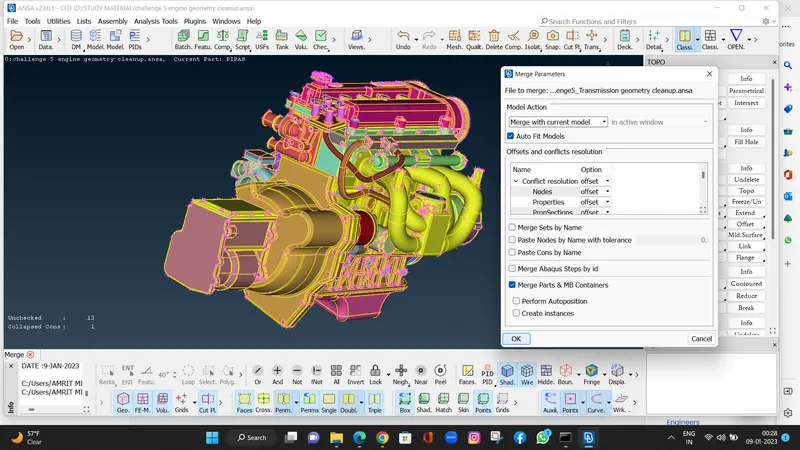
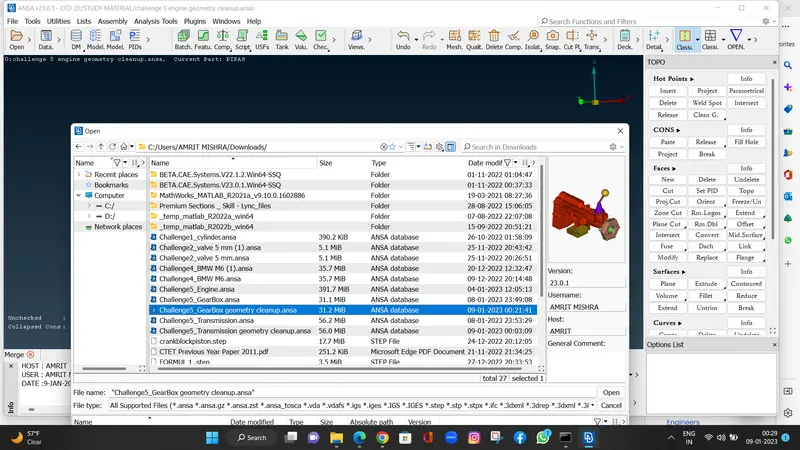
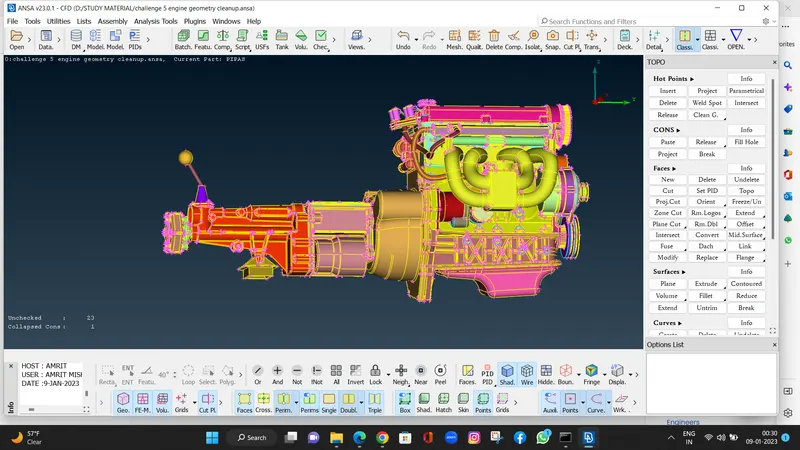
This is how the assembly looks like
SURFACE WRAP:
We can find the wrap option in the mesh option
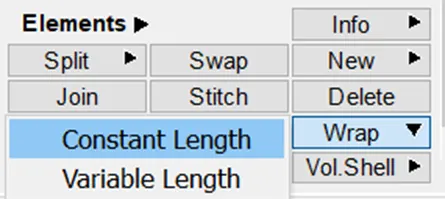
Select constant length as we have same target length through out
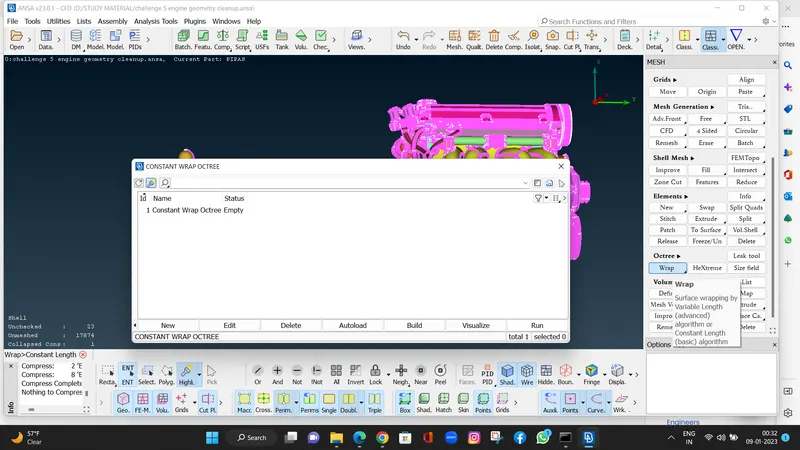
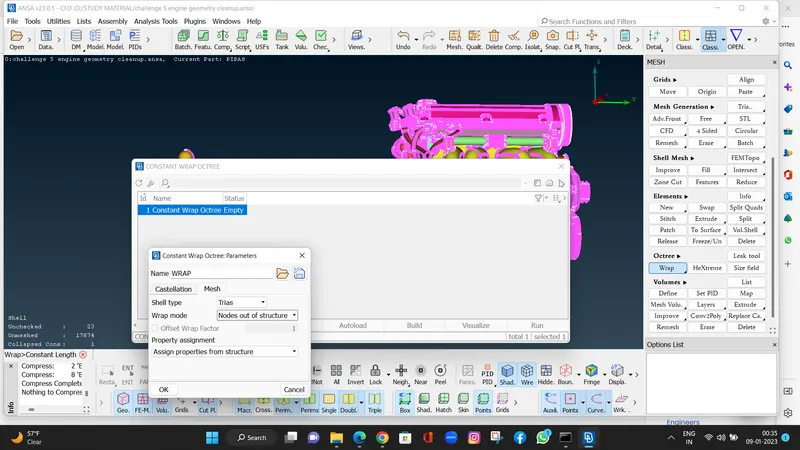
Double click on first empty we will get a pop up and then click on untitled below parameters
Here we are going to put the target length
Now selecting contents so double click on 0
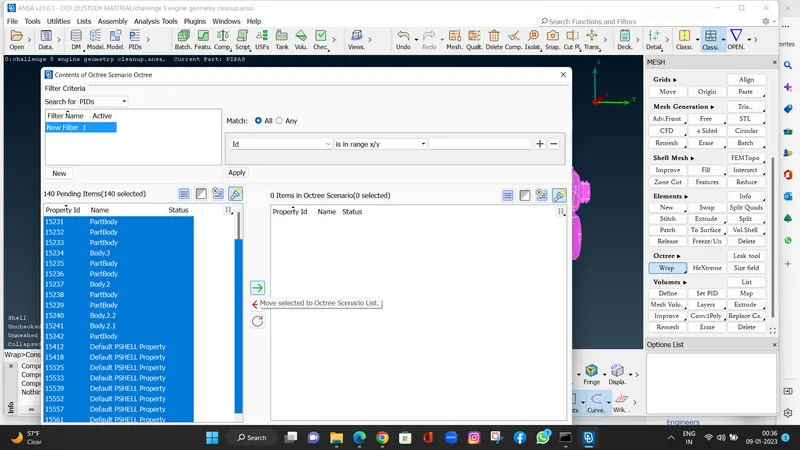
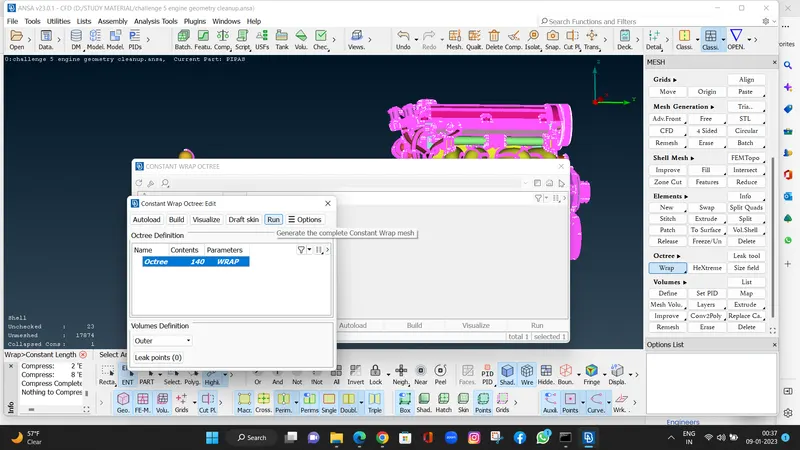
Select all PIDS and put it in right box those will get selected, as shown there are 115 items in octree scenario
It will take 10-15 min
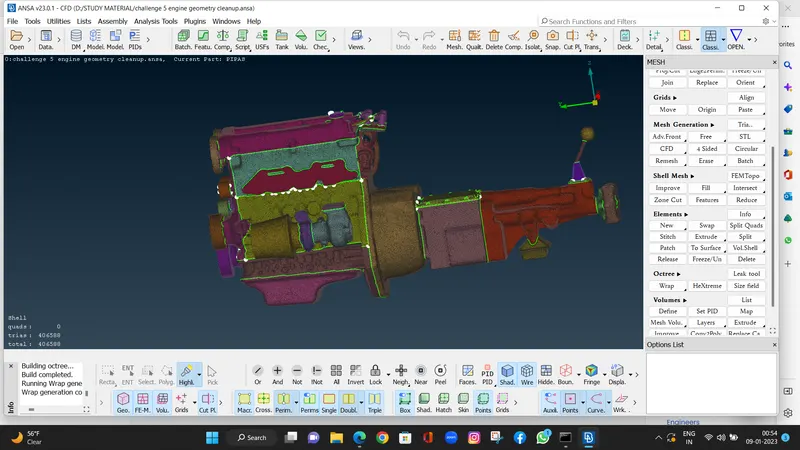
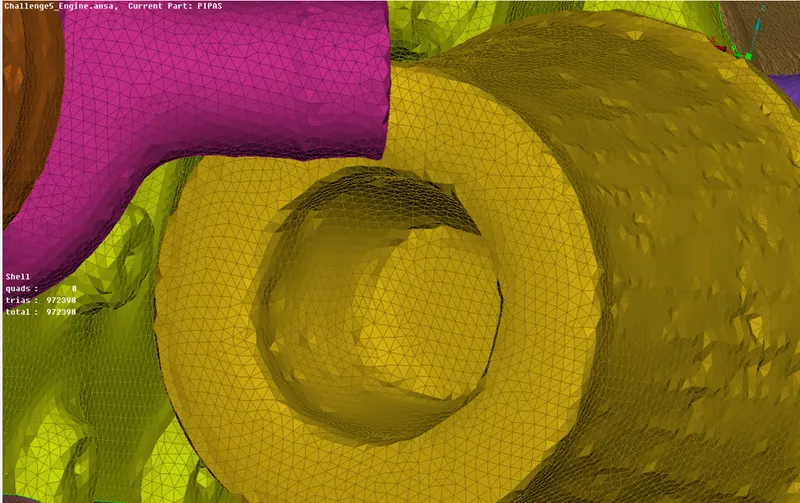
As I forgot to close one opening this is how the error looks like which we need to avoid
CONCLUSION:
We learned to merge the geometry and then we created the surface wrap mesh
LINK TO THE MODEL
Engine geometry cleanup
https://drive.google.com/file/d/1KYk0YM_JxDgopGIIl3ELxUsiTGtk_3c4/view?usp=drive_link
Gearbox geometry
https://drive.google.com/file/d/1KYk0YM_JxDgopGIIl3ELxUsiTGtk_3c4/view?usp=drive_link
Transmission geometry
https://drive.google.com/file/d/1L5Dtsy-JrDgyW8nXwbC6jrlOV97TKMct/view?usp=drive_link
Final surface wrap
https://drive.google.com/file/d/1v8DBHfhfrzUMKmxr3BHsFLtmrEyB0wS6/view?usp=drive_link