Week 5 Challenge : Surface wrap on Automotive Assembly
Aim/Objective
For the given models, check for the geometrical errors and delete surfaces which are unwanted for Surface wrap as shown in the videos. After clearing geometry, merge all 3 models and perform surface wrap.
Target length for Wrap = 3 mm
Procedure
Step 1: Import the Geometry Model
File -> open -> (select the file)
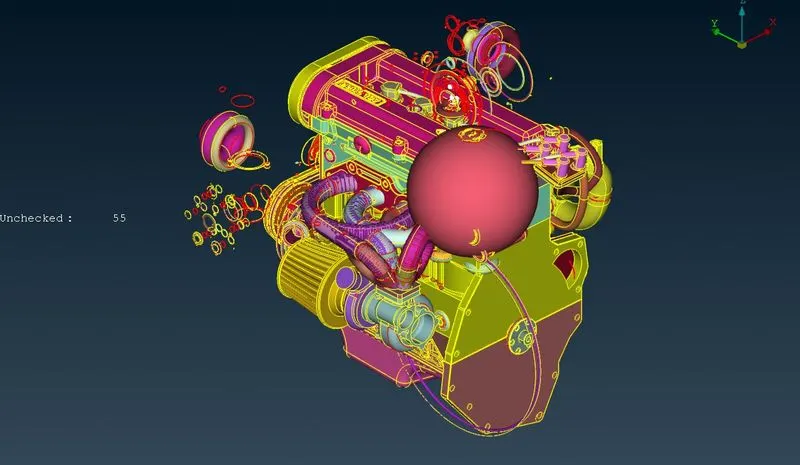
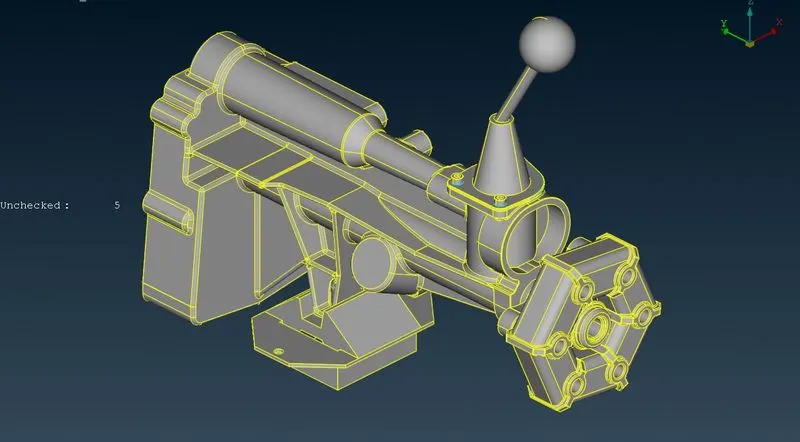
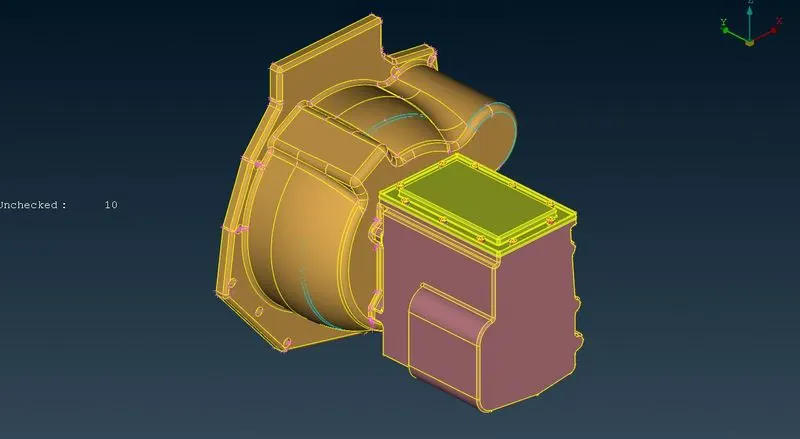
Step 2: Topology cleanup
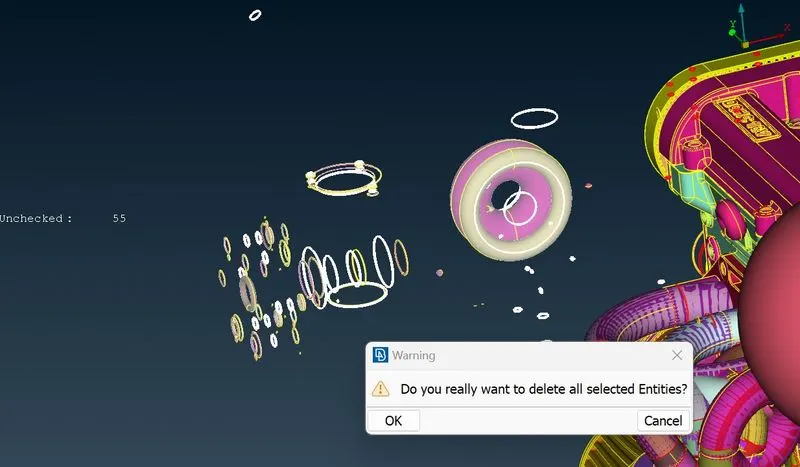
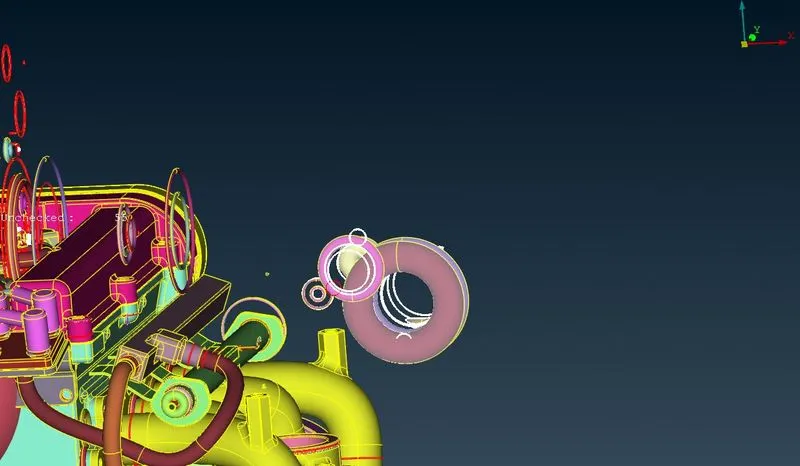
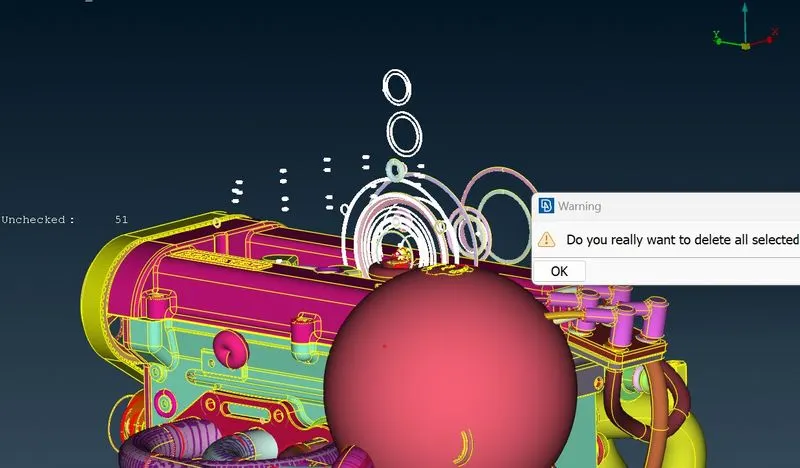
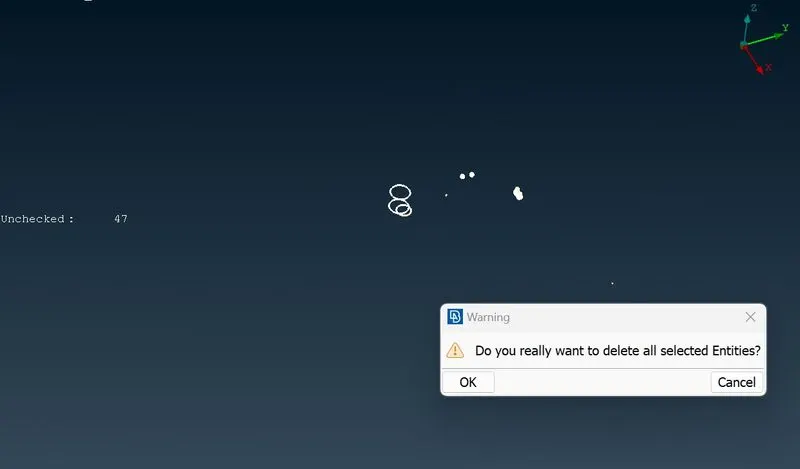
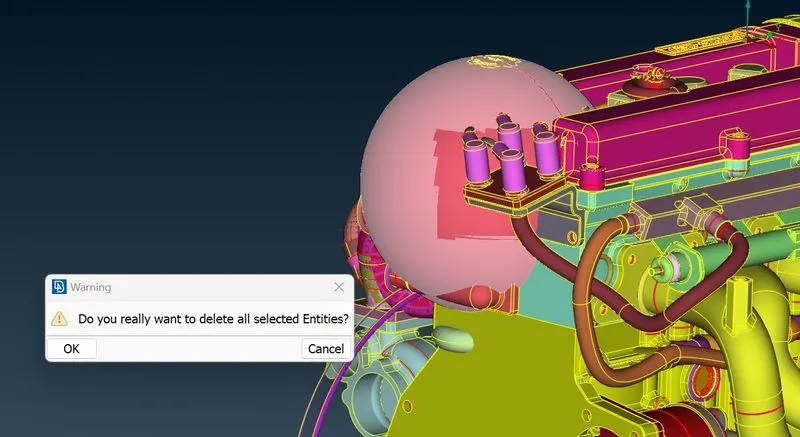
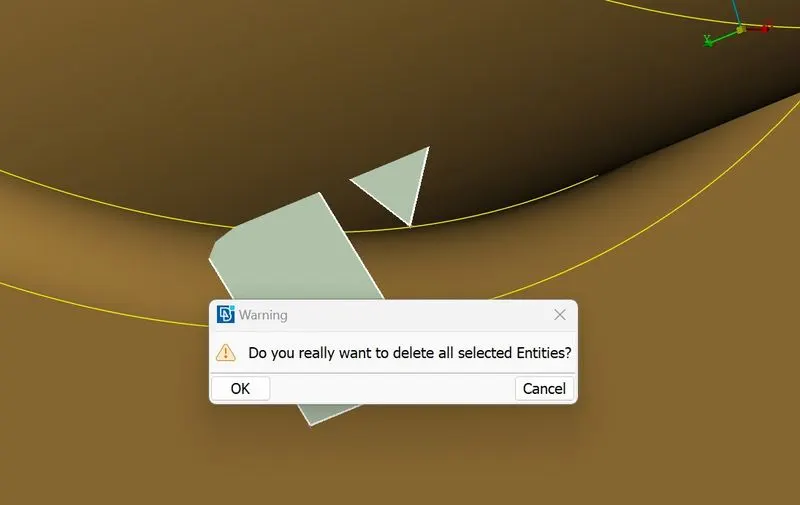
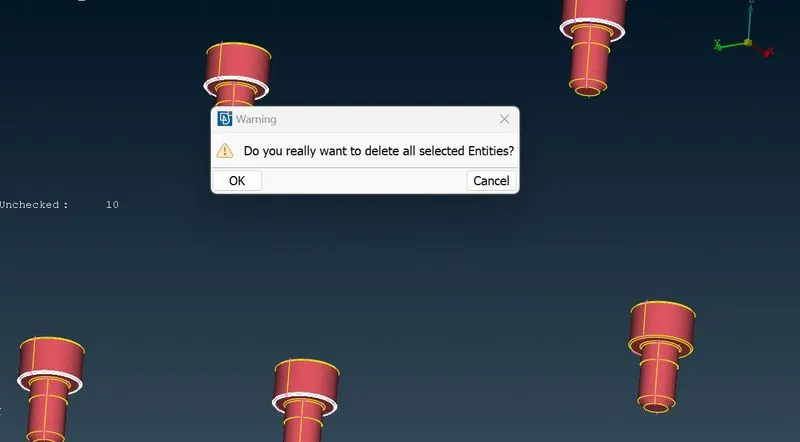
Delete unwanted objects/entities –
- For performing a surface wrap, only the external surface of the geometry needs to be cleaned.
- Delete the unwanted and unchecked faces.
Engine
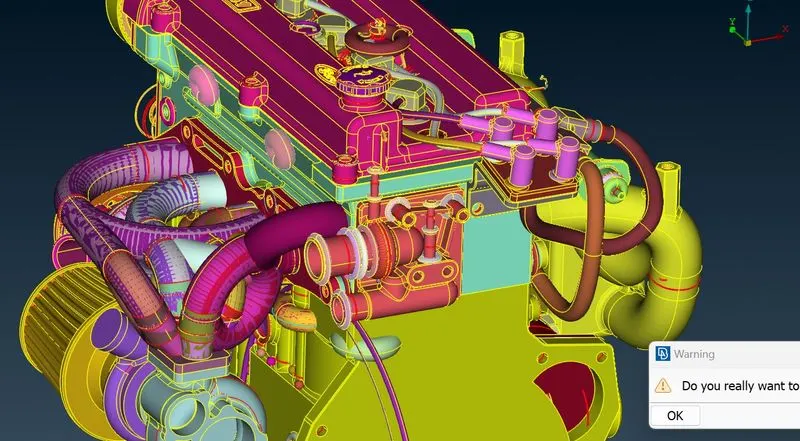
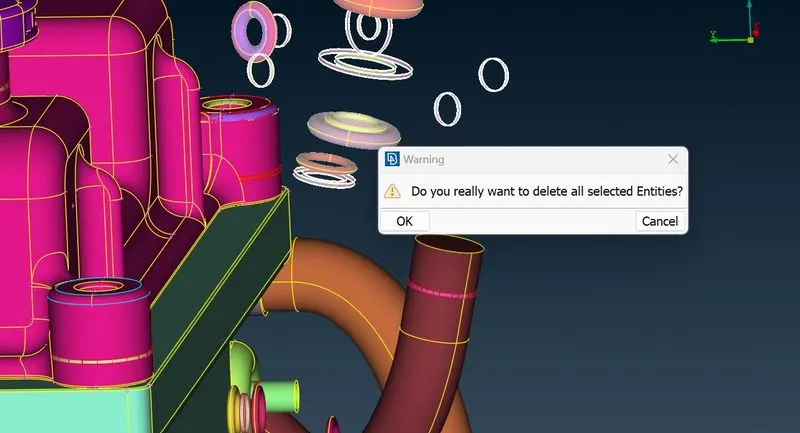
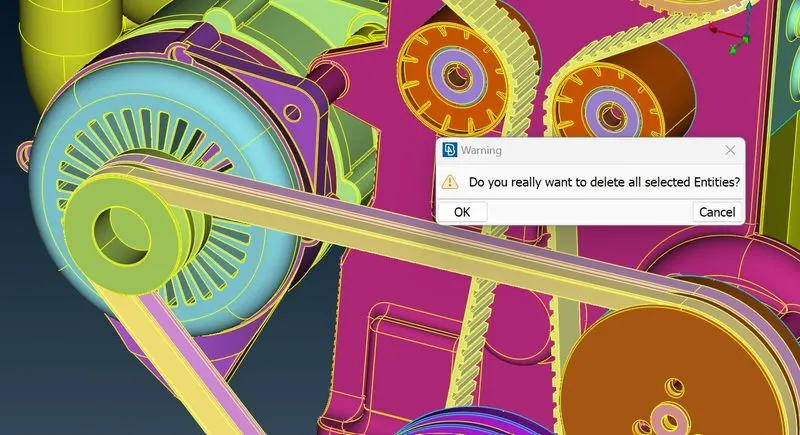
Gearbox
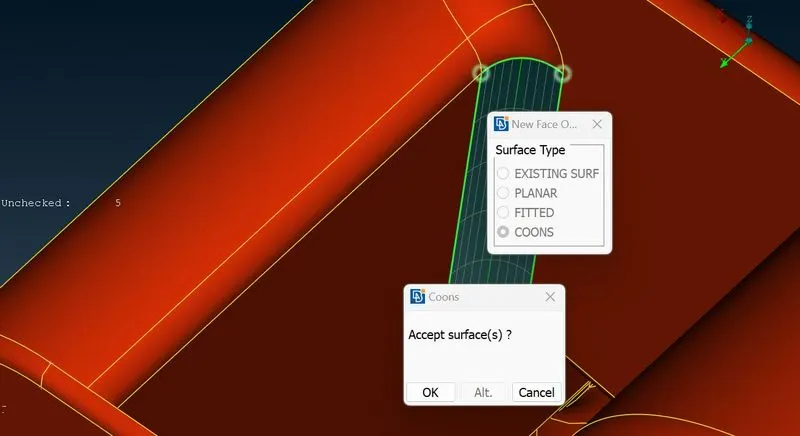
Transmission
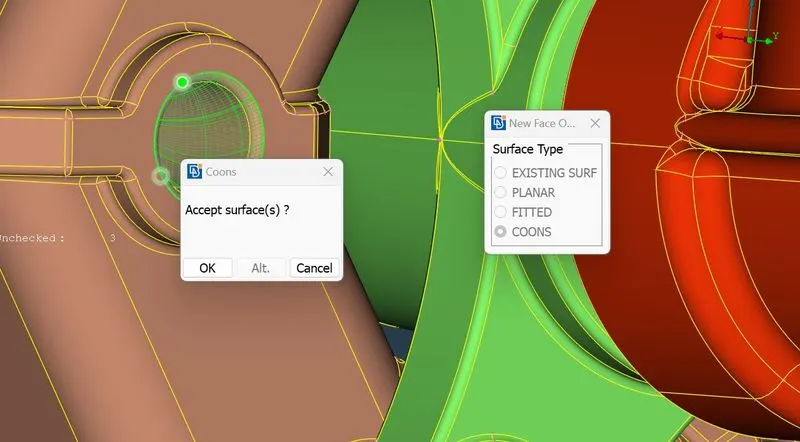
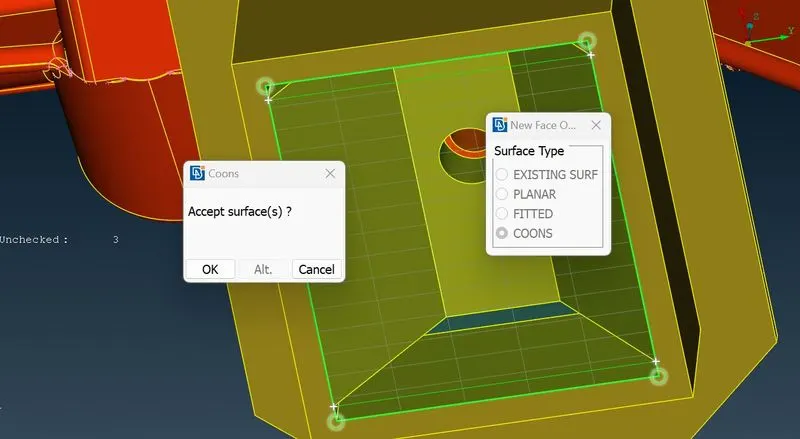
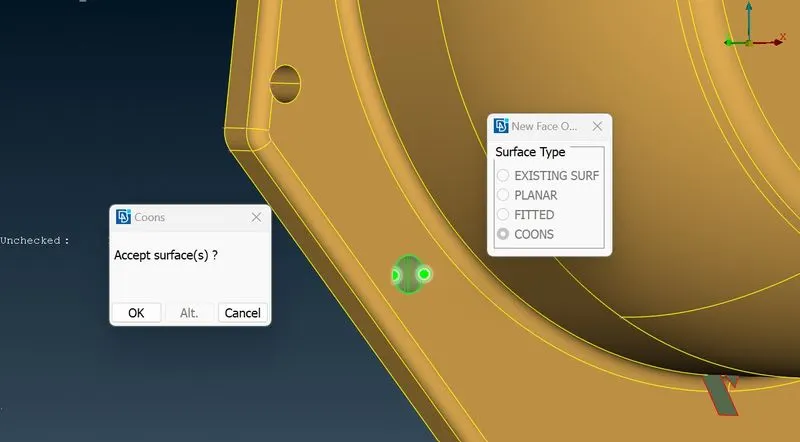
Close open faces-
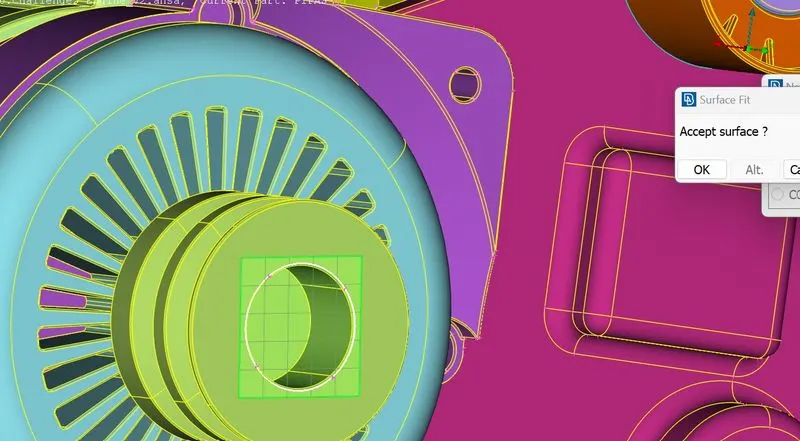
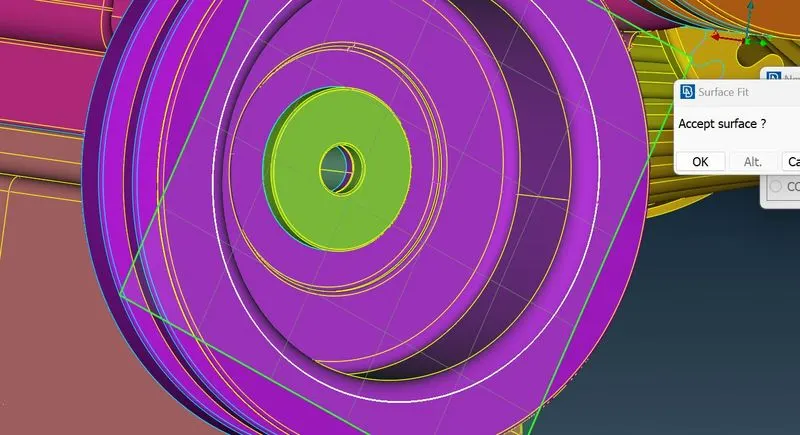
- Close all the open faces on the exterior of the geometry.
- This is essential to perform a surface wrap, as the algorithm will try to accommodate the open faces present on the geometry to a certain extent. This is not desirable as it can distort the mesh and generates undesirable features on surface mesh.
Engine
Gearbox
Transmission
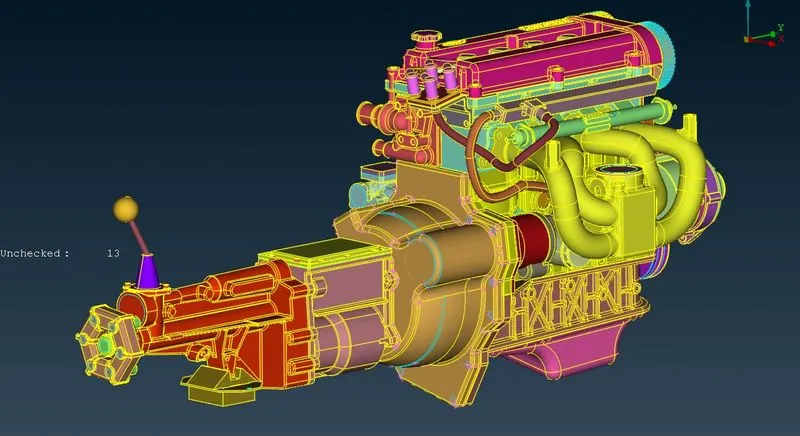
Merge components-
- Elements need to be merged to obtain a common volume.
- There are two junctions which need to be merged: ‘Gearbox – Transmission’, ‘Transmission – Engine’
Step 3: Surface wrap
- "Mesh" -> "Wrap" -> "Constant Length"
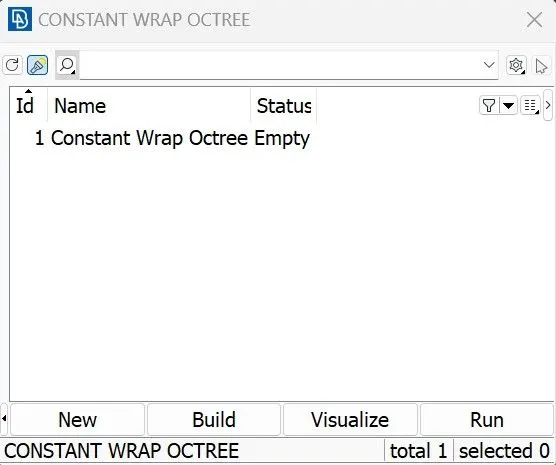
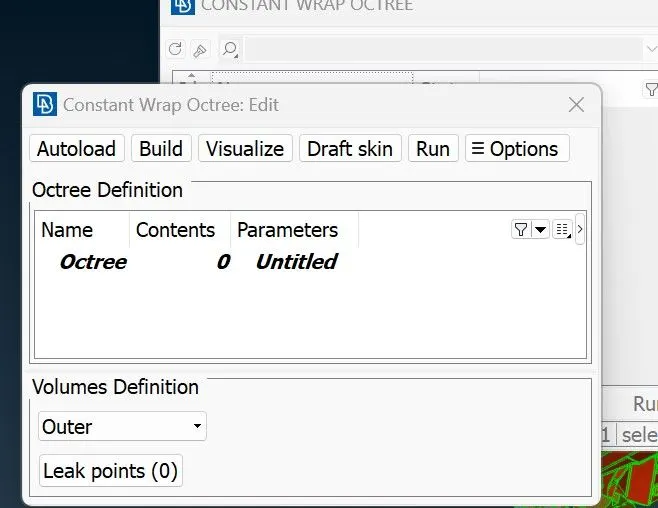
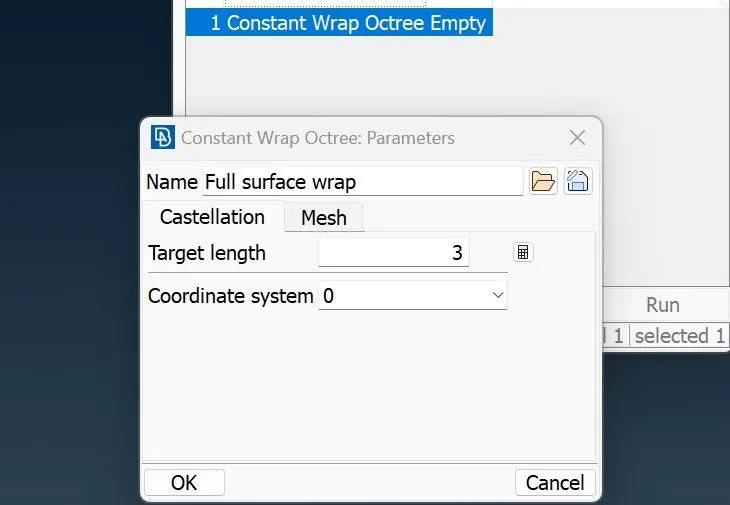
- Settings used for the function: Element Length = 3 mm
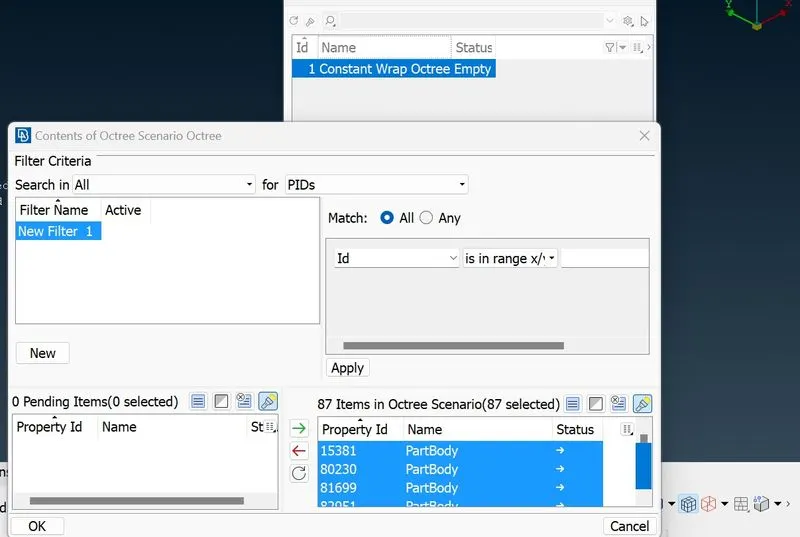
- Include all Entities as the contents for generation of surface mesh.
- Delete the original geometry as it is no longer required
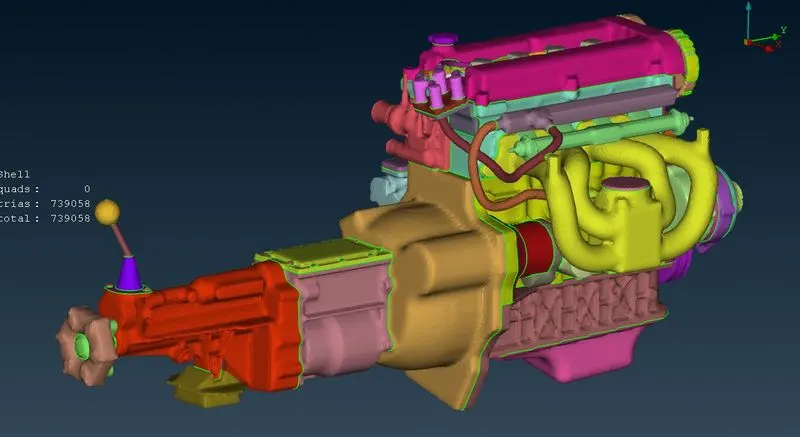
Step 4: Confirm the surface wrap
- Proper merging of the components can be confirmed by hiding the elements at the opposite ends of the merged model.
- If there is no obstruction while seeing through the model, then the model can be considered to have a common volume.
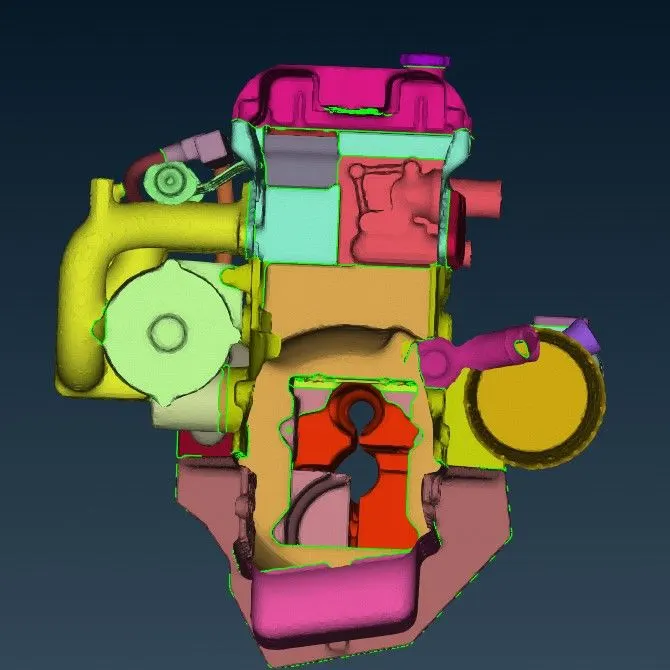
Learning Outcomes
- Topology Cleanup
- “Compress” tool
- Surface wrap
Result
- Geometry checked for abnormalities and all geometrical errors solved
- Given models merged to make a single model
- Surface Wrap Generated for the merged models
Final Surface Wrap:
Conclusion
The given models were cleaned up and merged. The final model was used to generate a surface wrap which created a single volume enclosing the model.