Week 5 Challenge : Surface wrap on Automotive Assembly
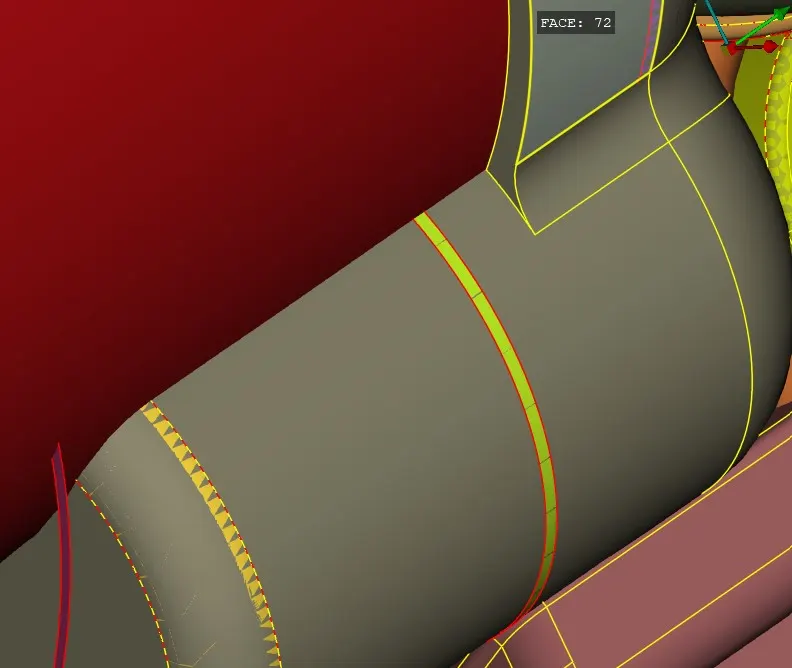
Aim:To check for the geometrical errors and delete surfaces which are unwanted for Surface wrap.
Objective:
To learn how to check geometrical error how to wrap a surface.
Body of content:
Step 1
Insert Model.
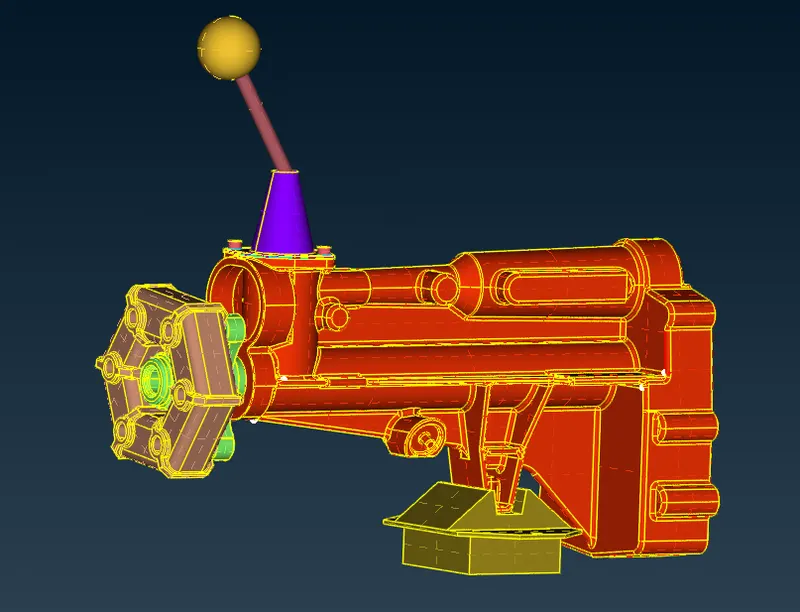
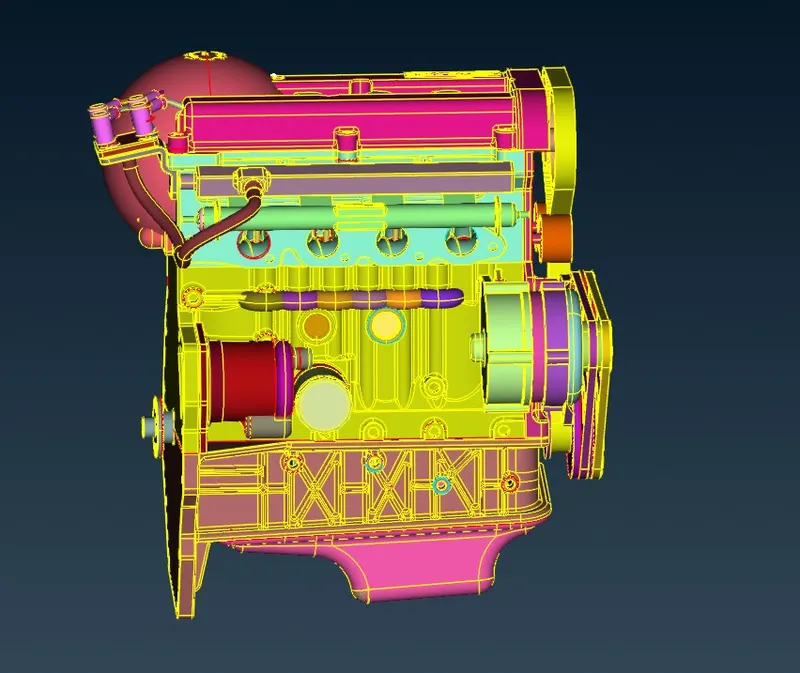
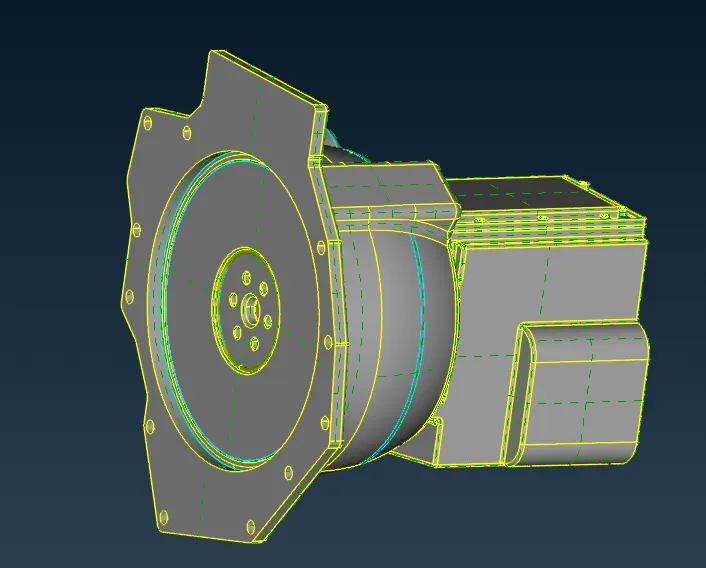
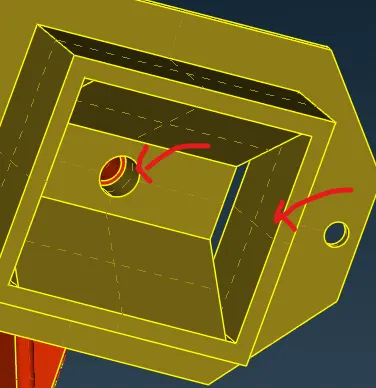
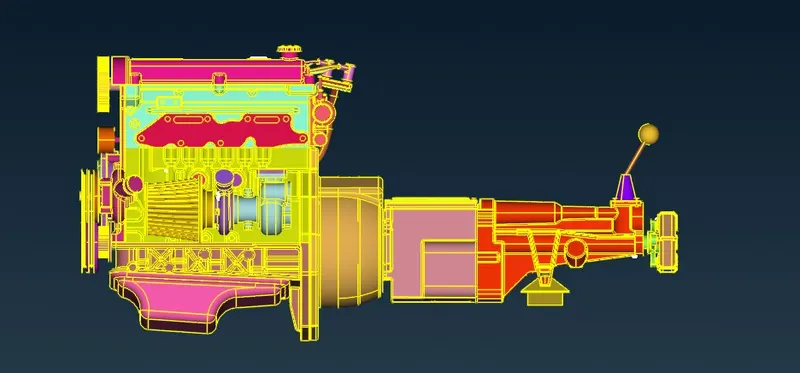
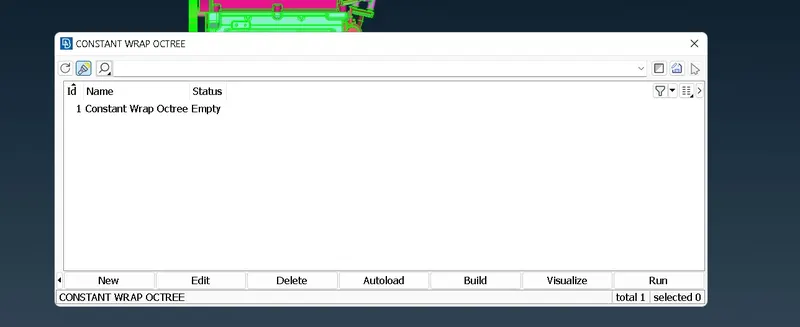
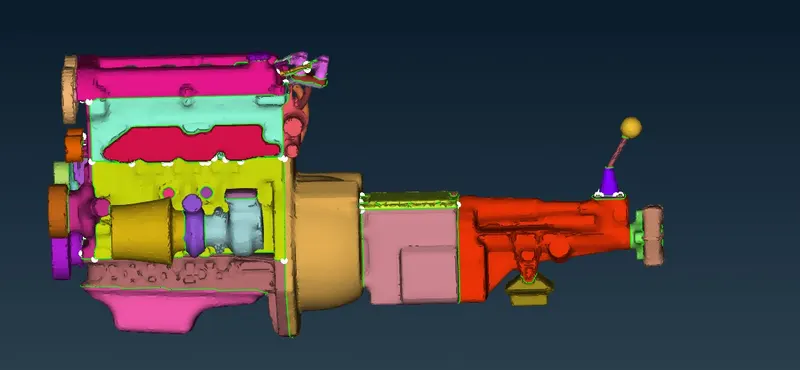
File Gear box Engine Transmission system Step 2 Delete unwanted parts and close the hole's. Step by step dlt the extra surface and overlaped surface. Step 3 Merge all the projects Open Engine.ANSA file < File < Merge < Select Transmission file < Merge model with current model < OK File < Merge < Select Gearbox file < Merge model with current model < OK Step 4 Surface Wrap Mesh < Wrap < Constant lenght < Double click on status < Double click on (Parameters Showing as UNTITLED )< Fill target length as 5 < Assign properties from structure < Nodes out of structure < Name-Full wrap < OK Now it showing parameters as FULLWRAP Utilities < Compress < OK To delete unwanted and unassigned PID's Click on Contents (Showing 0) < Select all the pending items < Click on right arrow or green arrow < OK Now contents is showing as 113 Now click on RUN Status changed to READY from Empty.