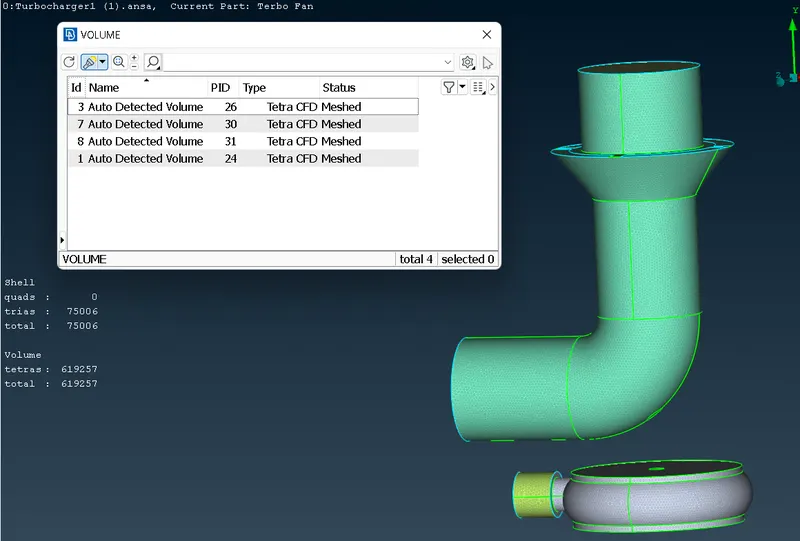
Week 3 Challenge : CFD meshing on Turbocharger
Aim:
To check geometrical error, create and assign PIDs and perform surface mesh and volumetric mesh on given model.
Objective:
To practice on checking geometrical error, doing PIDs and learn about volumetric mesh and surface mesh.
Body of content:
Step 1
Insert Model
File<Open<Select the file<Enter
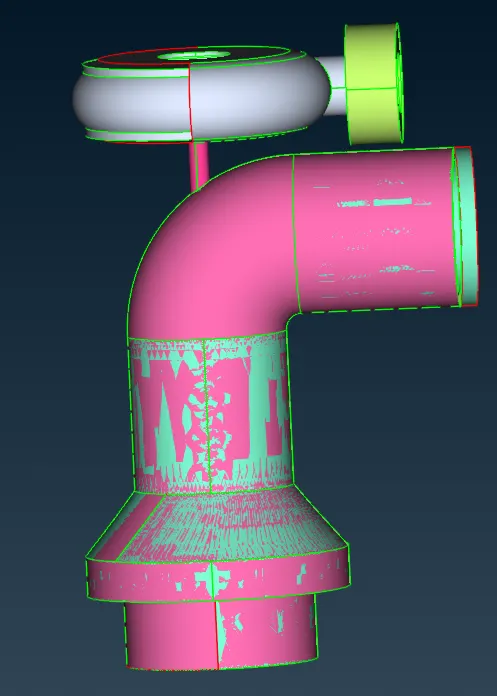
Step 2
Deleting Overlap surface
Delete<PID<Select overlapped surface<Middle click
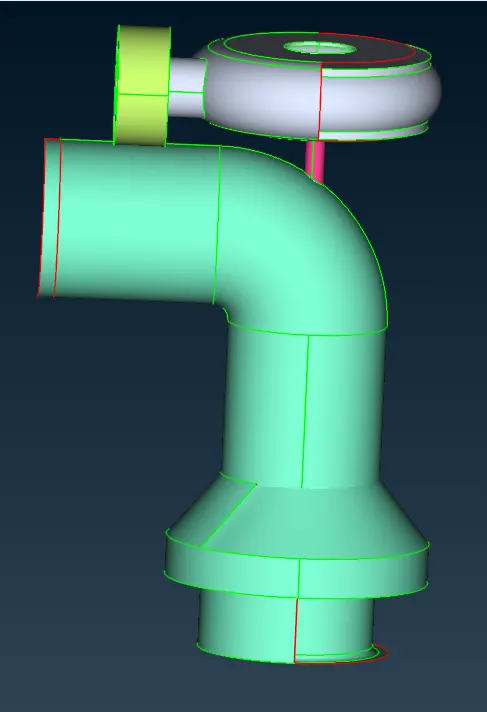
Step 3
Filling up the missing part
for top surface
Topo<Multi project<Select nodes<Middle click<Select cons<middle click
Topo<New<Cons<Select separately<Middle click
for bottom curved surface
Topo<Parametrical<Select curve<fill 0.5(Create 7 hot points in either curves)<middle click
Faces<New<Cons<ENT<Select each cons and hot points separately<Middle click
Repeat
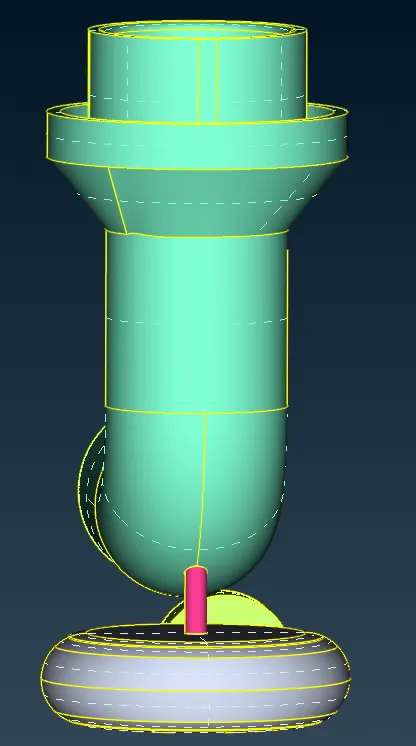
Step 4
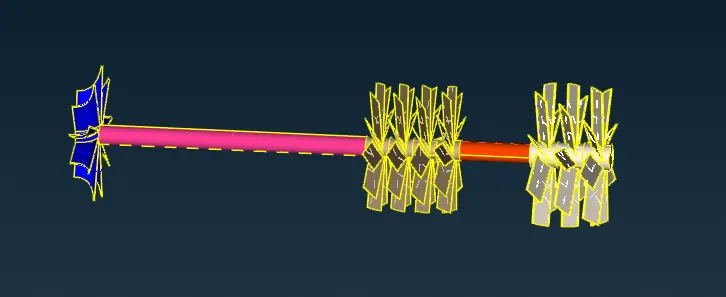
Removing overlapped surface and triple cons from shaft, blades and impeller.
i) Not<PID<Select out surface to hide<Lock
ii) Delete<ENT<Select overlapped surface one by one by removing parts of shaft and blades<Middle click
Removing overlapping of shaft
i)Cons<Project<Select cons<Middle click< Select face<Middle click
Use NOT to hide one surface and simultaneously use DELETE option to delete pink coloured surface.
Deleting middle surface of impeller
i)Cons<Project<Hide impeller<Select cons from shaft<Middle click<Hide Shaft< Select face of impeller<Middle click
Step 5
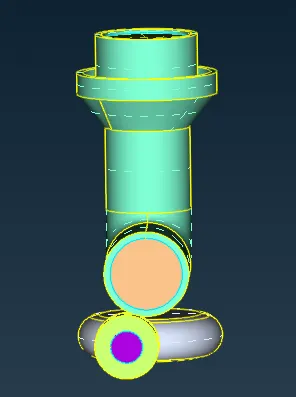
Geometry check and closing open surface
Checks<Geometry<Select all the required value<Execute
No error found
Closing of opened surface
Faces<New<Cons<Select open surface<Middle click
Step 6
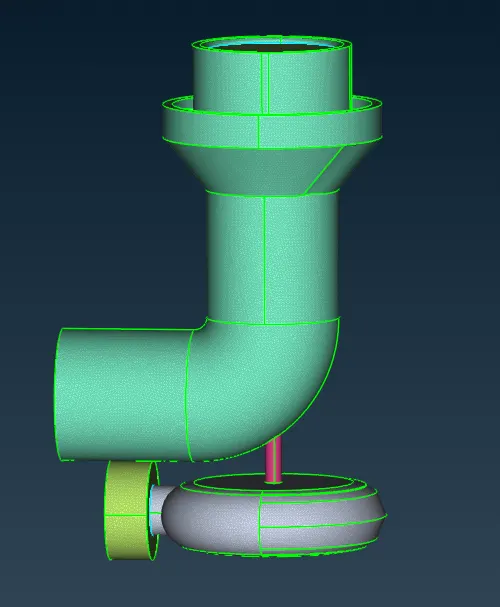
Meshing of Geometry
Classic mesh < Length < Perimeter < Select Object < Middle click < Enter value
Classic mesh < Length < Macros < Select Object < Middle click < Enter value
Mesh parameters < Select target length and element type < Click OK to confirm
Quality criteria < Select minimum and maximum length < Click OK to confirm
then
Classic mesh < Mesh Generation < Spot Mesh < Select object < Middle click to confirm
Given conditions
- Blade stage-1 = 1 mm
- Blade stage-2 = 1 mm
- Impeller = 2 mm
- Shaft rotor = 1 mm
- Turbo casing = 5 mm
- Compressor casing = 5 mm
- Inlet casing cover = 5 mm
Step 7
Volumetric mesh
Define<Auto detect<Select detect on to whole DB<Delete the thickness related volumes<Select type of meshing as Tetra CFD<Mesh<OK