Week 1- Mixing Tee
Aim
To setup steady state simulations to compare the mixing effectiveness when hot and cold fluid mixes together.
Objective
To compare and learn about mixing of temperature and fluid behaviour on different conditions.
Body of content (Short tee)
Step 1 insert file
Open Work bench Space claim < Open>
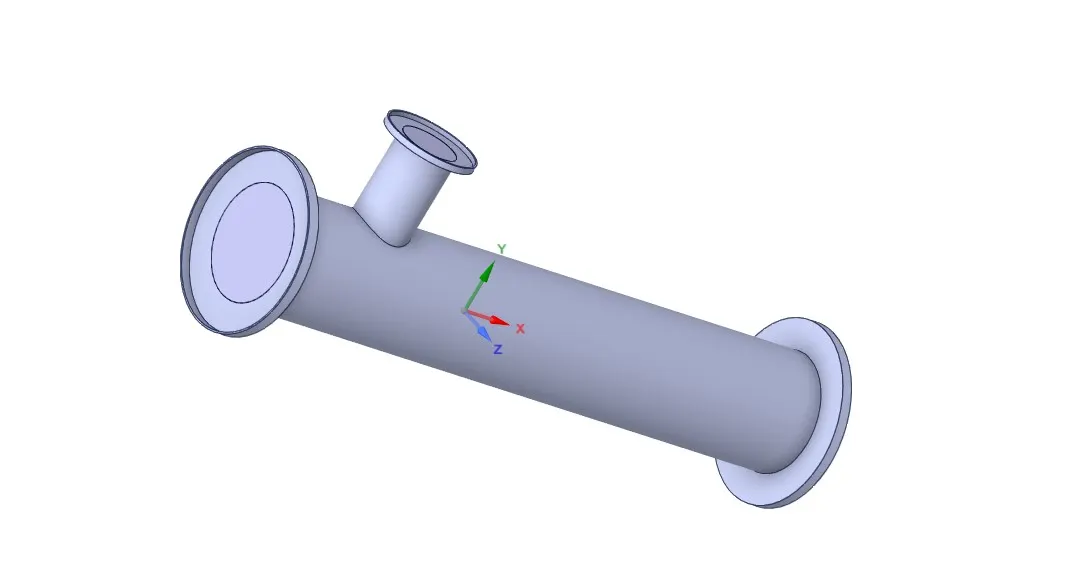
Step 2
Extract volume as fluid is keeping in contact with inner surfaces so we have to worked on the inner surface.
Volume extraction < Select edges < Select on green mark to confirm
Then supress the solid, option on the left side.
Step 3
Open meshing model < Name>
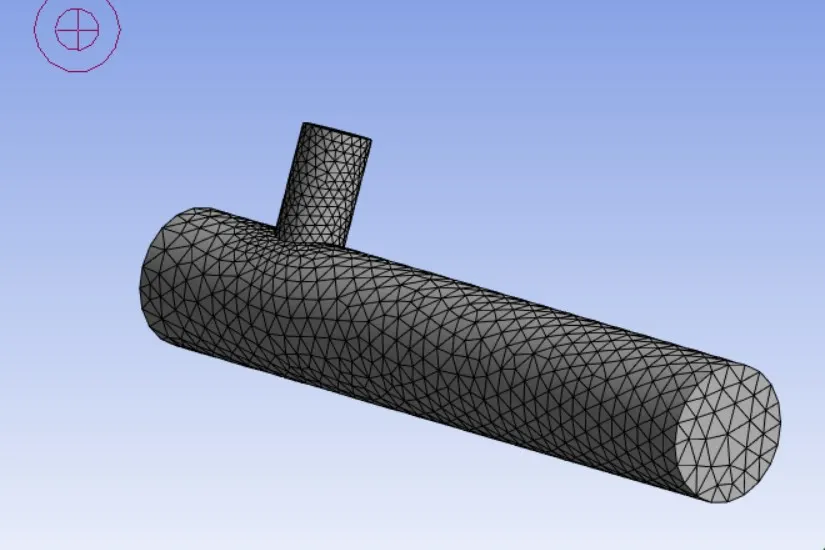
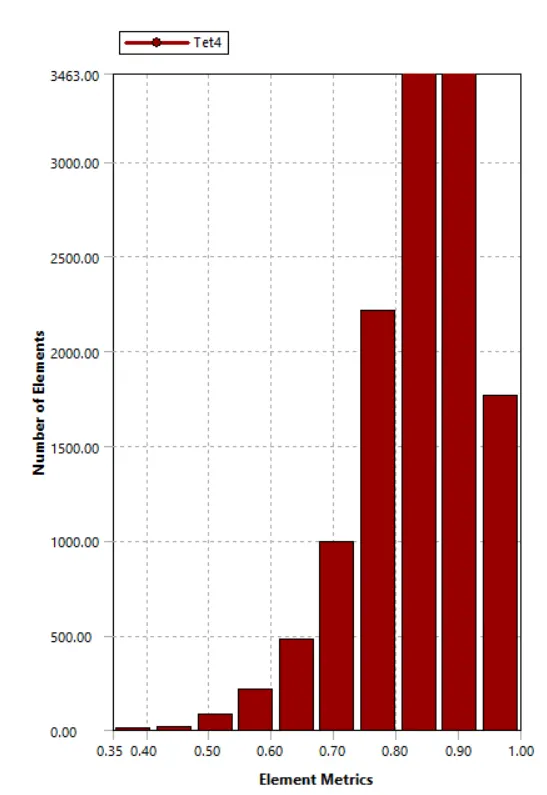
Step 4
Open Setup < Setting>
then
Setting up physics < Select steady state pressure based solver and absolute velocity formulation < Select Energy equation < Viscous src="https://d3ocdjih6hdmey.cloudfront.net/lms-ci3/challenge/assets/2023/08/mceclip1_1692440727.png">
Zones < Cell>
Zones < Select boundary condition < Set>
Solving < Hyrid>
Solving < 250>
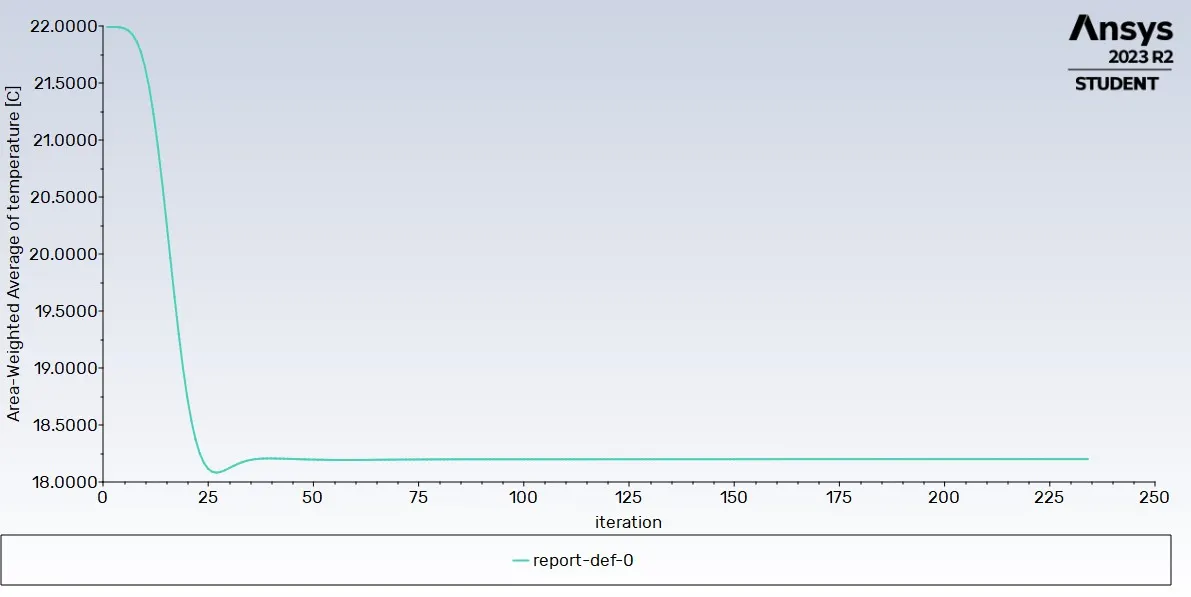
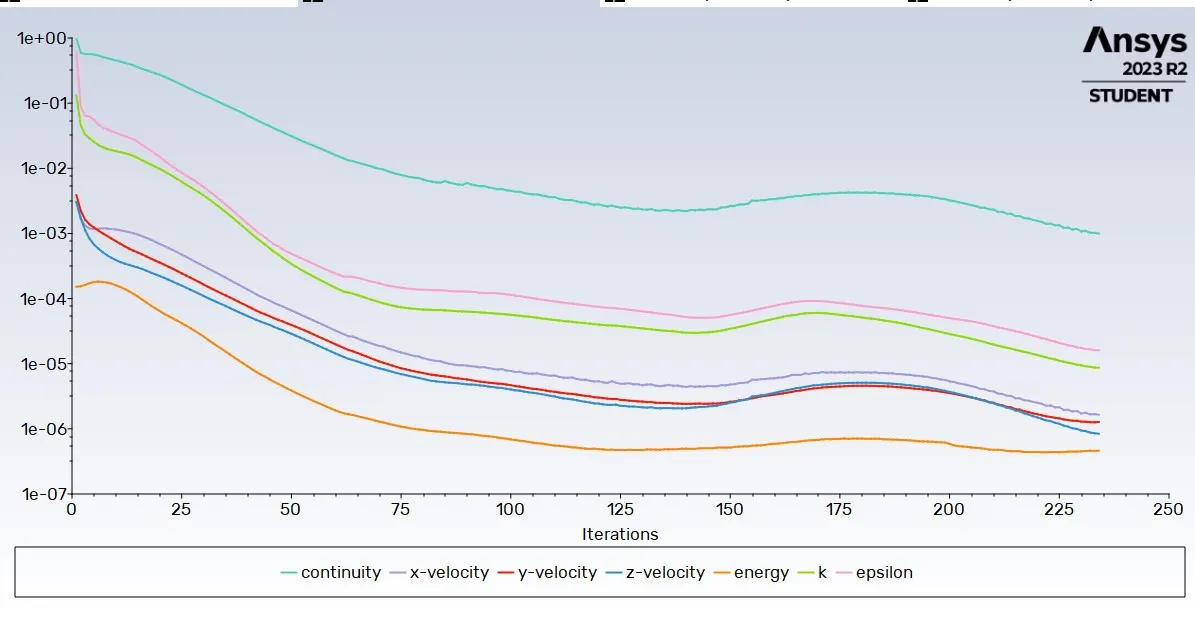
Short tee graph
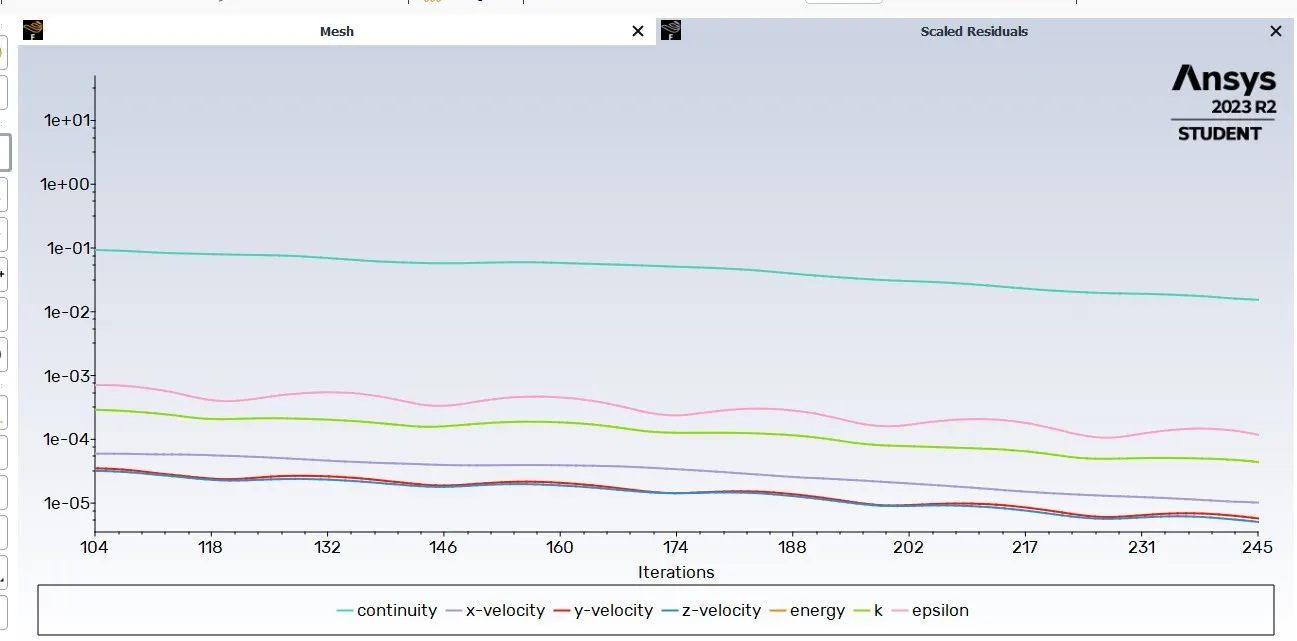
Long tee graph
Step 5 Results
Render < Increase>
Insert < Location>
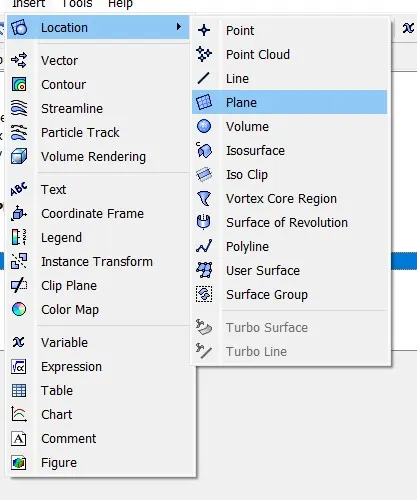
Double click on plane < Color>
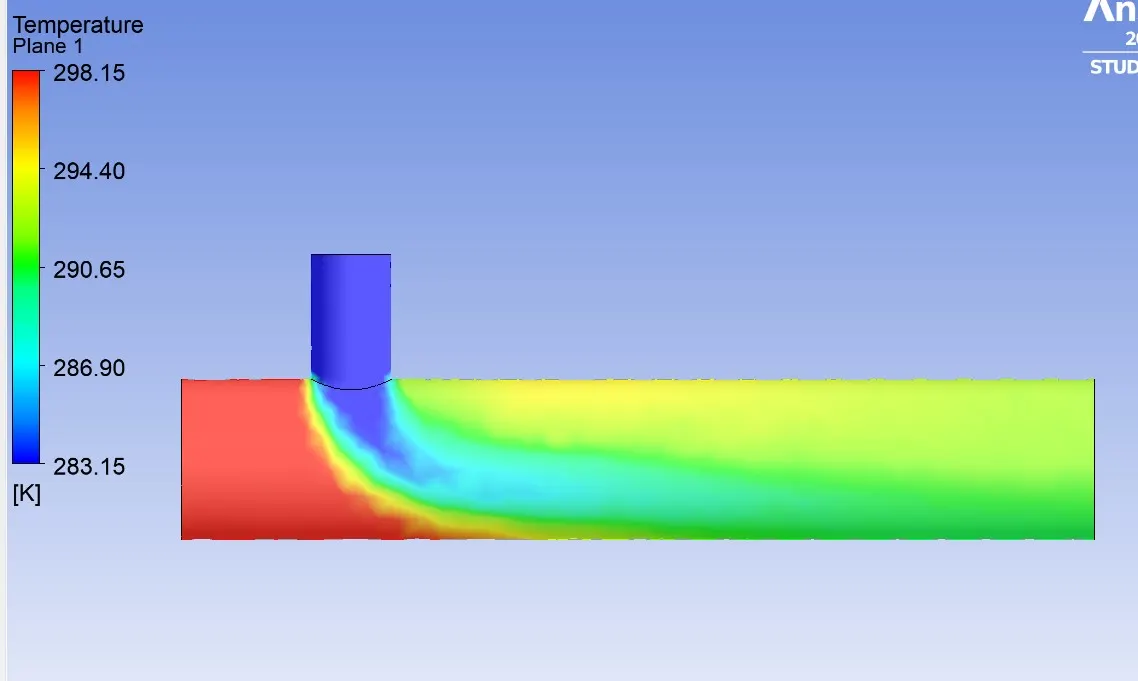
Short tee Model
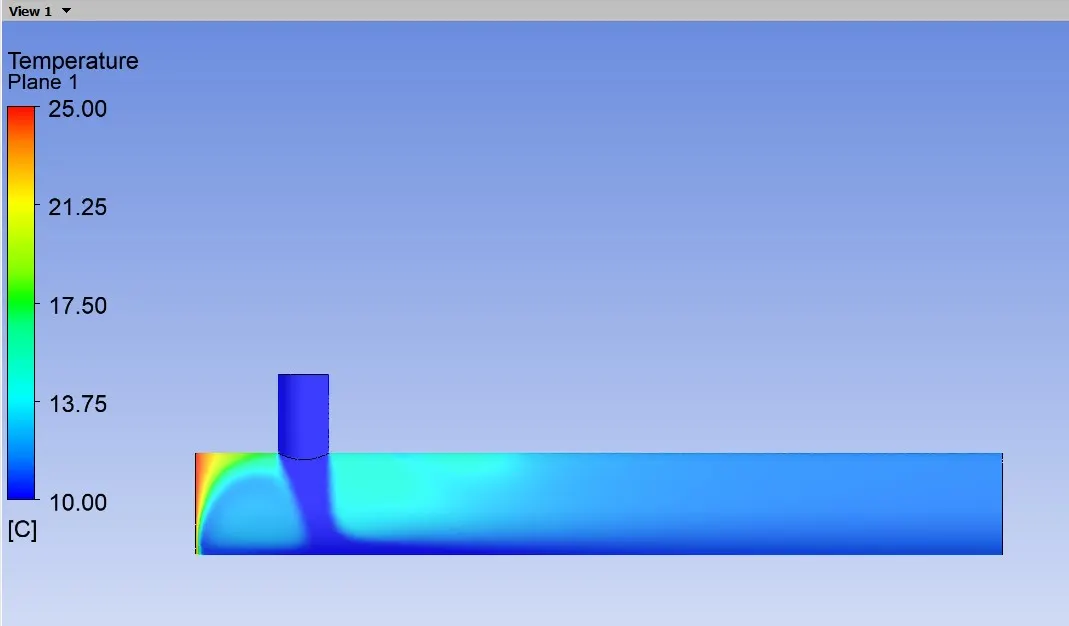
Long Tee model
Fluid in long tee is mixed properly in comparision to short with same conditions an the air temperature is cooler.