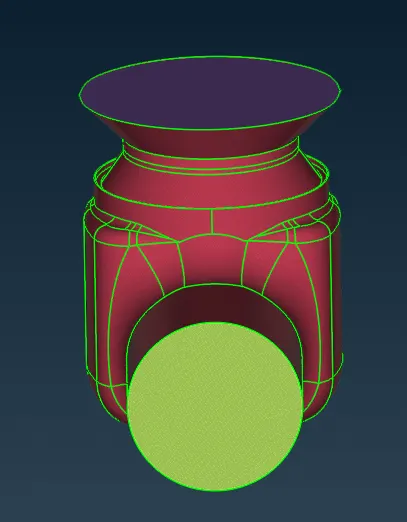
Week 2 Challenge : Surface meshing on a Pressure valve
Aim:
To check geometrical error and mesh the model
Objective:
To learn how to check geometrical error how to do PDI and how to mesh a model.
Body of content:
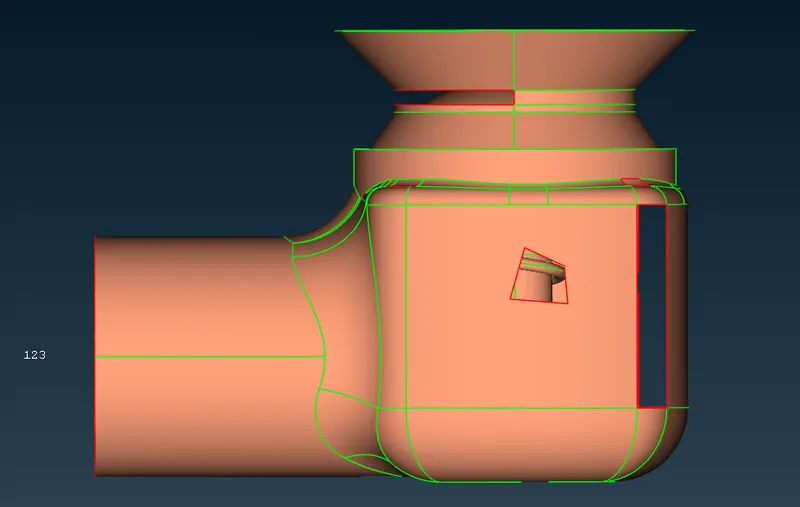
Step 1
Insert Model
File<Open<Select the file<Enter
Step 2
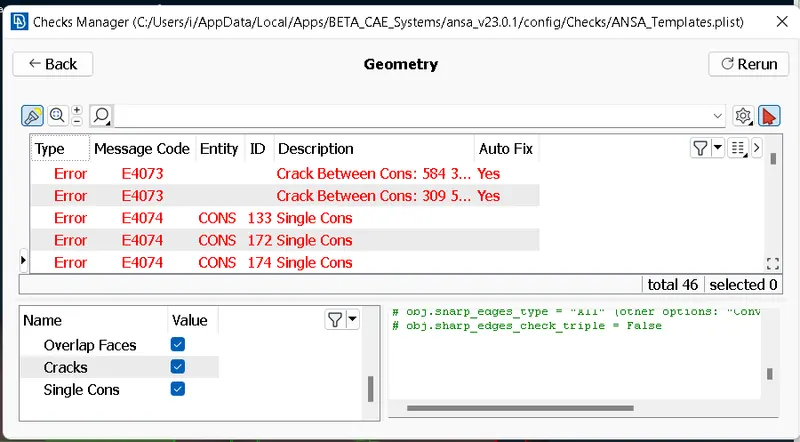
Geometry check
Tools<checks<geometry<select the name<Execute
All errors are displayed
Step 3
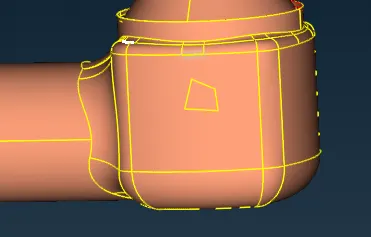
To fill the holes.
Topo<Faces<New<Select surface type<Select the object<Middle click<click OK
Topo<Cons<Fill Hole<Select hole<middle click to apply
ENT- For selecting any kind of entity one by one.
Loop- To select a closed loop of edges,perimeters or curves.
Step 4
PID
Properties<Right click<New<Pshell<Pshell<Enter name and select colour
for applying
Select name<Right click<Apply<Select object<Middle click
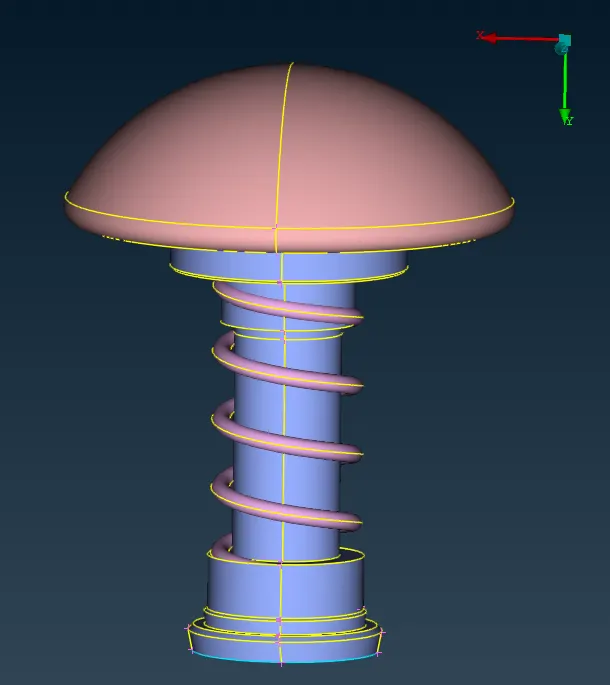
Step 5
Meshing of Geometry
Classic mesh < Length < Perimeter < Select Object < Middle click < Enter value
Classic mesh < Length < Macros < Select Object < Middle click < Enter value
Mesh parameters < Select target length and element type < Click OK to confirm
Quality criteria < Select minimum and maximum length < Click OK to confirm
then
Classic mesh < Mesh Generation < Spot Mesh < Select object < Middle click to confirm