Week 5 Challenge : Surface wrap on Automotive Assembly
OBJECTIVE: Surface-Wrap over an automotive Powertrain model.
PROCEDURE: We can complete this task by adhering to the following steps:
- Importing geometry on ANSA.
- Topo-Clean or Topological modifications.
- Merging all models to create the required assembly.
- Performing Surface-Wrap.
STEPS INVOLVED:
Step 1:
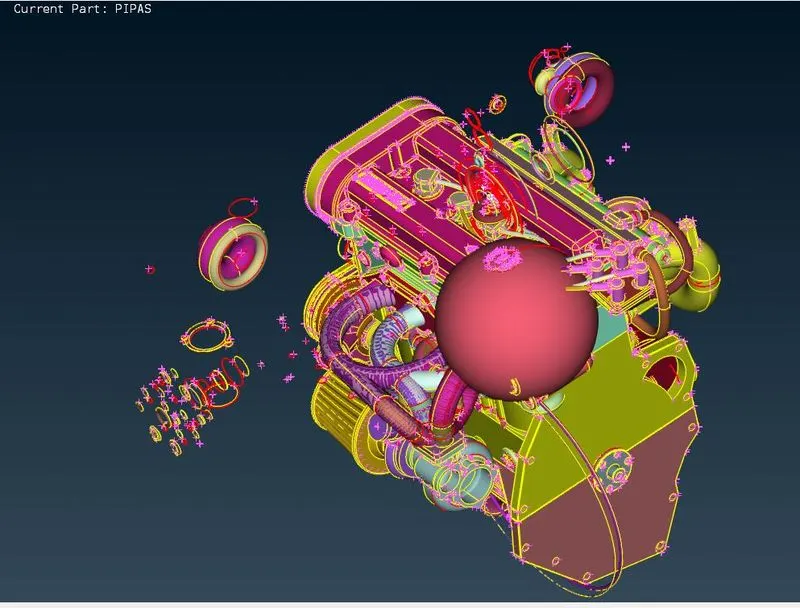
1. Importing the first model.
STEP 2.
1. As we can see there are quite a lot of unnecessary surfaces in the model and must be deleted.
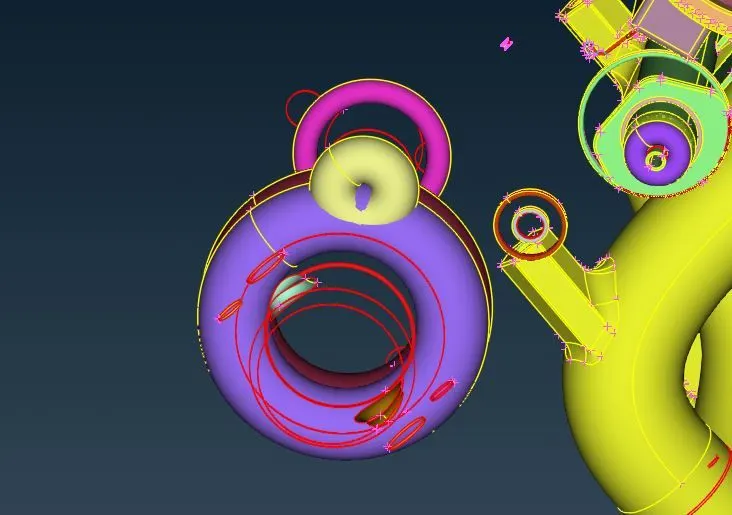
These rings like shapes are used during modelling and are not required here.
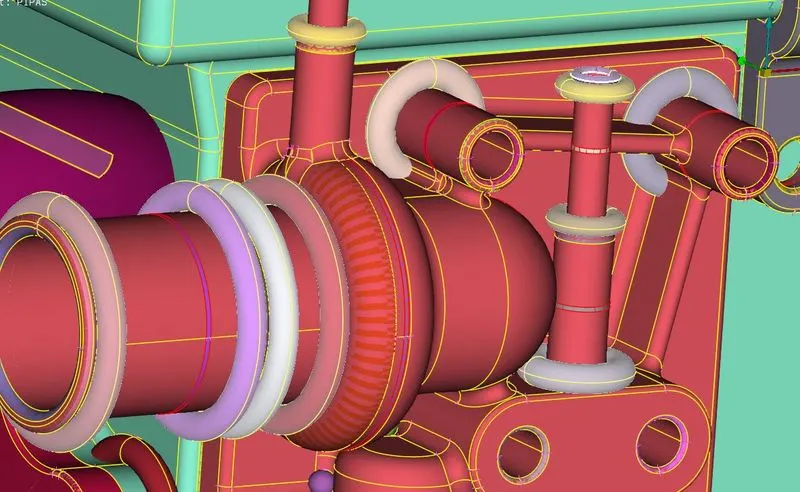
2. We delete all such features, such that our surface is free from it.
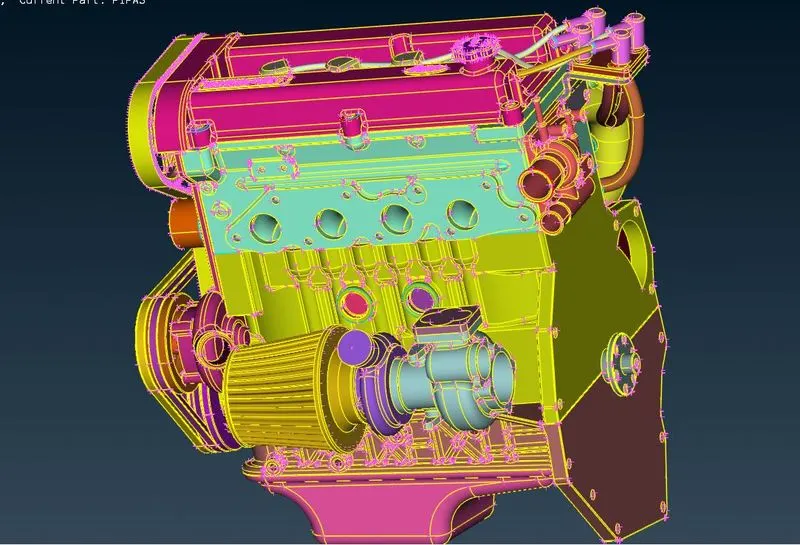
2. Now we patch in all holes, these holes will distort the curvature during meshing.
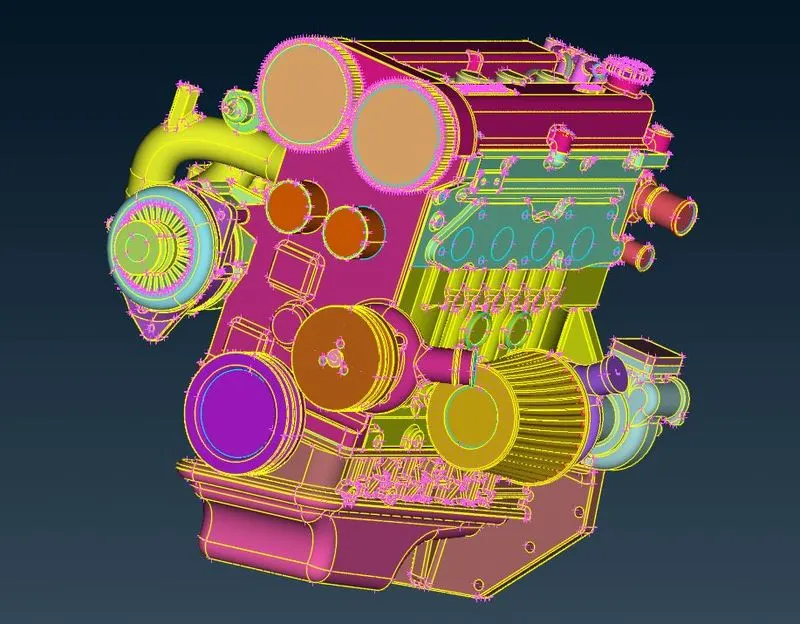
3. Our first model is free from errors and is ready for surface wrap. But we first proceed to the second model.
4. Importing the Transmission model.
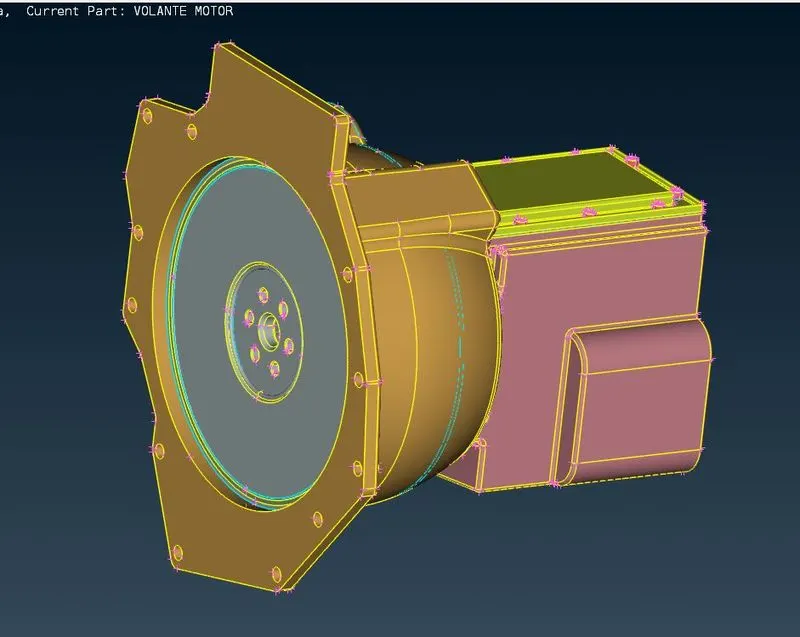
5. Repeating the previous steps on this model.
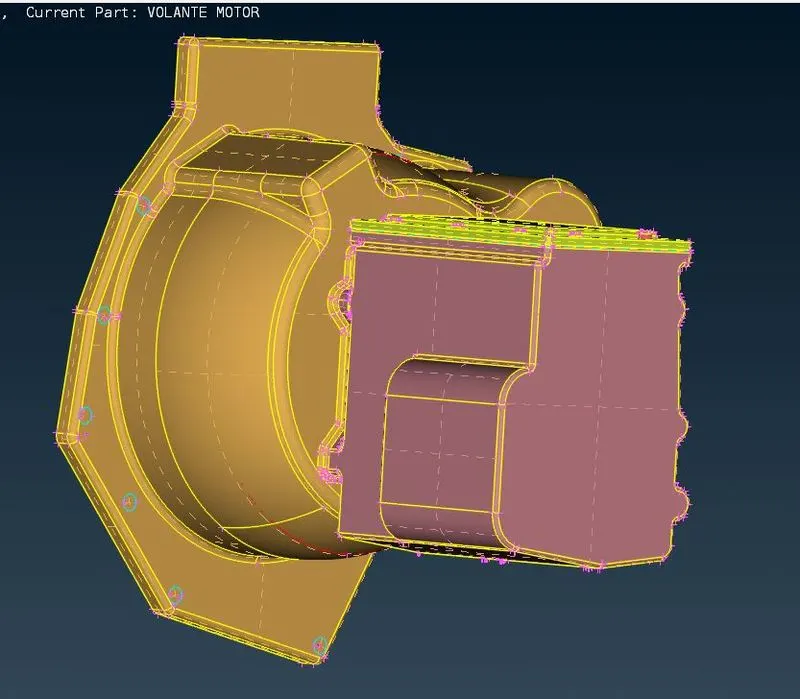
6. We now import the third model which is the gearbox.
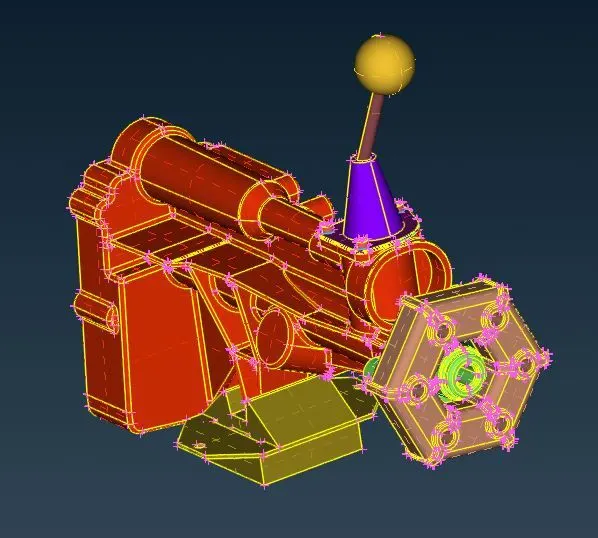
7. Repeating the same steps we will obtain:
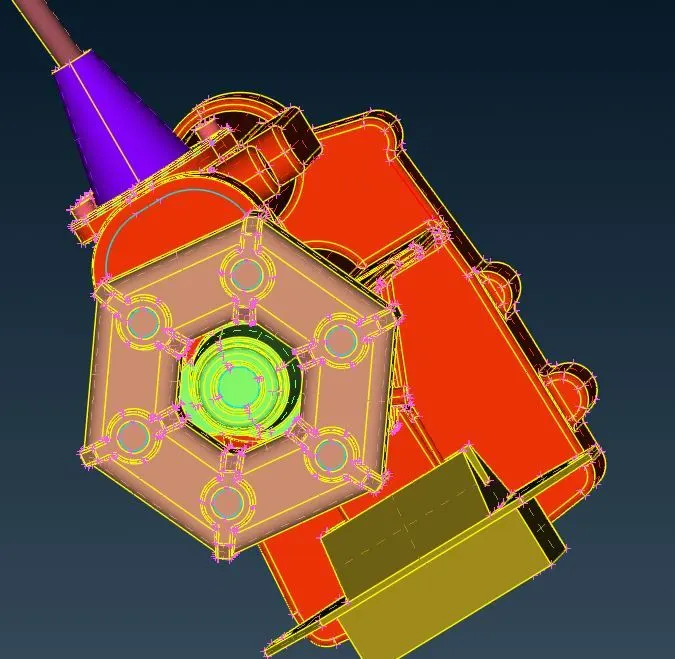
STEP 3 : Merging all models to create an assembly.
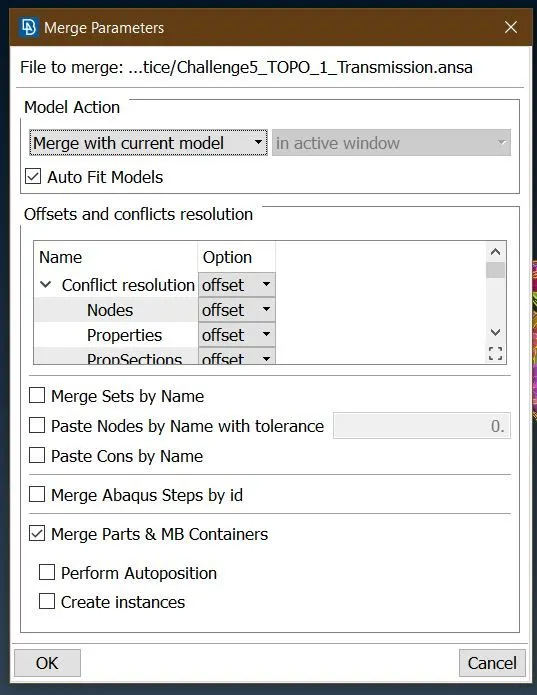
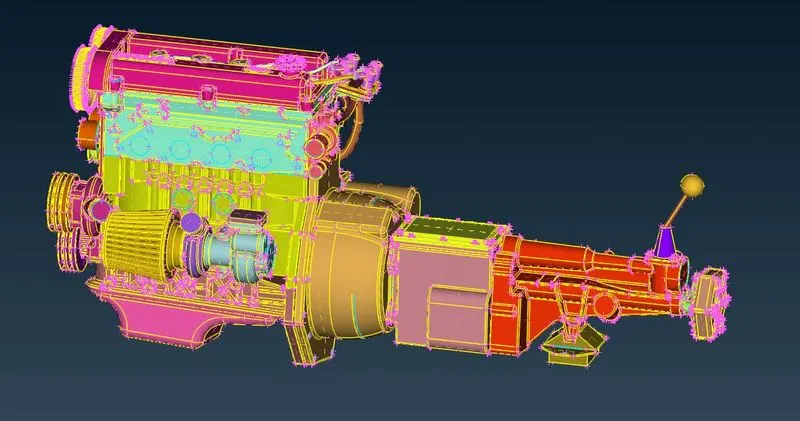
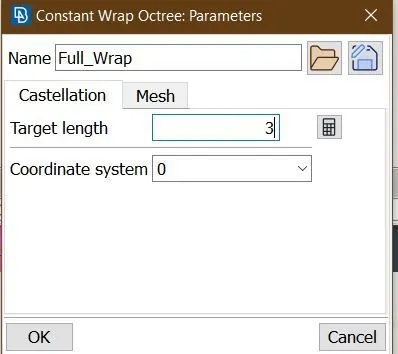
Step 4. We now perform the surface wrap with Target length = 3 mm.
1. We go to Mesh>Elements>Wrap>Constant length.
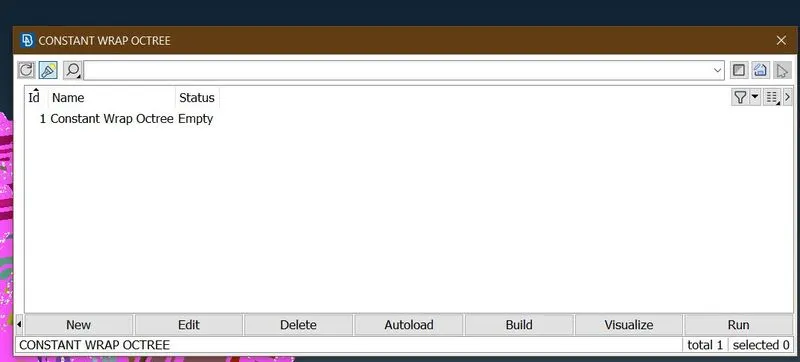
2. We select status select targrt length and name our wrap.
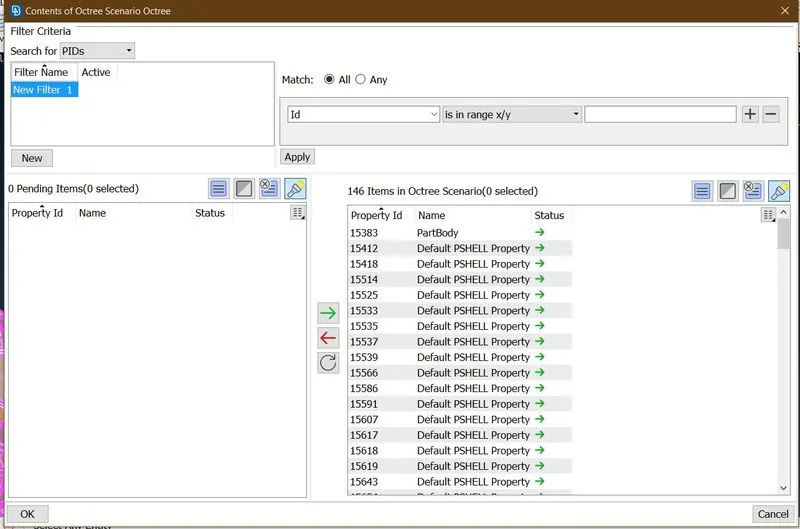
3. Now we go to entities and select them for surface wrap.
4. Now we are ready to perform surface wrap.
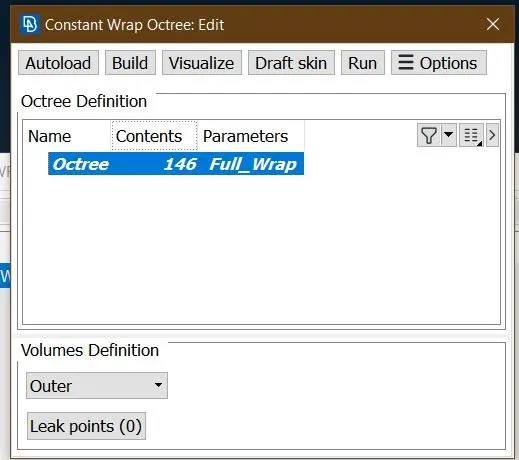
5. We select run to start surface wrap.
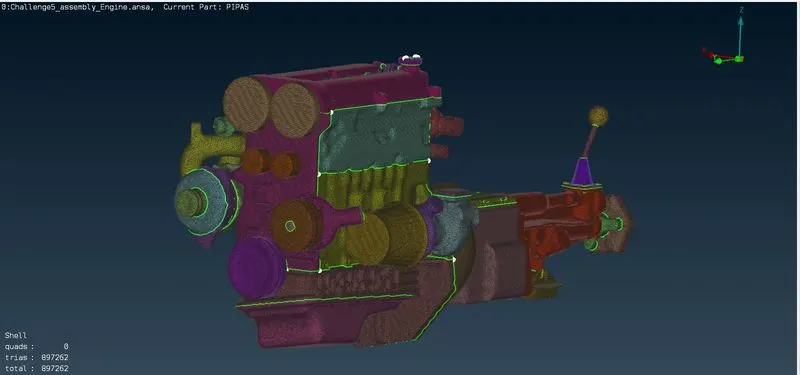
Learning Outcomes.
1. Merging various components into a single assembly.
2. Surface wrap as an alternative to generate mesh around an assembly.
Conclusion
Thus, surface wrap can be used to generate surface wrap around an automotive powertrain assembly.