Project 1 : CFD Meshing for Tesla Cyber Truck
OBJECTIVE: Pre-Processing ofa Tesla Cyber-Truck.
PROCEDURE:
- Topological Cleanup
- Unstructured Surface Meshing using Triangular Elements
- Unstructured Volumetric Meshing using Tetrahedral Elements.
STEPS INVOLVED:
1. Import the model
We import the model in ANSA.
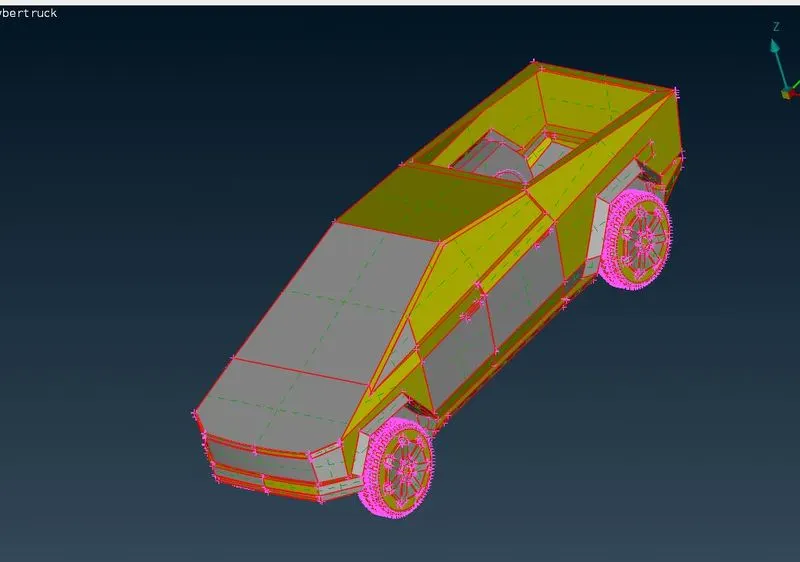
2. TOPO CLEANUP
We can see there are a number of single coons, so we apply the topo on the whole model to inspect it properly.
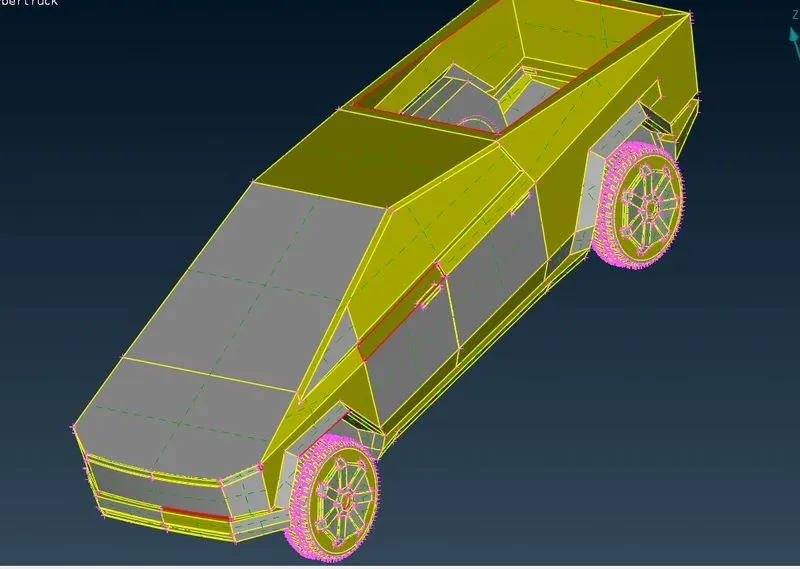

Totally unnecessary feature.

Now the missing faces are visible and we know what we need to work upon. As the number of geometrical errors are not very large in number, so we do not need to work on half of the model which leads to symmetry tool use.
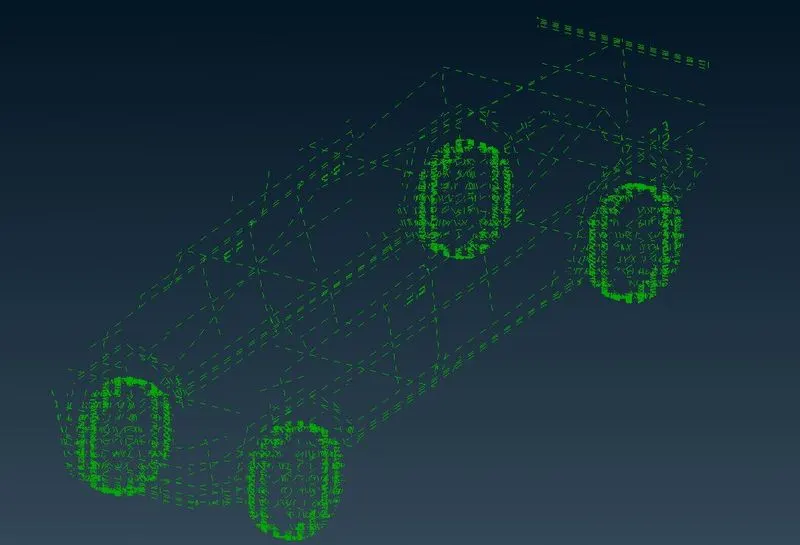
We de-select Shadow, triple and couble coons. This way we can easily inspect any single coons which are not there. We can now run the geometry check.
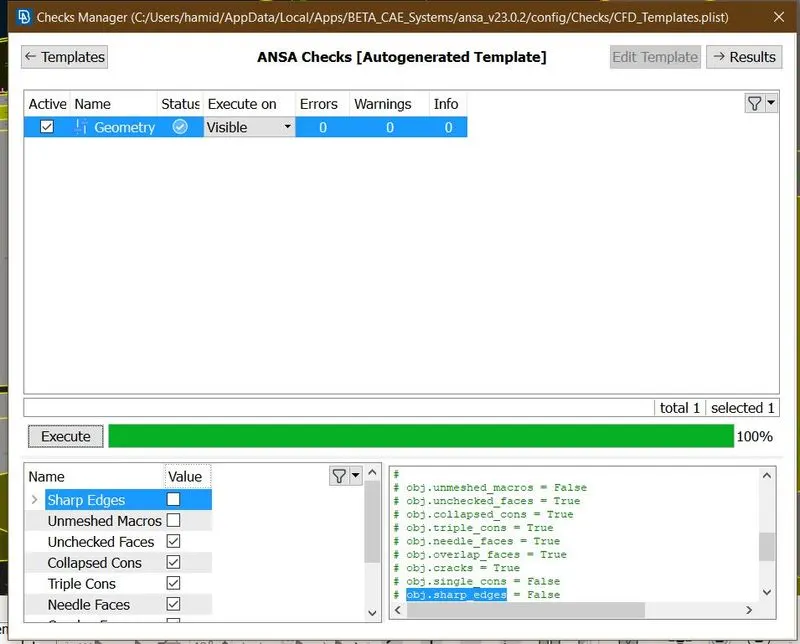
We do not have any geomerrical errors, we can now proceed further.
3. PID ASSIGNMENT
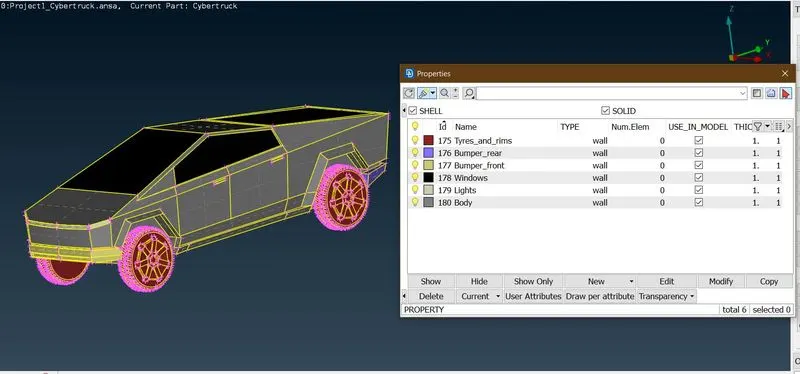
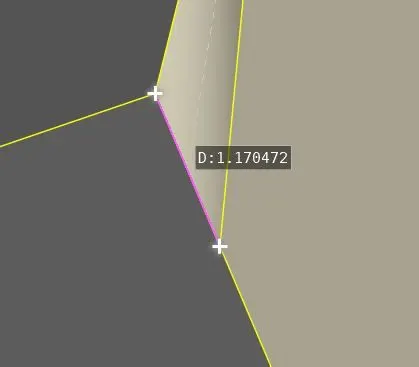
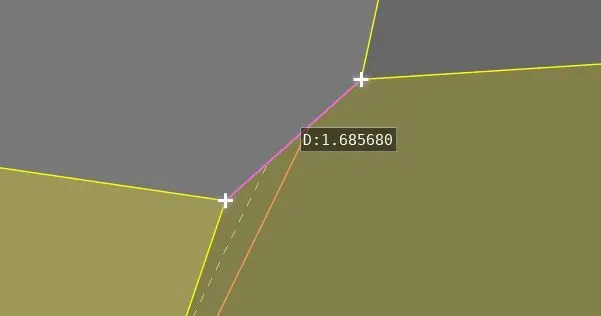
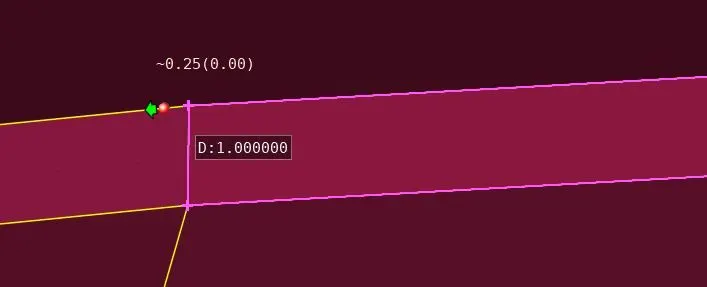
Now we check PID wise for the intricate features, so that we can specify element quality criteria accordingly.
LIGHTS
FRONT BUMPER
BODY
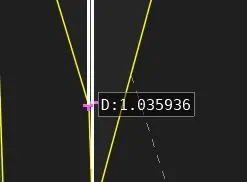
Tyres and Rims
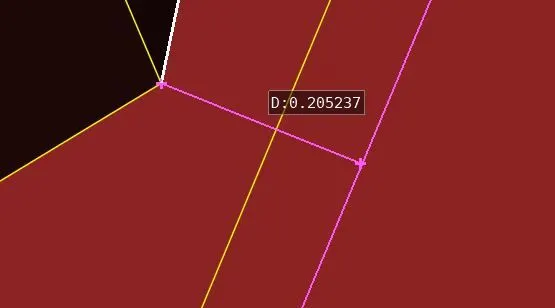
Based upon our observation, we deduce the max. and min. lengths for elements PID wise.
| PID | MIN LENGTH (mm) | MAX length (mm) | Target Length (mm) |
| LIGHTS | 1 | 3 | 2 |
| TYRES_AND_RIMS | 0.2 | 3 | 2 |
| WINDOWS | 1 | 5 | 3 |
| Front_Bumper | 1 | 3 | 2 |
| Rear_Bumper | 1 | 5 | 3 |
| Body | 1 | 5 | 3 |
Step 3. Unstructured surface meshing using Triagonal Elements PID Wise
First we specify the General Element Quality Criteria
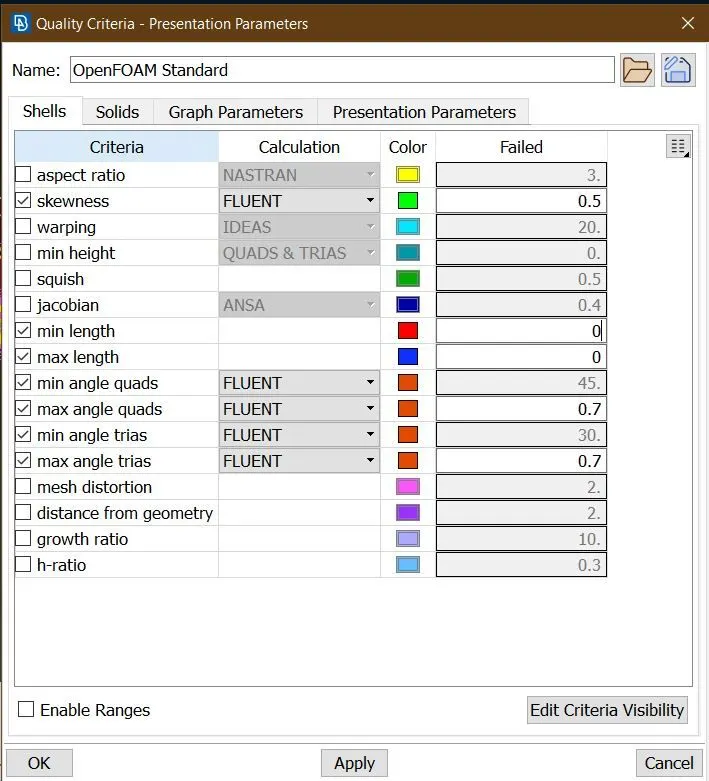
We mesh the tyres first
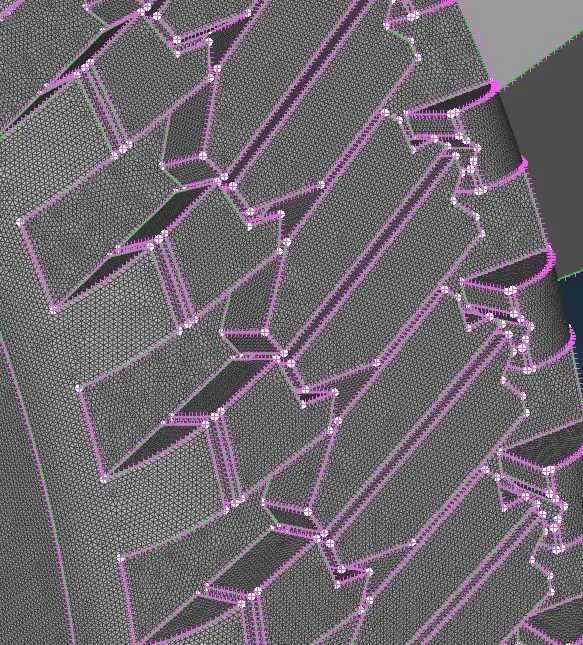
These threads are modelled very close to each other, even when we kept min length at 0.2 mm which is the size of gap still elements were failing the SKEWNESS quality criteria and were not resolving by any other means.
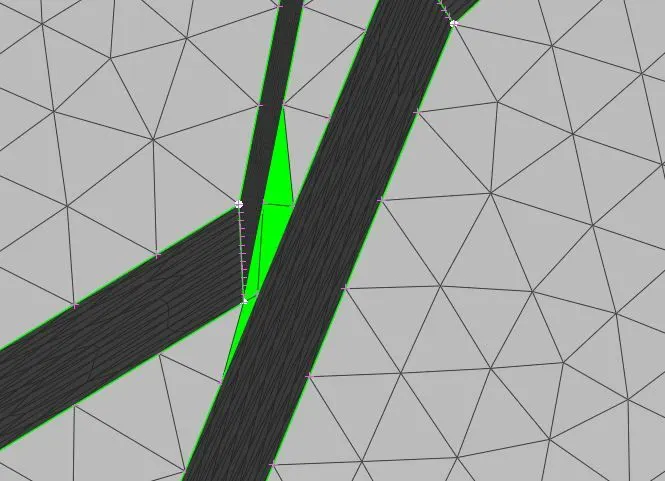
We can not delete the coons as these are feature coons. Thus, we decided to delete the feature itself.
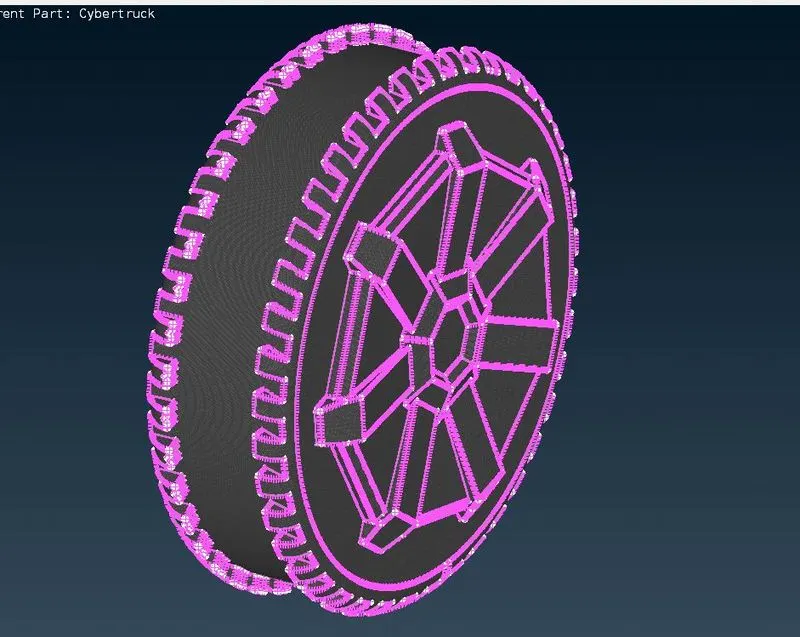
Keeping in mind the changes we modify our target lengths
| PID | MIN LENGTH (mm) | MAX length (mm) | Target Length (mm) |
| LIGHTS | 1 | 3 | 2 |
| TYRES_AND_RIMS | 1 | 3 | 2 |
| WINDOWS | 1 | 5 | 3 |
| Front_Bumper | 1 | 3 | 2 |
| Rear_Bumper | 1 | 5 | 3 |
| Body | 1 | 5 | 3 |
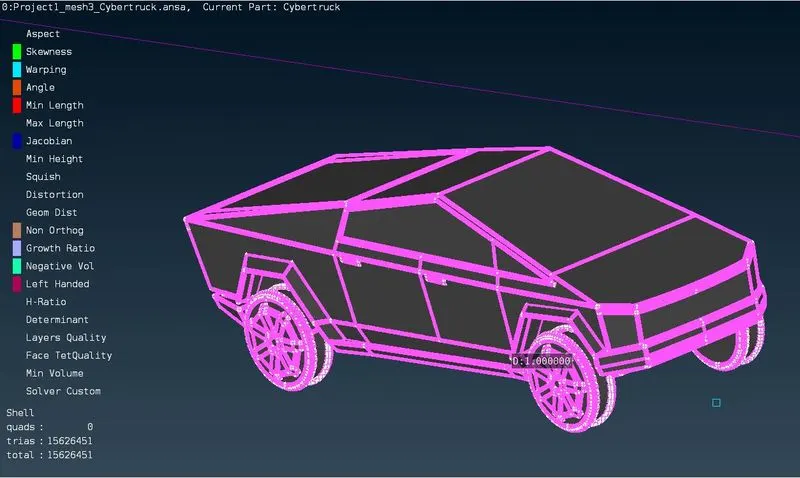
This way surface meshing is completed.
Stpe 4. Dimensioning the Wind Tunnel.
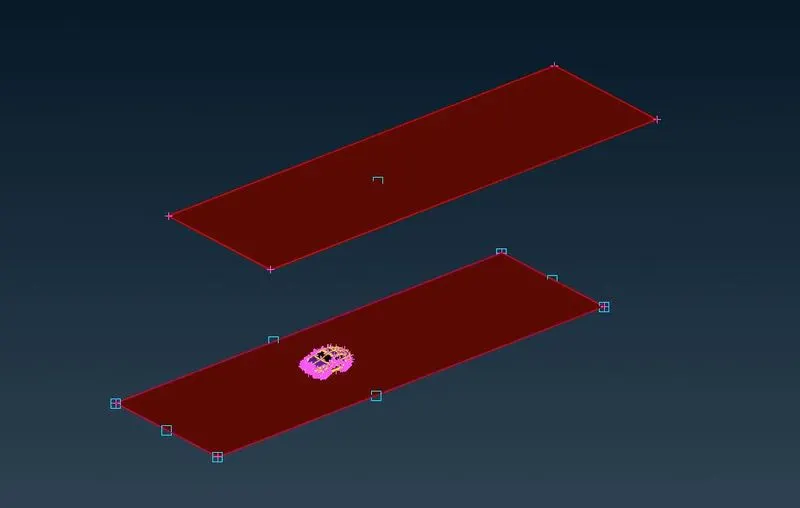
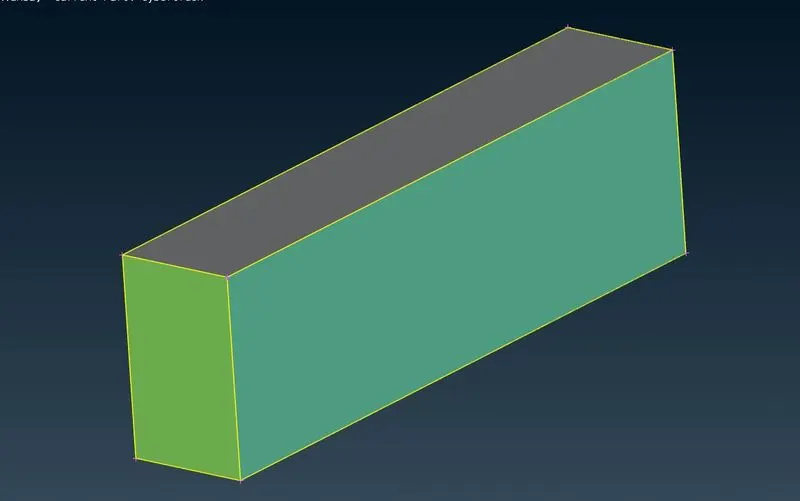
We follow the standard procudure to dimension the wind tunnel, which is based upon the length of the model let it be 'x'.
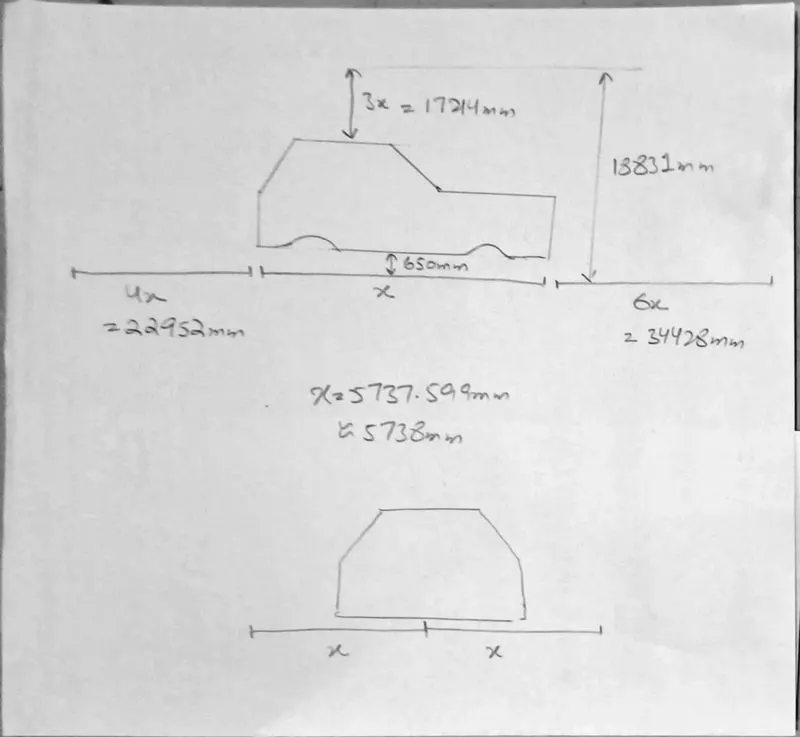
Now we use points and curves to layout the foundation of the base of wind tunnel which we then copy to desired height using offset command. Then we use faces to generate top and base of wind tunnel. We do the same to create sides of the wind tunnel.
Stpe 5. Meshing the Wind Tunnel
| Tunnel surface | Target Length mm | Min-Max mm |
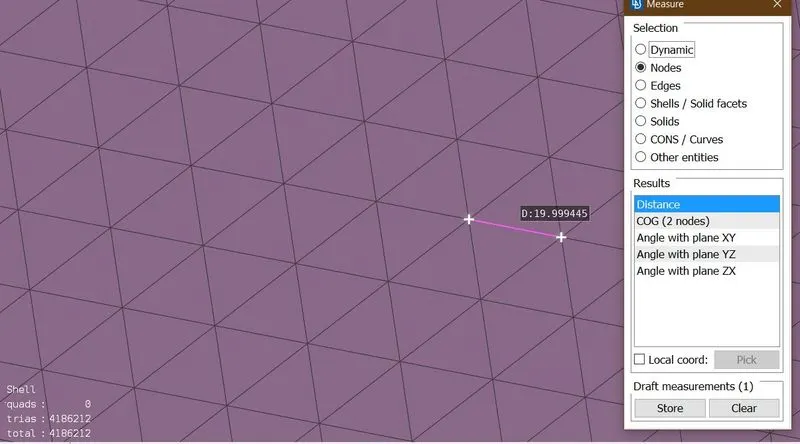
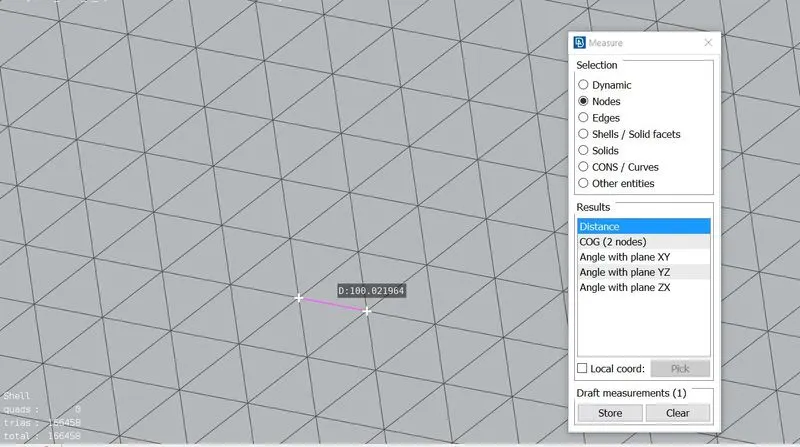
| Top surface | 100 | 80-120 |
| Base Surface | 20 | 15-25 |
| Front surface | varying | varying |
| Rear Surface | varying | varying |
| Side surface | varying | varying |
We use the this data to mesh the wind tunnel faces. Our approach for base and top will be regular, that is we will be using a constant target length. But for front and sides we use the varying target length which is finer near model and coarser away from it. This can be done using Spacing tool.
Wind Tunnel Base
Wind Tunnel Top
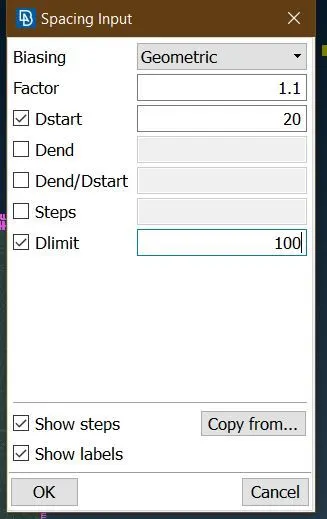
Wind Tunnel Front
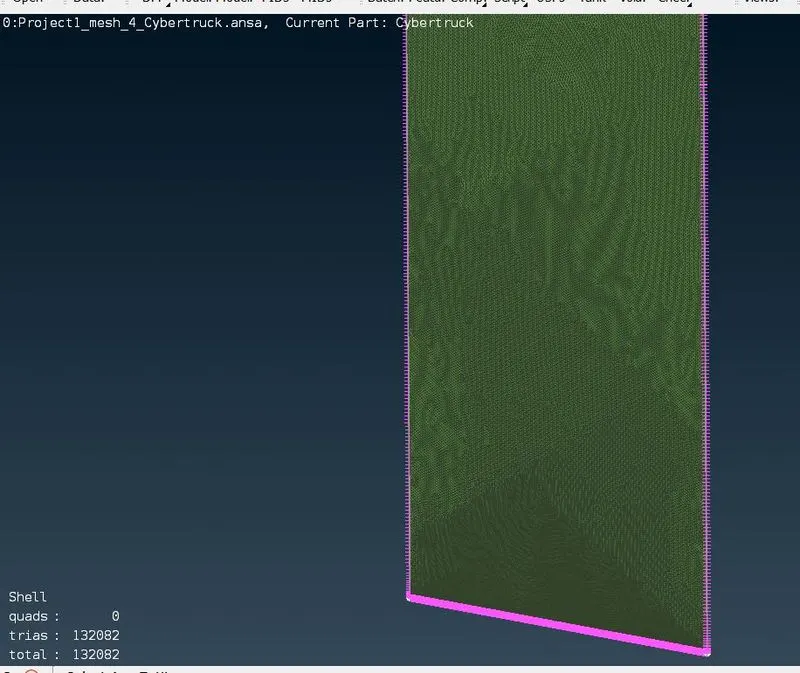
Now the whole wind tunnel is meshed accordingly.
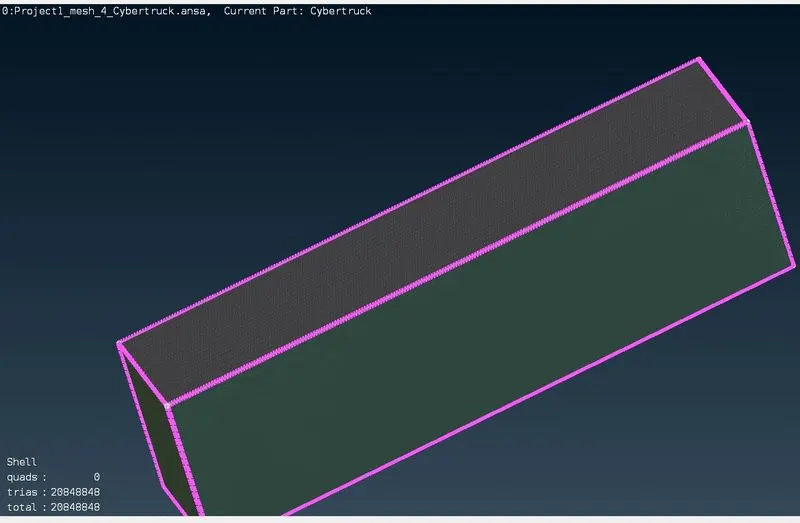
The summary of surface mesh
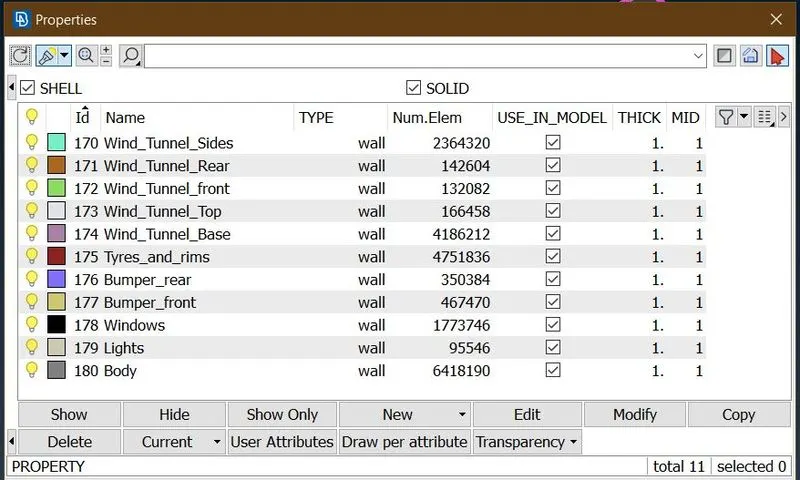
Total number of 2d tra elements = 20848848
Now we run the diagonstic check to look for any errors.
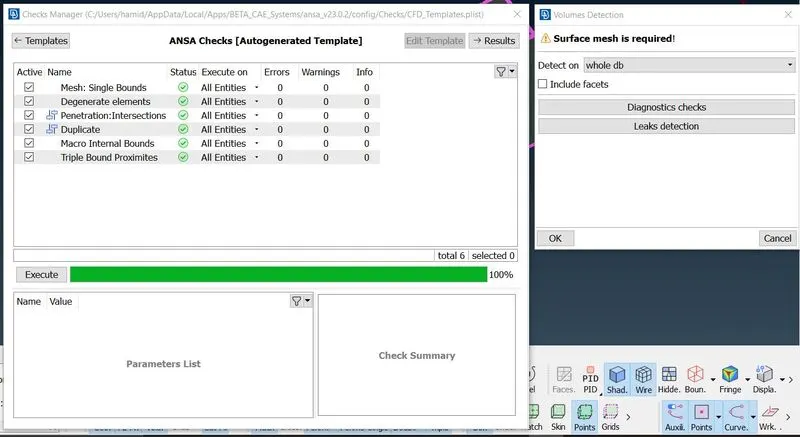
As everything is fine we move ahead for the Voumetric meshing using unstructured Tetrahedral Elements.
We first clear out the unnecessary volumes, for that we first detect the present volumes.
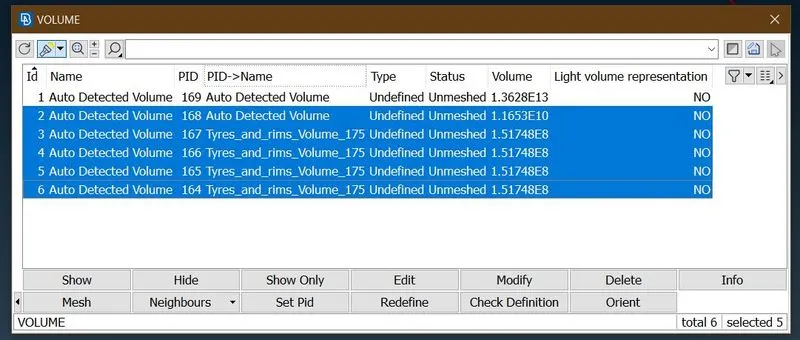
We delete all those volumes where we donot need any volumetric meshing, these are the interior parts of the model.
Now we specify the mesh details to the required volume.
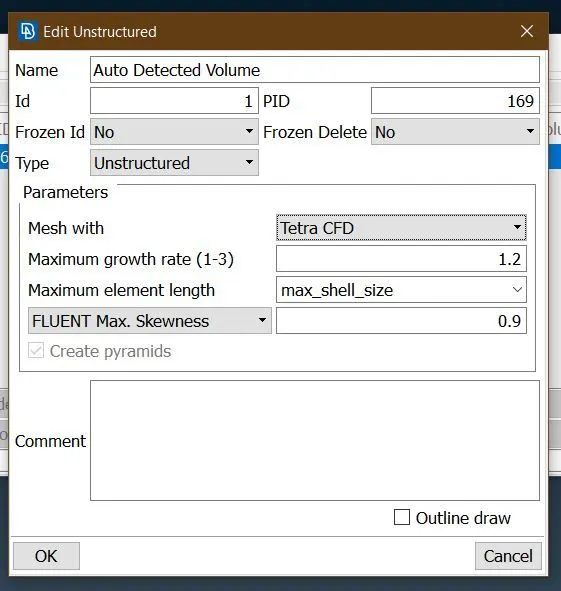
Now we can go ahead and mesh the whole volume, but due to the constraints present from computer hardware its not currently possible to generate the V-Mesh.
Learning Outcomes.
1. Various tools avilable for Topologcal Clean-up: Extend, Intersect, Offset.
2. Addition of Points and Curves to complete Geometry.
3. Use of OpenFOAM Deck in setting up Element Quality Criteria.
4. Use of Mesh Refinement tools to eliminate Off-Elements: Reconstruct, Move, Split.
5. Use of Symmetry tool in ANSA.
6. Wind Tunnel Construction for Automotive Application.
7. Surface Meshing using Triangular Elements.
8. Volumetric Meshing using Tetragonal Elements.