Week 5 Challenge : Surface wrap on Automotive Assembly
Aim: To check the geometrical errors & delete surfaces that are unwanted for a Surface wrap. After clearing geometry, Merge all 3 models and perform surface wrap. The target length for Wrap = 3 mm
Procedure:
Engine Model: Delete unwanted surfaces and keep all necessary surfaces & PIDs for a wrap.
Before clean up After clean up
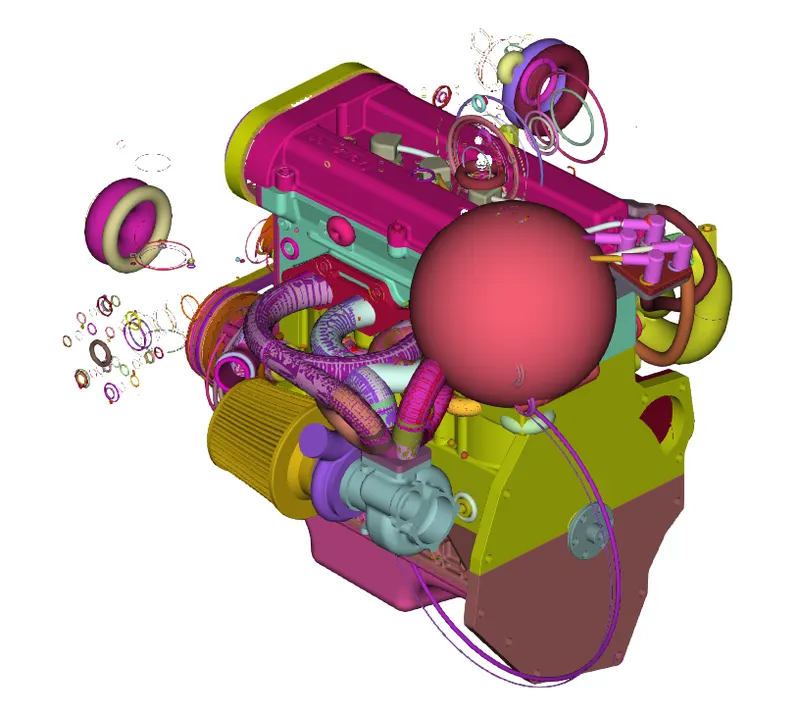
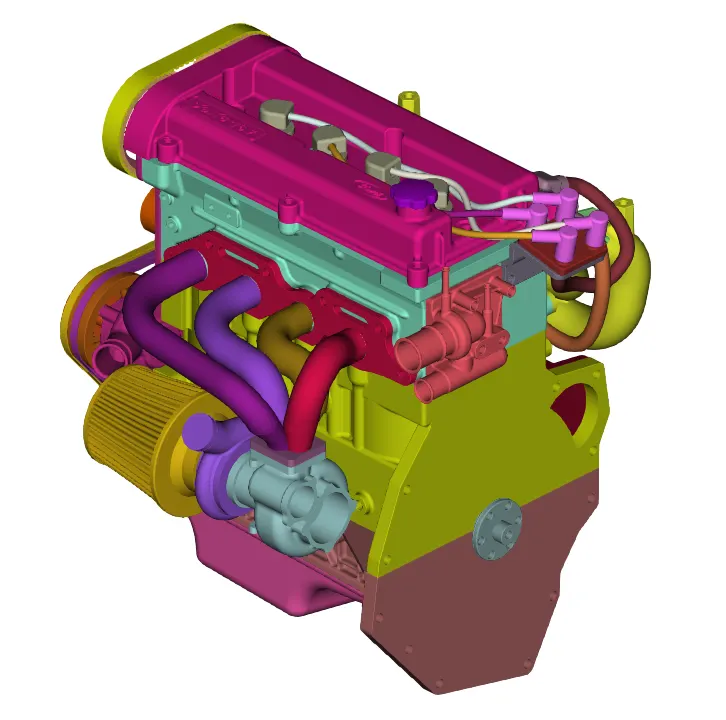
In some places, Intersect, Project & Paste commands are used to wrap up all the surfaces.
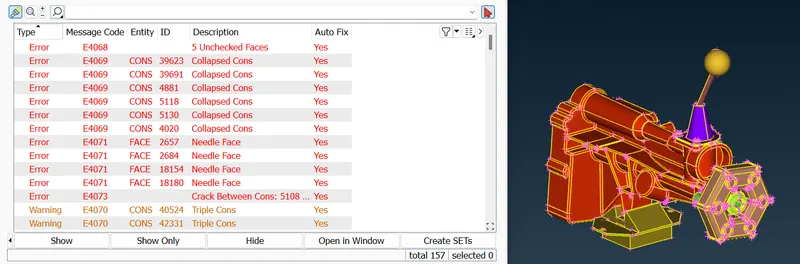
Gear Box Model: Delete unwanted surfaces and keep all necessary surfaces for a wrap.
Before clean up
After clean up
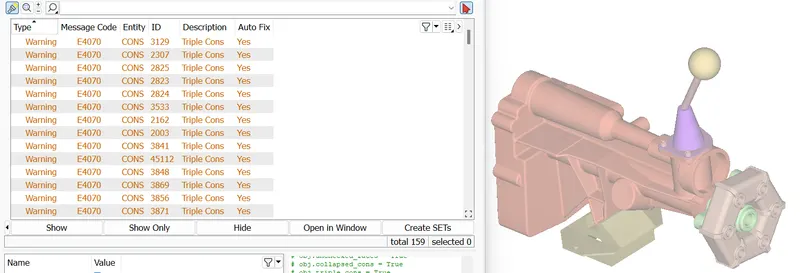
Transmission Model: Delete unwanted surfaces and keep all necessary surfaces for a wrap.
Before clean up
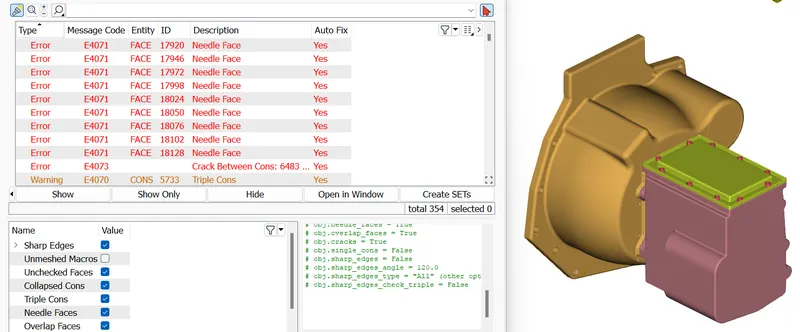
After clean up
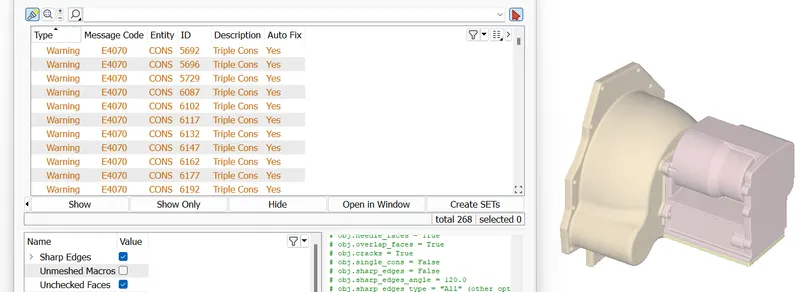
For the Engine model, Exhaust pipes and Belts are removed as the surfaces are too small for a Surface wrap. Also, holes are filled by New faces.
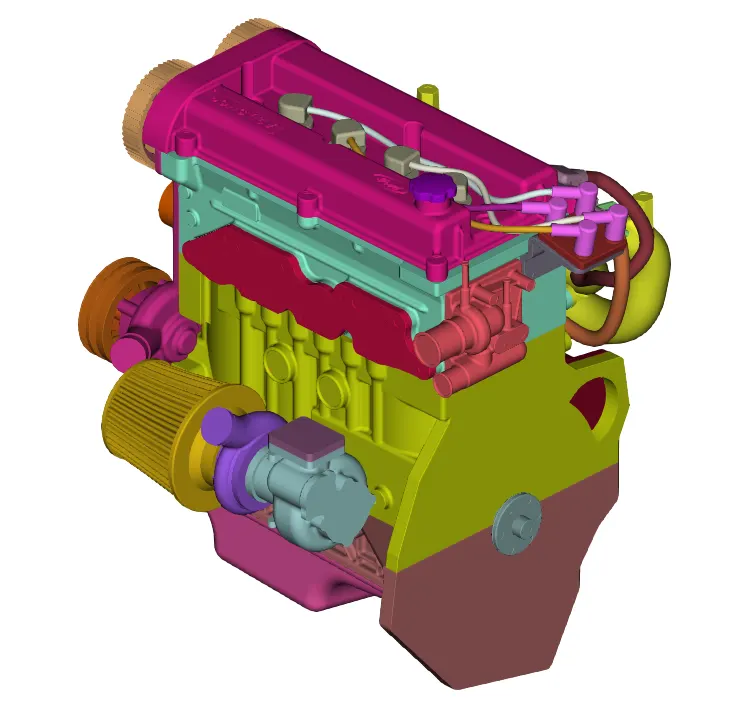
Similar operations are followed to fill holes for the Gear Box & Transmission models. To do that we can merge in the engine model and perform surface wrap.
Steps for Surface Wrap:
Mesh --> Wrap --> Constant Volume --> Constant Wrap Octree --> Parameters --> Mesh (TL-3) --> select all PIDs --> Run.
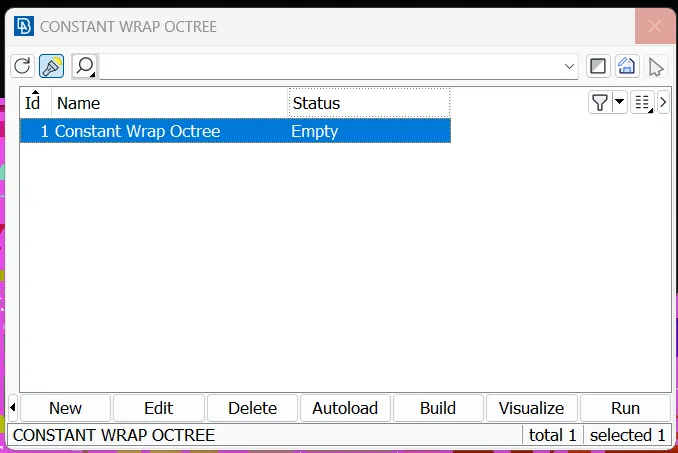
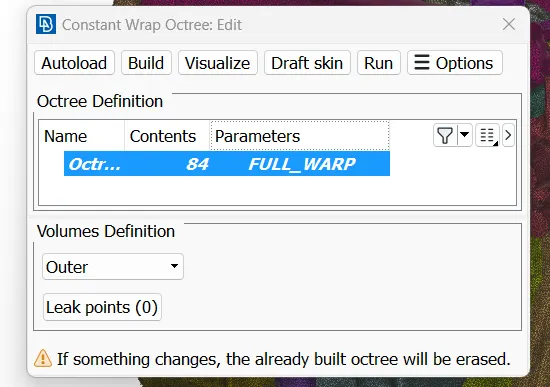
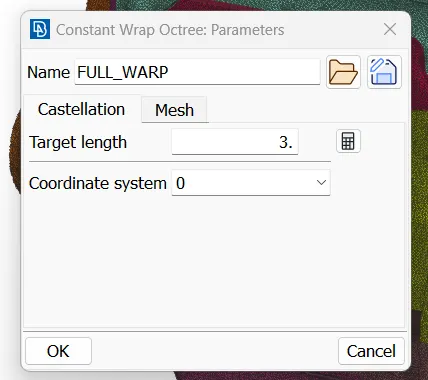
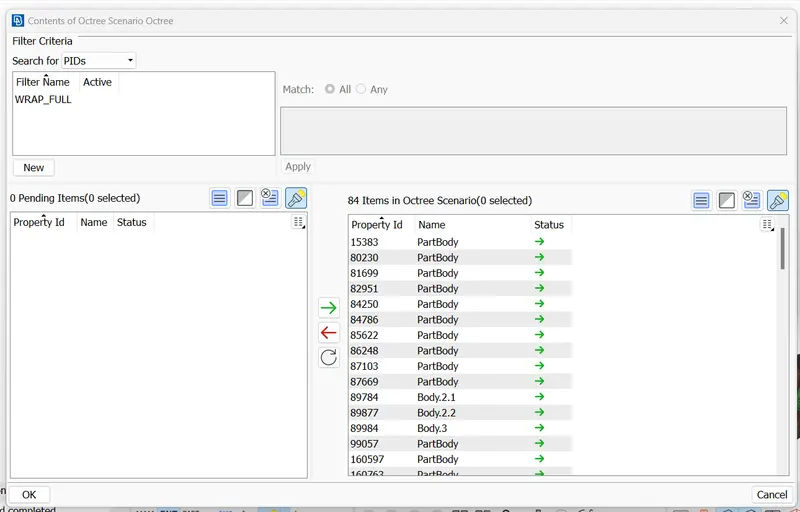
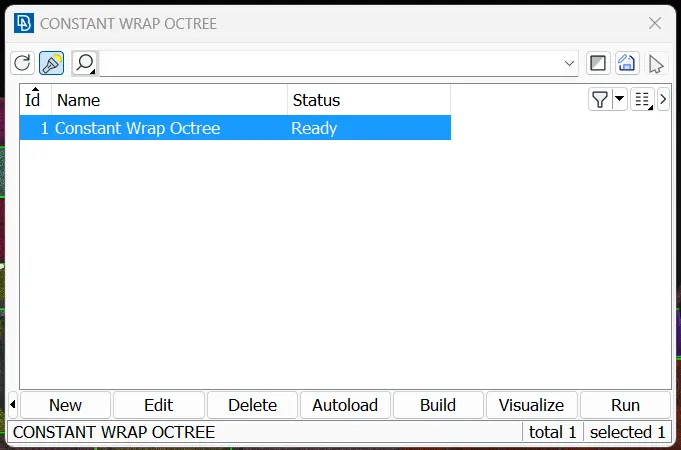
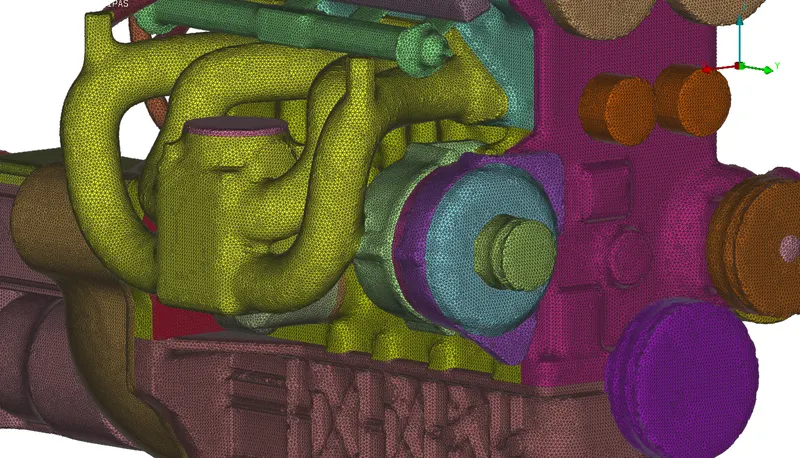
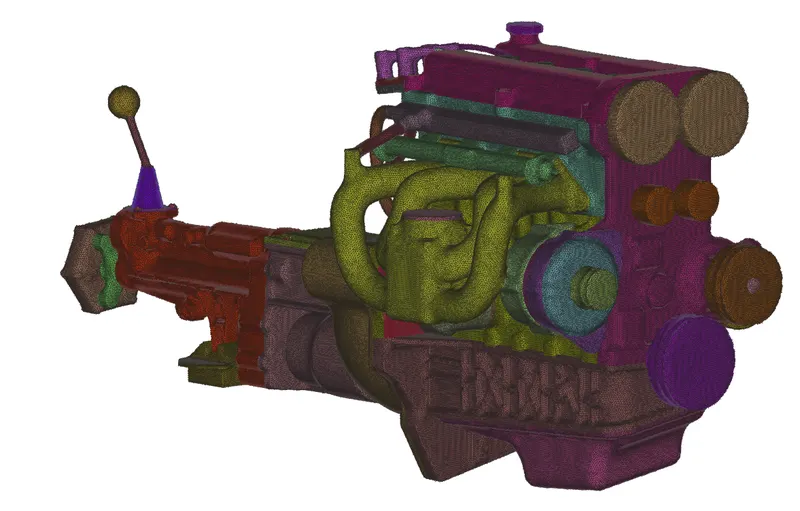
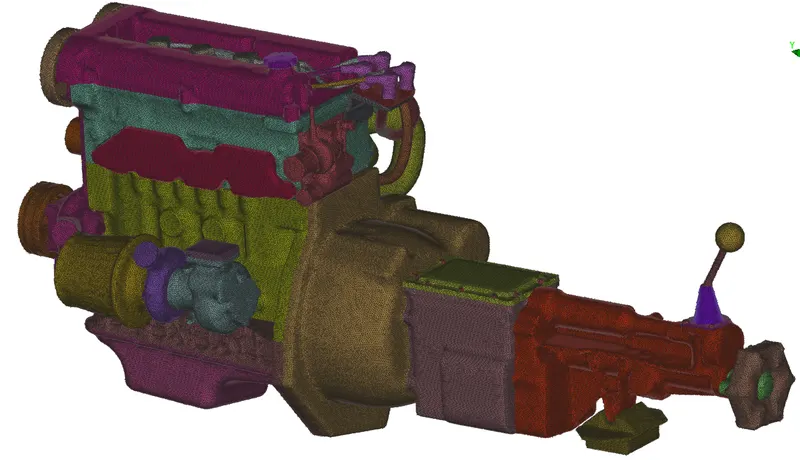
After the surface wrap of the complete model, we see the ready status as shown in the above image.
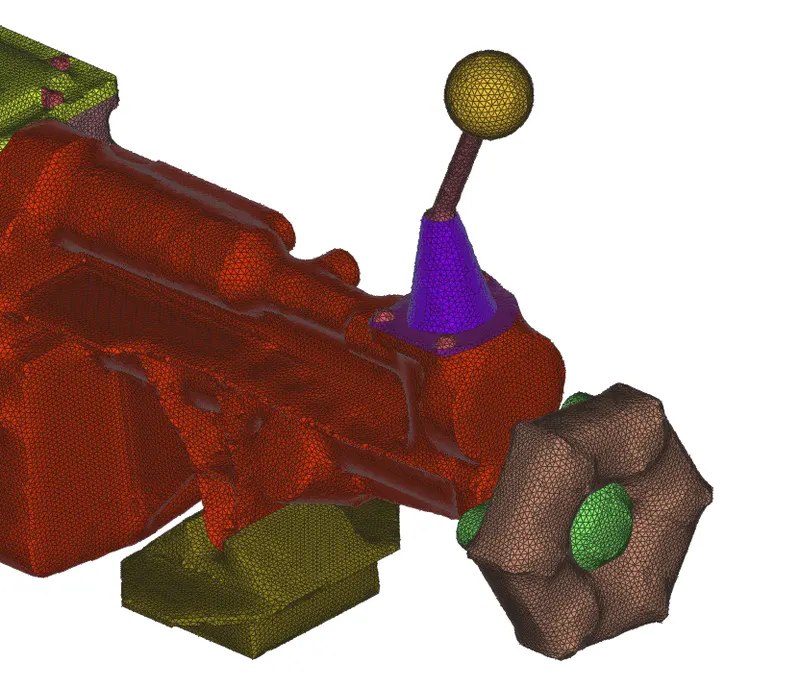
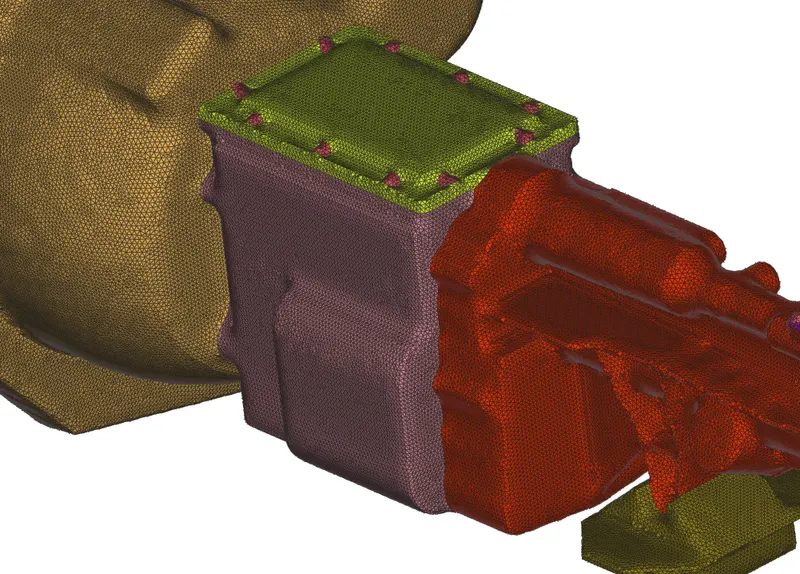
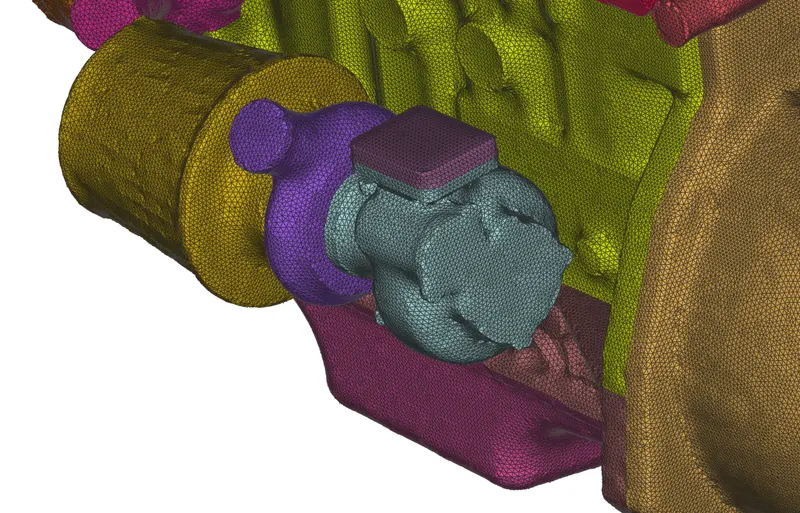
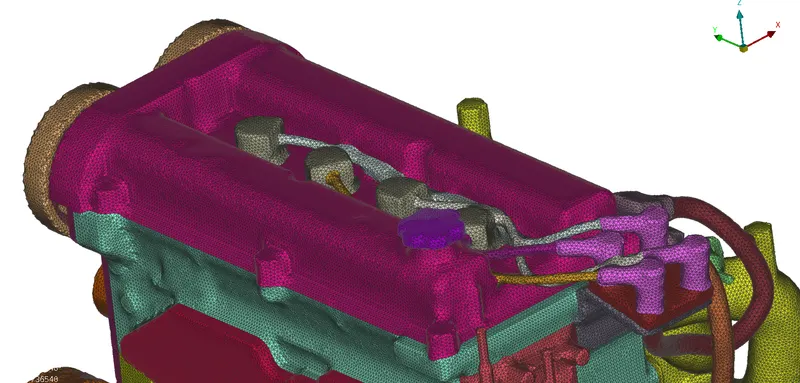
Below are images of the surface wrap and the complete model is in the below location.
https://1drv.ms/u/s!AgT2OidYkkemgoR87tiynDrJhwq68w?e=jgkmfN
Conclusion:
The surface wrap is an operation done for FEA Analysis to check the Flow behavior and also capture Thermal Analysis of the model's behaviors with the external environment.