Week 5 Challenge : Surface wrap on Automotive Assembly
Aim
To fix the given CAD and merge all three parts including Engine, transmission and Gearbox and wrap them with surface mesh.
Steps
1. Delete all the unwanted cads including the rings and spheres used to capture the geometric features.
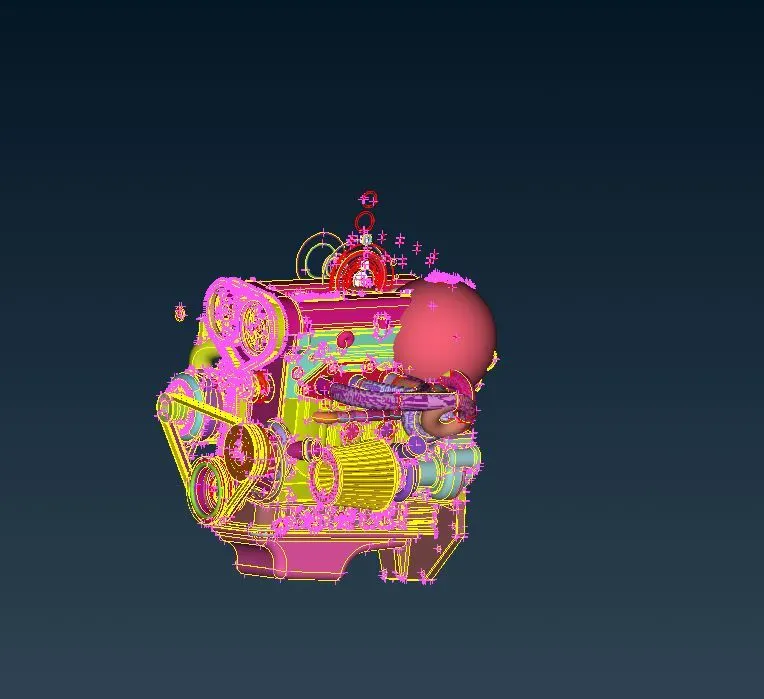
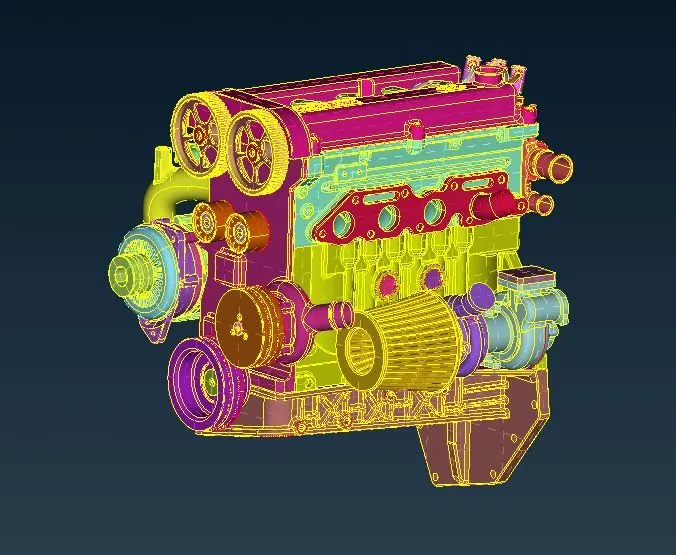
Hide all the geometric surface and leave all the unwanted surface and using the universal delete option remove all the unwanted surfaces.
Make sure there are no unwanted triple cons and single cons on the outer surface.
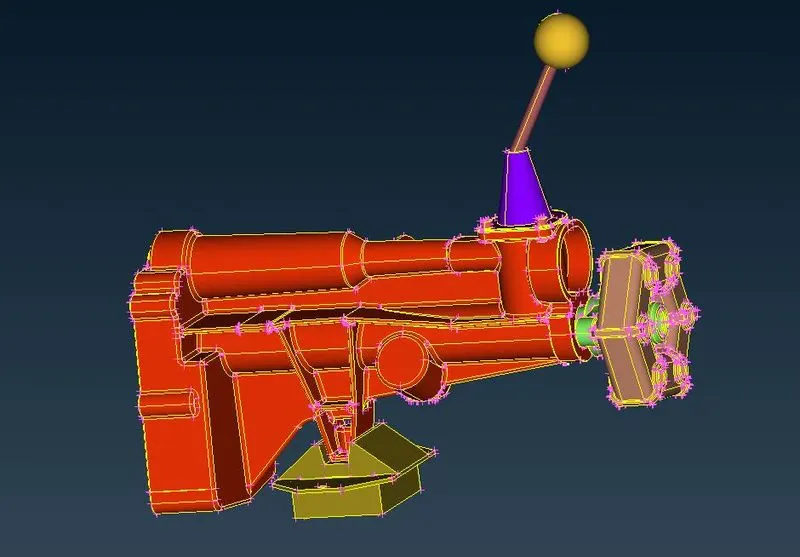
Now cleanup the transmission assembly and remove any unwanted surfaces and make sure there are no unwanted triple cons and single cons on the outer surface.
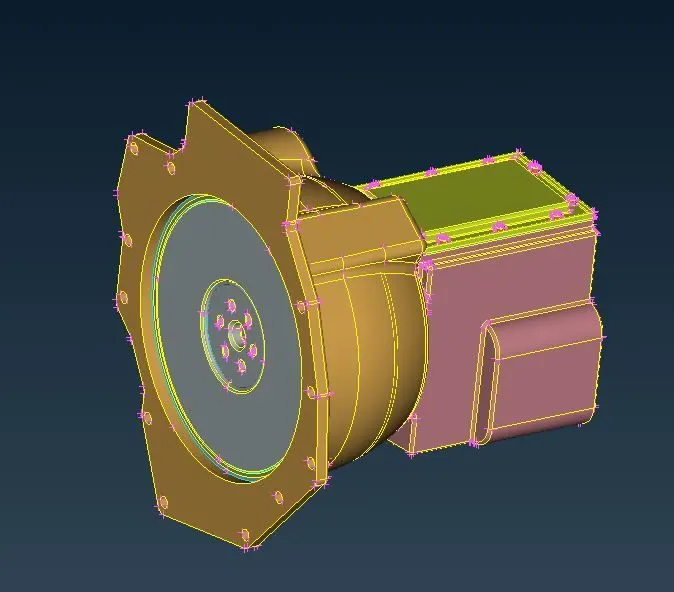
Now we will modify the gearbox and we will do the same drill and ensure their are no surface irregularities. Finished cad is shown below.
2. Merge all the three CADs together for surface wrap
First from the engine file use the merge option to import the gearbox first and merge them together
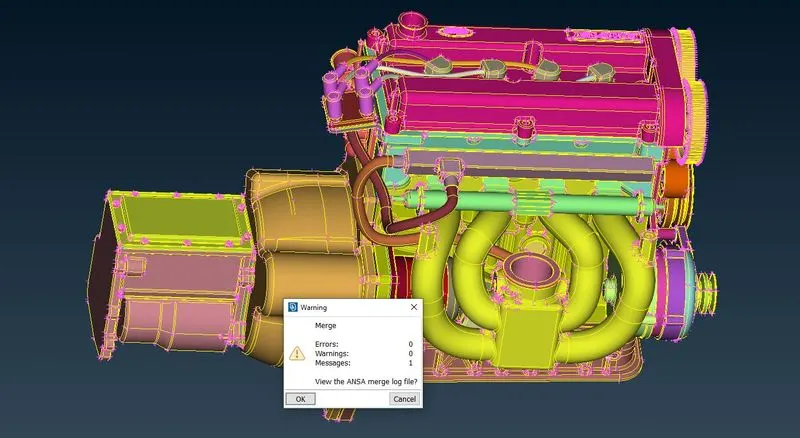
Next import the transmission assembly and merge them with the others as shown below.
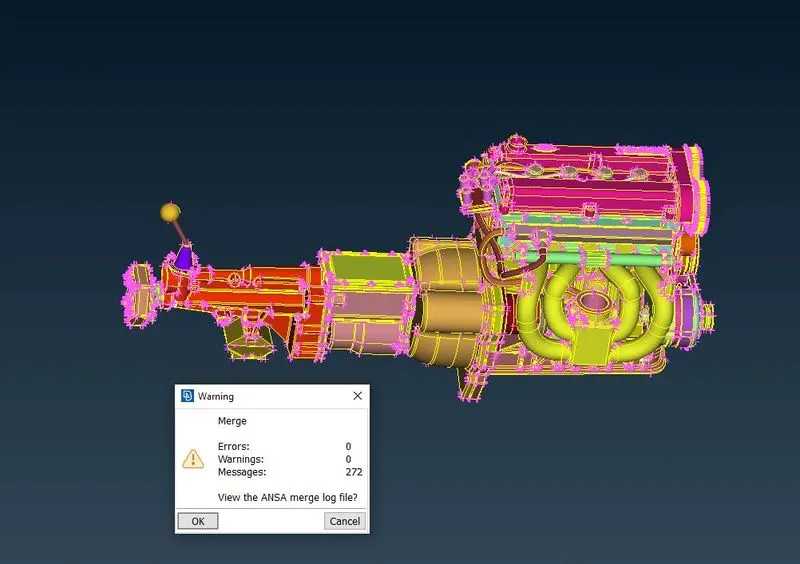
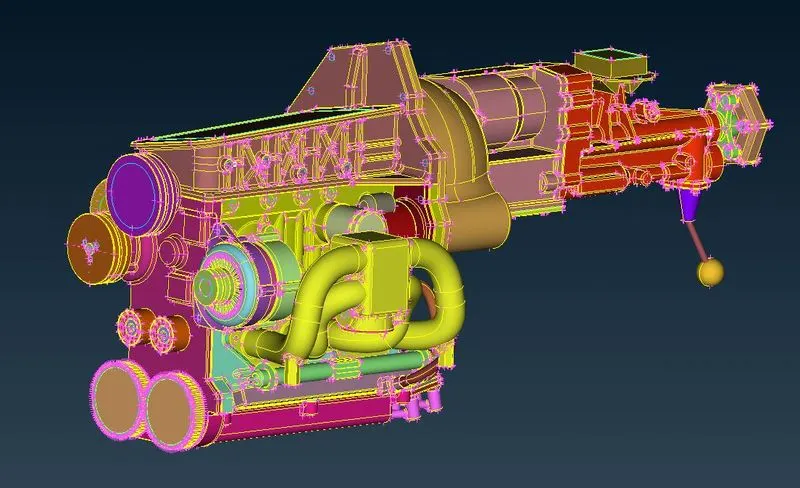
3. Surface Wrap
Now after importing all the three files and merged we will move to surface wraping.
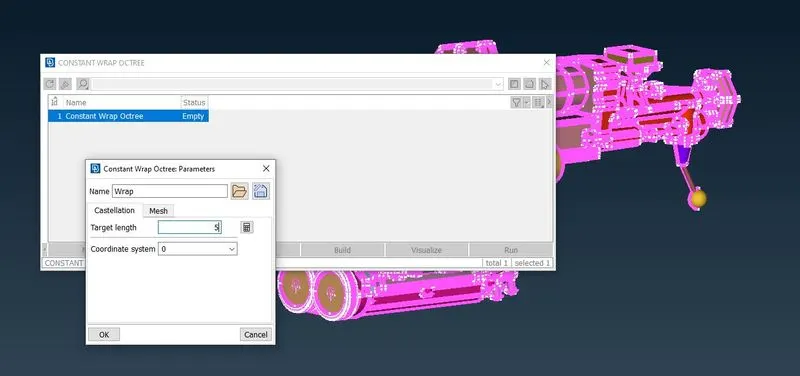
Now go to the mesh deck and under the element section click wrap and select constant length option.
Now double click the empty option and the inside the dialogue box set the target length as 3mm and click ok.
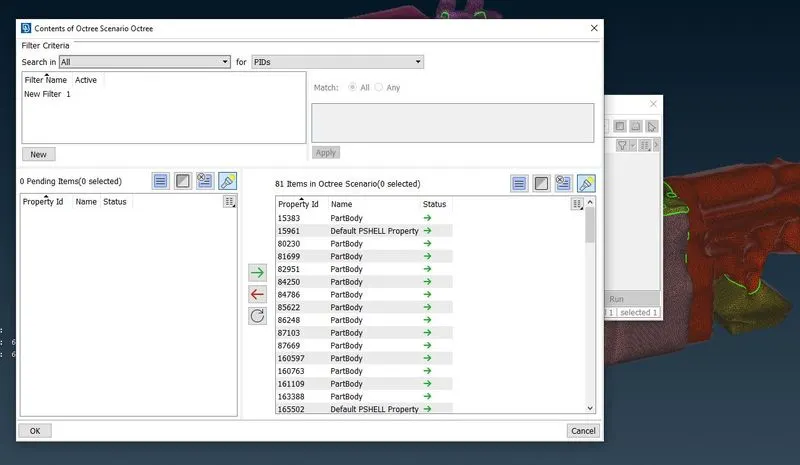
Now double click the content tab and move the PID as shown below and click ok.
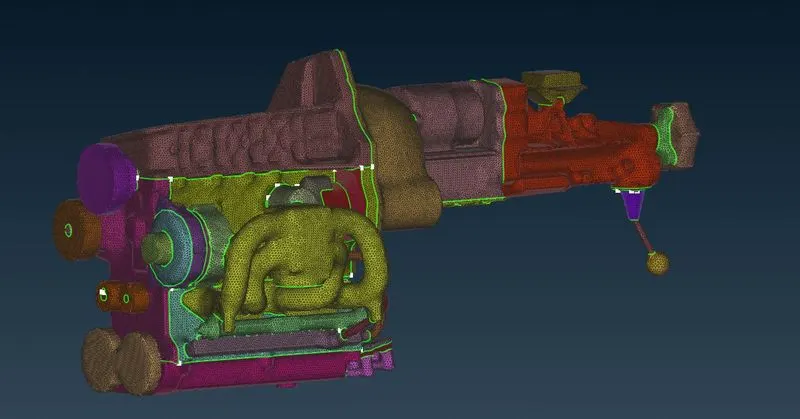
Now need to click the run option which now will generate the surface mesh as shown below.
4. Conclusion
As per the instruction surface wrap with a target length of 3mm was successfully accomplished.