Week 5 Challenge : Surface wrap on Automotive Assembly
1.Aim:
- To create a Surface wrap on Automotive Assembly by using Ansa.
2.Objectives:
- Target length for Wrap = 3 mm.
3.Procedure:
1.Open an ANSA software and import a Geometry.
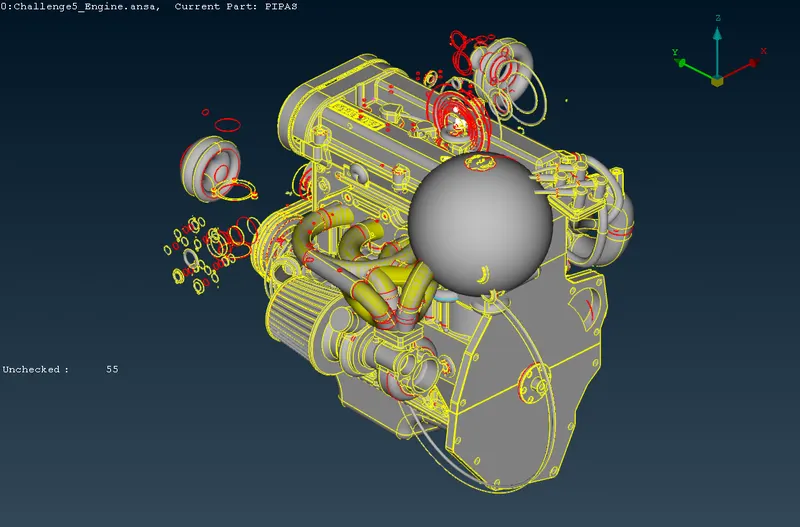
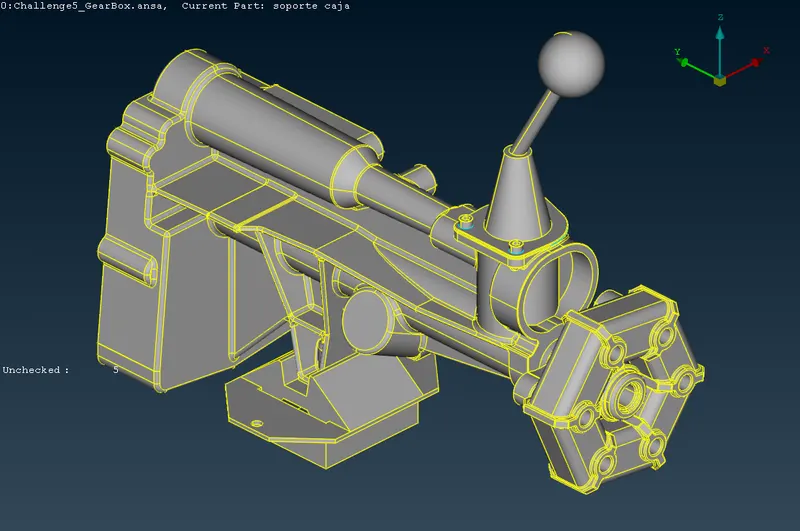
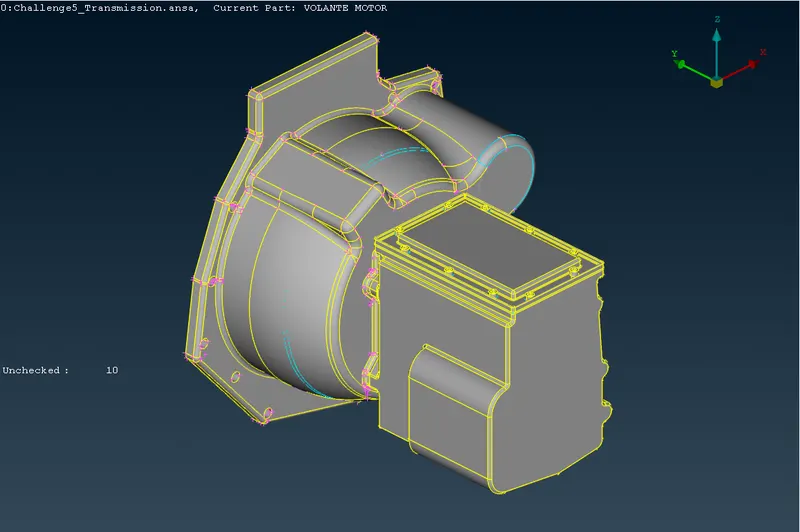
Fig: Imported Geometry
2.After Importing geometry, Check the geometry and its shows some error in topology.
- Checks>Geometry
3.Now Started the topo cleanup and create a single cons into Double cons.
- Faces> New
- Cons>fillholes (fill the small holes in the surfce)
4.Now Topo cleaning was done and check the entire body was closed.
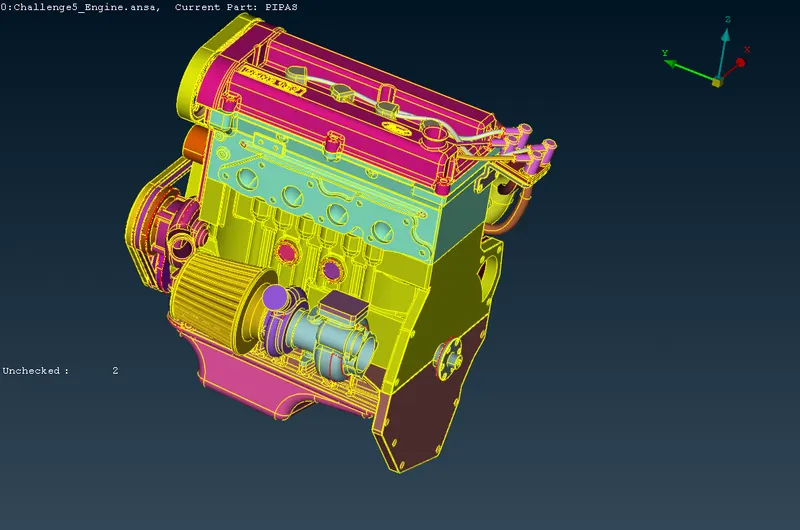 Becaues
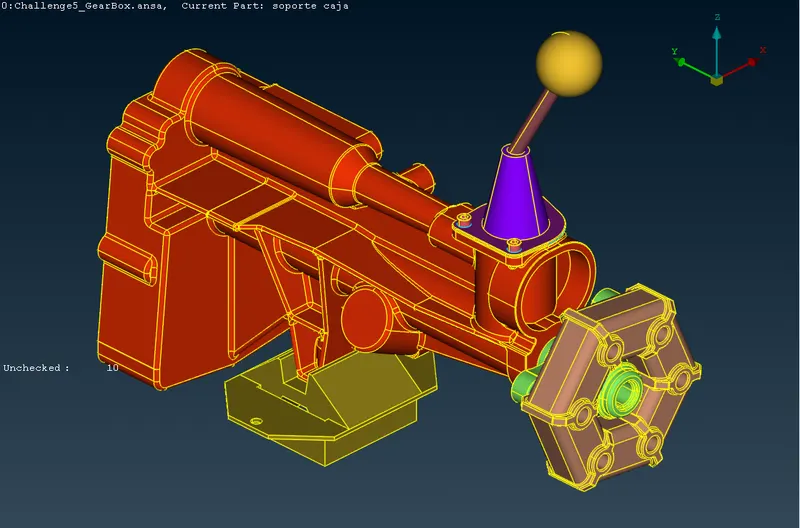
Fig:Final Geometry
5.Concentrate only outside of the body,
6.Now assemble the 3 bodys into one.
7.Now TOPO was completed next move to Mesh.
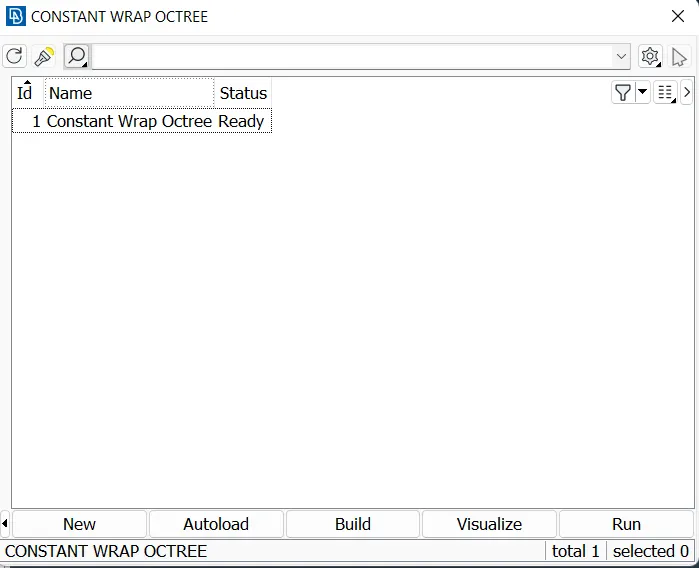
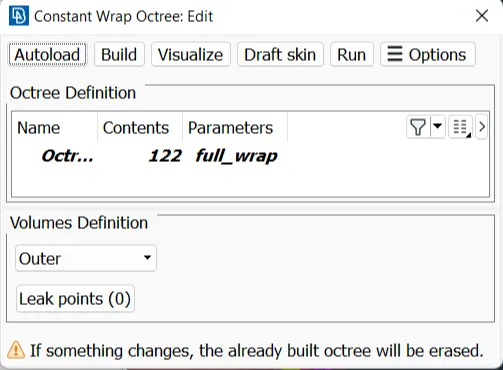
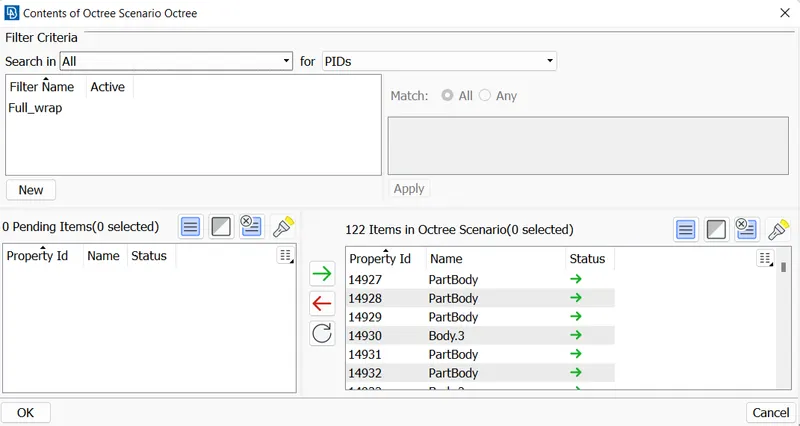
Fig:Properties
8.Select length option and gives the values of perimeter and macros
- Perimeters>Length
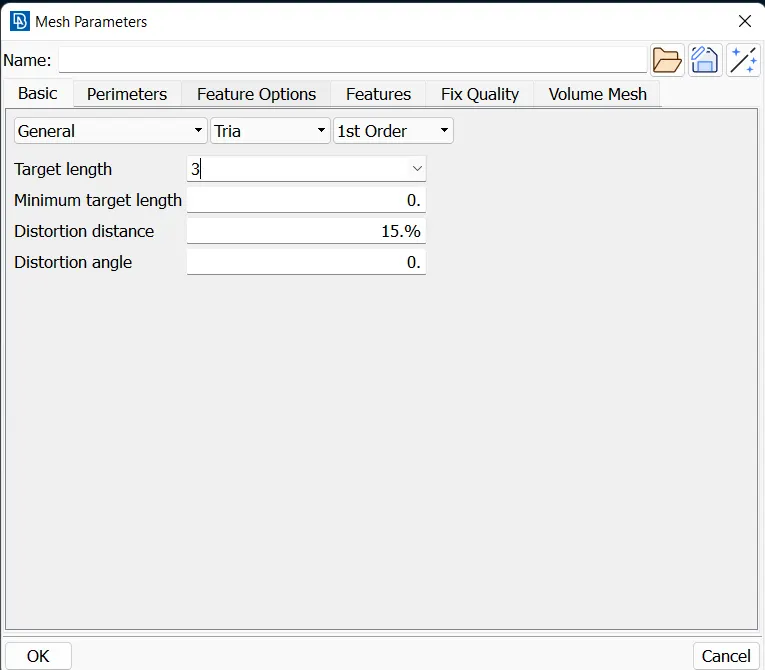
Fig:Length for Mesh
9.Now, select the Wrap and create a Wrap
- Mesh Generation>Wrap
10.Now, run the wrap
4.Results:
Surface Wrap
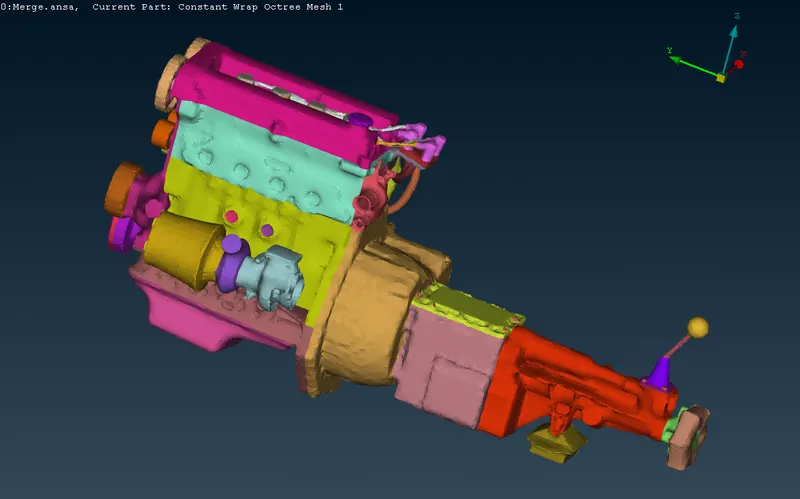
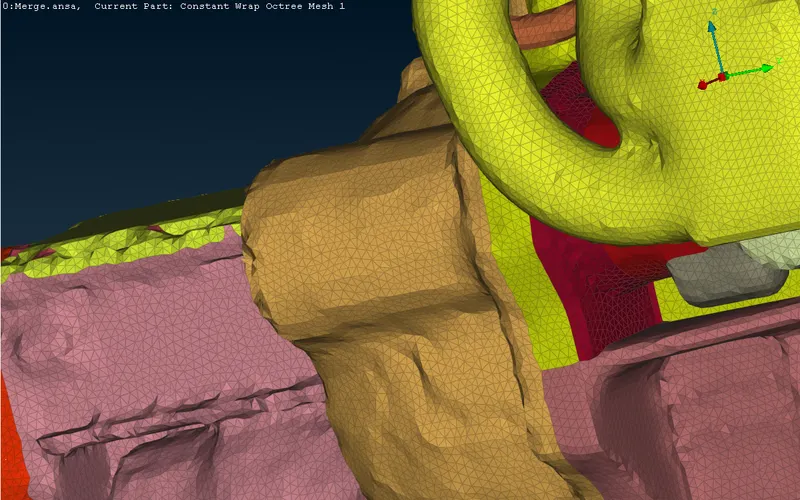
Futhur zooming of wrap
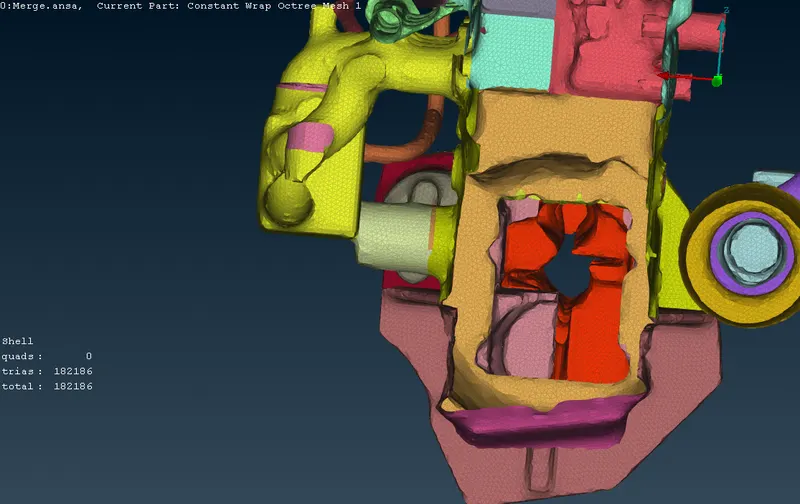
Cross section of wrap
5.Conclusion:
- Creating a Surface wrap on Automotive Assembly by using Ansa is done.
- Outer surfaces are created as outer volume as well as inner surface are created as inner volume.