Week 5 Challenge : Surface wrap on Automotive Assembly
AIM : For the given models, check for the geometrical errors and delete surfaces which are unwanted for Surface wrap as shown in the videos. After clearing geometry, Merge all 3 models and perform surface wrap.
Target length for Wrap = 4 mm
PROCEDURE:
TAKING THE ENGINE PART
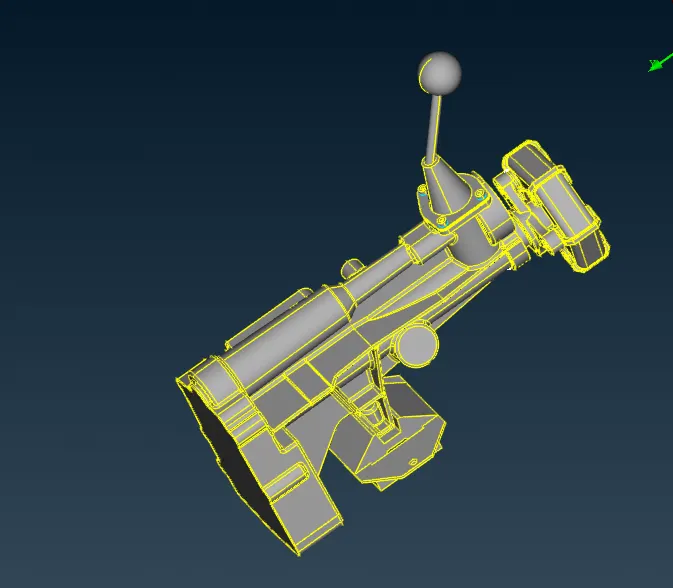
1.for given model we have to solve geomatricall error and intersection error so from fig we can see that there are alot off tube like structure and single cons in model so we have to delete that by seprating them and delete
first we hide all esential part of engine that we required
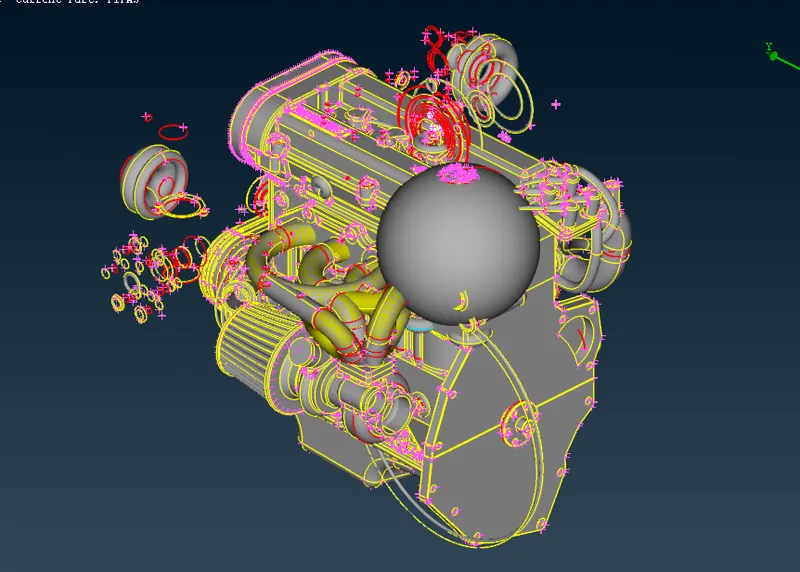
after hiding the parts select all unnecessary part delete all parts by selecting universal delete
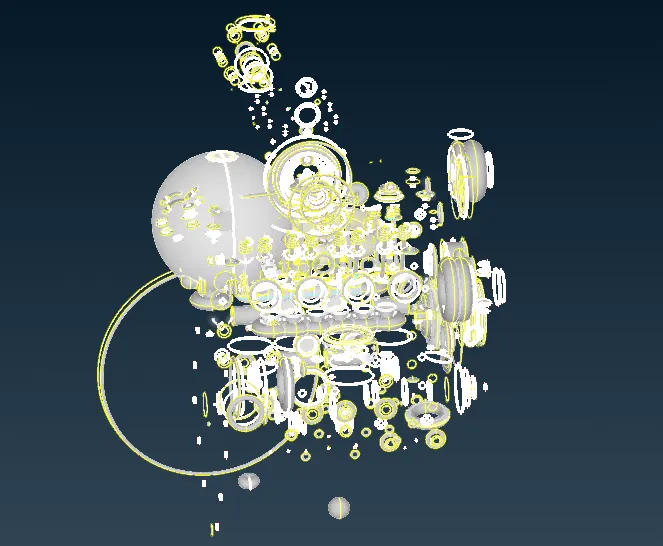
2. after deleting all unnecessary surface a simple surfce is shown
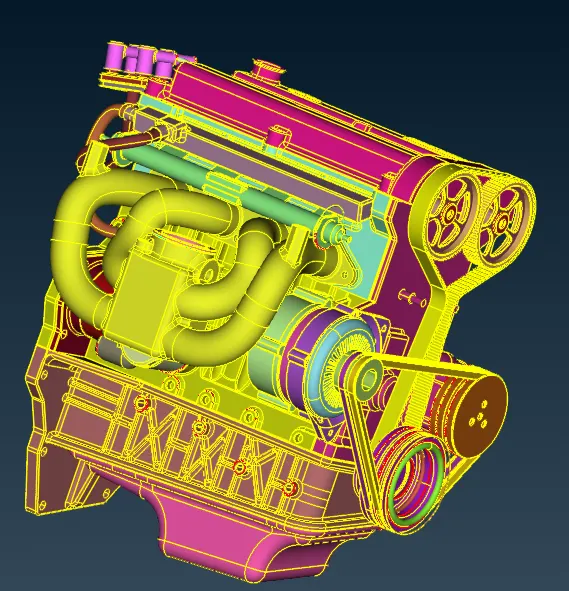
3. after deleting all unnecessary surface delete the belts also because surface wrap cannot capture small faces select belts using pid and delete
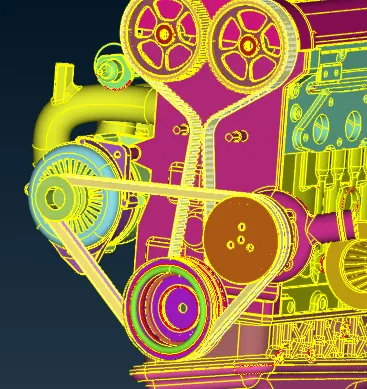
4. after deleting unnecessry parts and small parts cover the open surfaces using new faces and selecting cons
try to cover all open faces
and we can neglect single cones and triple coes which are present inside
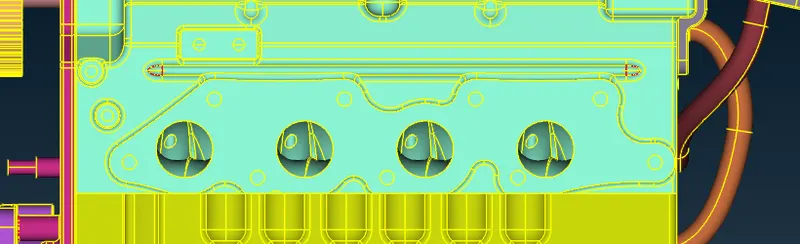
TRANSMISION
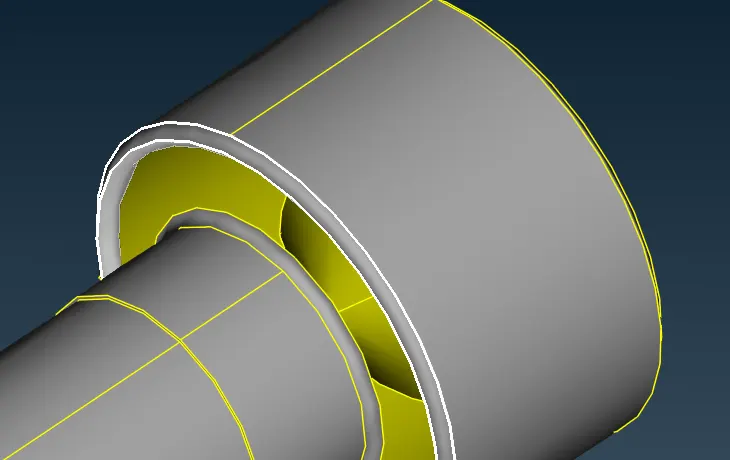
5. we can see that there are triple cones are present on outside surface of transmision means there are two or more faces are present
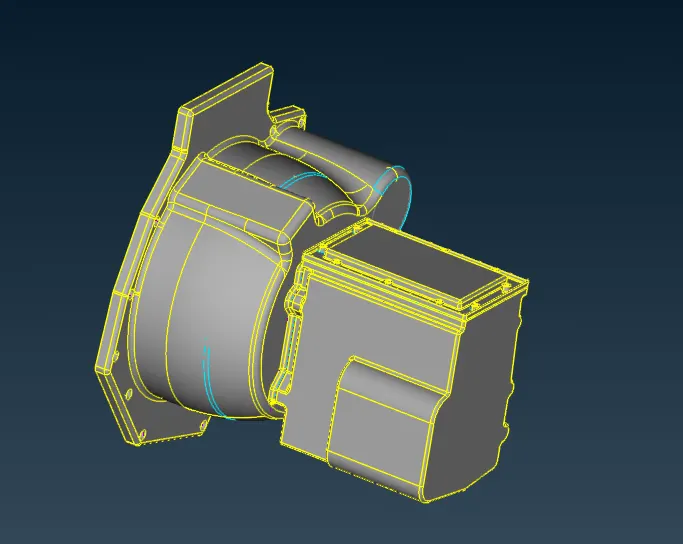
6. so delete the extra faces by selecting universal delete
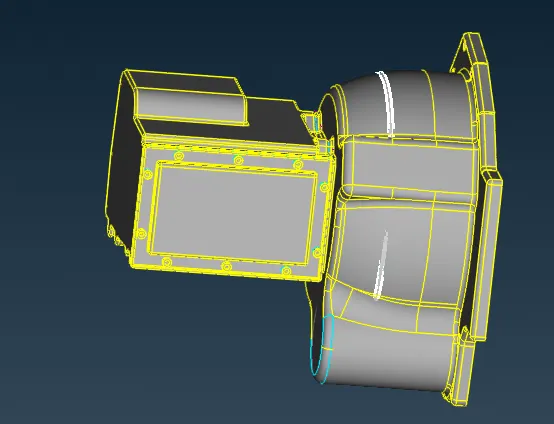
7. taking the bolts seprately by selecting not + pid so we can see that there are triple cones are present in bolts means that there are two or more faces are present
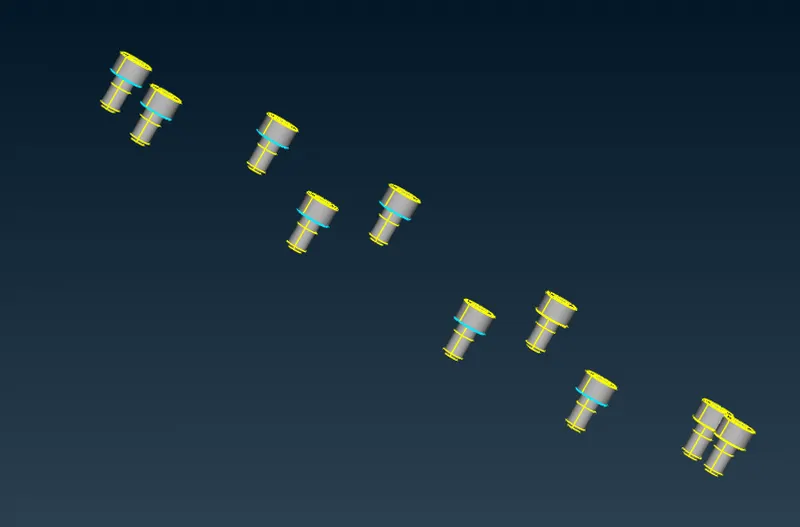
8. delete the extra face by universal delete
GEAR
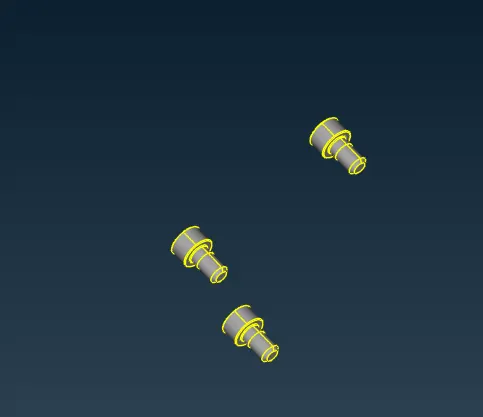
9. from the fig we can see that there are triple cones present in bolts
10. so taking the bolts sepratly by not + pid
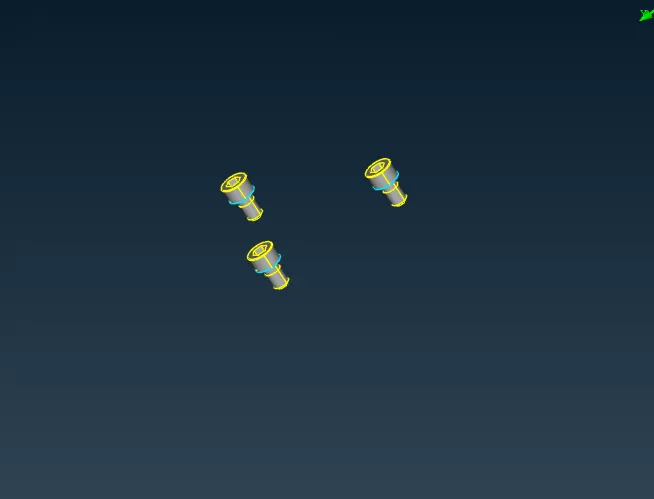
11. and delete the extra faces by universal delete
12. and we can see that there are collapsed cons present so that can cause error so we have to remove all sollapsed cons which are present on outer faces. so to solve collapsed cones hide the near faces of collased cones and delete the collapsed cones and create a new surface
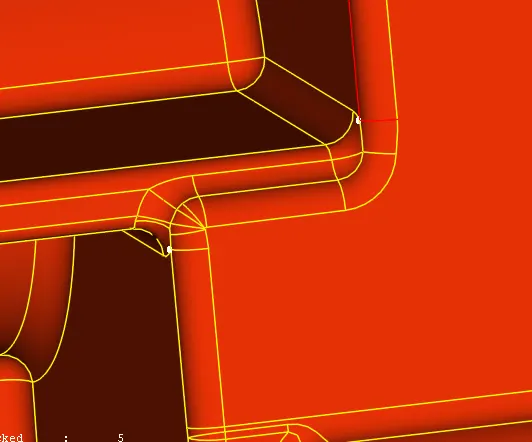
checked for collapsed cones in wire frame mode and see that where the collapsed cones are present
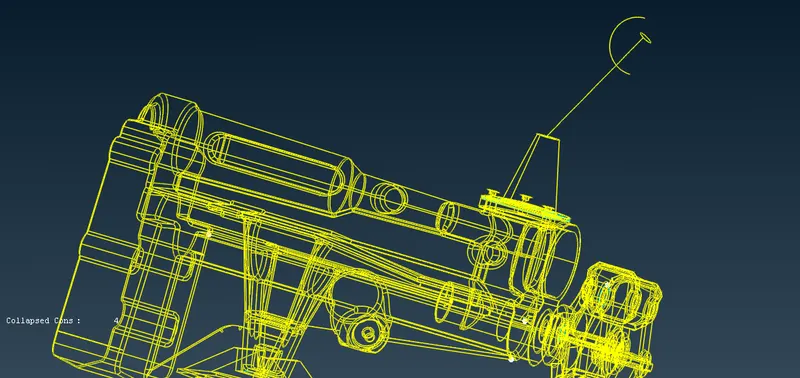
taking the another collapsed cones and we can see that there are triple cones
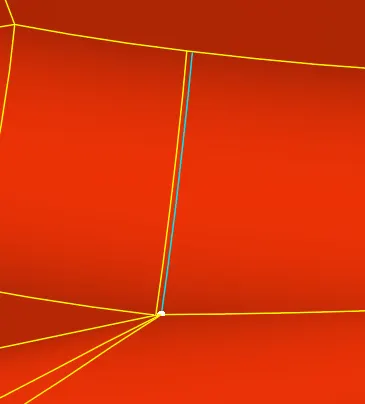
hide the near faces of collased cones and delete the triple cone face
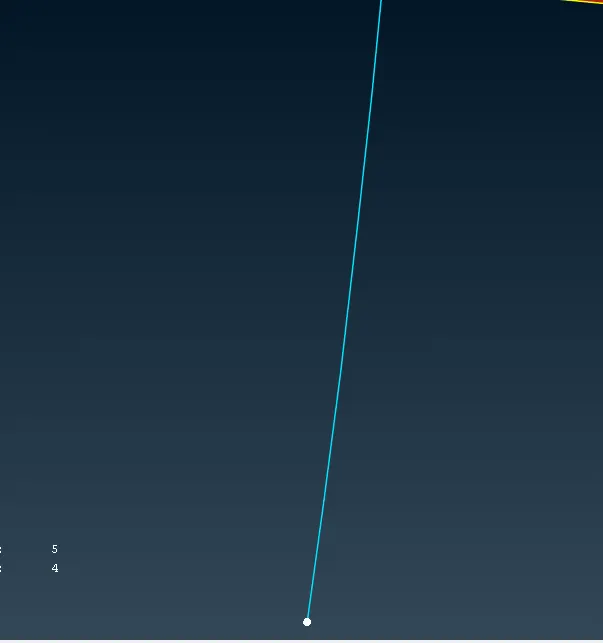
after creating new faces we can see that theree are no triple cones but collapsed cone is present

delete all faces near collapsed cones and create a new face
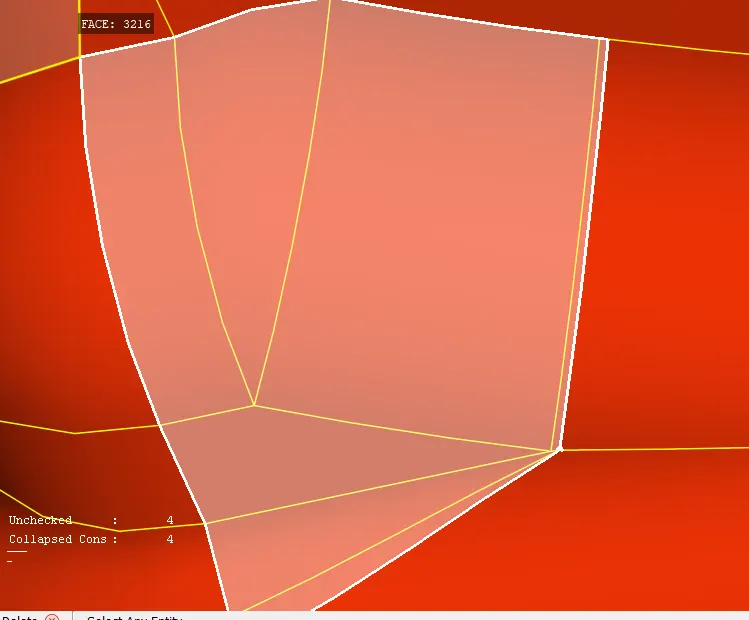
after creating the new face we can see that the triple cones and collapsed cones both are gone
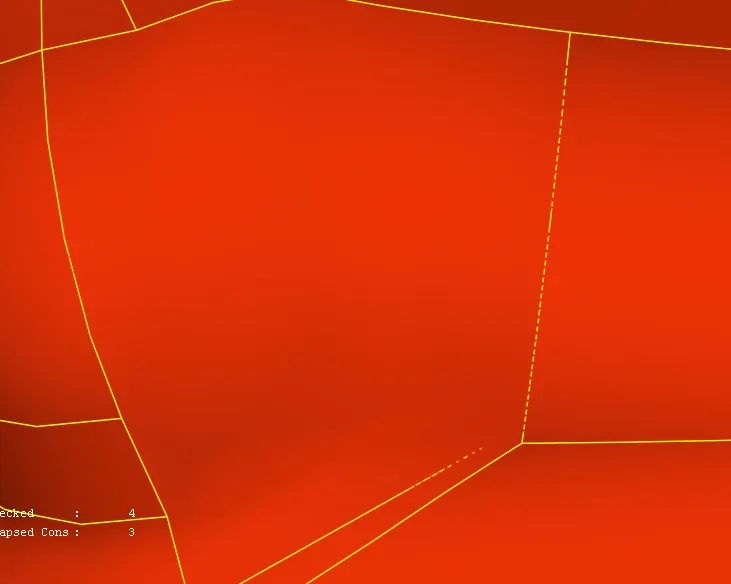
we can see that there is one more triple cone present so for removing collapsed cone we have to delete all faces near to collapsed cones and create a new surface

after creaing the new faces we can see that collapsed cone are gone

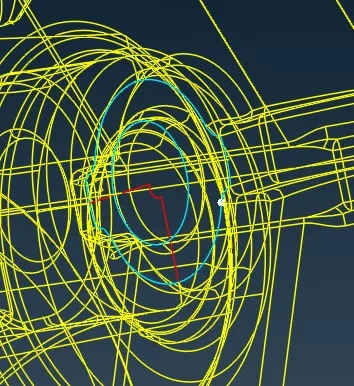
from below fig we can see that there are one more collapsed cone present in gear part so we can neglacte the collapsd cone because we are doing the surface wrap of outside the gear
MERGEING
so after removing almost all error from engine gear and transmison we can merge the parts by selecting using new> merge and keep all things same and click ok
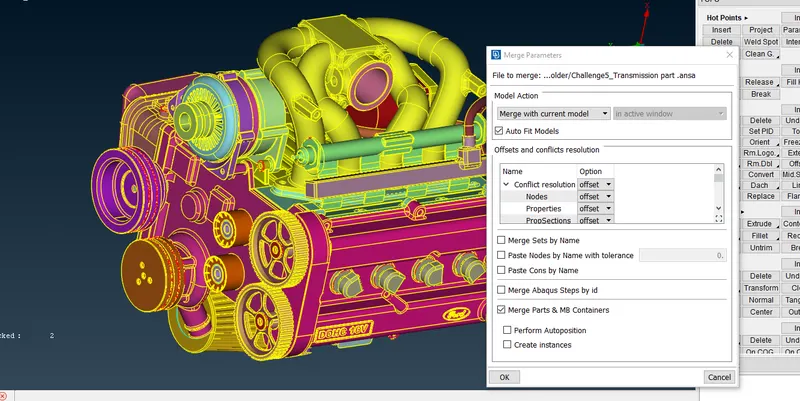
merge engine and transmision by using new> merge and keep all things same and click ok
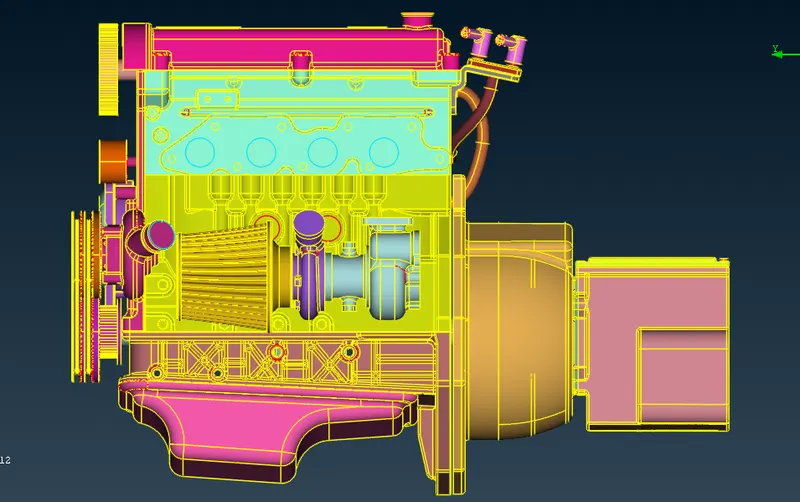
merge engine,transmision and gear by using new> merge and keep all things same and click ok
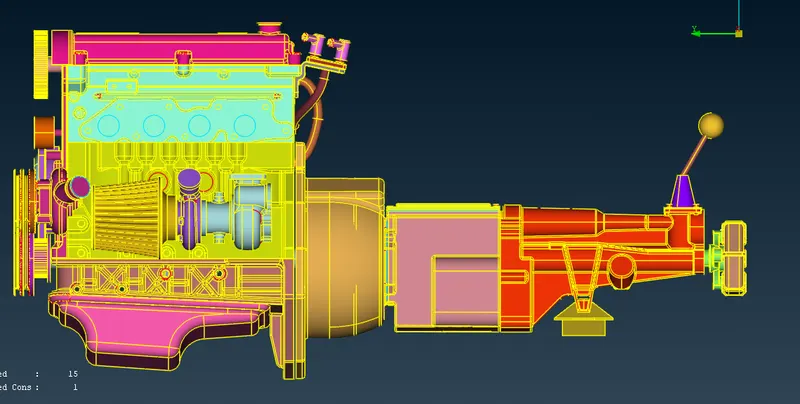
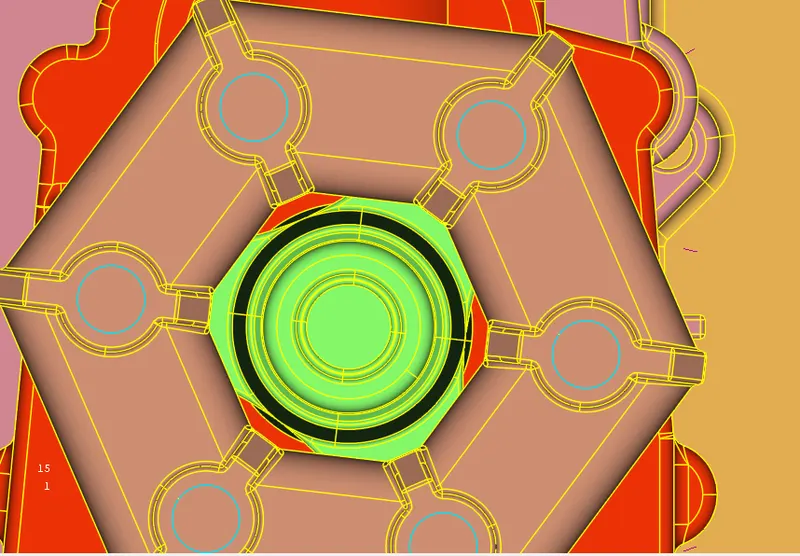
after merging all parts succesfully we have to cover side open faces by selecting new faces> planer
after closing all the faces check for pid and we can see that there are alot of pid's are asigned so by using compress tool all the pid's that are unwanted are deleted
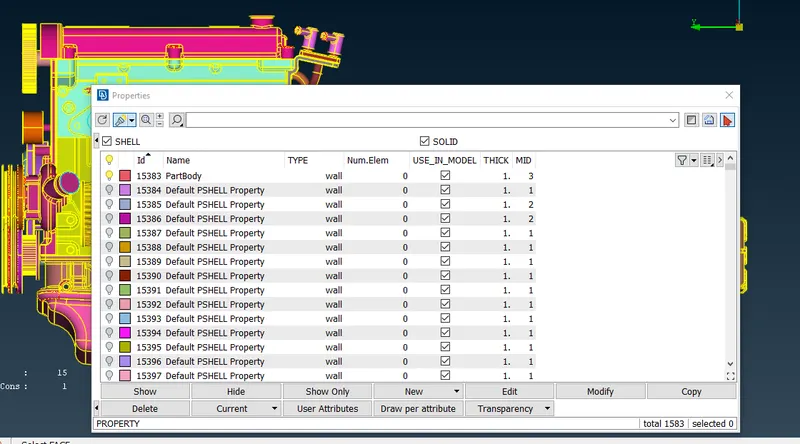
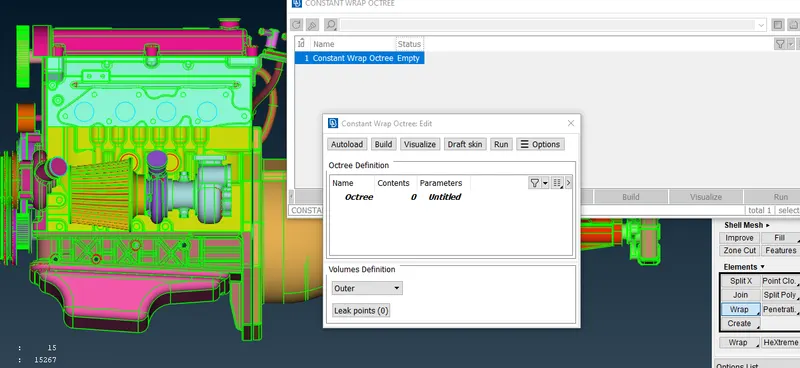
after asiening pid start wraping using wrap option and target length =4mm
FINAL RESULT
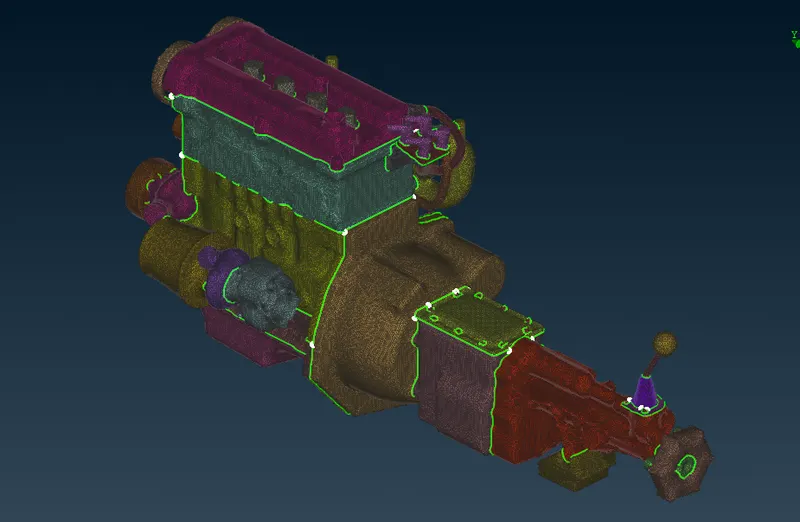
after wraping finall result will be shown as below fig
I WAS TRYING TO ATTACHED THE MODEL WITH THE ASSIGMENT BUT IT IS FAILED AGIAN AND AGAIN SO I HAD PASTED A LINK BELOW PLEASE SEE THIS LINK