Week 5 Challenge : Surface wrap on Automotive Assembly
Objective:- Perform Surface wrap on Engine model, Gearbox & Transmission model.
Steps:
a) For performing surface wrap first we have to delete the extra/ unwanted surfaces and also need to eliminate the geometrical erros.
First model is Engine.
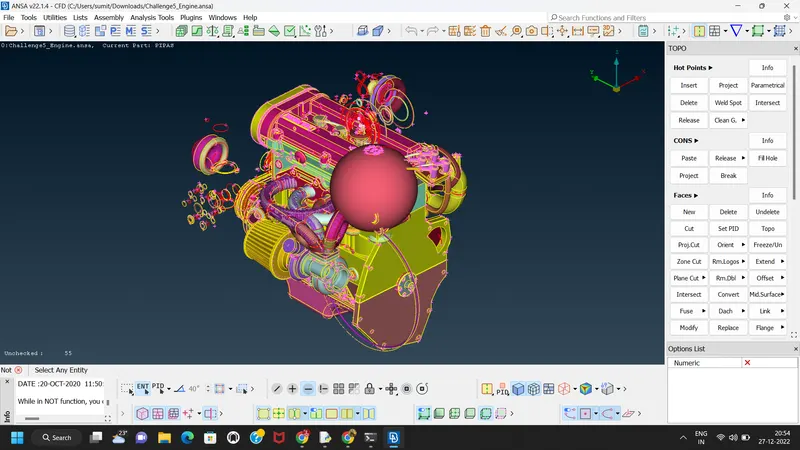
We have to delete all unwanted surfaces from the engine model.
b) Almost remove all the geometrical errors and unwanted surfaces/rings from the engine model.
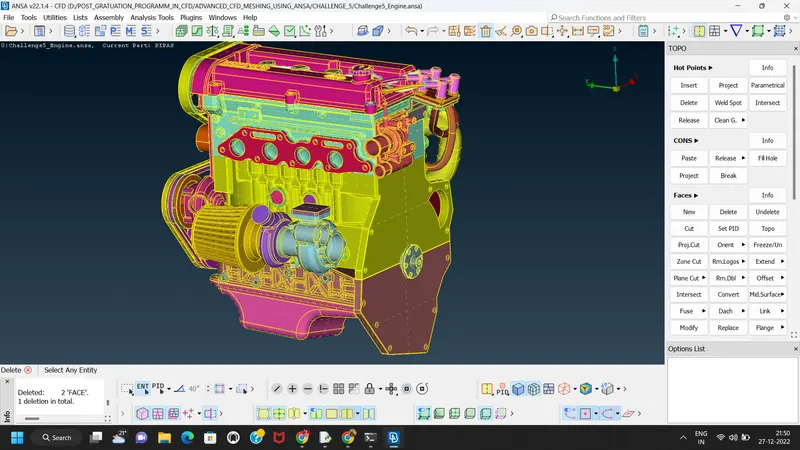
C) For surface wrap we have to fill all the holes by surfaces to get a correct result pf Meshing.
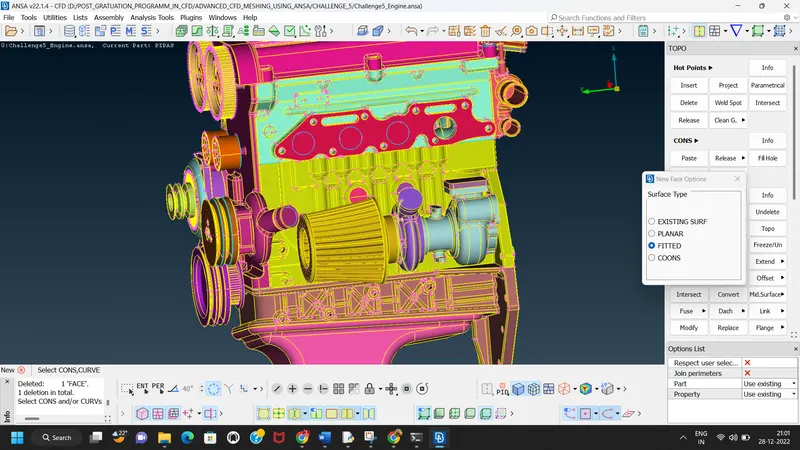
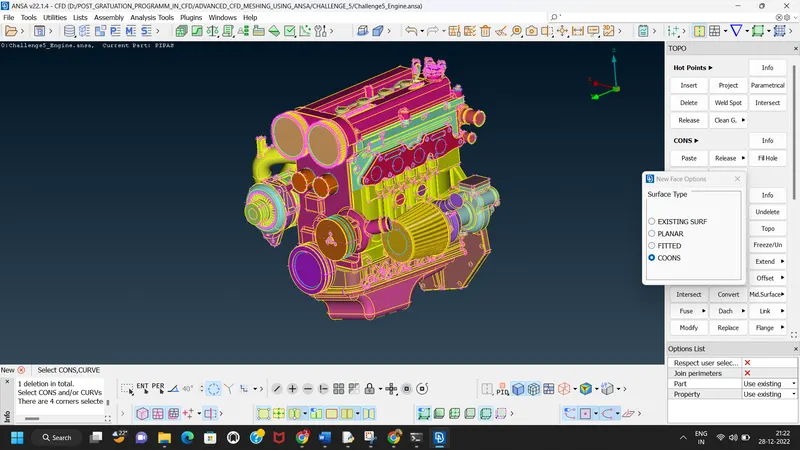
All the holes are filled with surfaces.
Next Part is Gear box Model.
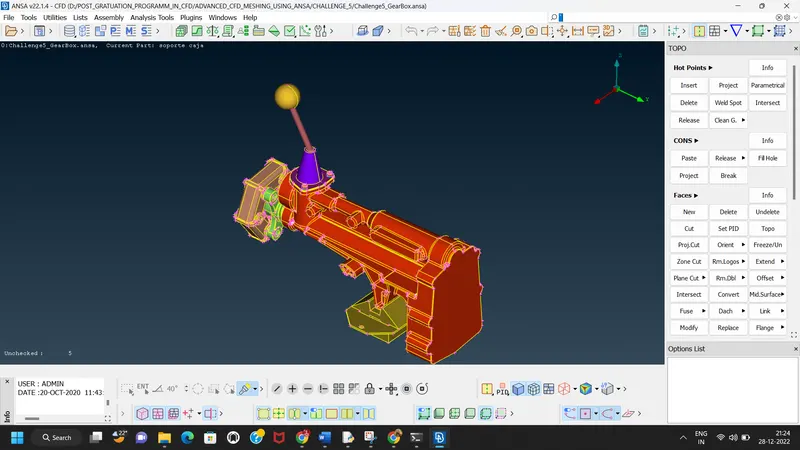
First we have to perform TOPO feature on model.
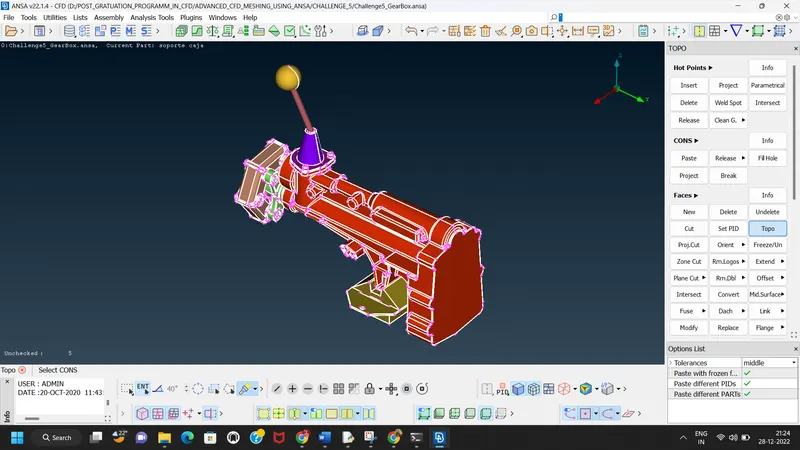
After topo we have to delete unneccesary surfaces from the model
so we click on unchecked surfaces and delete all unchecked surfaceses which are very small in size and has no use.
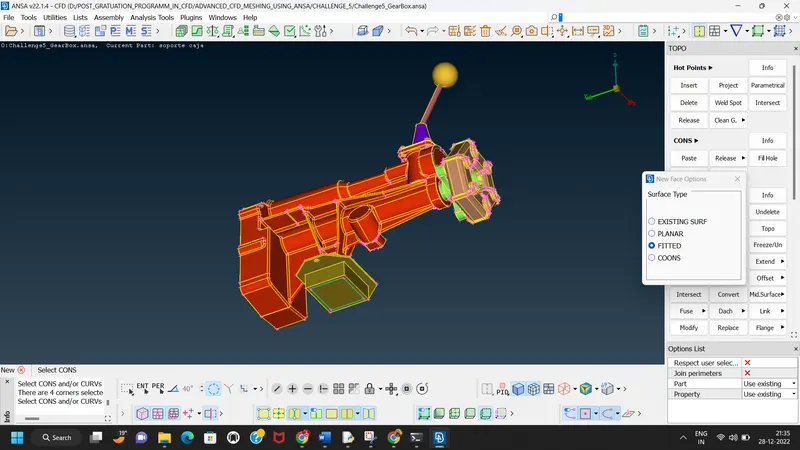
We done with topo clean up and fill all the holes of Gear box
Next Part is Transmission Model.
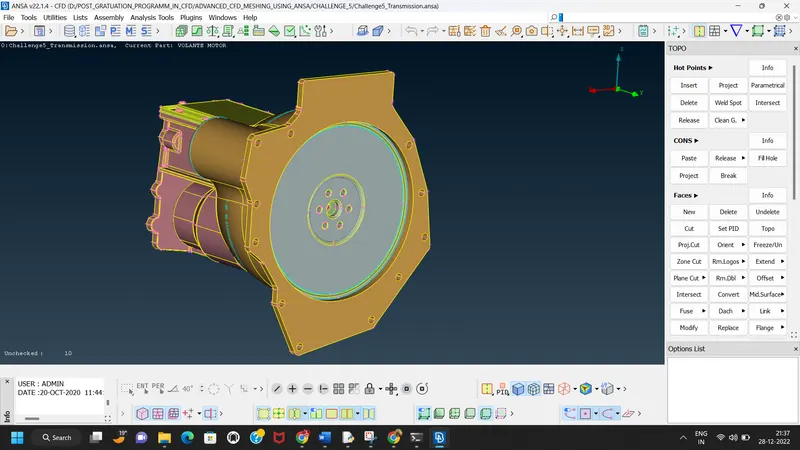
First we do topo feature on transmission model.
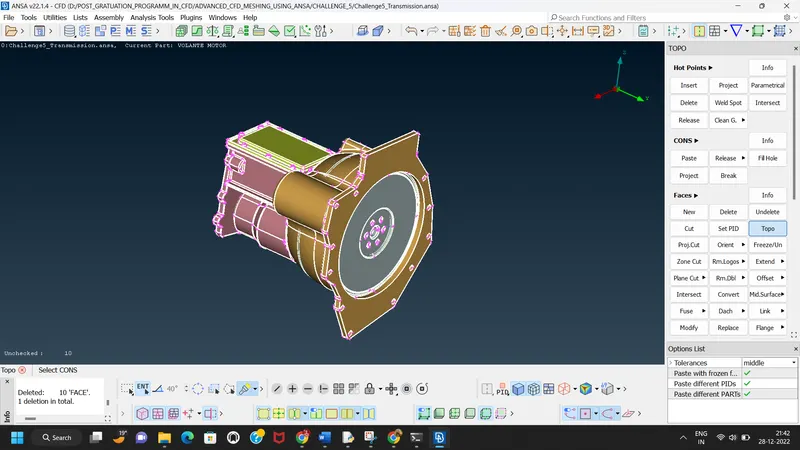
After that we delete all unchecked surfaces which are very small in size.
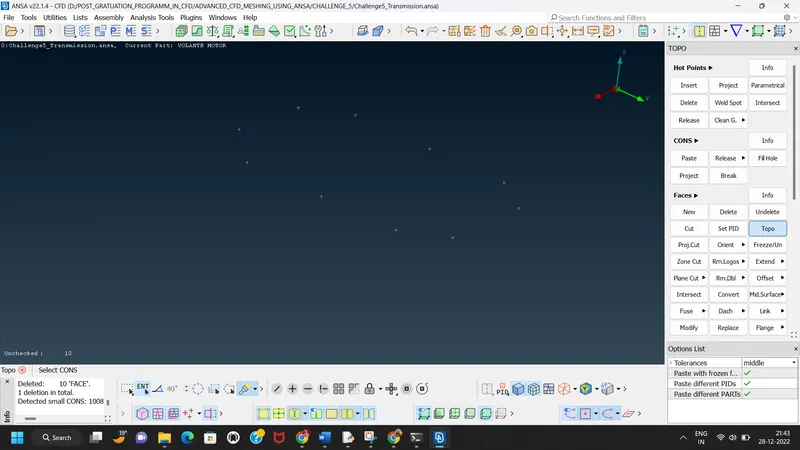
Next step is to delete all the unneccesary surfaces.
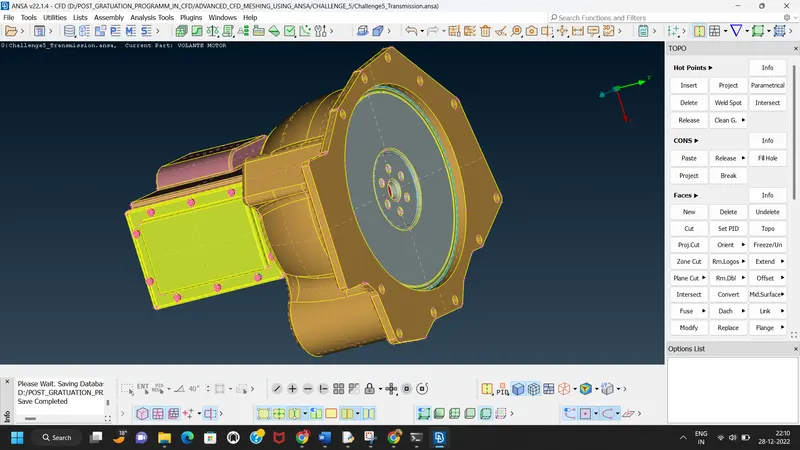
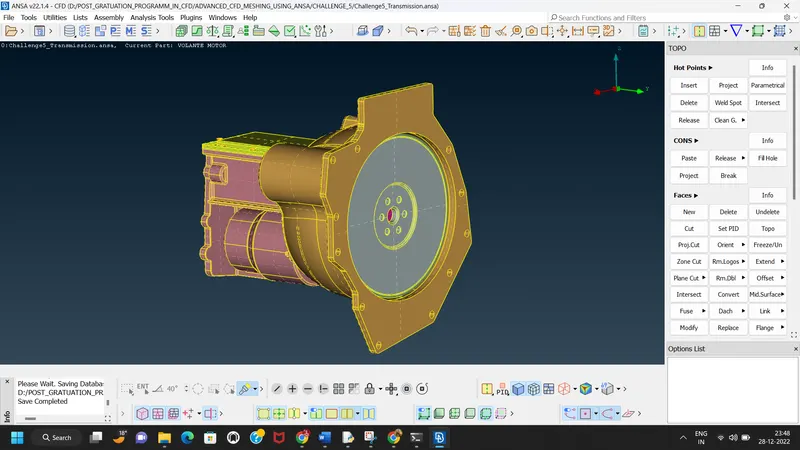
The next step is to merge the all model in single GUI
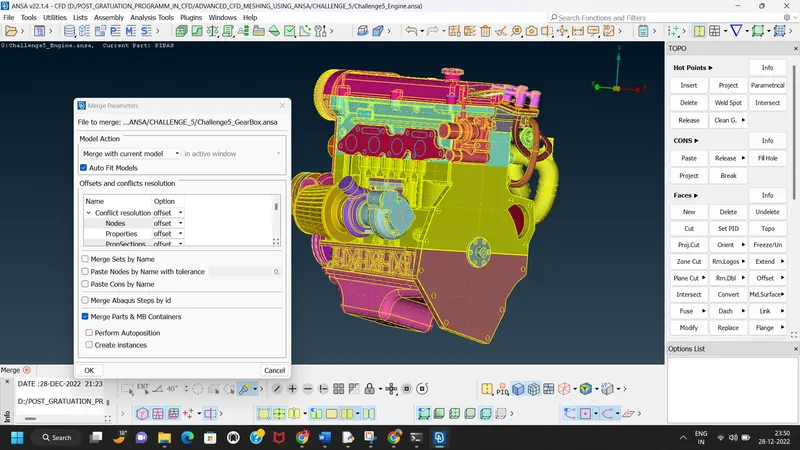
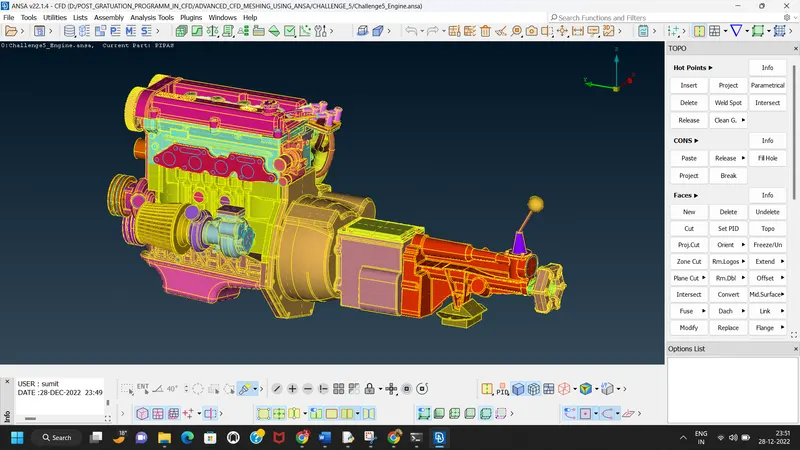
Next step is to fill the all remaining holes to generate surface wrap.
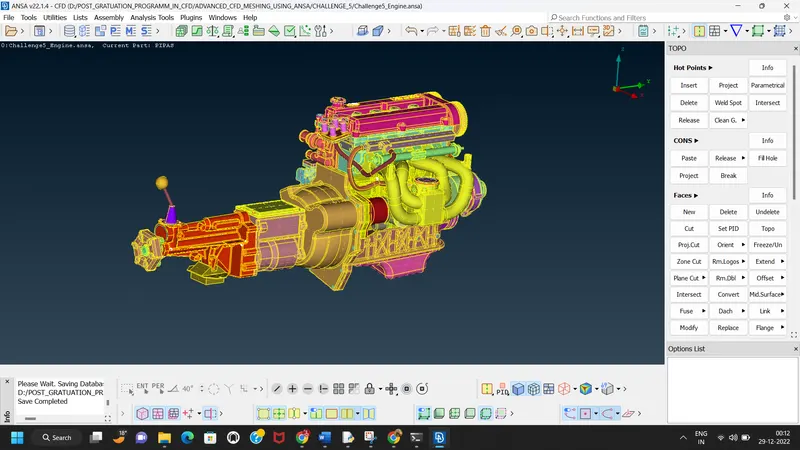
Before surface wrap we compress the deleted PID's
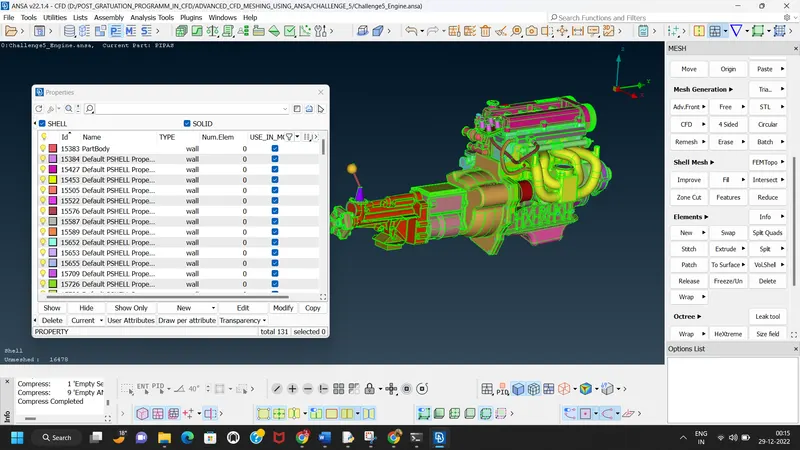
After compressing unwanted PID's we go for surface wrap.
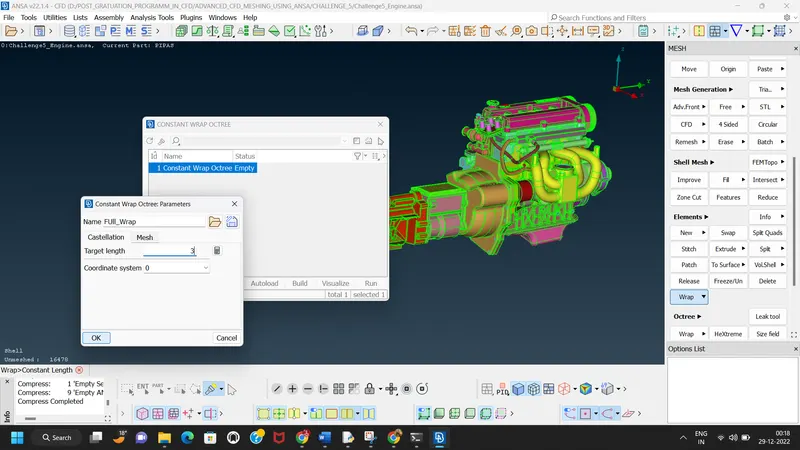
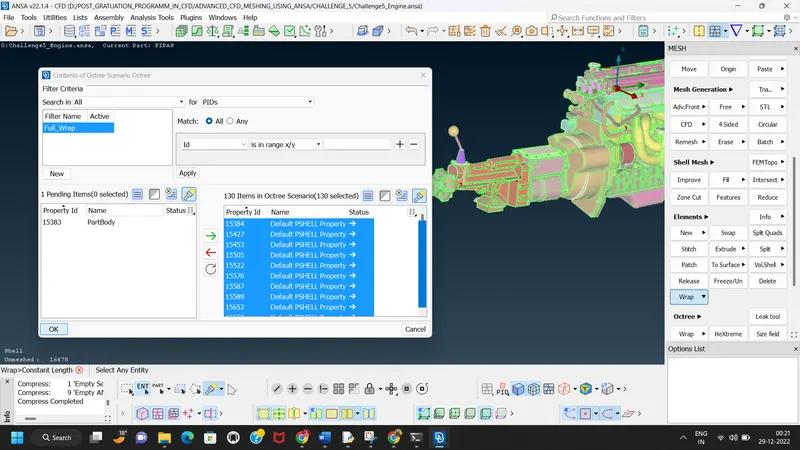
For generating the mesh we take the target length is 3 mm.
By clicking run we will done the surface wrap.
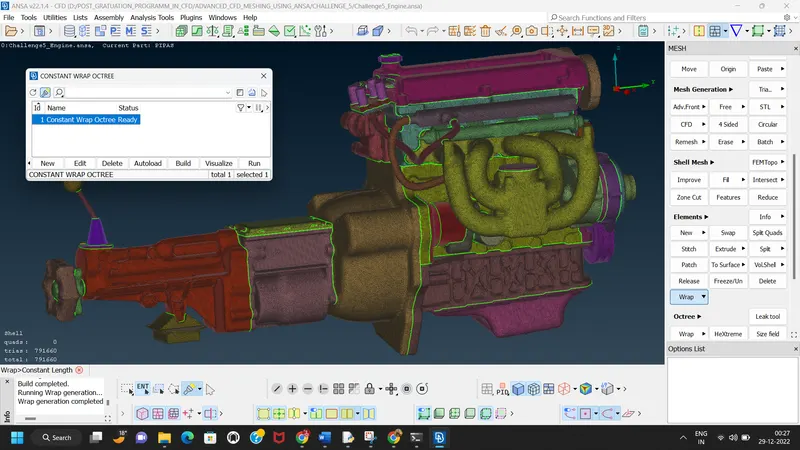
We can check volume inside the model by hiding both end parts.
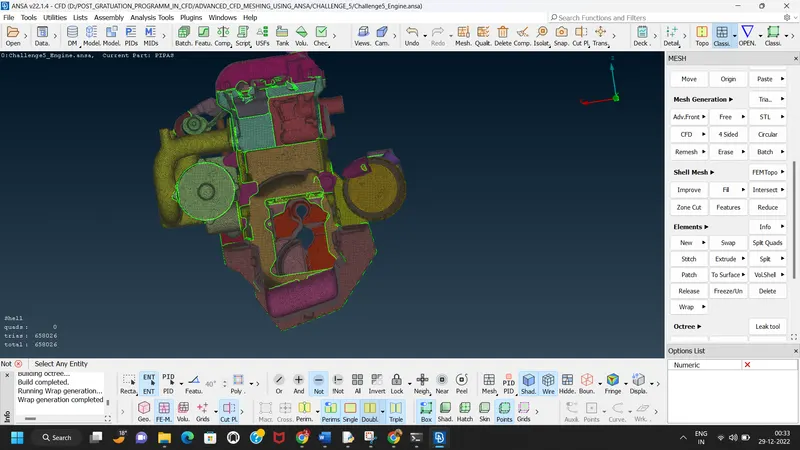
So the surface wrap is nothing but we create the watertight surface mesh around the assembly to study the external flow over the assembly.
Google drive link
https://drive.google.com/file/d/1yht1Glz6tpHOysTDU0IqDfcrXXVvVrBW/view?usp=sharing