Week 4 Challenge : CFD Meshing for BMW car
Objective: CFD Meshing of BMW car.
Steps:-
a) First apply the PID, shadow and wireframe display mode to BMW car model.
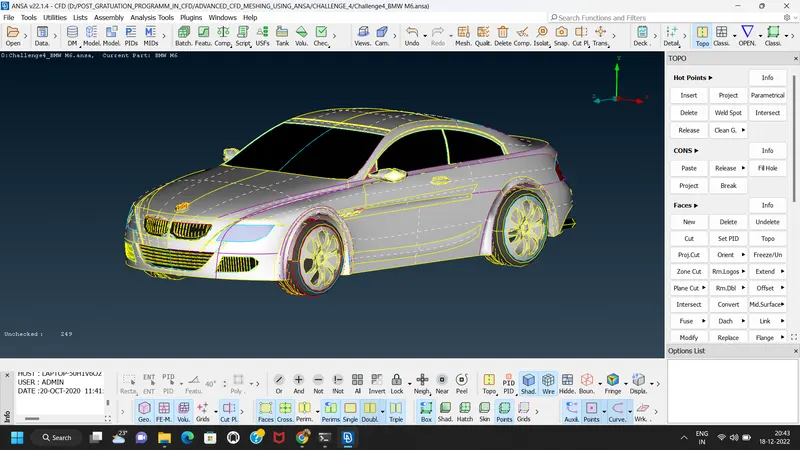
b) Then perform a topology to Model.
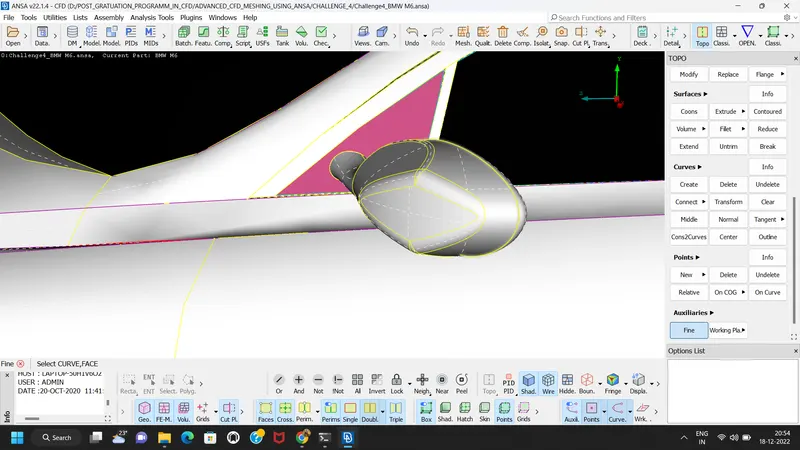
c) When we look at BMW car model we found that there is no fine shape of features. so we can convert the uneven shape of car features into fine shape by using two ways.
1) By using TOPO-Auxilliaries- fine option. &
2) By using MESH-parameteres- Length option,
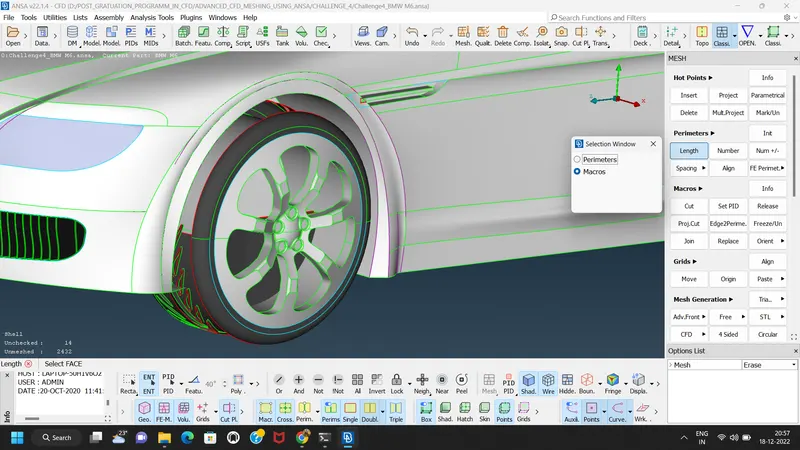
The fine otion is not a user friendly for the complecated shapes, as we have to do multiple clicks on a cons for correcting a single feature.
Where as the second option i.e setting perimeters and macros is fast as compare to first option.
Both option functions is similar.
c) Next step is to check the single cons and triple cons by applying wireframe display mode.
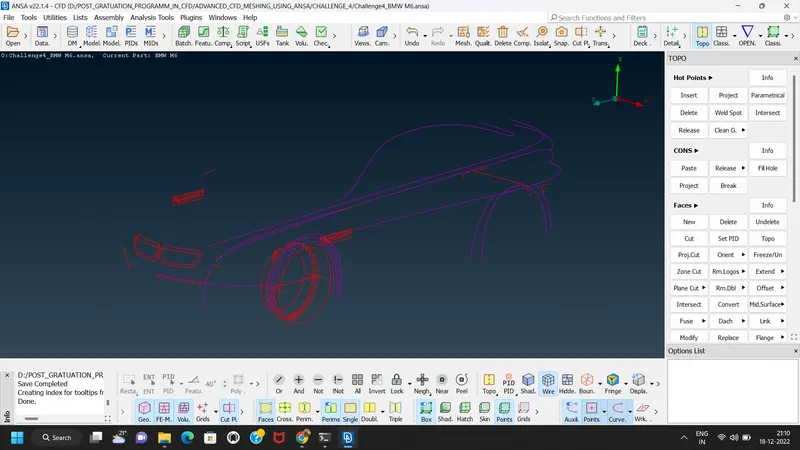
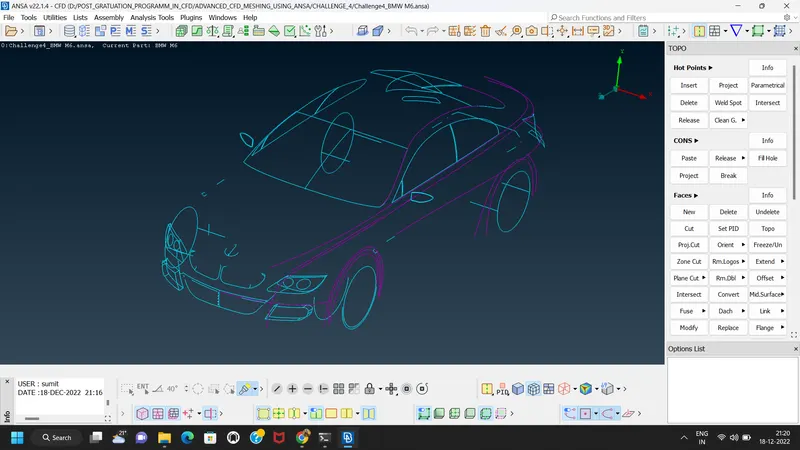
As the single cons and double cons are the errors for performing meshing, we have to remove these errors by using TOPO cleanup option. so before doing topo clean up we perform a geometry check on BMW car model which shows the total number of errors.
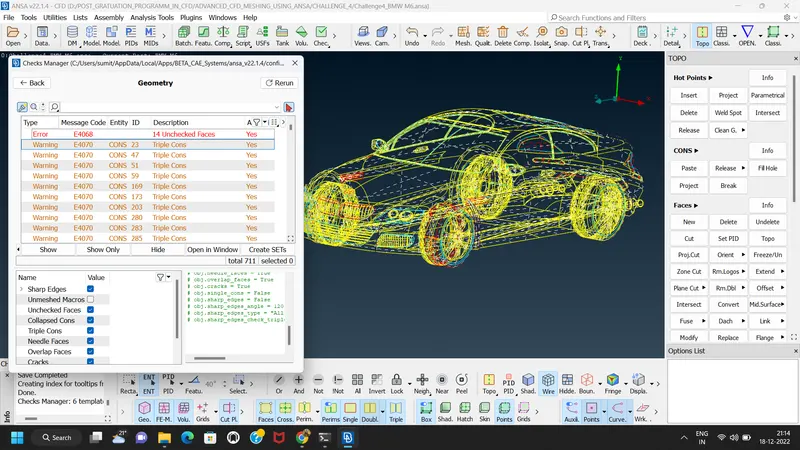
The ANSA software having the feature that it can reflect the half model into another half if the model is symmetric in shape. There is option present in trasform feature to do symmetry operation.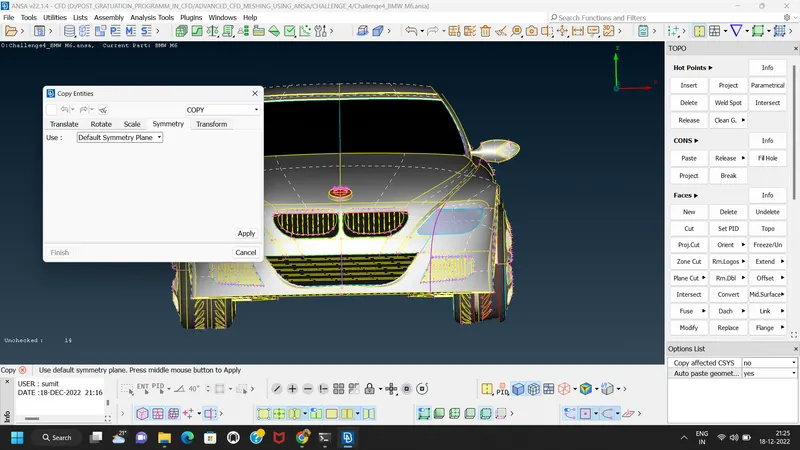
d) So for this model we are performing symmetry feature. for that we have to delete half of the part of model which is symmetry in shape with other half portion. remaining parts which are not in symmetry we will keep them as it as such as BMW logo.
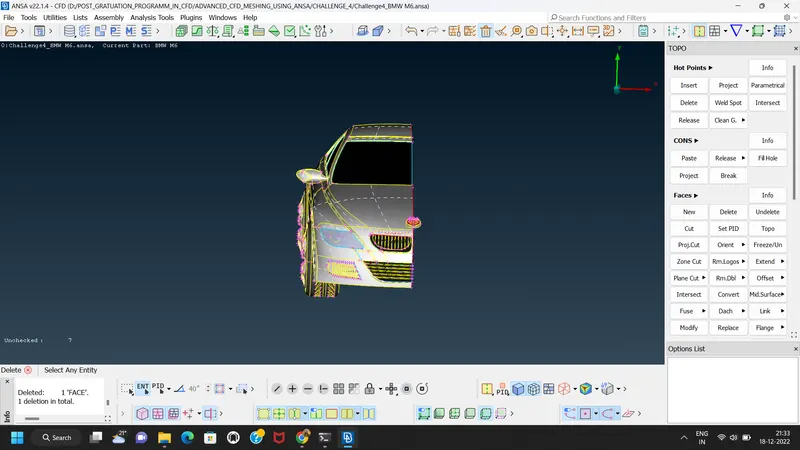
We have to perform a topo clean up in such a way that we can found the single volume of model and there should not be any another/ separate volumes are formed.
In this model we can creat a 6 volumes, 1 volume inside the car, 4 volumes of tyres and volume beween wind tunnel & car.
e) Now the next step is to perform the TOPO Clean up.
While doing topo cleanup where there are very small surfaces are present and form a single con these faces we can join together by using paste option.
Topo clean up of Grills
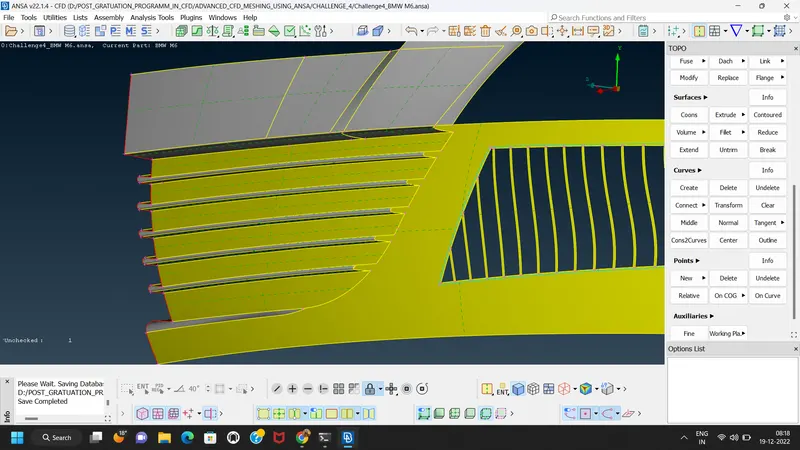
Topo clean up for fins
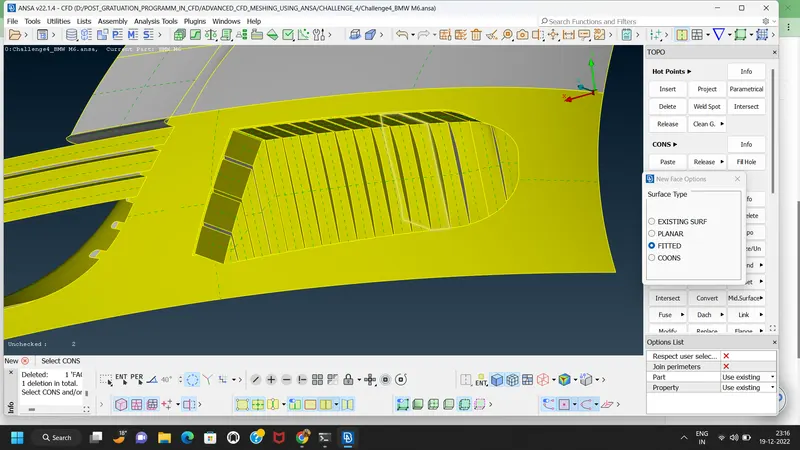
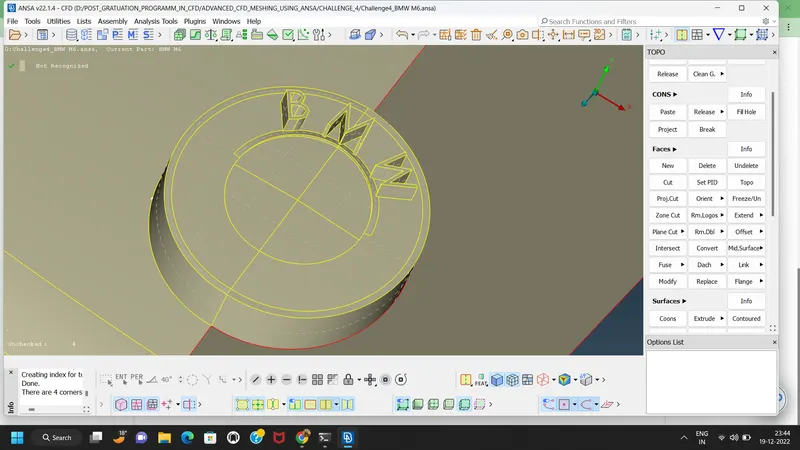
Topo clean up for Logo
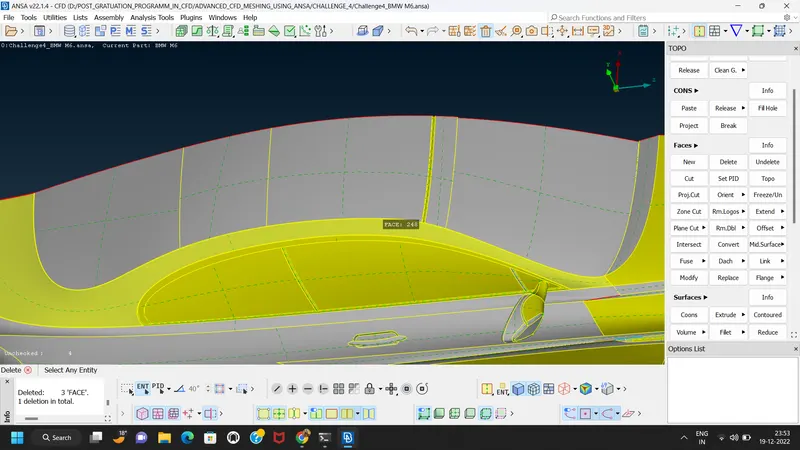
Window and wind chill topo clean up
Topo Clean up of another grills
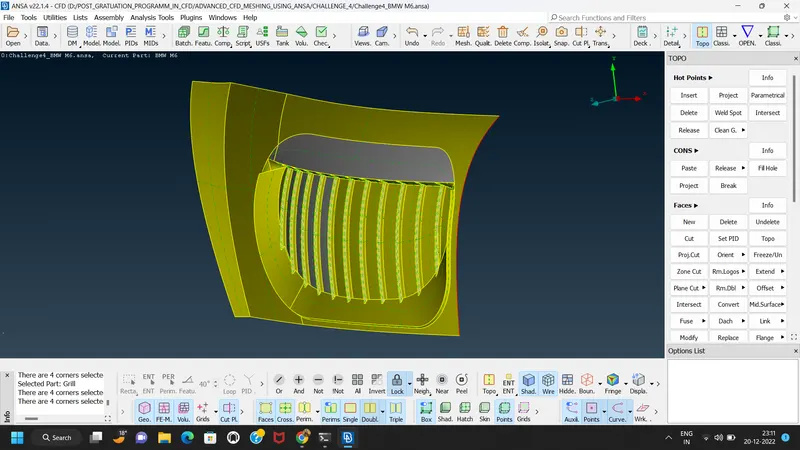
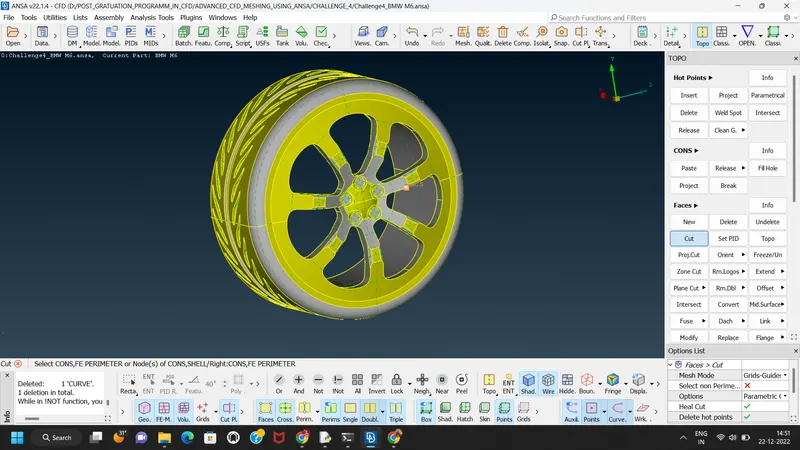
Topo clean up of tyres
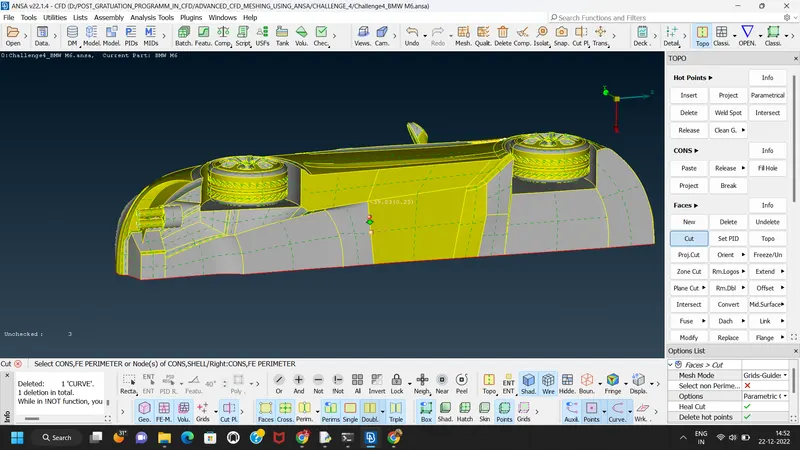
Topo clen up of back surface.
After topo clean up we check if there are any single cons or double cons are present or not
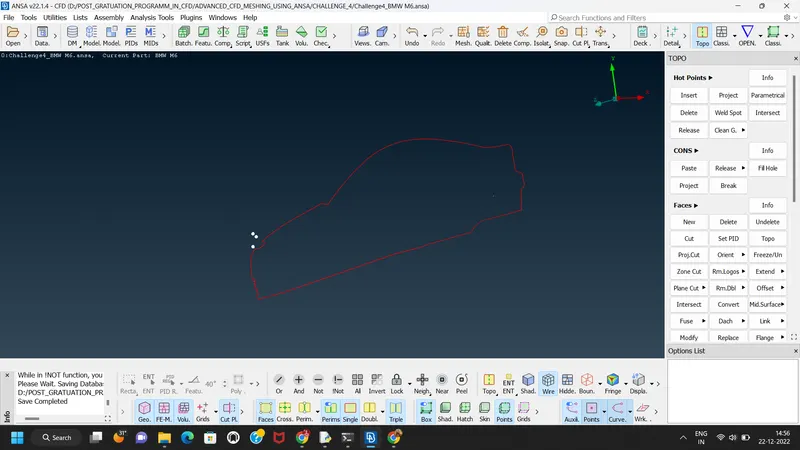
Checking geometry:
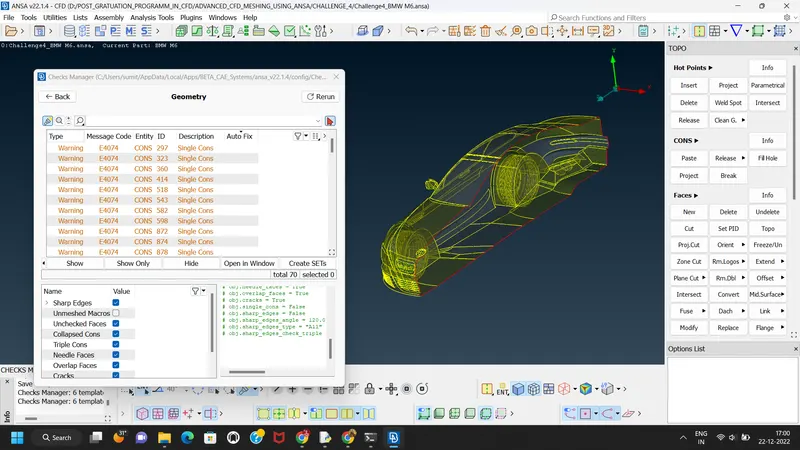
The single cons showing are the symmmetry cons so no need to remove that errors.
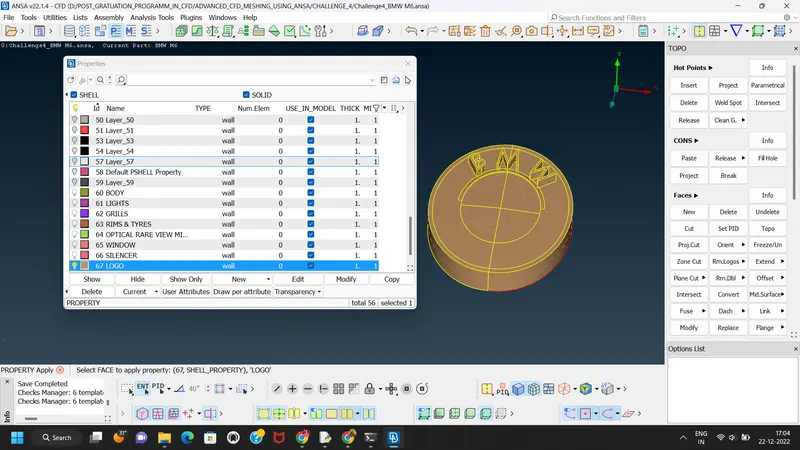
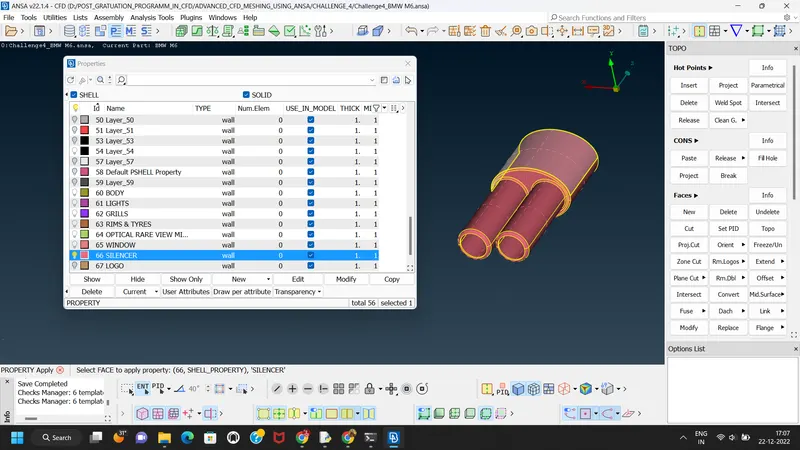
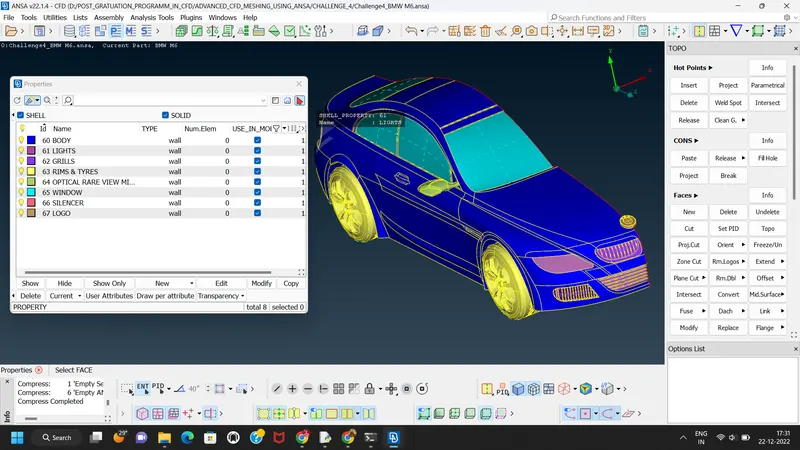
f) Next step is to apply different PID to the model.
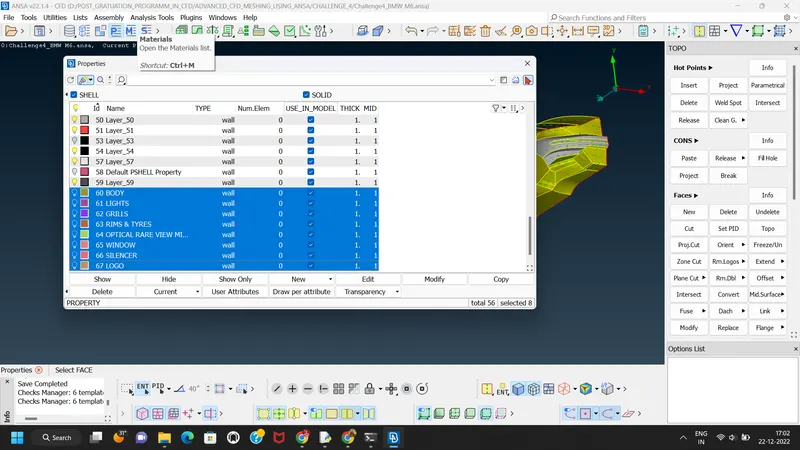
1) Logo
2) Silencer
3) lights
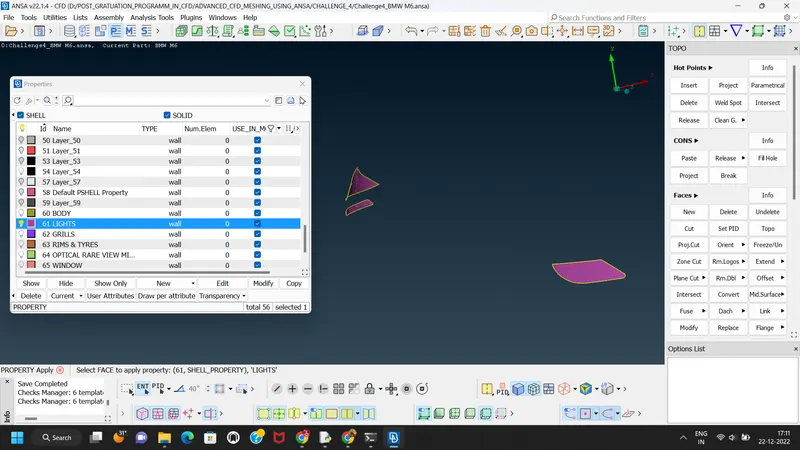
4) Grills
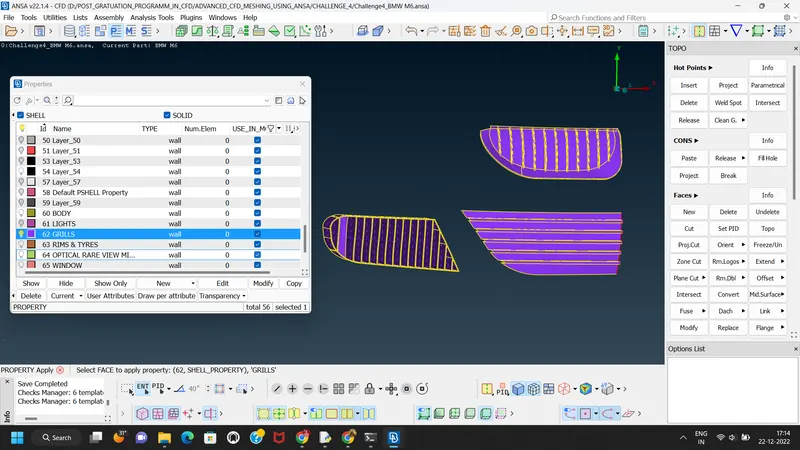
5) Mirror
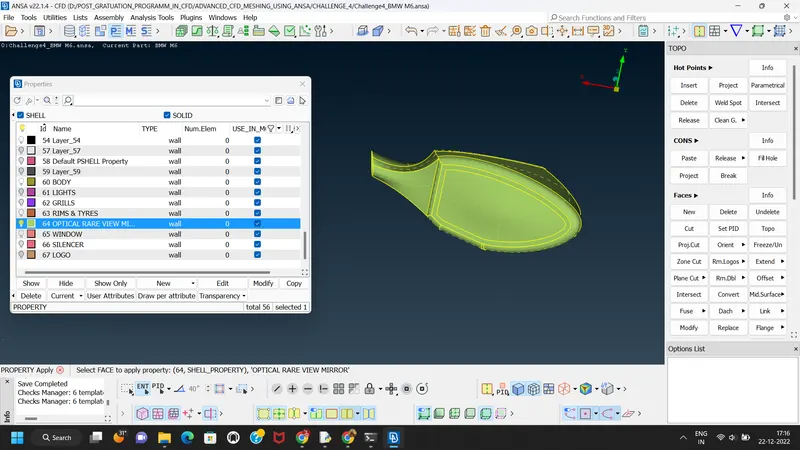
6) Windows
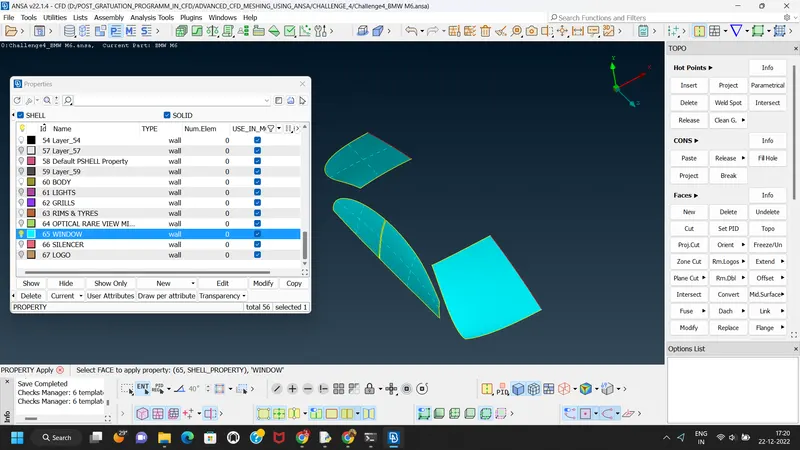
7) rims & tyres
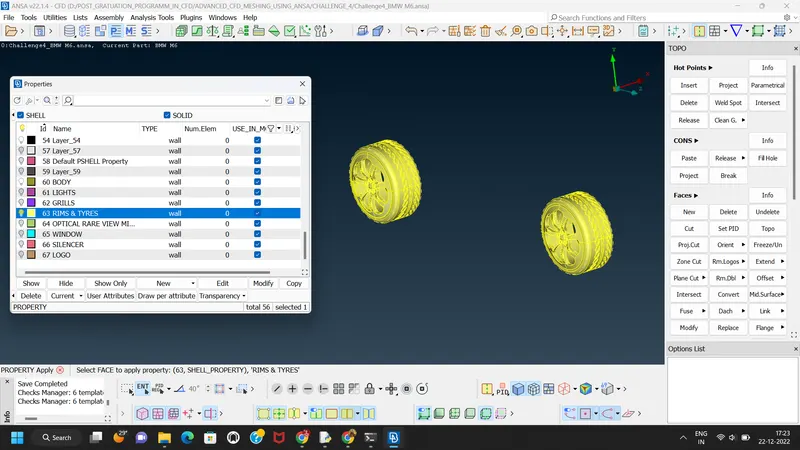
8) Body
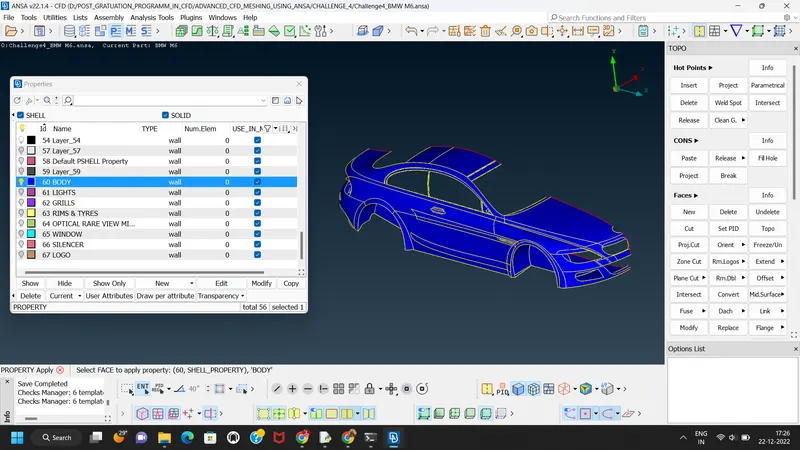
g) Next step we deleted all unwanted PID's
h) Next step is to measure the minimum distance between nodes and cons so that the quality criteria for that perticular PID is satisfied.
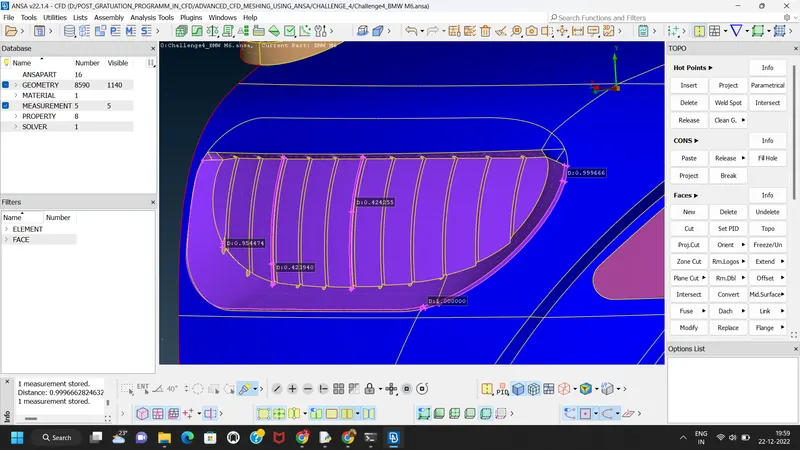
We have to check the distance and according to set the minimum length or we can delete the cons to maintain the minimum length criteria.
There are some topo cleanup done on LOGO, silencer etc.
j) Next step is deploy of surface mesh on the PID's
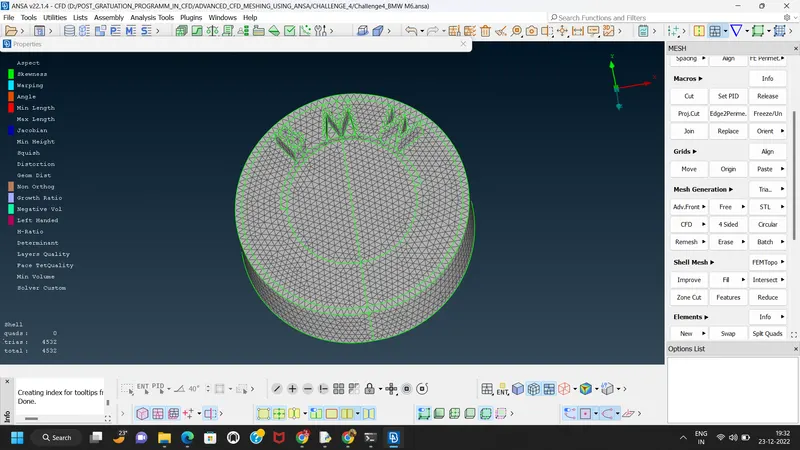
1) Logo:- Target length 1mm
Logo meshing showing the 54 off components,
so by using reconstruct command we can minimiz these off components.
1) Meshing of LOGO
Target length-1mm
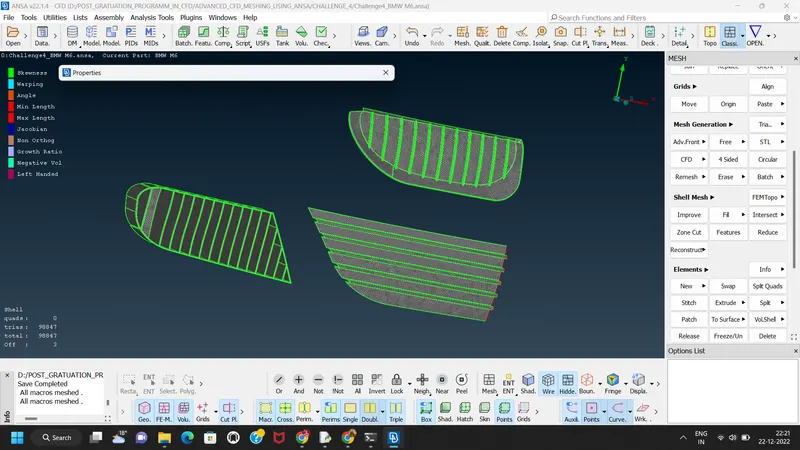
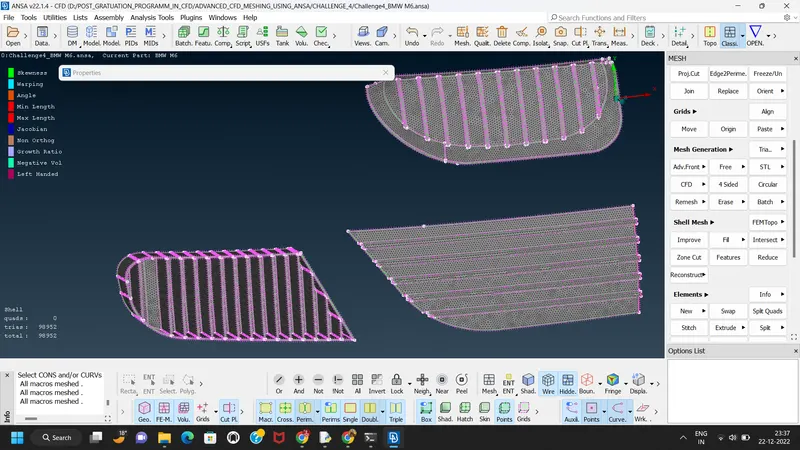
2)Meshing of grills:
Target length- 1mm
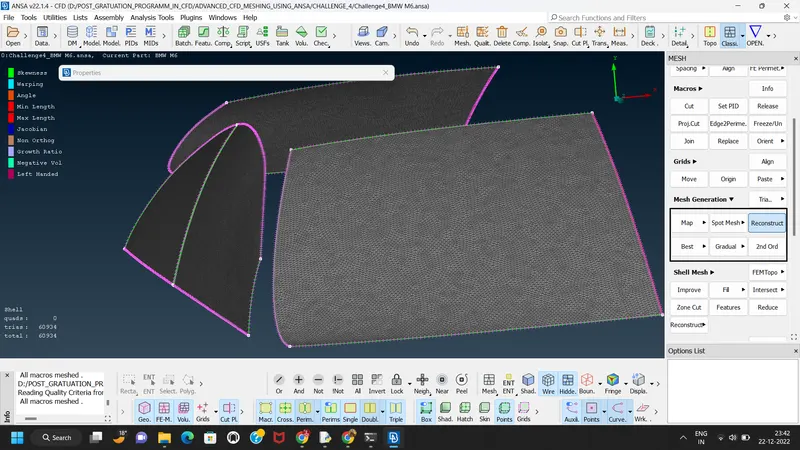
3) Meshing of windows
Target length-2mm
4) Lights
Target length-4mm
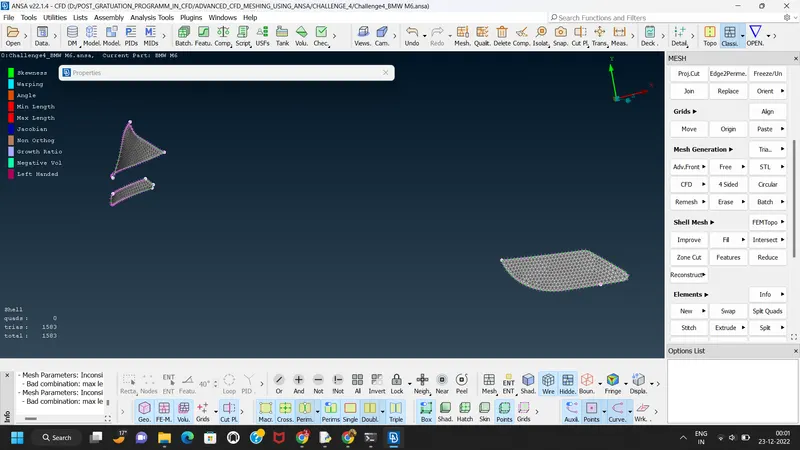
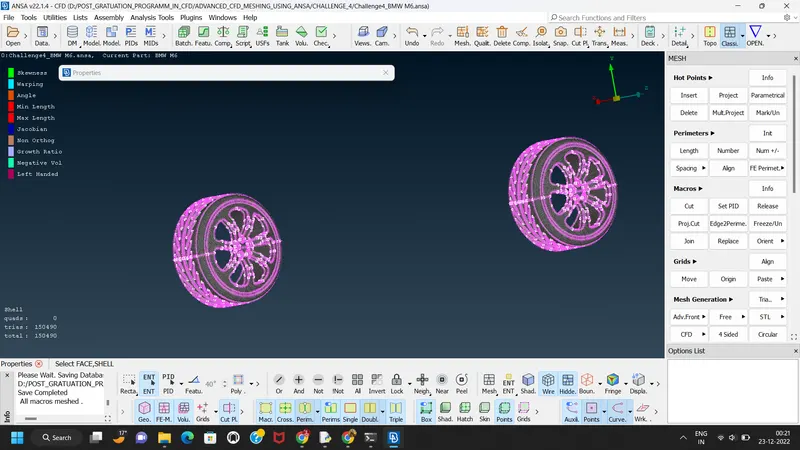
Meshing of rims and tyres
Target length-2mm
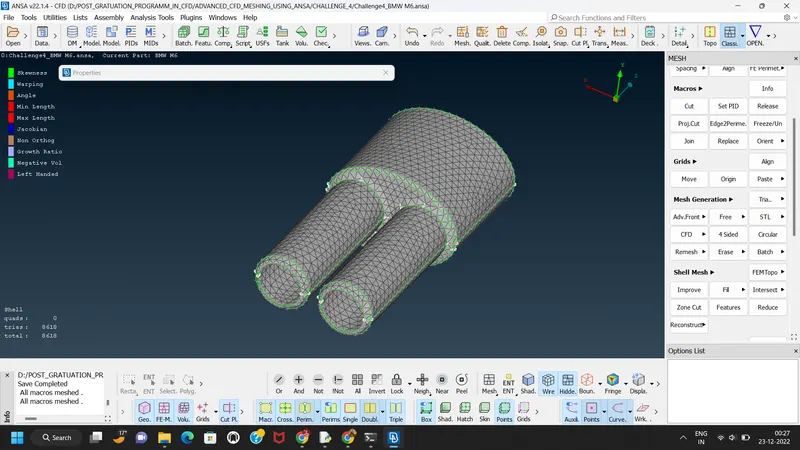
Meshing of Silencer
Target length-3mm
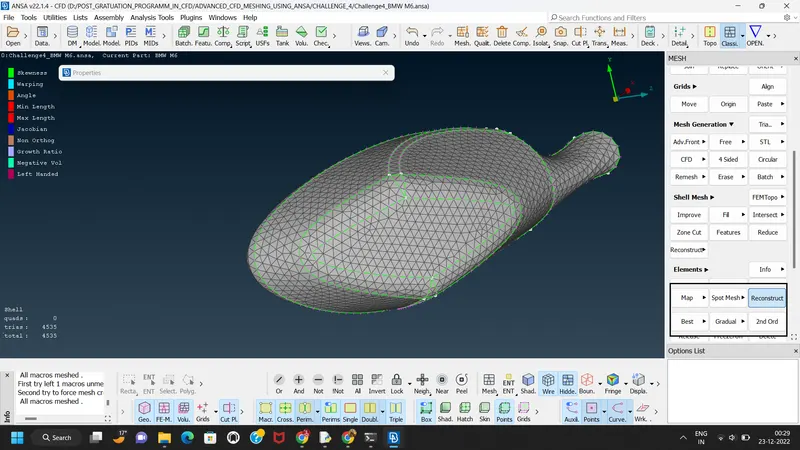
Meshing of mirror
Target length-2mm
Next step is to meshing the body.
Target length-3mm
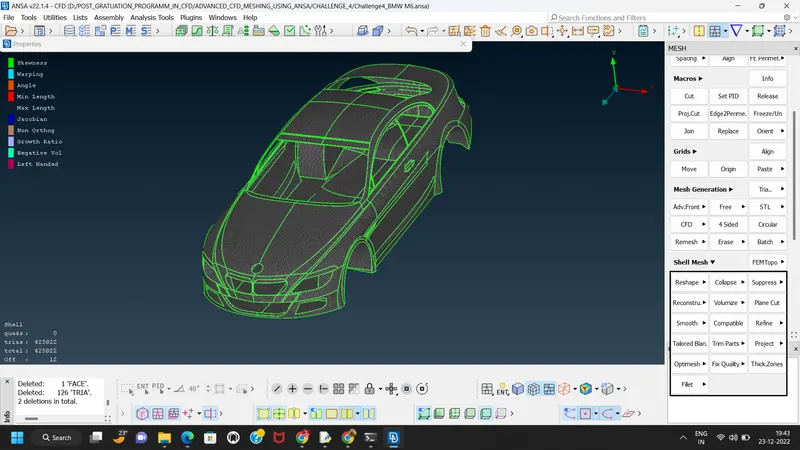
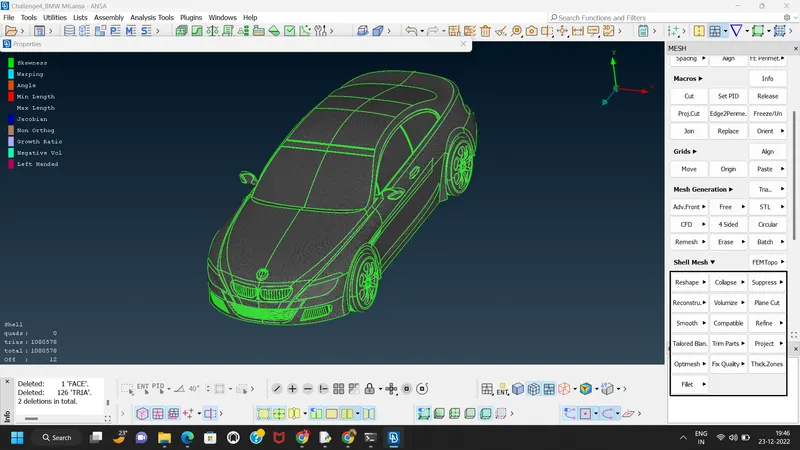
After that we use symmetry command to reflect half part on other side
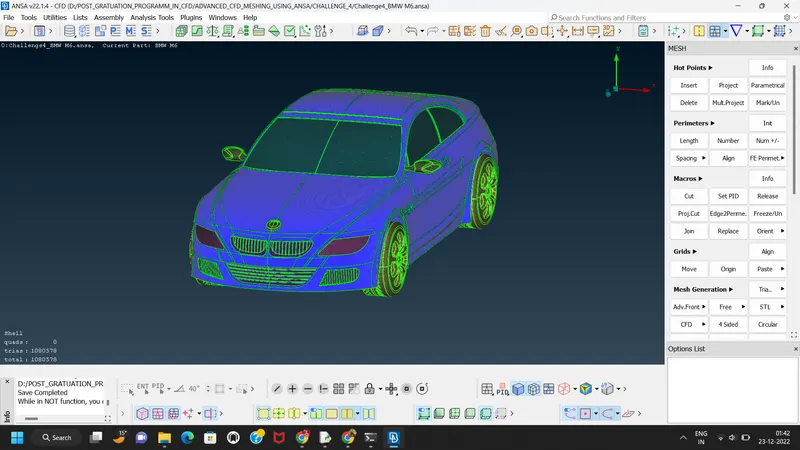
google drive link:
https://drive.google.com/file/d/1tKLuRIbpLmV1Zv7bXyNz0dJSlJx8pLH9/view?usp=sharing