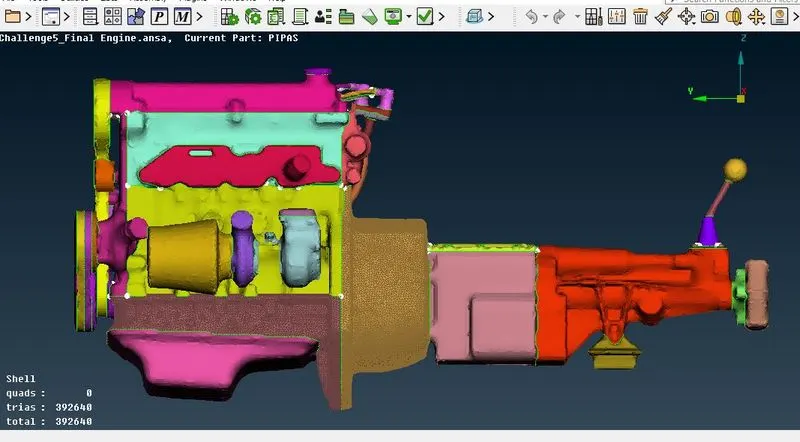
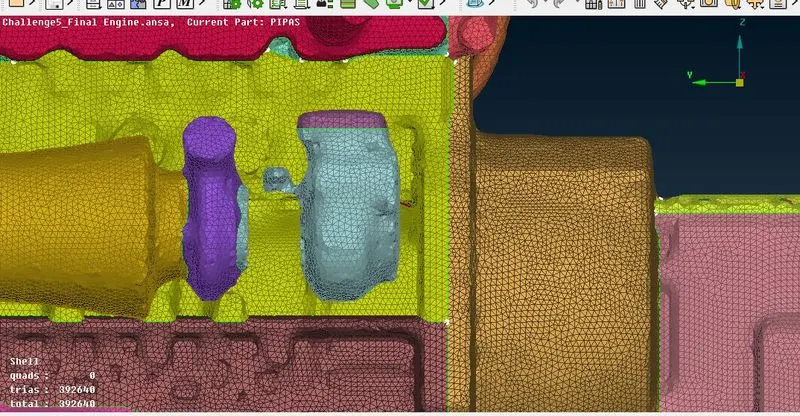
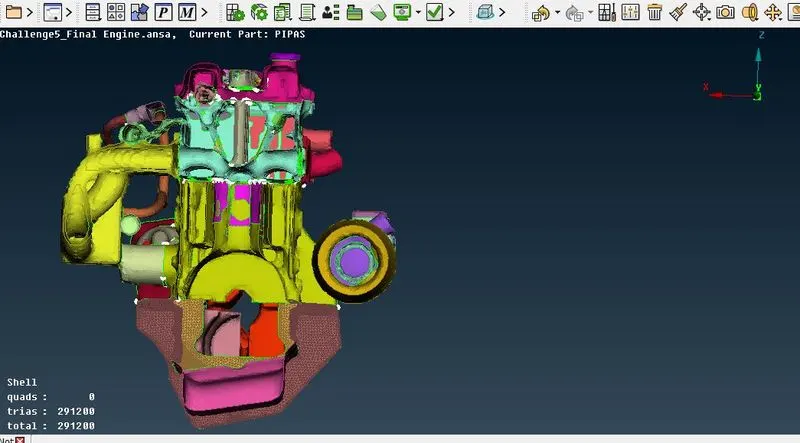
Week 5 Challenge : Surface wrap on Automotive Assembly
Aim: To perform surface wrap in Engine
Procedure:
Surface wrap the engine by using following steps:
- Remove unwanted and geometrical errors
- Merging the models
- Surface wrap the engine
Remove unwanted surfaces and geometrical errors:
- As we mentioned initially open one model i.e. engine in the window; Select File--->open---> choose the object
Once the engine model open in the window check the geometry errors and unwanted surfaces.
Clear the unwanted rings which are not necessary using front, top view or select one by one
Check the geometry errors like single and triple COONS and solve the error which is necessary.
Close the open surfaces in the model using faces--->new-->fitted/coons option
Then save the model File---> save
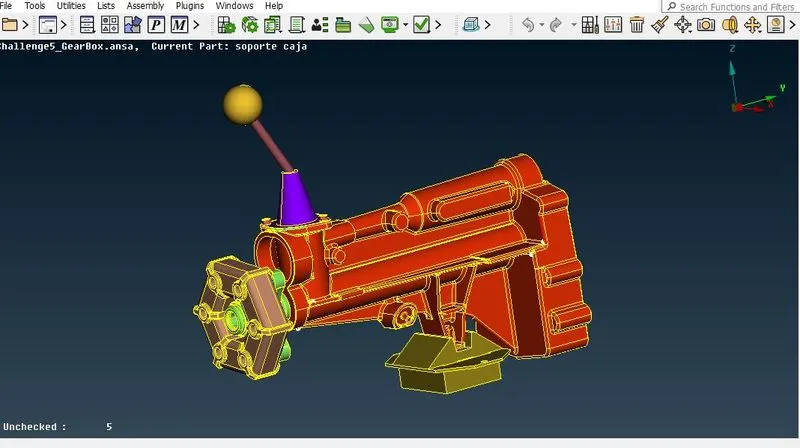
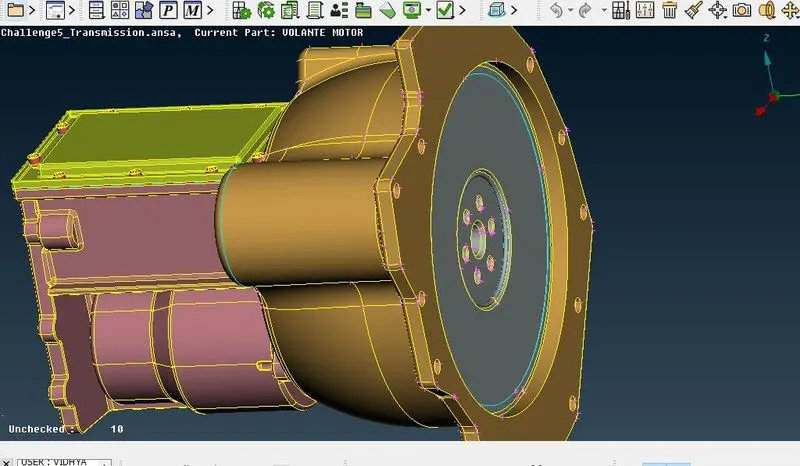
Similarly, clear the errors of other two models i.e. gear box and transmission separately and save 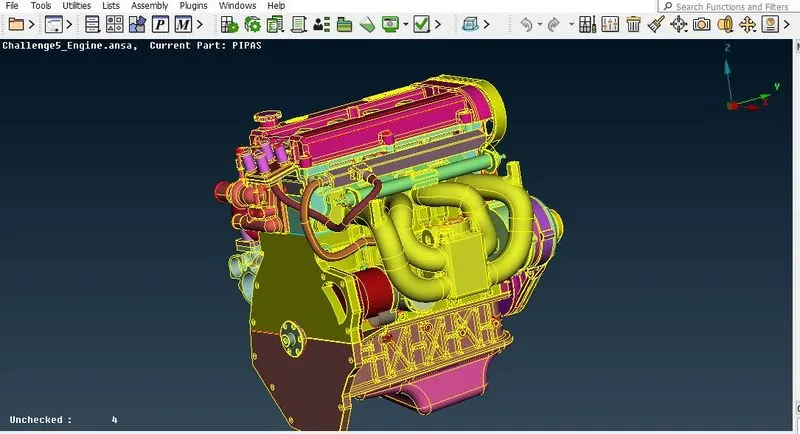
Merging the models:
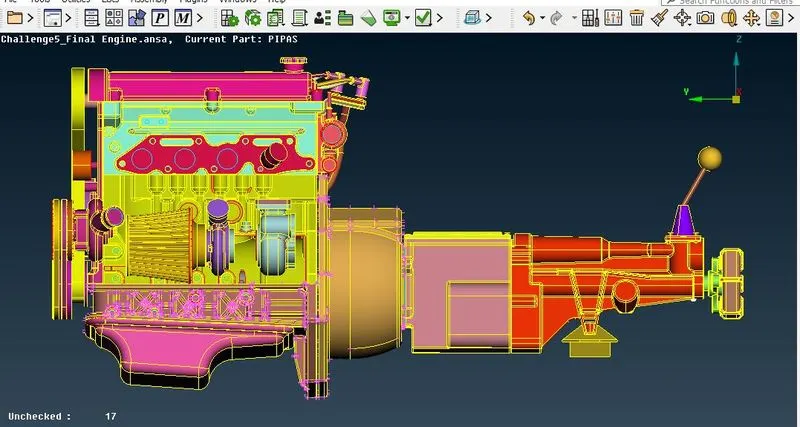
After clearing the errors first open the engine--->select file--->merge option--->open the gear box and connect the transmission model into the engine
Similary merge the gearbox model into the engine after transmission.
Select the total engine surface which is perfectly merged or not
Surface wrap the engine:
Once the merging will finish, will go for surface wrap the engine
Click mesh--->elements--->wrap---> constant wrap
Initially define the parameters
Mention the name of the content i.e Full wrap
Give target length as per the data for example target length is 5 mm; and smooth factor is 0.5
Then select the contents; (Delete unwanted PID surfaces by selecting compress option)
In the contents option select all the PIDs after compression and add it.
Finall click ok--->Run
The object should be run and get the final surface wrapping model.