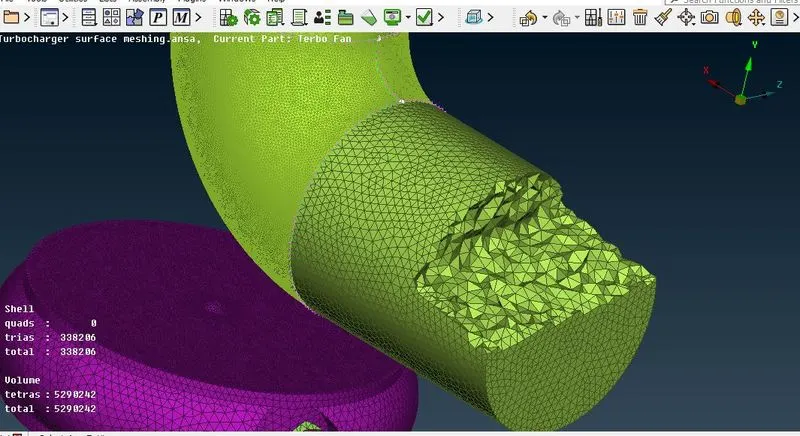
Week 3 Challenge : CFD meshing on Turbocharger
Aim: CFD meshing on Turbo charger
Procedure:
Open the tubocharger in ANSA software file-->open
Process the turbo charger will following three steps
- Topo cleanup
- Surface meshing
- Volumetric meshing
Topo Cleanup
Select Check--->Geometry--->visible---> select the options (single COONS, triple COONS..)---> execute
Check the errors in the model
Clear the single COONS and triple COONS (wherever not necessary)
Close the open surfaces using Topo mode-->Faces-->New-->select existing surfaces, fitted, planar and COONS
PID setting
Open the PID tool-->shell geometry; will assign the turbo charger in to different PSHELL like Inlet casing cover, compressor casing, turbo casing, shaft rotor, Impeller, blade stage 1 and blade stage 2
Right click-->select PSHELL-->give names to the part
Change the color of each parts while assigning the PID
All the parts will be assigned and check the geometry
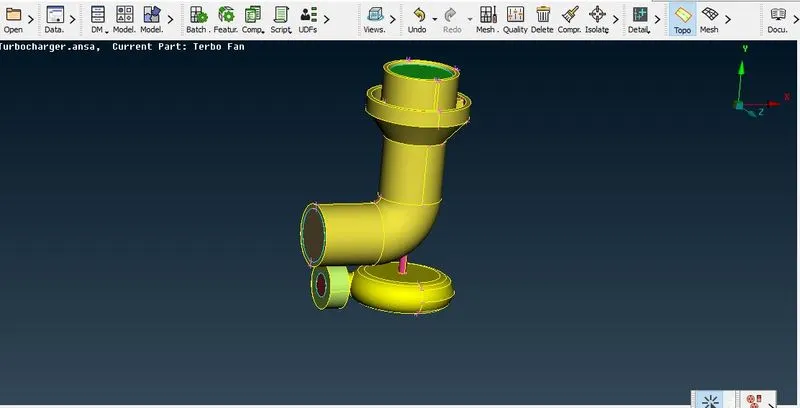
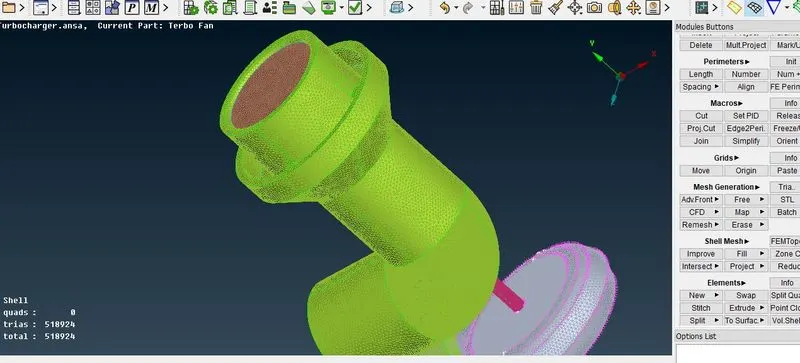
Surface meshing
Initially select the quality criteria (maximum length and minimum length) as per the given data for particular parts.
Select separate parts and click mesh tool-->perimeter--->select the object then middle click--->as per the given data
select the macros--->select the object--> as per the given data
Select mesh generation--->CFD mesh--->select the object and middle click
The object will be meshed and cross check with measure option
Repeat the same for all the parts.
Volumetric meshing
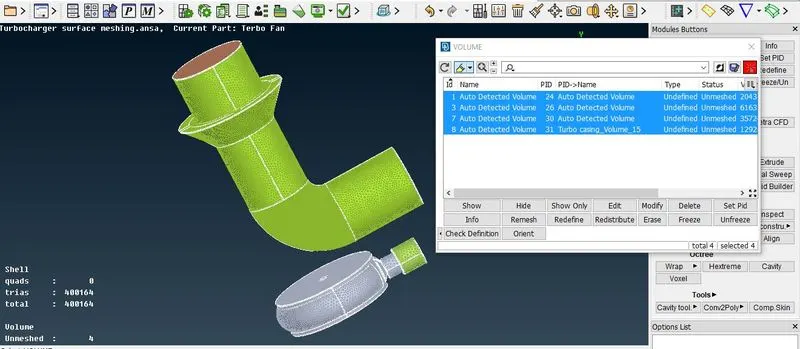
In Volumetric meshing, select volumes----> define--->select the wanted parts
Select unstructured mesh-->Tetra CFD
Once the mesh completed check with cross section.
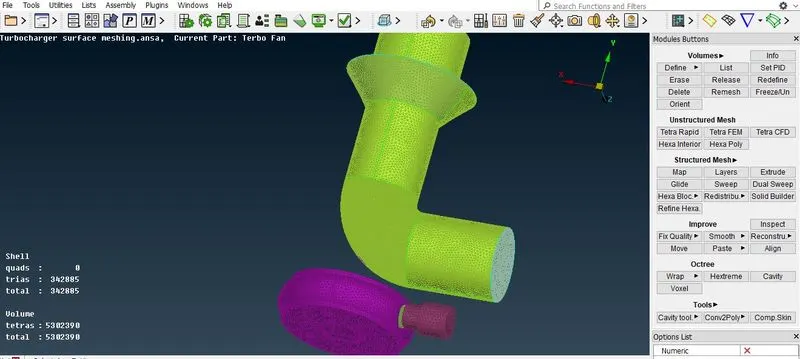
Final result of volumetric meshing in cross section