Week 5 Challenge : Surface wrap on Automotive Assembly
## Steps for developing surface wrap:
# Step A:
1. The model of engine has too many ring shaped objects which are created to give a fillet like edge. These rings are inwanted items in the model. So the first step involve is identifying the rings and deleting them.
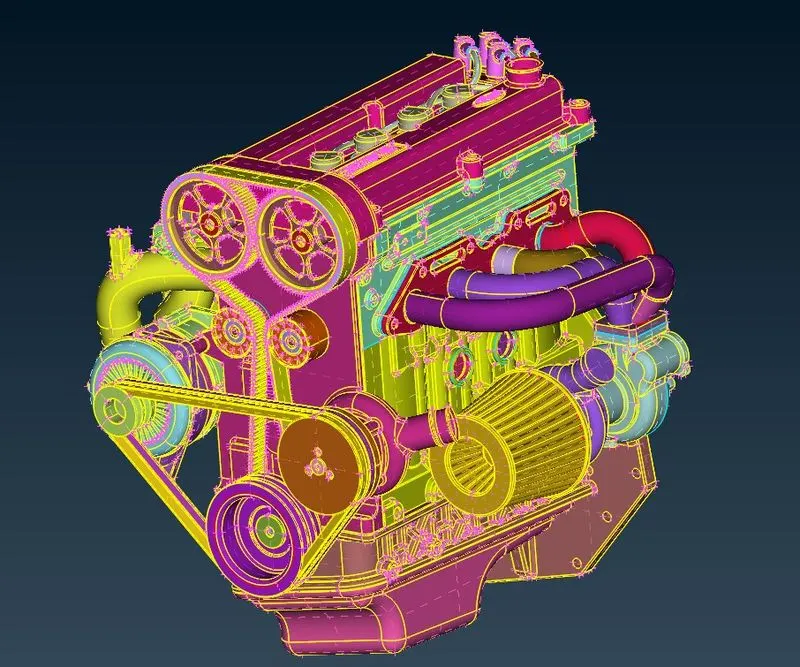
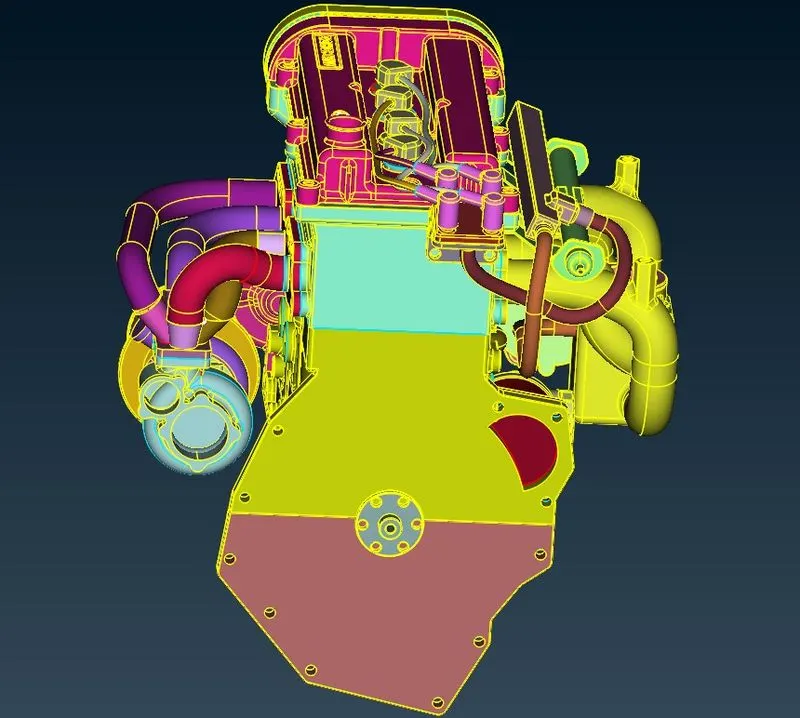
The air filter pipes and the belt of the belt drive is later removed.
2. Repeat the same for Gear Box as well as Transmission.
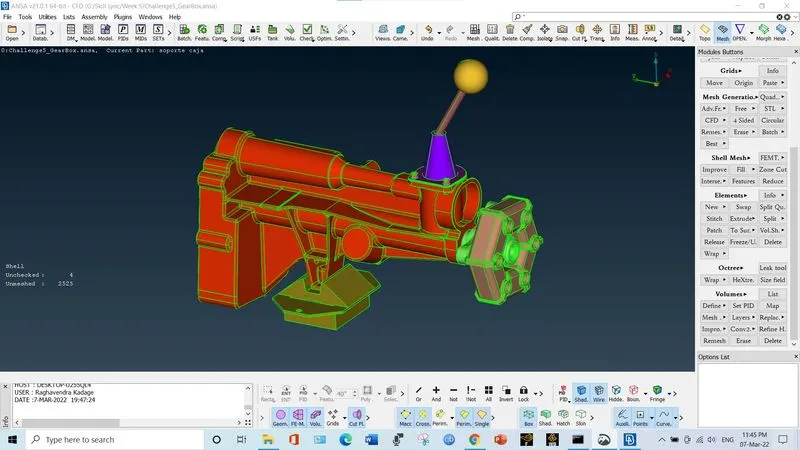
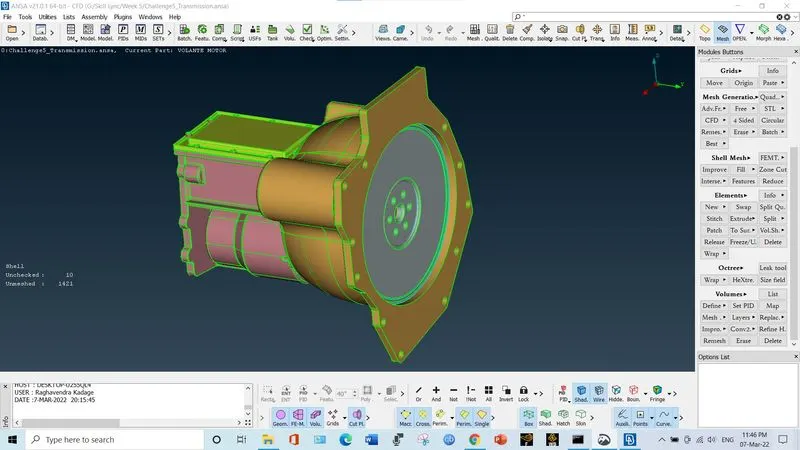
3. Before merging the bodies, fill the opening of the model by using coons option. Close all the openings so as to get good surface.
# Step B:
1. Click on file. Select merge. Select the object you want to merge with the current. Click OK. Do the procedure to merge Engine, Gear Box and Transmission.
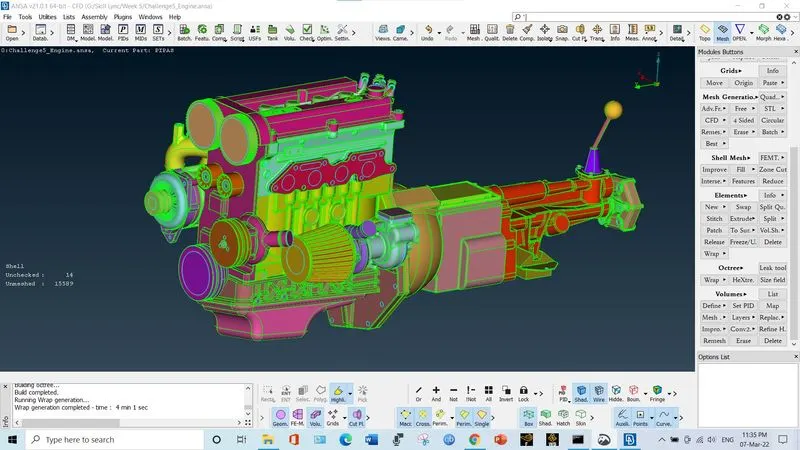
2. Select the compress option and compress the entire file. It will remove the PIDs which are not assigned. So the number of PIDs is reduced from 1580 to 94.
3. Go to surface mesh deck. In the elements, select wrap. Select constant length. A new pop up window is just opened. Double click on empty. An edit window is opened. Double click on untitled.
4. Give the name. Set target length as 3mm. Click on mesh. Set the options as mentioned in video. Click ok. In the previous window, double click on contents column. Select all PIDs. Click ok And then click RUN.
5. It took around 4 minuted to generate the surface wrap.
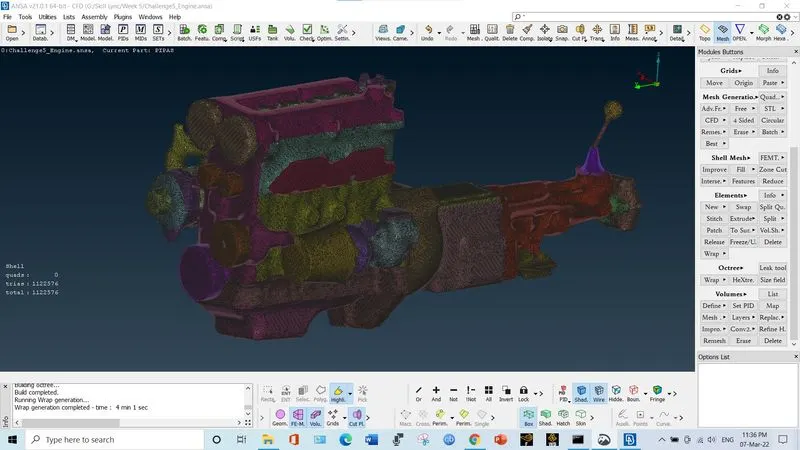
Note: The mesh file is uploaded on google drive and link is provided here. Please download the file and check the mesh.
https://drive.google.com/file/d/1Uqy9NScSxPJopnoGeA841Js7LuXcGWX0/view?usp=sharing