Week 5 Challenge : Surface wrap on Automotive Assembly
AIM:
- To check for geometrical errors.
- To delete surfaces that are unwanted for a Surface wrap.
OBJECTIVE:
- Merge all 3 models and then perform the surface wrap.
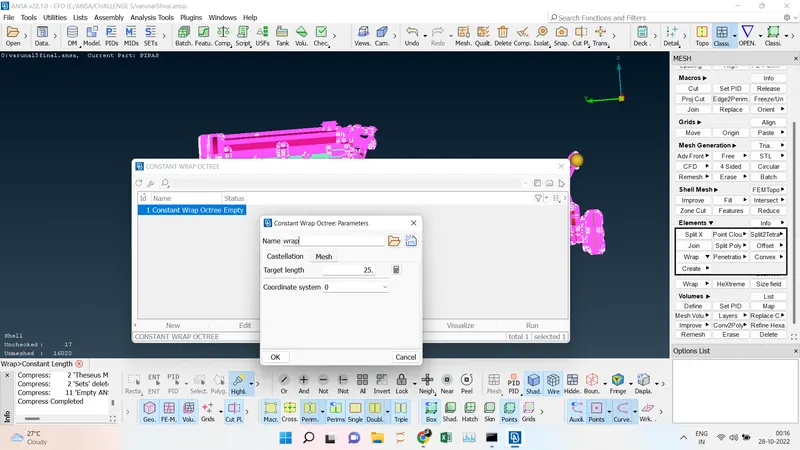
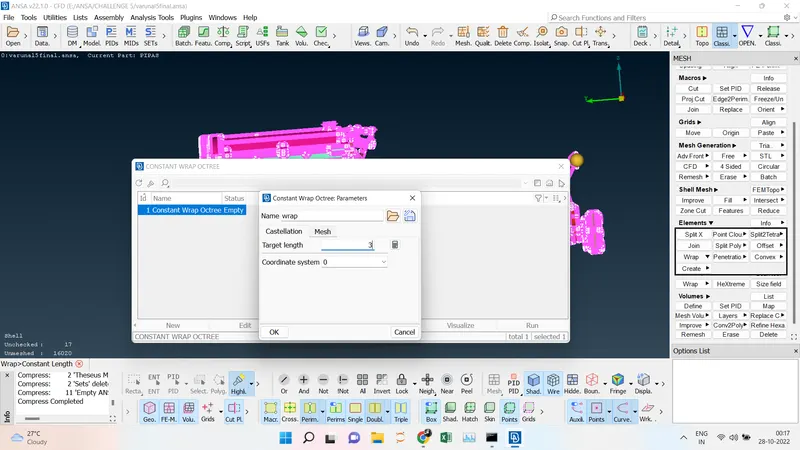
- Target length for Wrap = 3 mm
SURFACE WRAP:
Surface Wrap to surface wrap a model, add an external volume, and generate a quality mesh. You can easily generate a mesh for CAD models that might otherwise be difficult or impossible to mesh without extensive CAD cleanup. Currently, Surface Wrap meshes are appropriate for external flow analyses or wind tunnel-type models.
PROCEDURE:
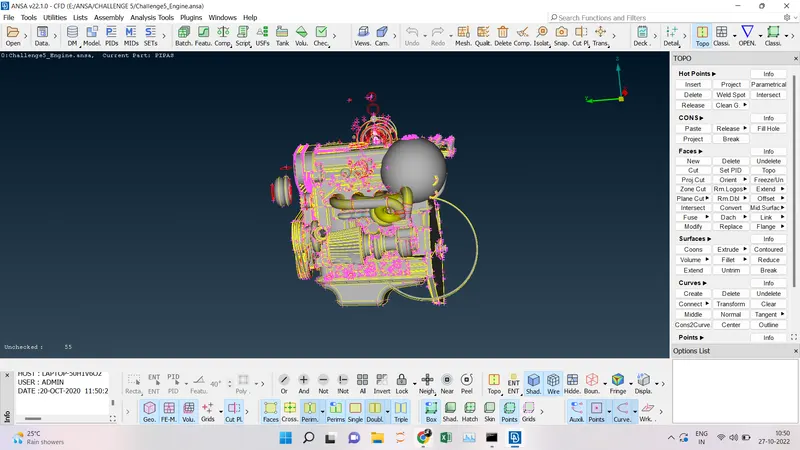
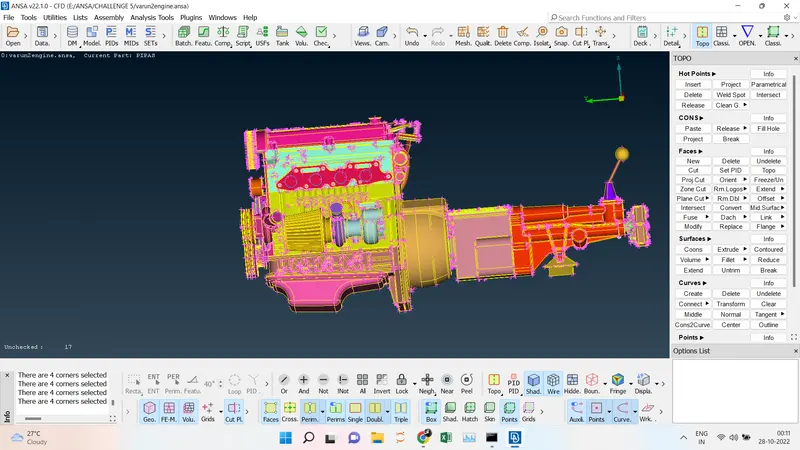
- Import the model to the ANSA software File -----> Open-----> Particular file should be chosen and click ok, initial it will be in the wireframe model we have to switch to Shadow mode.
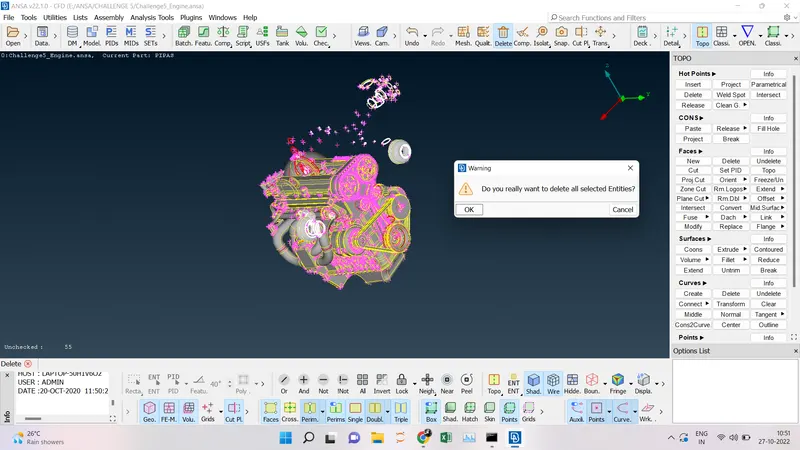
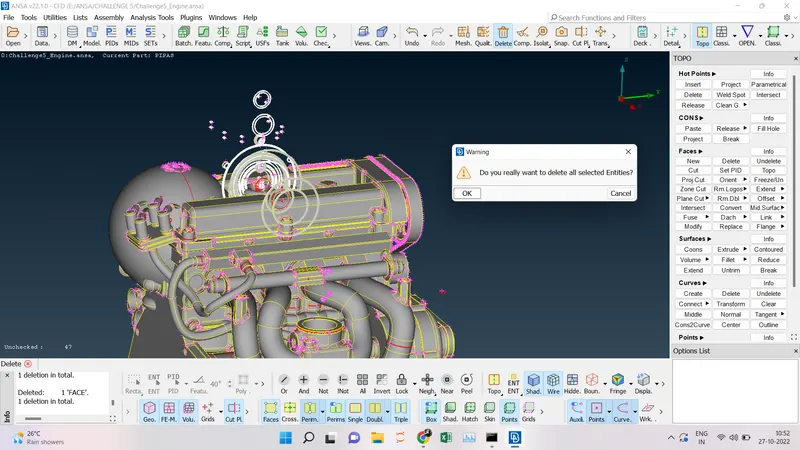
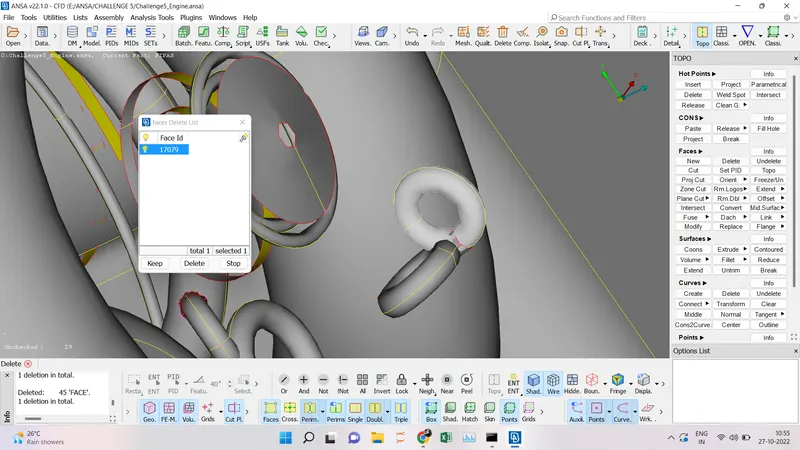
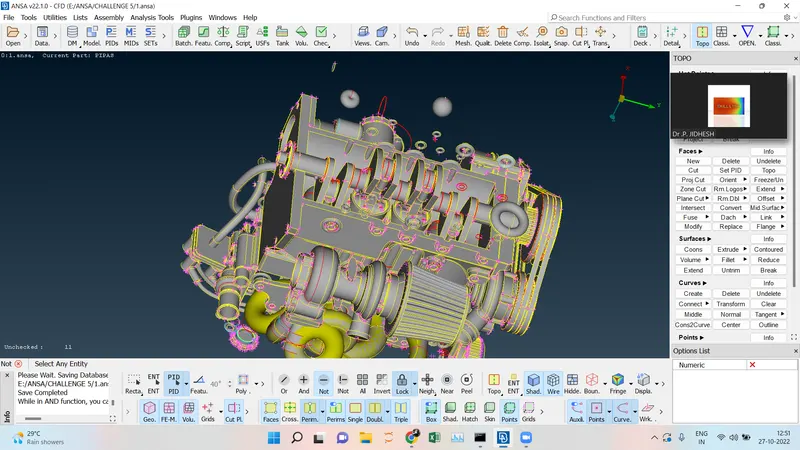
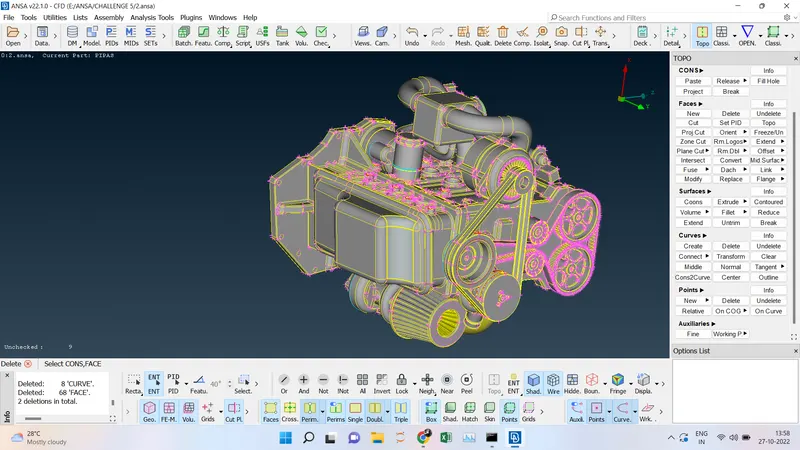
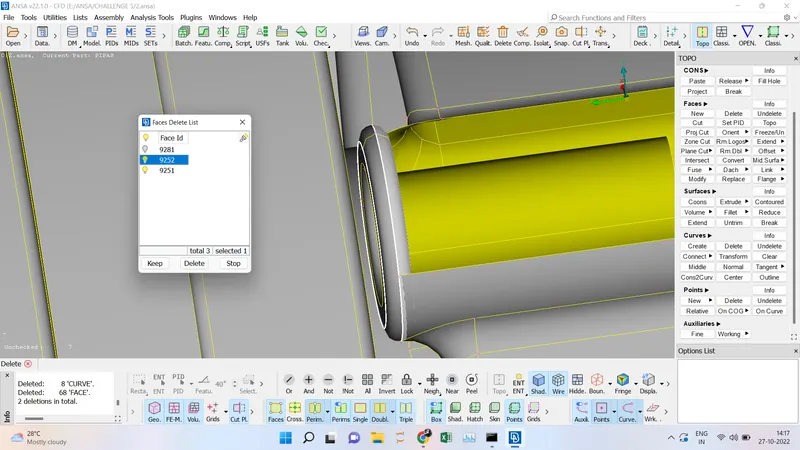
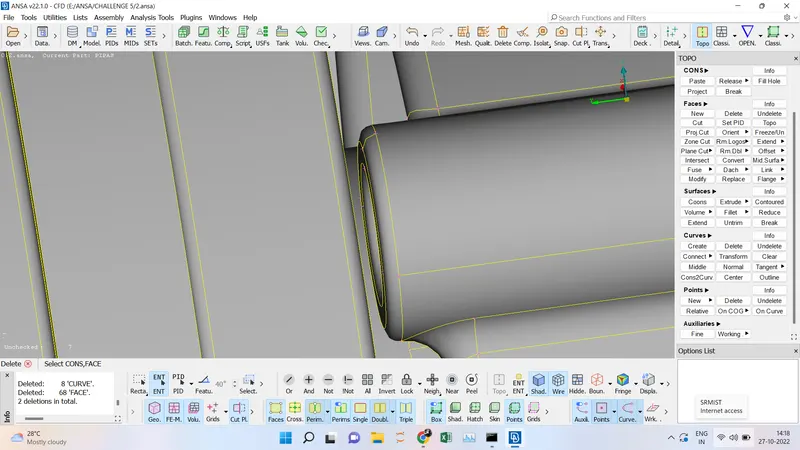
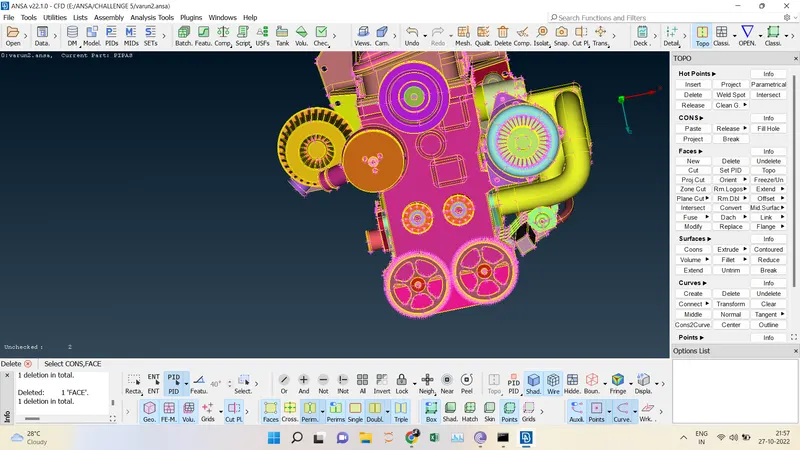
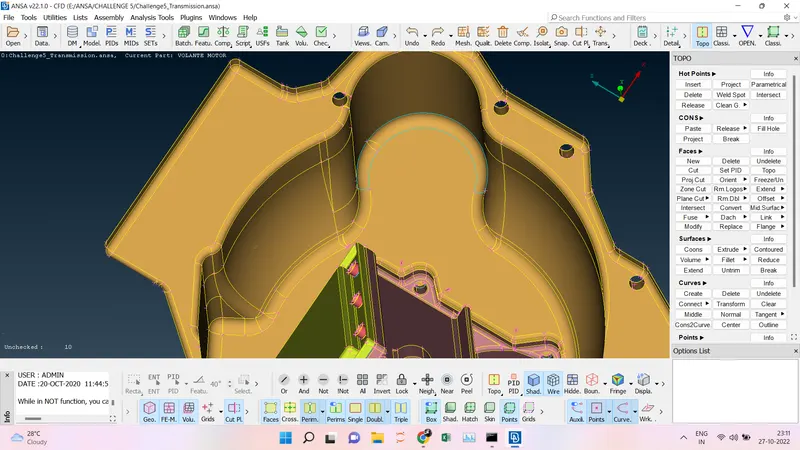
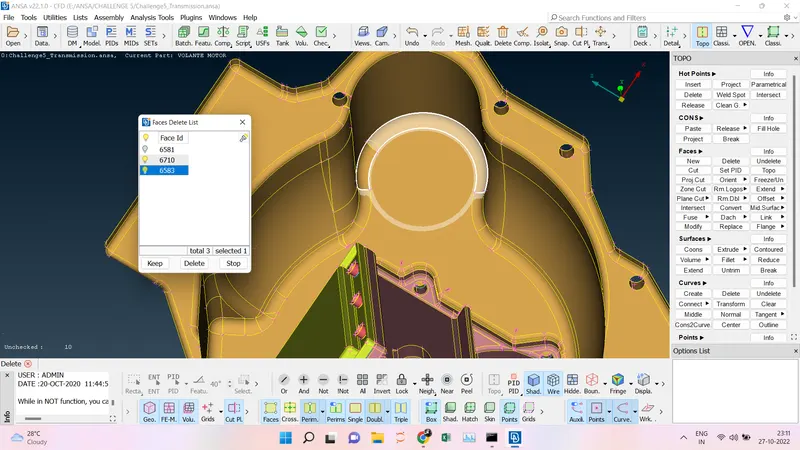
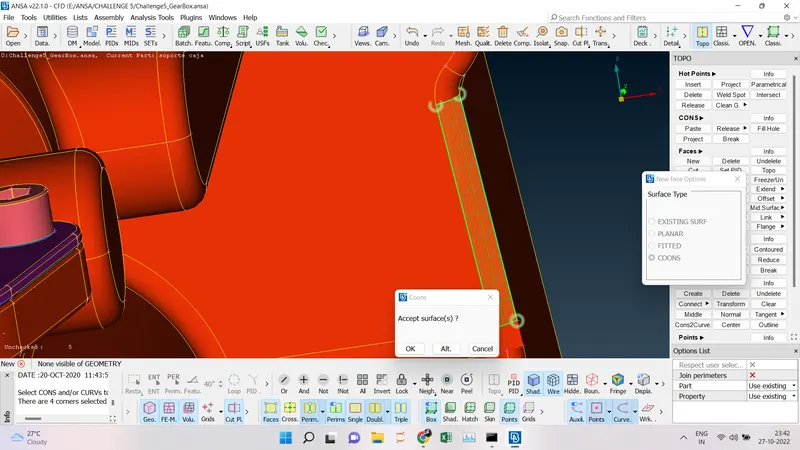
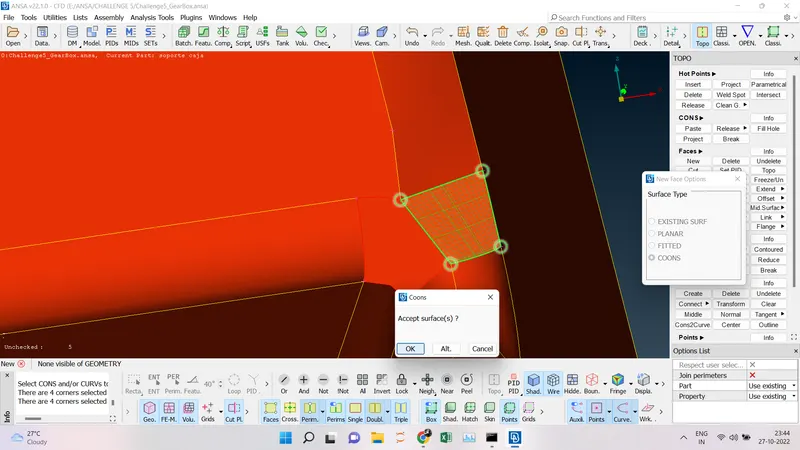
- First, we going to delete the unwanted surface in the engine using the universal delete option and Faces--->Delete. We have particular that while deleting a face we should not delete the Engine part. Using the Not ----> PIDs we have to separate the engine parts and then delete the unwanted tubes and faces present in the model. Since we going for the surface wrap we going to concentrate on the outer surface of the engine. we going to reduce the single cons and triple cons by deleting and creating the faces.
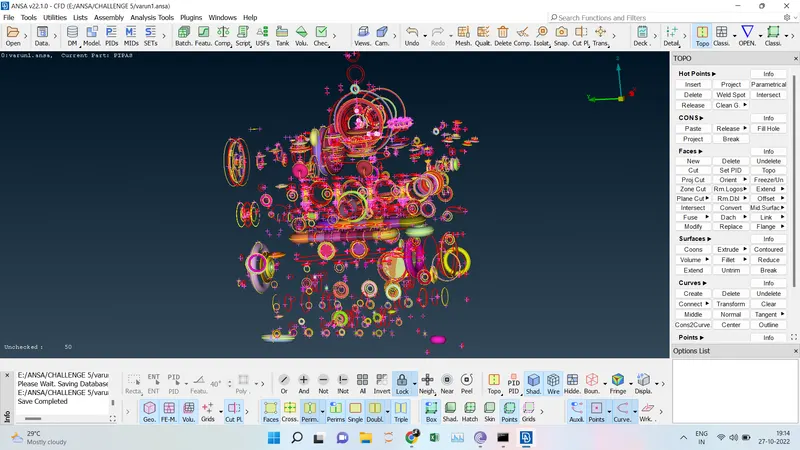
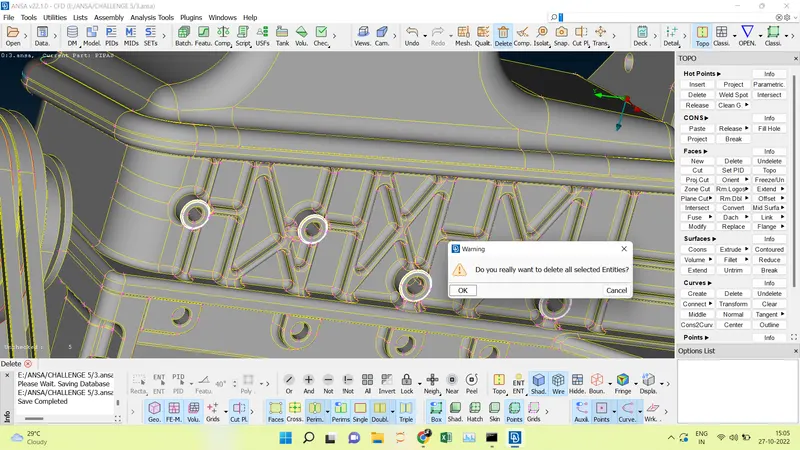
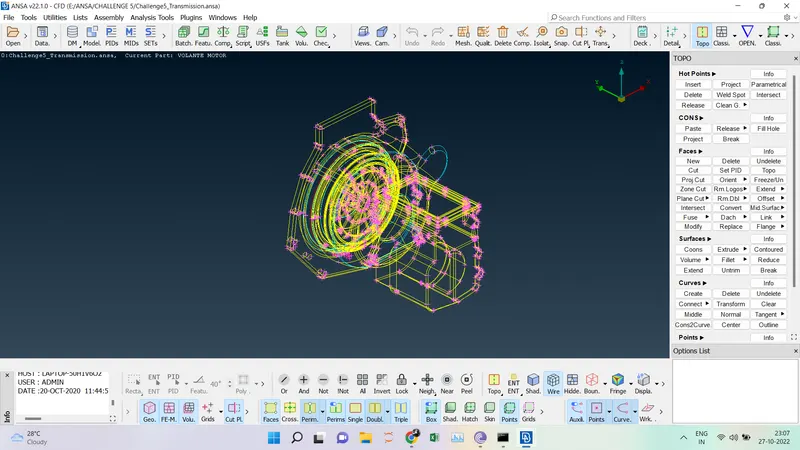
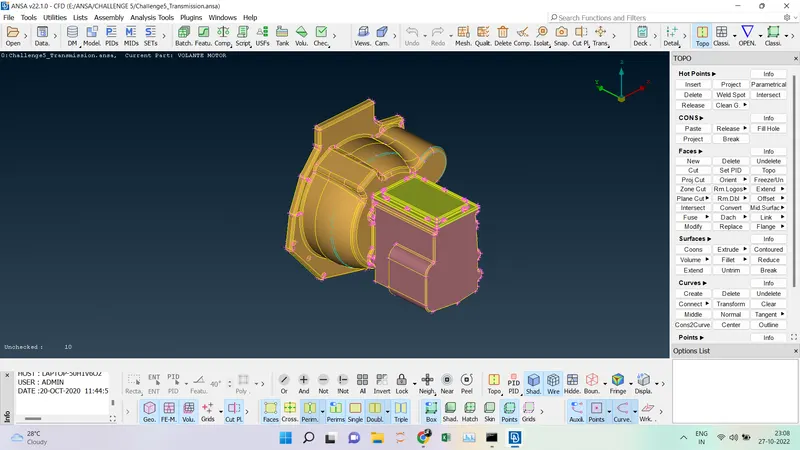
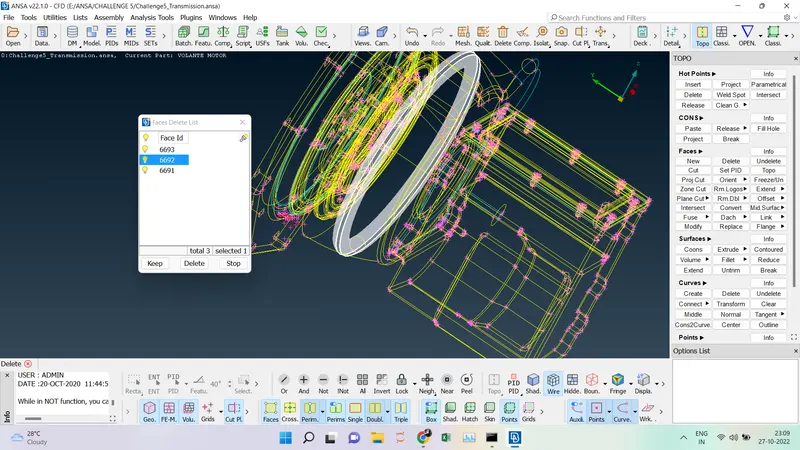
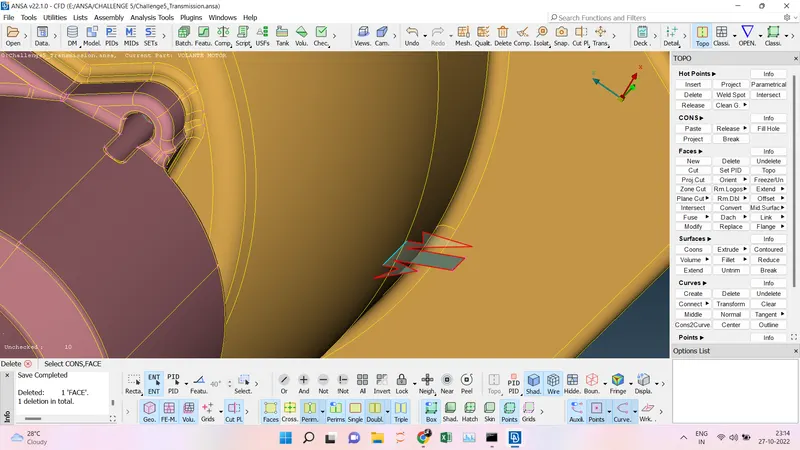
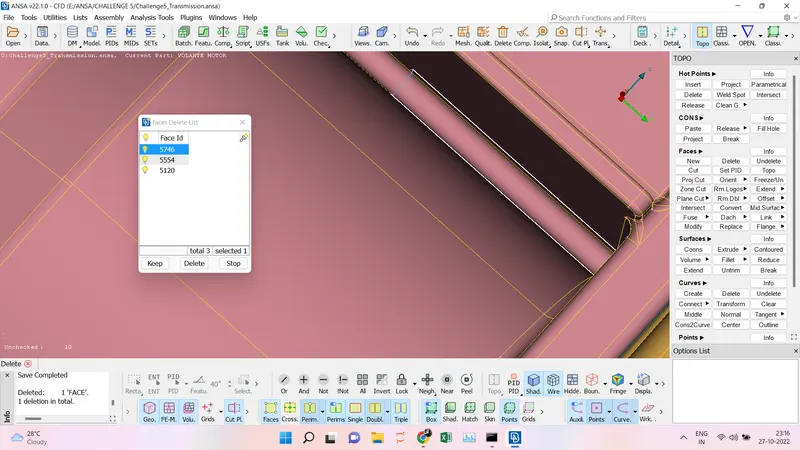
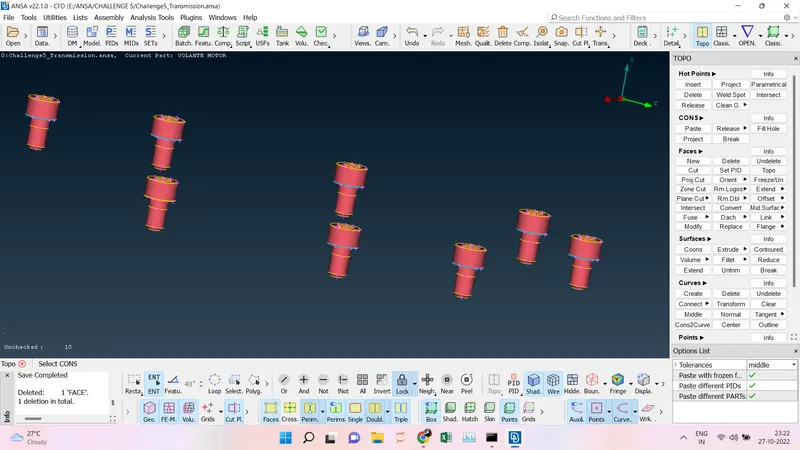
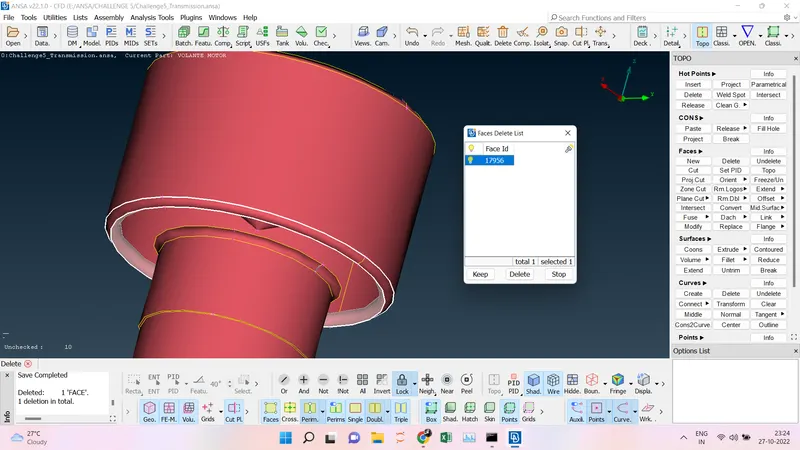
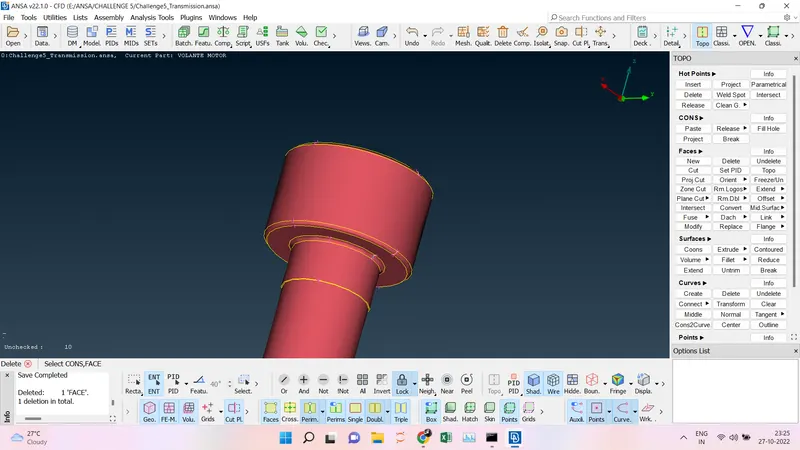
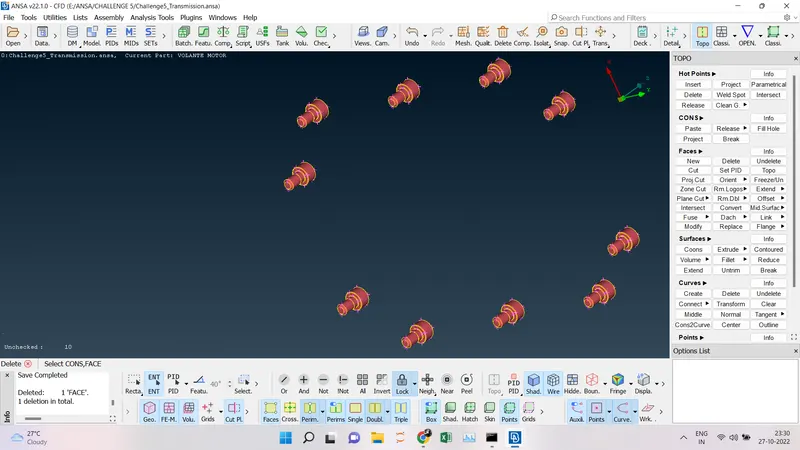
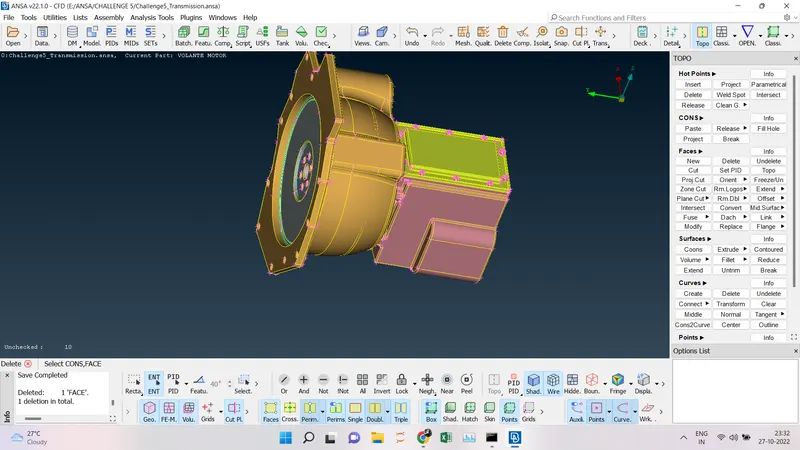
- Second, we going for Transmission clean-up, here there are triple cons are there due to the overlapping of the surfaces, so we are going to use the Not option to hide the outer surface and Faces---> delete the extra surface which is creating an overlap.
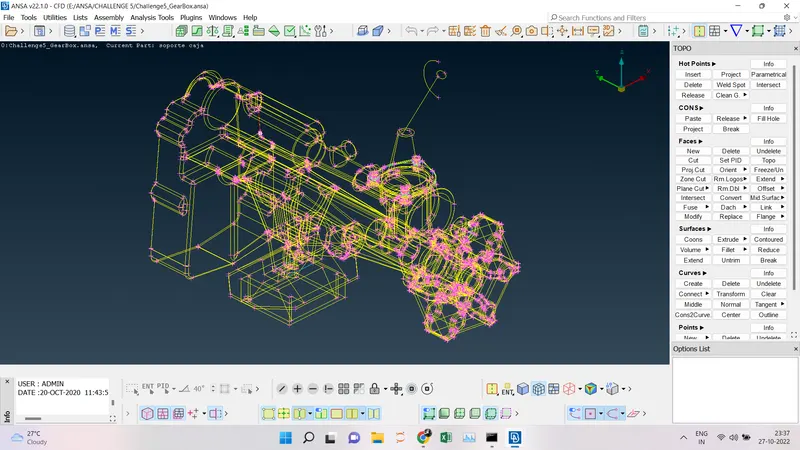
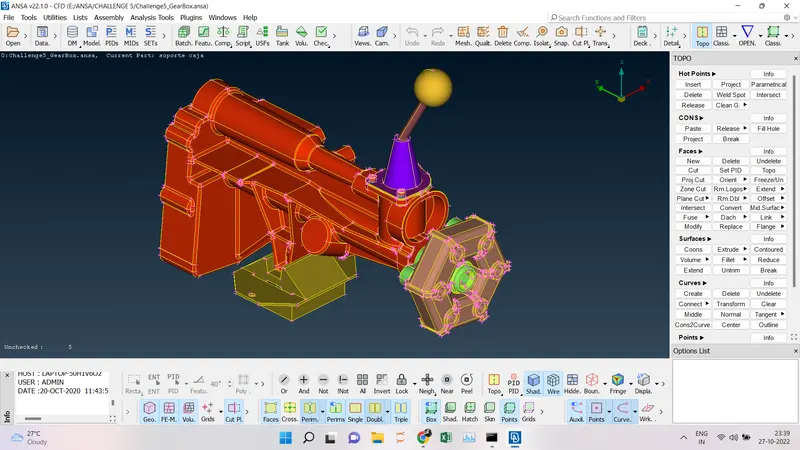
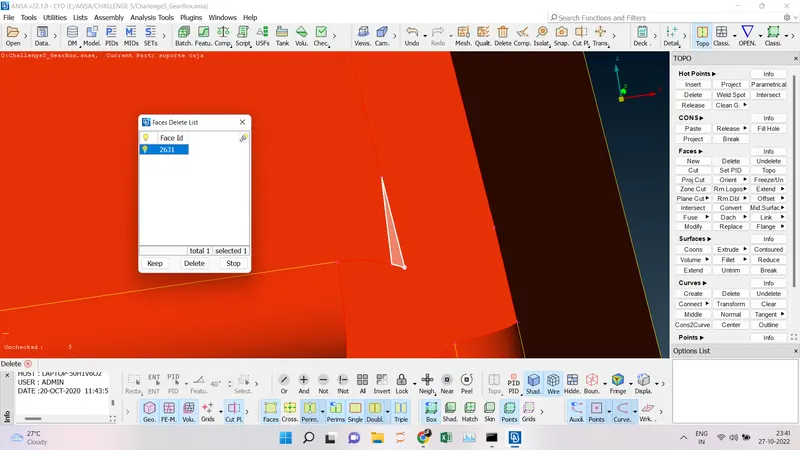
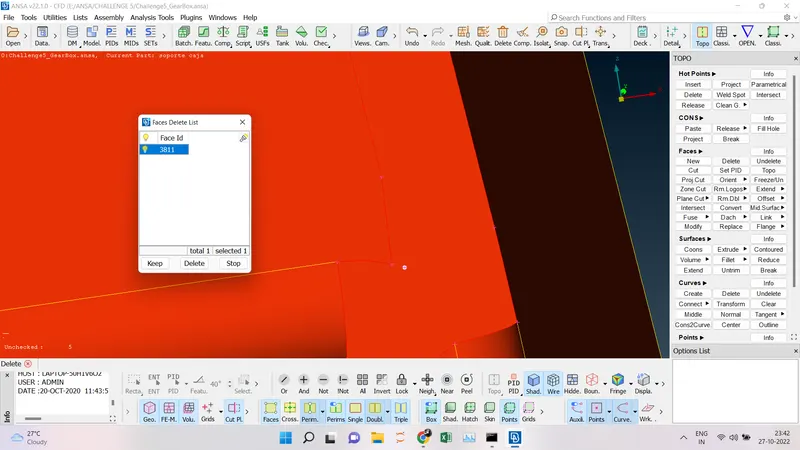
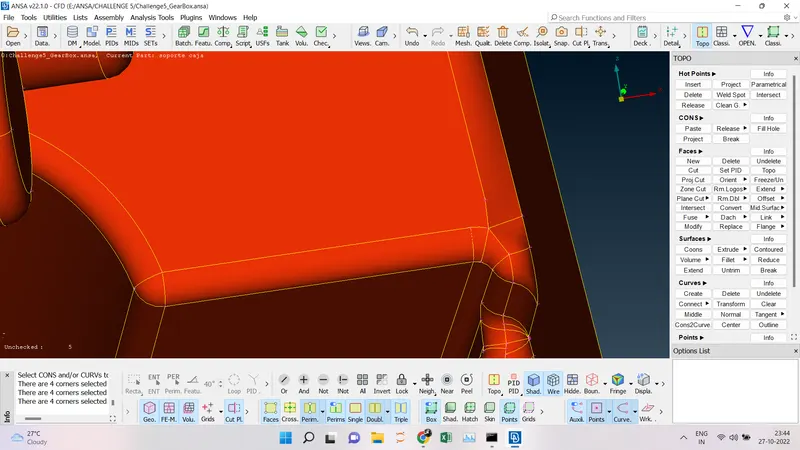
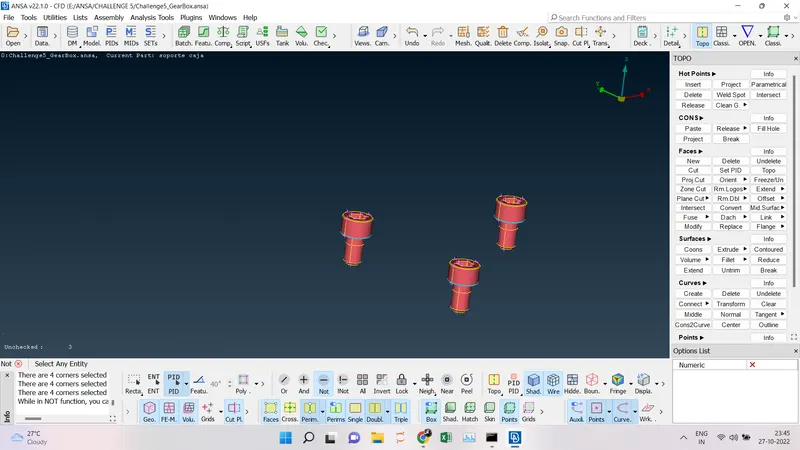
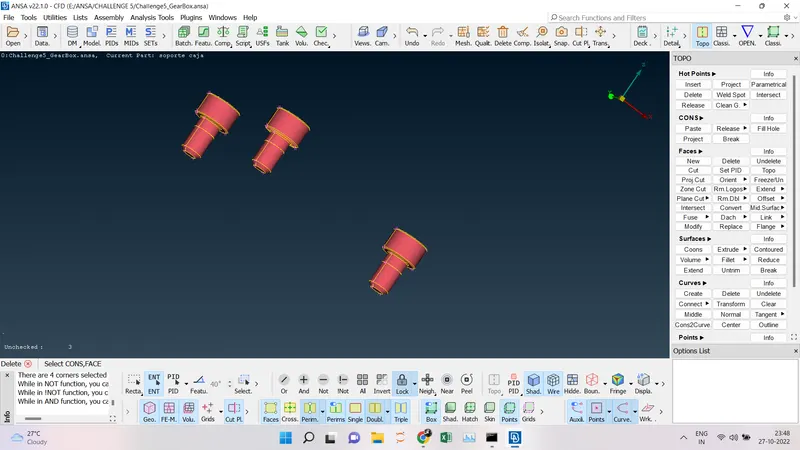
- Third, Gear Box cleanup, here there are triple cons are there due to the overlapping of the surfaces, so we are going to use the Not option to hide the outer surface and Faces--->delete the extra surface which is creating an overlap.
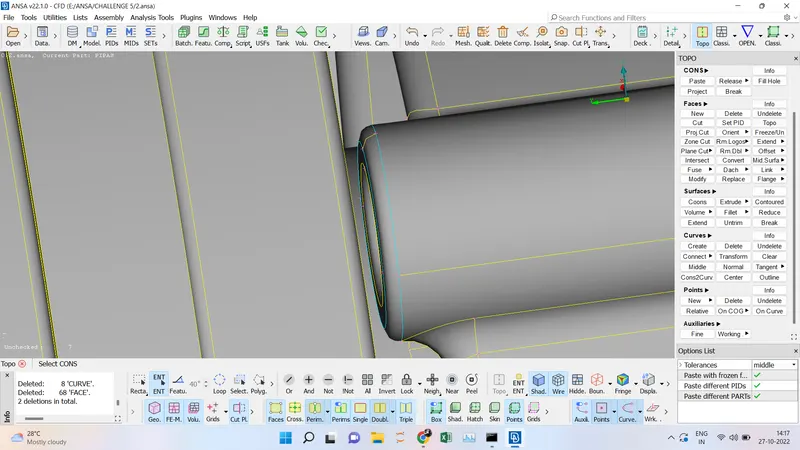
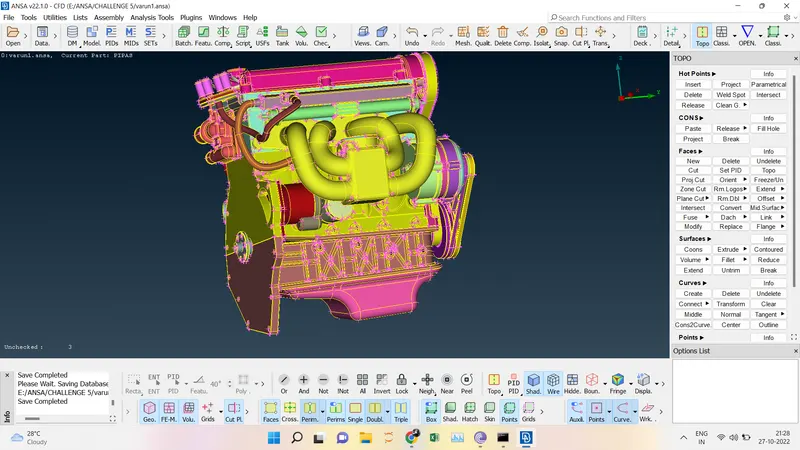
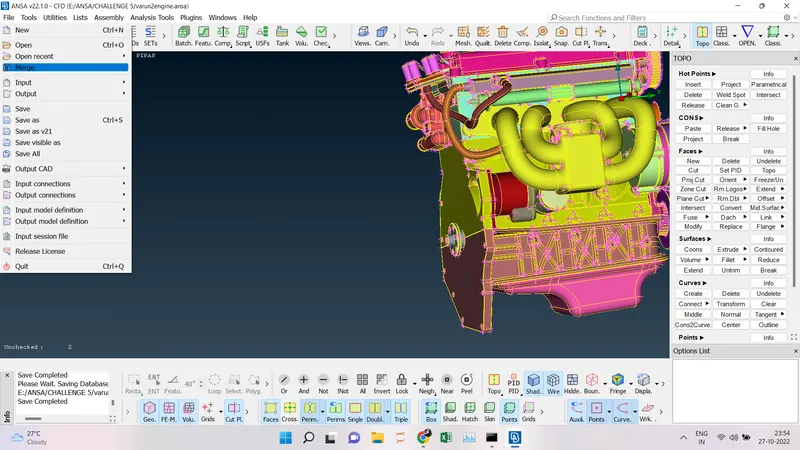
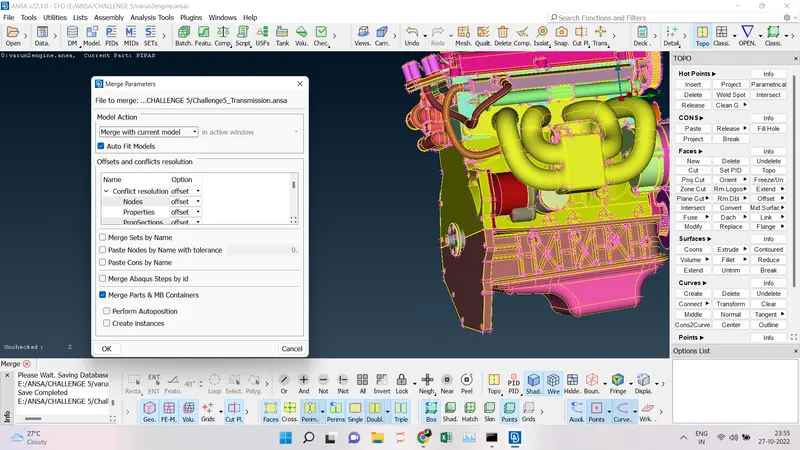
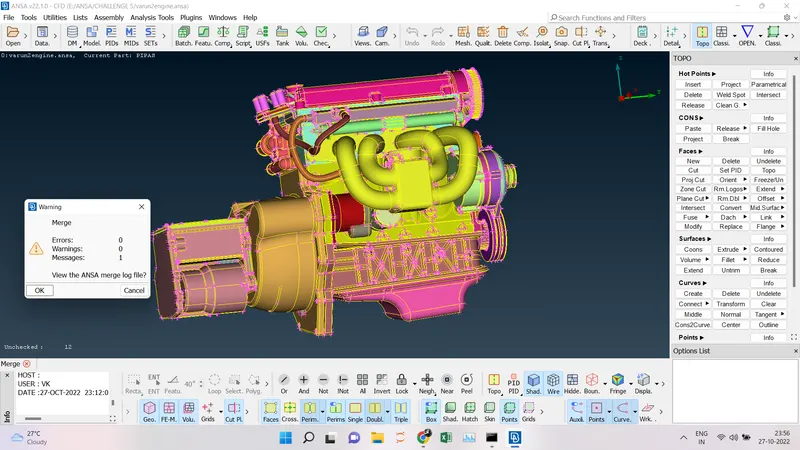
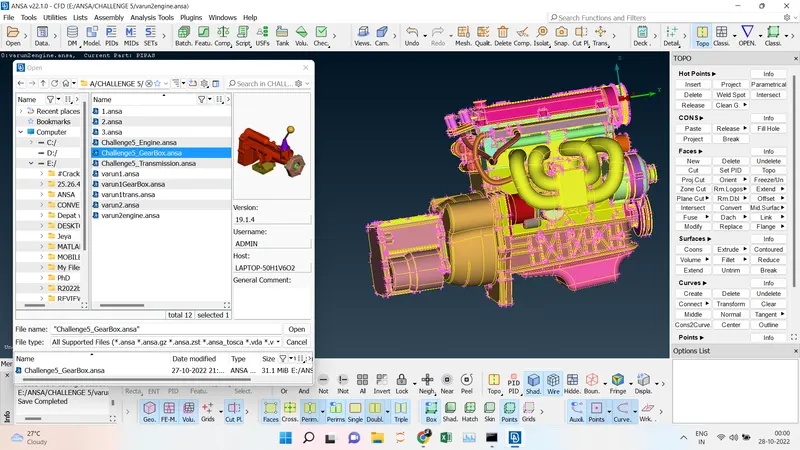
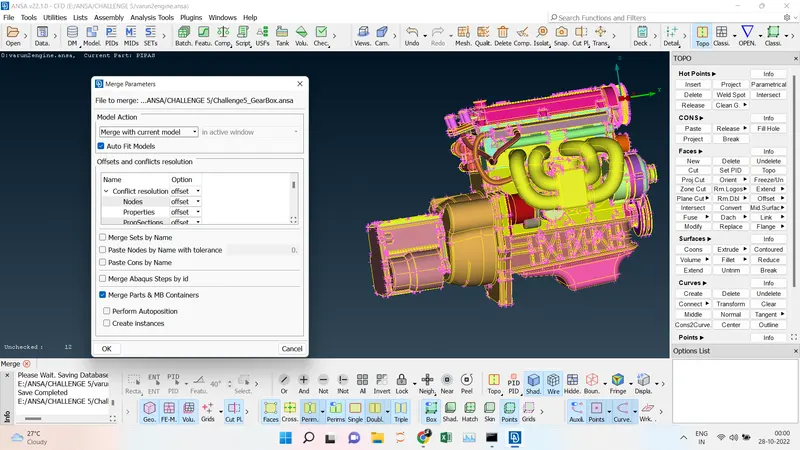
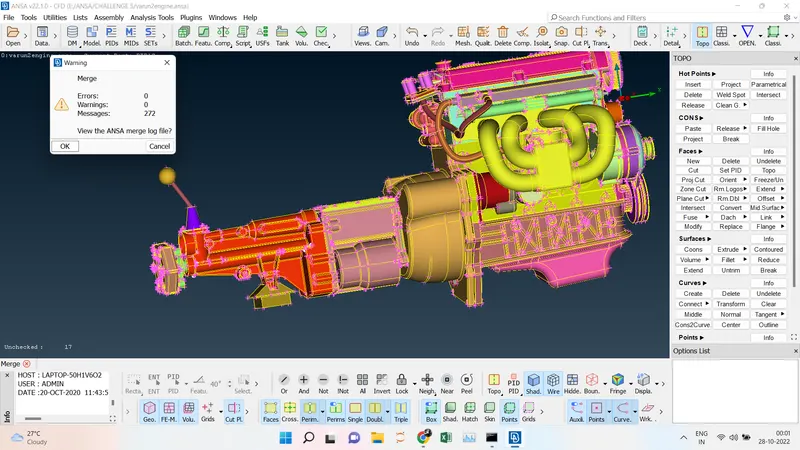
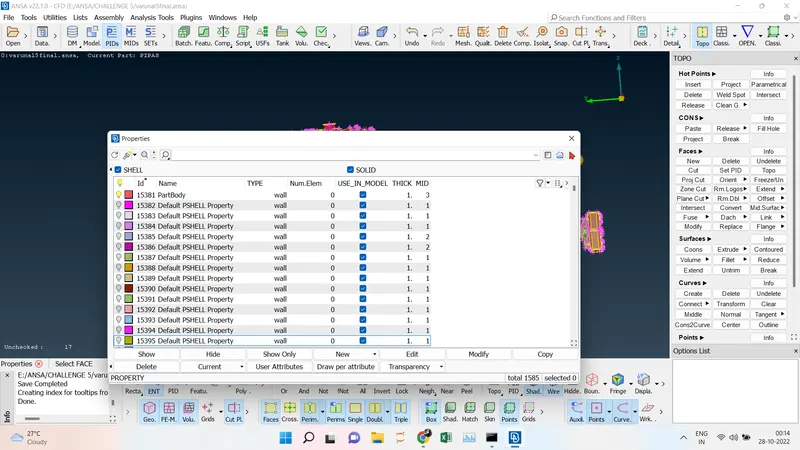
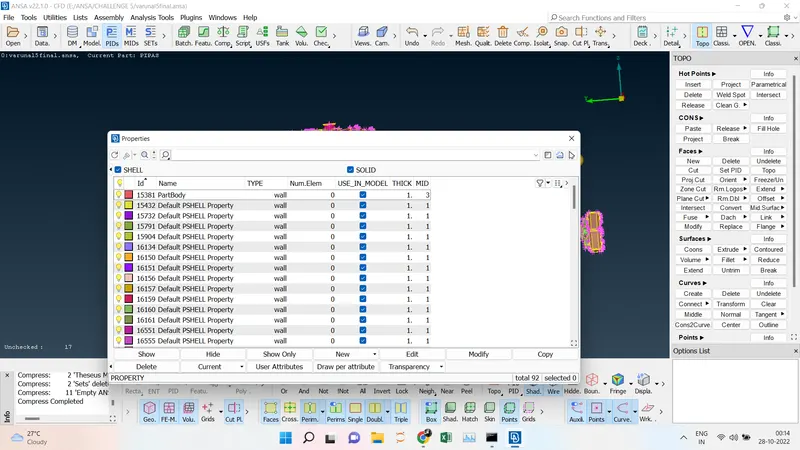
- After doing the Topo Cleanup we are going to merge the three parts into a single part. we have to merge the engine and transmission first for that go to File ----> Merge----> Select the file which we are going to merge ----> Select the Merge with current model -----> Tick the auto fit option then a dialog box will appear to check for the errors if there is no error we have click cancel and both parts will be merged successfully. same we will be repeating for the gearbox also then all the parts will be merged successfully without any deviation. Close all the openings before starting the meshing.
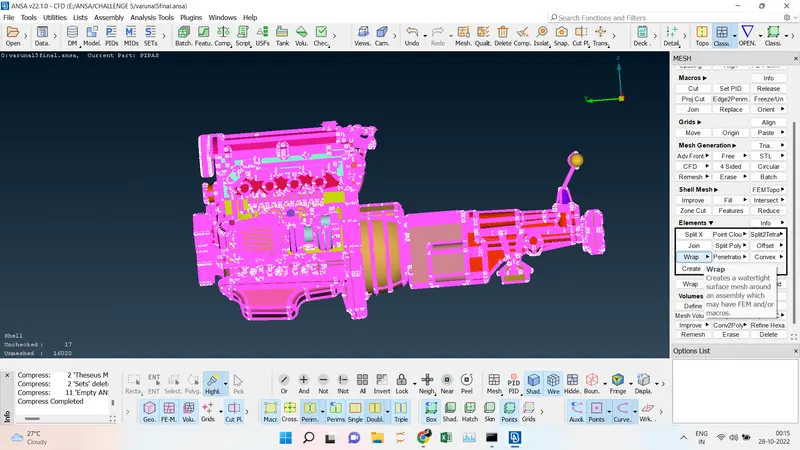
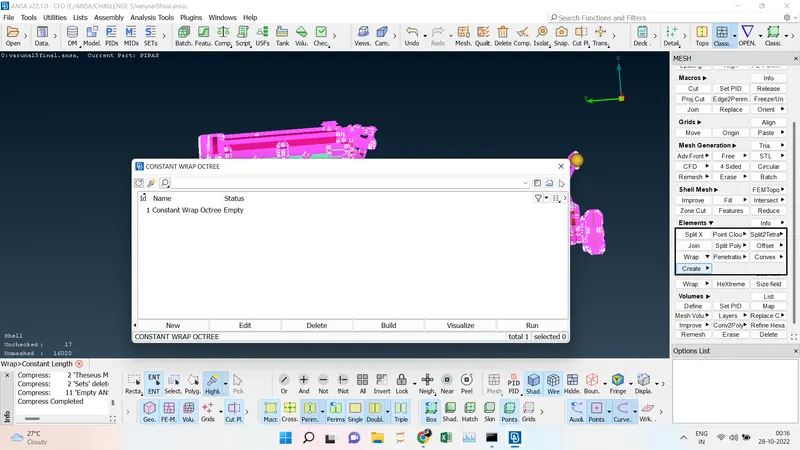
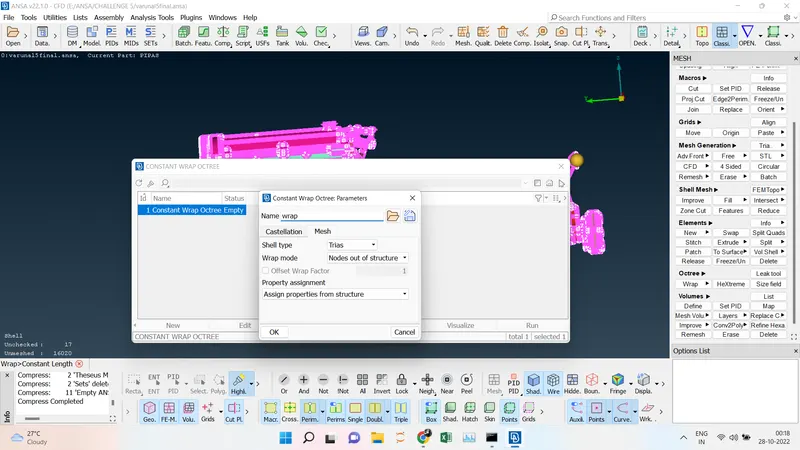
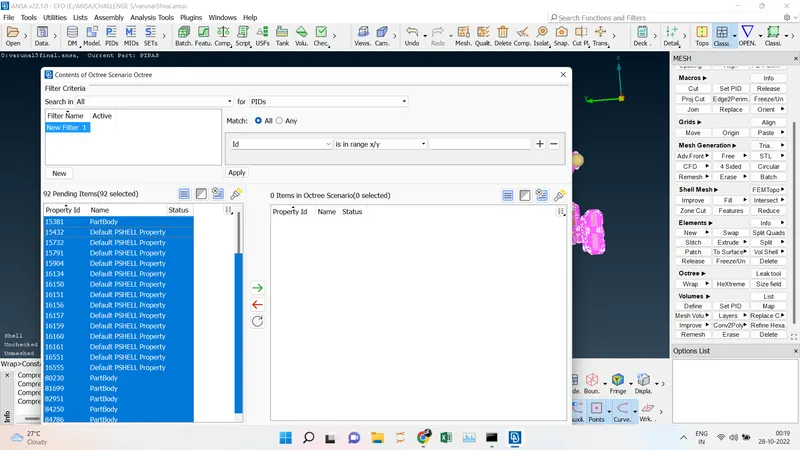
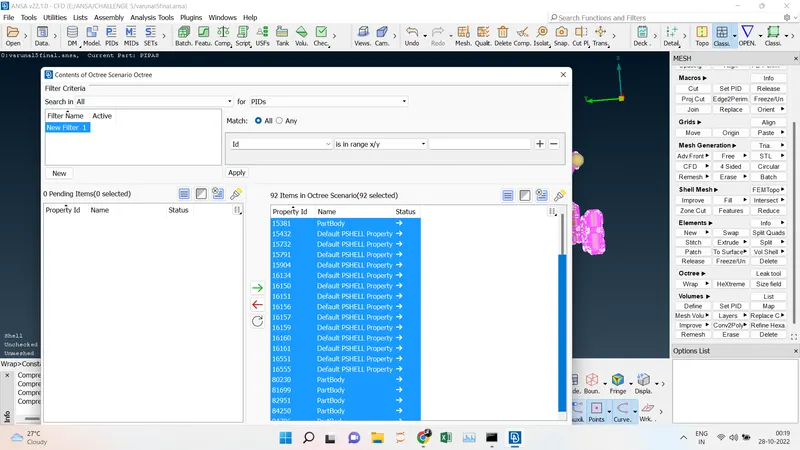
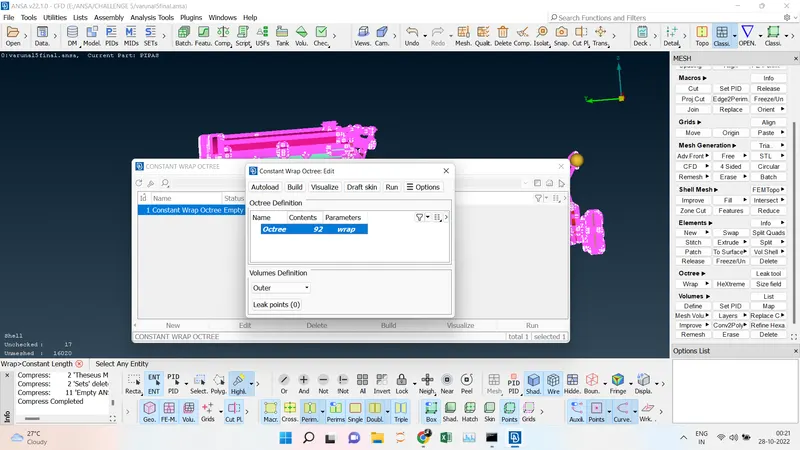
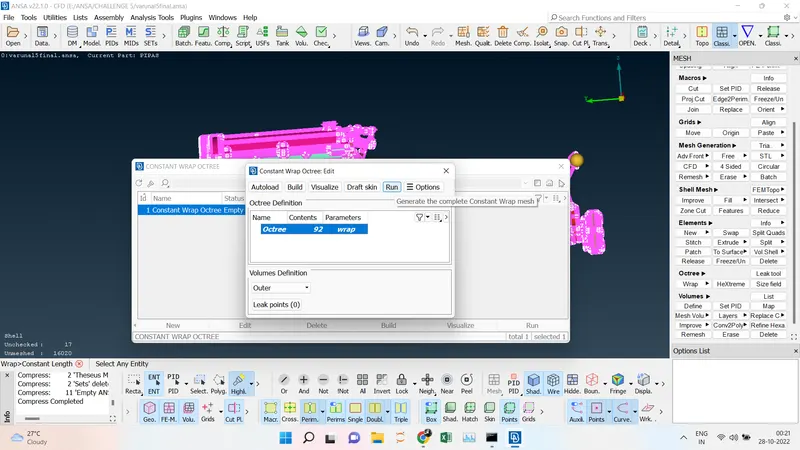
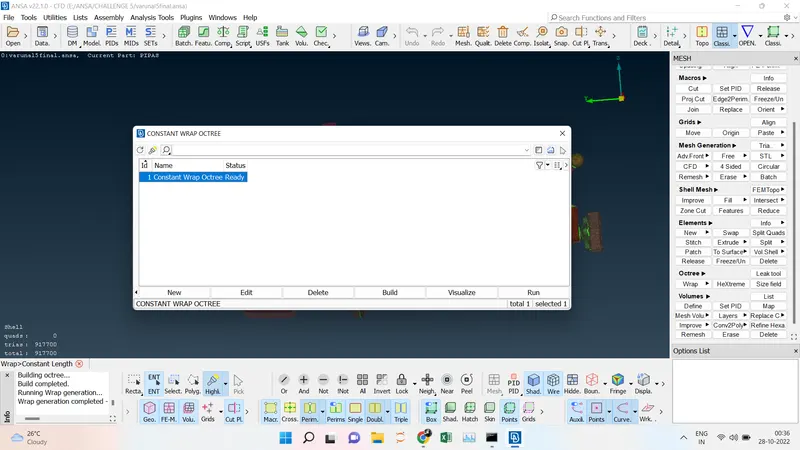
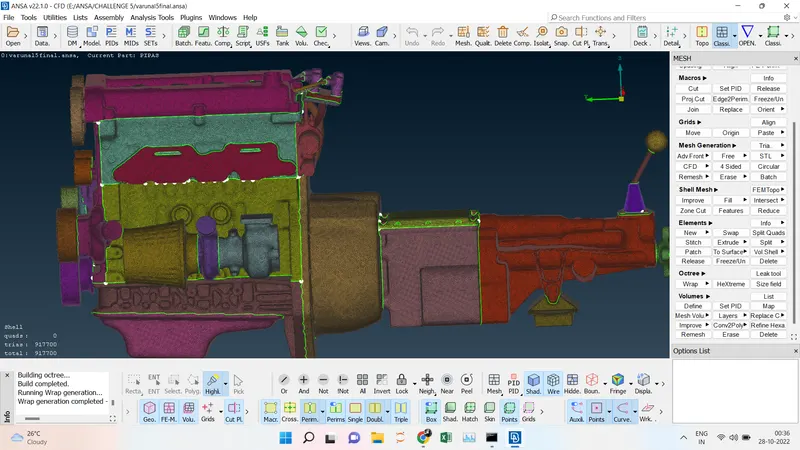
- Finally, we going to do the surface wrap using the Elements ----> Wrap----> Constant wrap Octreee----> Give the name for the wrap and then Mesh --->Tria elements have been chosen ----->Select all the PIDs to mesh and click the green arrow all the PIDs will be imported and then give the run button it will be approximately 5 - 10 mins to create the surface wrap. After the particular time interval, the mesh will be visible and the Surface Wrap will be done successfully.
1.
2.
3.
4.
5.
6.
CONCLUSION:
- The Topo cleanup for the Engine, Gearbox, and Transmission has been done successfully.
- All the parts have been merged without any errors.
- The surface wrap has been performed successfully for the targeted length of 3 mm.
GOOGLE DRIVE LINK:
https://drive.google.com/file/d/1FQB-eWmCRI_rfPaSItCLs5SM9fdy9mwD/view?usp=sharing