Week 5 Challenge : Surface wrap on Automotive Assembly
Aim: Surface Wrap on automotive assembly, which includes Engine, Gearbox, Transmission.
Surface wrapping used for external flow analysis, while doing surface wraping consider only external surafce which is free from geometrical error,need not to worry about internal intersection or geometrical error.
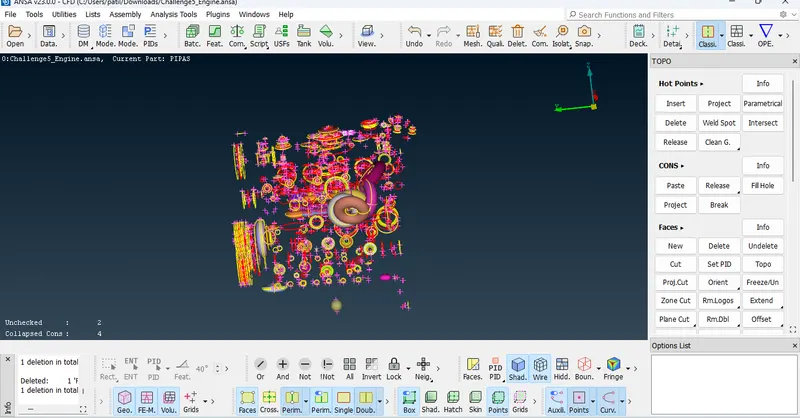
As we can see in below geometry, it seems complex geometry with red coons, triple coons, but in actual engine is not complex geometry hence we Start with geometrical cleanup of engine.
Delete extra surface which is not connected to Engine through Universal Delete.
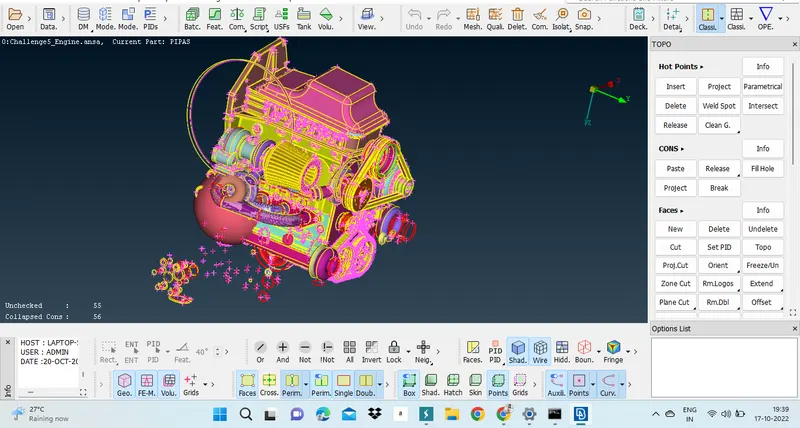
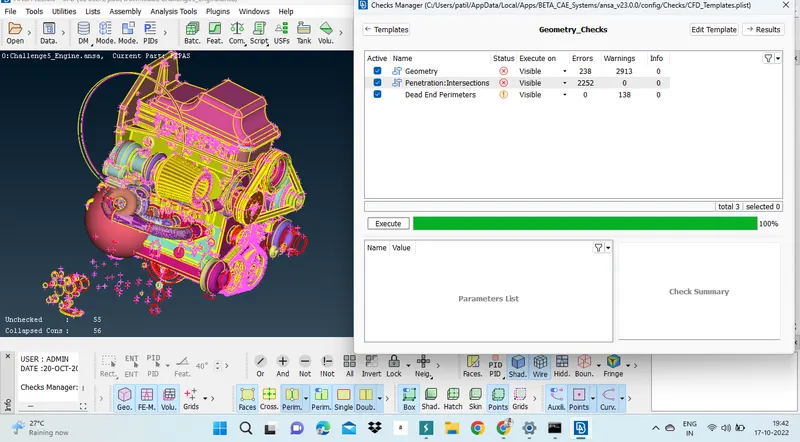
If we can check Geometrical error, we can get idea about intersection error and geometry error while we doing surface wrapping we are not going top consider it.
Check Manager > Geometry check >
Universal Delete > Select the part > Ok, This is repatative procedure for extra surface.
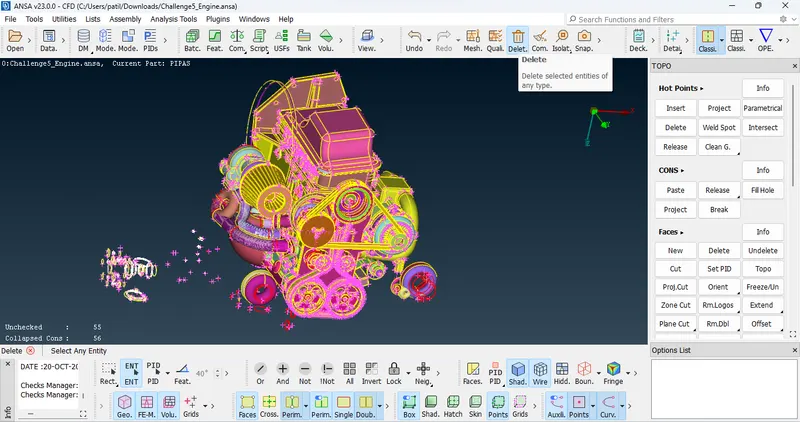
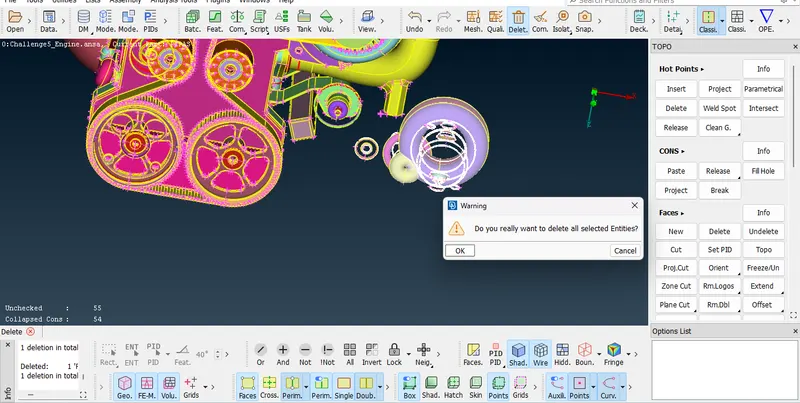
Note : Before going to delete any surface we must check for extra surface so we can use Not tool for it.
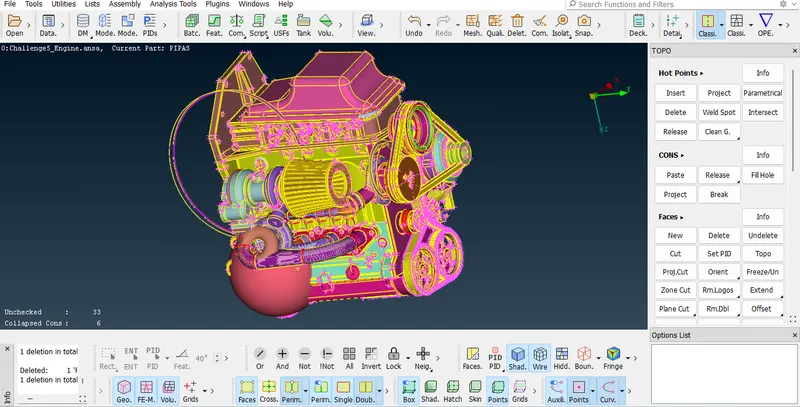
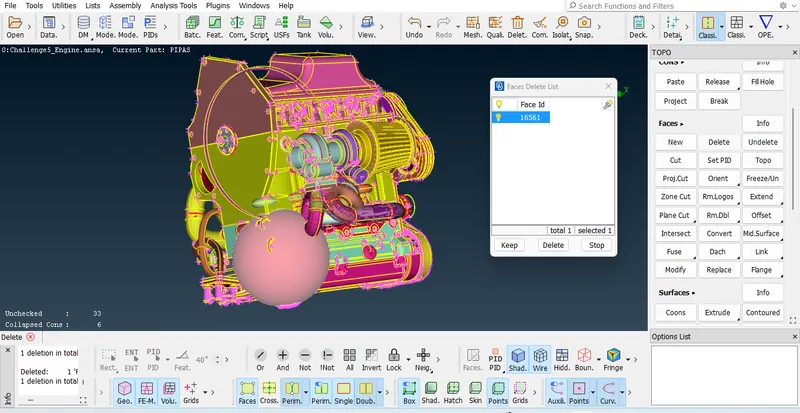
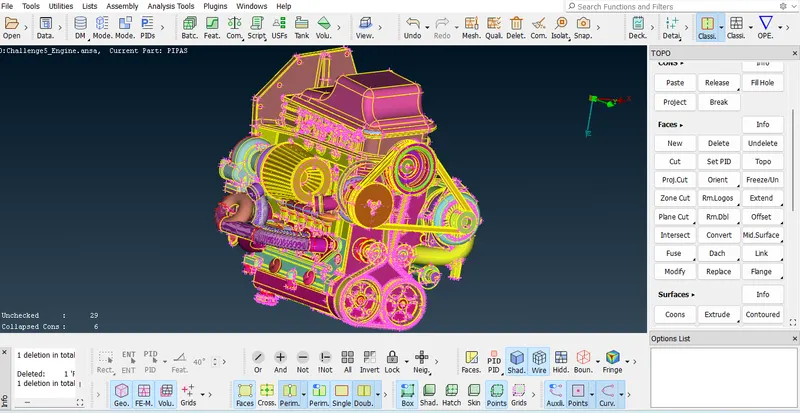
As we see in below snap, we can undersatnd there are many rings connected to engine parts, need to delete it through face delete bacuase this rings attached with engine parts.
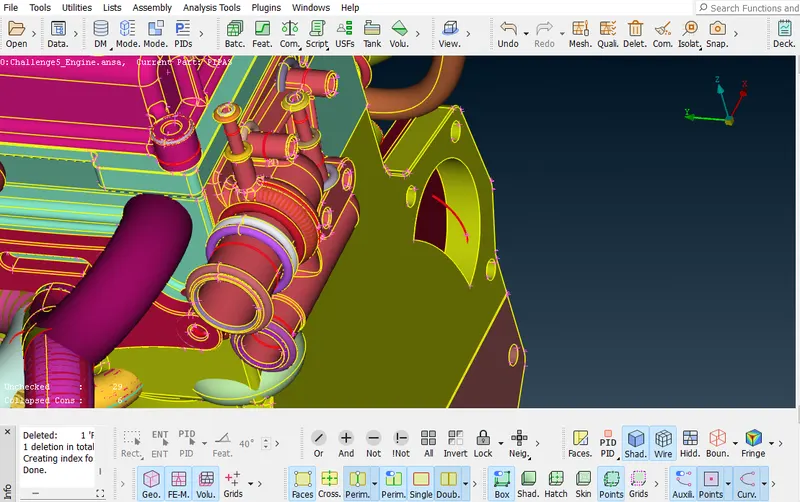
Overlapping Surface : we can clearly see in PID mode cause surafce colour is uneven. delete all extra surface.
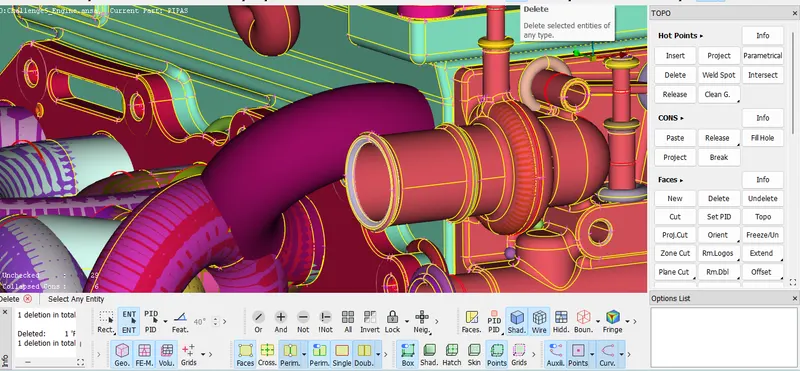
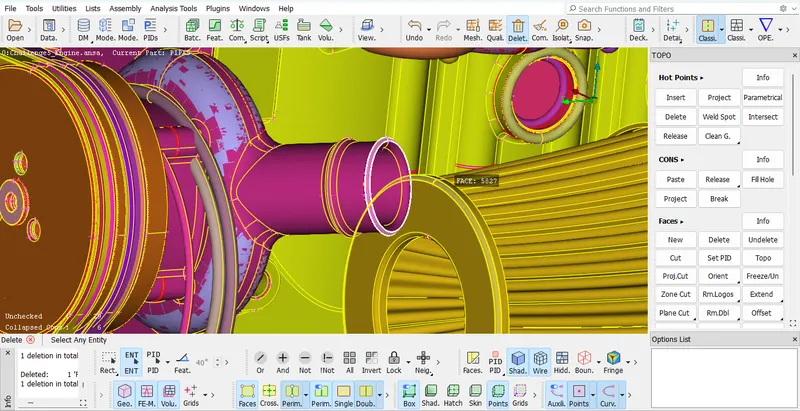
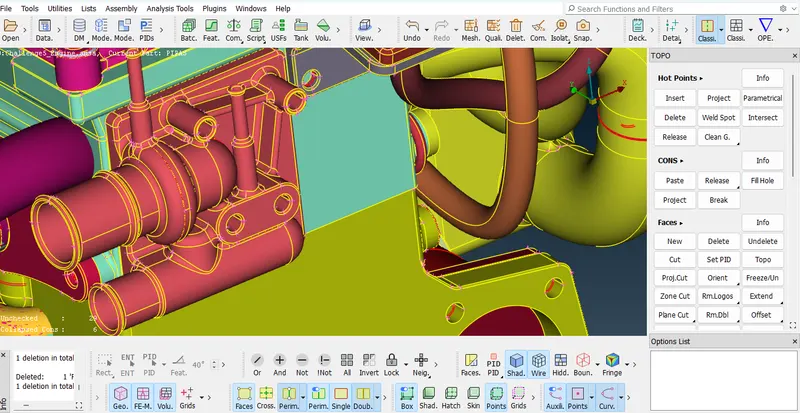
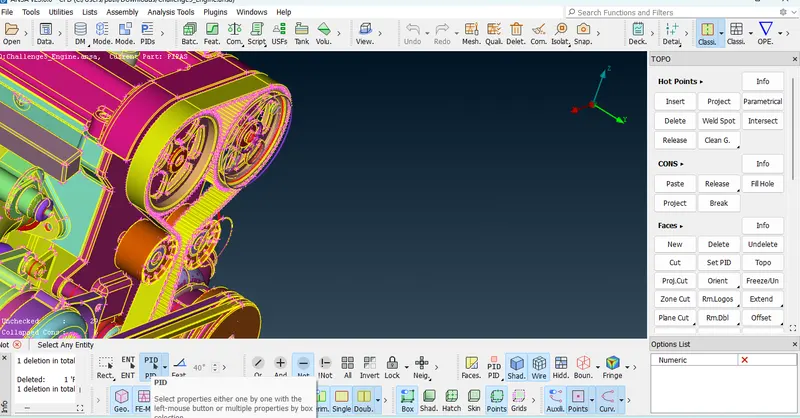
we can isolate the Engine parts using not option OR option in PID mode, so that we can get only remains ring,meanwhile delete the reamains parts through universal delete.
Do not Select at one time, cause we need to check carefully for any engine parts.
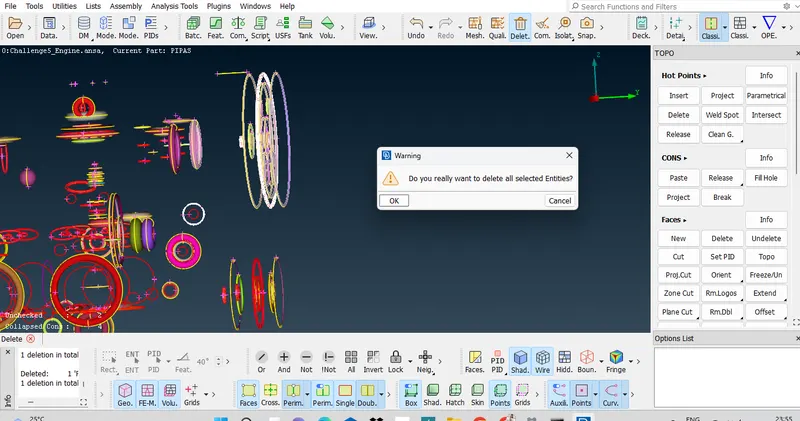
This is result after deleting all rings.
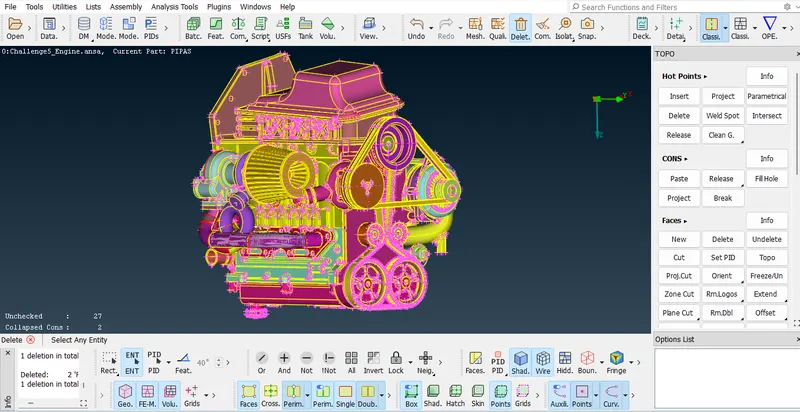
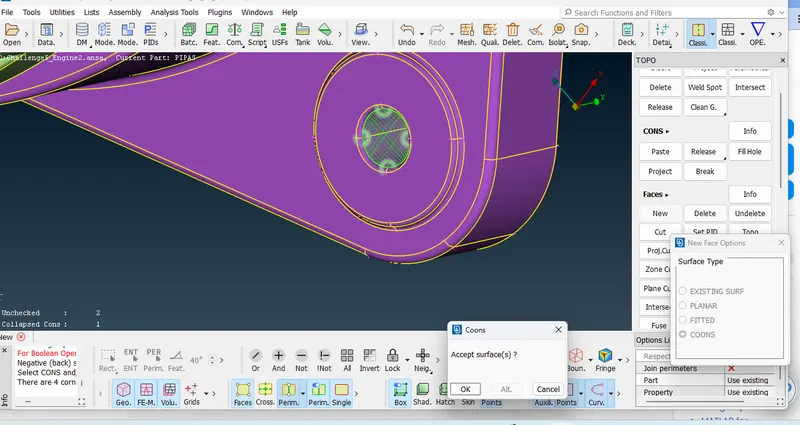
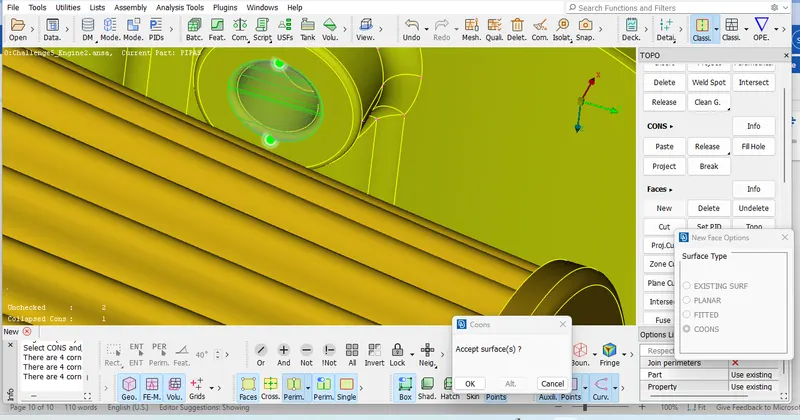
Now we consider engine about geometrical error on external surface, make sure there should be no triple coons and red coons on surface while do surface wrap.
Delete all extra surafce and triple coons.
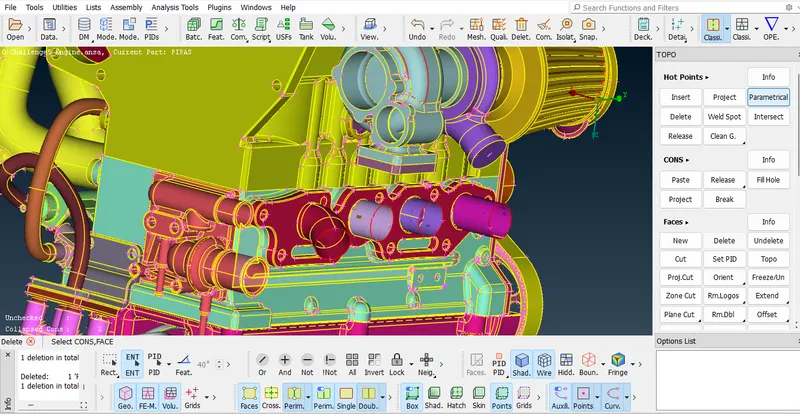
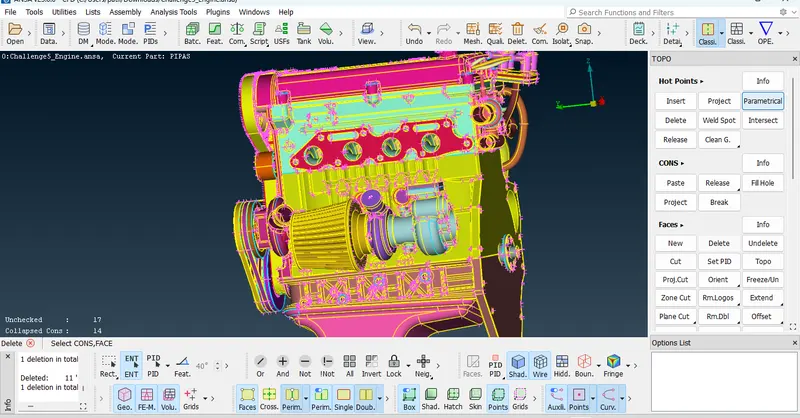
Delete triple coons throgh face delete, this is repatative procedure for all triple coons.
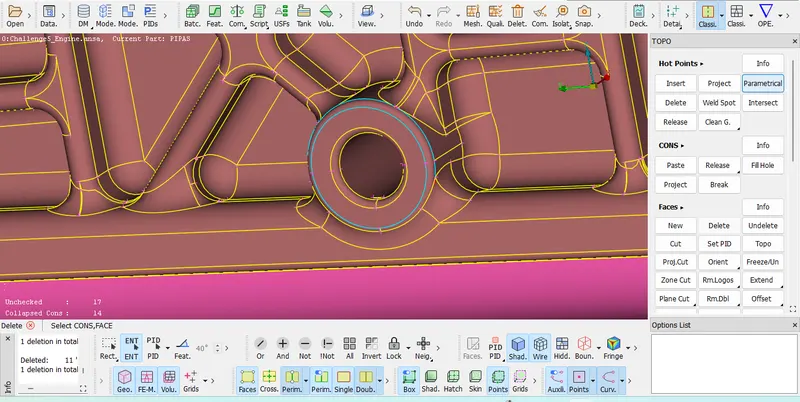
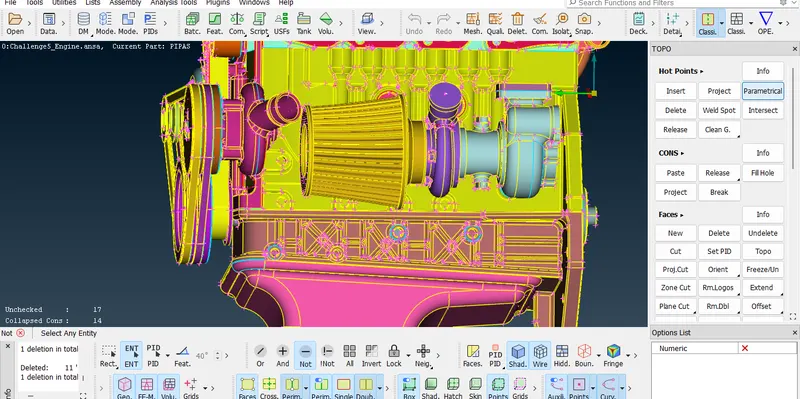
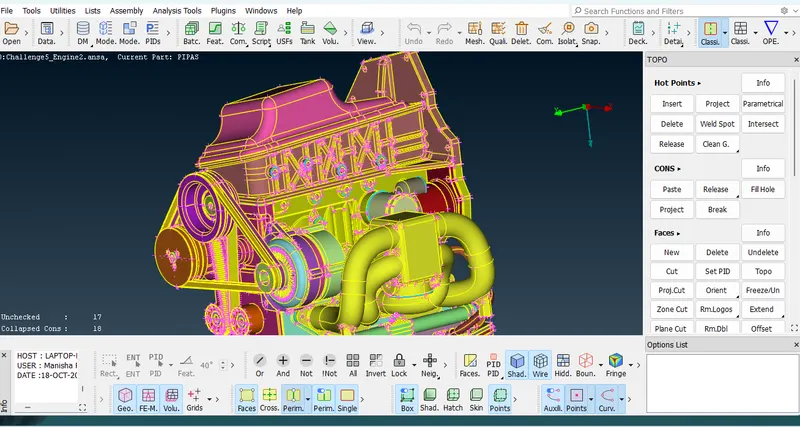
After remove all triple coons and red coons.
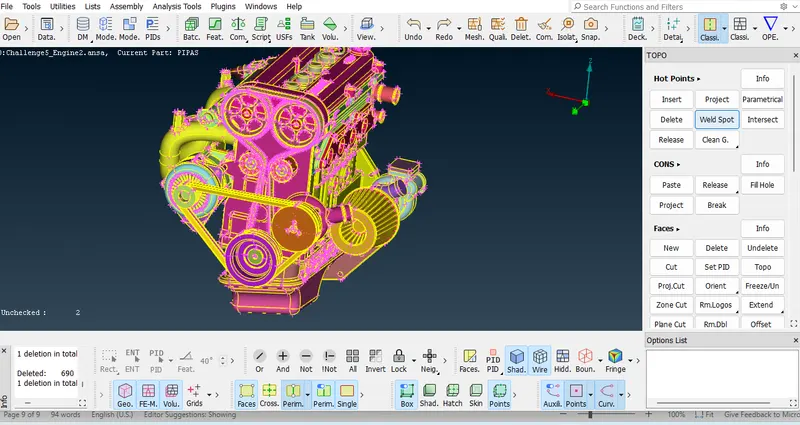
We are going to delete belt because surface wrap doesn't get on thin Surface.
Universal delete > Select the belt> Okay.
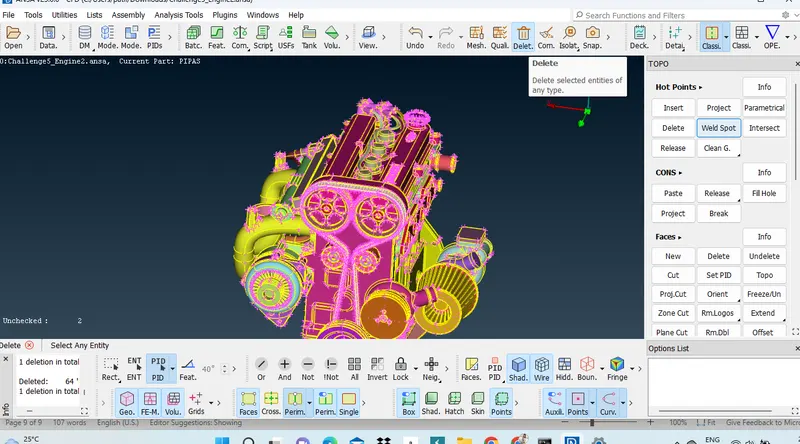
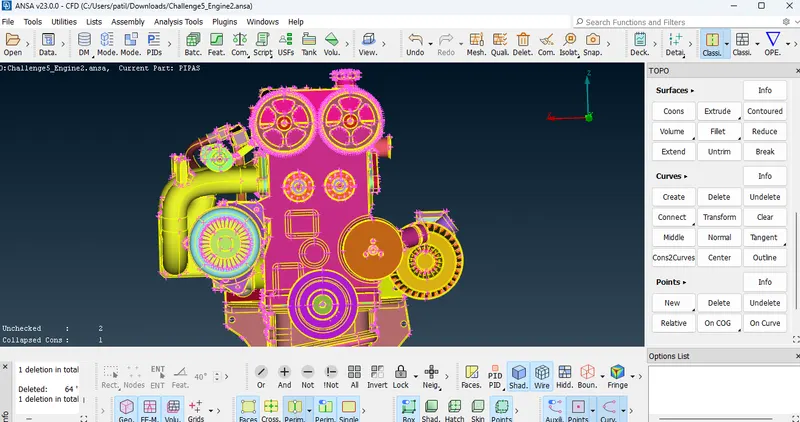
Final result in wire frame Mode for clear indication of triple coons.
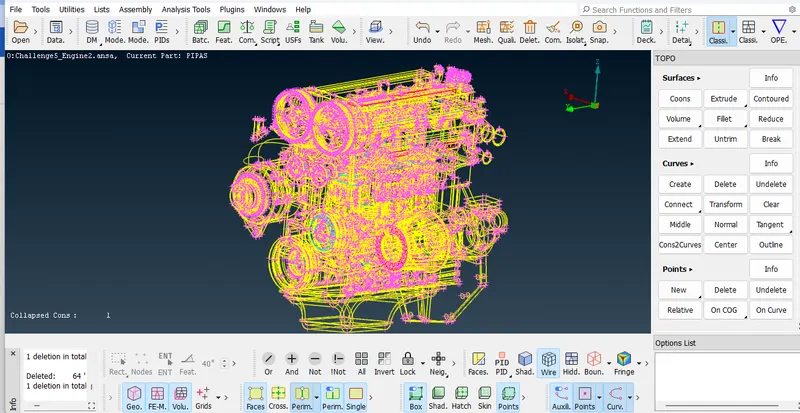
Note : While doing surface wrap all whole or open surface should be closed, if it opens will get destructive surface wrap.
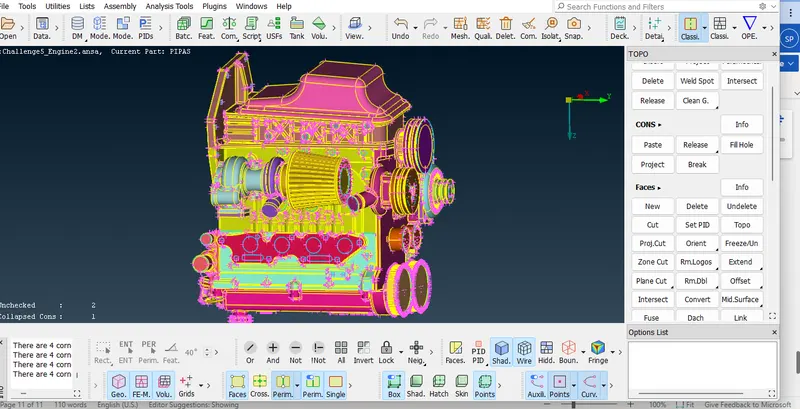
After closing all parts and clear all geometrical error, we get geometry for surface wrap as shown in below fig.
https://drive.google.com/file/d/1nEf2NM_qXxMPF0shTSvqswHspYNb8mJi/view?usp=sharing
Transmission : Transmission is used for transmit the powe from Engine to Gearbox.
As compare to engine transmission has few errors.
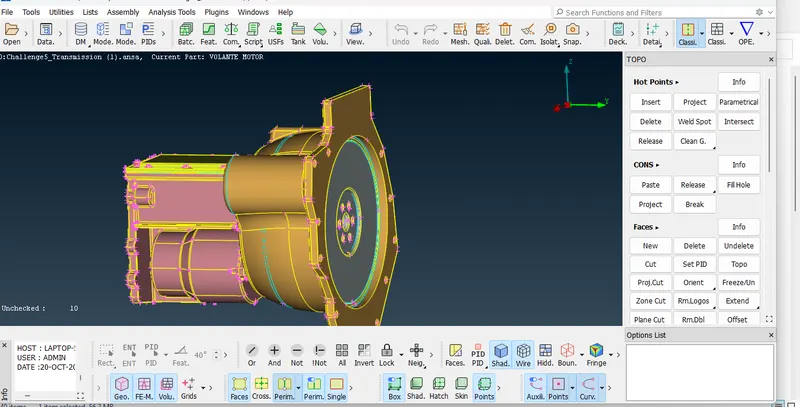
Delete all triple coons through face delete.
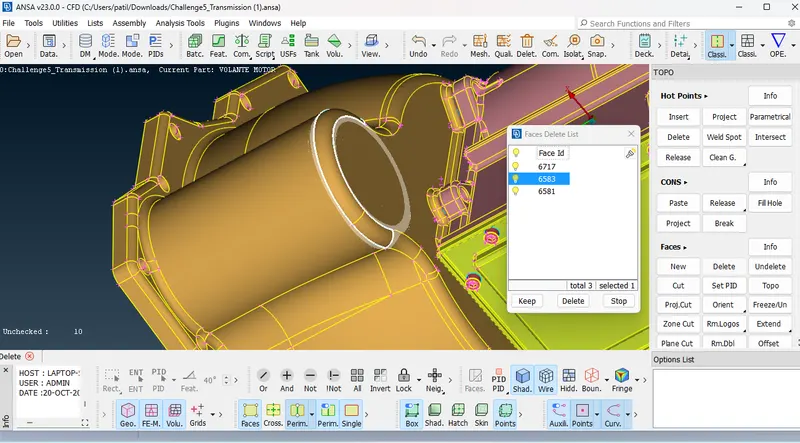
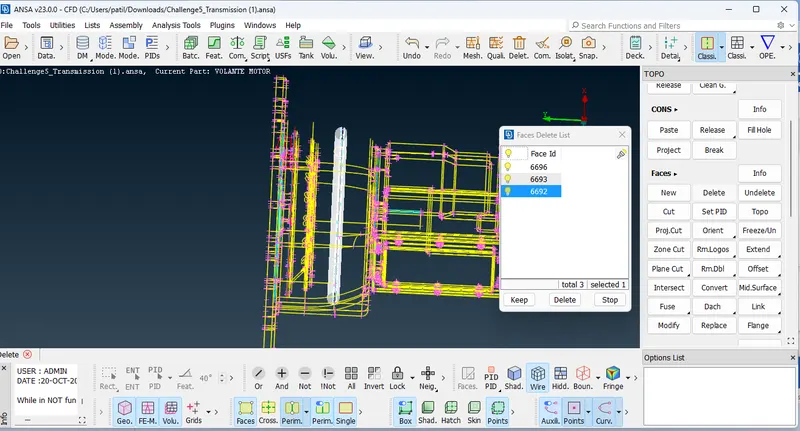
Repatative procedure for triple coons.
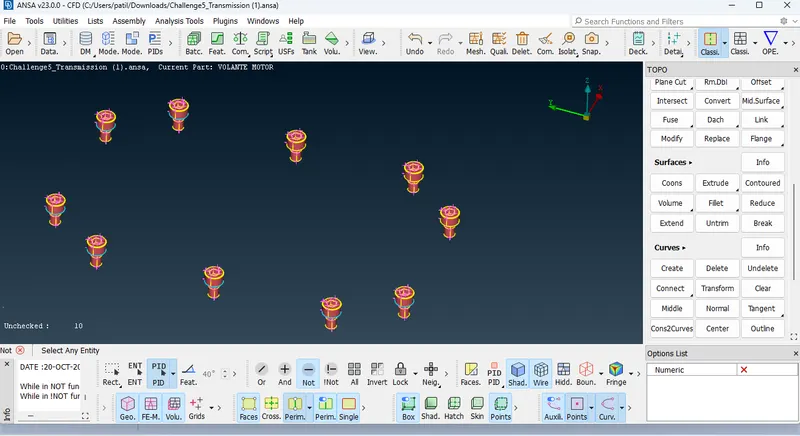
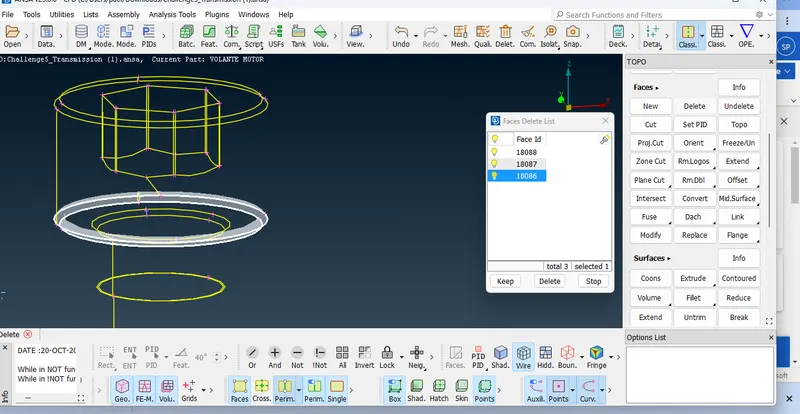
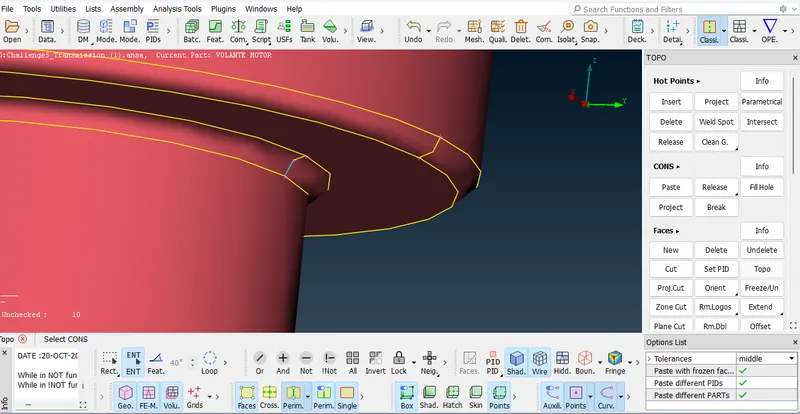
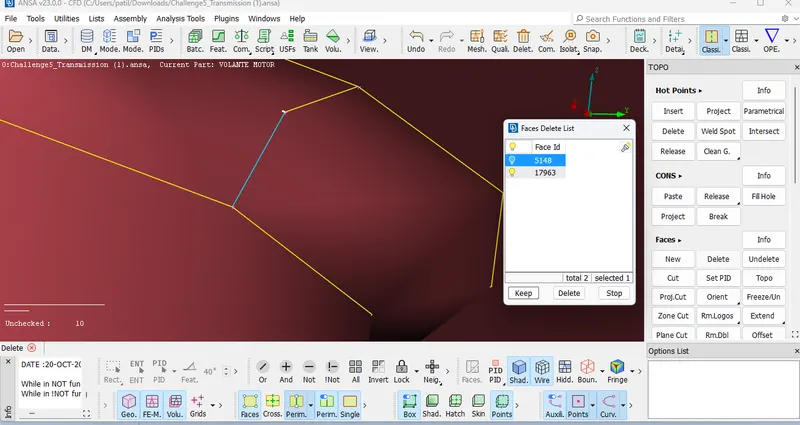
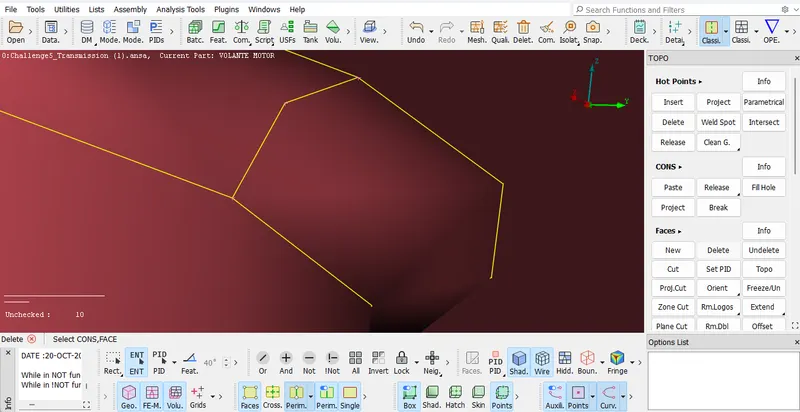
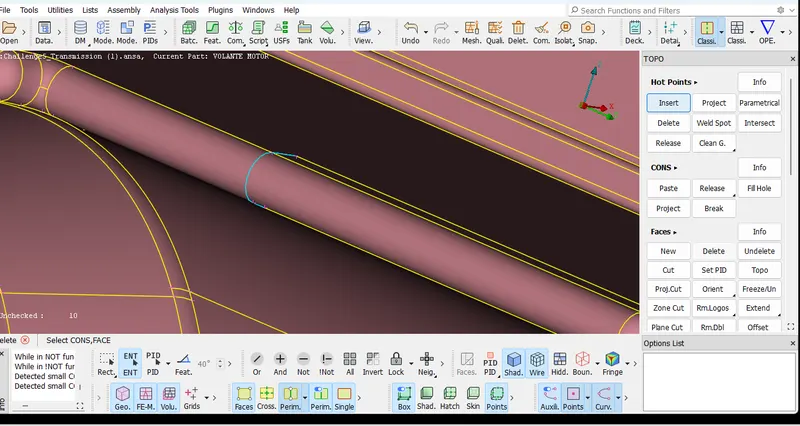
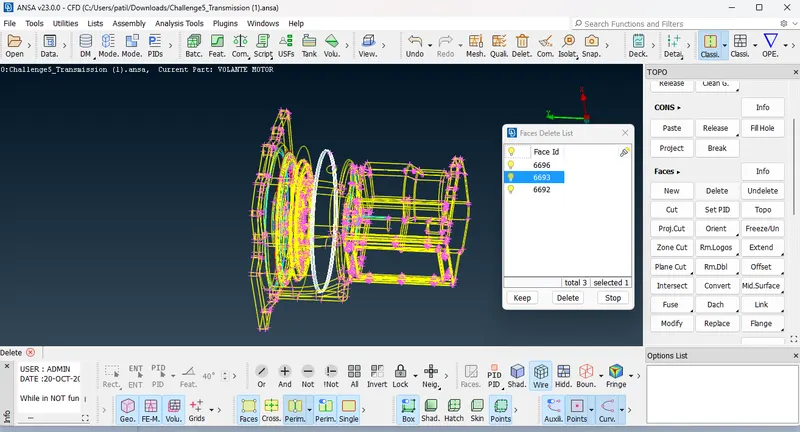 we can see below fig after clear triple coons from transmission.
Do Not close Open surface of transmission because we are going to merge with Engine, after merge of transmission and gear box, close all open surface.
https://drive.google.com/file/d/1fjRS3j_a6yLxwcVh0t8fA7F4y_eU14Oc/view?usp=sharing
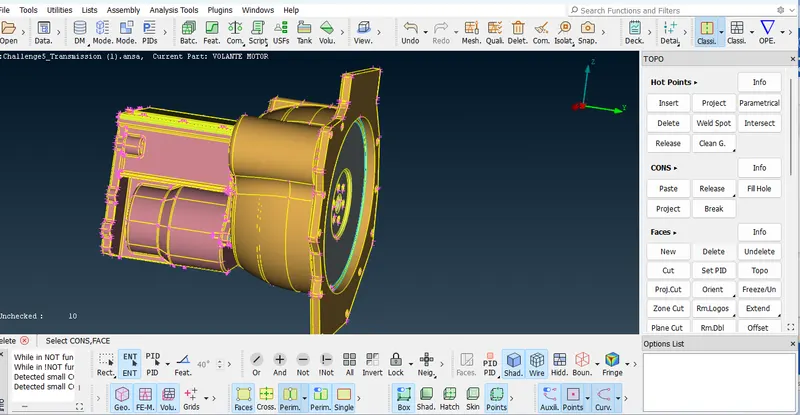
Same procedure for remove triple coons of gearbox, delete extra suraface.
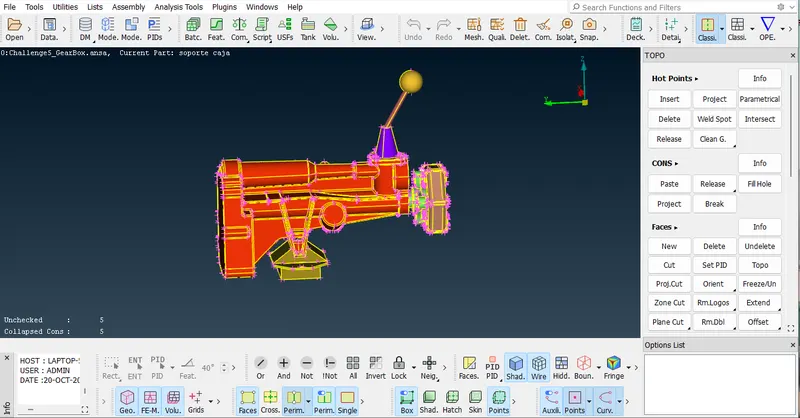
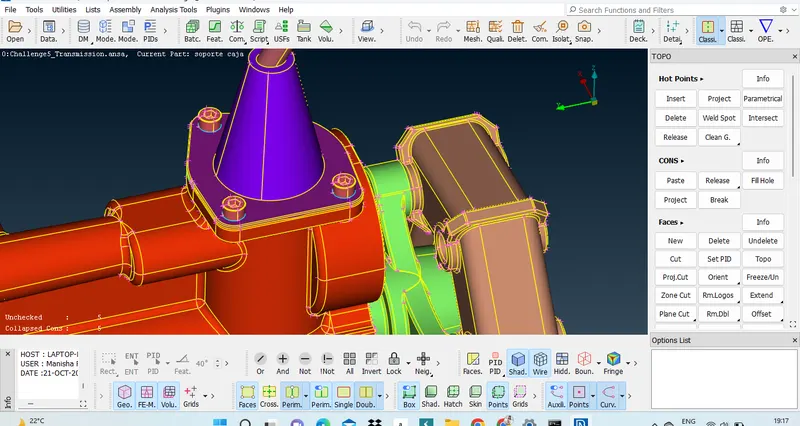
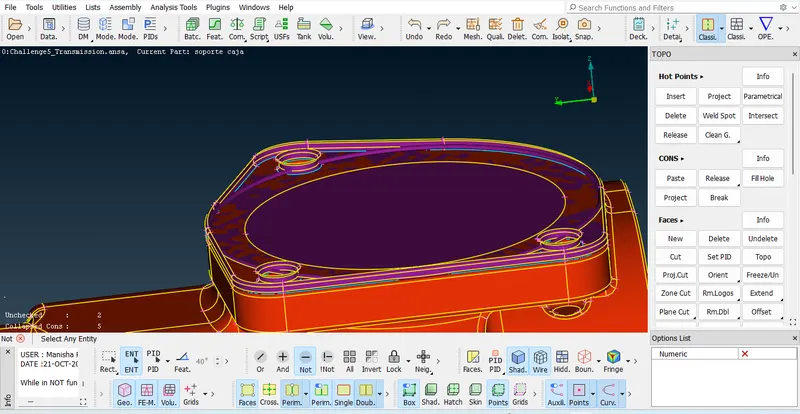
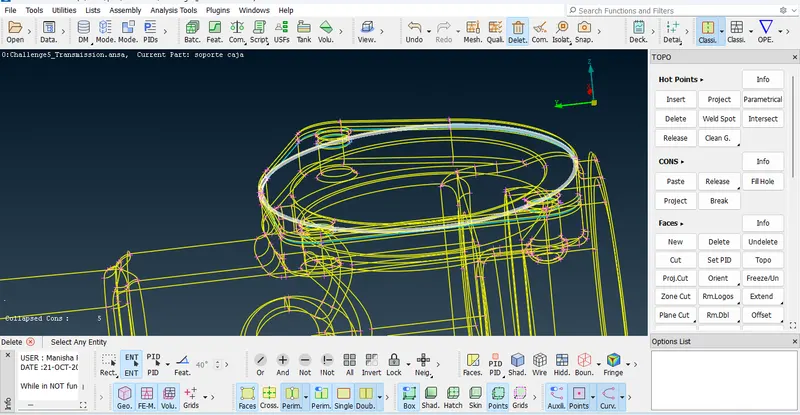
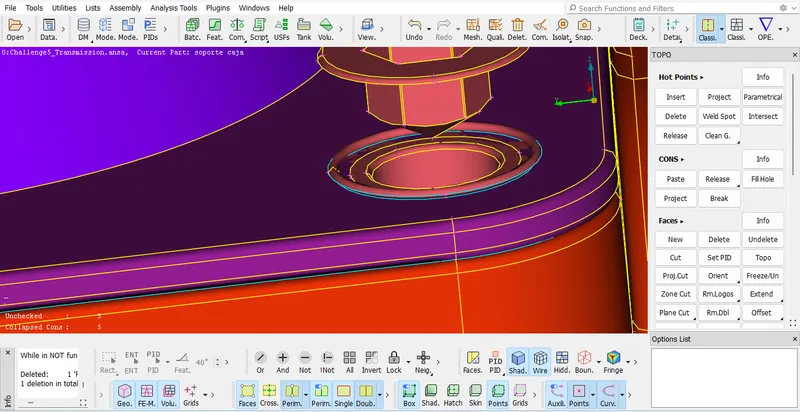
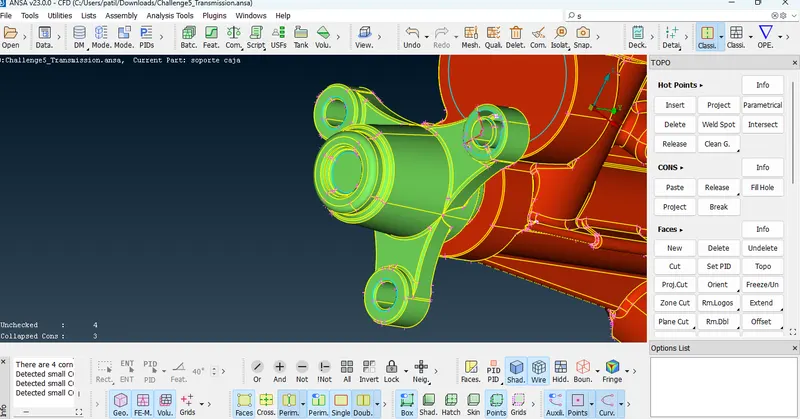
https://drive.google.com/file/d/1519F0BYAG6-BBglPvTRiIrXTiIj96gEj/view?usp=sharing
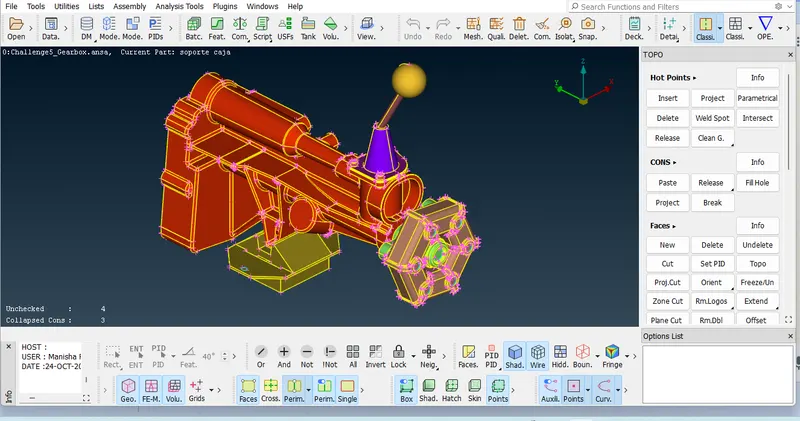
After clear error of Engine, transmission, gearbox. those parts are ready to surface wrap but before surface wrap we need to merge engine transmission and gearbox.
First merge transmission with engine.
Go to file option > click on merge >
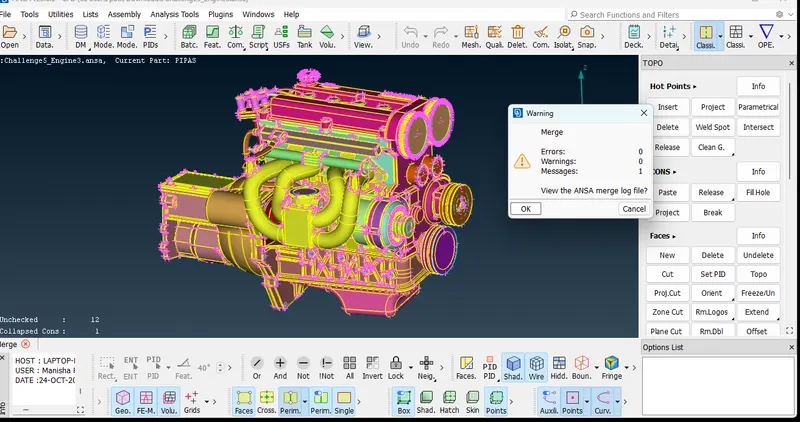
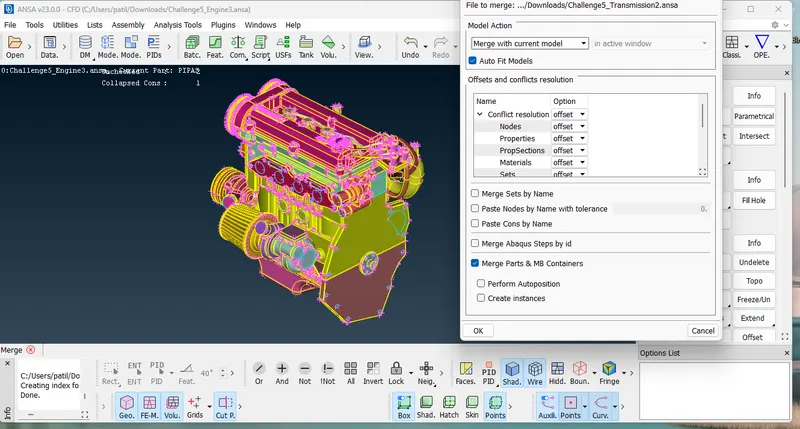
Note : Make Sure merge with current moel. click dialogue box of Auto fit models.
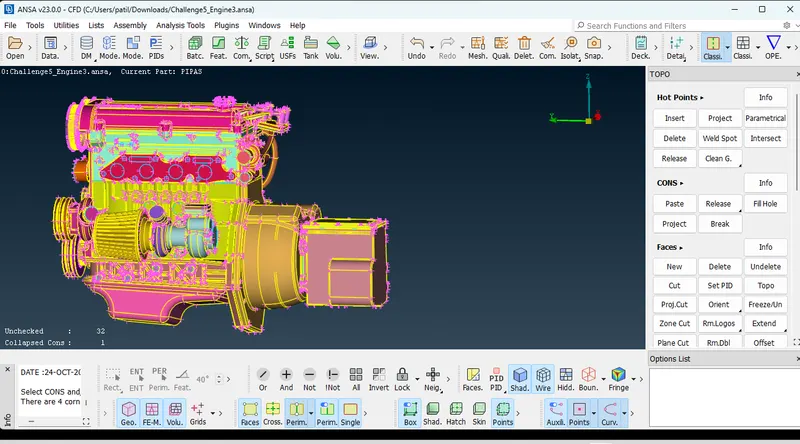
While merging need to check errors should be Zero, then it will merge properly.
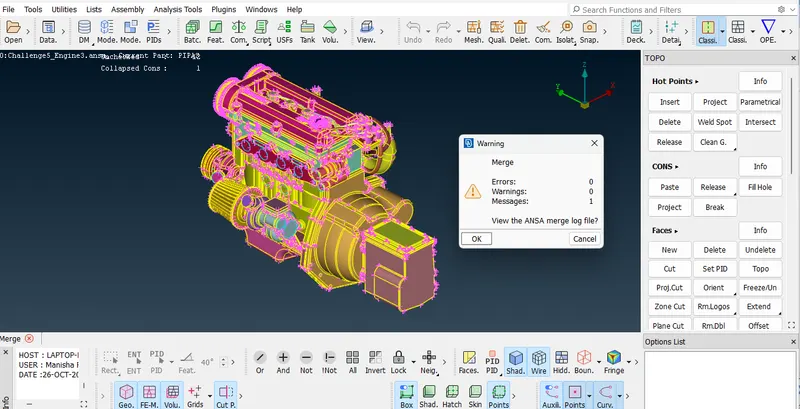
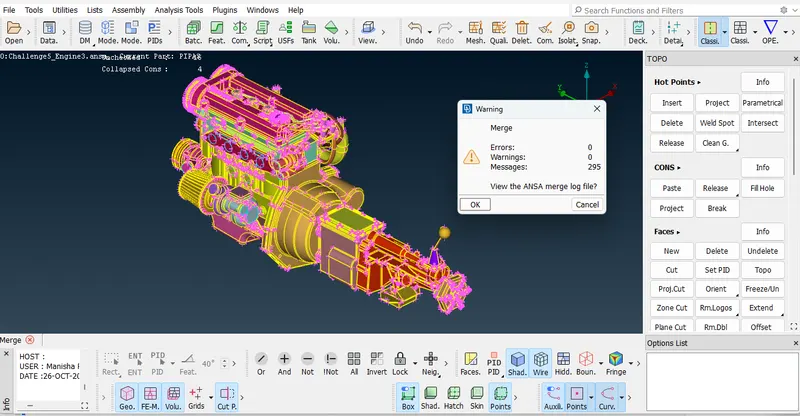
Merge all parts of automative assembly.
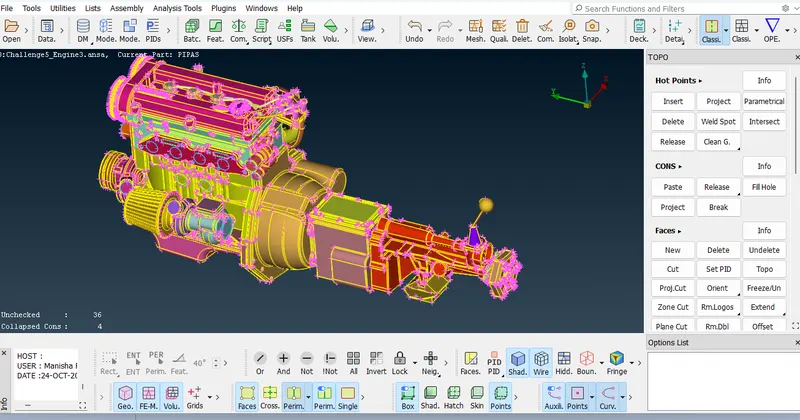
Before surface wrap, compress the PID so we cant get necessary PIDS,
Compress PID> all Deck > OK
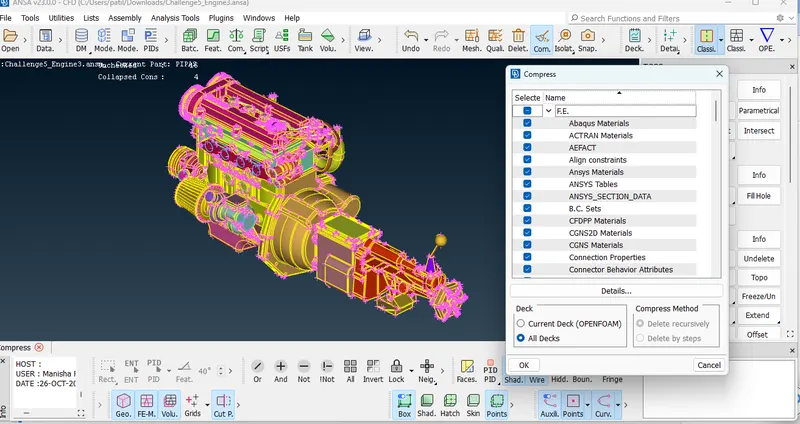
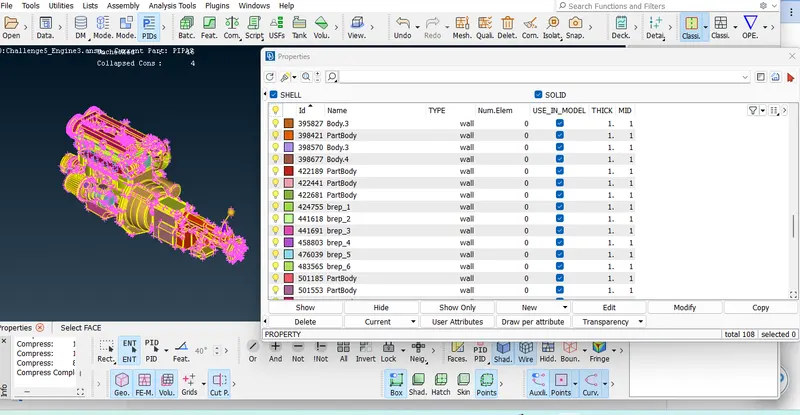
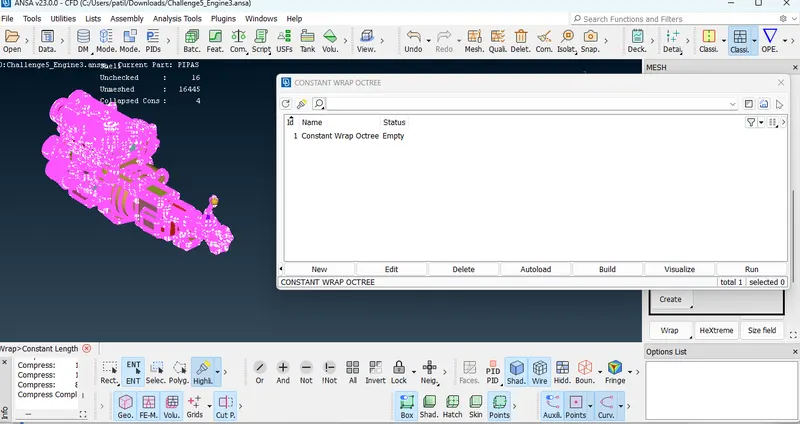
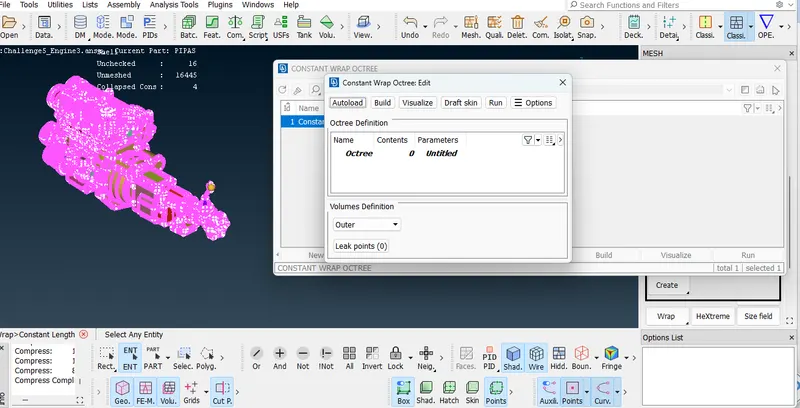
Contents PID for surface Wrap.
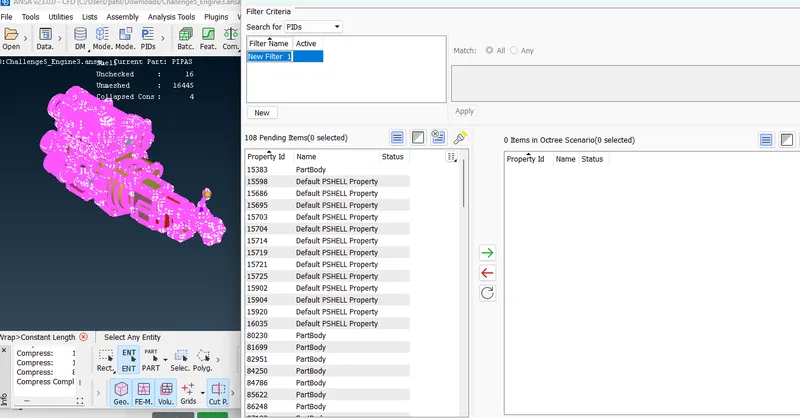
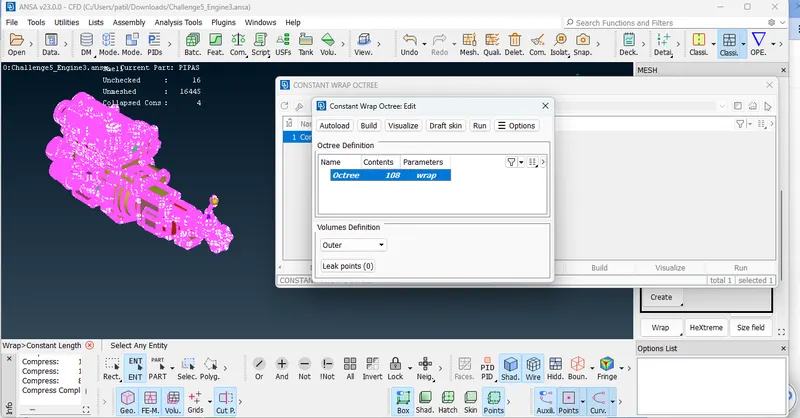
After giving mesh length and contents PID, Run the model.
Result of surface wrap refer below fig.
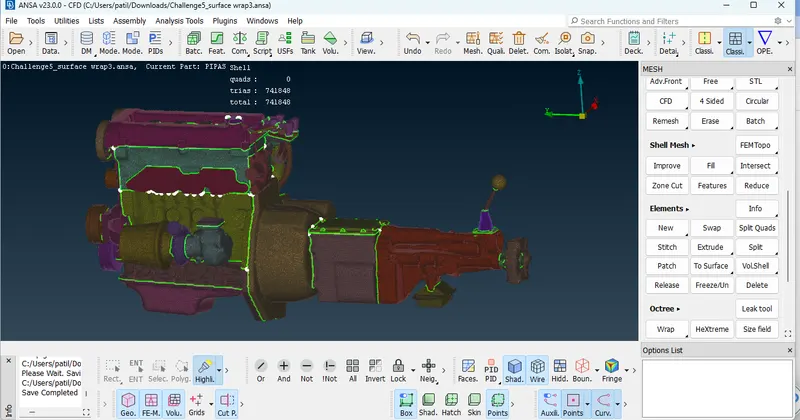
Result : 3mm Surface wrap on automotive assembly.
https://drive.google.com/file/d/1PvjuecYRJiEDOyiJ4Pi2sMidPhbIGI0d/view?usp=sharing
Conclusion : We learn surface wrap in this project along with how to merge models, geometry cleanup using PIDS, Compress the PID, Elements wrap or Octree wrap, how to contents PID .