Week 4 Challenge : CFD Meshing for BMW car
Aim: BMW surface meshing with different meshing length for parts of BMW with quality criteria.
Procedure : We begins with Visual Analyze of geometry, so we get an idea for geometry error, resolution of geometry, red coons, triple coons, mismatched surface,unmeshed surface etc.
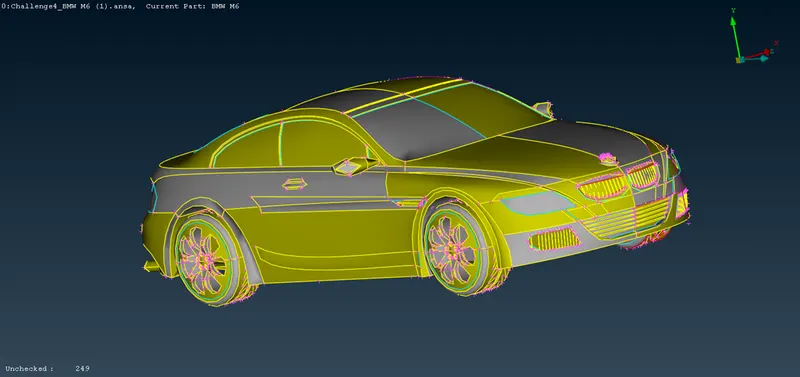
As we can see in fig No.1 which is in PID mode, we can identify triple coons ,overlaping surfcae,as well as we can see error for unchecked surface in fig.
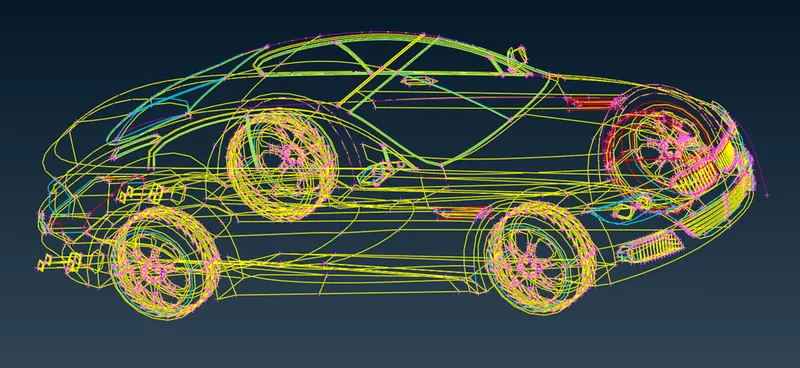
Geometry in wire frame mode.
we start with change the resoluation of geomtery and topo, after topo, some error reduced.
Note : topo help for fix auto error, remove unnecessary hotpoints.
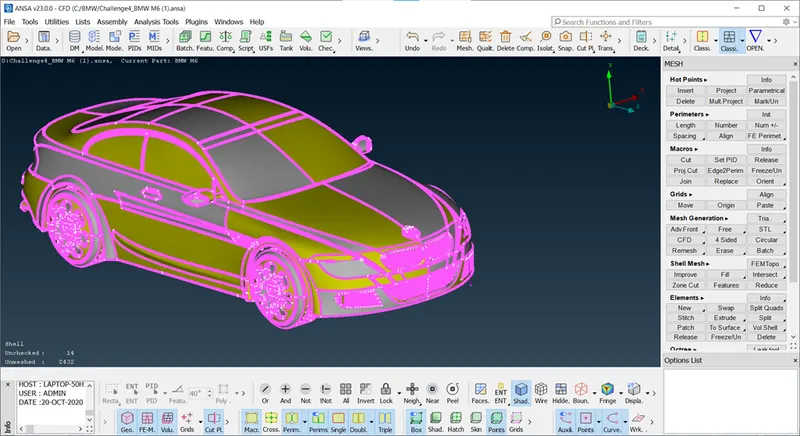
if we observe closely we can see geometry is symmetrical,so we can delete half portion of geometry and after complete work on geometry we can create half surface agin, so here we can logo of BMW is one part so we are not going to delete the logo hence we isolate logo using PID.
Note : PID mode helps us to isolate parts easily.
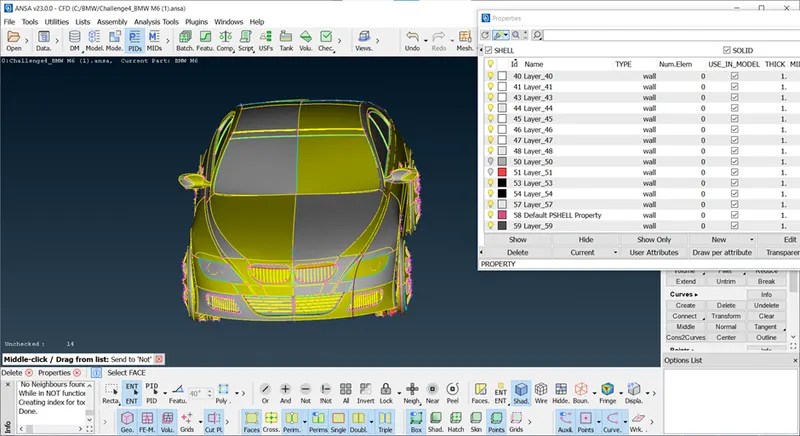
After deleted half portion of BMW
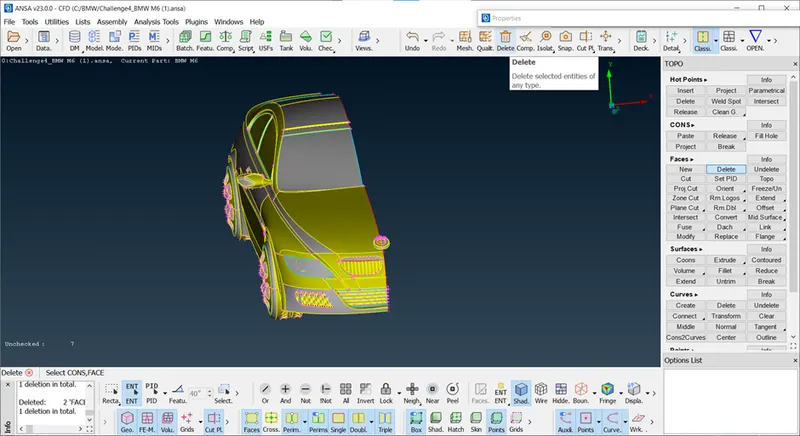
First step is geometrical cleanup for compelte BMW, so we begin with Grill,so isolate grill using Not tool.
Note : geomterical cleanup means clear all the intersection error and gemoteical error, so we can check through check manager.
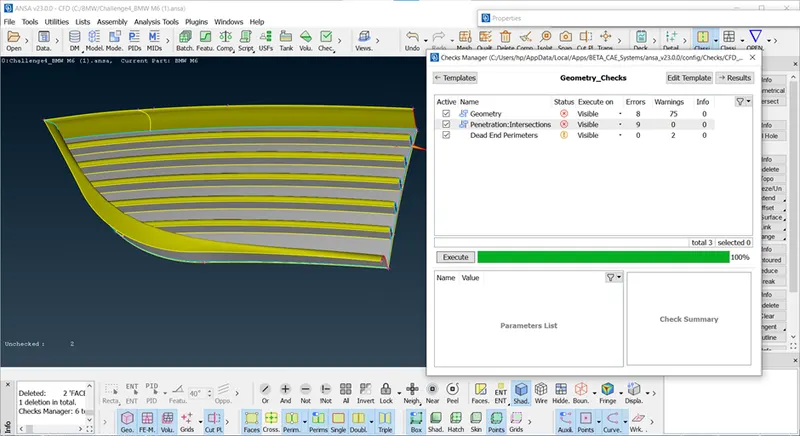
Main Objective : Here, in BMW project we are going for External flow anlaysis, so we for internal parts we are going to create one single volume, we remove extra voulme from surface .
we can see in fig so many extra surface, we can check for isolating parts using not option, and delete extra surface and open the faces as shown in fig,
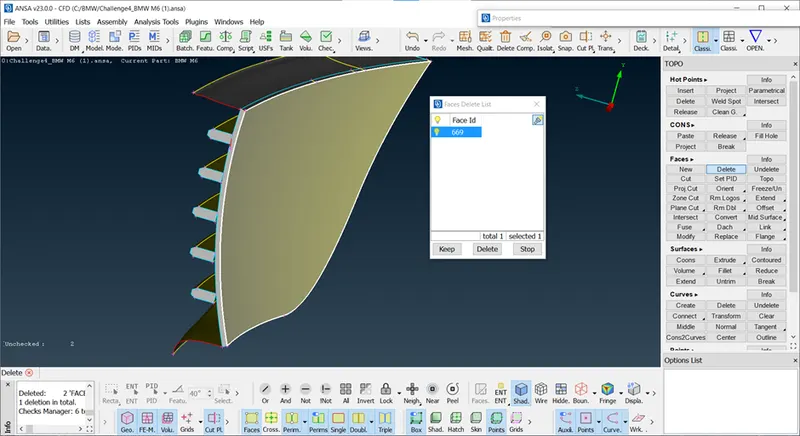
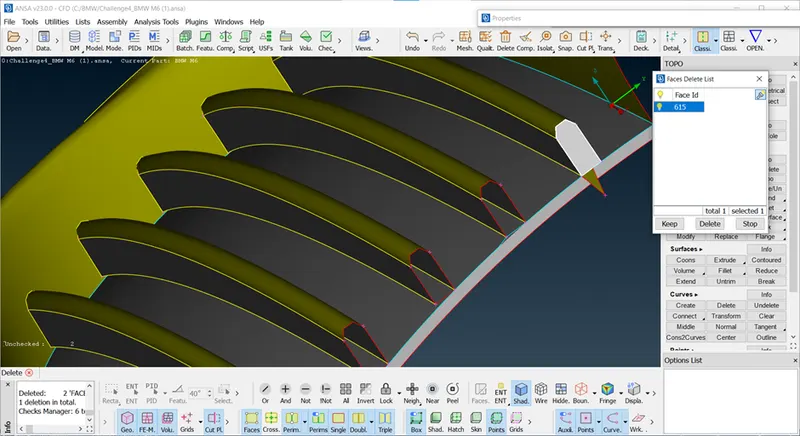
In the above fig we can see misalignment of grill on surface, so here we can create proper alignment of grill using projecting coons on below surface and make cut for differentiate parts and delete the parts create new surface using coons. this is the same procedure for entire grill.
Note : Here we used project coons and cut tools mainly for this grill.
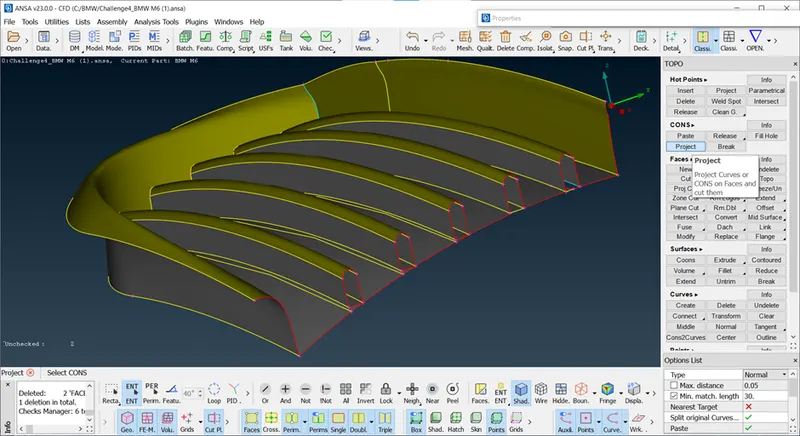
Here we change the resolution of grill i.e we change length of parts in mehsing, so we get fined result.
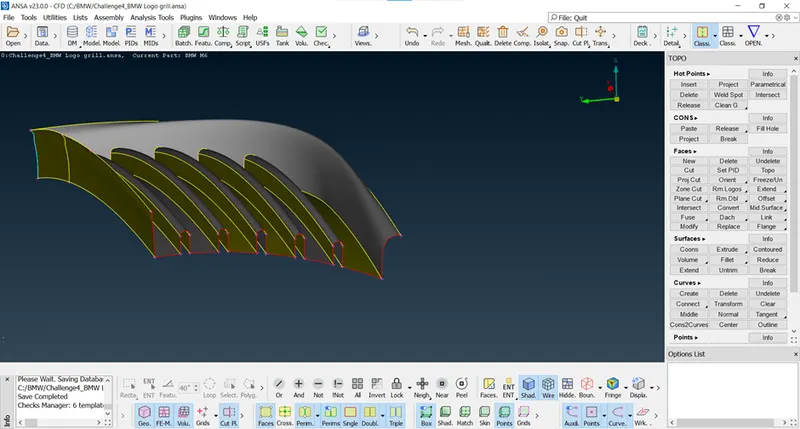
After clear all geomterical error, we can see in Fig.
https://drive.google.com/file/d/1r6rYEfcQCt4gJ9s9EKAtRxJBE0hHiiBl/view?usp=sharing
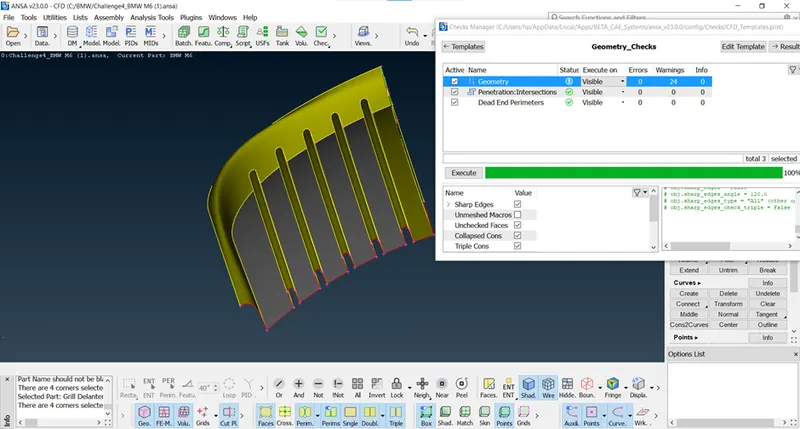
Grill No.2
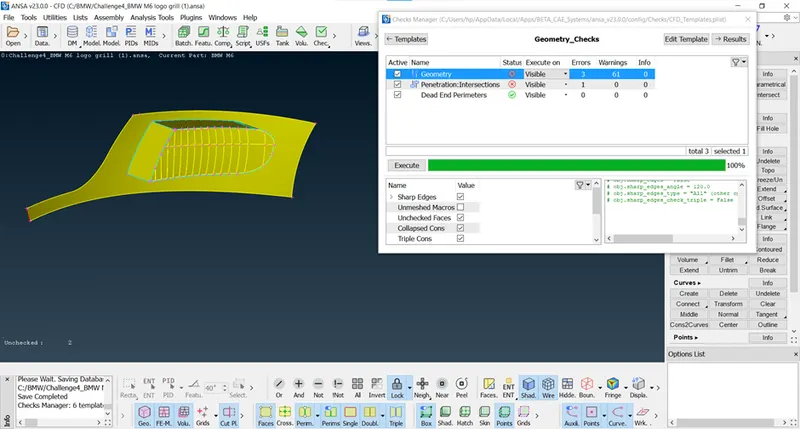
As we can see 1 intersection error in this grill, so we are going to clear this intersection error , before that we are going to delete extra surface and open the grills.
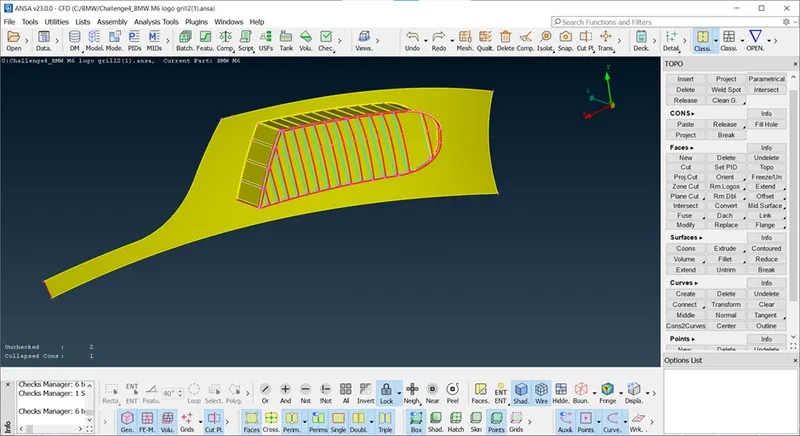
We can this is compelte one grill, so we are going to differentiate this grill into two parts i,e means we are going to remove extra thickness of this grill, we use paramertical hotpoints with same distance then, create cut and make new surface using fitted faces, we get two grills, assign the PID for this new surface of grill one for complete grill. we can delete the surface of grill at on etime using intersection.
Note : Parametrical hot points used for creating mutlpile hotpoints for same distance.
: Project cut for 90 degree cut.
: Intersection tool used project the coons on existing surface so we isolate parts and delete it indiually.
https://drive.google.com/file/d/1ISoFq226sjS6VEUBq6V497Wyjo4qQ7pL/view?usp=sharing
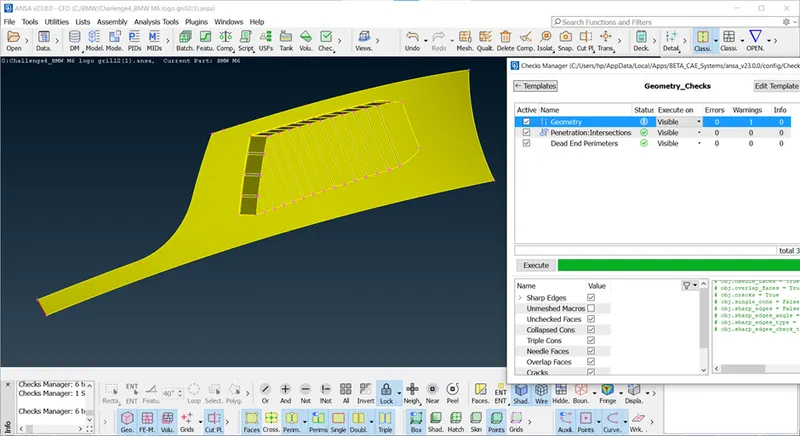
Next parts is 3rd Grill
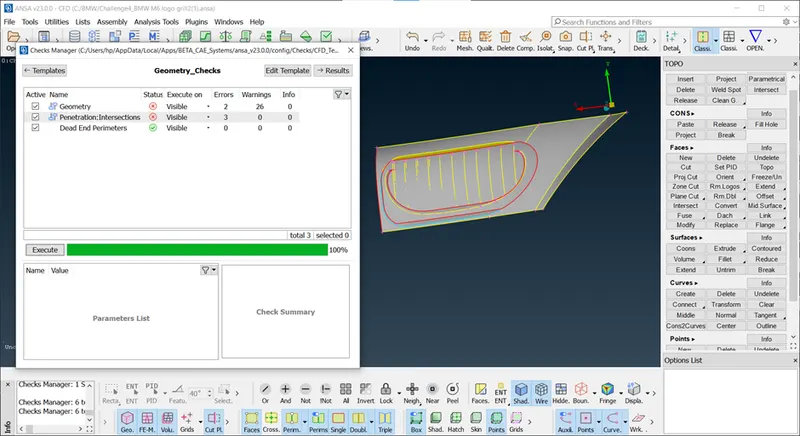
we can observe there are triple coons, red coons, overlap surface present in this grill, so we can remove it using delete faces.ensure the surface before going to delete surface don't delete needed or complex surface to avoid this always isolate the geometry using not and lock tool before delete.
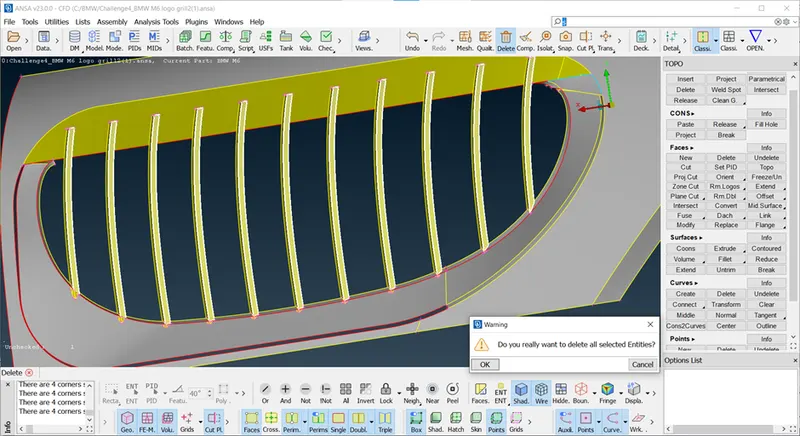
Remark : We are going to delete internal voume of this grill cause we needed one singal internal volume for this grill.
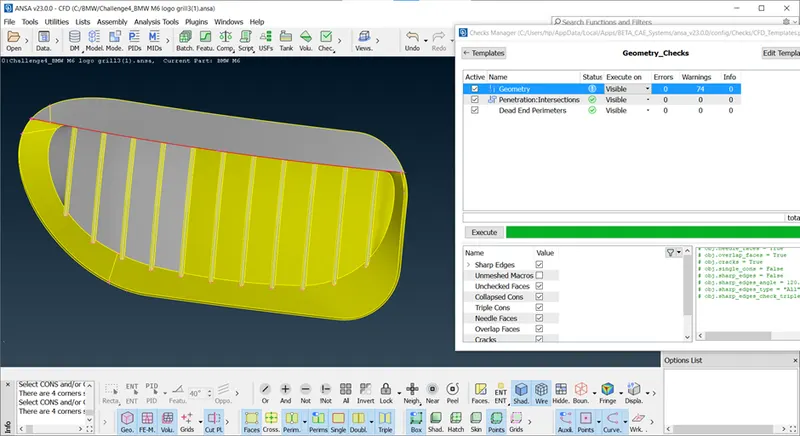
As we can see in fig grills are intersecting to the body, intersection error shows up here, so we are going create cut and deteed the surface.
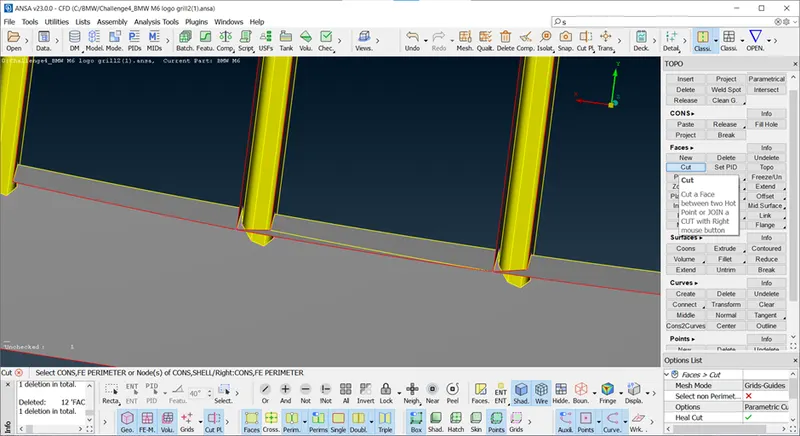
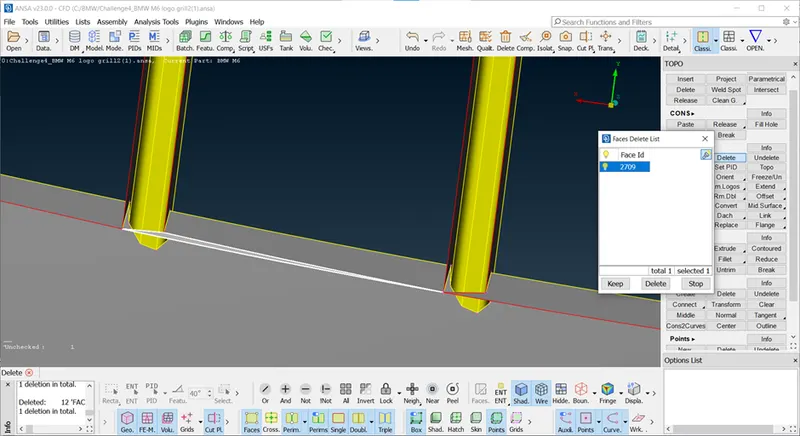
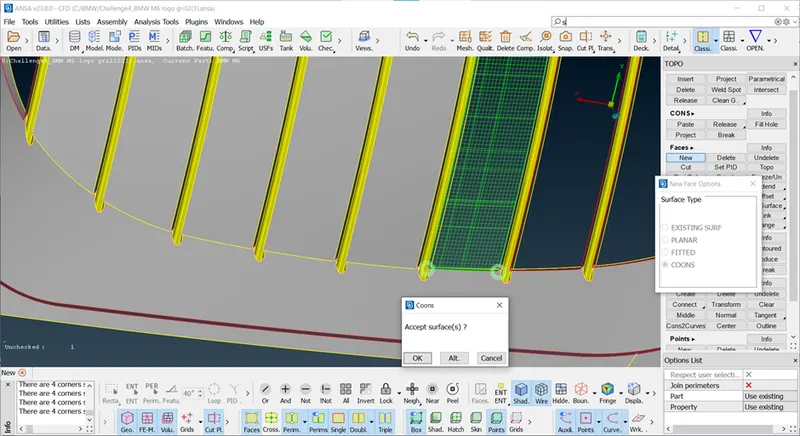
After clear intersection error of this part, we craete new surface using coons tool. it is repetative procedure for all faces.
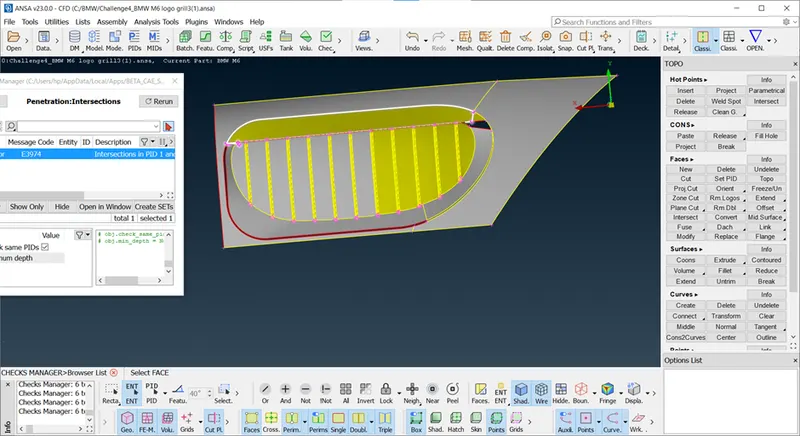
Next intersction error on top suraface of grillso we are going project this grill on top surface of grill usoing plane cut for 3 points, so we need cut on grills so we can delete upper parts of grill, here we can use plane cut option using 3 points made a plane.
Note : Plane Cut using 3 points for make a cut.
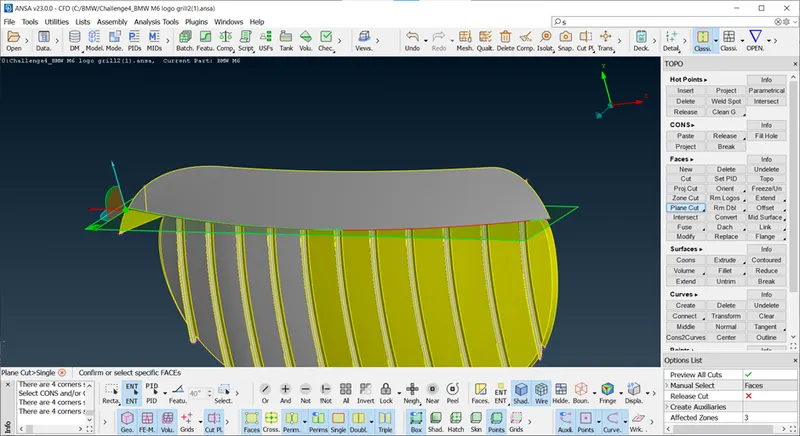
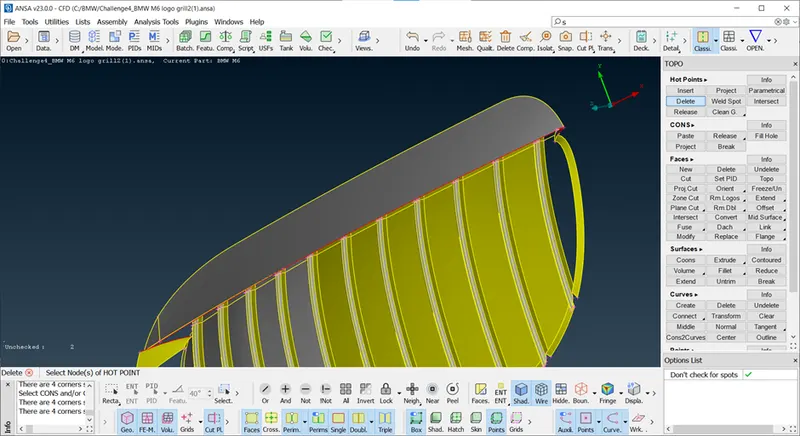
we should close all surface of geometry, after deleted part of grill, we can make close the surface using coons and fill hole.
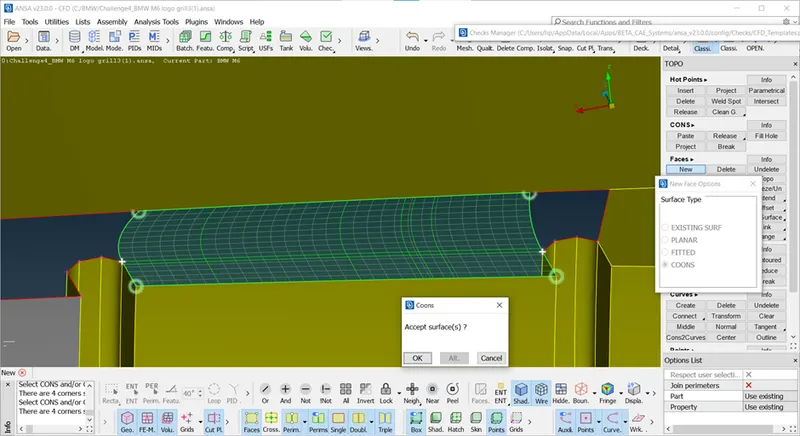
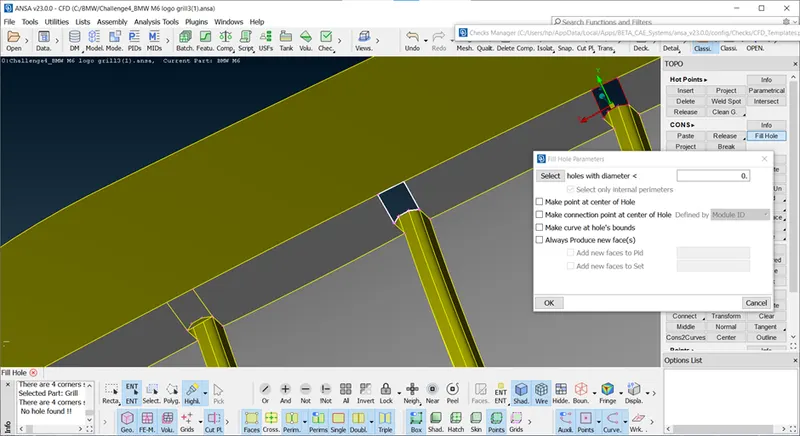
https://drive.google.com/file/d/1Ma5RFDQ5klTrBdDP1ObW82q77w8gfdw_/view?usp=sharing
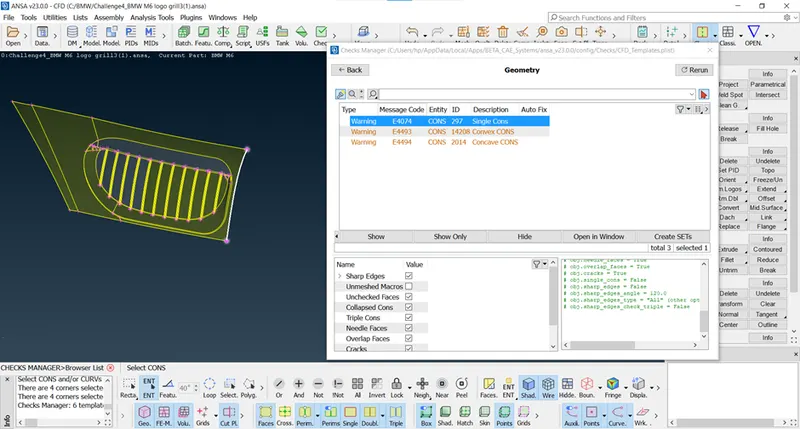
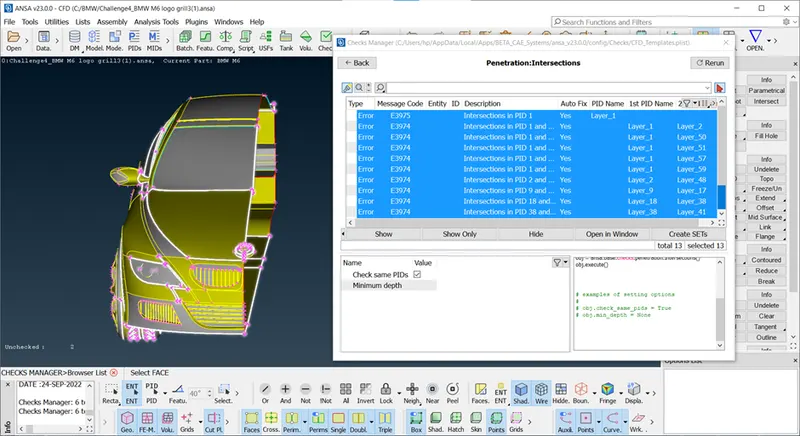
Now we check grills of BMW for Intersection error.
Lights :
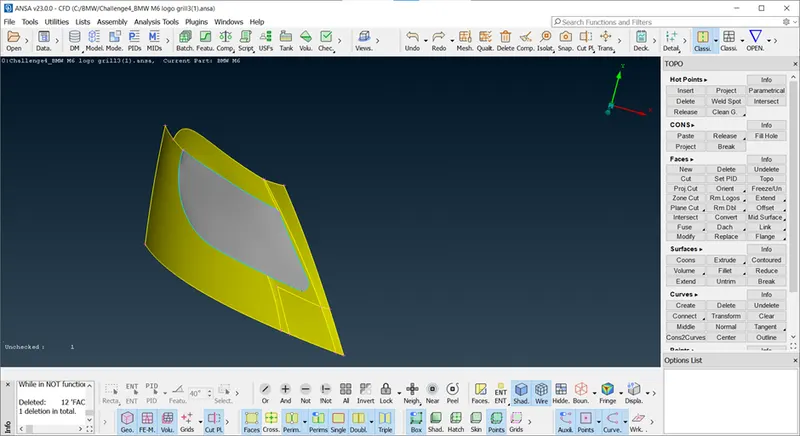
Do not delete external surface of lights because we needed closed surafce for eexternal flow analysis, so remove internal volume that means delete inside extra surface of lights.
after deleting surface red coons appear, delete it and create new face.
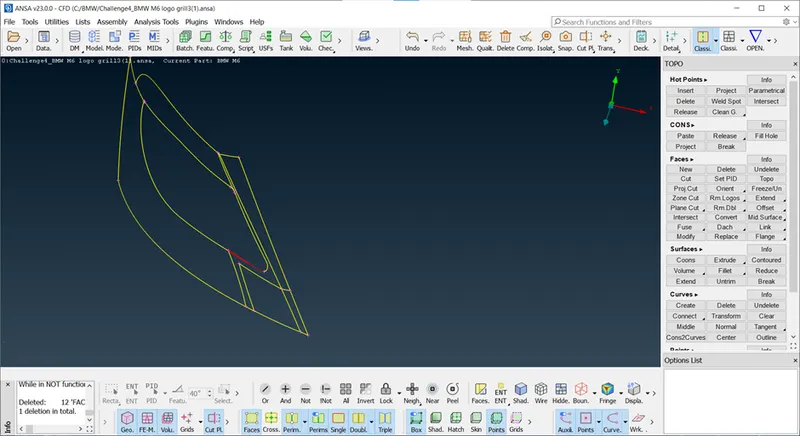
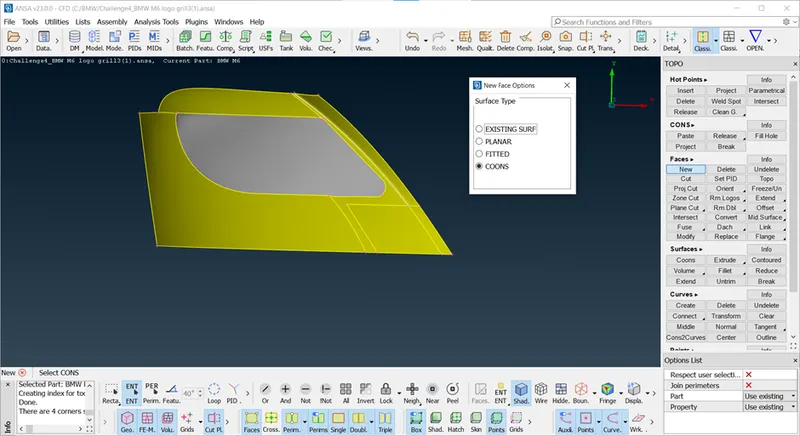
Logo : we know logo is compelete one entity hence we can select logo with body parts.
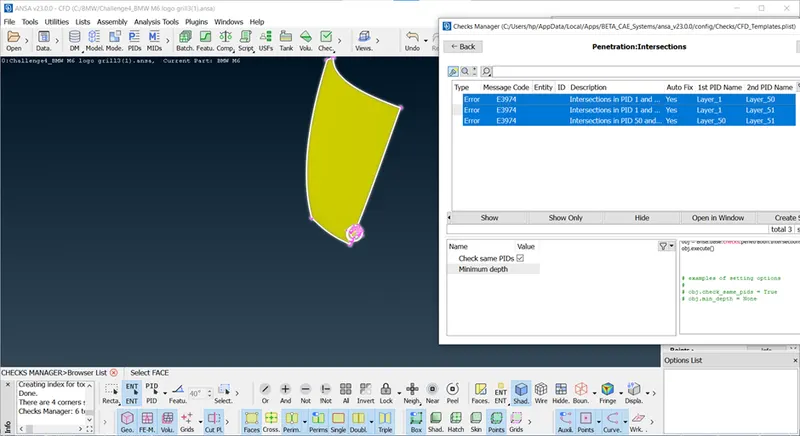
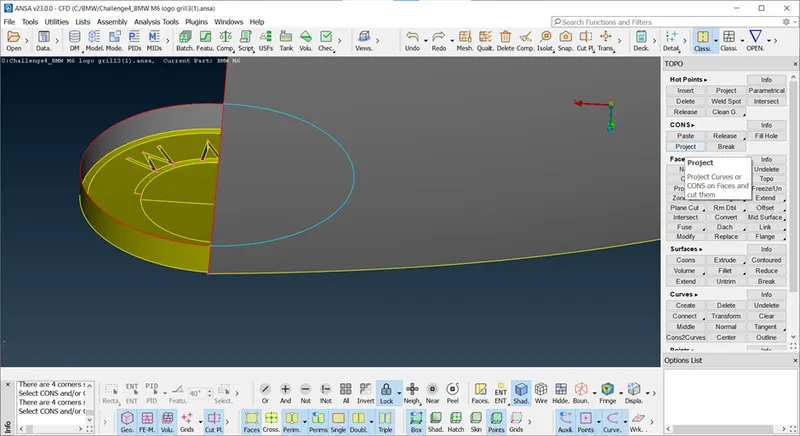
For remove this surface we need to project coons on body surface so we isolate the parts and delete it.
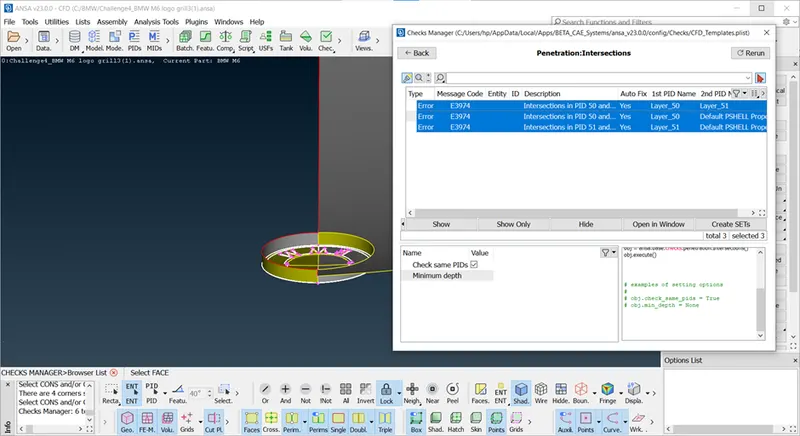
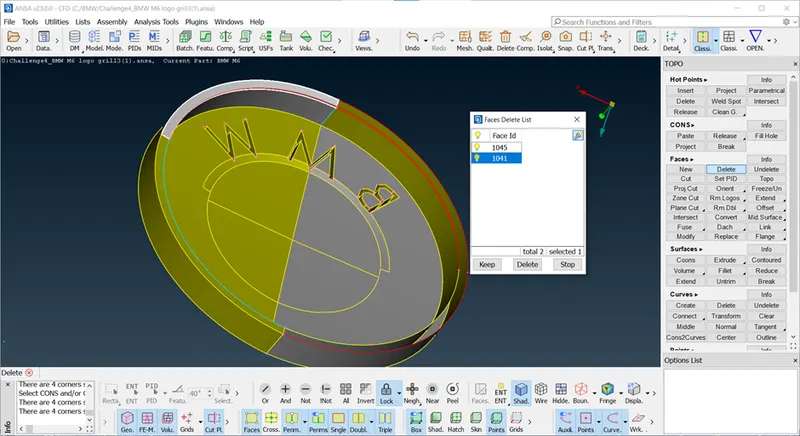
There is extra surafce intersecting other small surace so we delete thi surface and create one surface using coons.
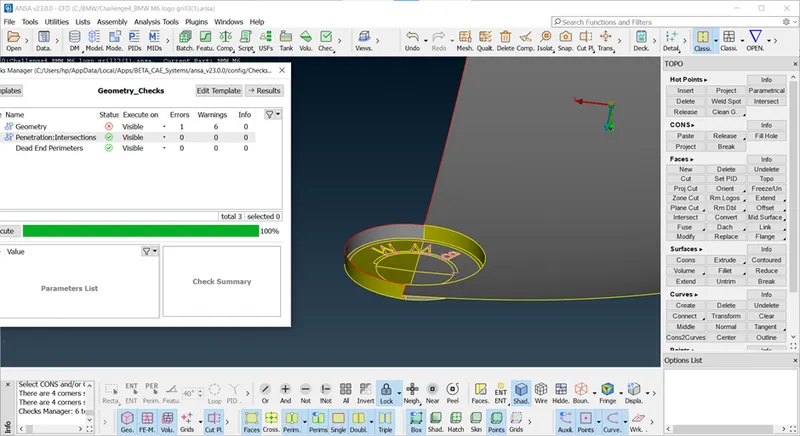
Geomterical check for Logo.
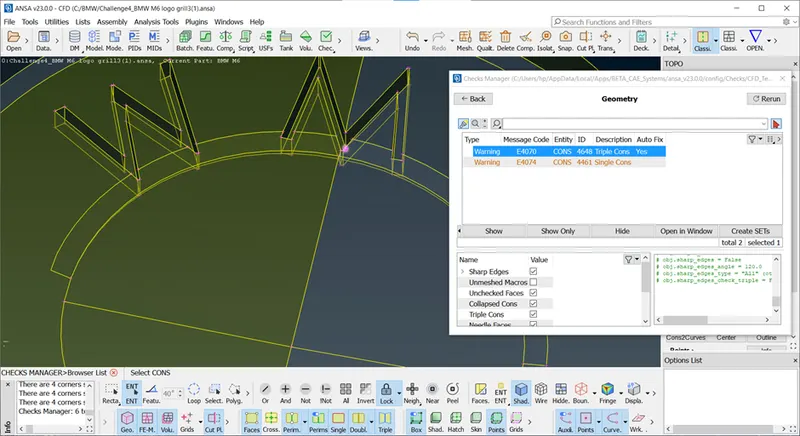
For this triple cons, we can use release coons.
Release Coons : Use for release unjointed two surfaces.
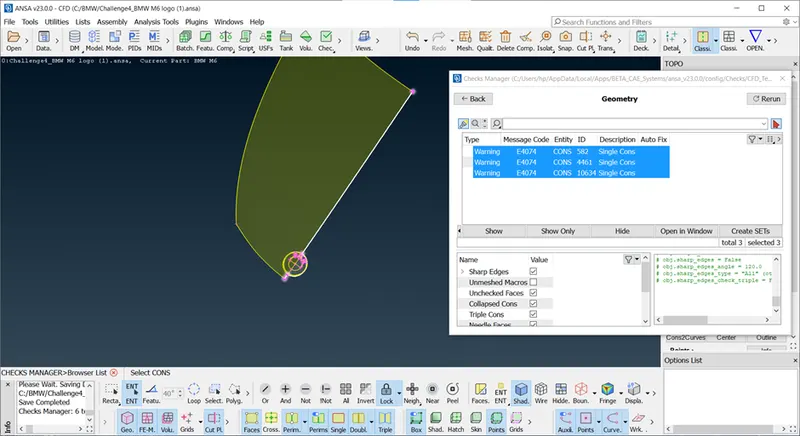
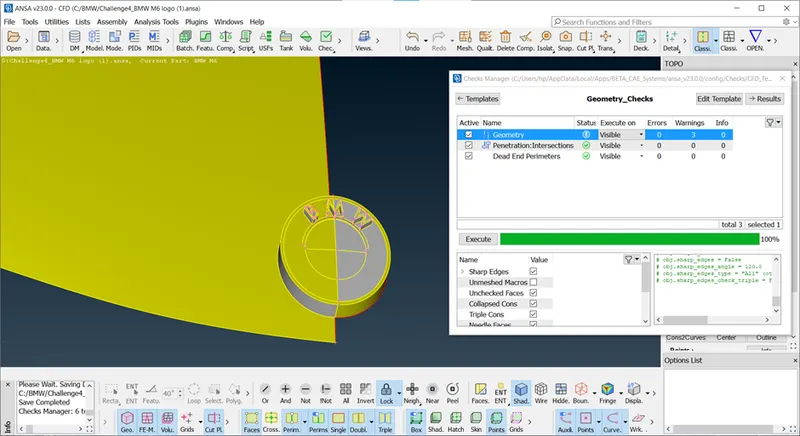
Indicator : We can see Intersection and geometry error.
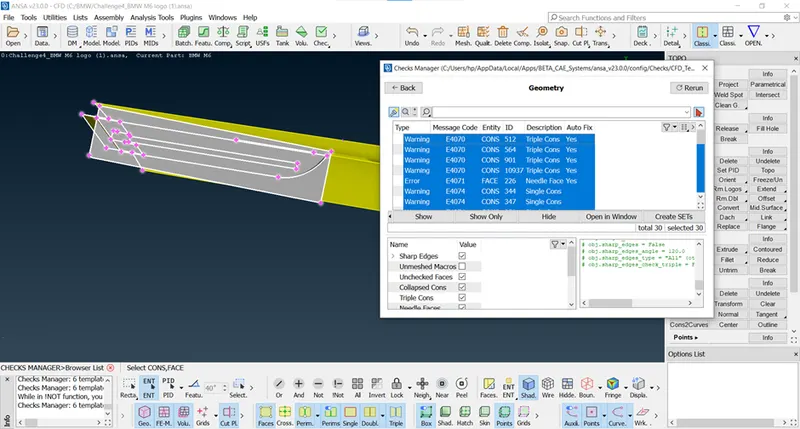
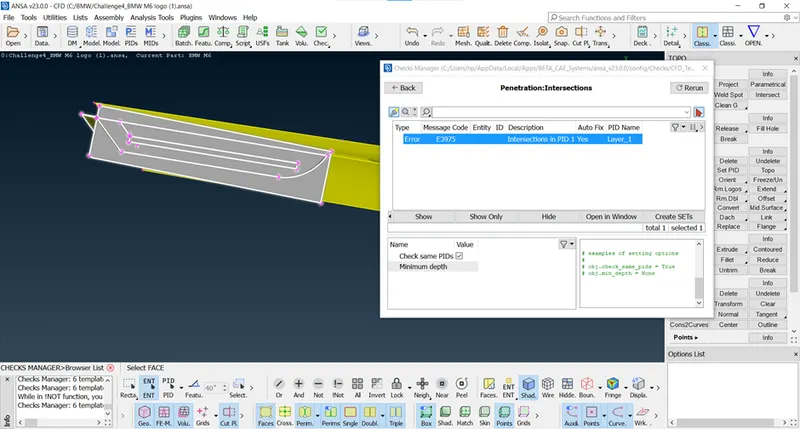
As we see in intersection error one surface intersect the other surface, delete it.
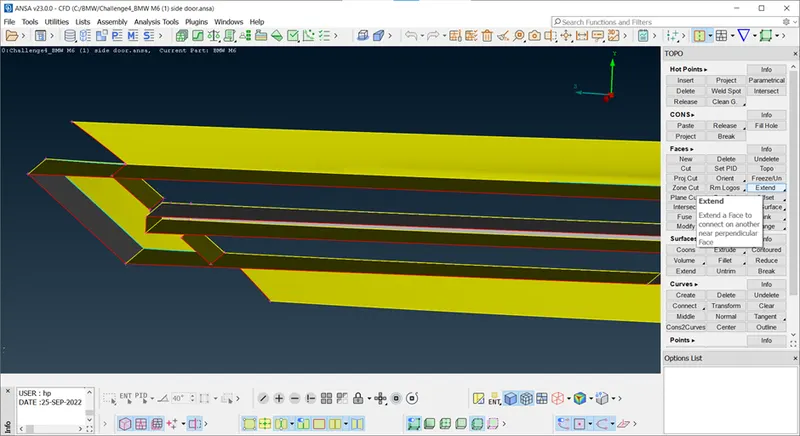
For create one surface here, we see two surface present, so we can extend the surface using extend face.
Extend Face: Whenever we want to extend the surface we need red coons.
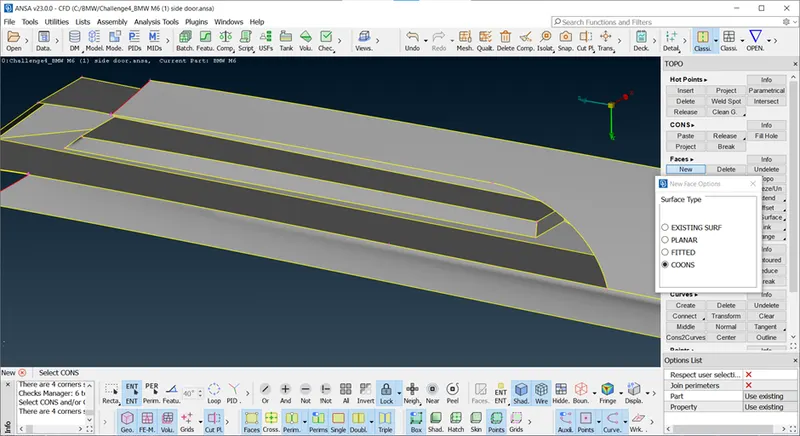
After deleted we can create surface,as shown in fig.
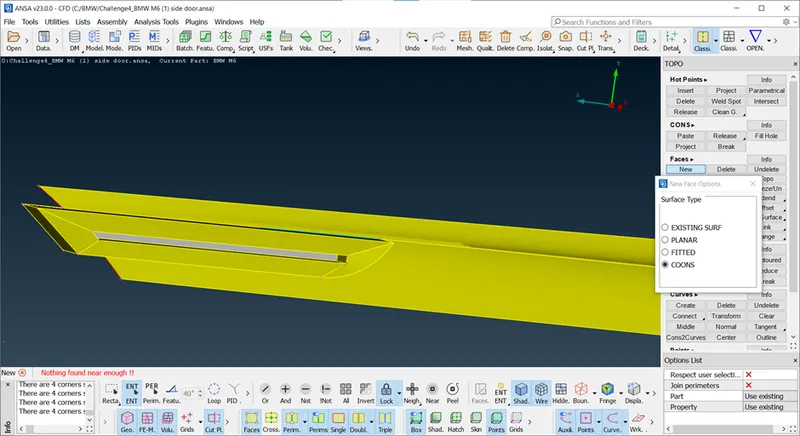
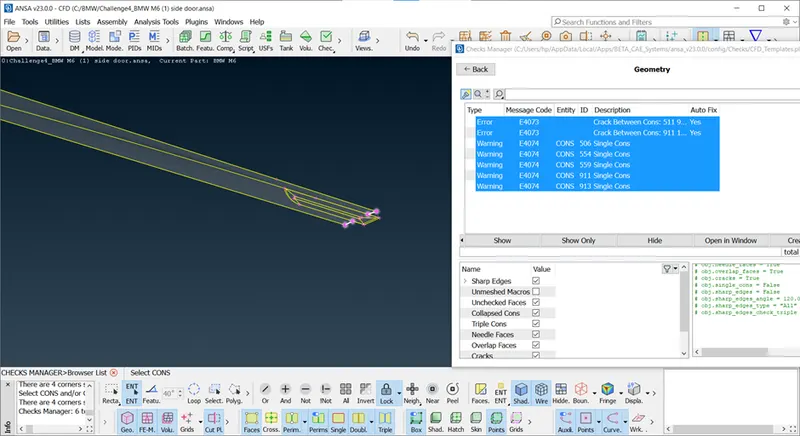
we can't ignore such type of error as shown in above fig, crack between coons, means there is red coon present, so delete it and create new surface.
https://drive.google.com/file/d/17KhlspSZQvFa6770d40F76f3g9TGrZeC/view?usp=sharing
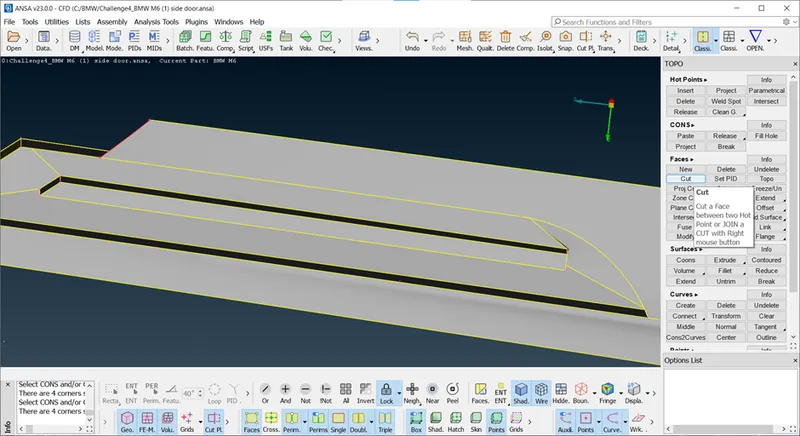
Window Cleanup : Delete overlapping surface from inside and make one face.
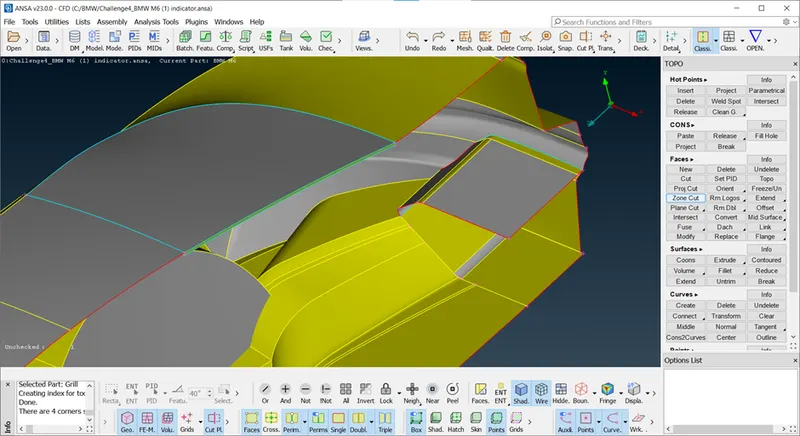
After clean error.
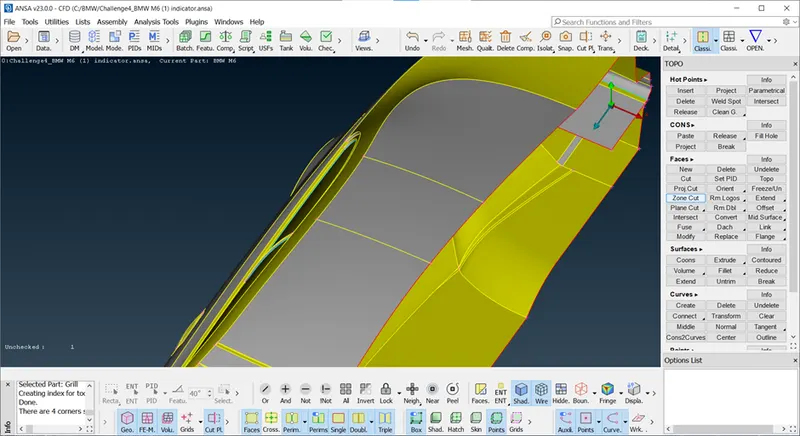
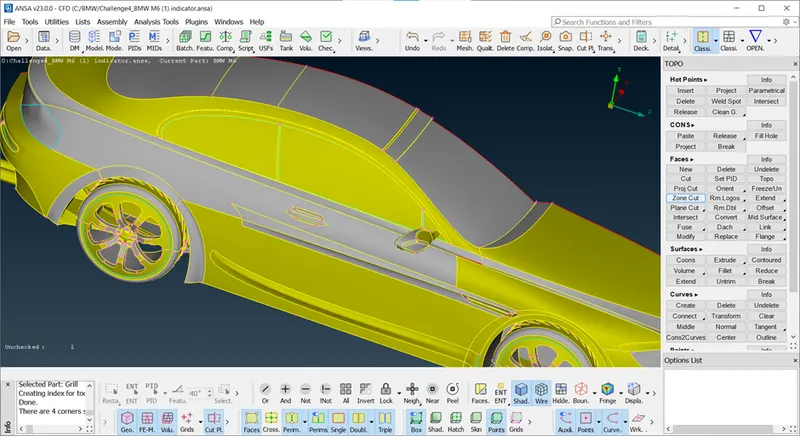
After clear geometrical error.
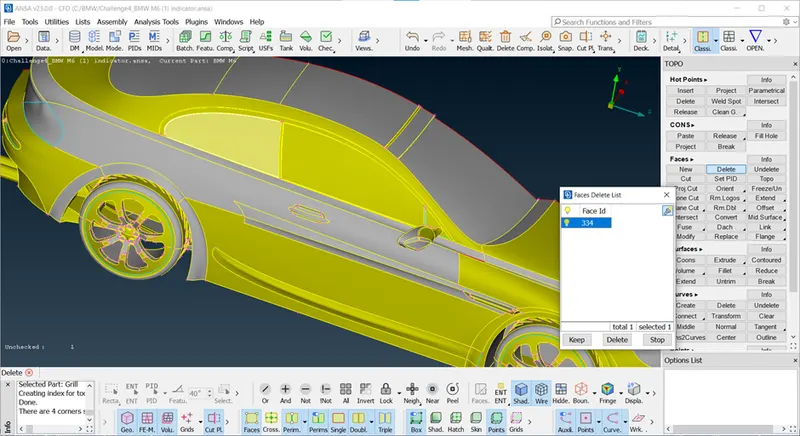
Mirror Cleanup : Remove triple coons using delete and create new face using coons.
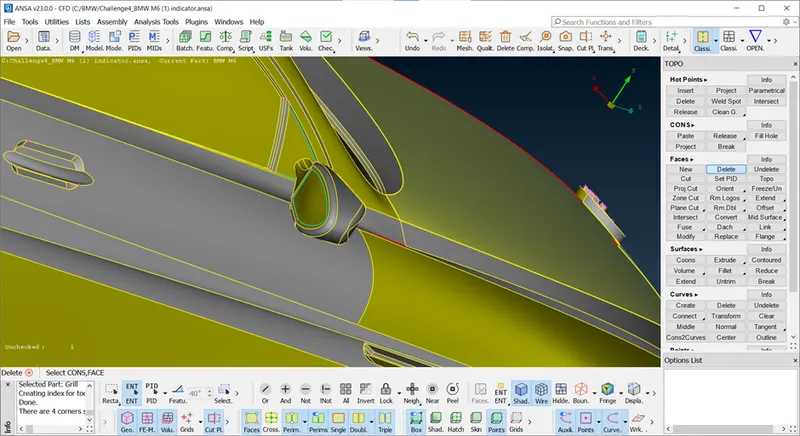
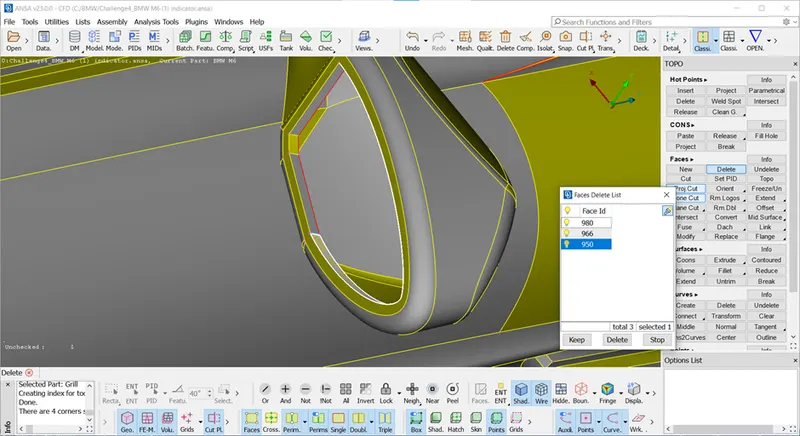
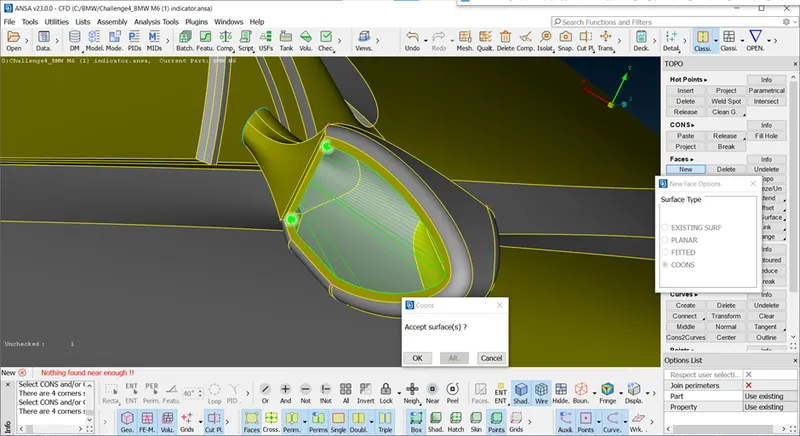
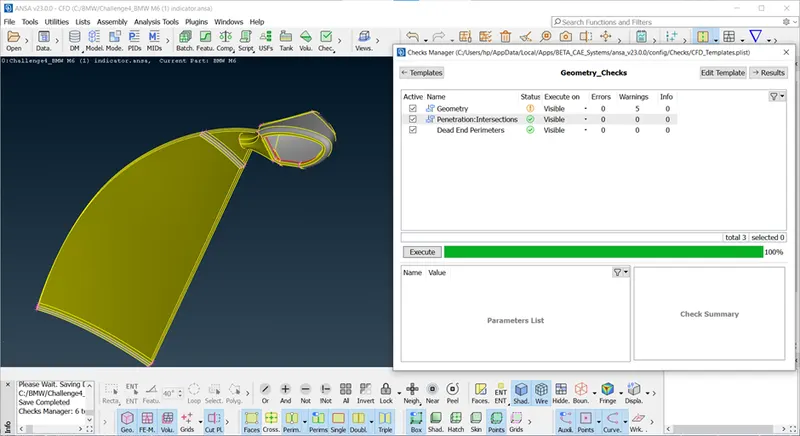
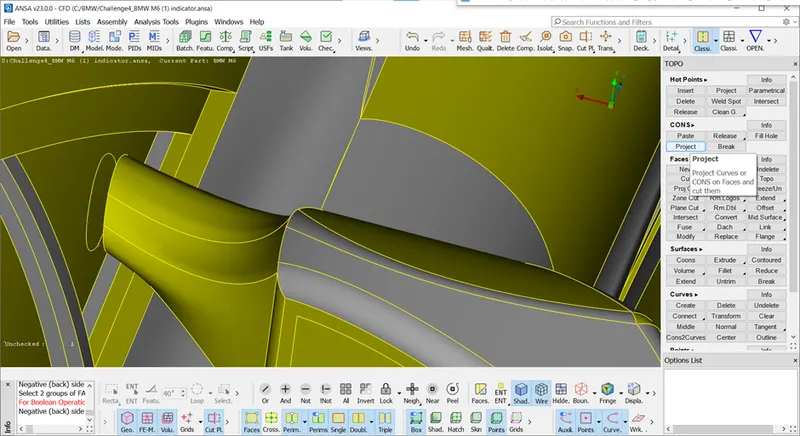
Our main objective for geomterical cleanup is create one volume for extenal flow analysis, we see mirror is attched to windows but there is not showing any intersection error cause there one extra surface from inside and i delete ne surface from outside hence it is not showing error but it will not accepted so we need to remove internal volume of mirror so we need to project mirror on window so we can isolate and delete it.
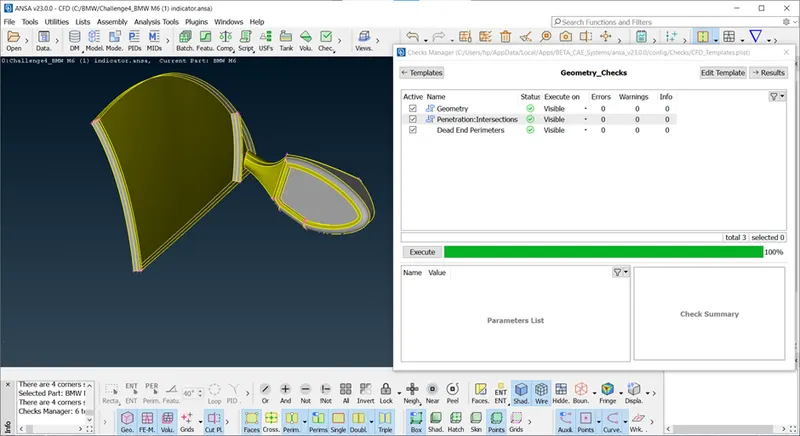
Floor Cleanup:
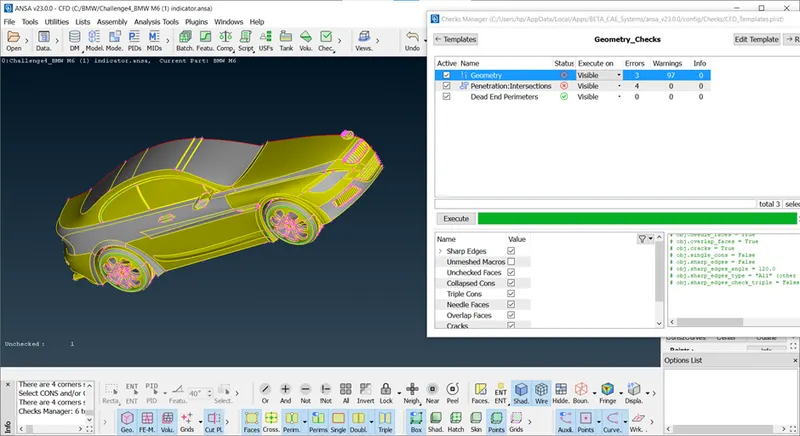
As we see intersection error is not showing on grill, window,mirror, logo, now it is showing on tyre and body and silencer.
Isolate Tyres for geomtery cleanup using PID Region Not Tool.
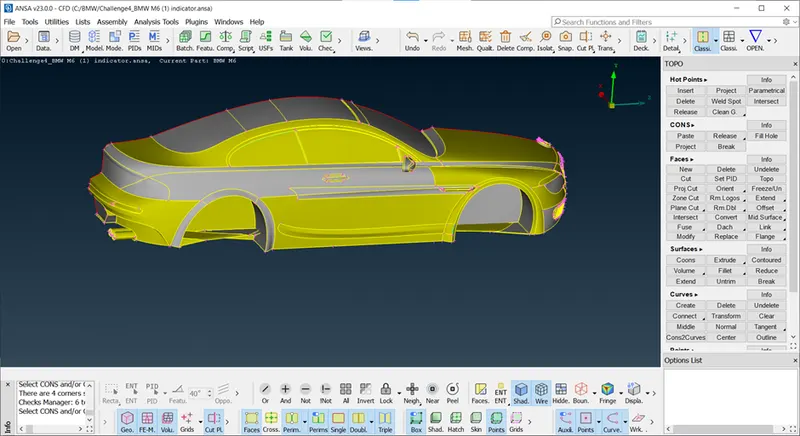
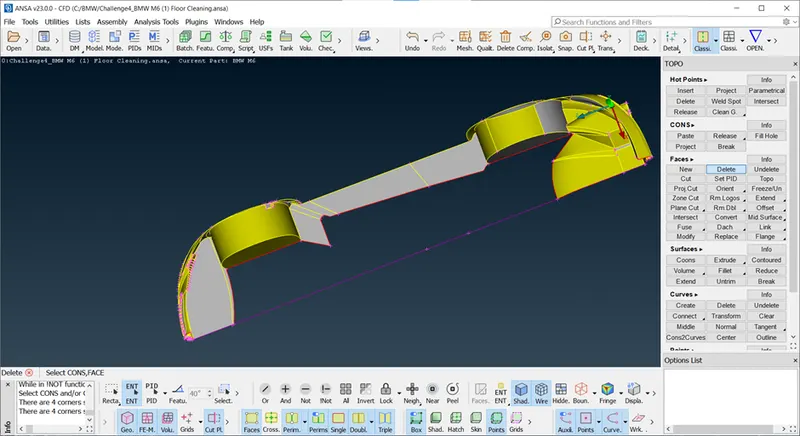
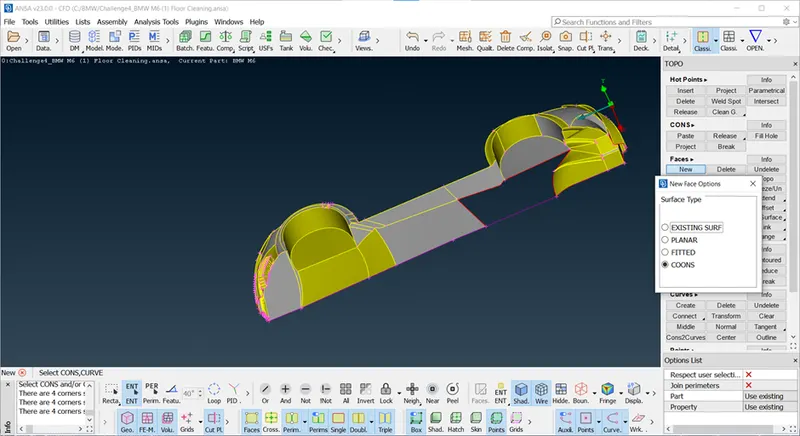
As we see in rim So many floor intersect to rim, we are going delete it, before going to delete it, create curves to coons.
Curves to coons : It guide the coons while create new surafce, refer below fig.
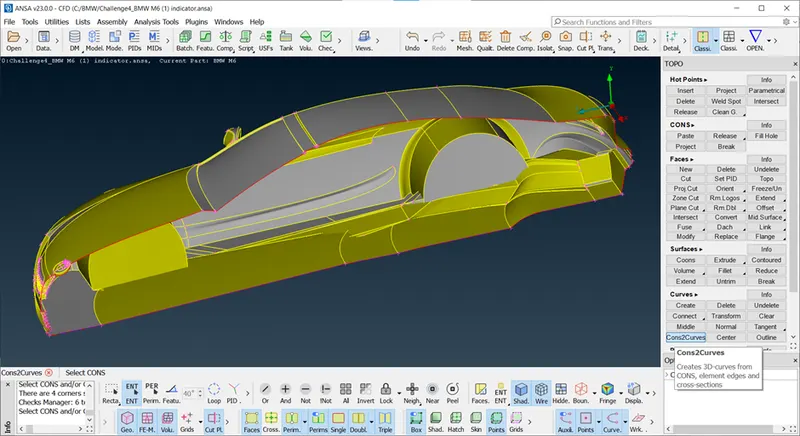
Internal view after deleted intersecting floors to rim.
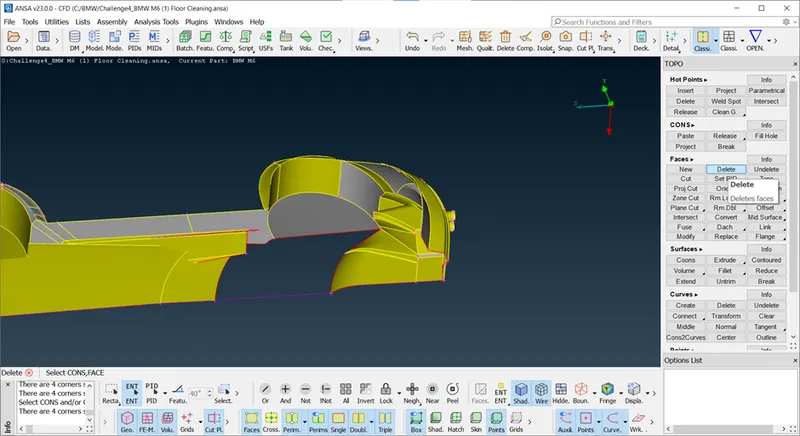
Here we need to intersect this part cause this are curved surface once it is deleted we cant make it hence we isolate this part
using intersection.
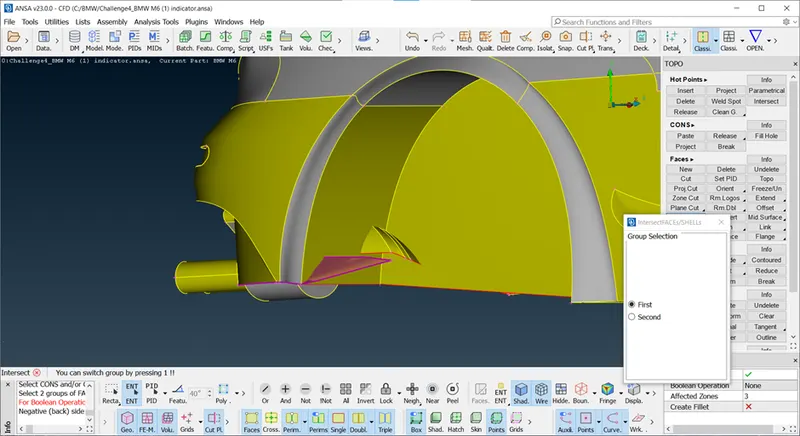
After deleted this surafce there triple coons appear cause these parts of floor intersect to rim, so make cut and delete it.
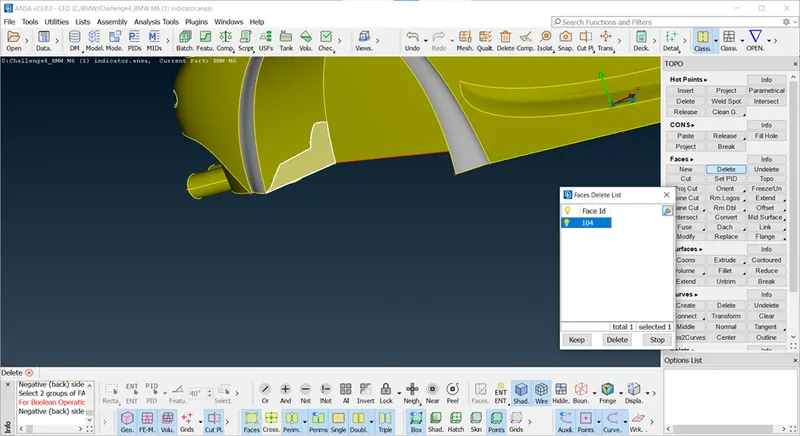
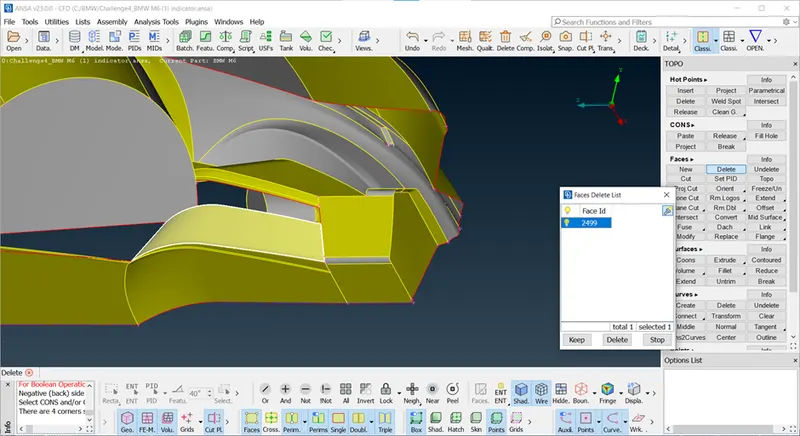
Difficult to create curve surface so go one by one.
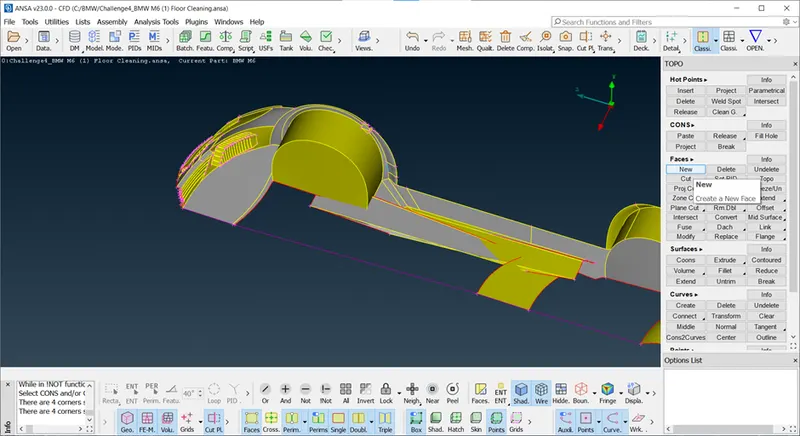
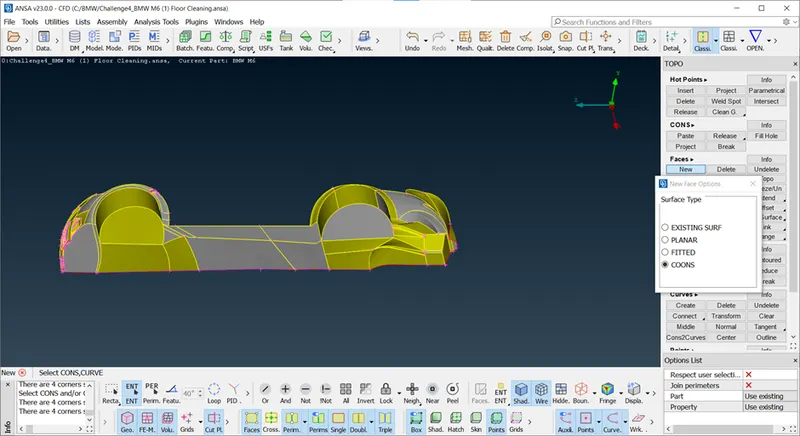
After deleted intersecting floors to rim, we acn make surface with help of curves to coons, and also create one floor surface.
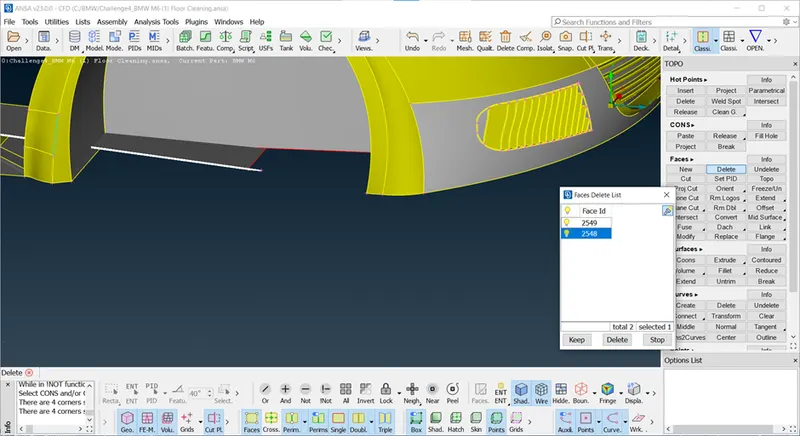
Silencer
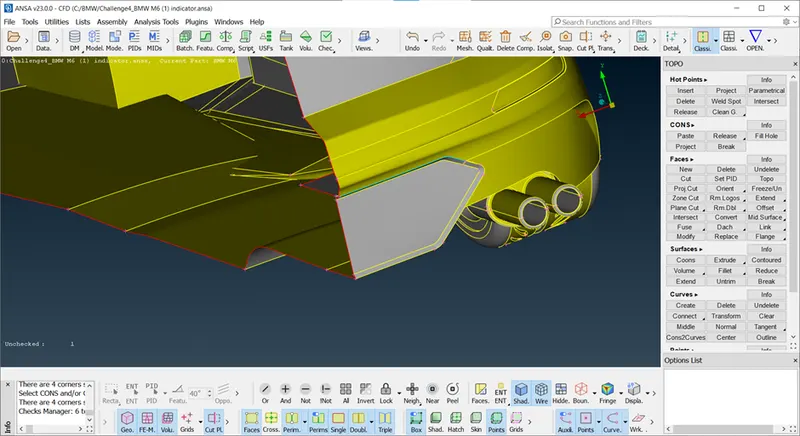
As we can see there is triple coon means there is one more surface is present,so let's delete it
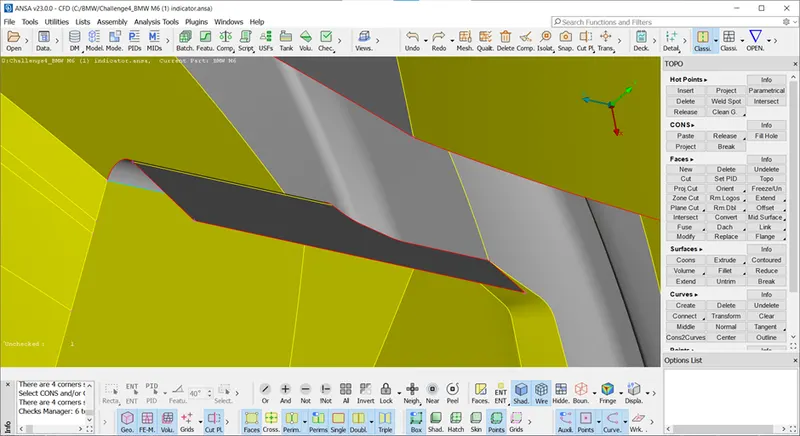
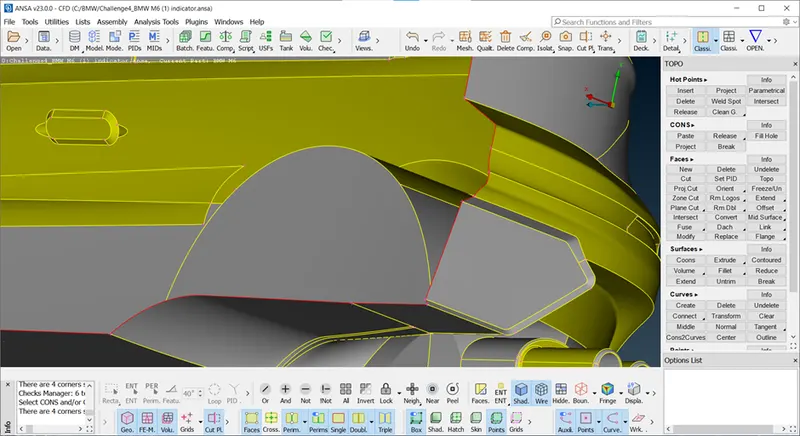
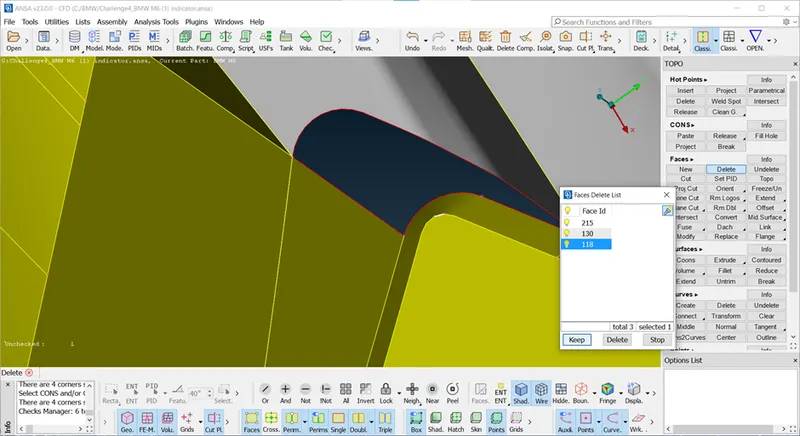
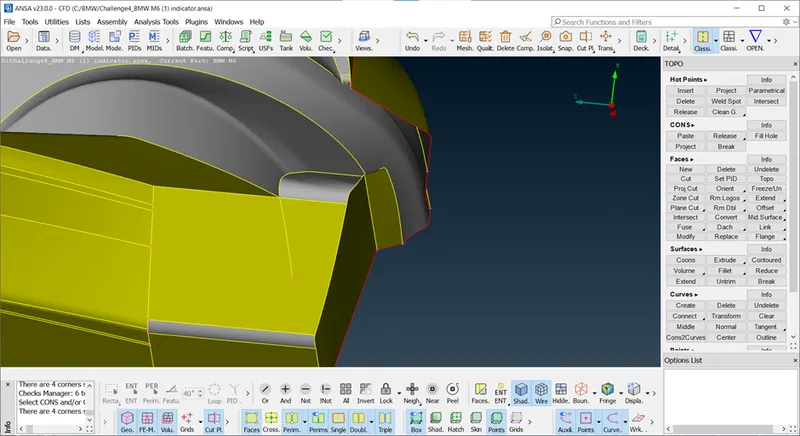
here this shown parts causing intersection error, so try to delete it using cut option and then create new surface.
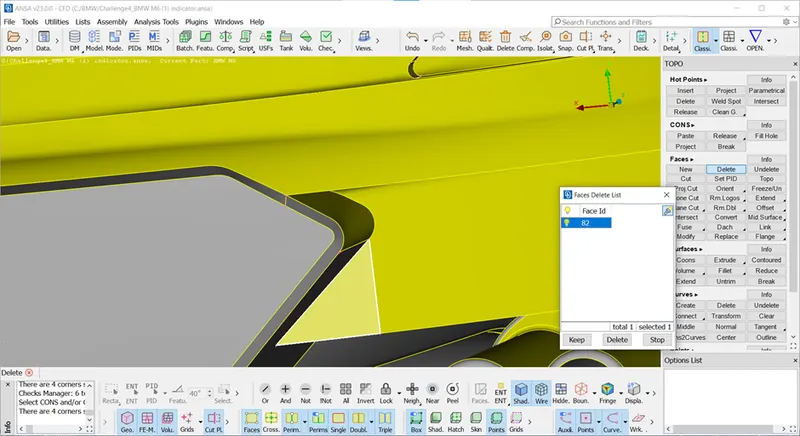
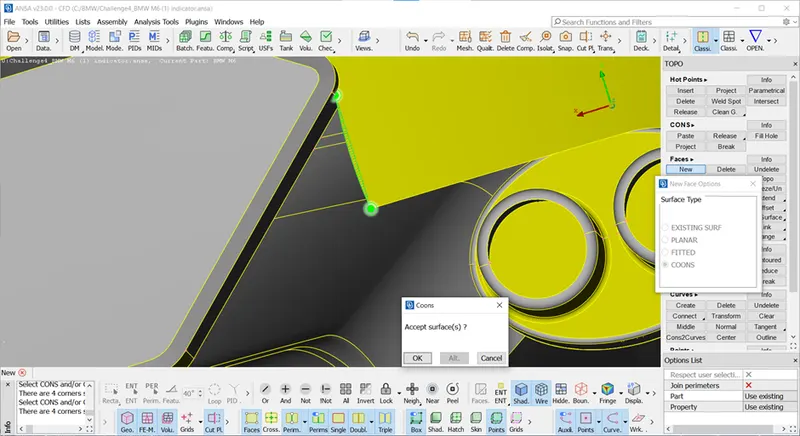
Now we can check Agin for intersction error after removing in silencer and floor cleaning, and rim.
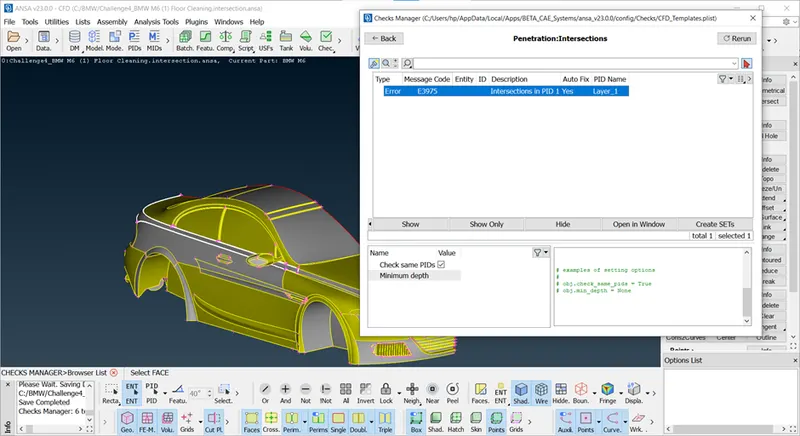
So we almost clear intersection error but one error show on body parts of BMW. if we see closely there are small two surfaces, so intrsection error appear due to thi small parts so delete this surace create one surface as shown in fig. after deleted project coons and create one sheet of surface using entity option for coons then make use fill hole for small surface.
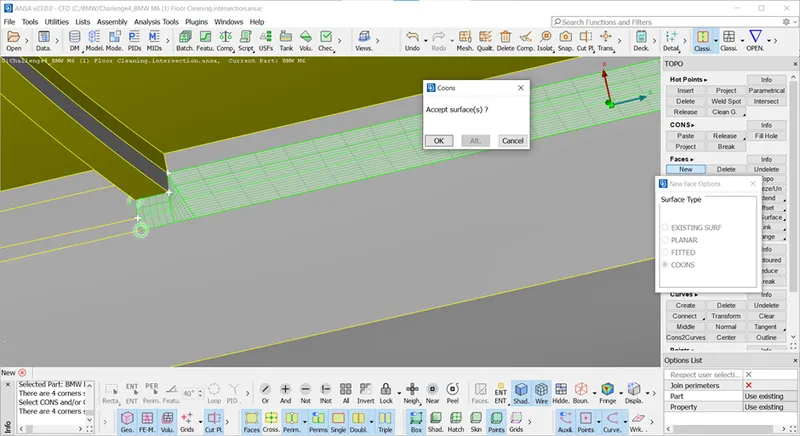
Result after remove all interscetion error except on tyre.
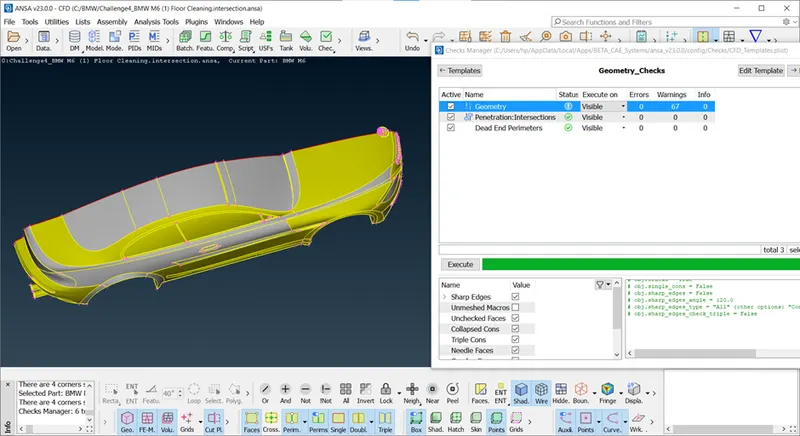
Here on tyre, there is extra intersecting surface present hence triple coons appear , so just delete it and make small surface.
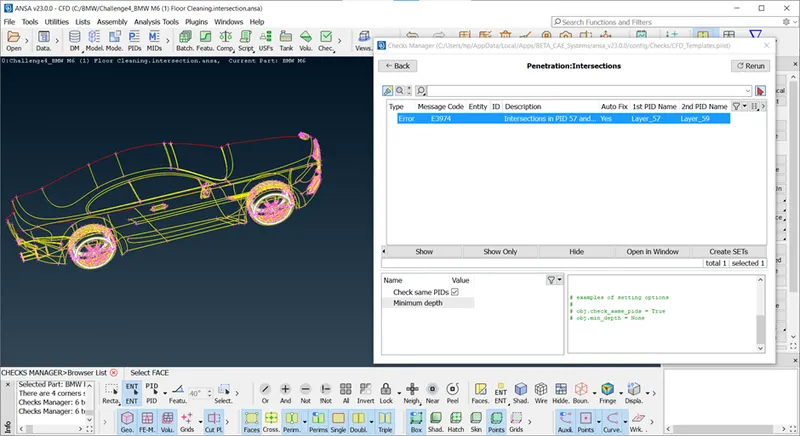
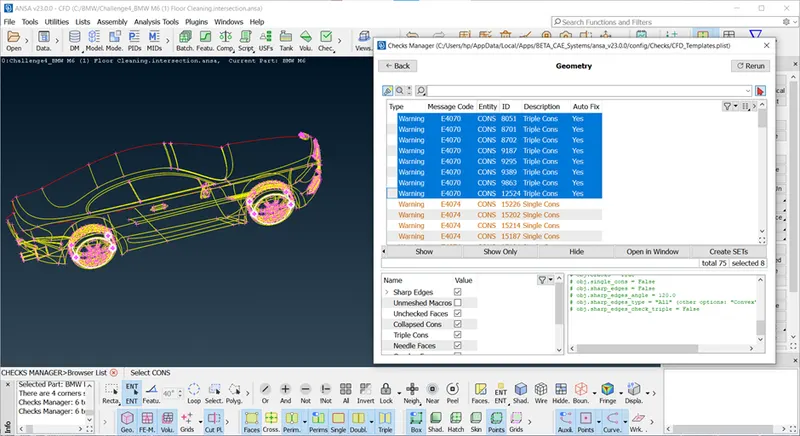
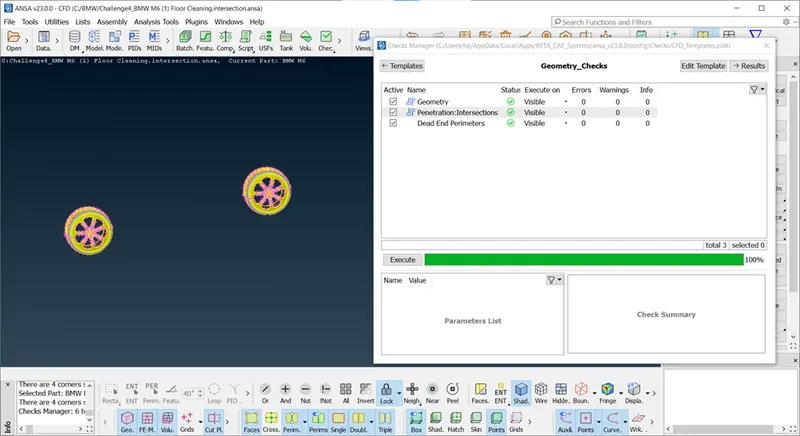
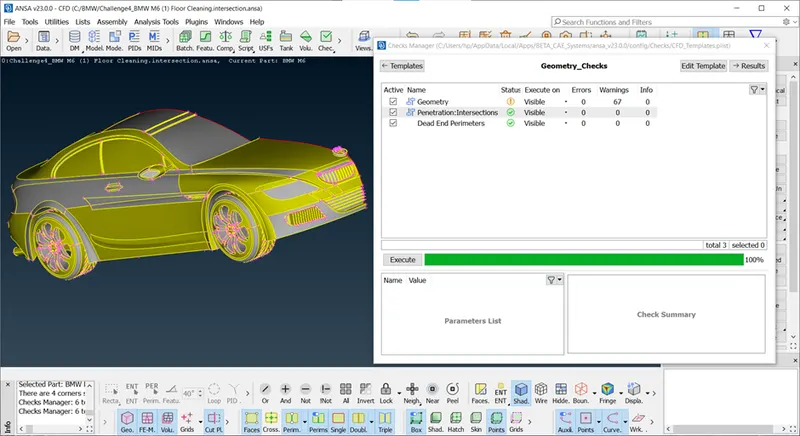
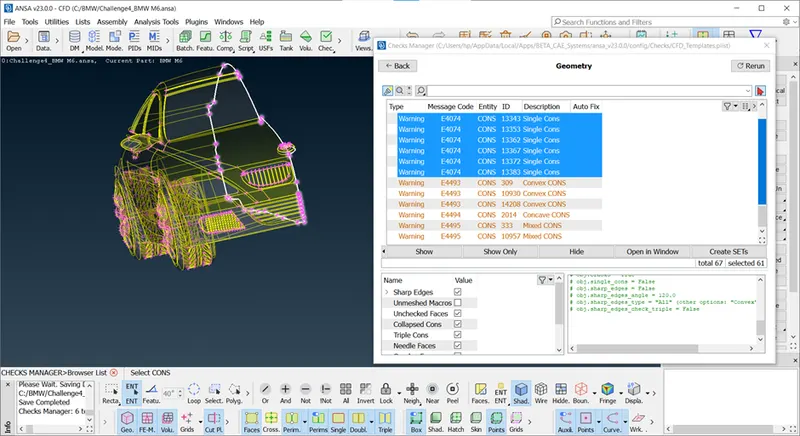
all Intersection error clear and check for geomterical error.
https://drive.google.com/file/d/1fgJkgYftQ-cxoXNnsuogdRQxsG4XkhGb/view?usp=sharing
https://drive.google.com/file/d/1cN9XG91GquM0xCUDI1rDF4a_QcRxueWA/view?usp=sharing
After geomtery cleanup, next step is surface meshing for diffrent parts with different meshing length with quality Crietia,
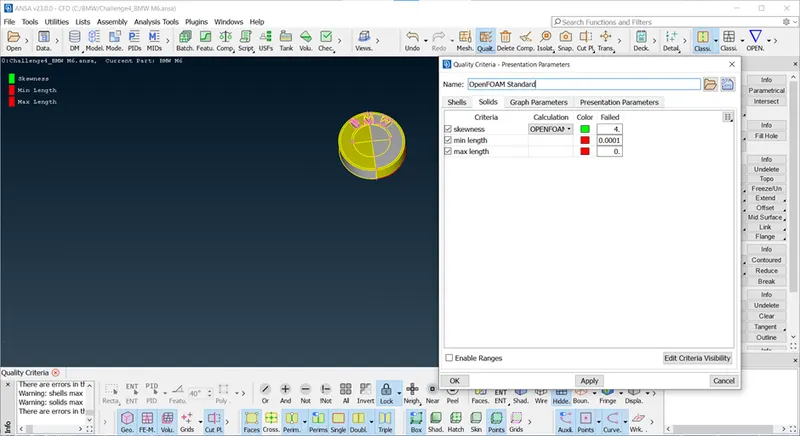
In this challange quality criteria is Skewness,Max length, Min Length.
For quality Criteria edit visibilty criteria and select required crietria as shown in workspace.
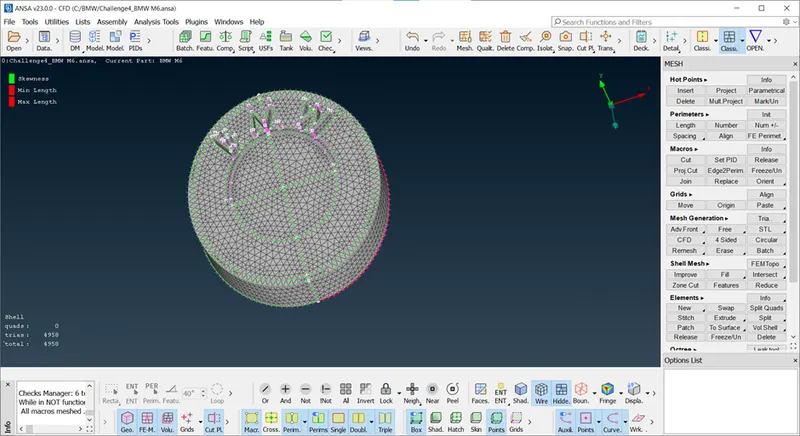
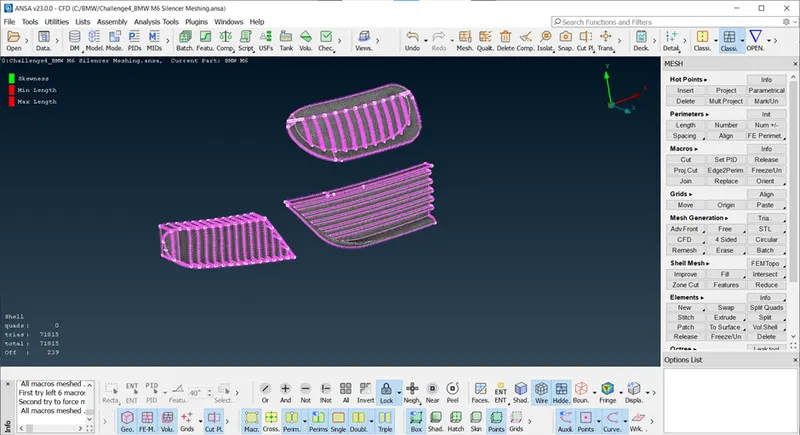
For LOGO : Meshing Length 1 mm
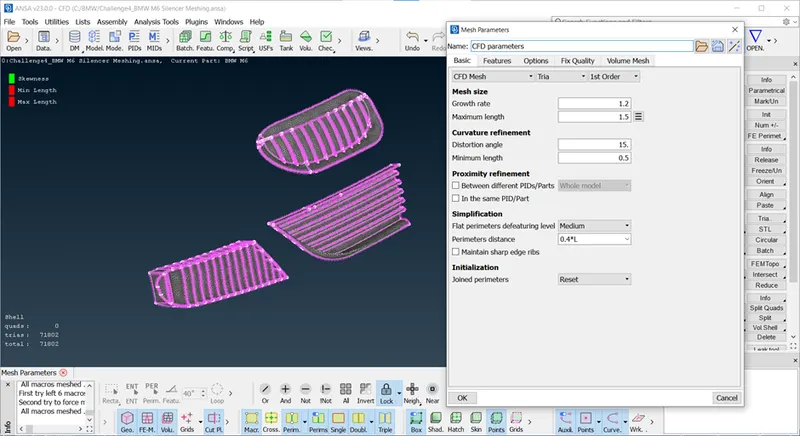
We are going to define one criteria element for all parts and different mesh length for all parts.
CFD Mesh used for BMW.
https://drive.google.com/file/d/1TpgTy3huCKISgkqRLgKozgauCPtWlg-2/view?usp=sharing
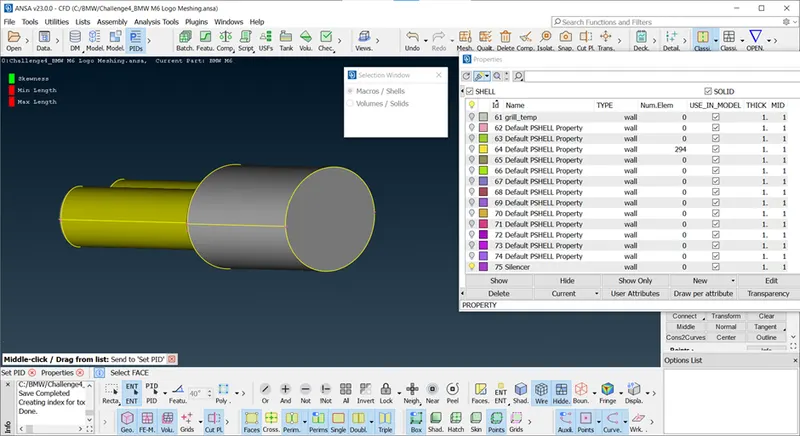
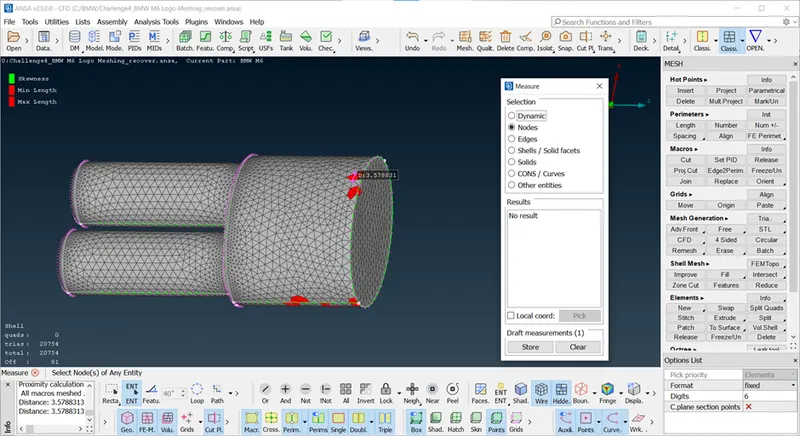
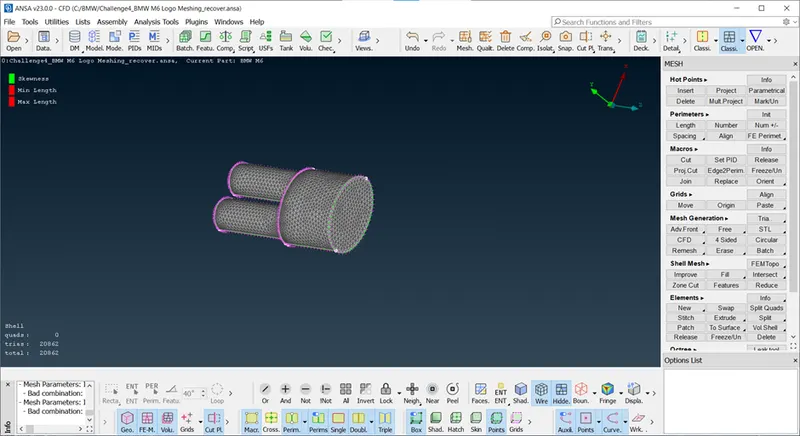
Silencer : Meshing Length : 3mm
Assign PID after Isolate Silencer.
https://drive.google.com/file/d/1F0dj8Q5bBu4WGFDpJQxzzRXMOB3oHGM7/view?usp=sharing
Grill : Meshing Length 1mm
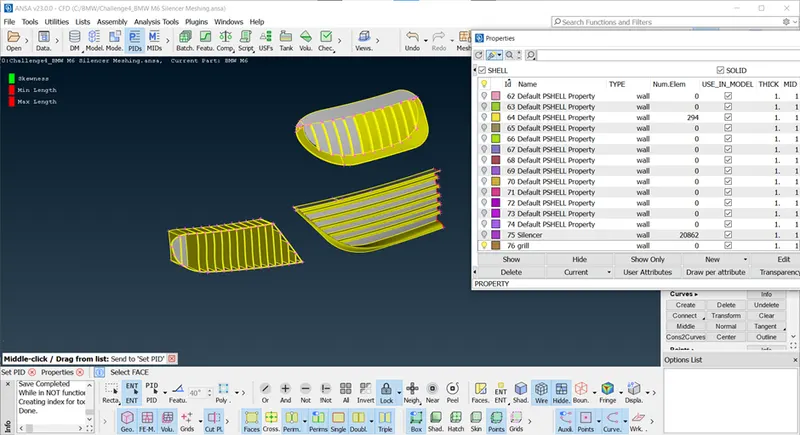
Assign PID using Set PID>New> Give Name>Double Click On PID
Note : after assign PID, symbol of Bulb light up.
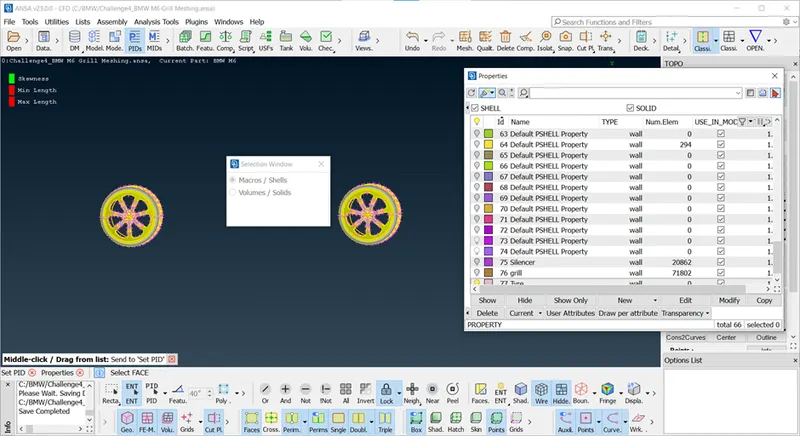
Tyre and Rim, Window, Mirror : Meshing Length 2mm
Assign PID
https://drive.google.com/file/d/1Z_5E0vGt5dTxXnByuk_vDDEBvXYe-0b5/view?usp=sharing
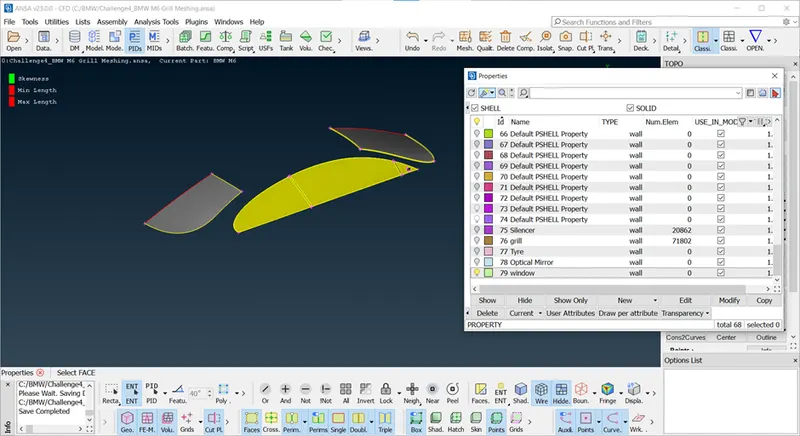
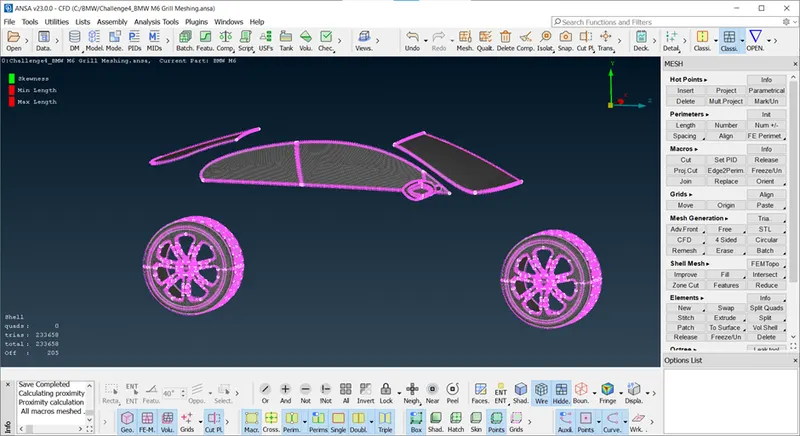
Body : 3mm Meshing Length
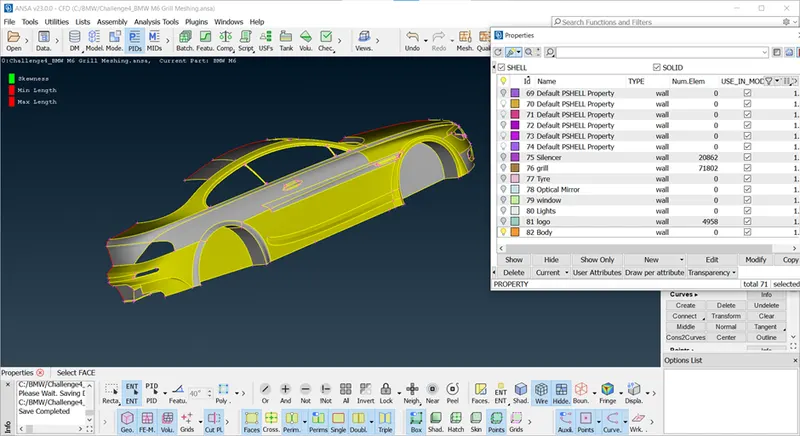
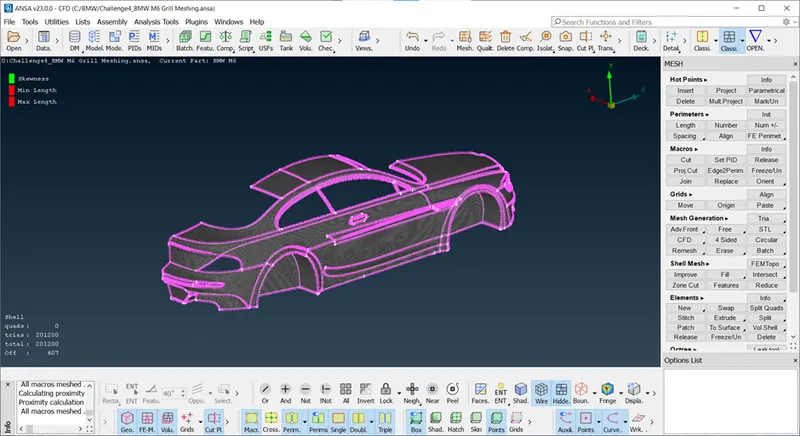
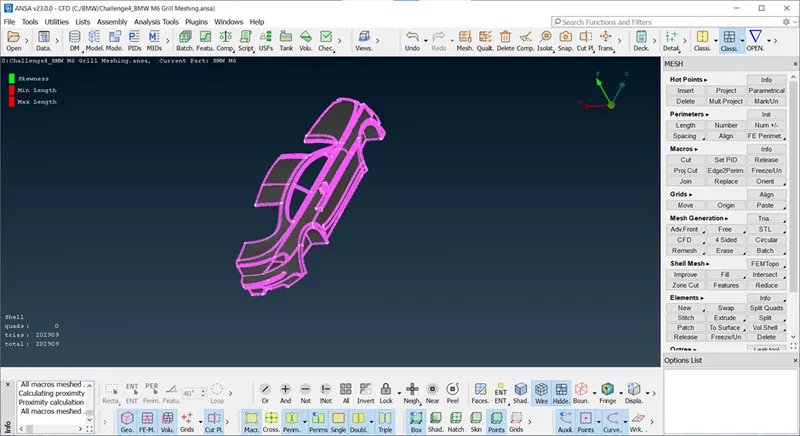
Lights : Meshing Length : 4mm
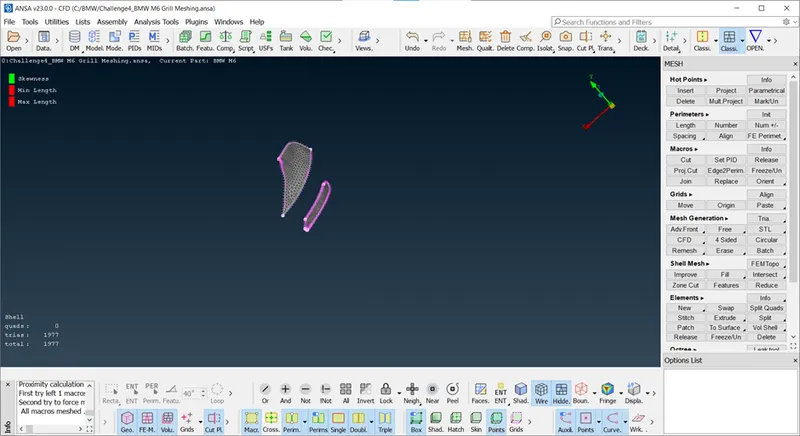
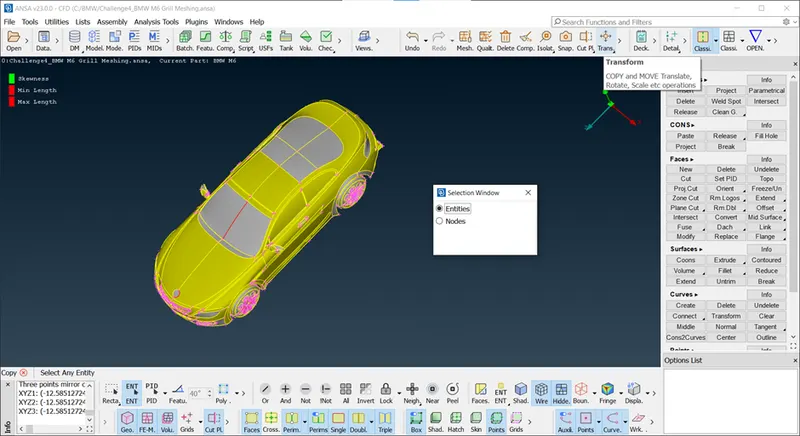
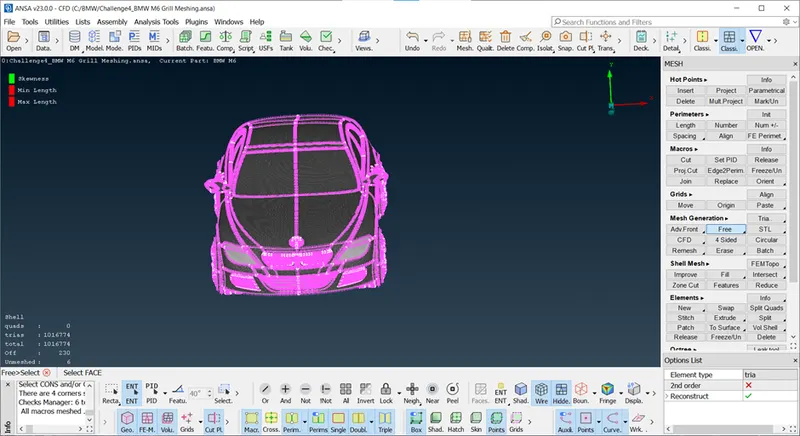
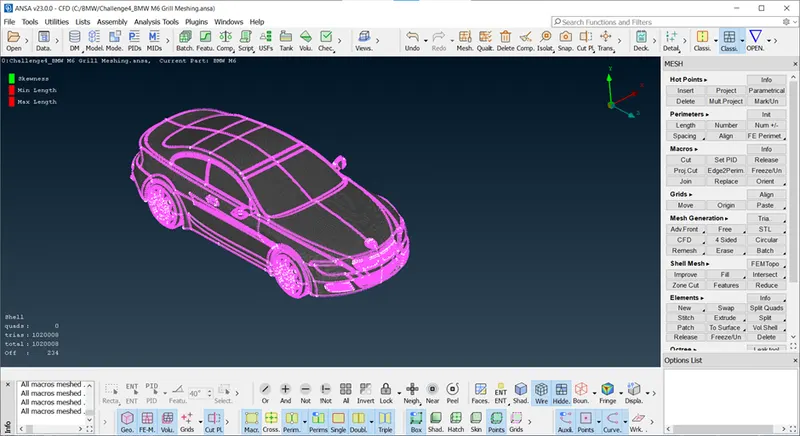
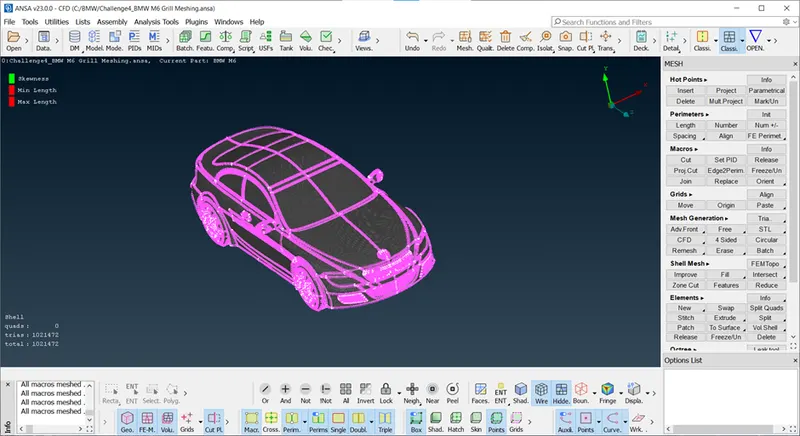
Half Body Meshing : Do surface meshing of Half Body and then create half portion of BMW using Tranform tool.
Transform tool used for copy option for create symmetry plane using 3 Points.
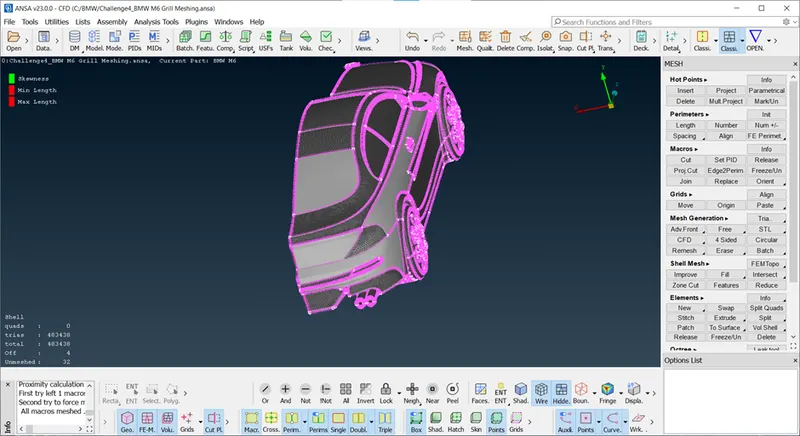
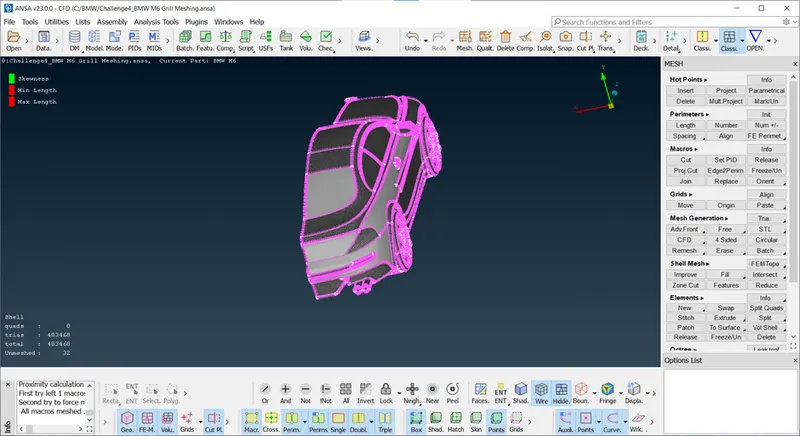
Here some parts are unmeshed cause we use different mesh legth for differnt parts, so thats why it will not meshed, here we can use freeze mesh or Free Mesh.
https://drive.google.com/file/d/1uuCeynX-59ORJj2j_wFVLVkxbo0P2ety/view?usp=sharing
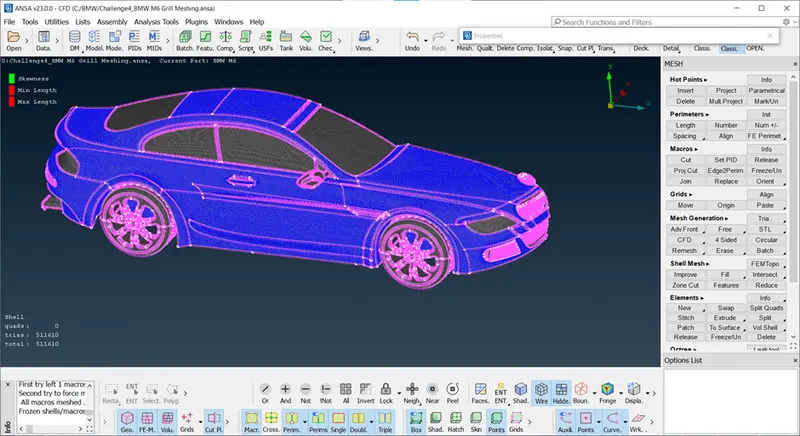
After assign all PID and delete default PID using compressibilty. we are going to create symmetry of BMW.
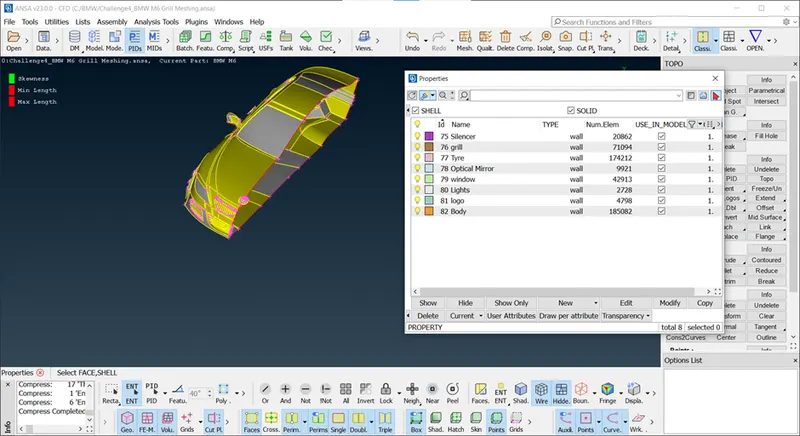
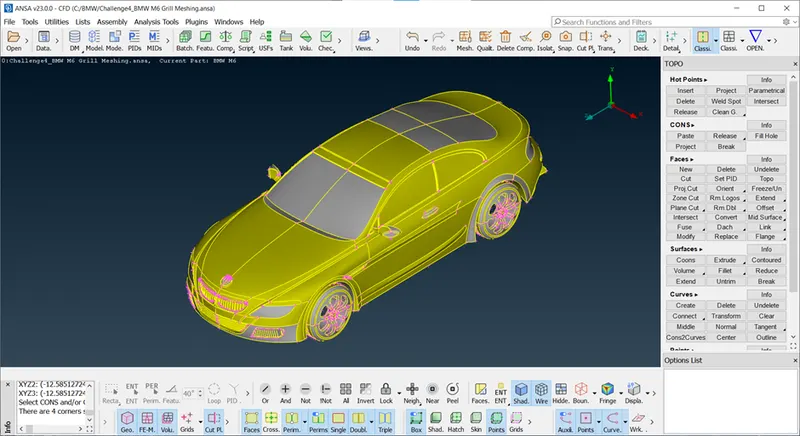
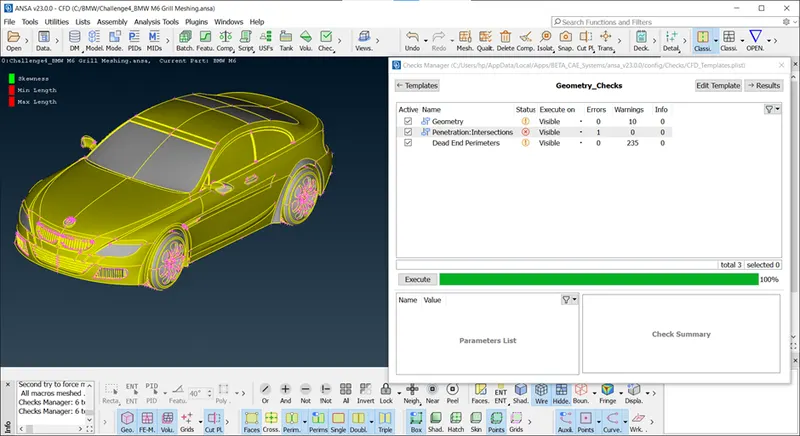
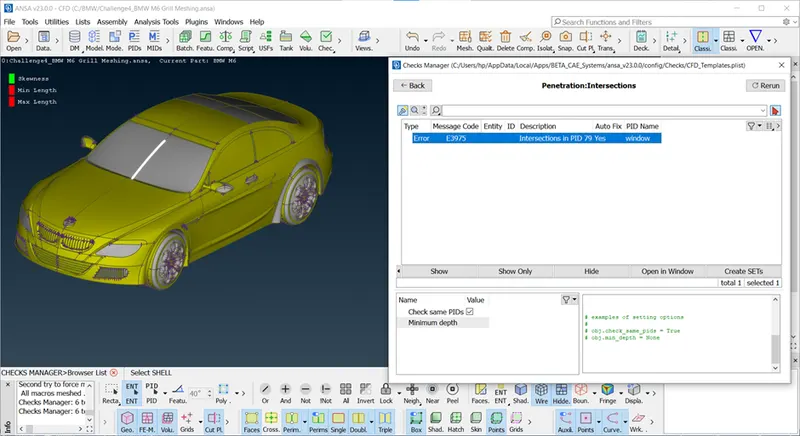
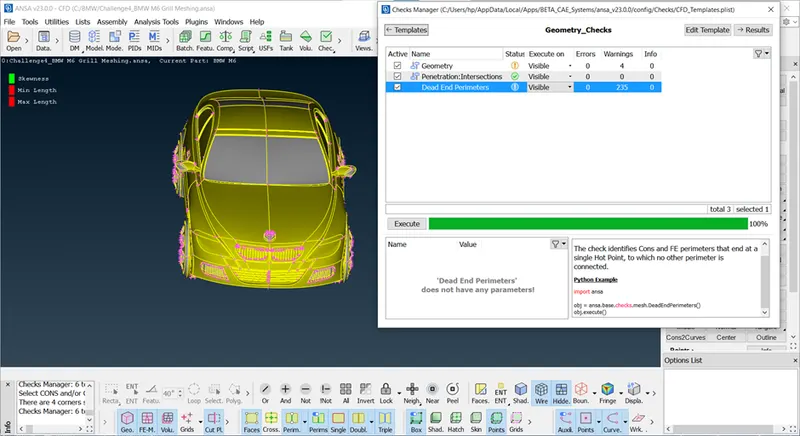
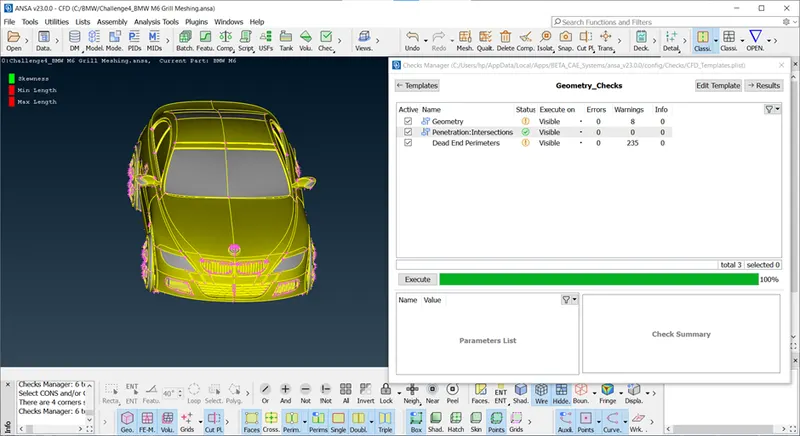
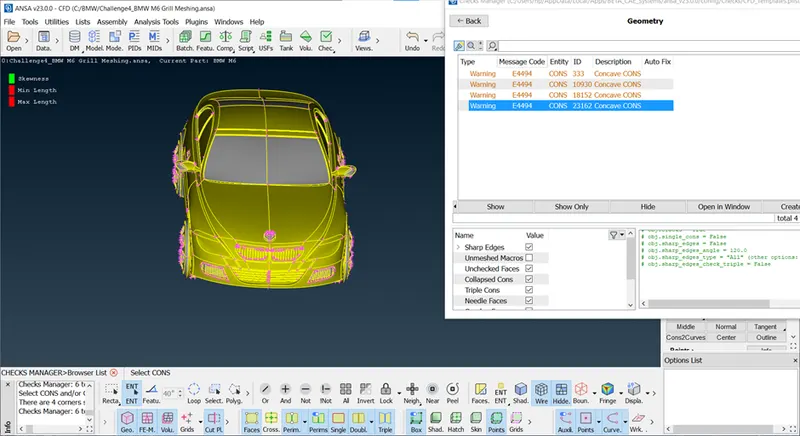
After creating half parts, some error will appear check geometrical error and remove it. as we see there is red coons let's delete it and make new surface using coons.
https://drive.google.com/file/d/1j6Ol1XoIDmJ3WYJ2b-3M-886xnrDTZm_/view?usp=sharing
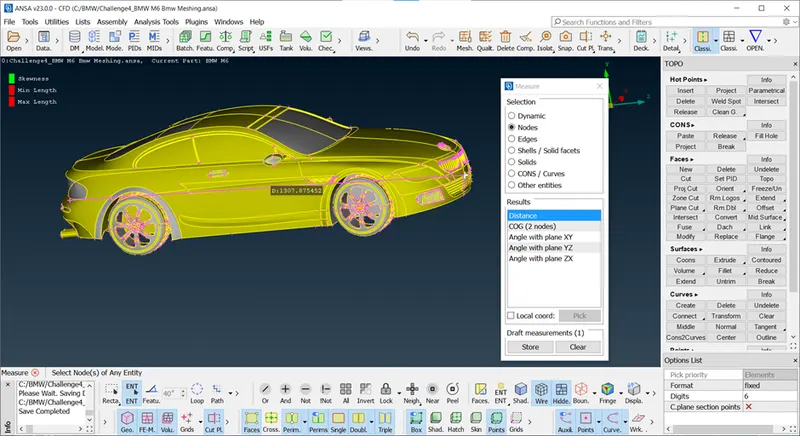
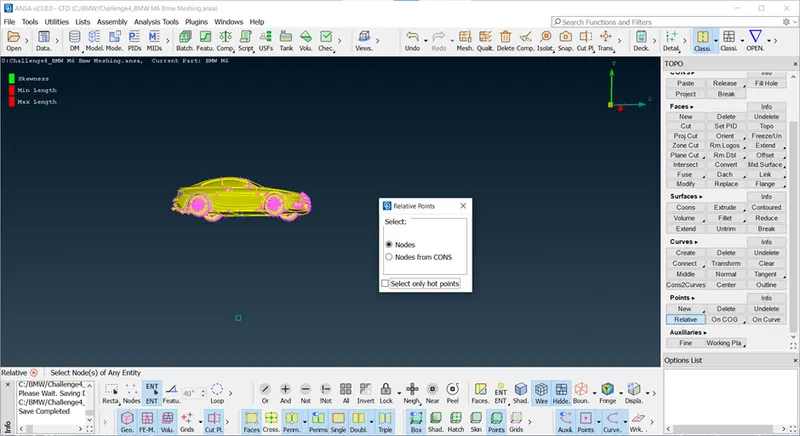
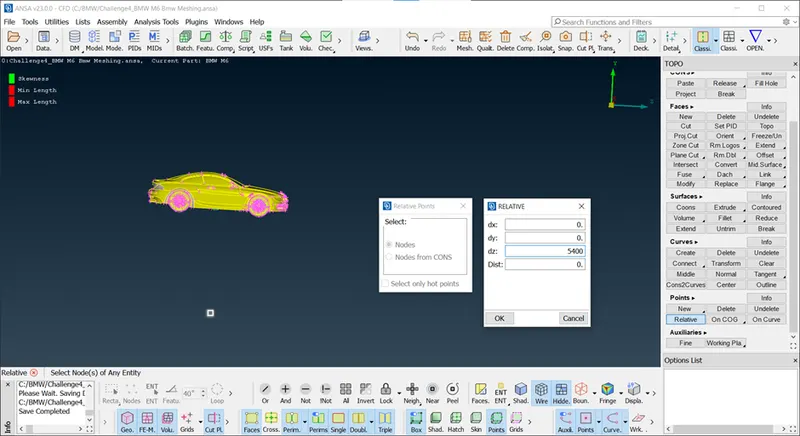
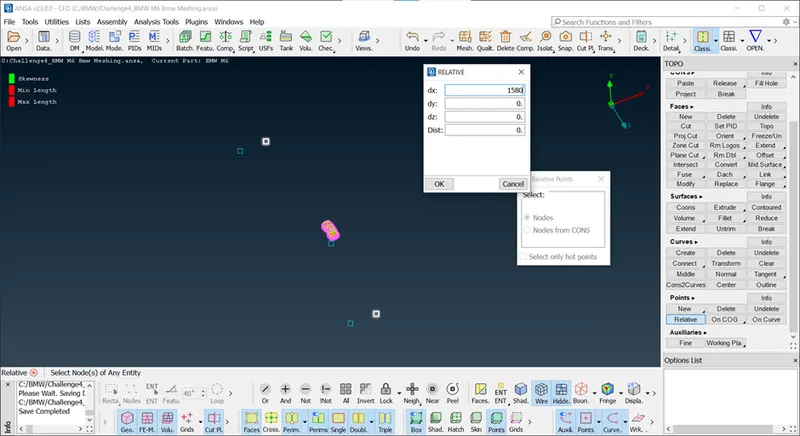
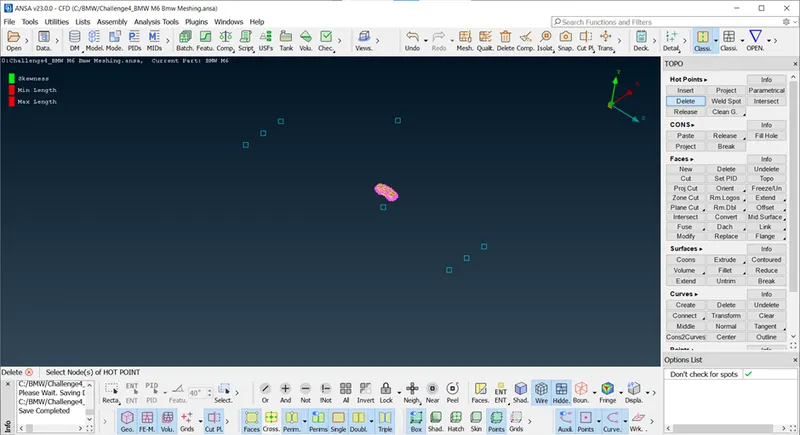
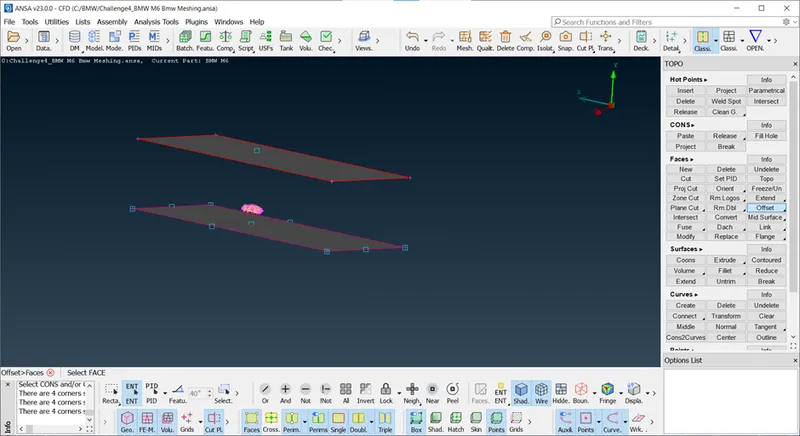
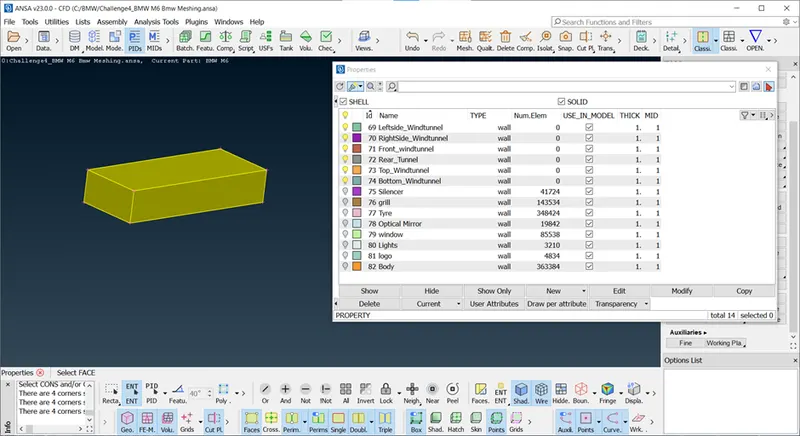
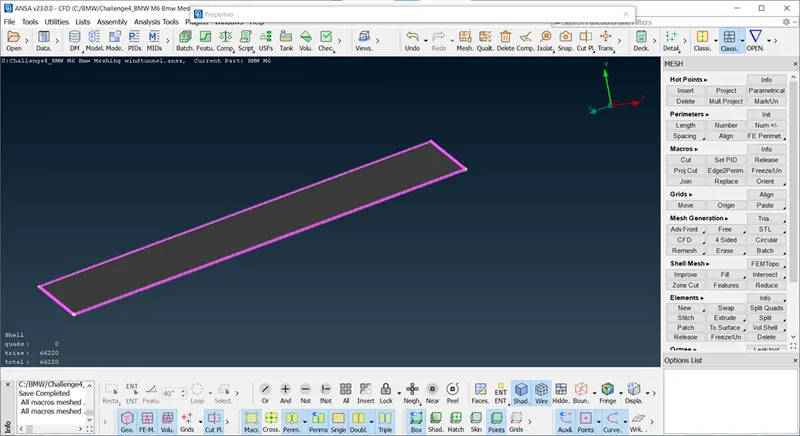
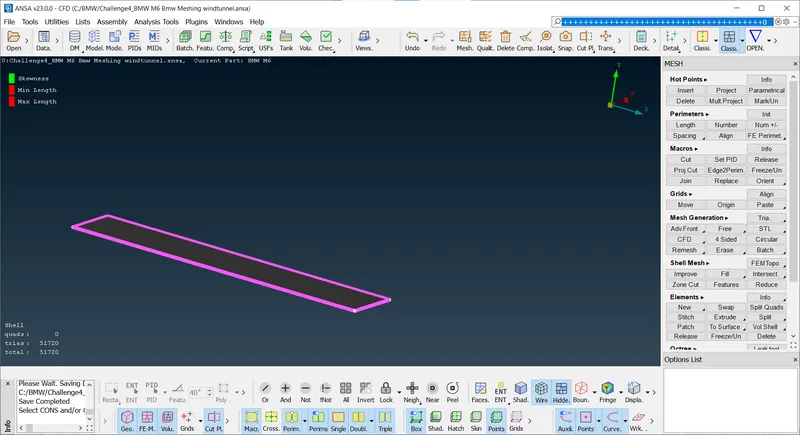
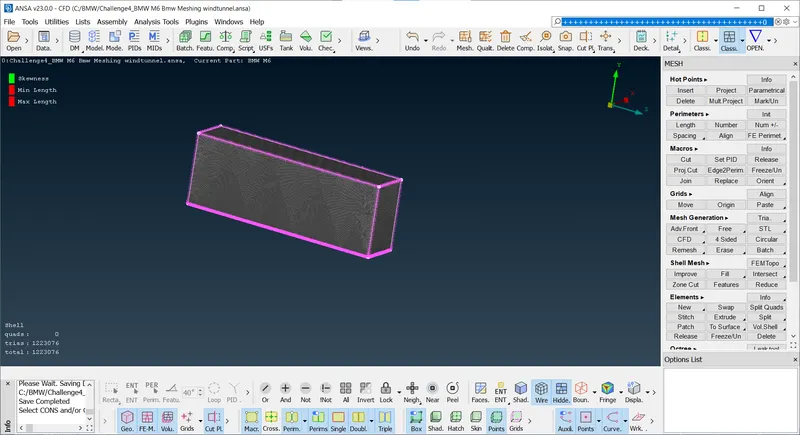
Creating Wind Tunnel.
Wind Tunnel
Front = 4X
Back = 6X
Top = 3X
Bottom = X
Sides = X
This is standard format for Tunnel.
https://drive.google.com/file/d/1zyCgPDsWvpEM90UF-wzBlPhVc6wxoxii/view?usp=sharing
Conclusion : In this project learned Surface meshing with quality criteria, wind Tunnel for Flow analysis wih Auto CFD meshing, Manual CFD Meshing, Creating Relative Point using standard dimension format for wind tunnel. as mention above snapshpt. one Quality Criteria for all parts. Geometry Cleanup,reconstruct off elements.
Geometry Cleanup : Clear all intersection error and geometrical error.
Surface meshing : Surface meshing with qualty critera.
Wind Tunnel meshing.