Week 5 Challenge : Surface wrap on Automotive Assembly
Aim:- To perform meshing of engine, gearbox and transmission assembly by surface wraping technique in ANSA software.
Theory:- Surface wrap is a technique use to generate watertight surface mesh from complex geometry. We use this technique where too many parts in model and our target length is too small. Here in this challange we have to perform surface wrap on a assembly of engine, gearbox and transmission with target length 3mm but as per my system ability i use 5mm target length instade of 3mm.
" In we perform meshing like that we are wrap our complete assembly from outside as you can see this in bellow image finaly how our model is look like."
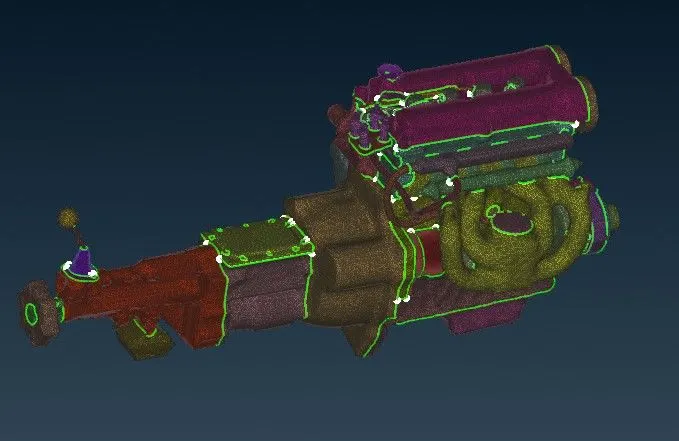
So that we have to clean up geomety from out side only.
Preparation for surface mesh
- Ensure that most of the Faces are topologically connected. Small gaps and triple CONS are not however a problem for wrapping.
- If there are small openings that you do not want to keep, then close the penings in the solid model.
Inspect the model and create new Faces to close any openings that are larger than the wrap minimum length, or to cover any details that should not be captured by wrap.
Procedure:-
1). First download the above models and Open engine model here as you can see in below image there are too many unwanted things that are not part of engine assemby comes in model so first delete those one by one.
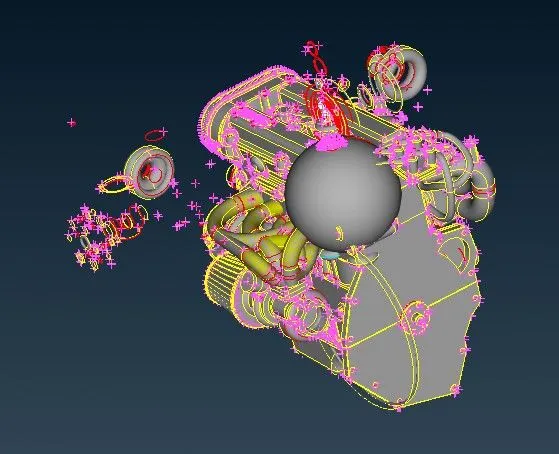
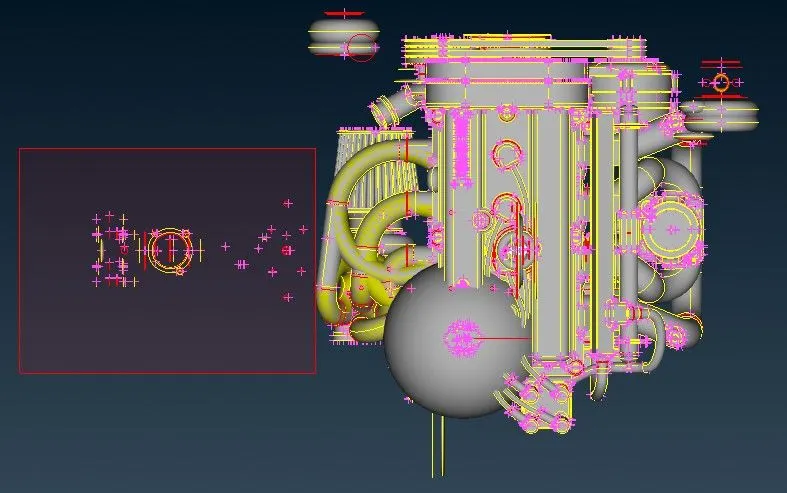
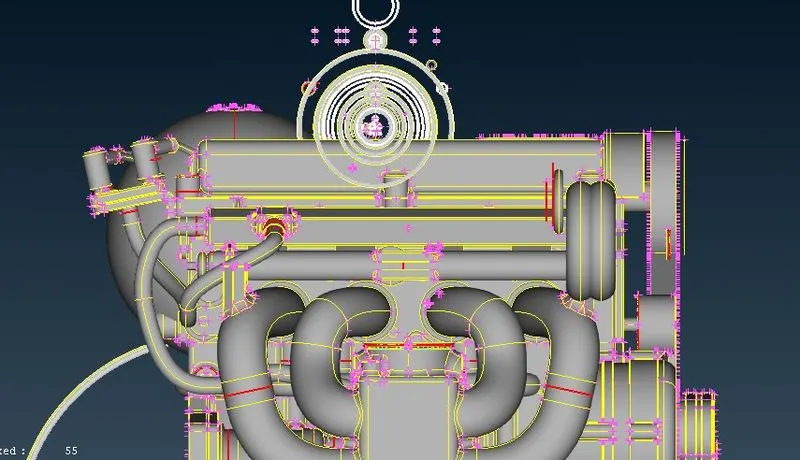
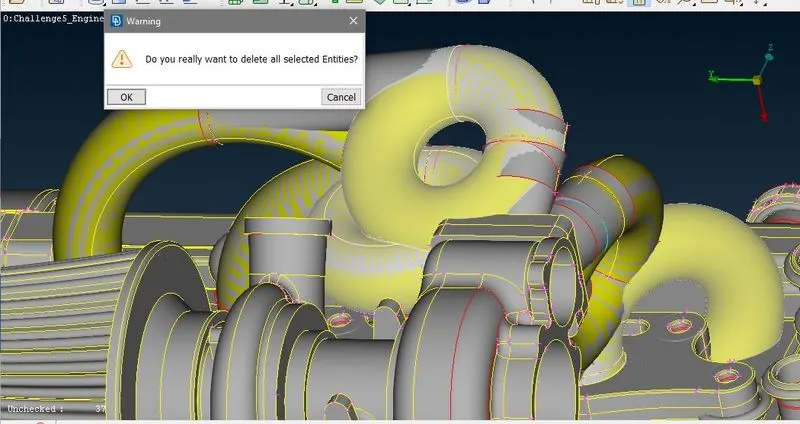
now click hide and on PID selection mode and select required engine PIDS.
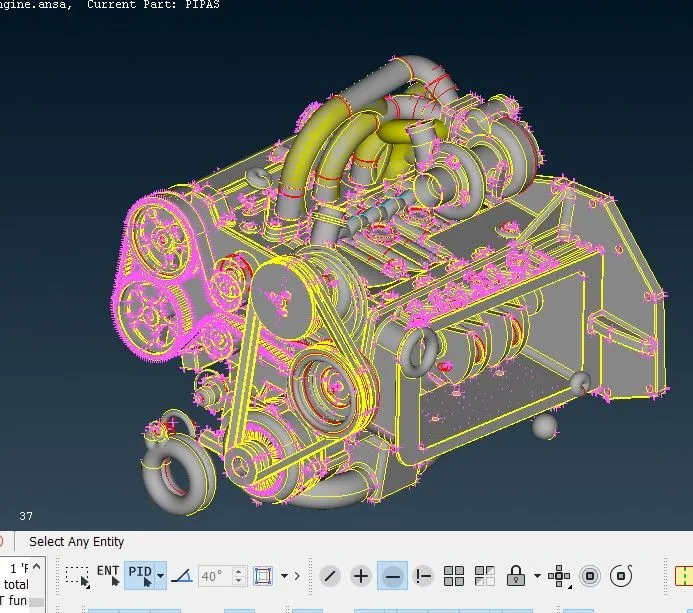
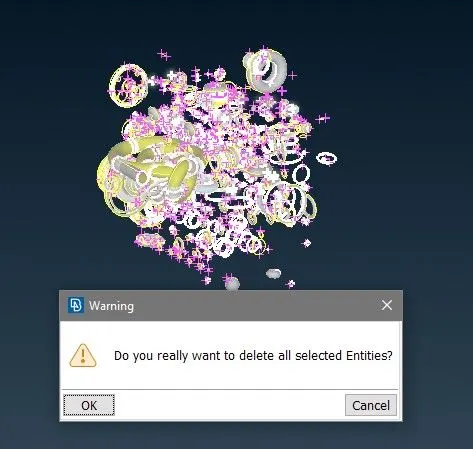
Select and hide all the important geometry component. Now remaining parts (rings) are unnecessary so delete those by universal delete.
2). Now we delete all unnecessary geometry in model now we have to perform geometry cleanup from out side only.
so we ahve to clear all read cons froms out side ony.
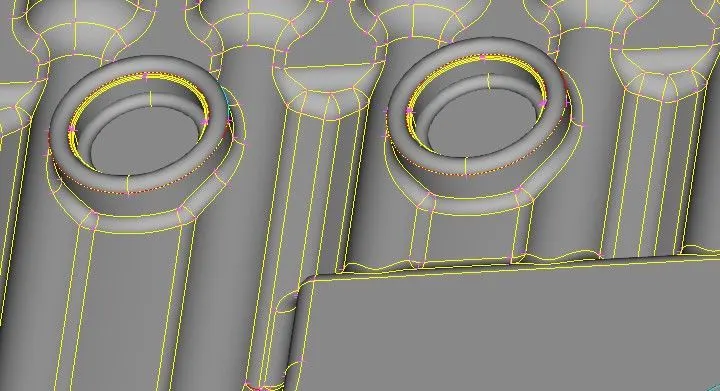
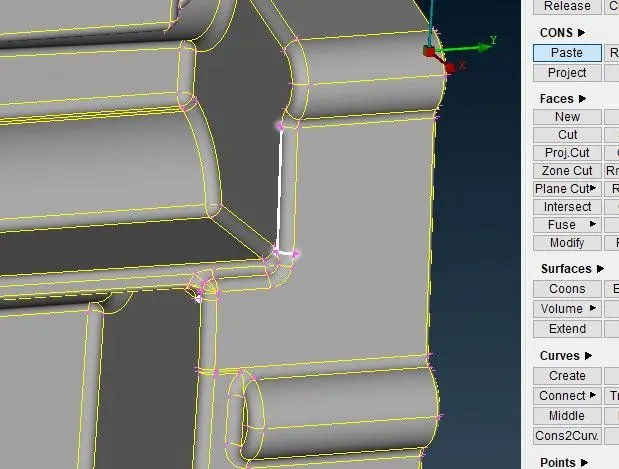
As you can see in image there is red con on periphery of bosses feature in mode, so first hit TOPO on these faces individually and you can see these red con became triple con i.e. there is some overlaping surface
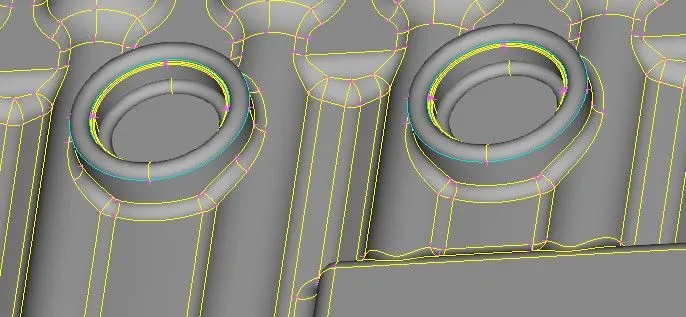
first hide nearby surfce then you can see fillet feature produce tubese while importing model surfaces so delete unnecessary surface.
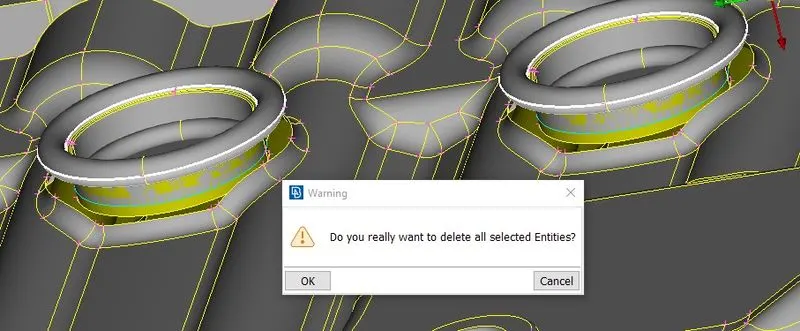
Repeate this procedure for all features where red cons are present.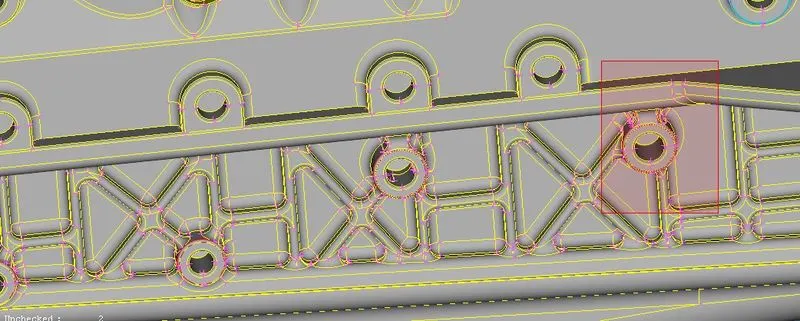
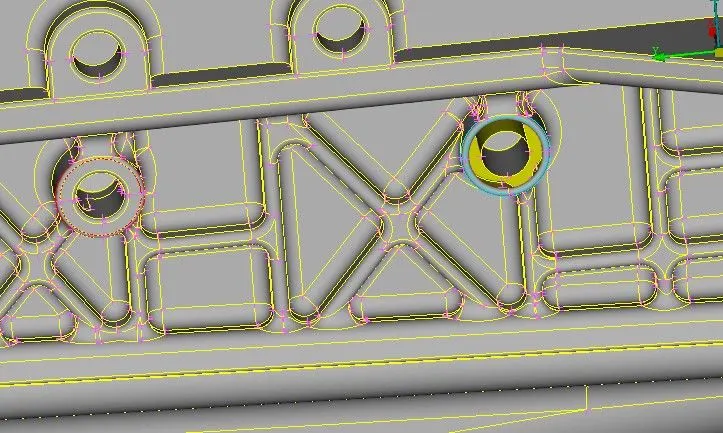
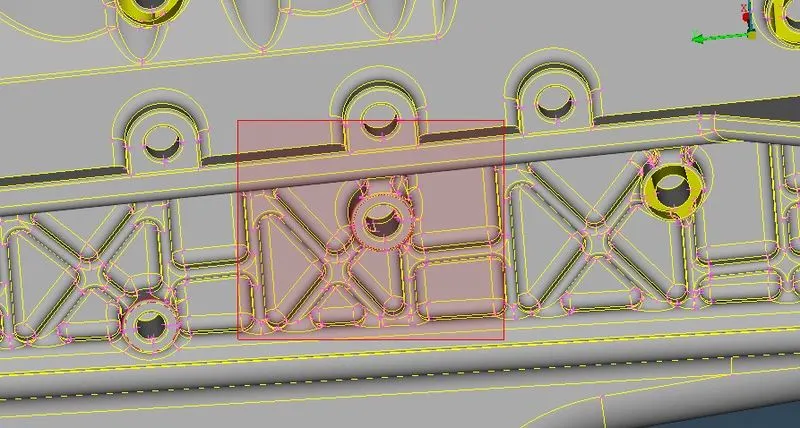
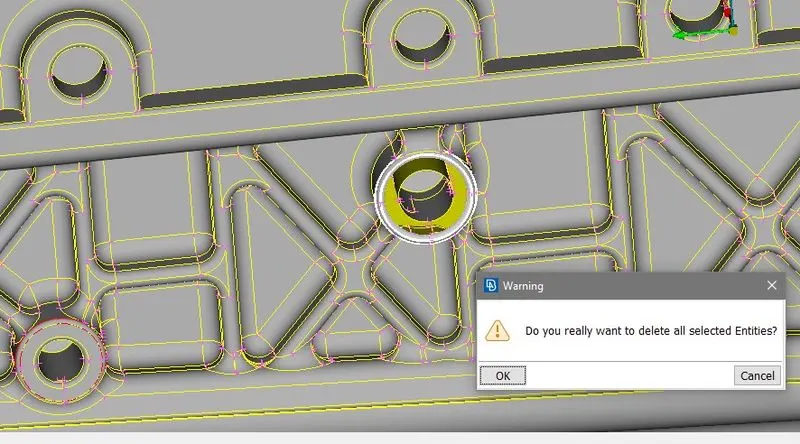
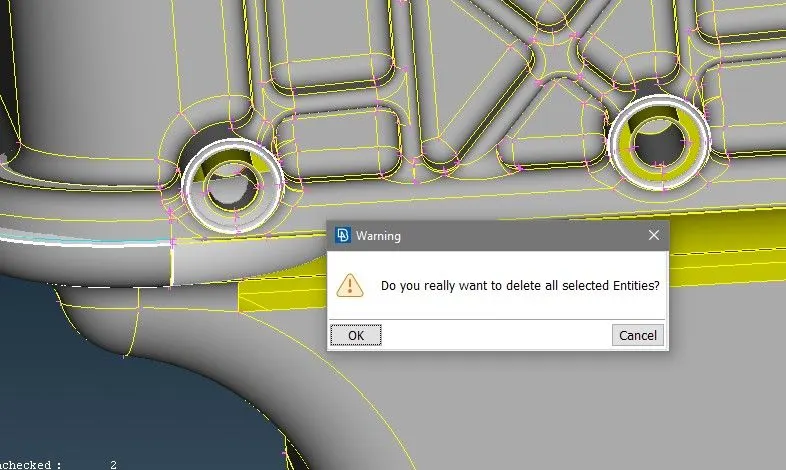
3). Now timing belts are unnecessary for flow analysis so we delete those and for wraping we have to close the opeings.
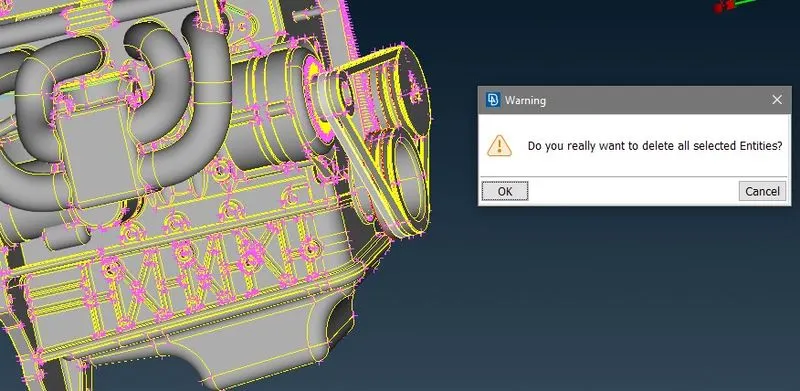
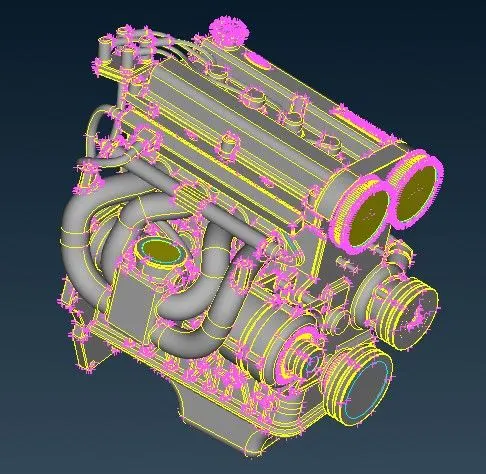
4). Now open transmission and gear box assembly and simillar to engine assembly claer outside geometrycal error
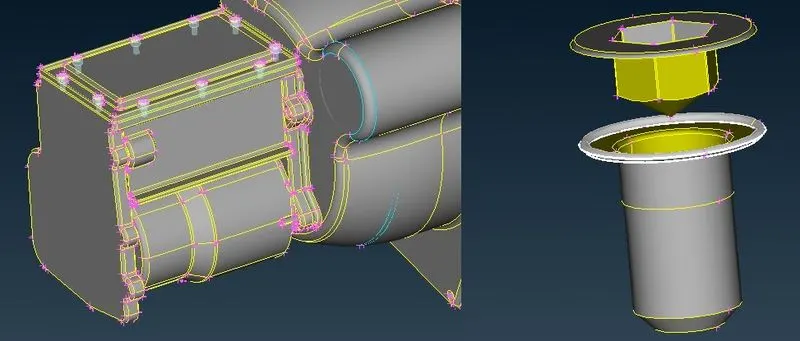
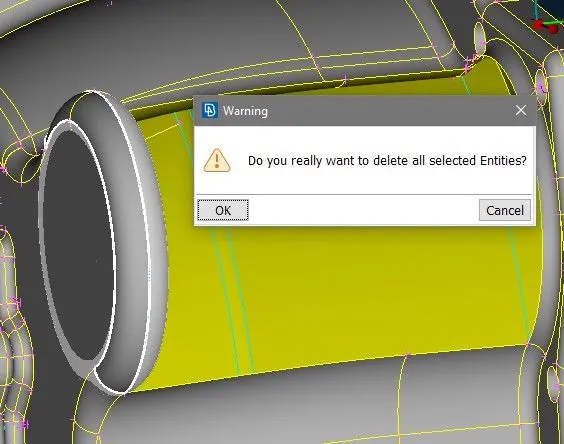
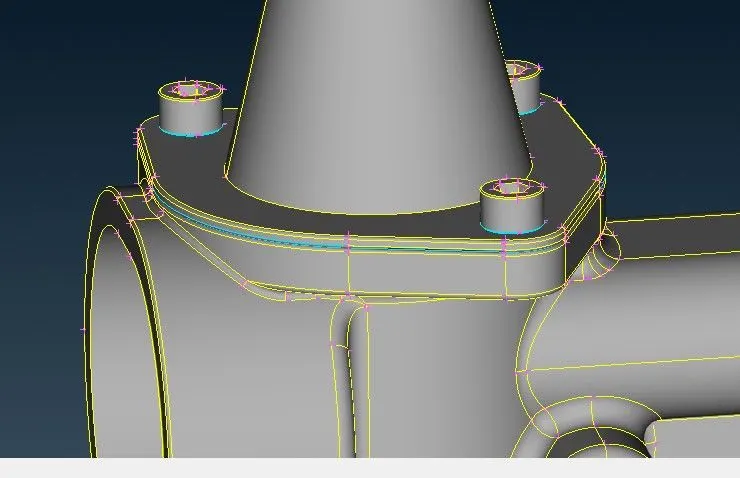
5). Merge gearbox and transmission model in engine model.
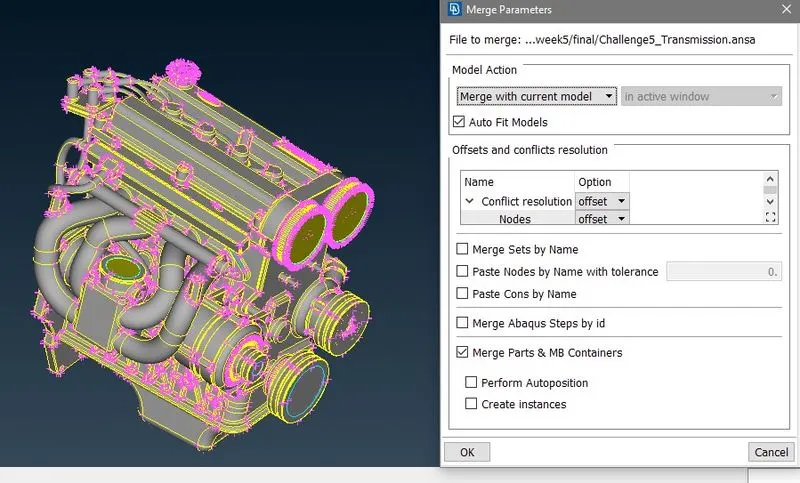
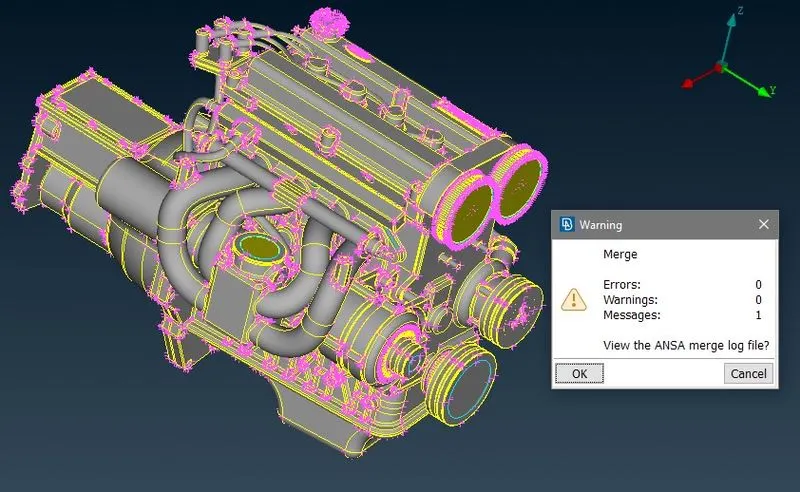
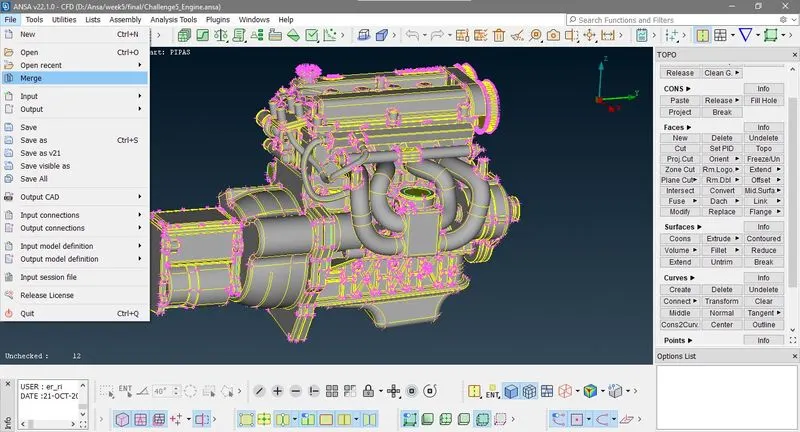
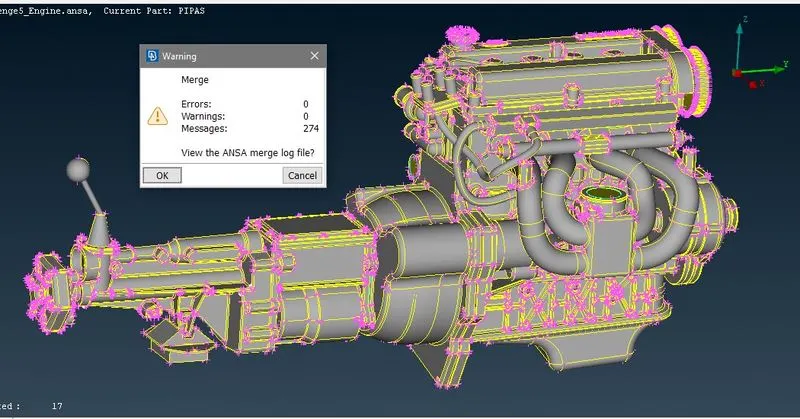
6) Fill all the open holes and gap
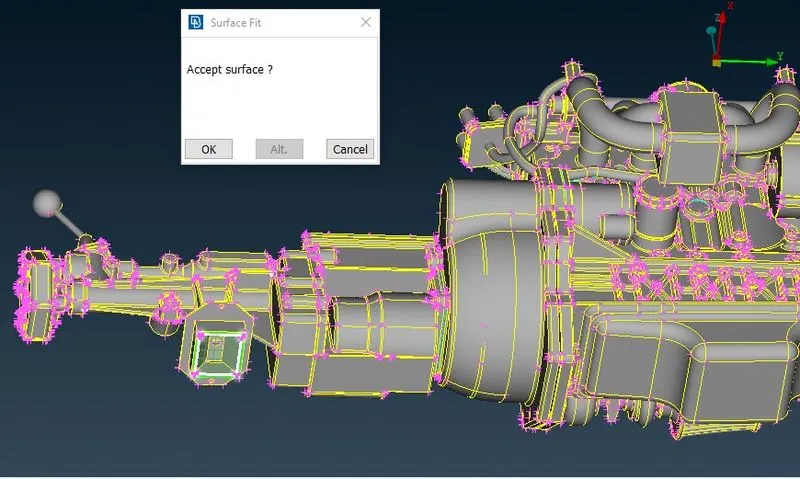
here fill the gap bewwen transmission and engine component
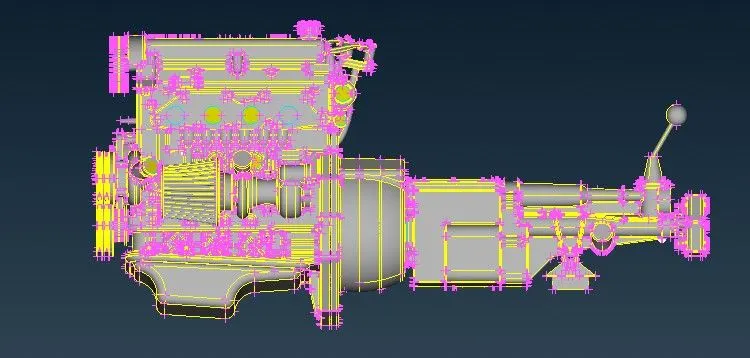
check geomety from all side and clear errors
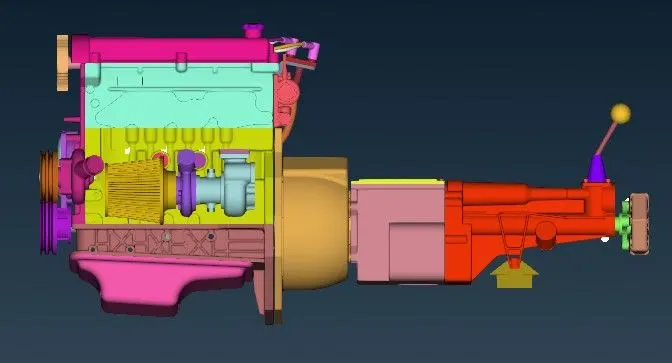
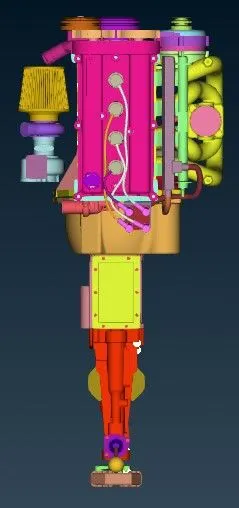
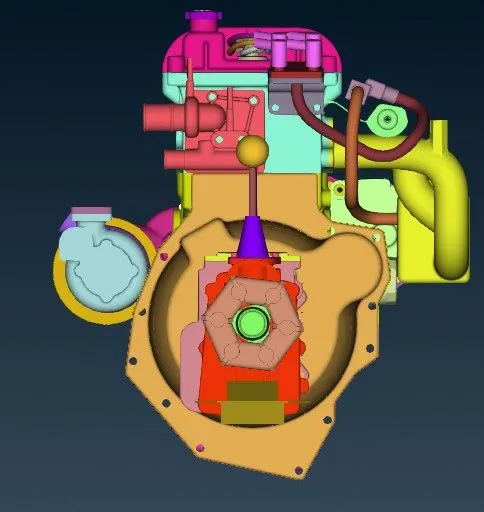
7) PID clean up : Here if you open propery table you can see there is 1583 PID's in model so delete those un asined PID by compress option. then ony 90 PID remains.
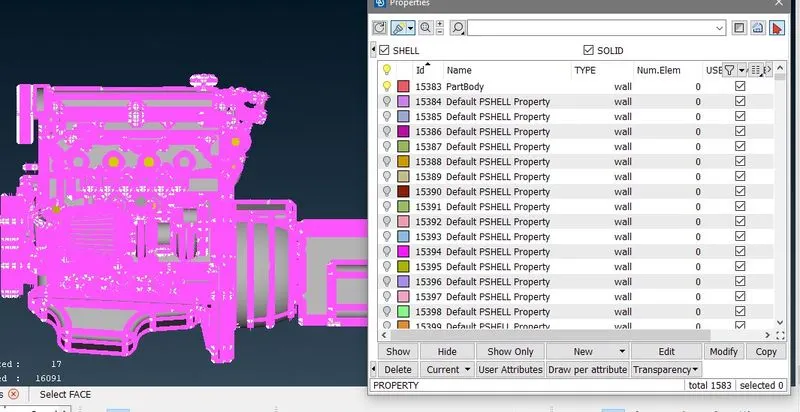
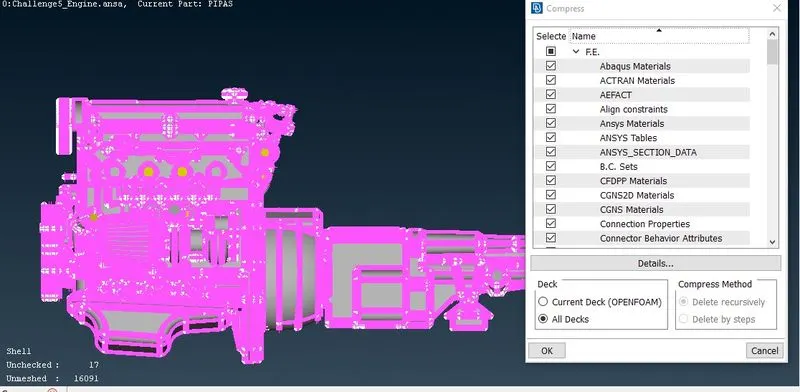
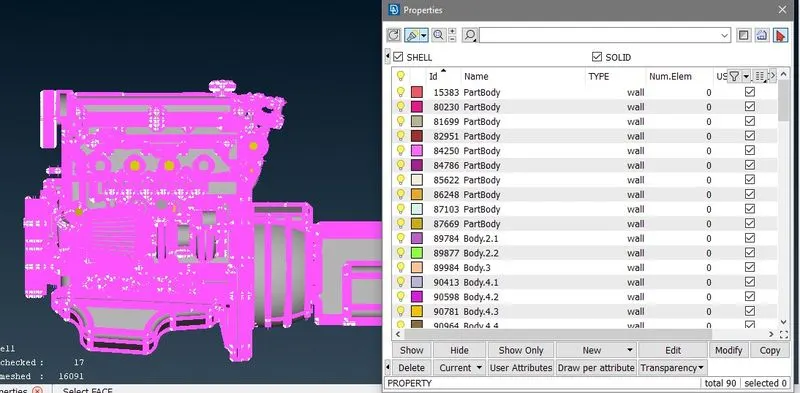
8) Surface wrap
Now go to CLASSICAL MESH>Elements > Wrap> constant
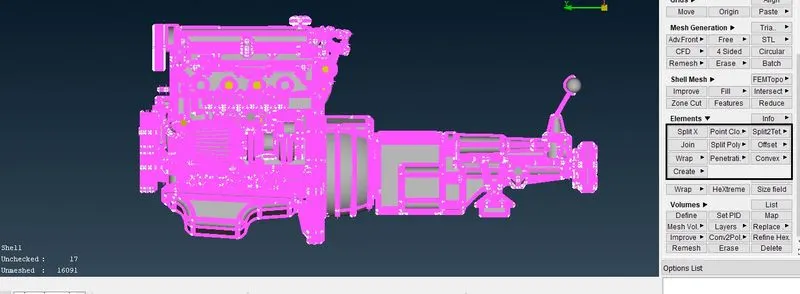
Now double click on empty
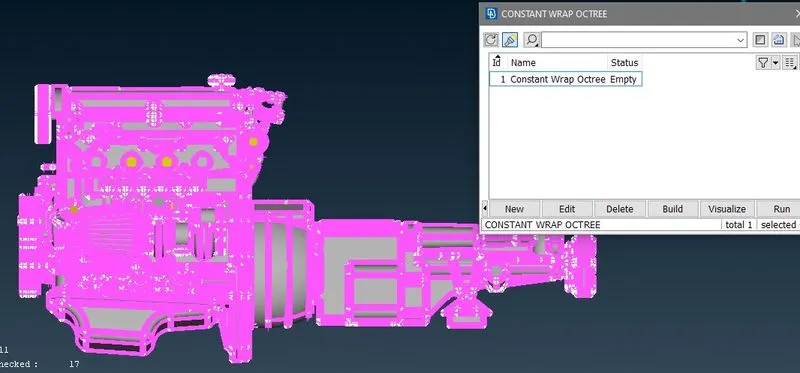
Now double click on 0.
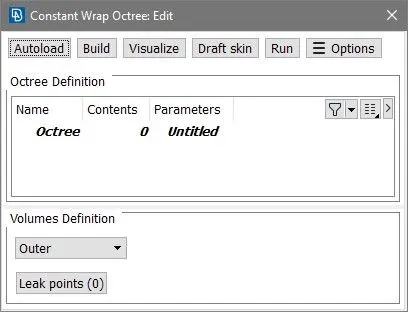
Now select all the PID in left side box and move those in right side box
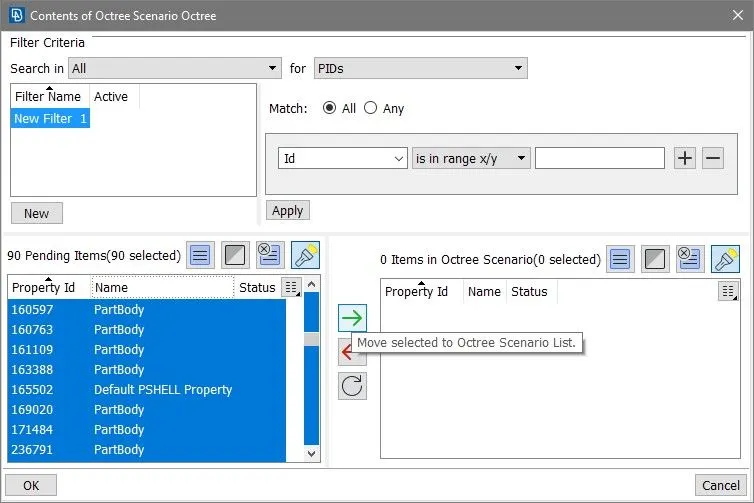
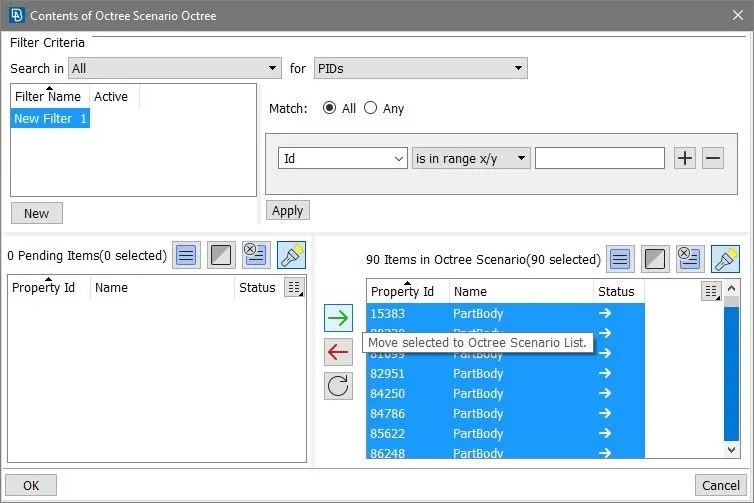
now click ok and you can see there are 90 below the content. now double click untitled and give target length 5mm.
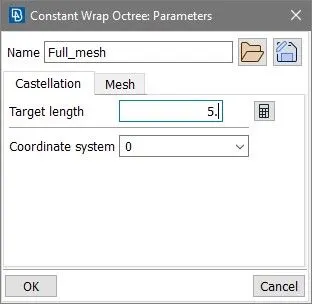
now click ok and click Run
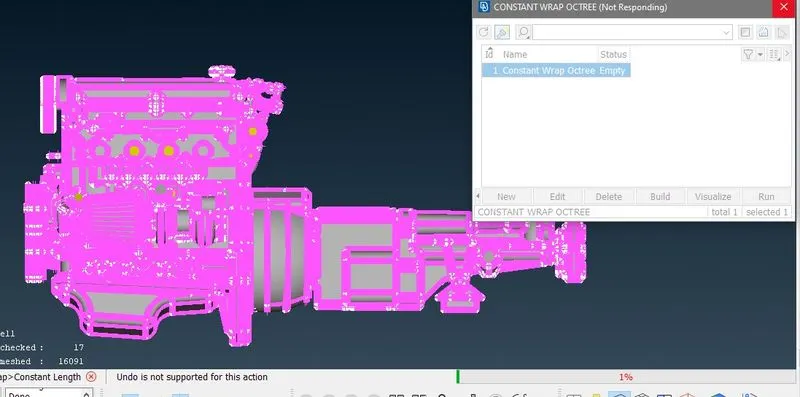
then you get final mesh after some minutes of time
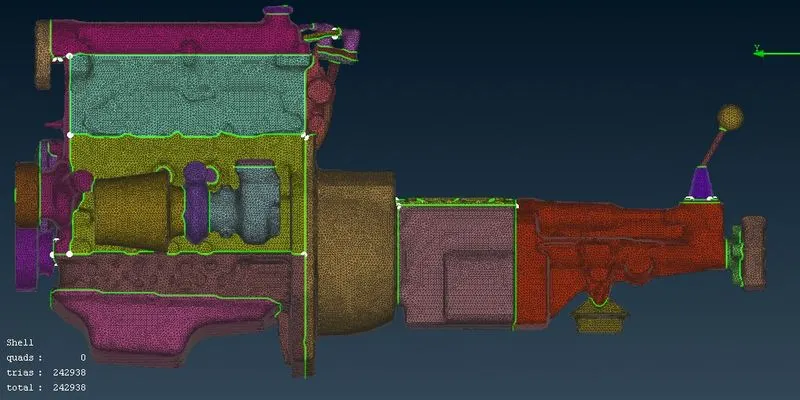
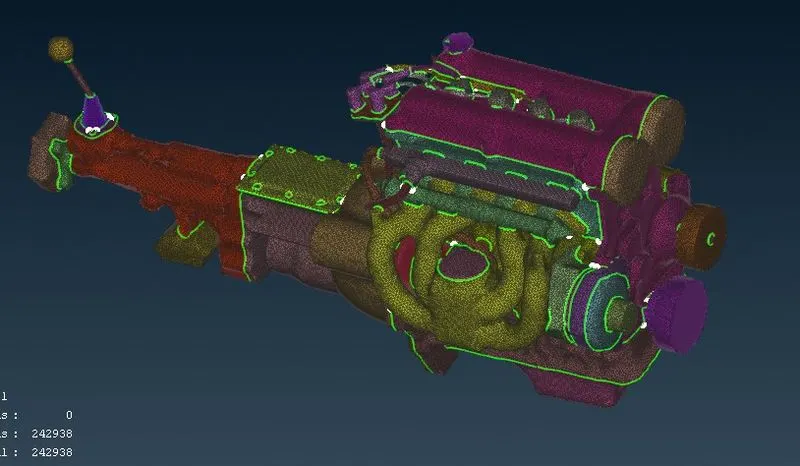
Now here you can observed total number of element is 242938 which is verry les as per our complexity of model and small target length 5mm. this is because in surface we just wrap our complete model in a surface and mesh that surface only now internal geometry. so if you thake a crossection you can see there is nothing inside it.
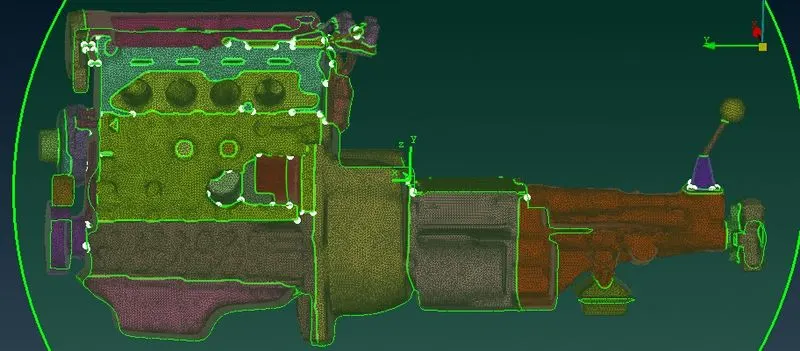
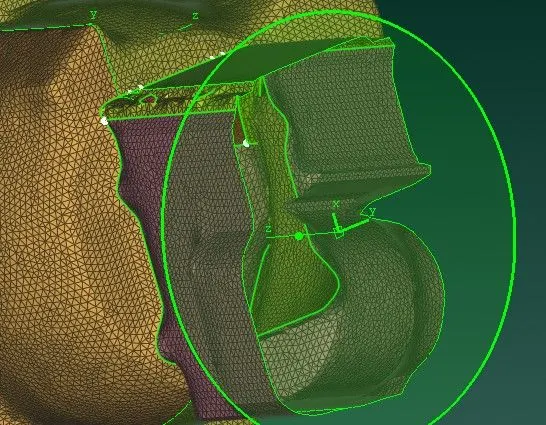
Conclusion:- Surface wraping on a aasembly of give models (engine ,transmission, and gearbox ) is done successfully in given time period.
Download meshed assembly model from this link https://drive.google.com/file/d/1FwAtfhuibfNmPeQOCb18nGWR3PFTiGSQ/view?usp=sharing
and for geomery model of transmission and gearbox click these link.
https://drive.google.com/file/d/1AVPHOOHDrc76eus_OPrD9Jv2ooUidgCl/view?usp=sharing
https://drive.google.com/file/d/13xnNc2Jit6OyI7y9H0Dq5GIL_8kIbrSy/view?usp=sharing