Week 5 Challenge : Surface wrap on Automotive Assembly
Aim: For the given models, check for the geometrical errors and delete surfaces which are unwanted for Surface wrap as shown in the videos. After clearing geometry, Merge all 3 models and perform surface wrap.
Objective: To clean geometry for the given model and merge 3 components into one model to perform surface wrap.
Procedure: Import the given models using file import option.
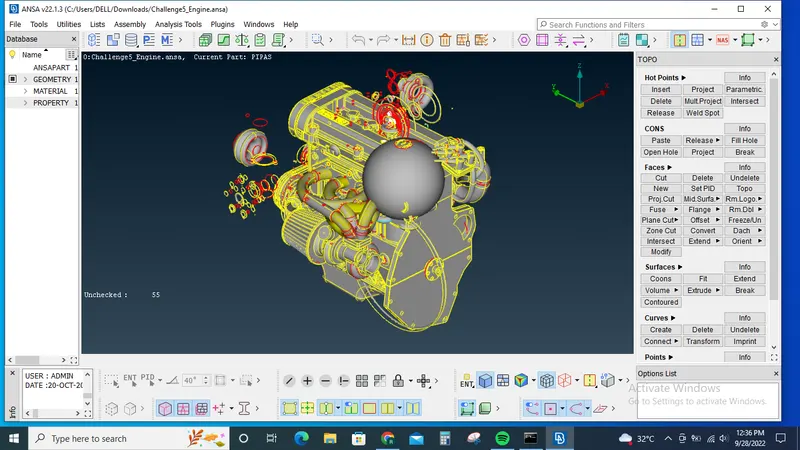
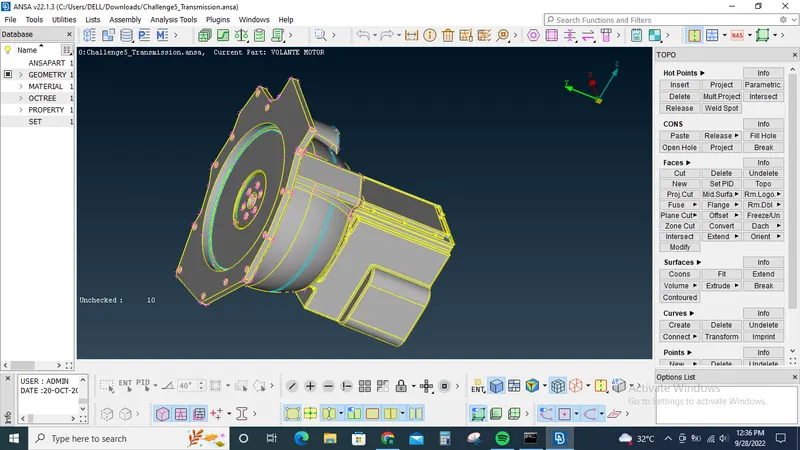
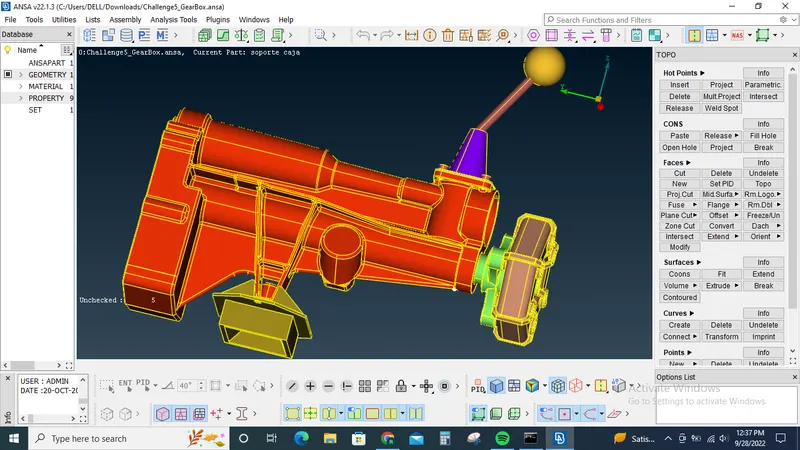
Clean the unwanted geometry's and unwanted surface which are not needed for surface wrap using delete, new surface tools.
And close all the holes so that the surface wrap will be generated in the required condition.
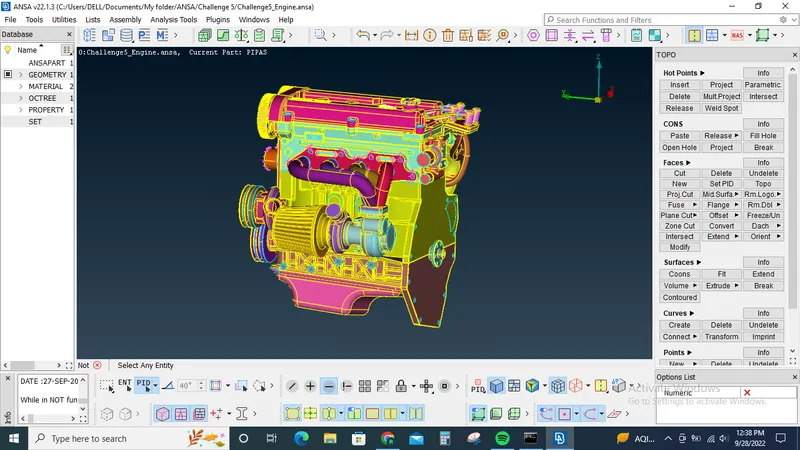
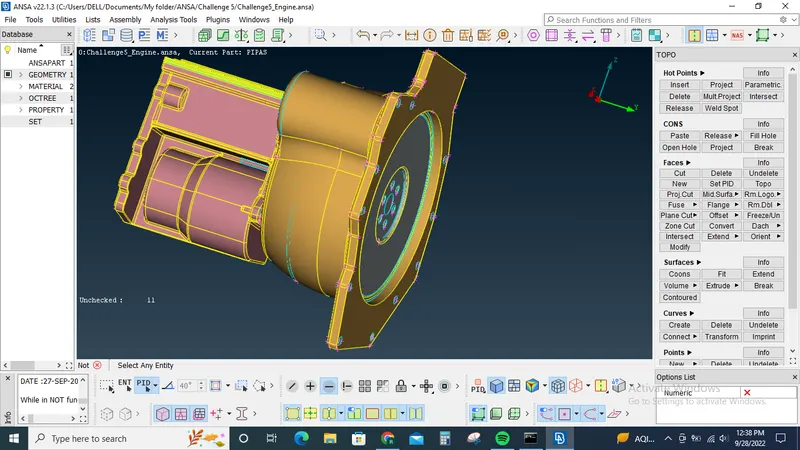
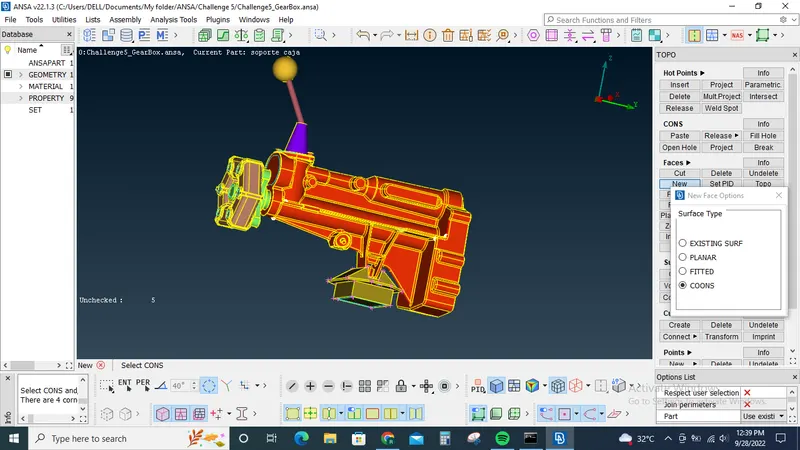
After the completion of topo clean up we use the merge option to merge the components one by one.
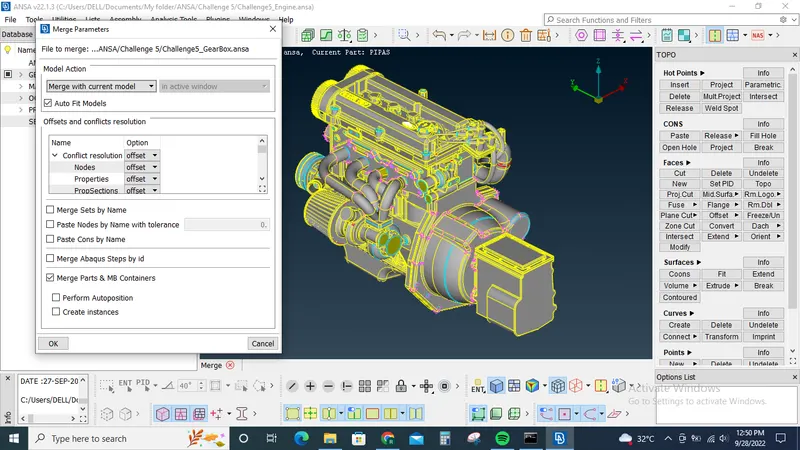
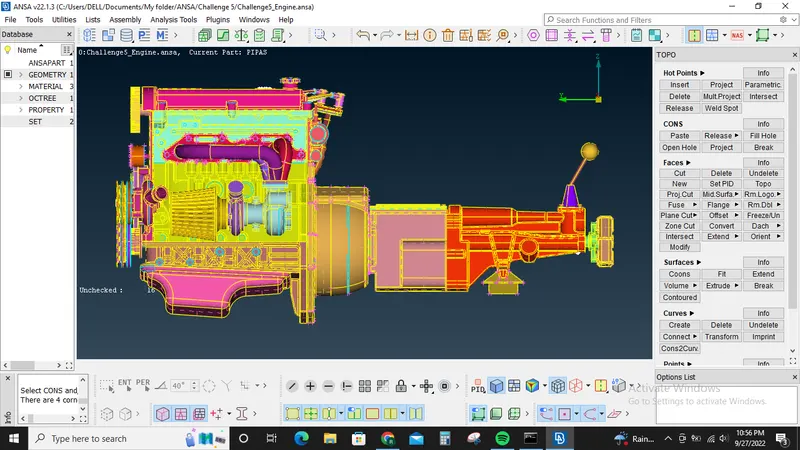
Once all the components are merged go to surface mesh tab and under elements group select wrap option
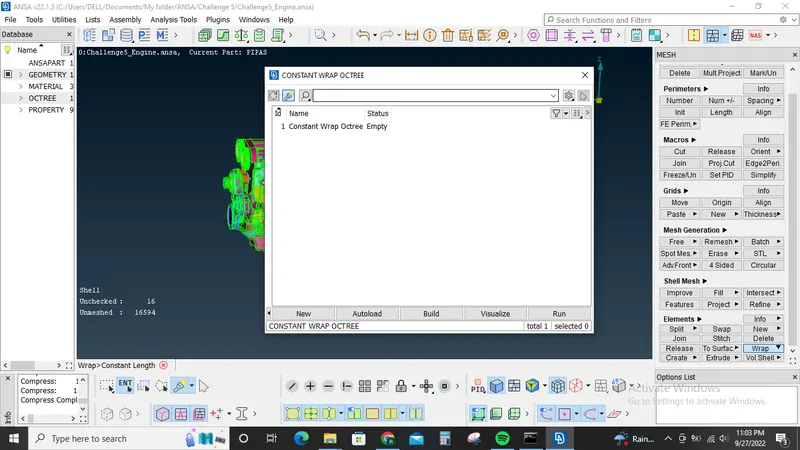
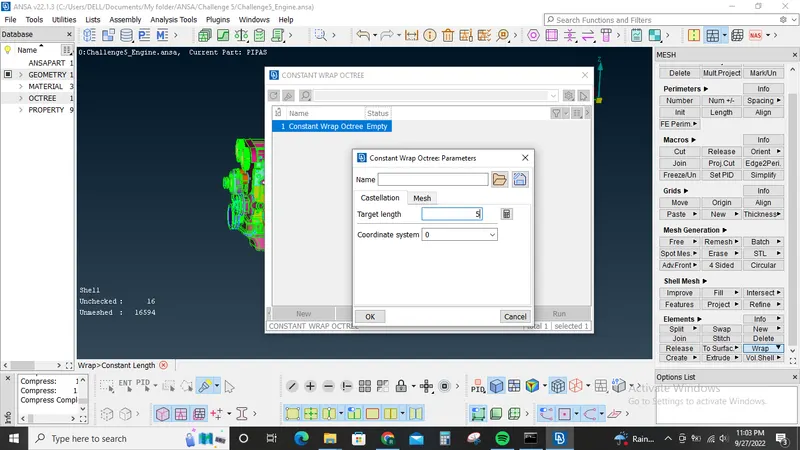
Now double click below the status in the pop up window
Give target legnth as 5mm and rename as Full_wrap
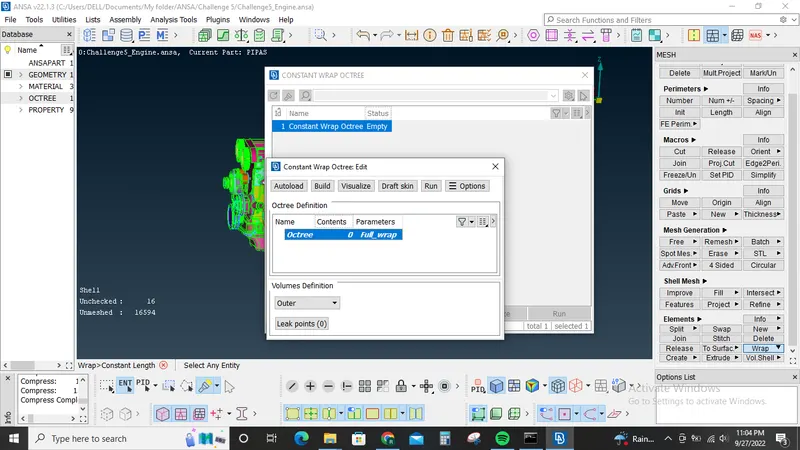
Now press ok to close this window and open the PID manager, we can see that there is nearly 1538 PID's most of which are not neccessary for this model. So use compress option to remove unwanted PID's from the model.
Now click the wrap option again and double click under elements tab in the pop up window.
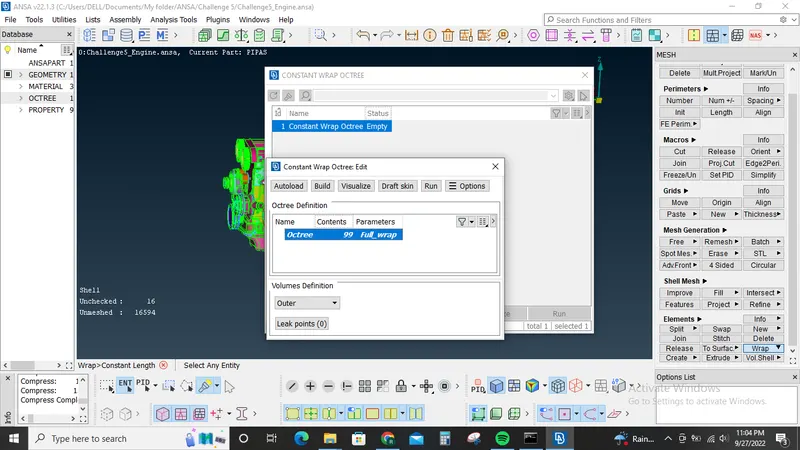
Add all the PID to the selection and click ok
Now press the run option
Surface wrap will generated.
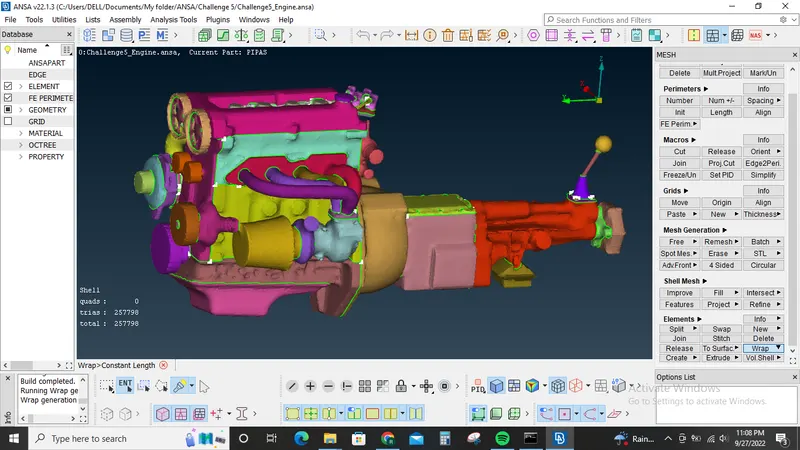
Hide some elements from both the elements of the model to check the quality of wrap
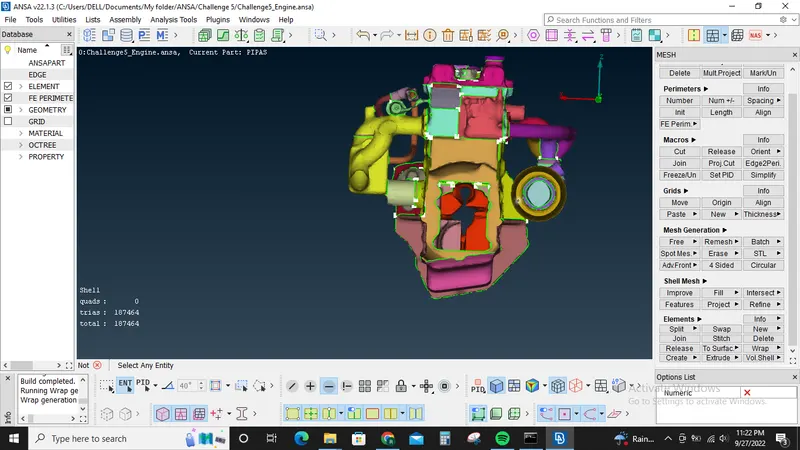
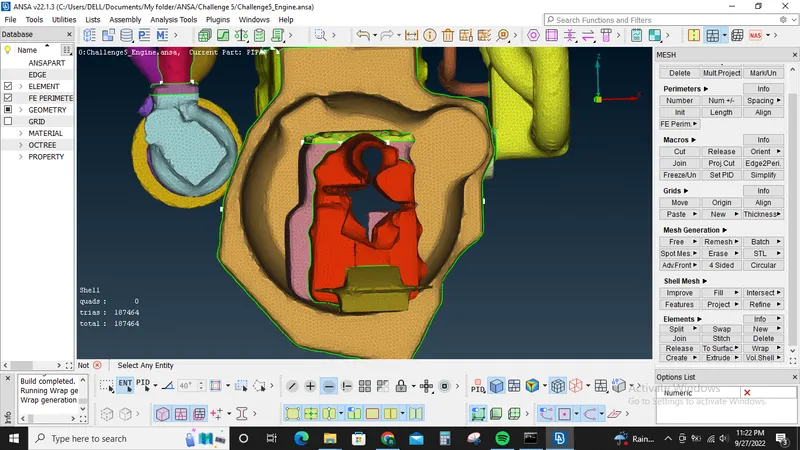
Upon hiding we can see through the model from one end to the other end. This shows that the surface wrap is generated correctly.
Learning outcomes: Surface wrap: It is done when we have a complex geometry and we are intertested in the external flow of the model. So instead of doing topo for the whole model element by element we can use surface wrap to capture the external surface of our interest.Learned how to merge components, how to do surface wrap.
Tools used: Merge, wrap, univeral delete option, New tool under faces.
Conclusion: For the given model geometry clean up is done, merged 3 components into one and surfcae wrap is created for the merged model.