Project 1 : CFD Meshing for Tesla Cyber Truck
Aim: For the given model, check and solve all geometrical errors and Assign appropriate PIDs. Perform meshing with the suitable Target length and element Quality criteria.
Objective: To solve geometrical errors, create appropriate PID's and mesh the given model.
Procedure: Import the given model using file import option.
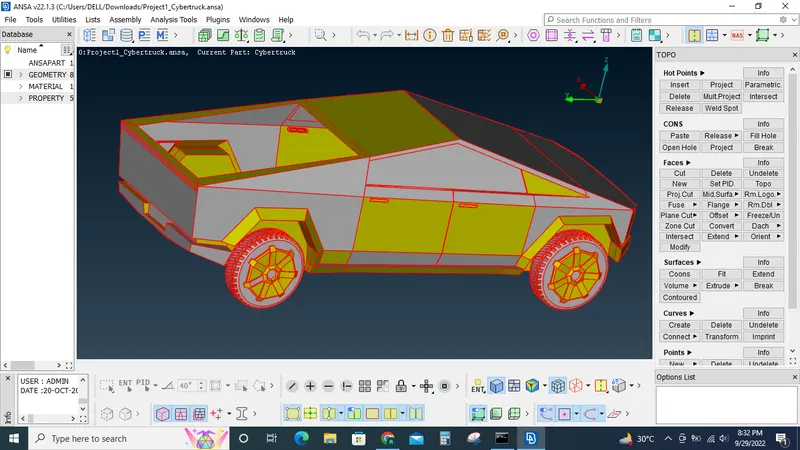
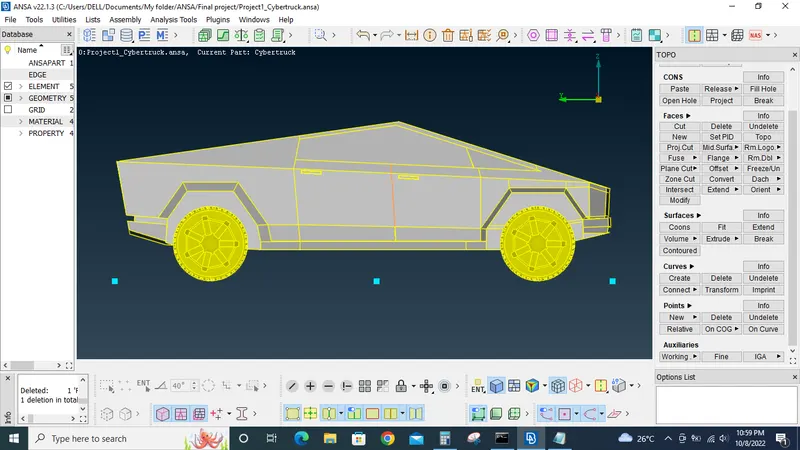
By using topo option under faces converted most of the single cons to double cons.
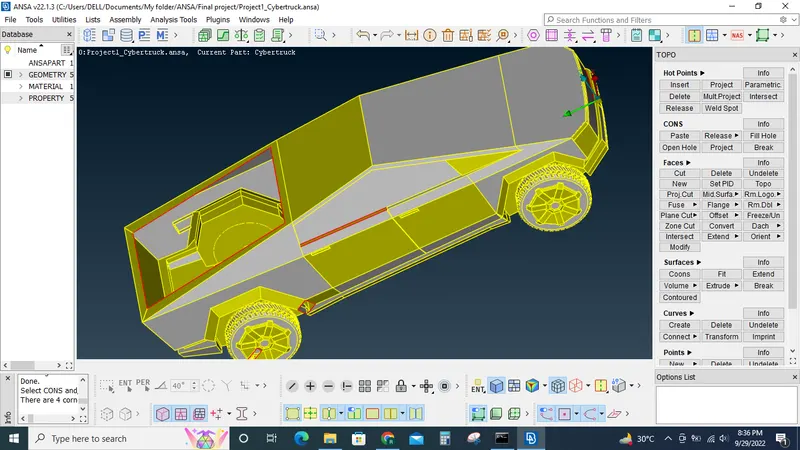
Now using the cut option created cuts in the centre of the truck so that it splits the car into 2 halves and delete one hlaf of the model.
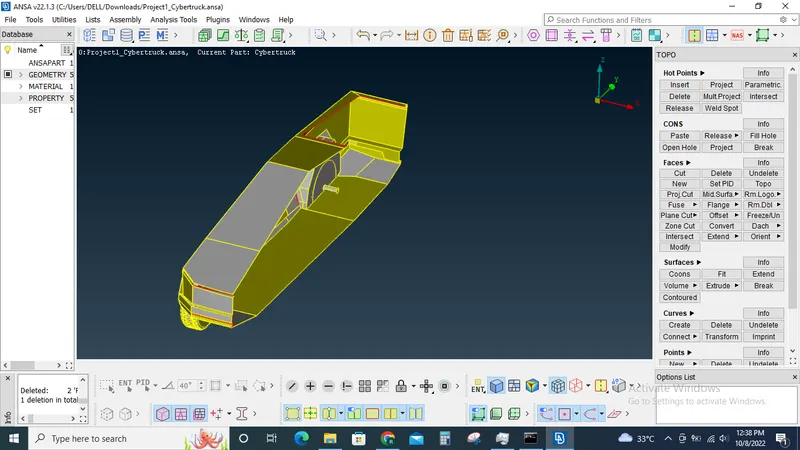
Now performed the topo clean up by resolving all single cons and resolving samll/needle surfaces that may cause errors in the later stage while meshing.
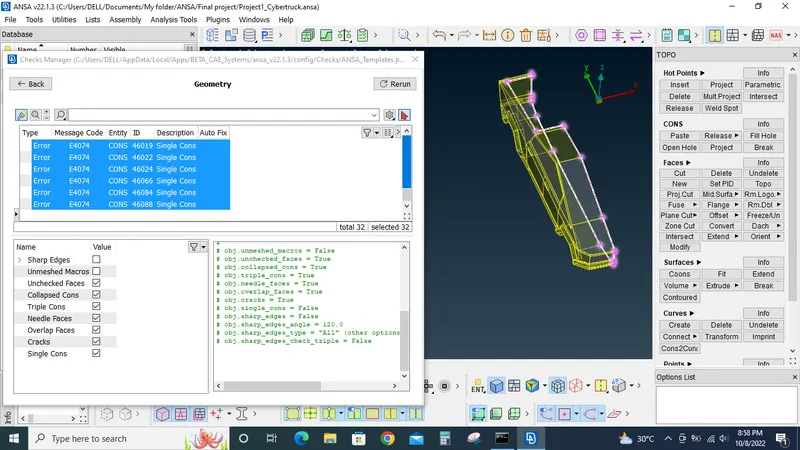
Only single cons remaining are the cons that joins the other half of the model.
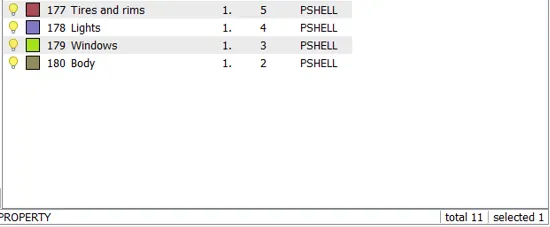
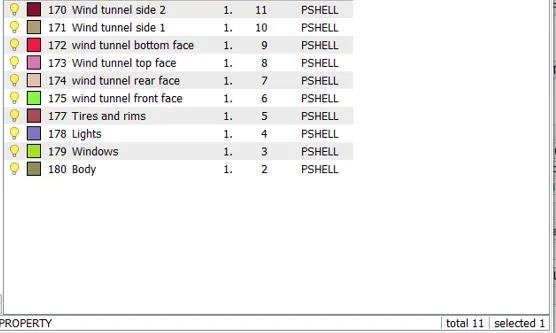
PID's are created and assigned to the respective models.
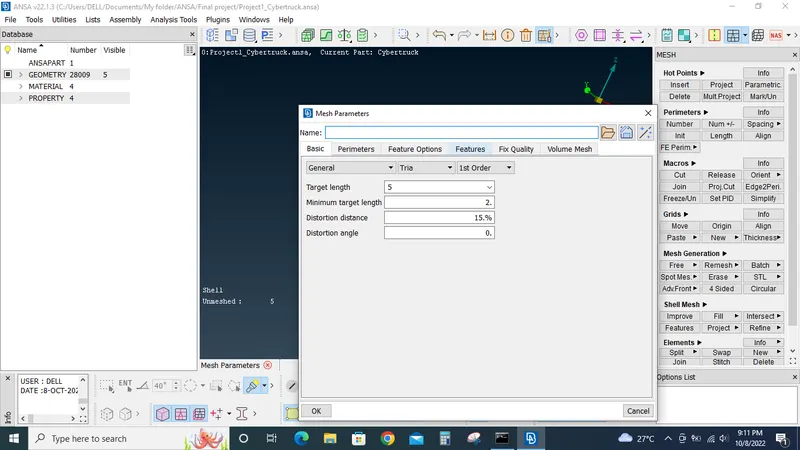
Now Body, lights and windows are meshed with same mesh length and quality criterias. Mesh target length= 5MM, Min. length = 2MM, Max length= 7MM,
Skewnwss=45, Mesh type= Tria. Surface mesh created PID wise.
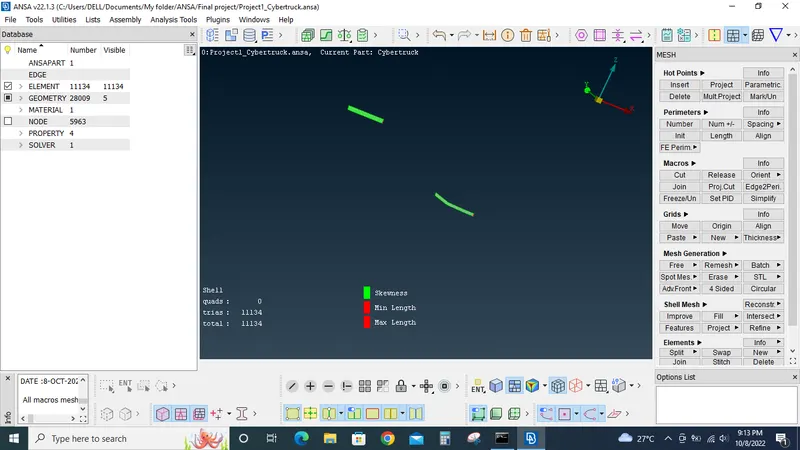
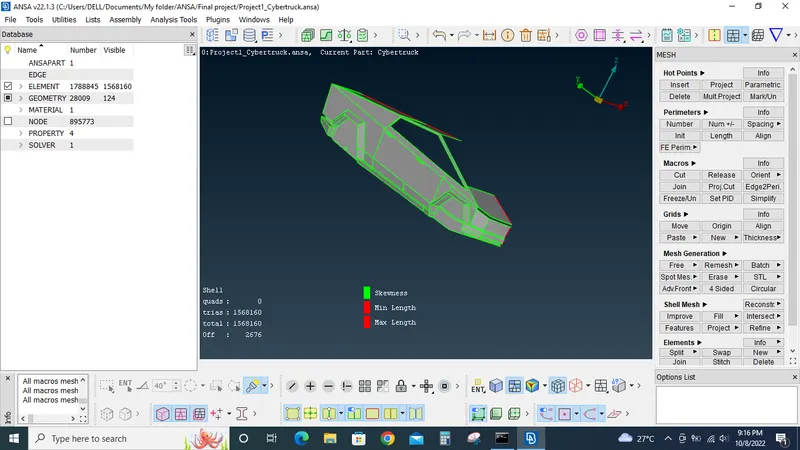
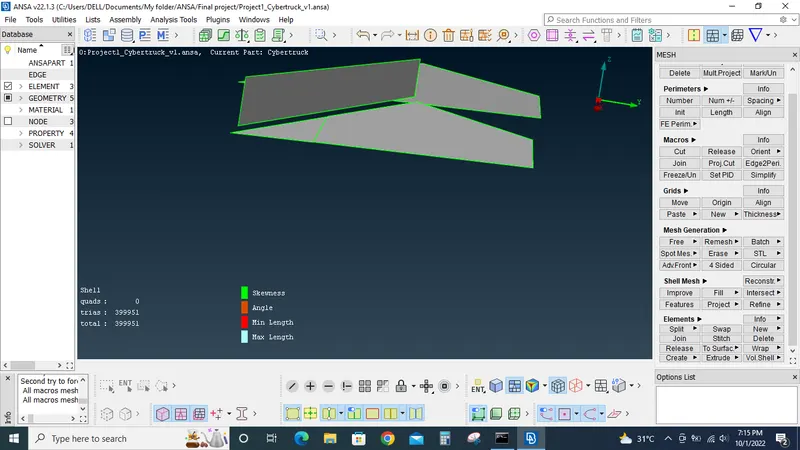
The off elements are rectified using reconstruct, split option, move grids option available under mesh tab.
For the the tires and rims the mesh length is set to 3MM. Min length= 0.5MM, Max length= 5 MM, skewness=45.Mesh type= Tria.
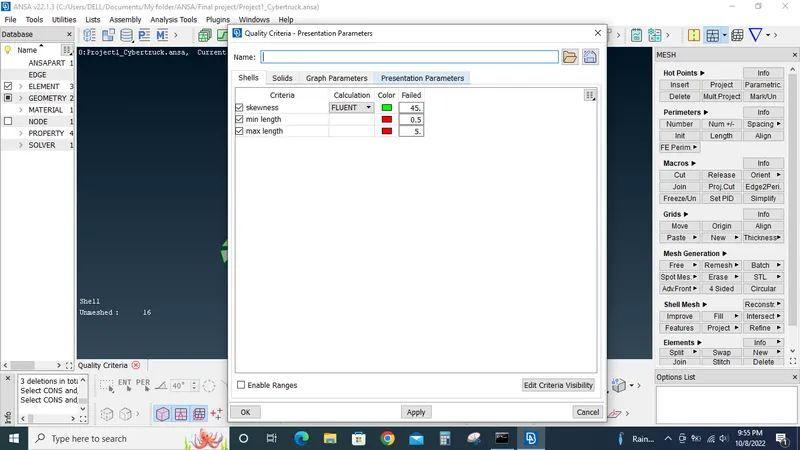
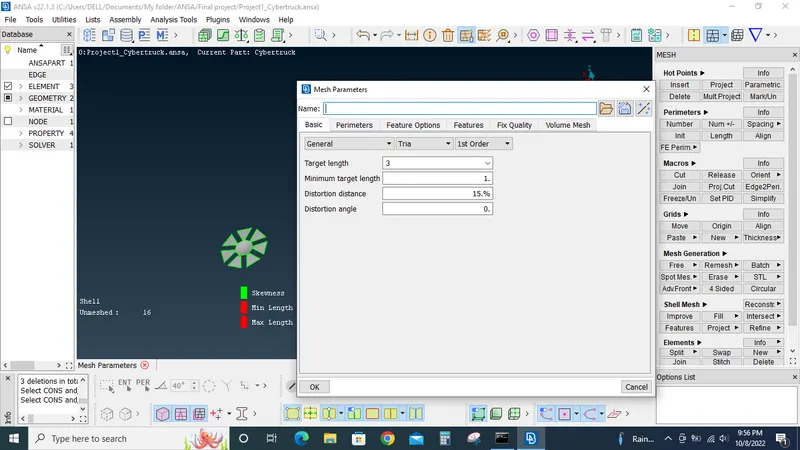
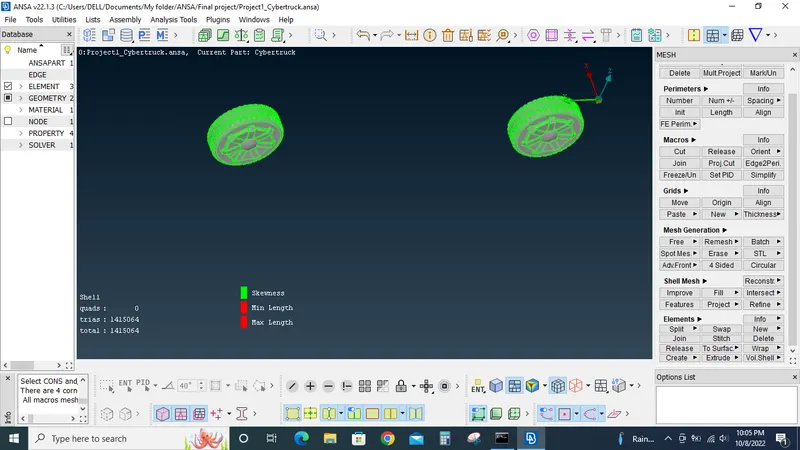
The off elements in the tires are also resolved using the above mentioned tools.
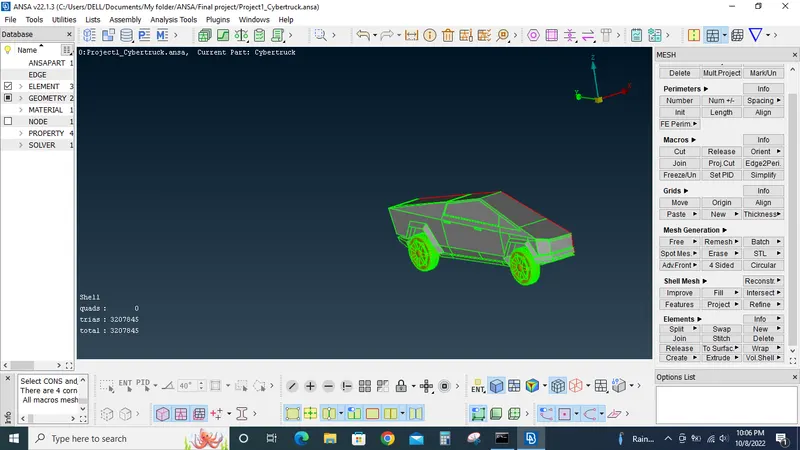
Now all the PID's are meshed we can use copy/symmetry option under transform tool to mirror the model to the other side along with the meshes created.
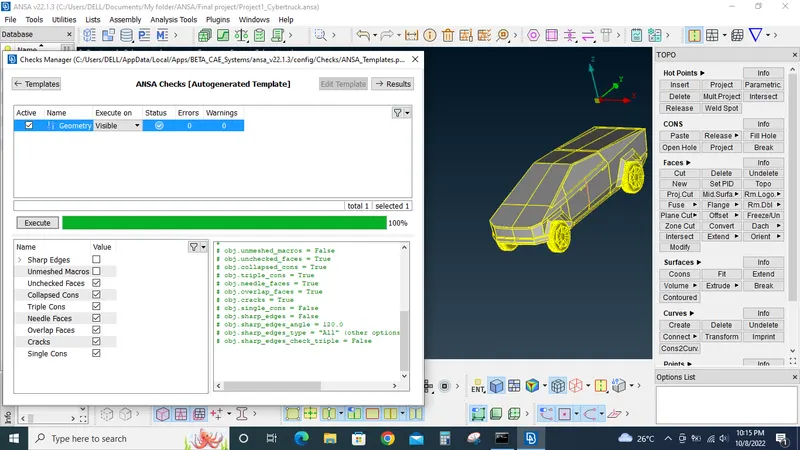
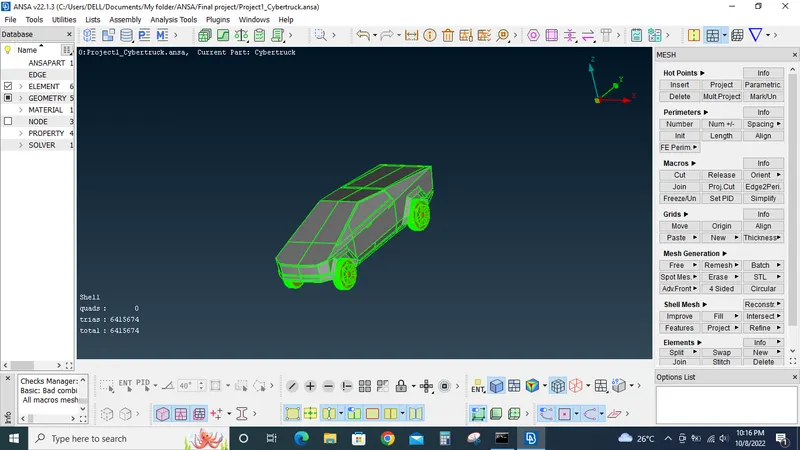
Now wind tunnel is created following the standard dimensions.
Now using the points and curve option under the topo tab create the wind tunnel based on the following criterias
Front face 4X
Side face 1X
Rear face 6X
Top face 3X where "X" is the length of the Car model.
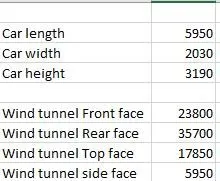
With the above dimensions wind tunnel is created.
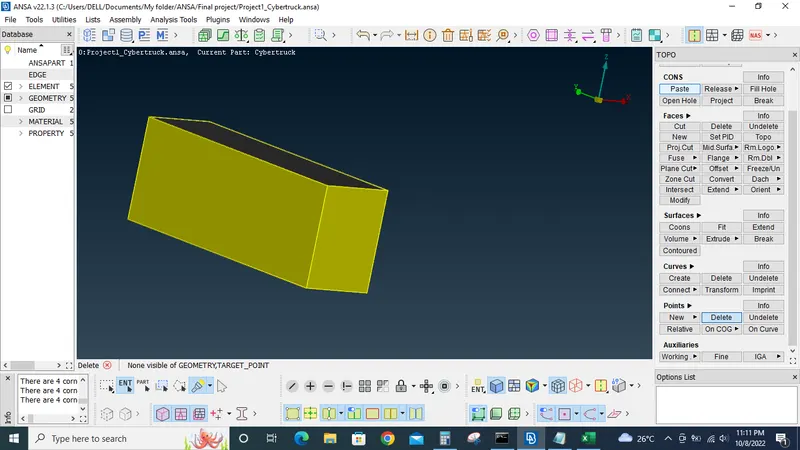
Now different PID's are assigned to the respective faces of the wind tunnel.
The wind tunnels top face is meshed with 100MM mesh target length and the wind tunnel's bottom face is meshed with 20 MM target length. (Mesh type tria). This is done because we need finer mesh near the area/volume where the flow will occur. Also this is our area of interest.
The sides and front and rear faces of the wind tunnel is meshed with varying mesh length from 20MM to 100MM. This is done with the help of sapcing option and setting the mesh target length to average under mesh parameters.
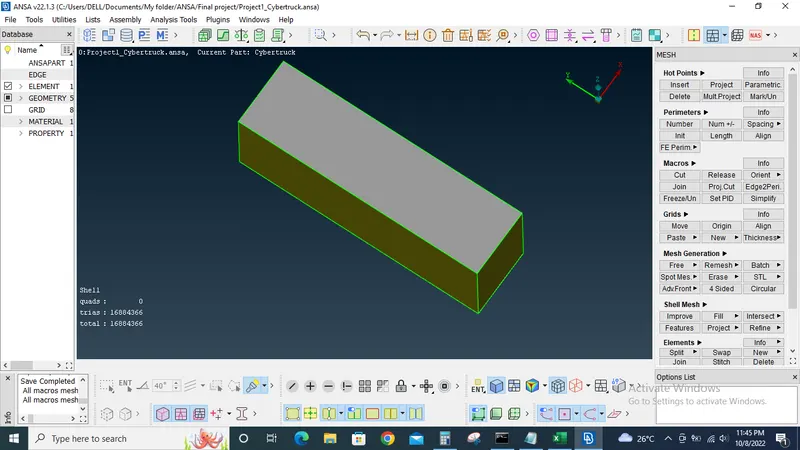
Now under the volumetric mesh tab by using the define volume tab available volumes are auto detected.
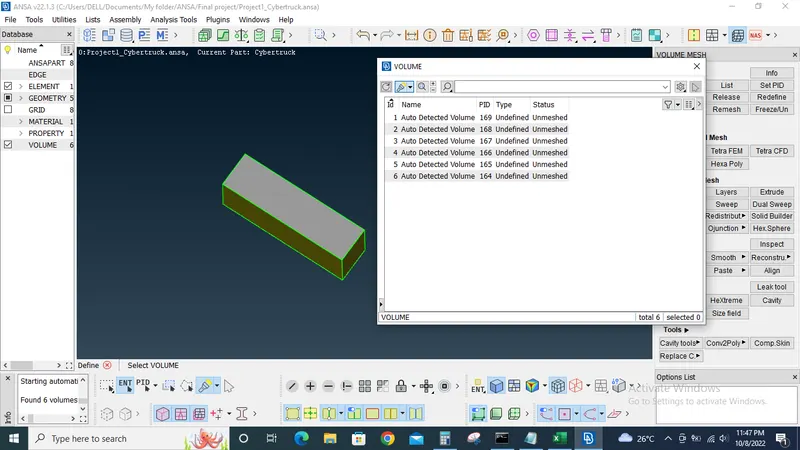
The volume of interest is the one between the car and the wind tunnel so all other unwanted volumes are deleted.
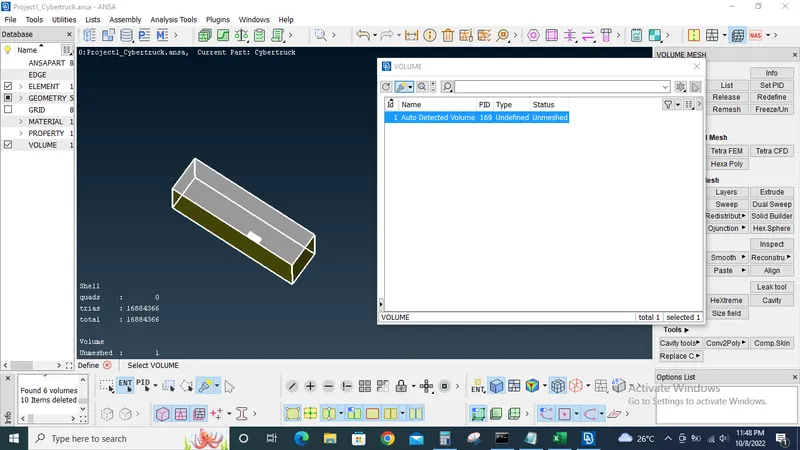
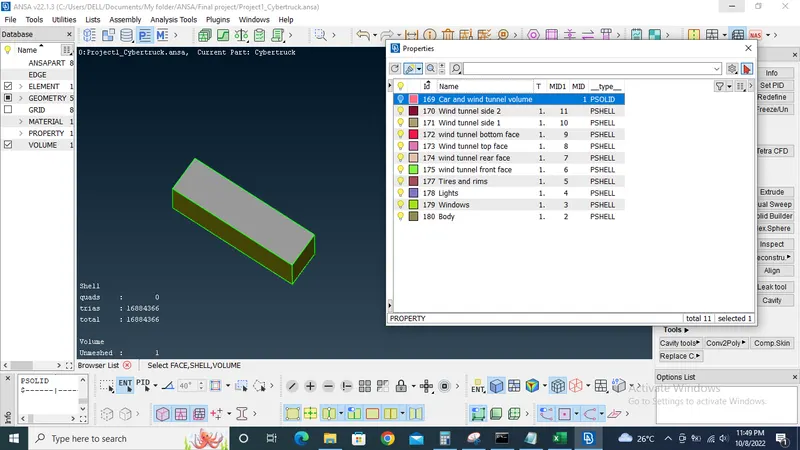
Now the wind tunnel is ready for volumetric meshing.
Learning outcomes: How to do topology clean up, assign PID's, generate surface mesh, wind tunnel creation and meshing.
Tools used: Insert, project,delete options under hot points, paste, release, project, fill hole under cons tab, Topo, cut, new, intersect, extend, undelete under faces tab, curves from cons and delete under curves tab, New, relative and delete option under points tab. PID manager, Mesh parameters, Mesh quality criteria, universal delete, geometry checks, transform tool, view tools,measure tool,Zoom, perimeters, move grids, mesh generation, reconstruct mesh, split and join option under elements tab.
Conclusion: For the given model topology clean up is done, PID's assigned, surface mesh created, wind tunnel created and surface mesh generated for wind tunnel. Volumes are defined for volumetric meshing.