Week 4 Challenge : CFD Meshing for BMW car
Aim:
For the given model, to check and solve all geometrical errors on half portion and Assign appropriate PIDs, Perform meshing with the given Target length and element Quality criteria. After meshing the half model, Do symmetry to the other side.
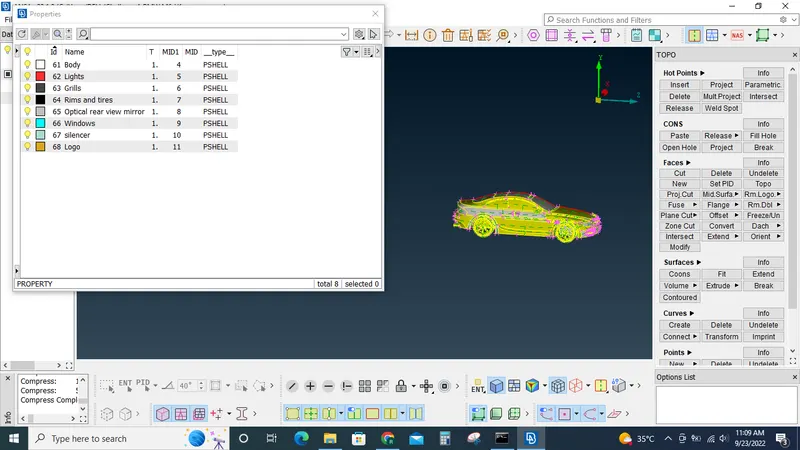
- Target lengths for the different parts of a model are as follow:
- Body - 3 mm
- Lights - 4 mm
- Grills - 1 mm
- Rims and Tyres - 2 mm
- Optical Rear view mirror - 2 mm
- Window - 2 mm
- Silencer - 3 mm
- Logo - 1 mm
Objective: Create a windtunnel for the given BMW model and generate mesh for the same by doing topo clean up, surface meshing...
Procedure: Import the given model by using the file import option.
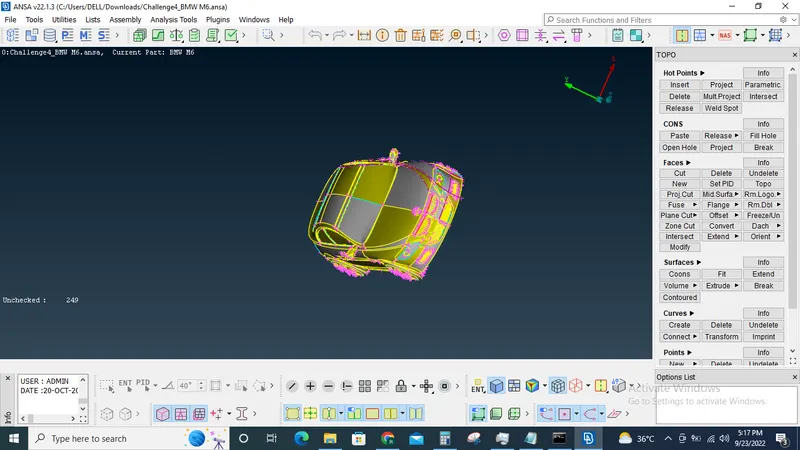
Hide half of the model using the !- option in the view tab.
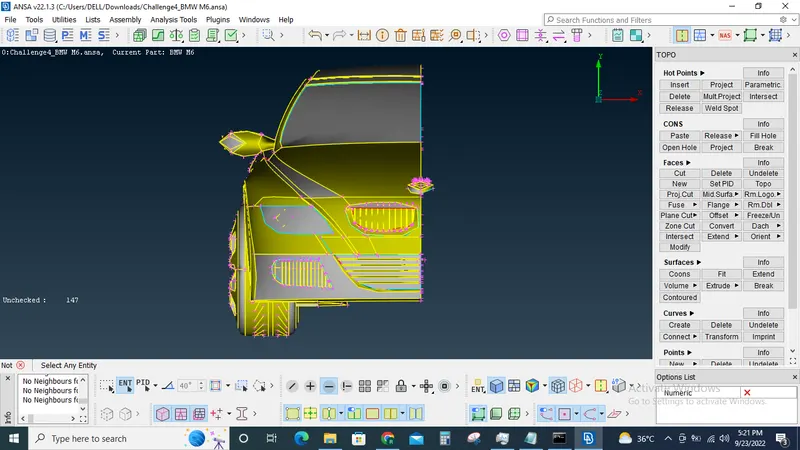
Use the perimeter option to improve the surface resolution/quality of the model
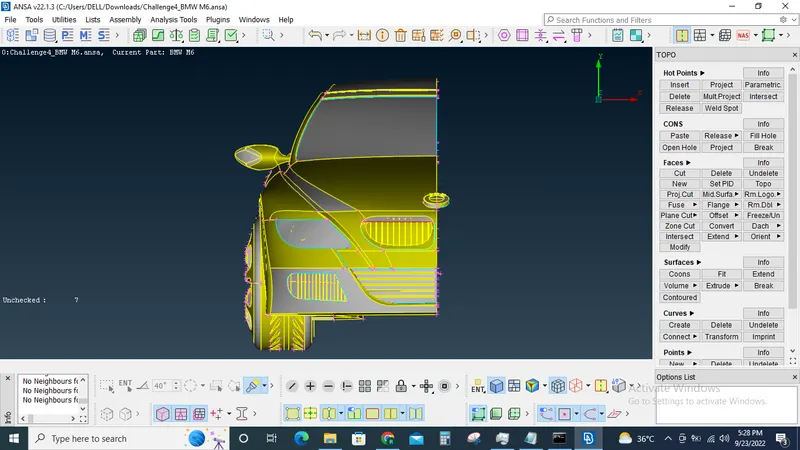
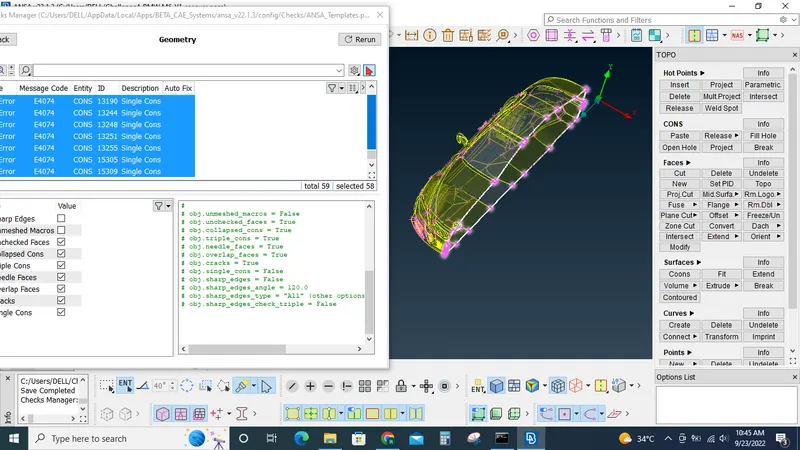
Use the view tools to identify the single cons, triple cons and surface errors.
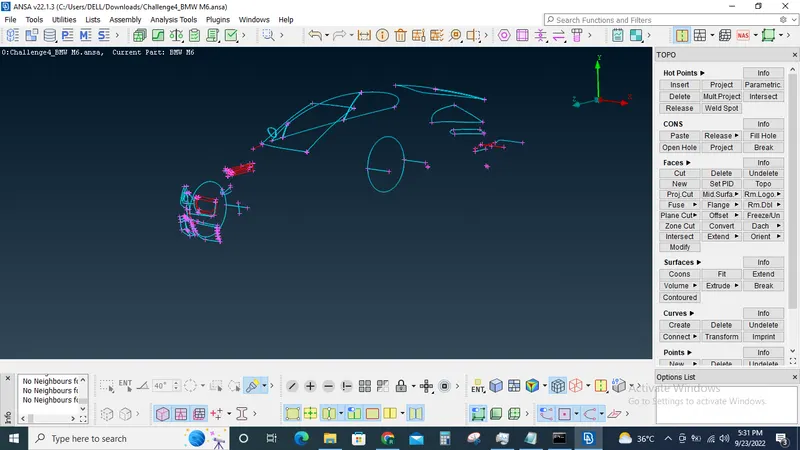
By using the tools available in topo tab perform topo clean to make sure there are no single cons, triple cons or additional volumes. The only single cons should be the one in the side where the other half of the car will be joined in later stage.
Now assign PID,s to the models
Surface mesh the model based on the given mesh size and qulaity criterias for each different PID's respectively
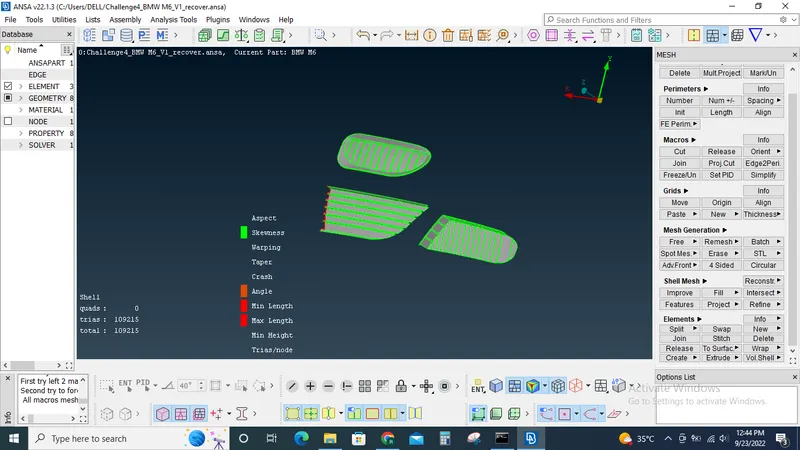
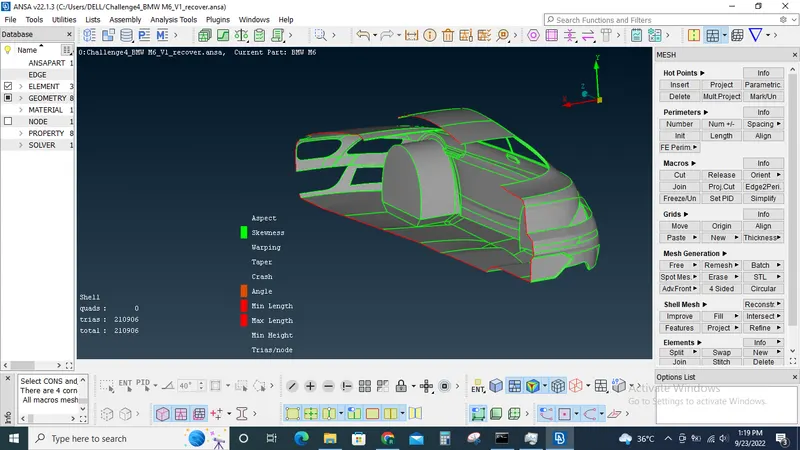
After meshing the model solve the off elemets by using reconstruct option or manually correct the off elements by using the move, split & smooth option under mesh tab.
Now by using the copy option under transform tab mirror the model by using 3 points option.
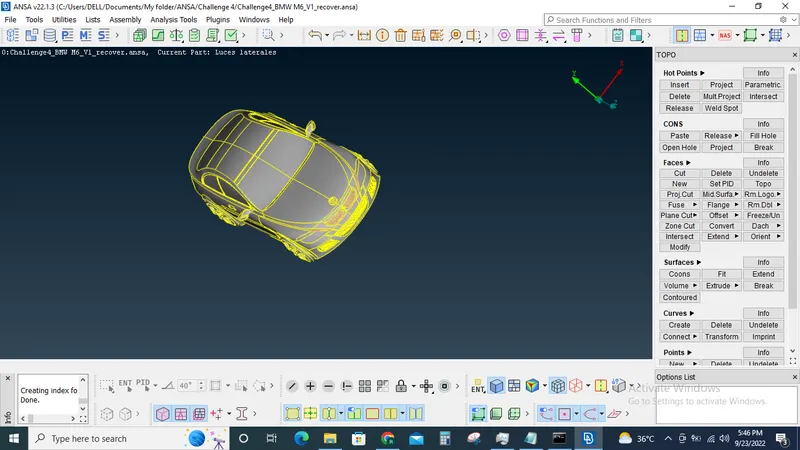
Now using the points and curve option under the topo tab create the wind tunnel based on the following criterias
Front face 4X
Side face 1X
Rear face 6X
Top face 3X where "X" is the length of the Car model.
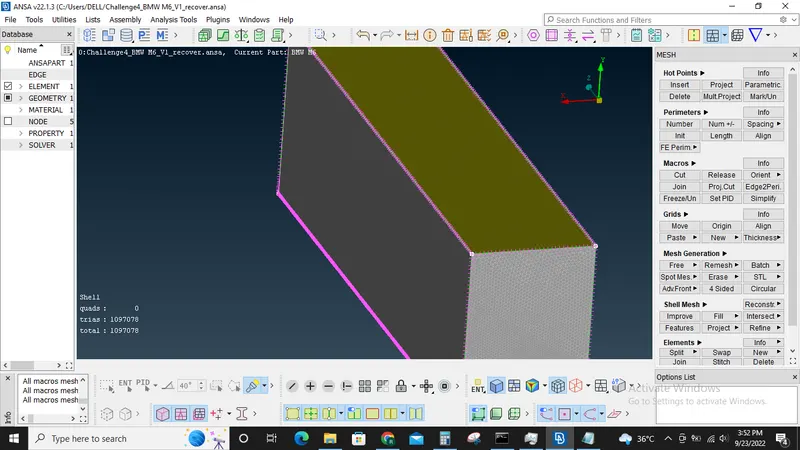
Surface mesh the top face with 100mm length and Macro length, bottom face as 20 mm and the sides,front and rear are to be varied from 20-100mm.
You can use spacing option to create this varying mesh length settings.
Once all the sides are meshed, we can create volumetric mesh.
Use define option to auto detect the volumes
Keep only the volume between car and the wind tunnel delete the rest of the volumes.
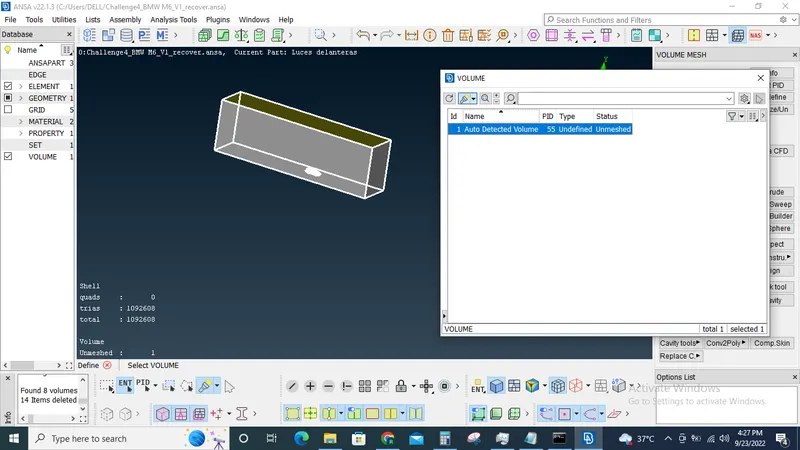
Since it going to take a lot of time to perform volumetric meshing for this case, I have skipped that part.
Learning outcomes: Learned to perform topo cleanup, surface mesh, volumetric and create wind tunnel following standard dimensions.
Conclusion:For the given model, checked and solved all geometrical errors on half portion and Assigned appropriate PIDs, Performed meshing with the given Target length and element Quality criteria. After meshing the half model, Done symmetry to the other side. Created the wind tunnel and generated mesh for the same.