Week 5 Challenge : Surface wrap on Automotive Assembly
Aim: To check for geometrical errors, delete unwanted surfaces, merge all three geometries, and create surface wrap on the automotive assembly.
Working Methodology :
The working methodology that is followed to create surface wrap on any geometry is :
1. Import the geometry.
2. Delete the unwanted surfaces.
3. Close the openings.
4. creating a surface wrap.
step-1: Import the geometry
First, the pre-designed geometries of the Engine model, Gearbox model, and Transmission model are imported into ANSA. 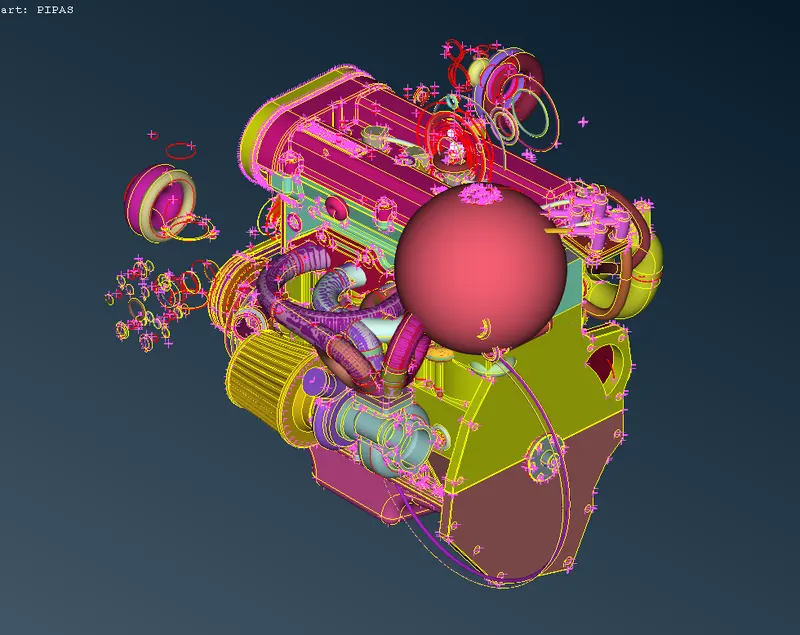
Engine geometry
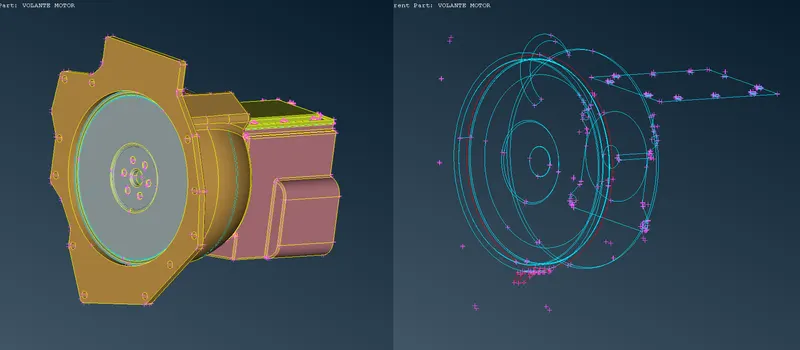
Transmission geometry
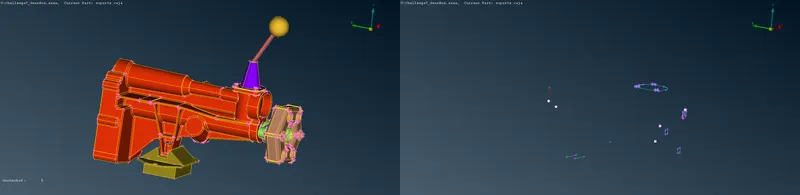
Gearbox geometry
step-2: Delete unwanted surfaces
The major and important components are hidden, to get a better view of unwanted surfaces. The unwanted surfaces mostly consist of rings, donut shaped faces, etc. Before deleting the unwanted surfaces, it was double-checked that they weren't part of the geometry.
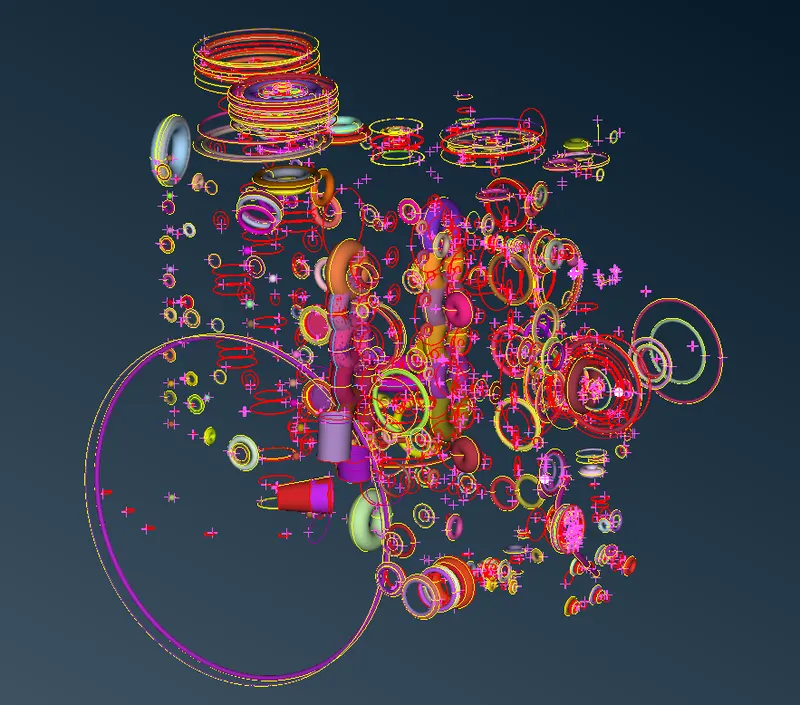
unwanted surfaces
after deleting the unwanted surfaces:
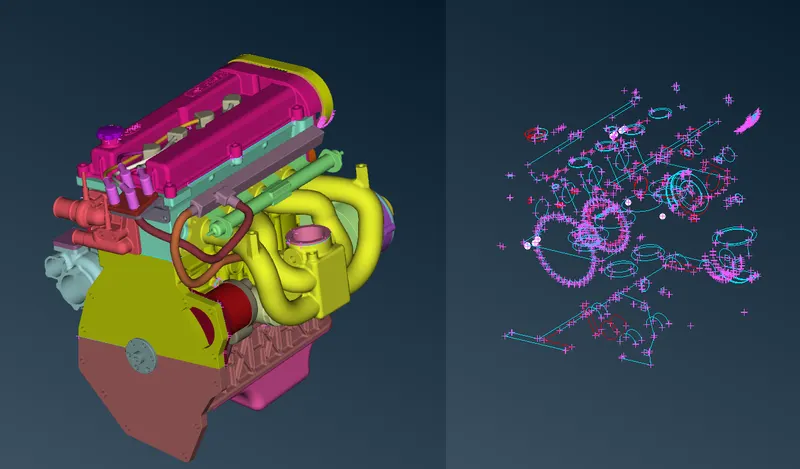
engine geometry
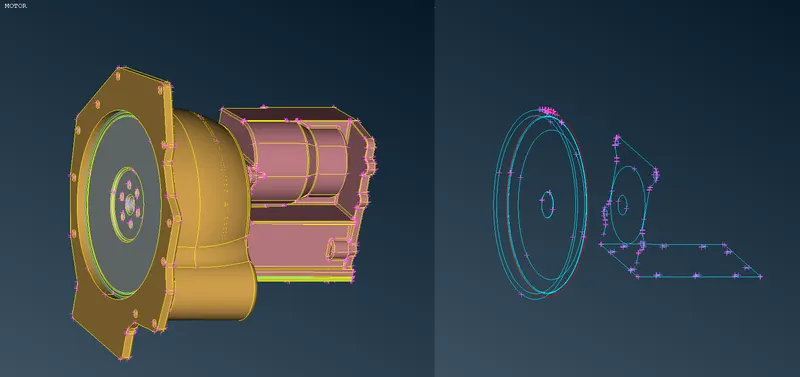
transmission geometry
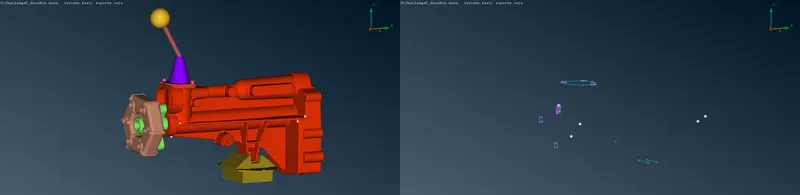
Gearbox geometry
step-3: Close the openings
We have to fix only the errors on the surface of the geometry, as the focus is to create a surface wrap. The errors which we come across are the triple CONS and single CONS. The triple CONS can be ignored if they don't cause an error. Then, the single CONS are fixed by creating new faces wherever necessary using the new face tool and also fixing the lack of connections using the topo, paste, and project tools.
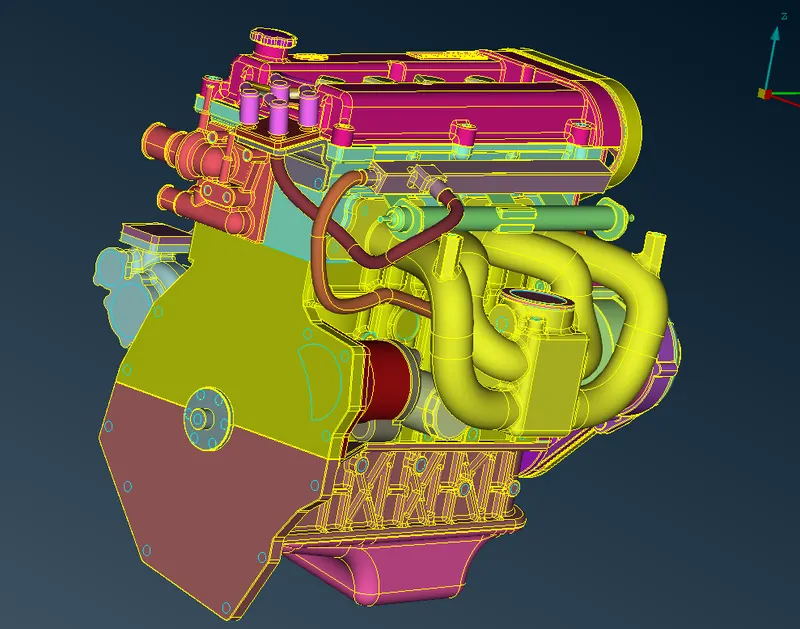
after filling holes
Merging the three geometries :
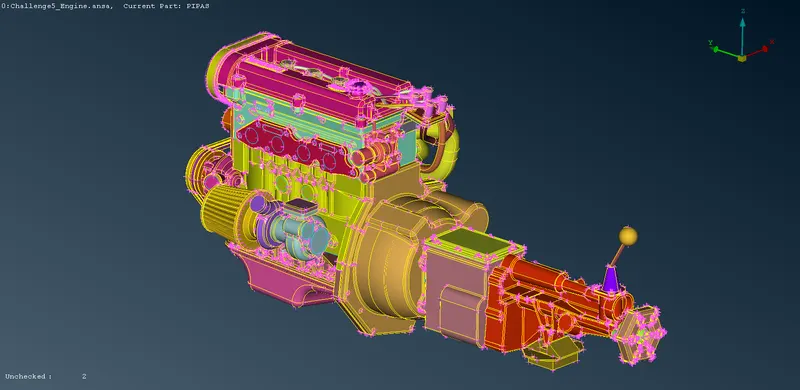
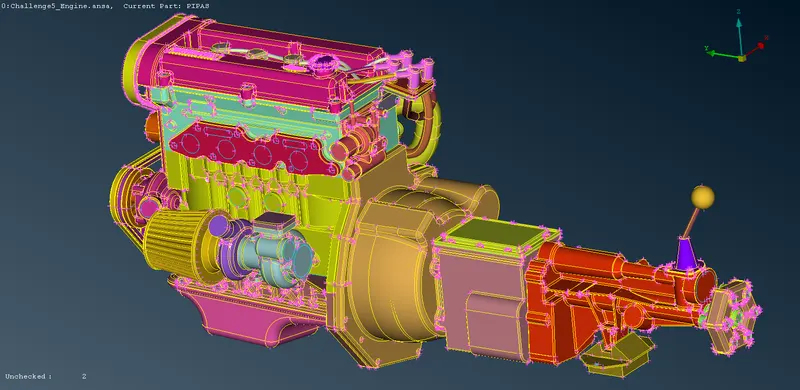
after filling holes
step-4: Create a surface wrap
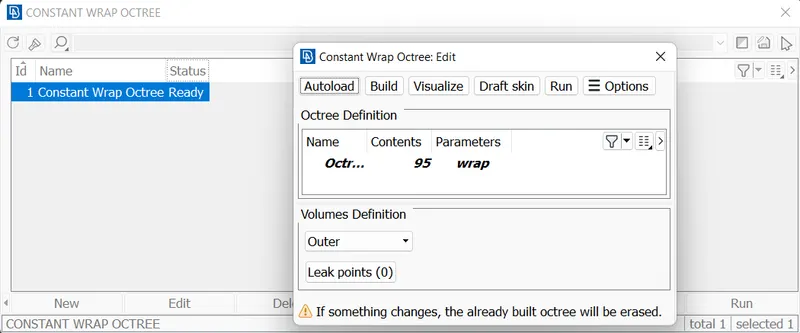
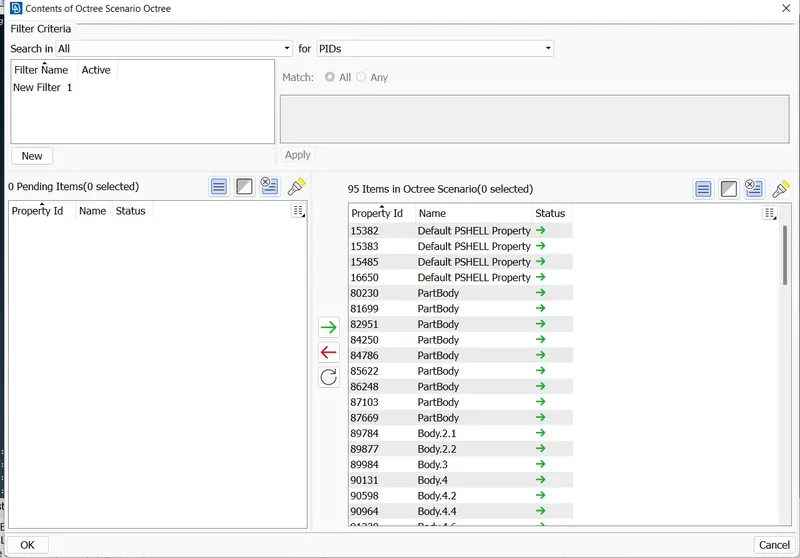
In general, the wrapping tool is meant to be used for complex models. If however, you have to prepare a very large model, you may try to wrap it in individual sub-assemblies independently and then merge the resulting wrap. A target length of 3mm is given and all the PIDs are selected to create a surface wrap.
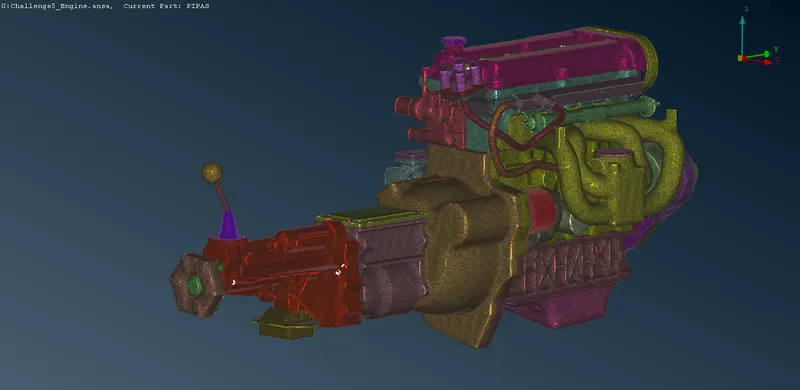
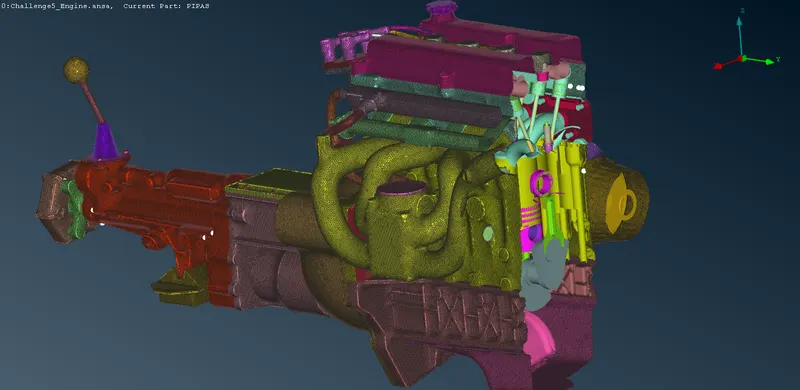
drive link: https://drive.google.com/file/d/1BcBiCcQWUAIQ80lnJlfXkgJl_qI6B8d6/view?usp=sharing