Week 5 Challenge : Surface wrap on Automotive Assembly
Aim : To perform surface wrap on Automotive Assembly
Objective :
For the given models, check for the geometrical errors and delete surfaces which are unwanted for Surface wrap as shown in the videos. After clearing geometry, Merge all 3 models and perform surface wrap.
Target length for Wrap = 3 mm
Introduction :
Surface wrapping :
Surface wrap is used for meshing the component outside .This is used for only external flow simulation.
Procedure :
- Import the geometry :
We have 3 different parts such as Engine,Transmission and Gear box .so we start first with Engine part.
Engine:
Geometry in shadow mode in ansa :
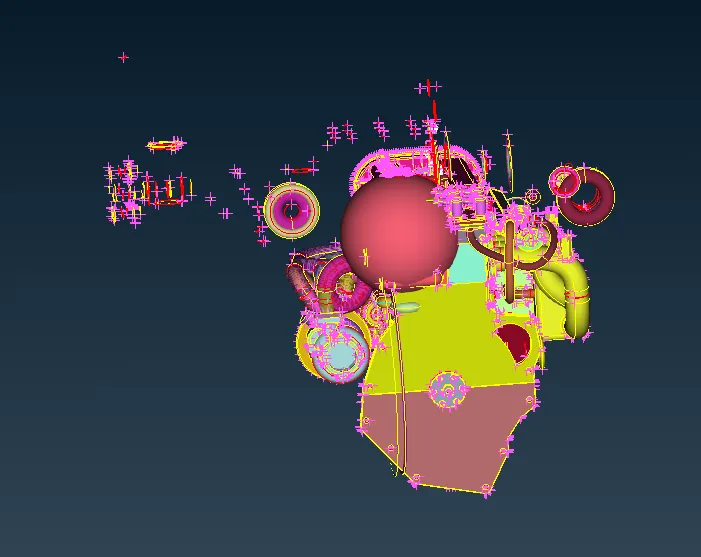
In above image we can see that their are so many unwanted surfaces are present so we can delete that parts by using universal delete option.First we hide the engine parts using Not option and after we select all in box selection and delete that parts. we also remove the triple cons and single cons which is present on external surface.we also delete the belt because the thin parts are not properly captured in surface wrap.
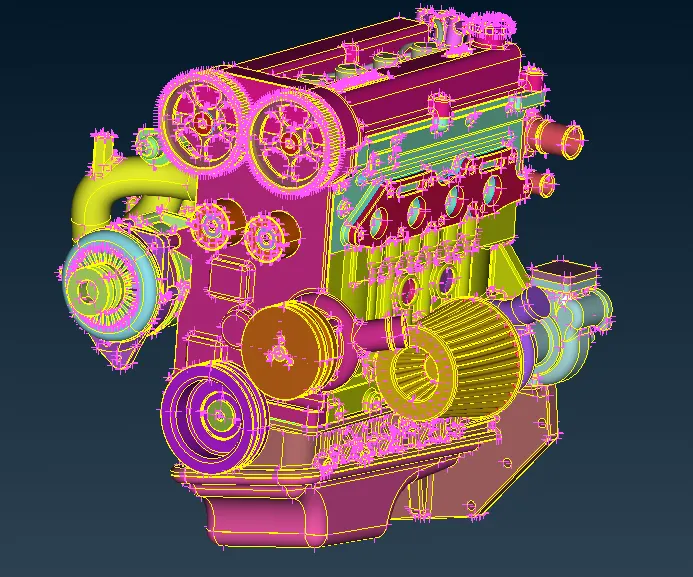
After that we fill the all holes which are present at outside region.Here no need to do geometry check because we only consider external surface for Topo clean up.
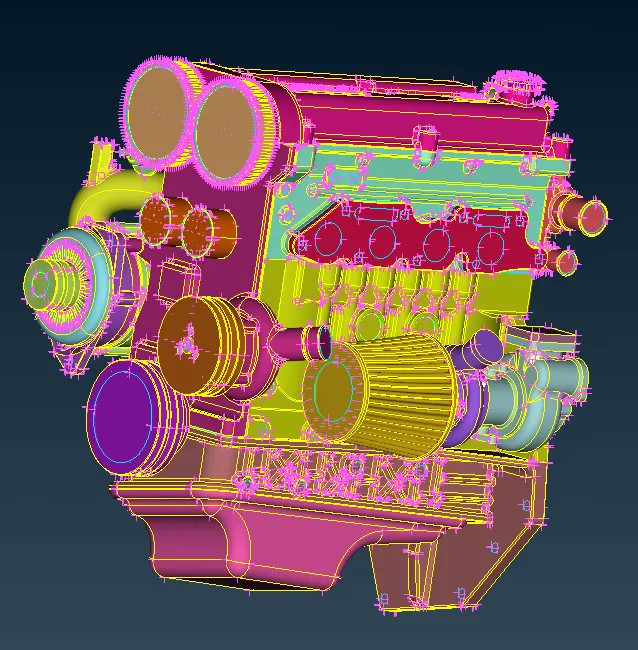
Transmission :
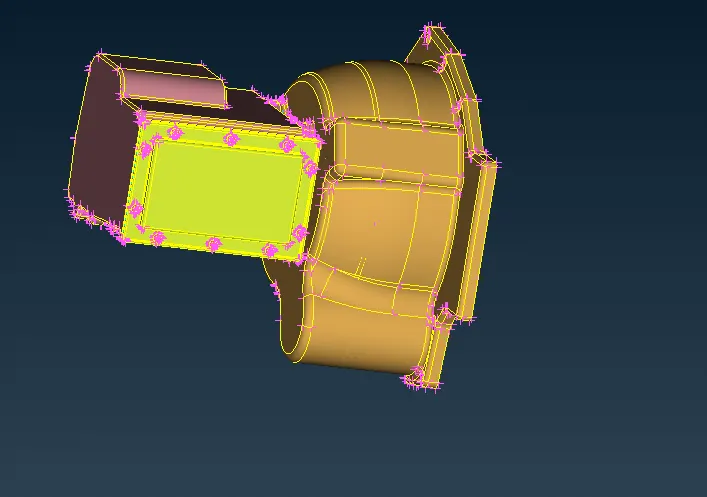
Transmission before Topo clean up :
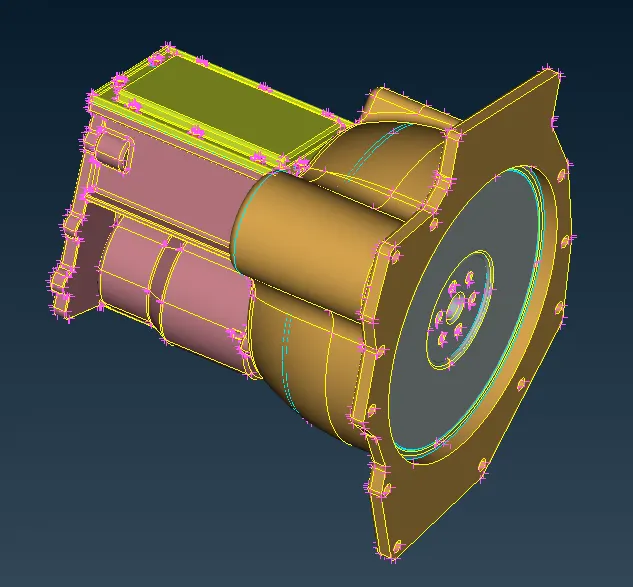
Here some unwanted surfaces are present so we can delete by using universal delete option ,Here no need to do geometry check because we only consider external surface for Topo clean up.
Transmission After Topo clean up :
Gear box :
Gear box before Topo clean up :
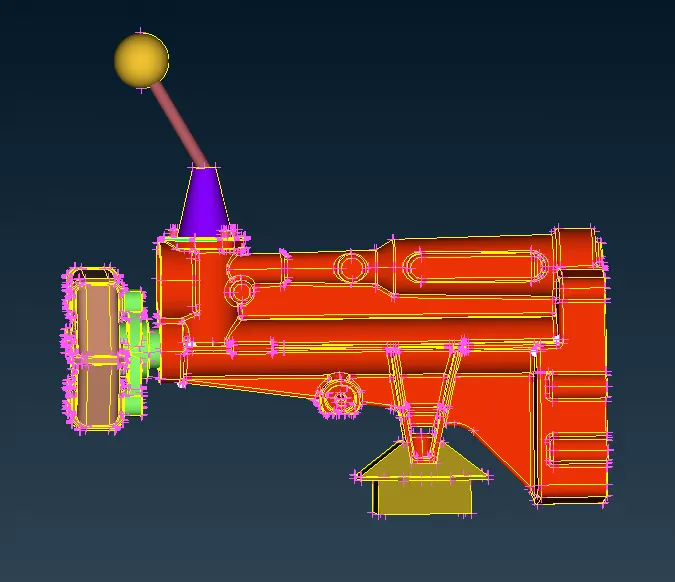
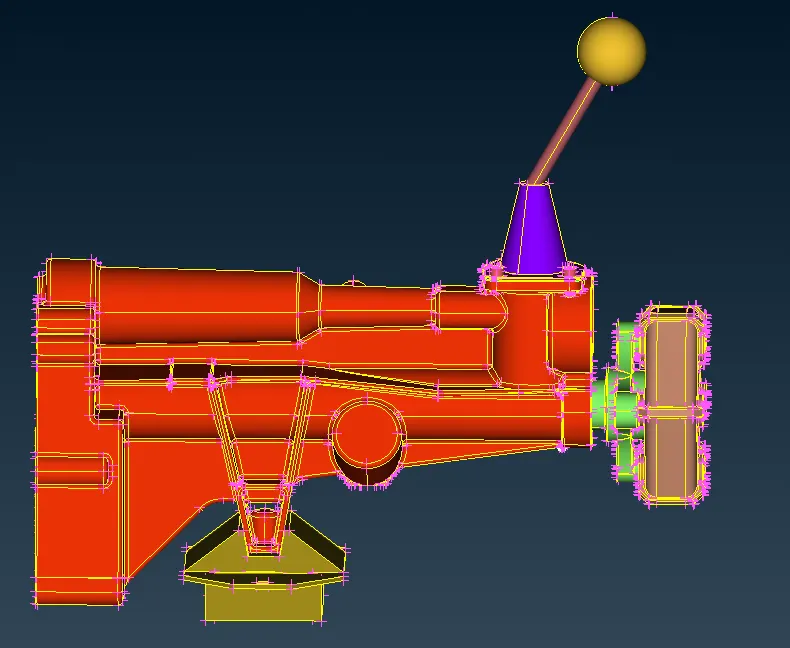
Here some unwanted surfaces are present so we can delete by using universal delete option ,Here no need to do geometry check because we only consider external surface for Topo clean up.
Gear box After Topo clean up :
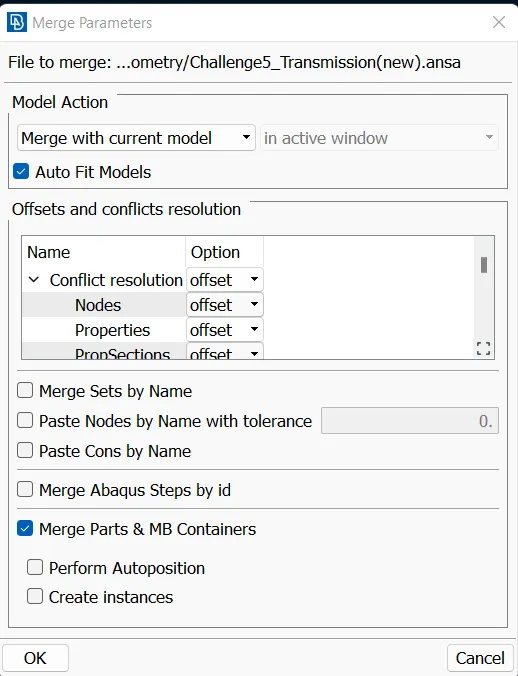
- Merge :
After finishing Topo clean up all three model ,we have to merge three models in one file,so for that go to File > Merge >Select files from directory > ok
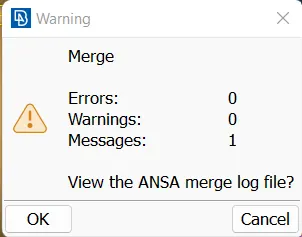
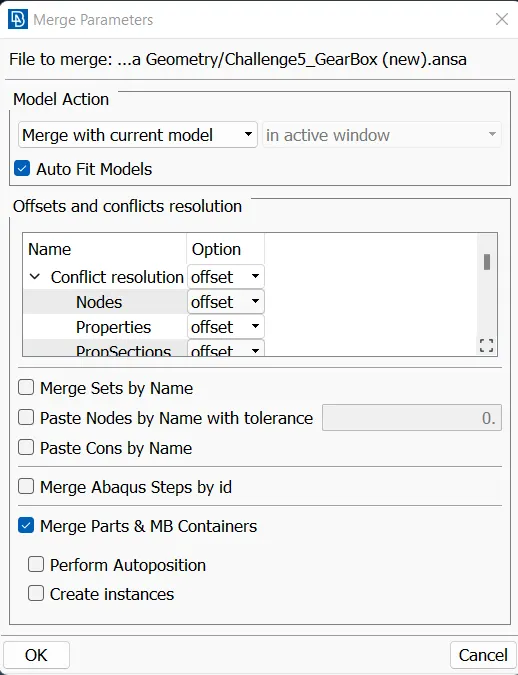
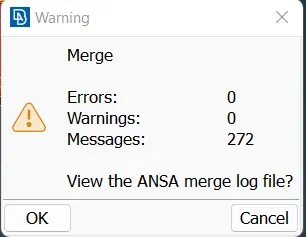
The resultant merge file is shown in fig. below:
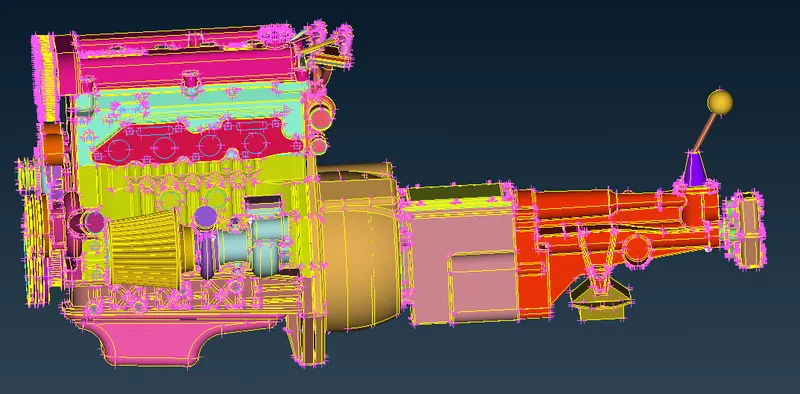
After merge we close the all the holes of Transmission and gear box model
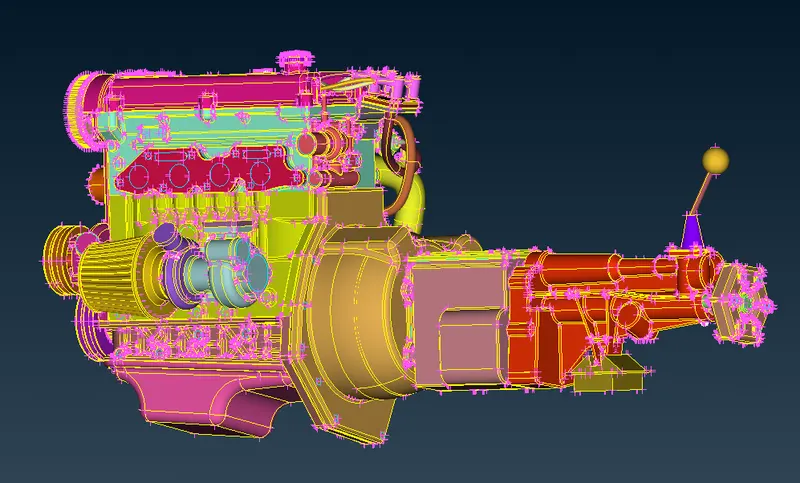
- Surface Wrap :
Before going to surface wrap we have delete the unnecessary PIDs by using Compress option.
Target length for Wrap = 3 mm
Go to Shell mesh > Elements > Wrap then new pop up comes ie
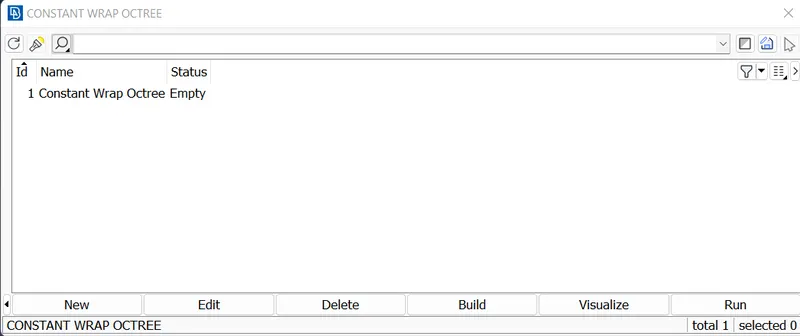
Double click on that option then set parameter
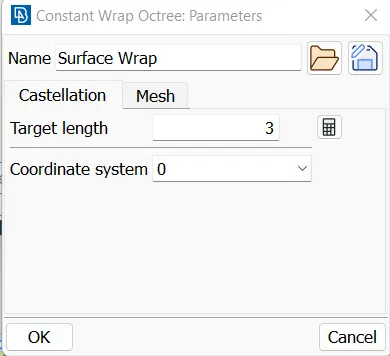
Then click on contents
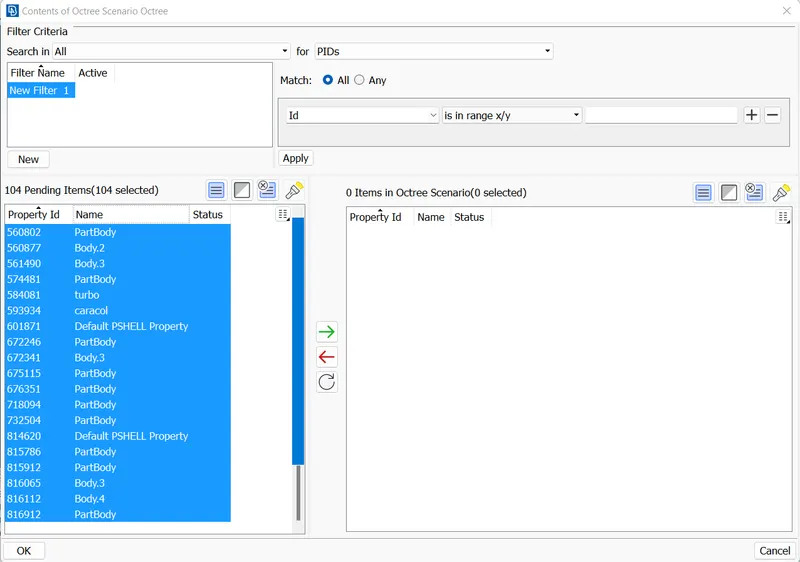
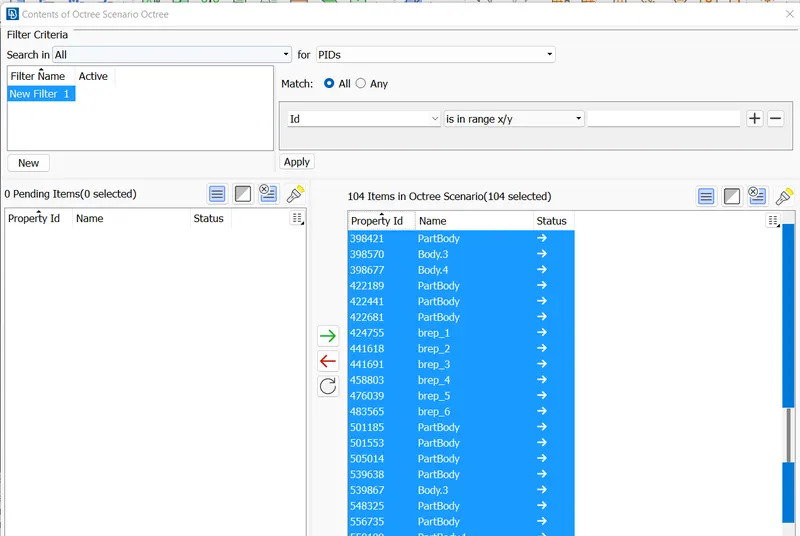
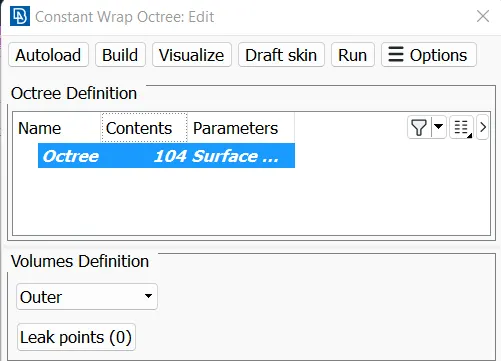
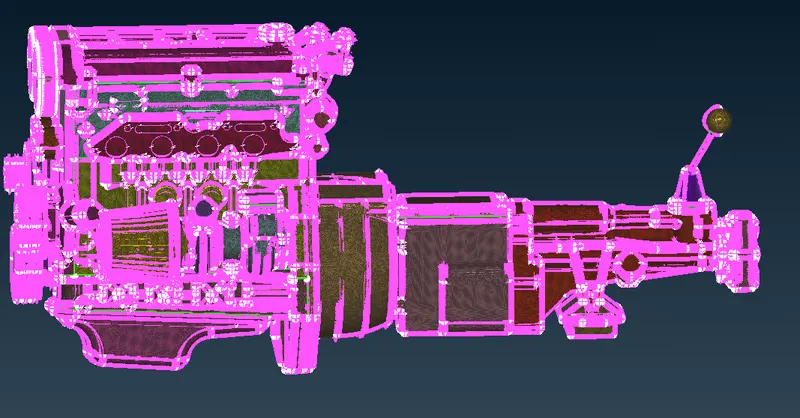
After that click on Run option after some time the surface wrap is done.
Result:
The surface wrapped whole assembly is shown as follows:
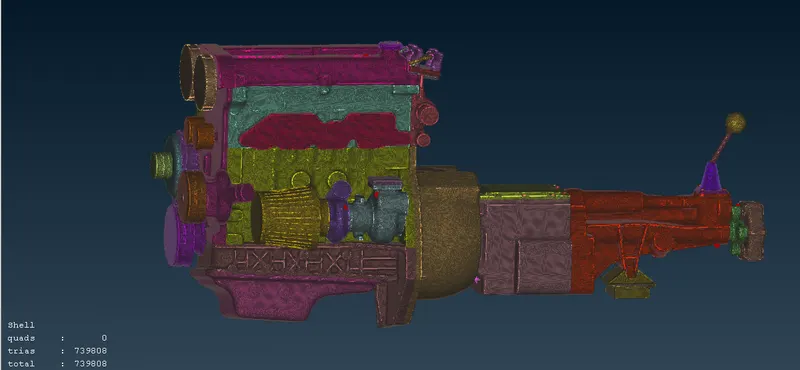
The surface wrap mesh file link is given below ;
https://drive.google.com/file/d/1Apm6ellyVfYNFJwY8sqifE8cGl3oWczR/view?usp=sharing
Conclusion:
- If complex geometry is their and we have to perform external flow simulation then we can use surface wrap
- Topology clean up is done and learn how to merge assembly parts
- Surface wrapping is done for a given geometry with target length is 3 mm.
- Surface wrap is effective for external flow simulations.