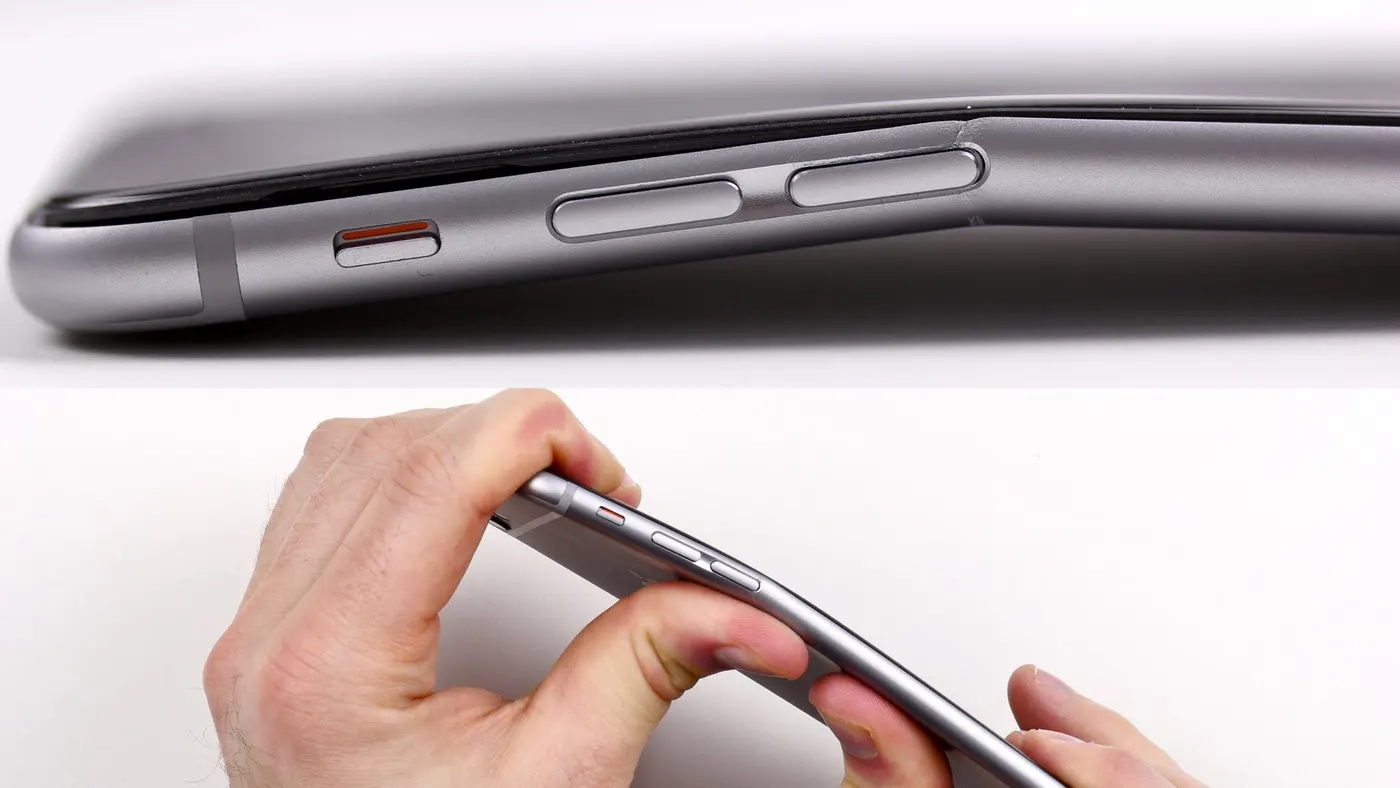
Week 5 Bending of iPhone
Aim- To perform the static structural analysis for the I phone bending.
Objective
- Run the model as shown in the video
- Run the model by set with the direction of X and Y. Also, find out the Fatigue life of the analysis results.
Introduction
According to the Apple employee, Genius Bar employees will perform a "Visual Mechanical Inspection" on phones that customers claim to be bent. If an iPhone passes the official test, then Apple will give you a replacement.
The most common cause of mobile phones bending comes from them being placed in back pockets and sat upon for prolonged periods of time. Solution: Install a protective case or flip cover on your phone to protect it against such impacts. Avoid sitting down with your phone in your back pocket.
Procedure- To start the simulation by opening with the Ansys workbench.
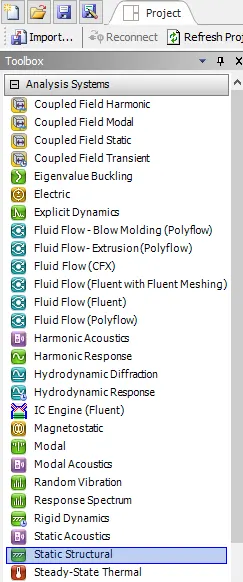
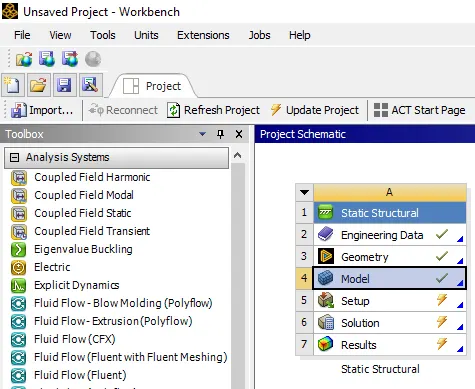
Select the static structure from the toolbox as shown below shown.
In static structural select to assign the material property in engineering data.
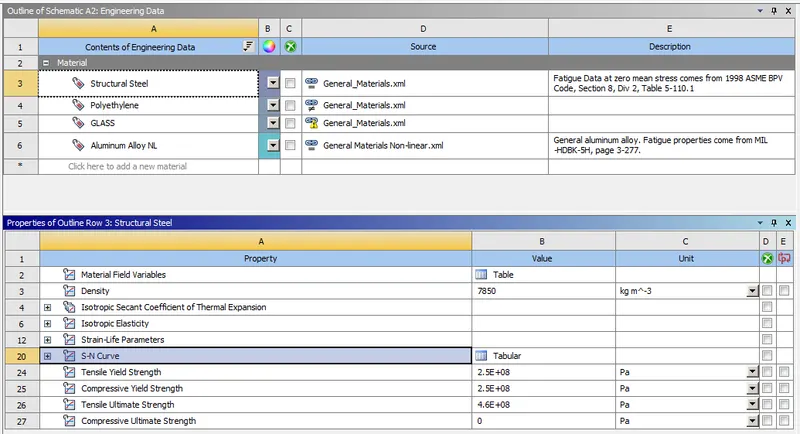
Selecting the material property as the polyethylene for the inner component as shown below.
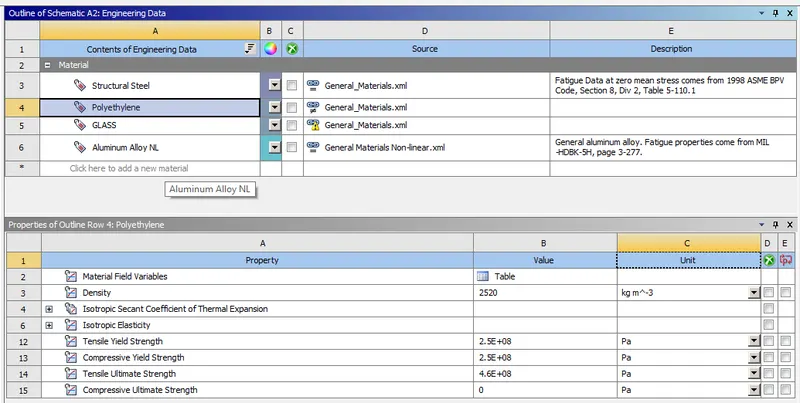
Selecting the material property as the glass for the screen component is shown below.
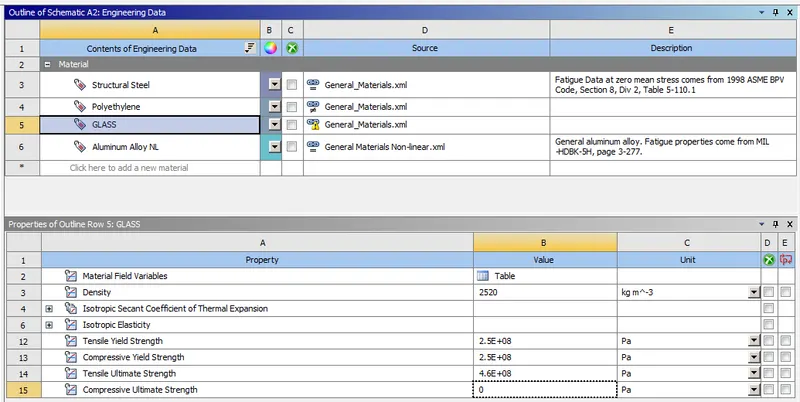
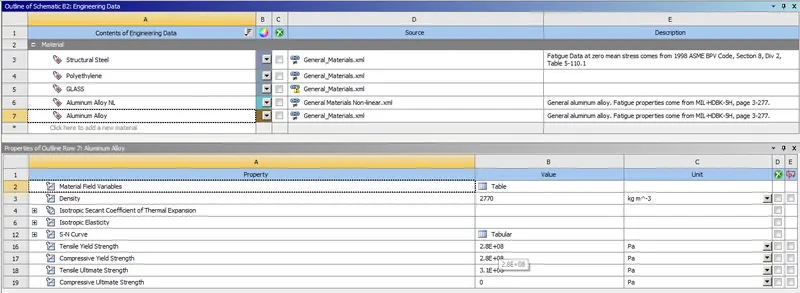
Selecting the material property as the Aluminum alloy for the cover component as shown below.
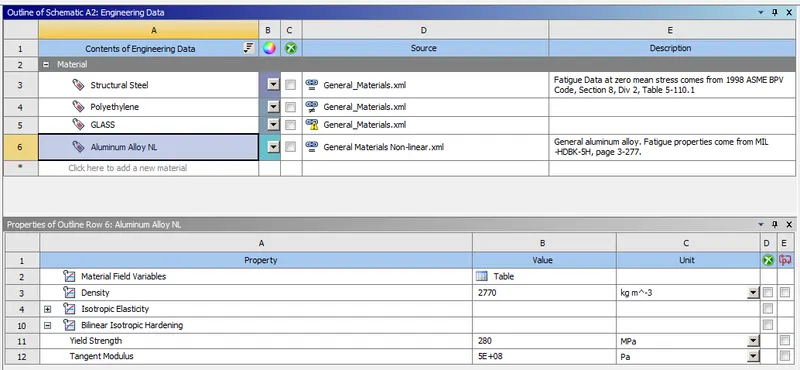
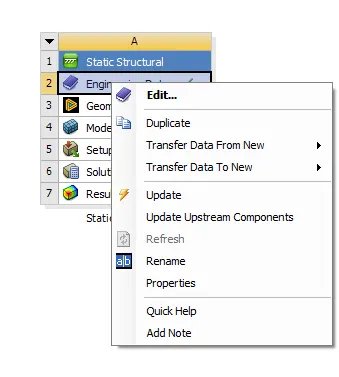
Update the engineering data as shown below.
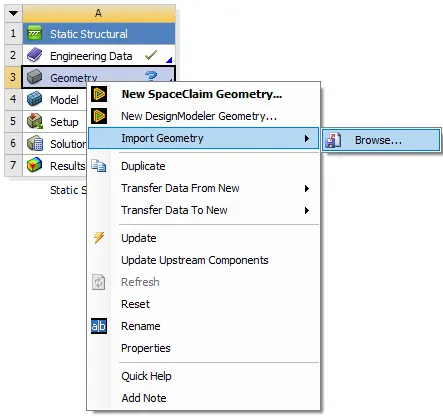
Also import the geometry from the browse with the updated geometry.
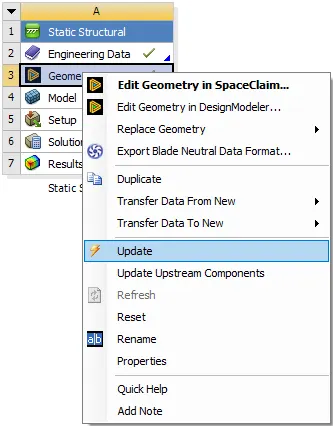
After updating the geometry double click on the model, its popup with the model window.
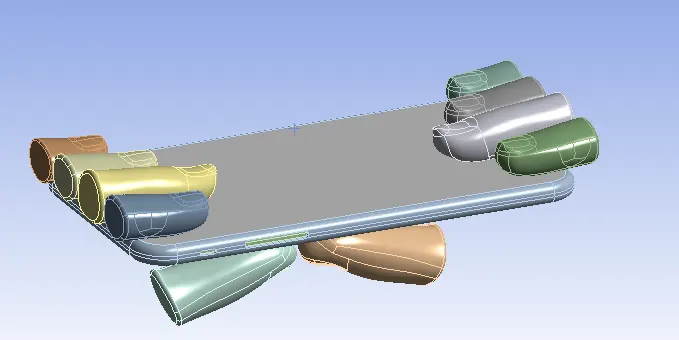
The imported model as shown in below.
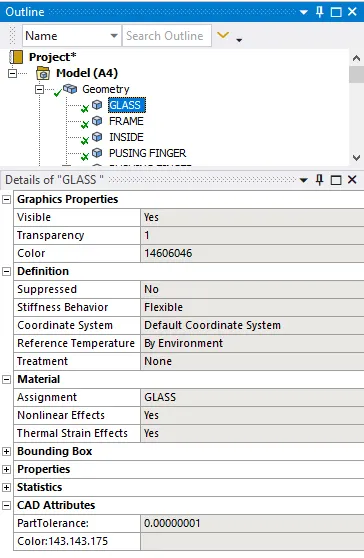
Rename and assign the material for glass, frame, inside and fingers as the glass, aluminum, polyethylene, and structural steel are the material respectively.
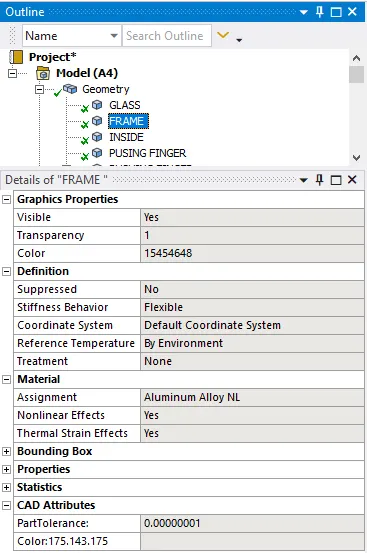
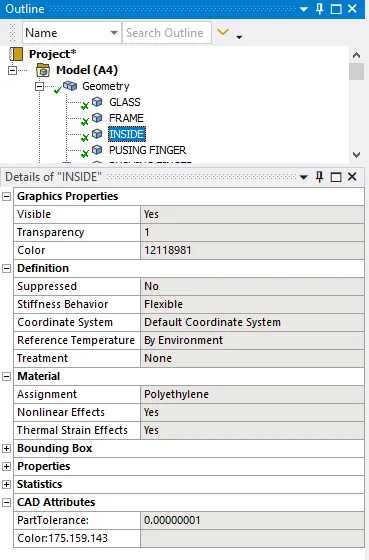
Set the one push finger will be stiffness behaviour as the flexible and also set the along with one push finger select as the regions as shown below.
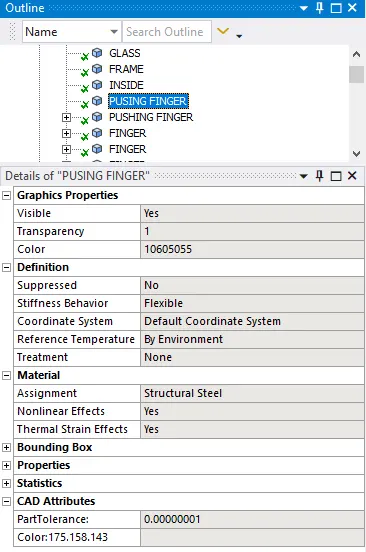
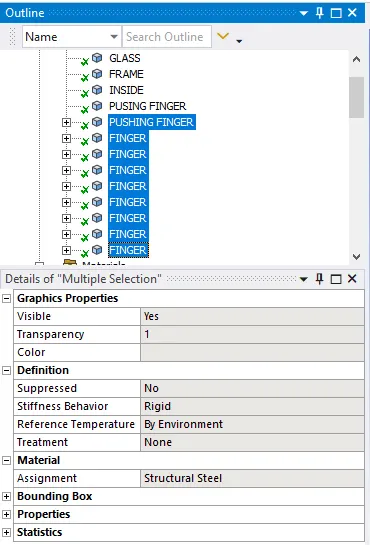
After done with rename with the model with assigning materials has been done.
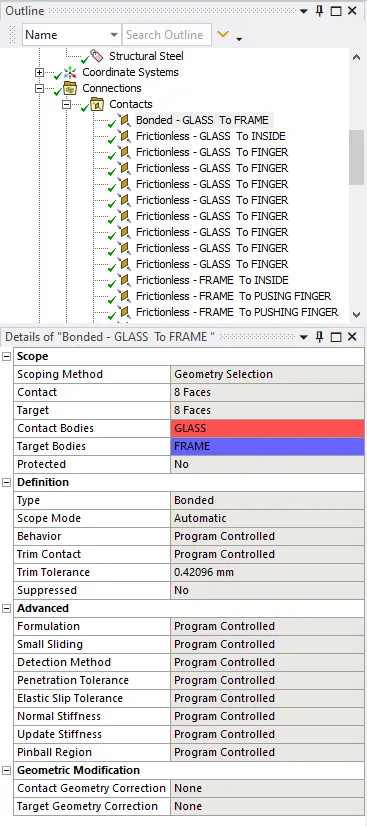
Select the connection and select the first contact between the glass and frame, with select the type will be bounded.
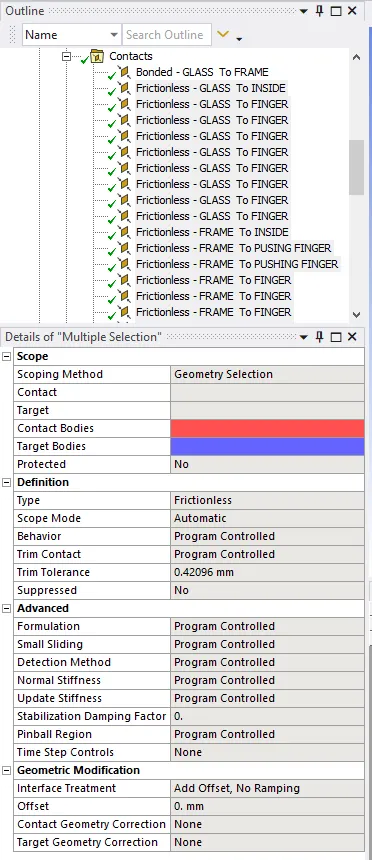
Select the frictionless contact between the glass and finger with the type of frictionless has been selected.
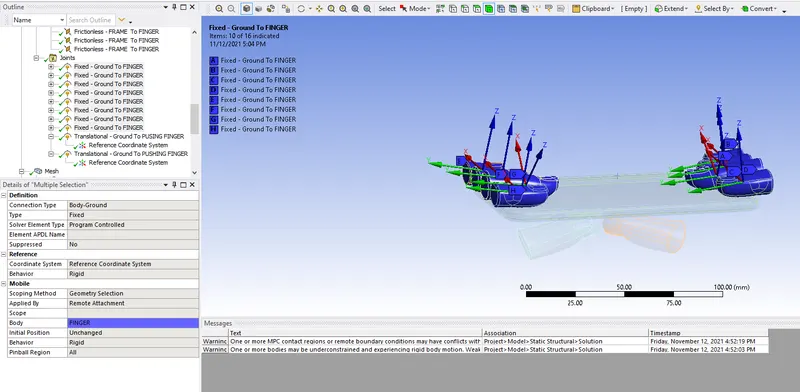
Create the joints for all fingers shown except the thumb finger with the connection type will be body to the ground as shown below.
In that joints create the 2 more joints for the thumbs with the proper selecting the direction as shown below.
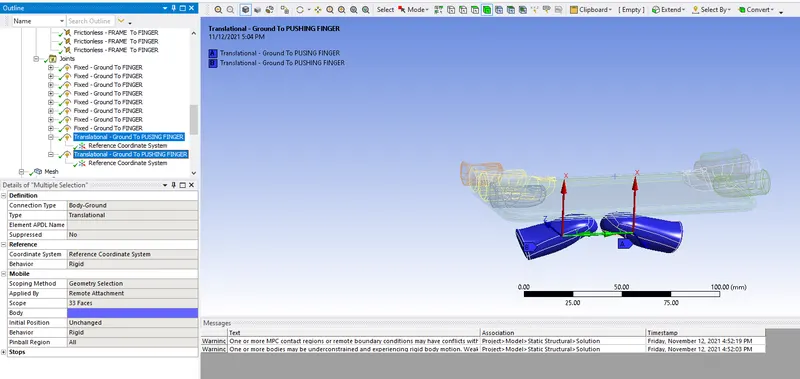
If the directions are different then set the directions defined by global axis as shown below.
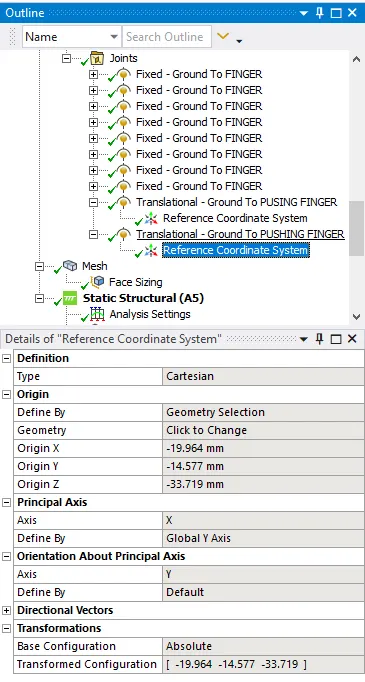
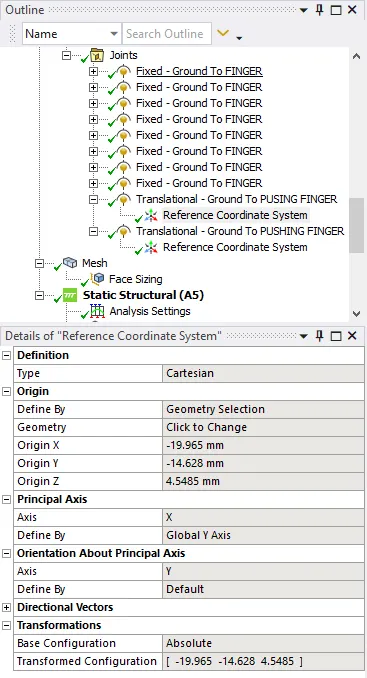
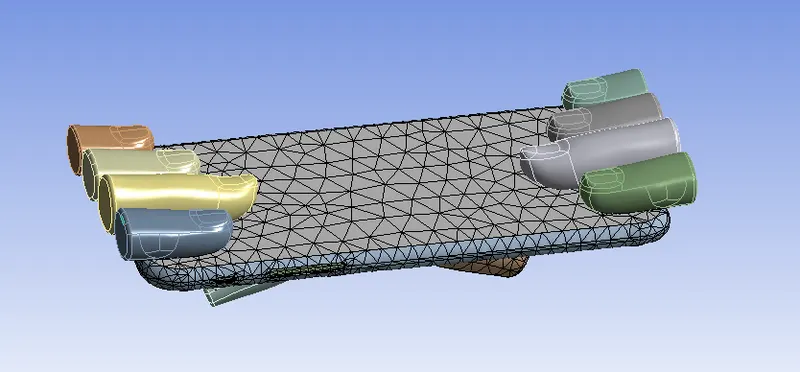
After setting for connections for the meshing. Create the face sizing as 3 mm mesh and generate the mesh on surface
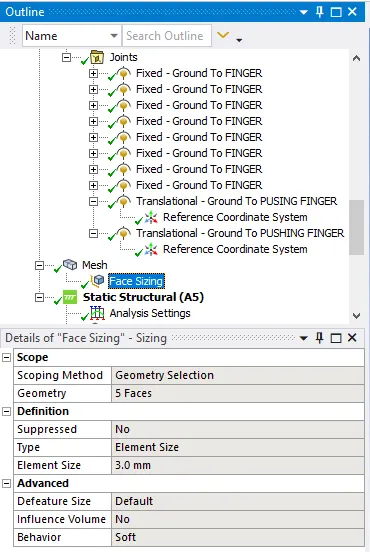
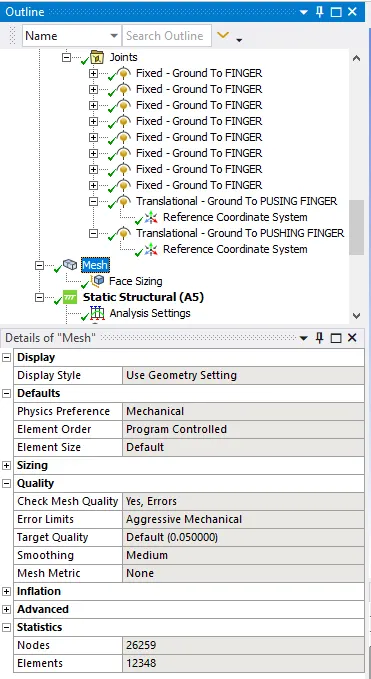
After meshing the component the meshing will seems to be as shown below.
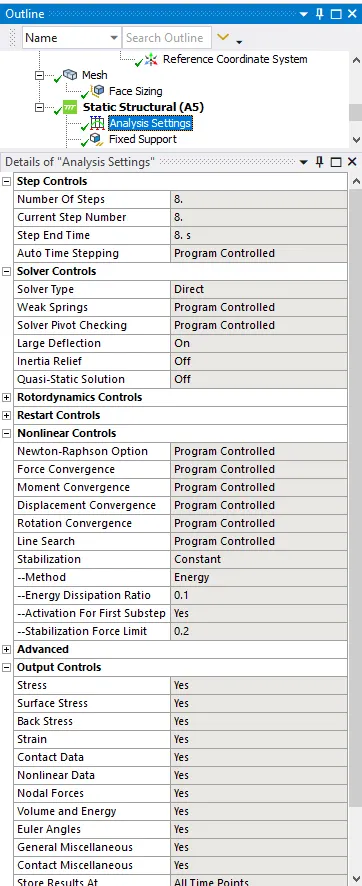
Make the static structural analytical settings of No. of steps select it as 8 soler type is direct as shown below.
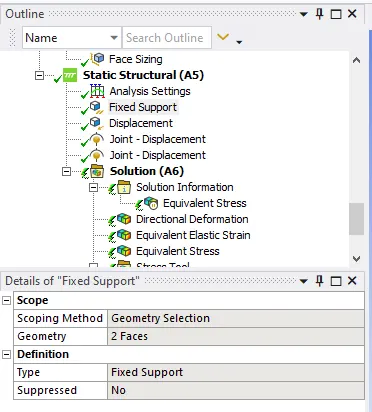
Select the fixed support for the inside panel as shown below.
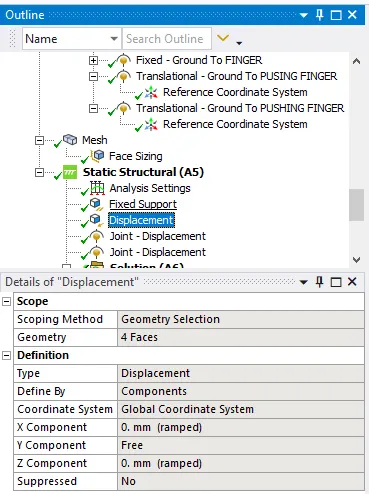
Select the displacement for selecting the frame of 4 faces as the displacement as shown below.
Creating the translational joints is the ground to pushing for the given component by assigning the values of X direction as shown below.
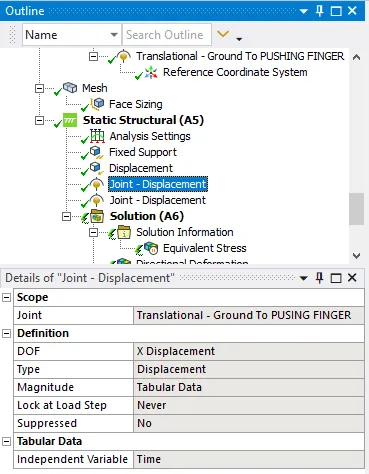
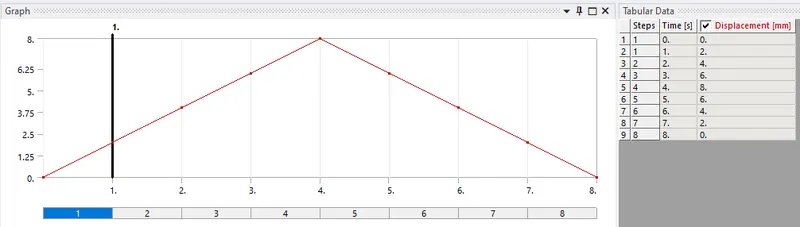
Creating the translational joints is the ground to pushing for the given component by assigning the values of X direction as shown below.
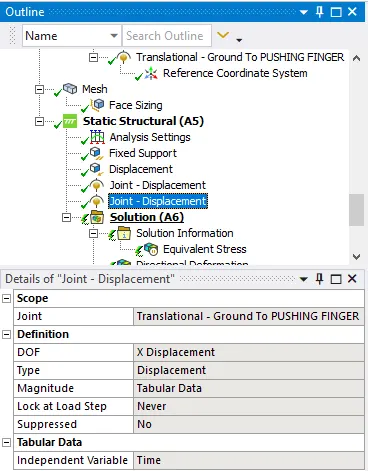
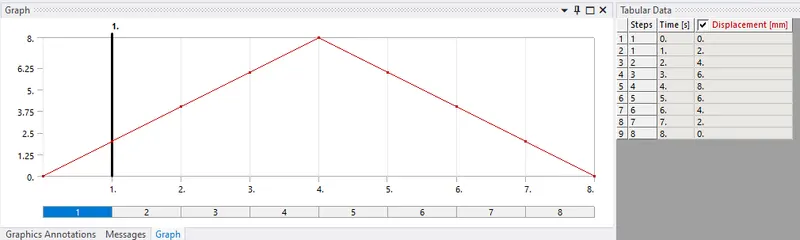
Case 1
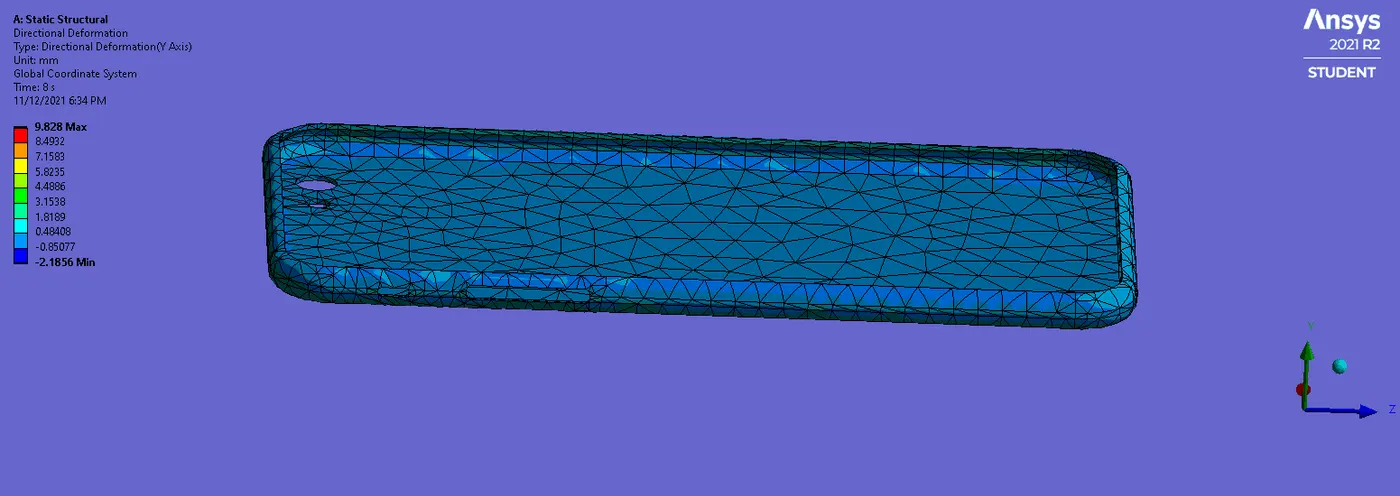
The directional deformation of the frame has been shown below.
The max is 9.828mm and min. -2.1856mm as shown below.
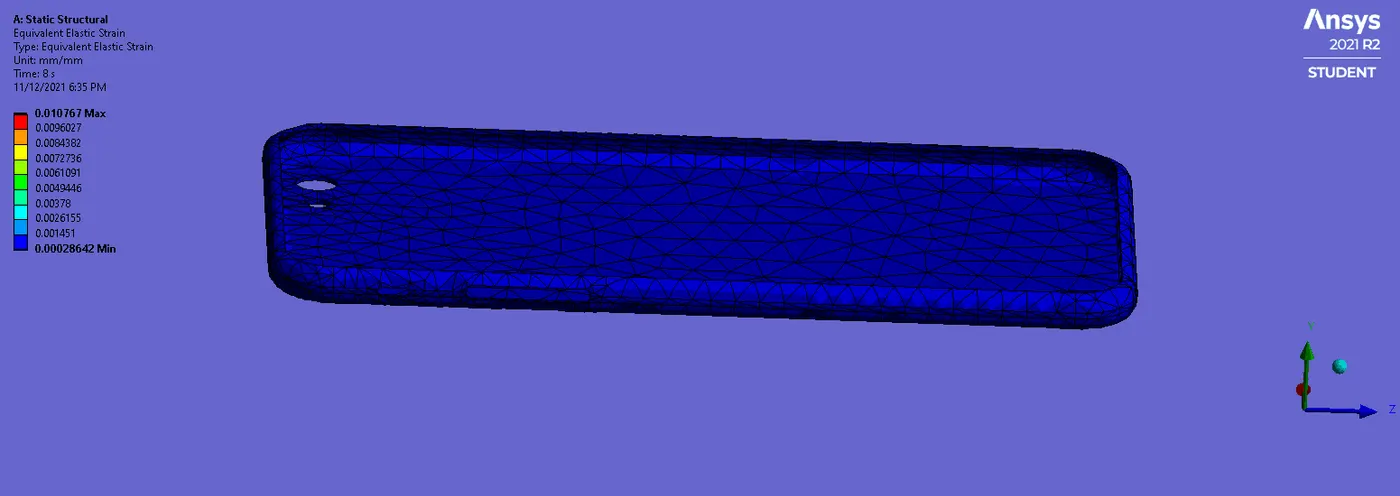
The equivalent strain has been recorded as the max. of 0.010767mm and min of 0.00028642mm as shown below.
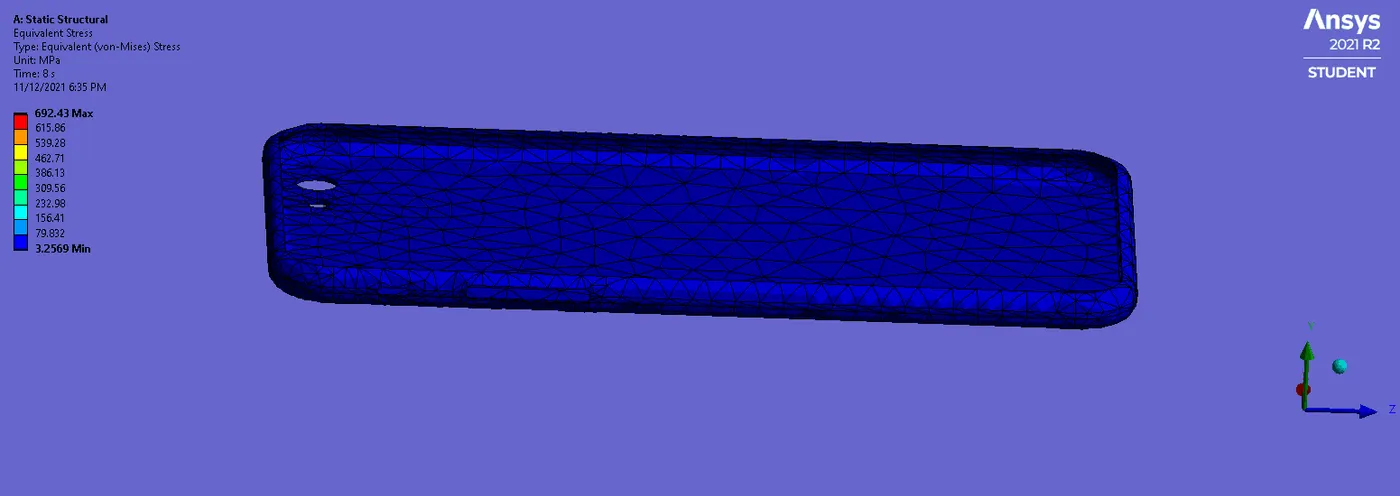
The equivalent stress has been recorded as the 692.43MPa and min. of 3.2569MPa as shown below.
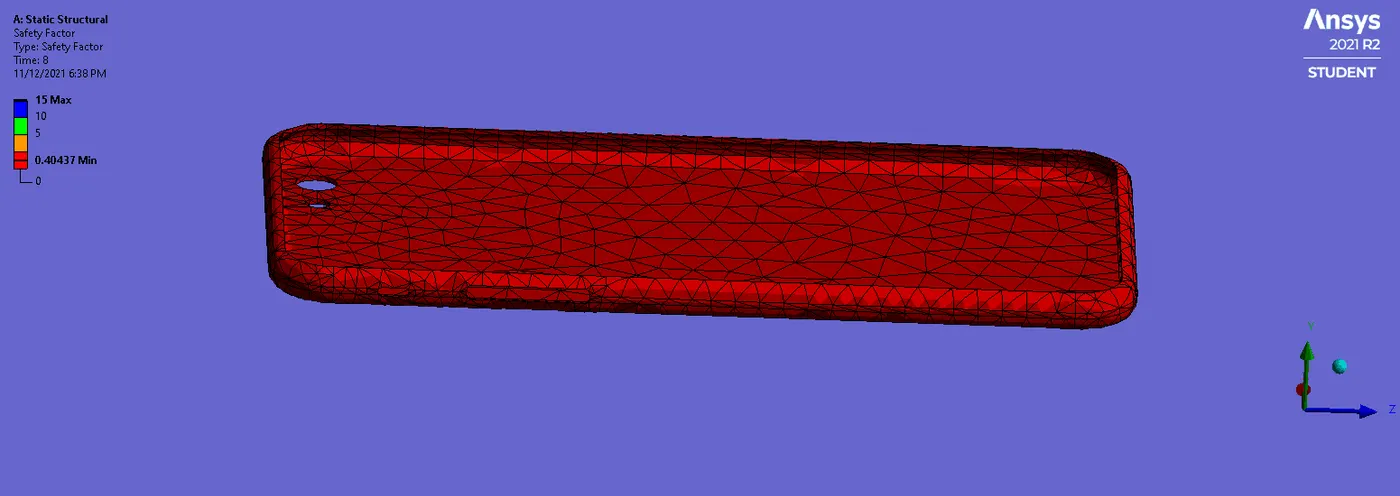
The safety factor has been recorded as the max 15 and min 0.40437 as shown below.
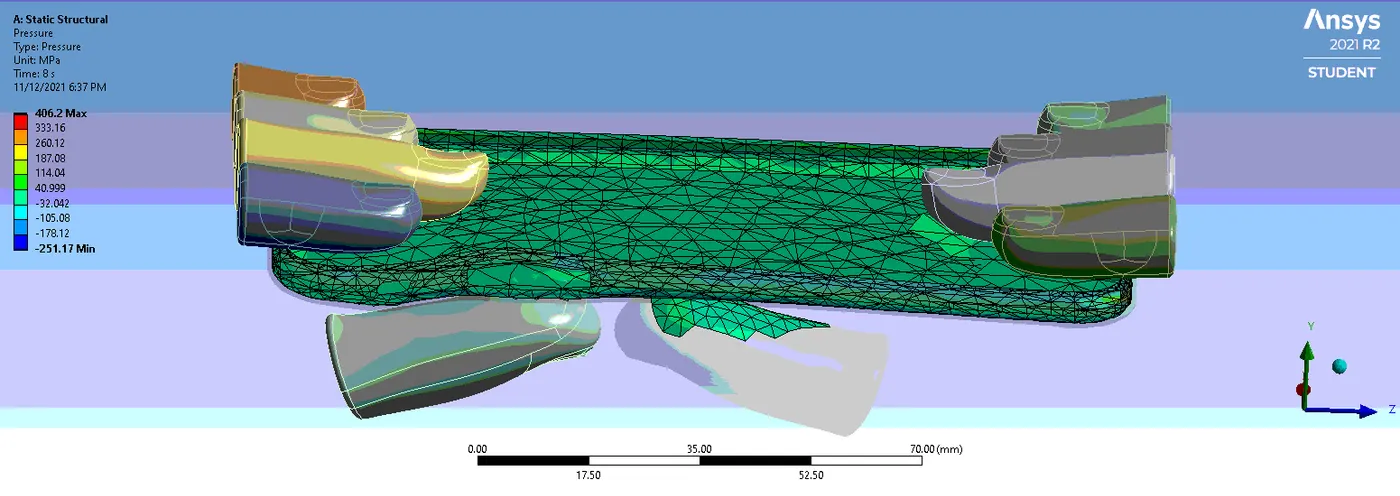
The static structure of pressure recorded has max. 8444.2MPa and min. of -407.79 MPa
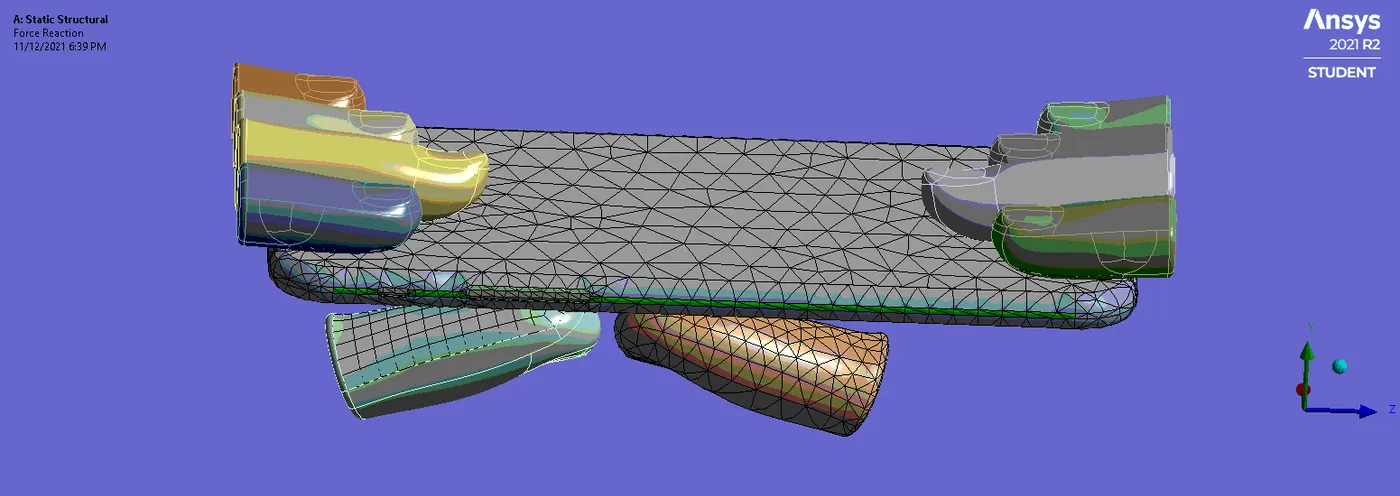
The force reaction has been recorded by showing the direction towards the bending as shown below.
Case 2
For case 2 select the aluminum alloy as the material property and create the S-N curve for the given model.
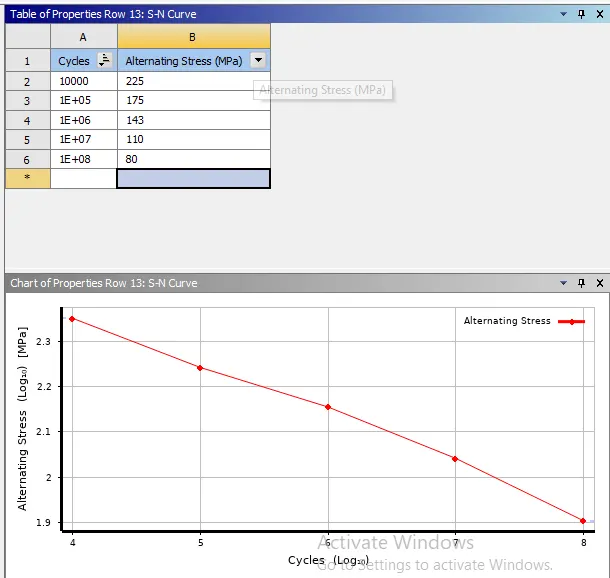
Before starting case 2 in geometry, Create the S-N curve to find the fatigue life as shown below.
Using the move option the thumb finger will move X as 22.5 mm and the Y as 10mm.
After doing this update in the geometry.
The analysis done on these all setting the results is plotted below.
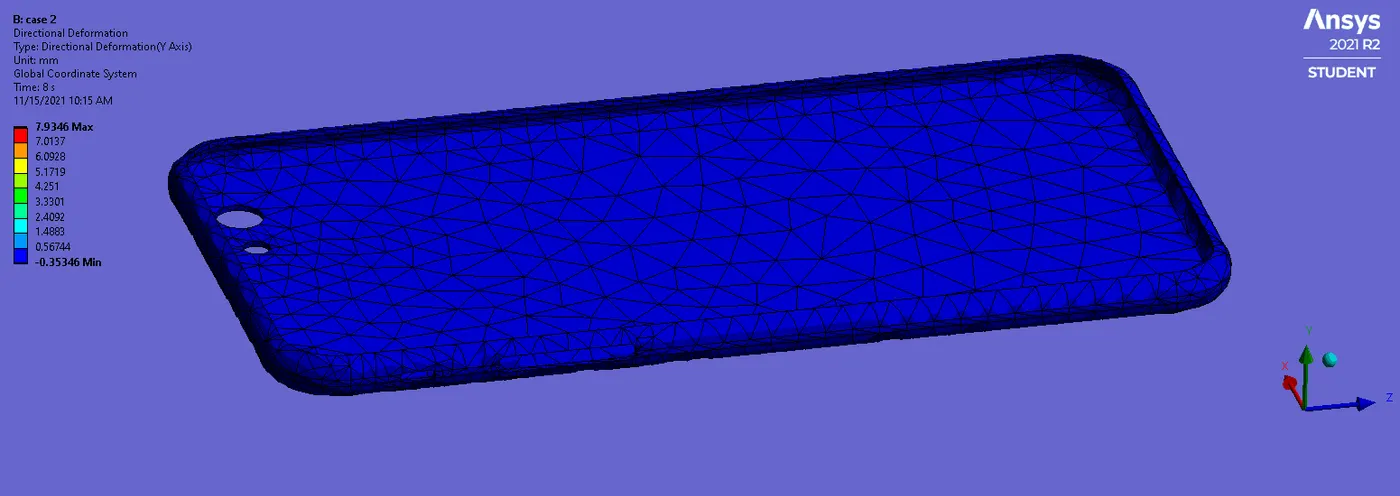
The directional deformation has been recorded as the max. of 7.9346mm and the min of -0.35346mm.
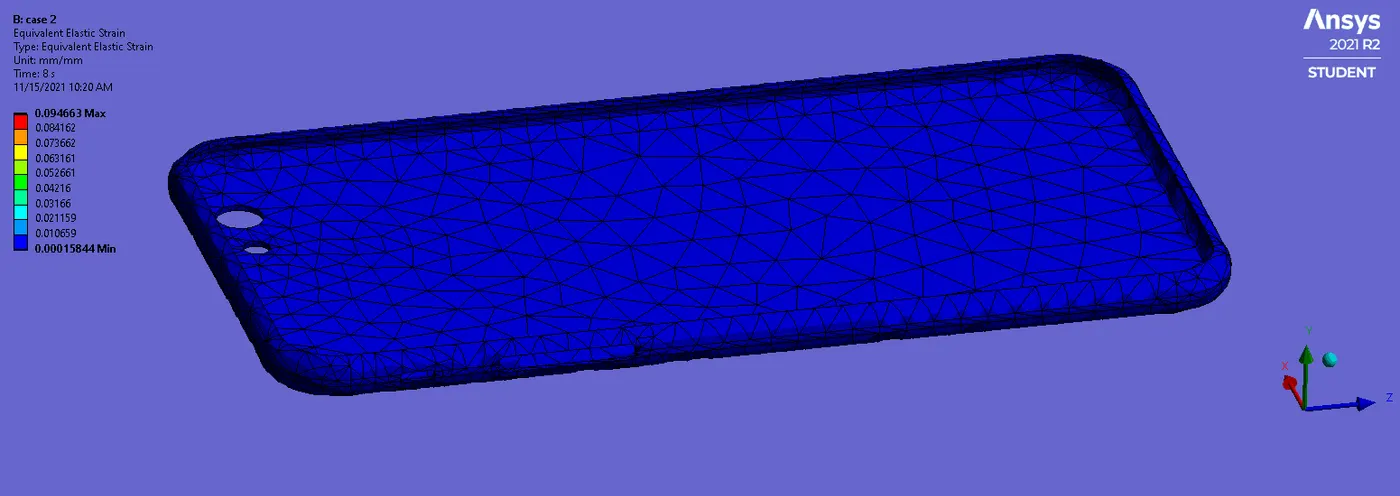
The equivalent strain of max. 0.0094663mm recorded and a min of 0.00015844mm has been recorded.
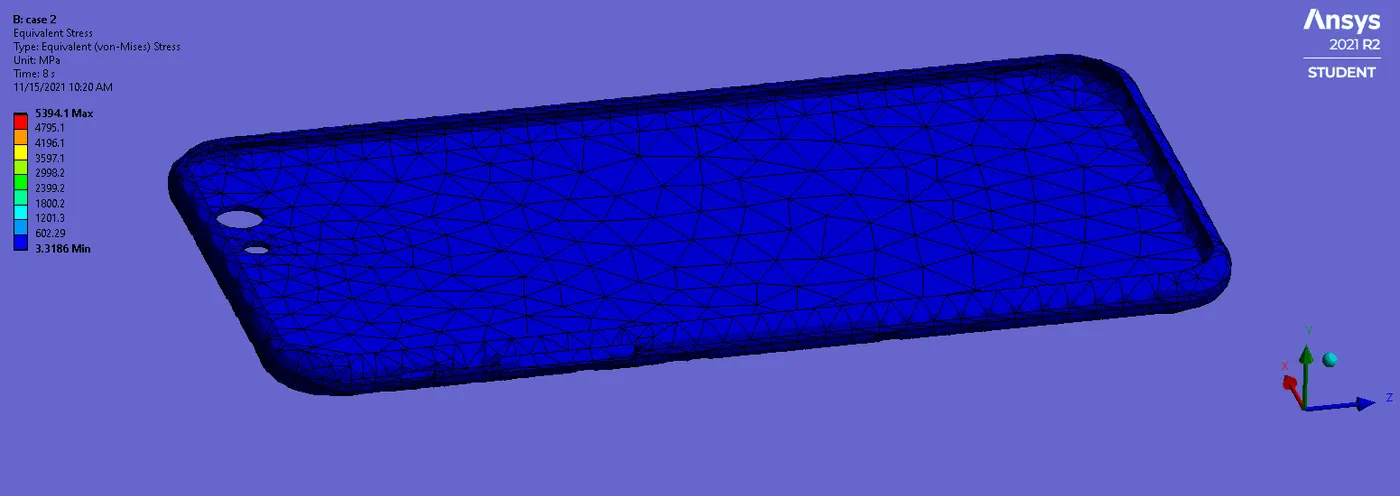
The equivalent stress has been recorded as the max of 5394.1MPa and the min of 3.3186MPa as shown below.
The static structure of pressure has been recorded as 3827.8MPa and min of -847.25 MPa.
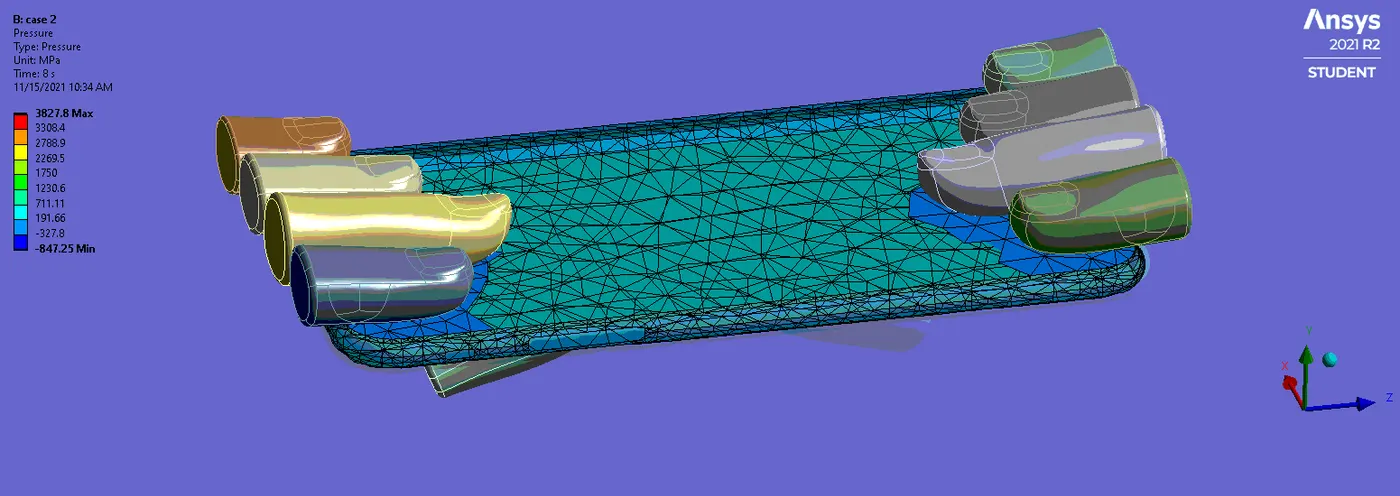
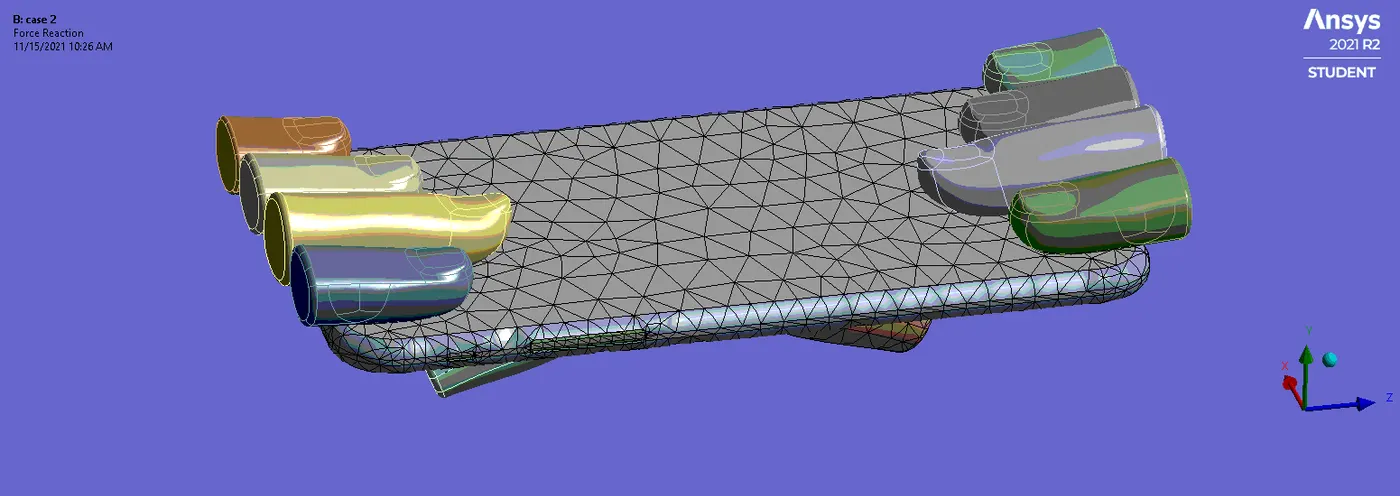
The force reaction has been recorded in the direction of the bending occurs as shown below.
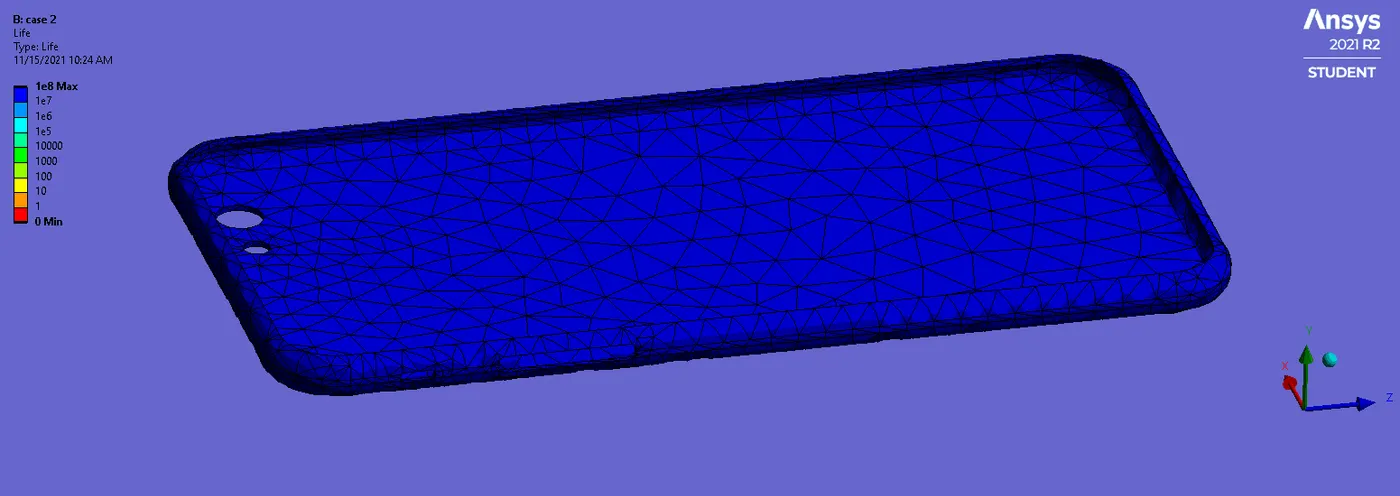
The Fatigue Life of the frame has been recorded as shown below.
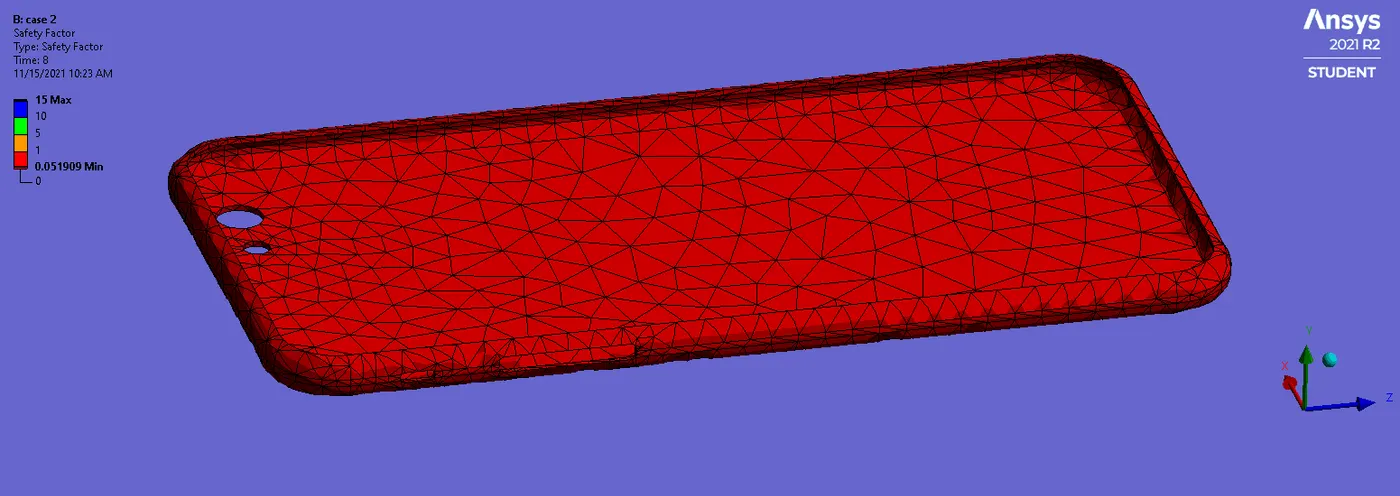
The below shows the safety factor has been recorded as the max 15 and min is 0.051909 as shown below.
Result
The below shows that all data for analysis generates has been tabulated below.
| Directional Deformable | Elastic strain | Equivalent stress | Pressure | Safety factor(min) | Fatigue life | |
| Case 1 | 9.828mm | 0.010767mm | 692.43MPa | 8444.2MPa | 0.40437 | NA |
| Case 2 | 7.9346mm | 0.0094663mm | 5394.1MPa | 3827.8MPa | 0.051909 | 0 |
The directional deformation for case 1 and case 2 is 9.828mm and 7.9346mm respectively by comparing both cases of case 1 is more than case2 it's by changing the thumb finger shifting from one place to another and applying constant pressure and of different position.
The elastic strain of both the cases max in case 1 of 0.010767 compering to case 2.
The equivalent stress has been recorded has to max in case 2 5394.1MPa compering with case 2.
The pressure max. is 8444.2 in case 1 and the safety factor is max. 0.40437 min in case 1 as per the record.
The fatigue life for both cases has been not applicable for case 1 and 0 for case 2.
Conclusion
By doing this challenge the safety factor for case 1 and case 2 will be given the min. of 0.40437 and 0.051909as per the analysis.
https://drive.google.com/file/d/1_ILHe6M7EIfLL8W9UarK18XdY_8-iYhG/view?usp=sharing