Week 5.2 - Multi Level Meshing
Aim: To perform the Multilevel Meshing to improve the mesh quality
Objectives:
1. To use multi-level meshing to improve the mesh resolution and optimize
the mesh count of a model that has CAD objects.
2. To check for quality
HangingNode.tzr file is unpacked in the Ansys ICEPAK and project is renamed.
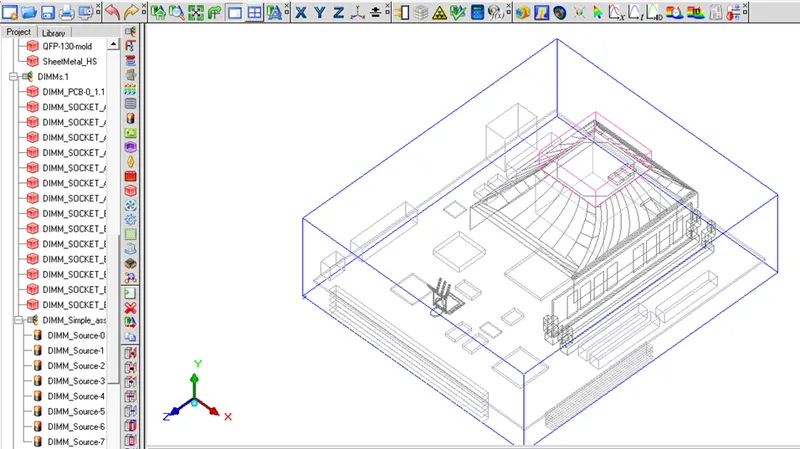
Loaded model is shown below:
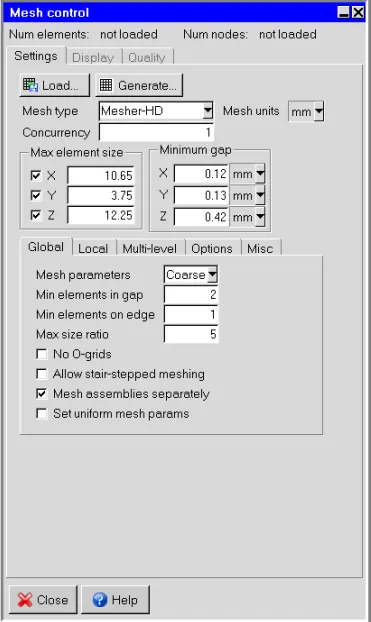
Generating the mesh without any modification, Mesh control is shown below:
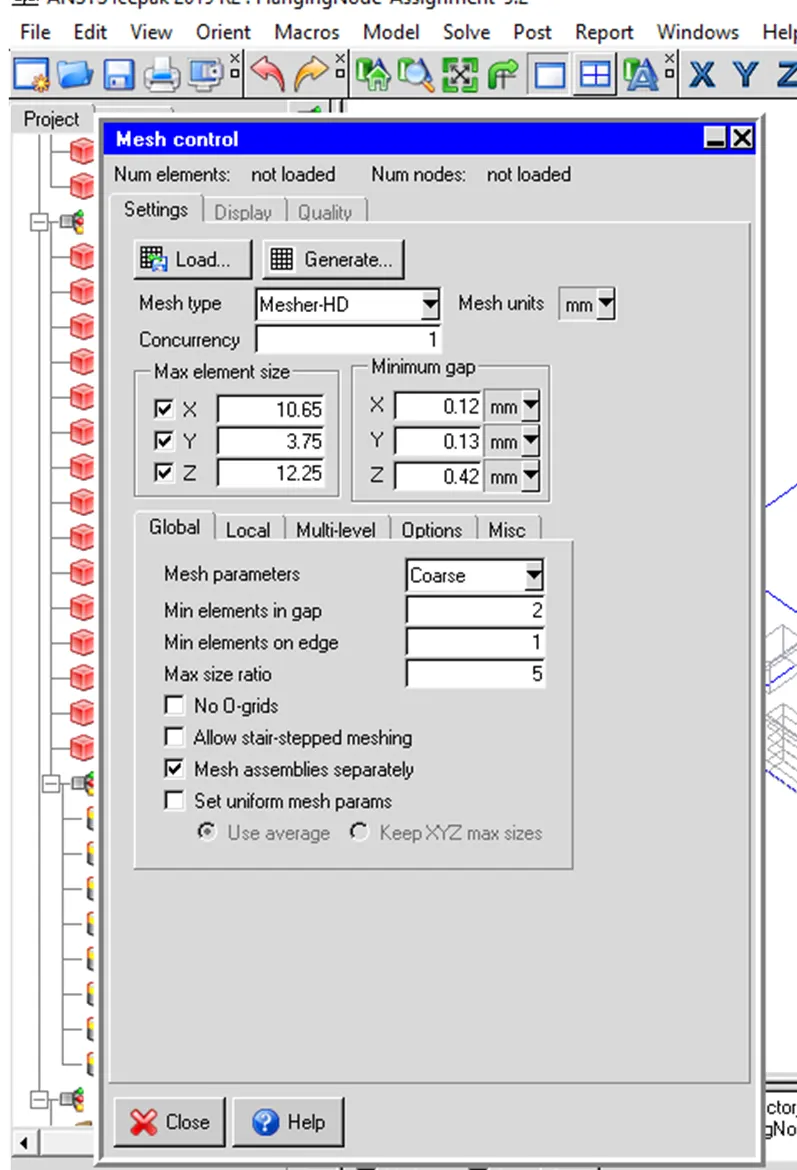
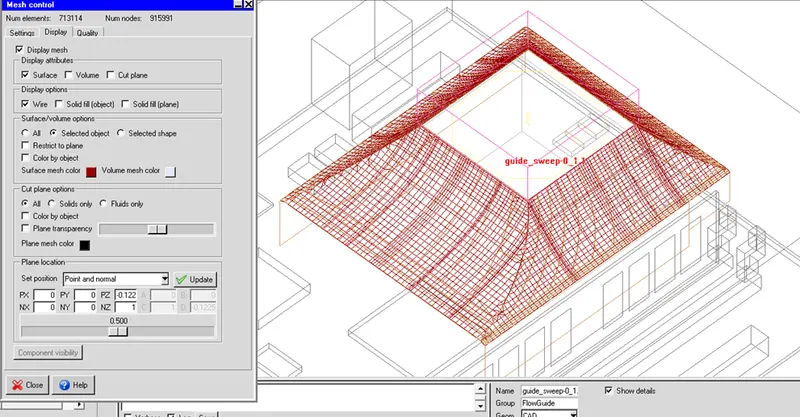
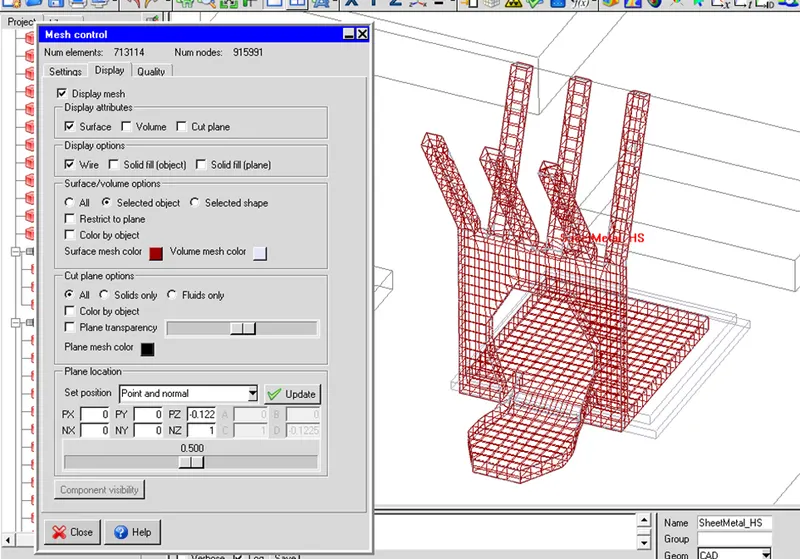
The mesh is generated without modifying the model. A mesh count of about 713114 cells is generated.
Mesh of Flow Guide Without Multi-Level Meshing:
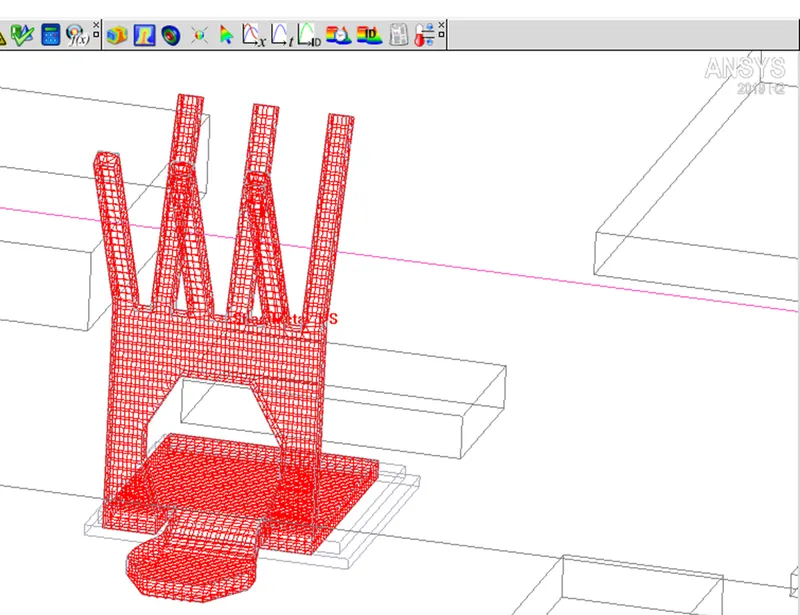
Mesh of Sheetmetal_HS Without Multi-Level Meshing:
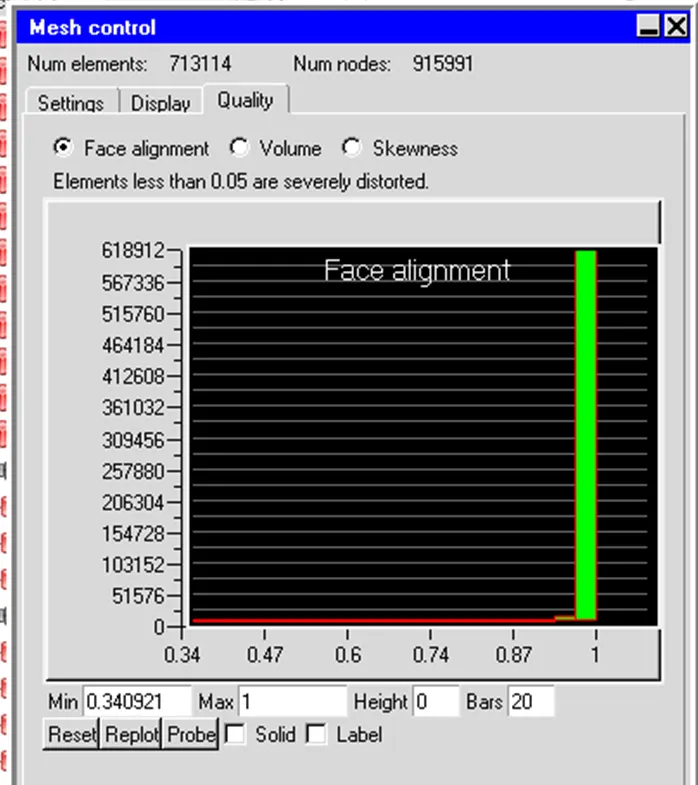
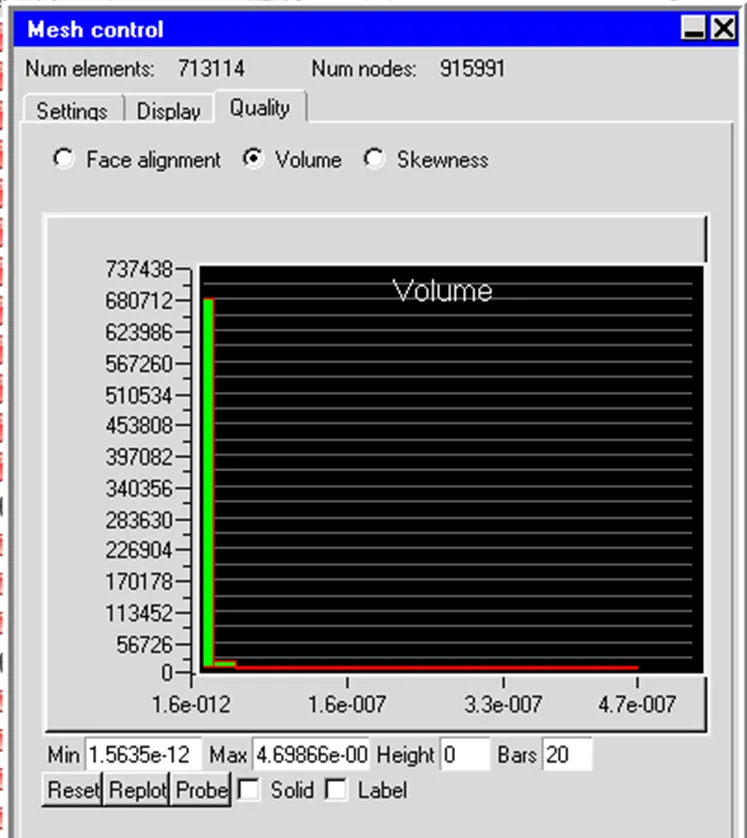
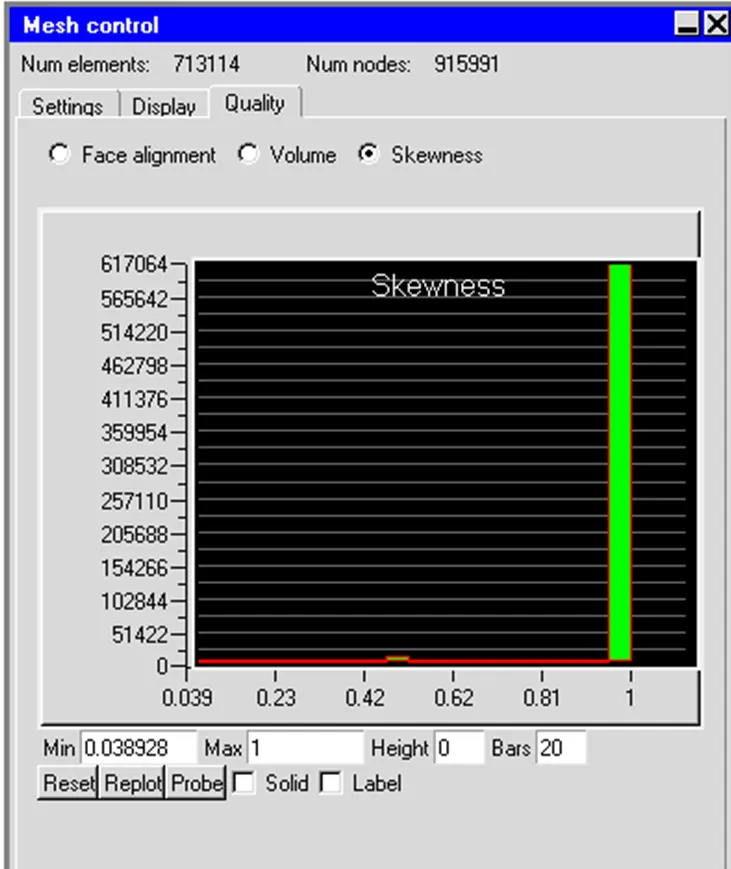
Mesh quality of without modified model in terms of Face Alignment, Volume, and Skewness value is given below:
Modification 1: Multi-Level Meshing of the Fan_Guide
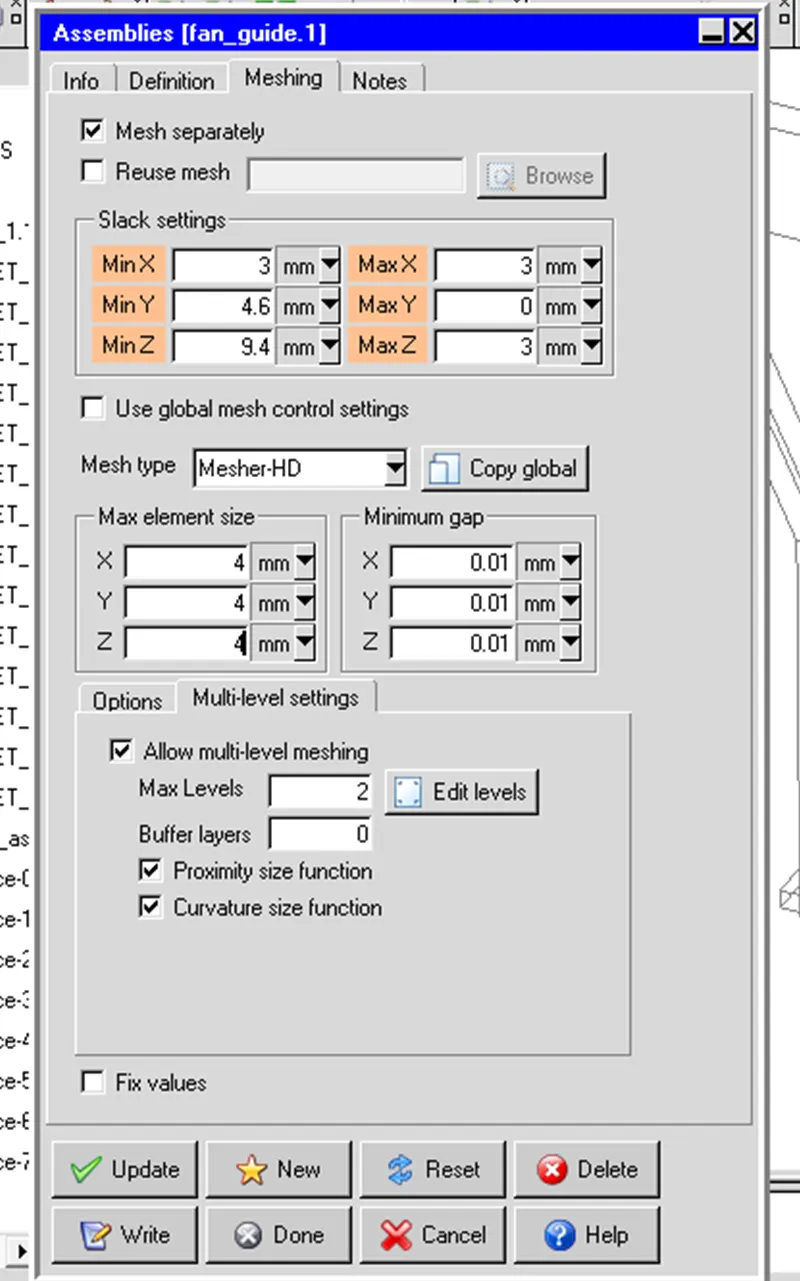
In the Meshing tab of the fan_guide.1 assembly, the slack and minimum gap values are retained. However,
the Max element size values are changed to 4.0 mm.
In the Global tab, Set uniform mesh params is selected.
n the Multi-level tab, Allow multi-level meshing is selected and Max Levels is set to 2.
The default selection of Proximity size function and Curvature size function are kept.
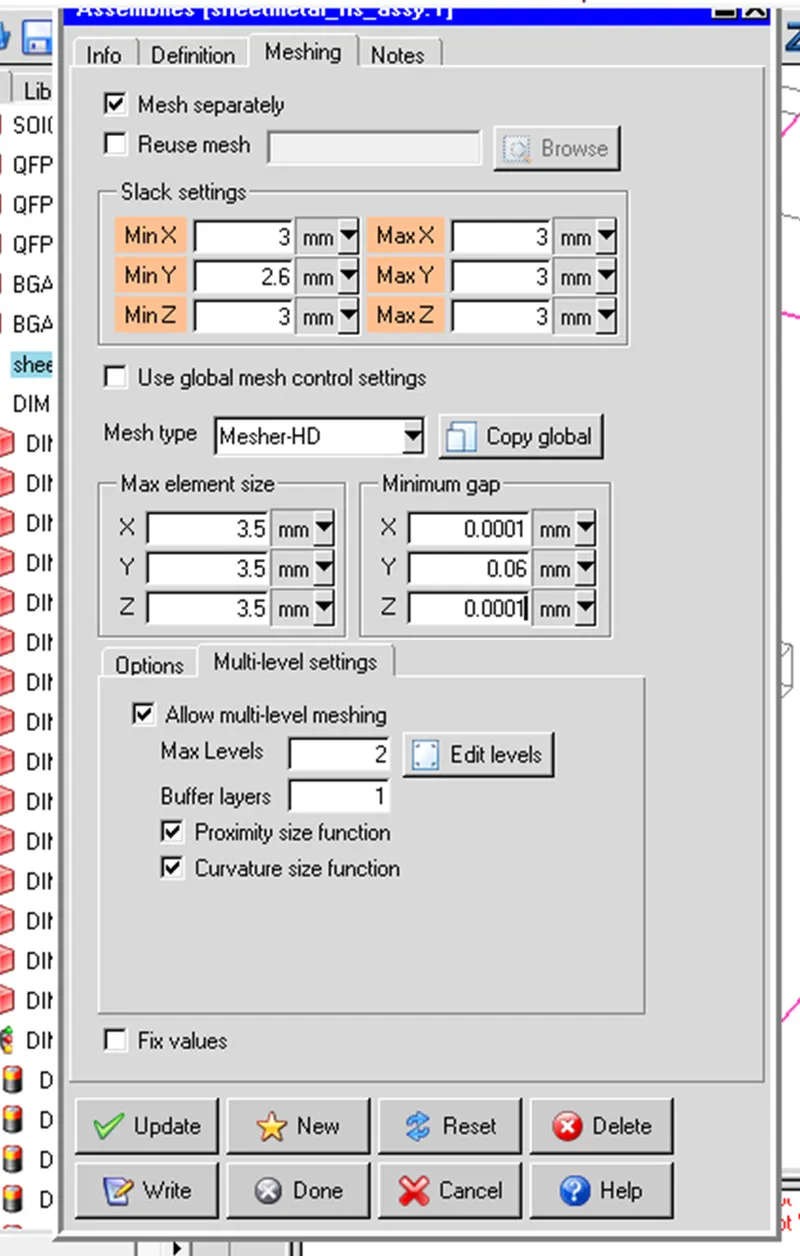
Modification 2: Multi-Level Mesh of the Sheetmetal_hs_assy.1.
In the Meshing tab of the Sheetmetal_hs_assy.1, the slack and minimum gap values are kept. However,
the Max element size values are changed to 3.5 mm.
Set uniform mesh params is selected.
In the Multi-level tab, Allow multi-level meshing is toggled, Max Levels is kept as 2 and and Buffer layers is set to 1.
The default selection of Proximity size function and Curvature size function are kept.
A mesh is generated with the modifications given above:
Multi-Level Meshing of the Fan_Guide:
Surface Mesh of guide_sweep-0_1.1
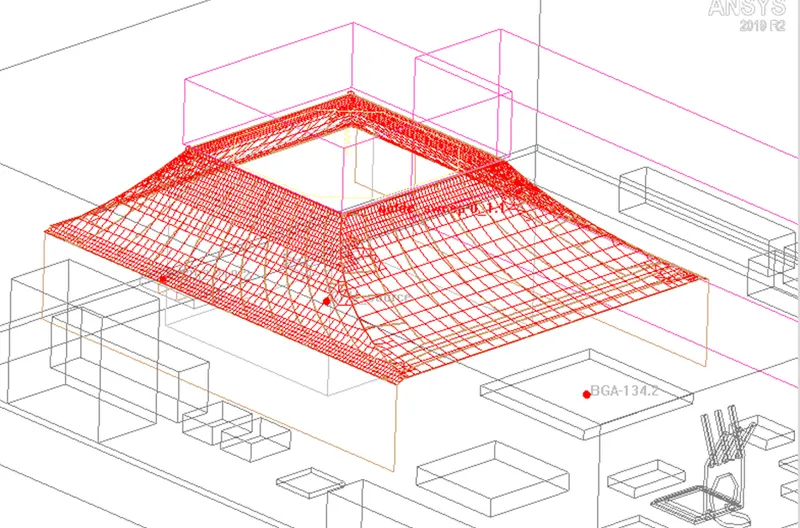
Meshing Levels of the Fan Guide Objects:
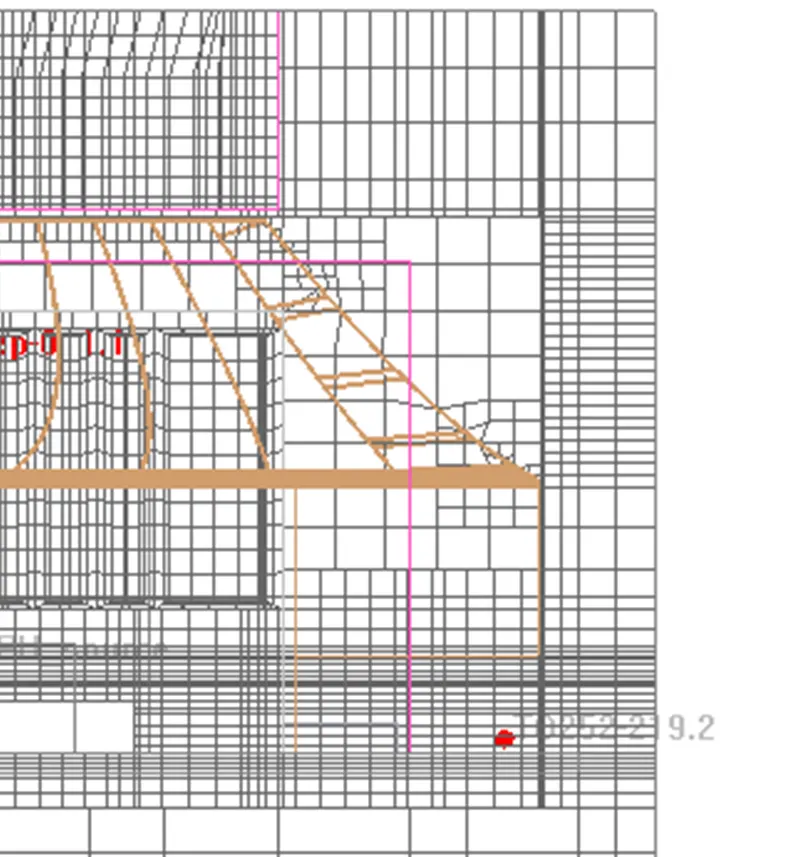
Surface Mesh of SheetMetal_HS:
Z Plane through the center of the cabinet
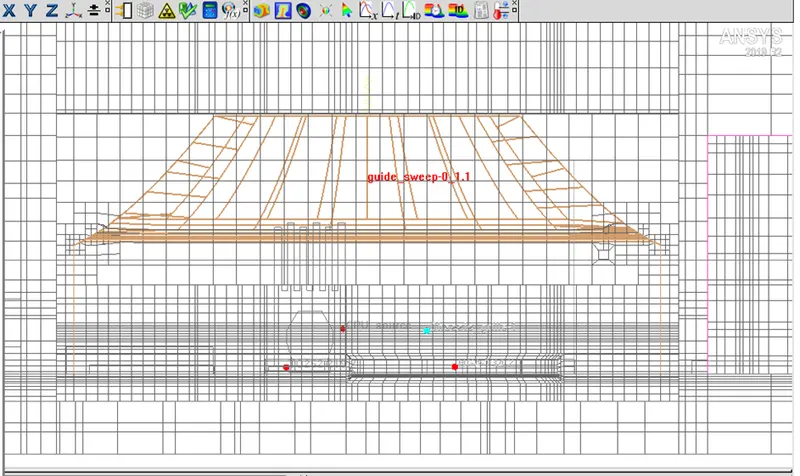
Y Plane through the center of the cabinet
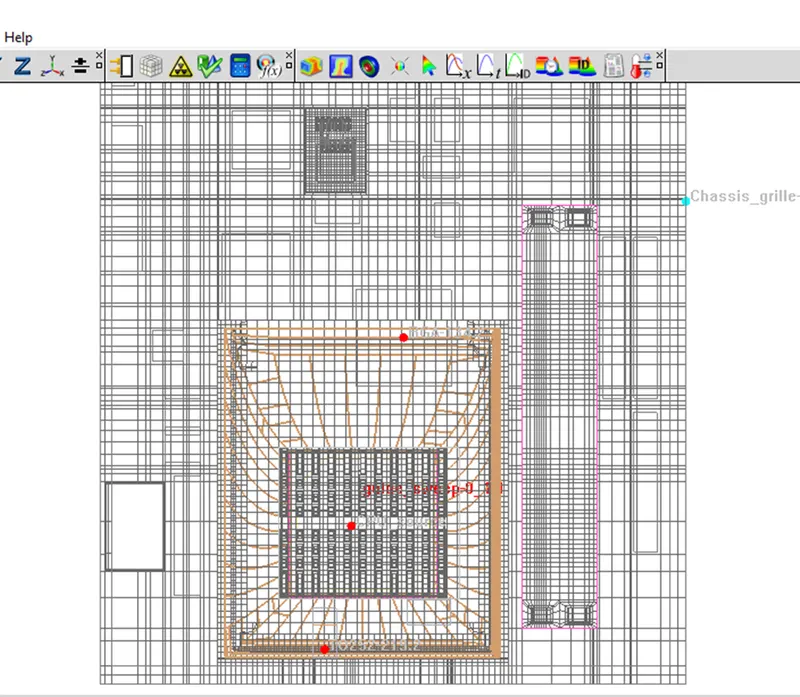
X Plane through the center of the cabinet
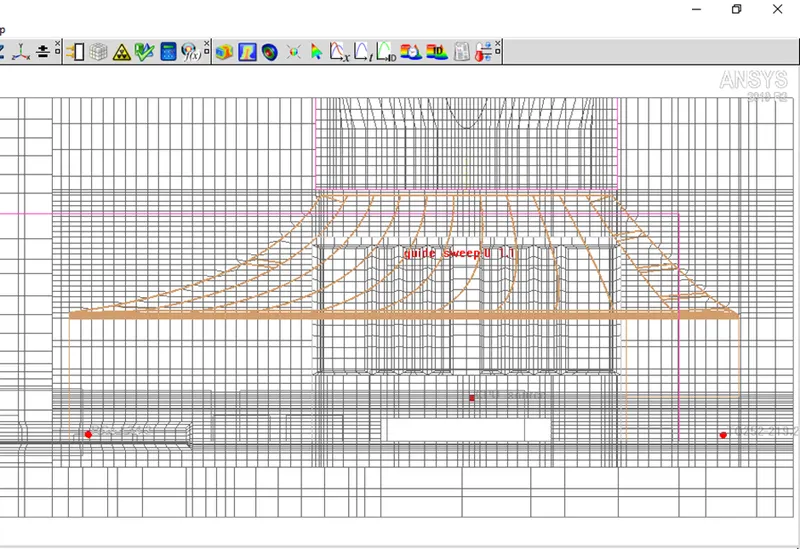
From the visual inspection of the cut plots of the mesh, generated mesh seems to be fine.
Mesh quality in terms of Face Alignment, Volume, and Skewness is given below:
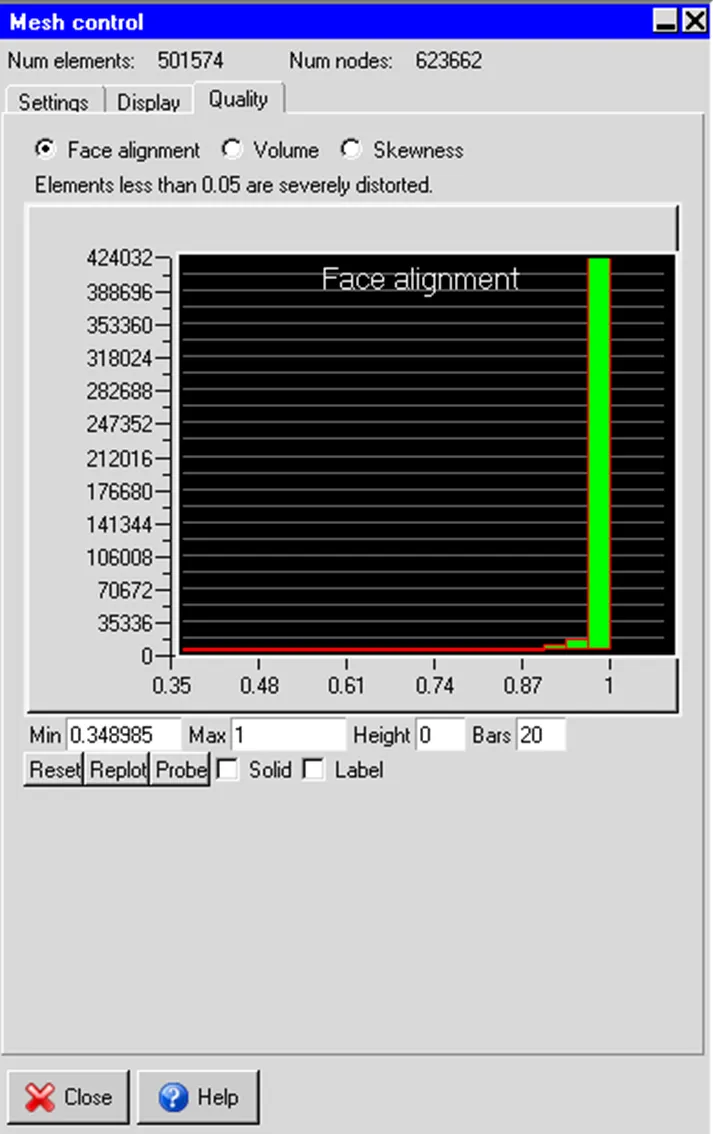
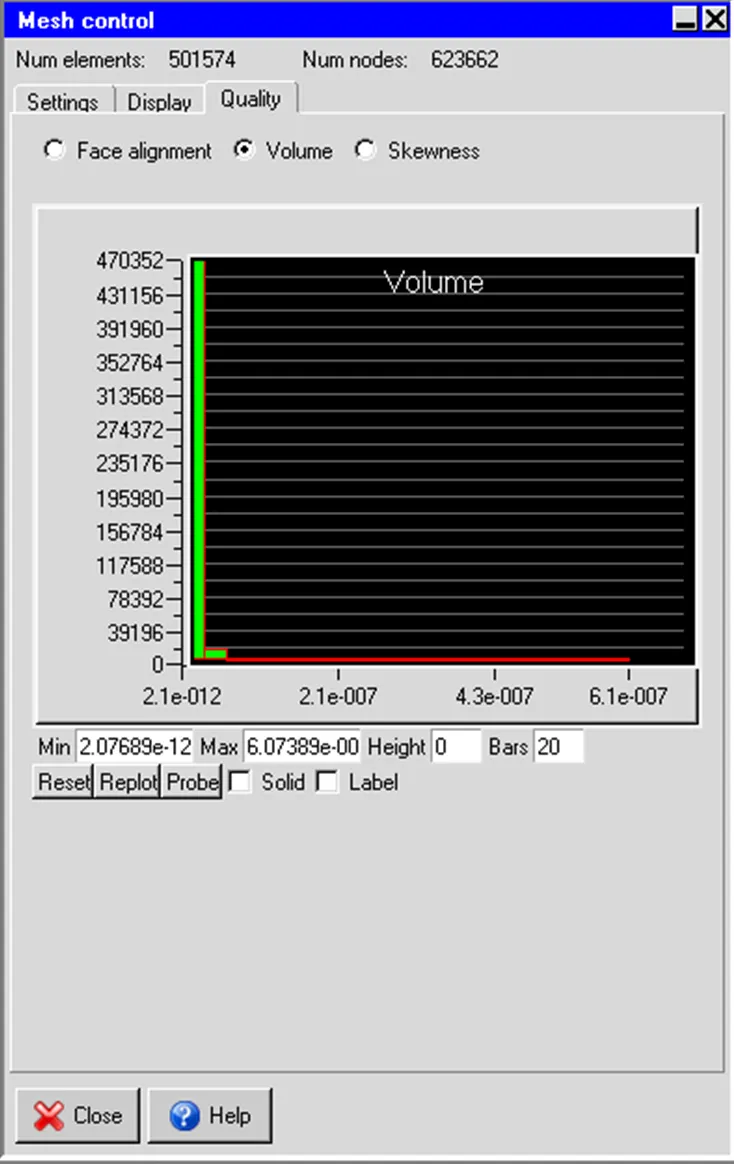
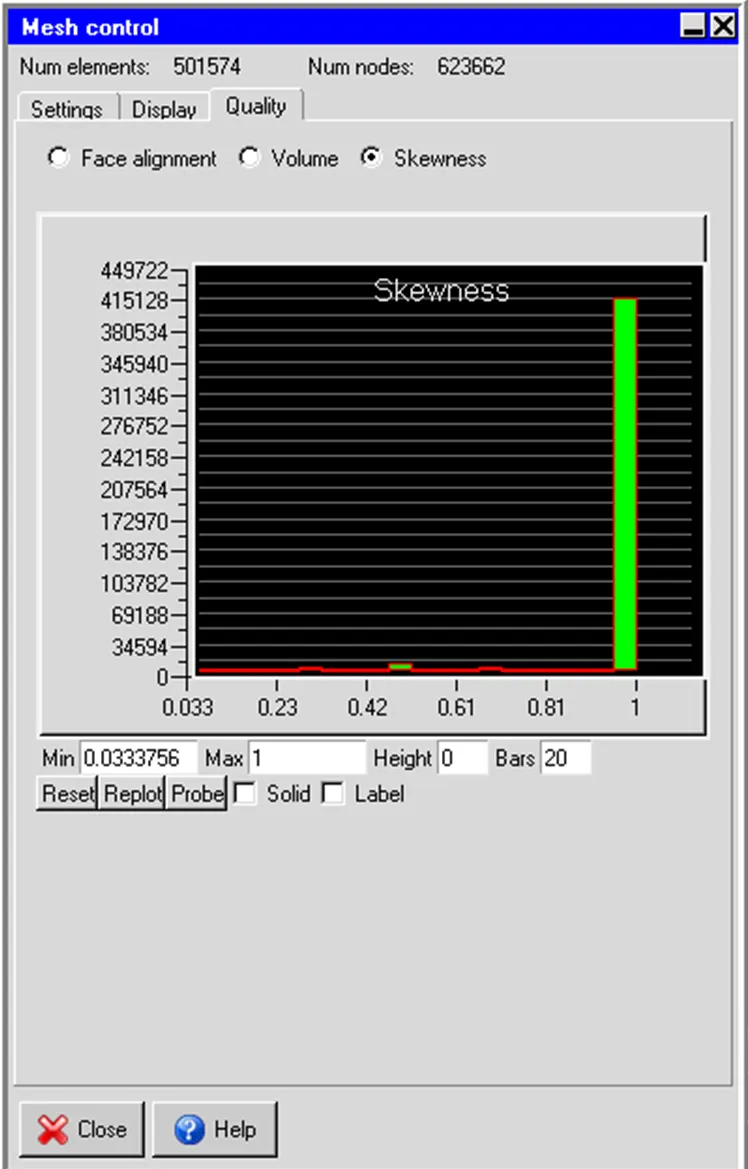
From the above plot it can be observed that the number of elemnts is reducet to aroun 50,000, and quality is improved.
Conclusions:
By using multi-level meshing, the mesh resolution is improved and instantly transitioned to
coarser meshes thus reducing the overall mesh count.
This approach significantly reduced run time while enhancing the accuracy of the simulation.