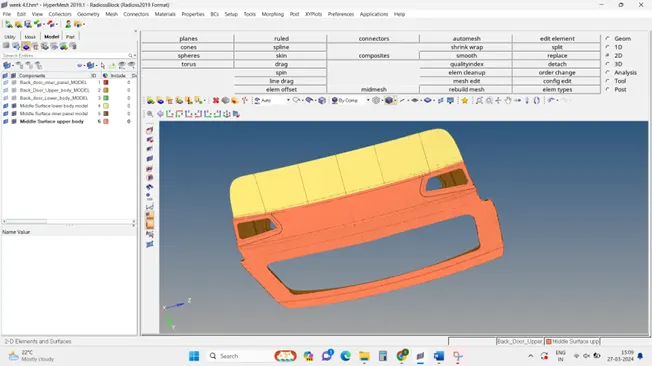
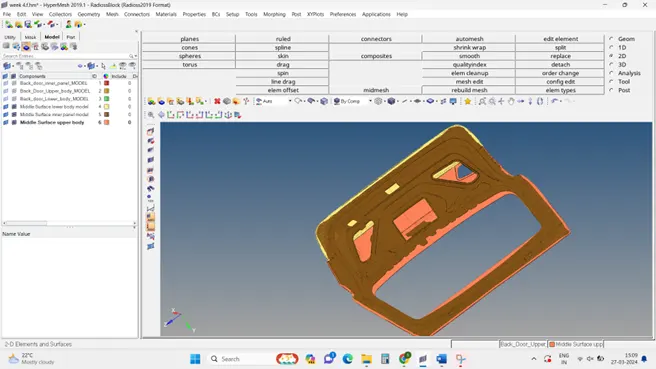
Week 4- Meshing of Backdoor Challenge
Week 4 – Meshing of Backdoor Challenge
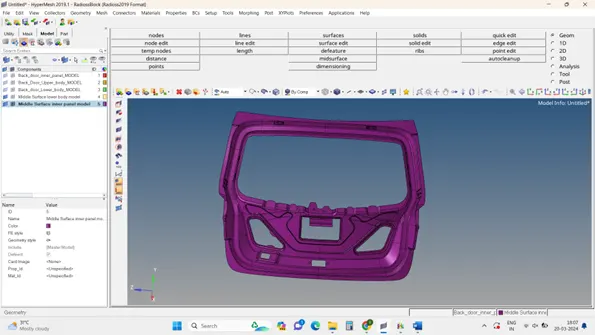
Objectives: To mesh the backdoor geometry of a car that is provided below.
Target Element size - 5 Units
|
S.N |
Quality Criteria |
Value |
|
1 |
Aspect Ratio |
5 |
|
2 |
Skewness |
45 |
|
3 |
Warping |
15 |
|
4 |
Taper |
0.5 |
|
5 |
Min. Length |
3 Units |
|
6 |
Max. Length |
7 Units |
|
7 |
Min angle Quad |
45 |
|
8 |
Max angle Quad |
135 |
|
9 |
Min angle Tria |
30 |
|
10 |
Max angle Tria |
110 |
|
10 |
Tria % |
15 |
Initial cad model image :
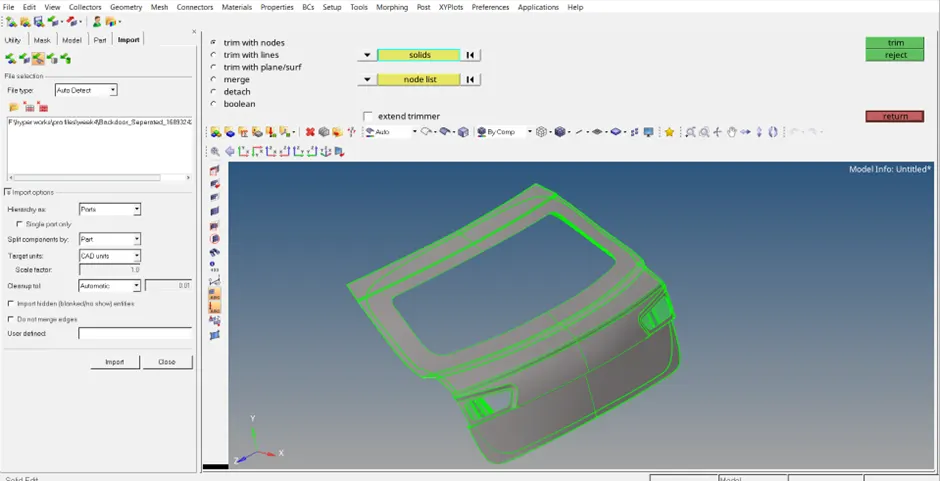
There are three components in this case, so every component is under the same procedure in the flow of steps like auto clean up, mid surface, removal of unwanted lines and surface, generation of the mesh, quality check, final part checks file (face, edges checks)
The procedure with the required image
#component 1
Step 1:geometry clean up.
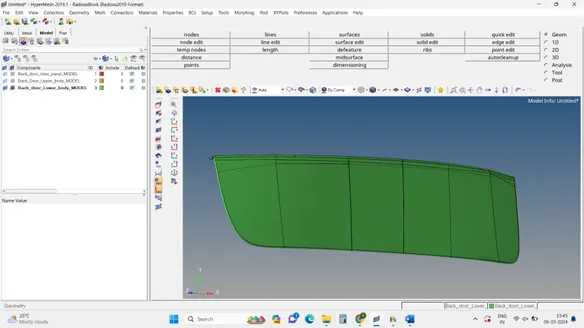
Step 2: Extraction of Midsurface and Prepare the part for good meshing by creating a washer split and surface split and also using the toggle edit option to remove.
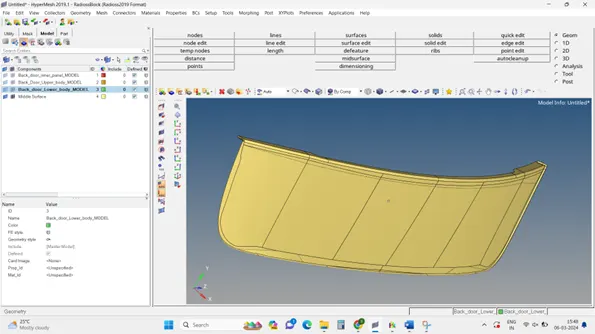
Step 3: Inserting the parameters Quality criteria
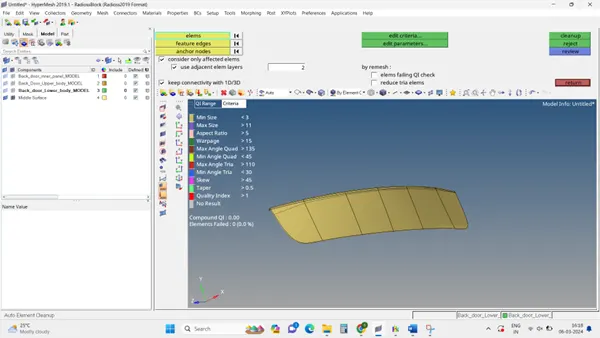
Step 4: creating of Mesh
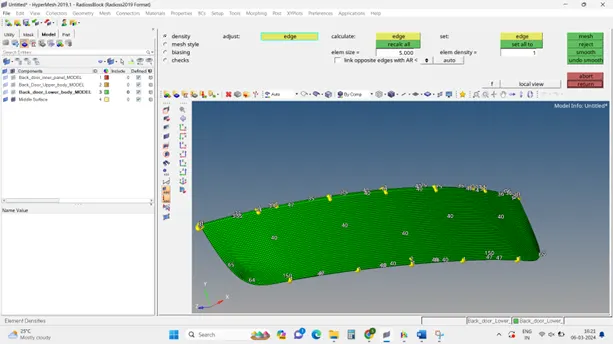
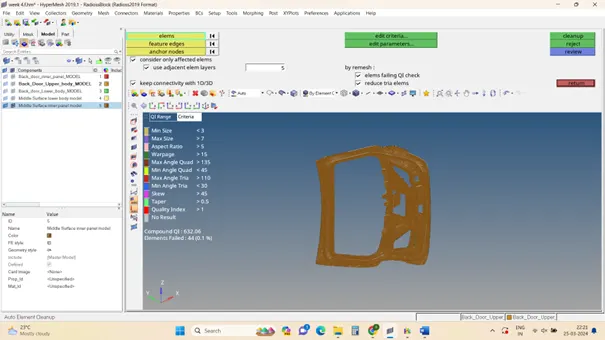
Step 5: Checking the mesh with quality criteria parameters
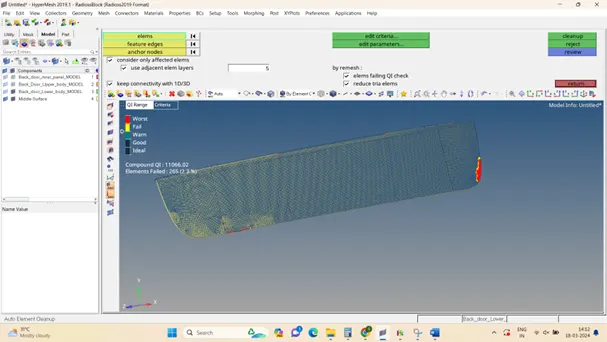
Step 6: Image after quality check
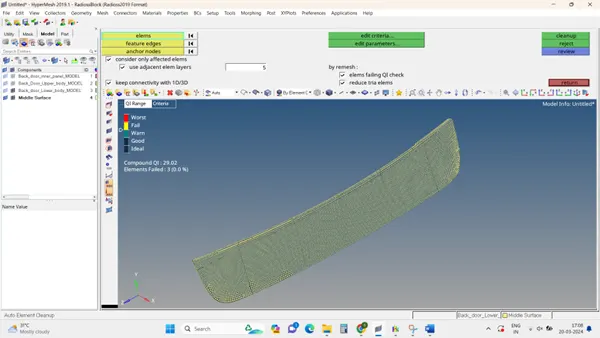
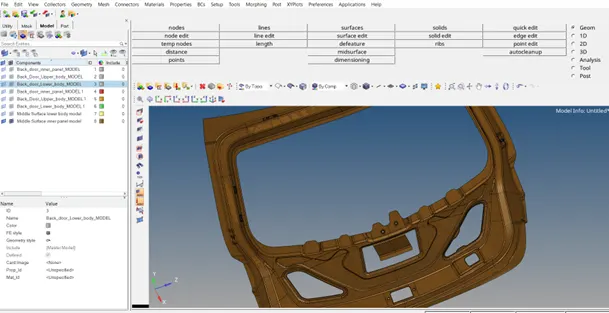
Results and final model image
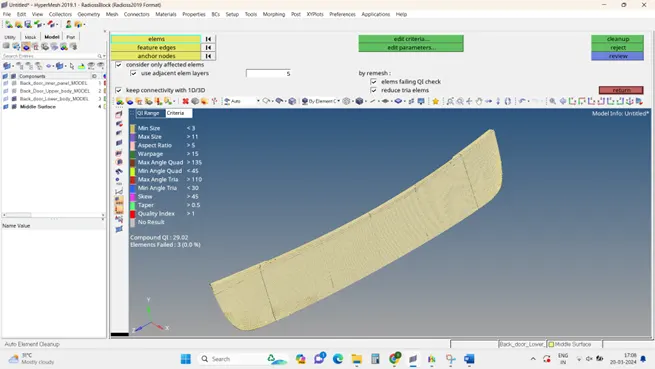
#component 2
Step 1:geometry clean up.
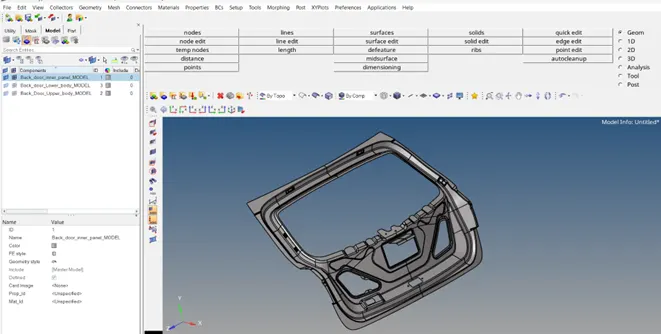
Step 2:Extraction of Midsurface and Prepare the part for good meshing by creating a washer split and surface split and also using the toggle edit option to remove.
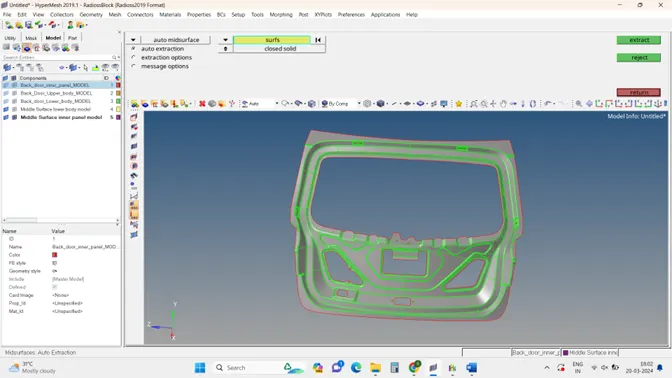
Step 3: Inserting the parameters Quality criteria and creating Mesh
Step 4: Checking the mesh with quality criteria parameters
Results and final model image
#component 3
Step 1:geometry clean up.
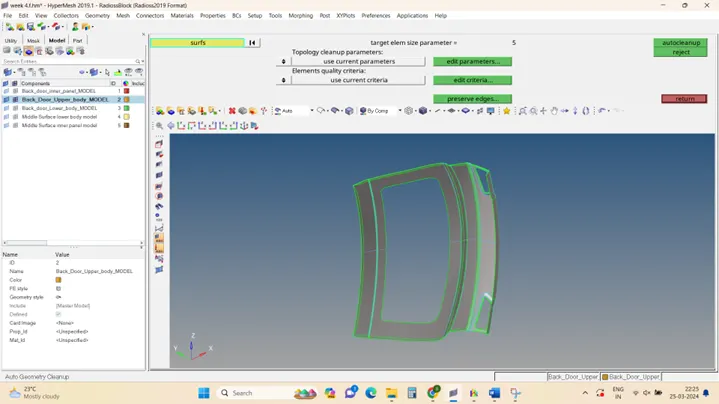
Step 2:Extraction of Midsurface and Prepare the part for good meshing by creating a washer split and surface split and also using the toggle edit option to remove.
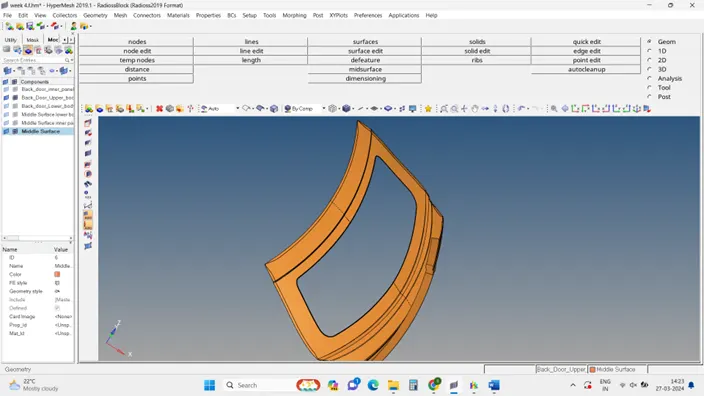
Step 3: Inserting the parameter's Quality criteria and creating Mesh and also Checking the mesh with quality criteria parameters
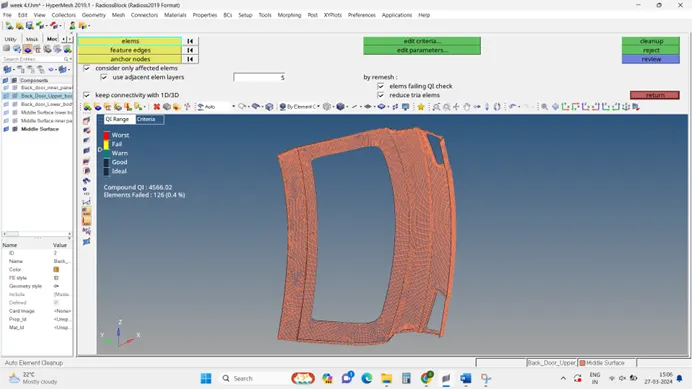
Result of the final model