Week - 4 - Crash Box Simulation
Aim:-
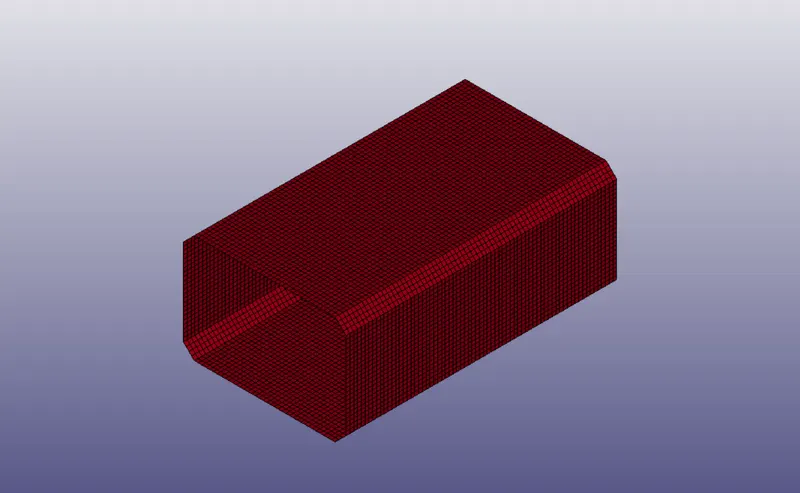
- The aim of this challenge is to analyse the crash of a crush box with a rigid wall, the model is given below.
Procedure:-
- The first step of this challenge is to open the model in the LS-Prepost.
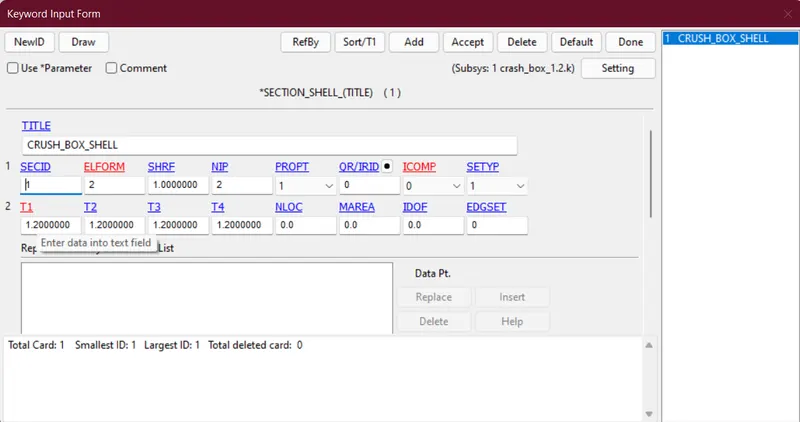
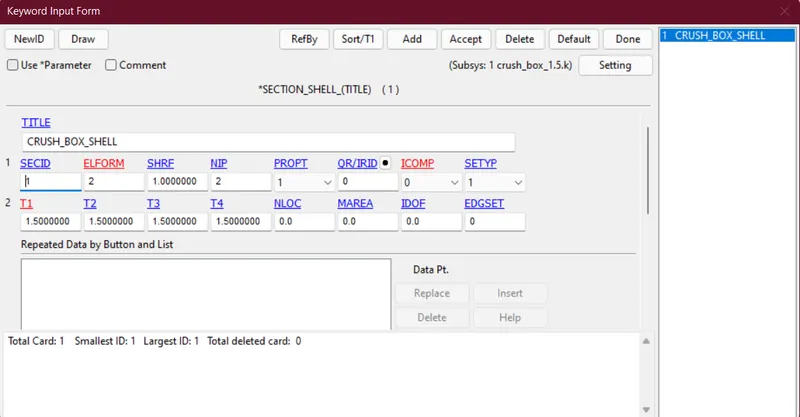
- The next step is to create a section card for the shell element and consider element formulation as 2. We have to create two models with thicknesses of 1.2 and 1.5 mm.
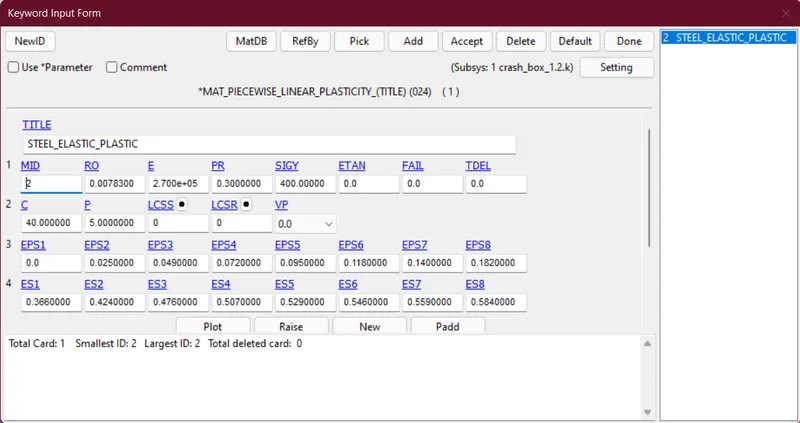
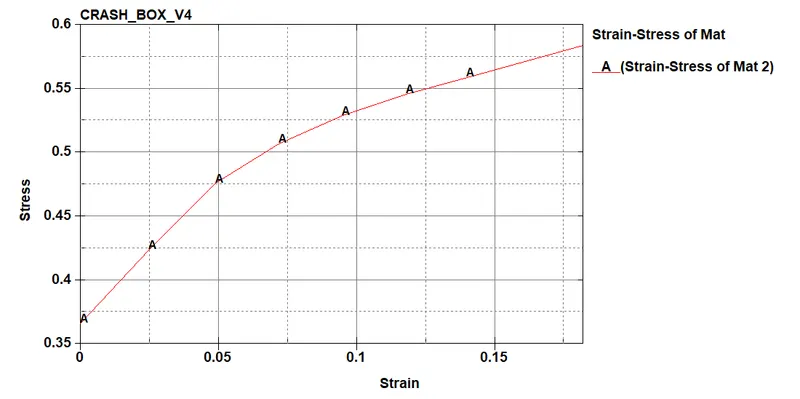
- The next step is to create a material card for steel with piecewise elastic-plastic material.
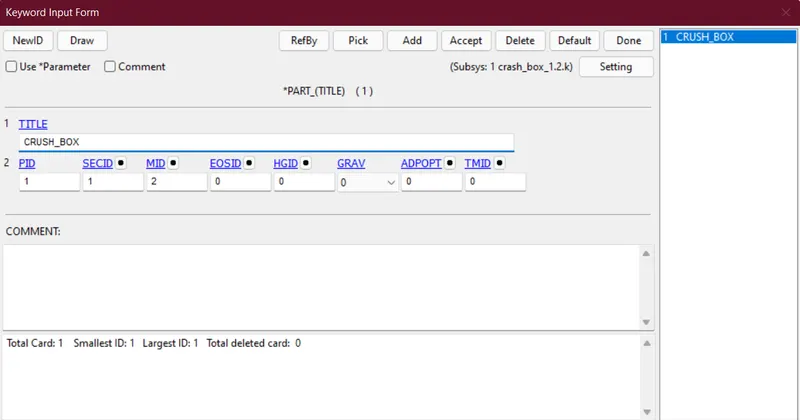
- The next step is to assign section Id and material Id to the part card.
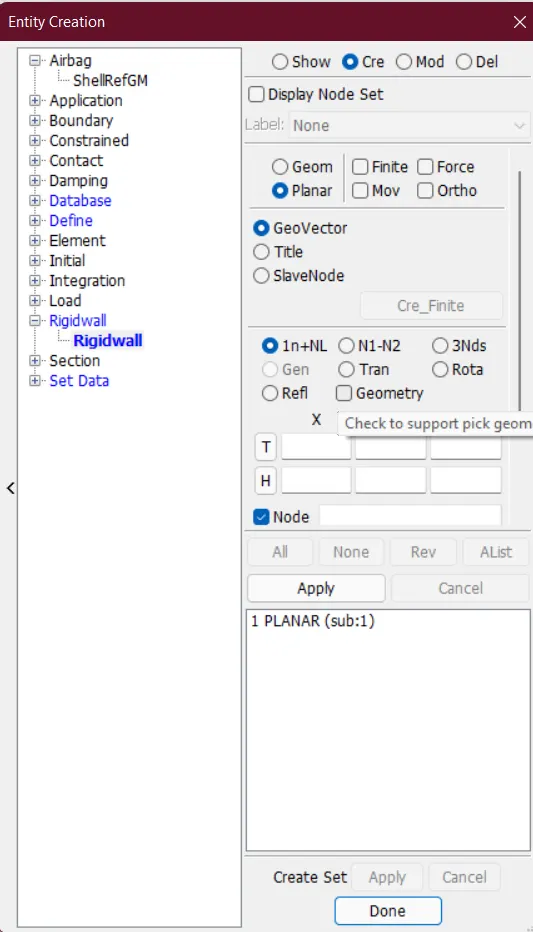
- To check the crash of the crush box we have to make a rigid wall using entity creation.
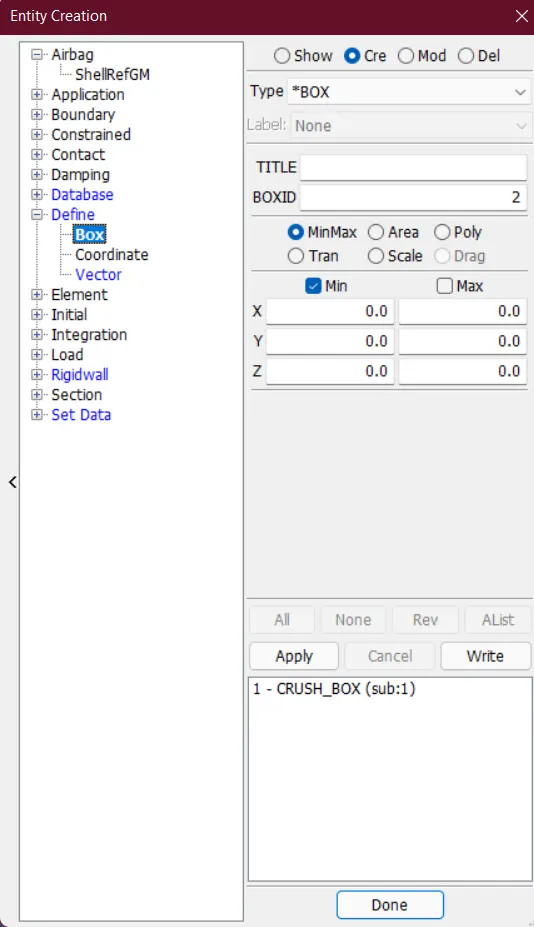
- The next step is to create a box containing the entire crush box using entity creation.
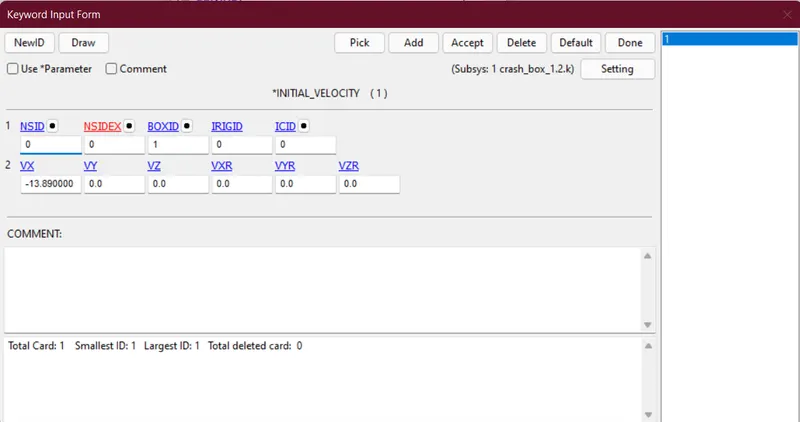
- Then the next step is to create an initial velocity card and assign the velocity of the box as `13.89 (mm)/(ms) ={50 kmph}`
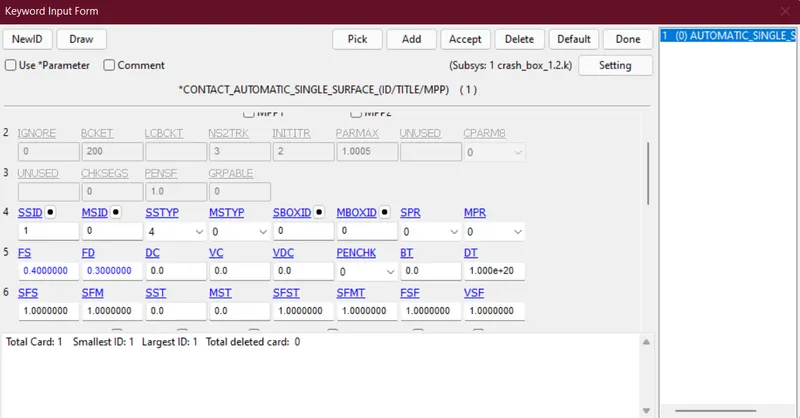
- Then the next step is to create a contact card of auto single surface to model the deformation of the crush box.
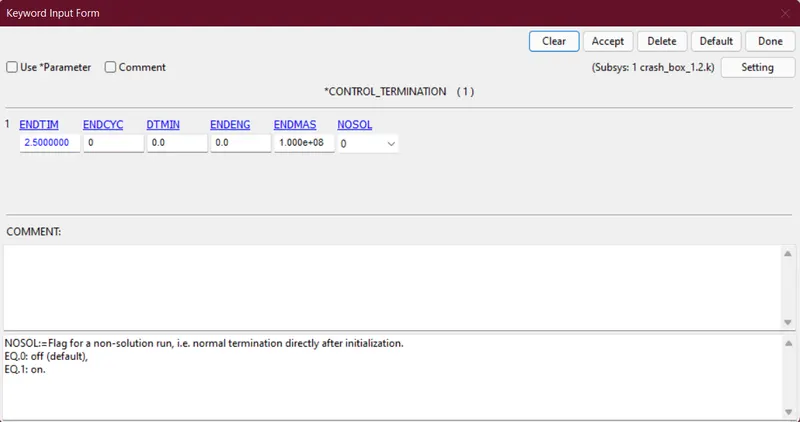
- Then the next step is to create the control termination card with a termination time of 2.5ms.
- Post Processing:-
-
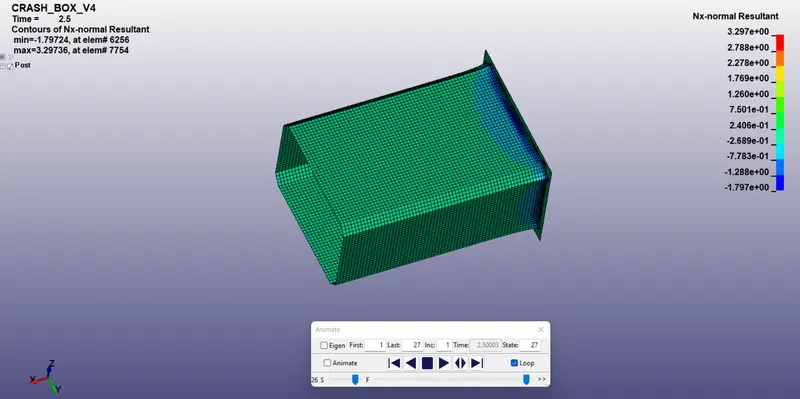
The cross-sectional force generated in the nodes of the crash box (along its length)
- for thickness 1.2mm
- for thickness 1.5mm
- for thickness 1.2mm
-
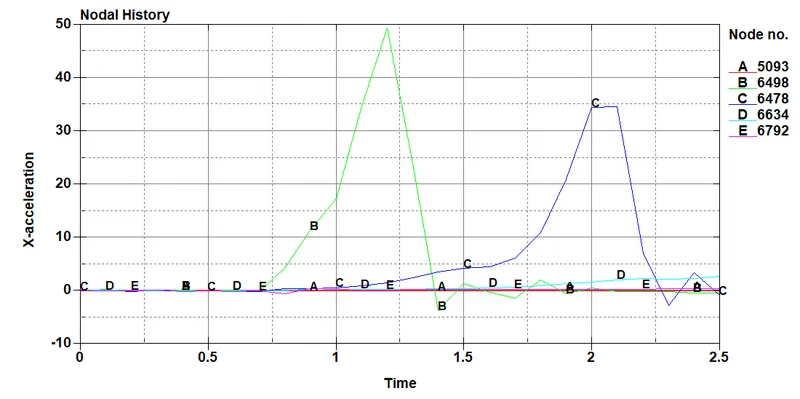
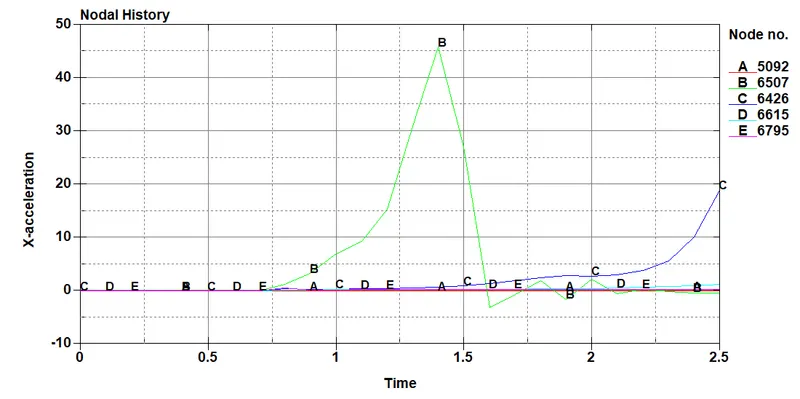
Acceleration plot of a node in the middle of the cashbox (along its length)
- for thickness 1.2mm
- for thickness 1.5mm
- for thickness 1.2mm
-
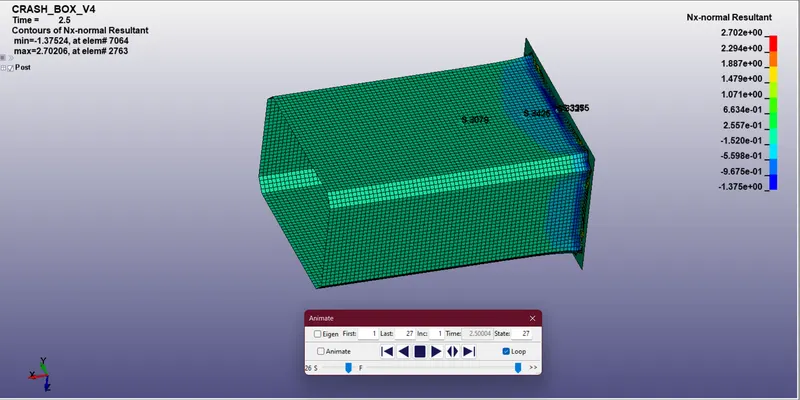
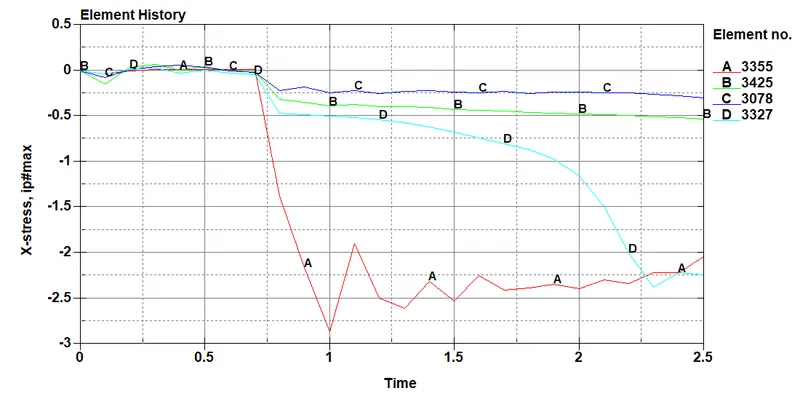
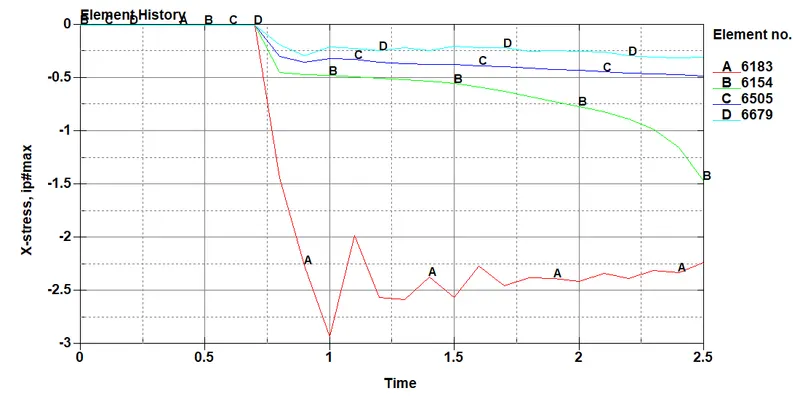
Maximum directional stress and strain along the length of the cashbox (X strain, Y strain etc)
- x-stress at adjacent to beam elements
- for thickness 1.2mm
- for thickness 1.5mm
- for thickness 1.2mm
- x-stress at adjacent to beam elements
-
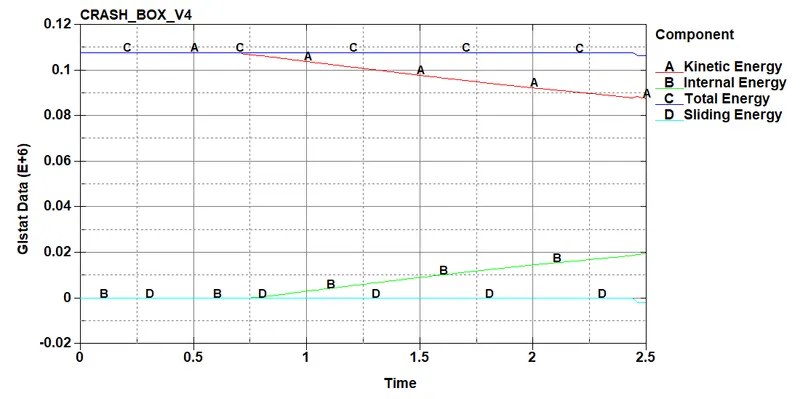
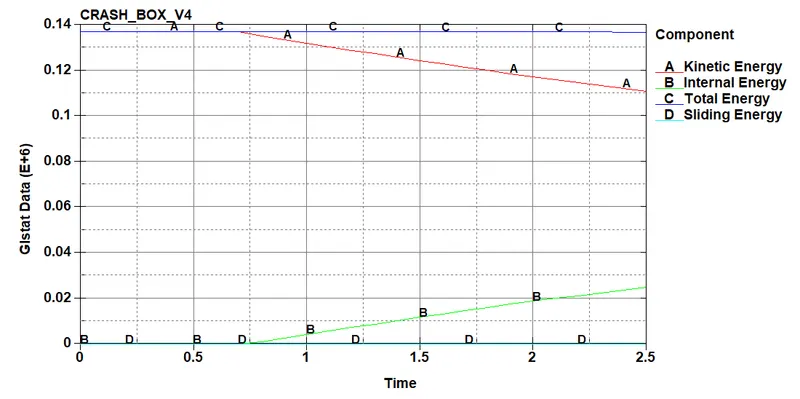
The plot of all energies (total, internal, kinetic, hourglass, sliding)
- for thickness 1.2mm
- for thickness 1.5mm
- for thickness 1.2mm
-
Conclusion:-
- Learnt about the procedure to make a simulation.
- Practised some editing engine files in a script editor.
- Plotted different plots.