Week 4 Challenge : CFD Meshing for BMW car
AIM:
For the given model check and solve the all geometrical erors and half portion and assign ppropriate PIDs.and also mehing with the given target length and element quality creteria.After meshing the half modeluse symmetry to the other side.
PROCETURE:
STEP 1:
Download the model in dashboard and upload to ANSA software
STEP 2:
In the given model is some areas are uneven so first correct the model
In this case we can use fine option neigther clasic mesh but mesh mode is better
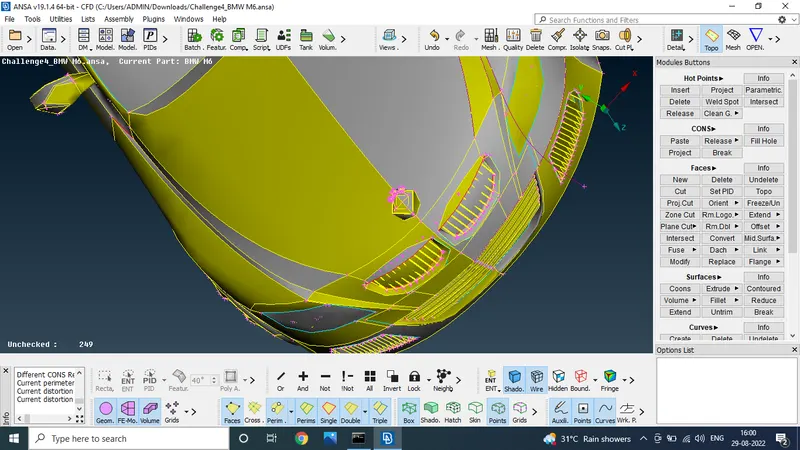
Select the mesh tool in perimeters length should be one and select the box type and enter the middle botton problem was solved
STEP 2:
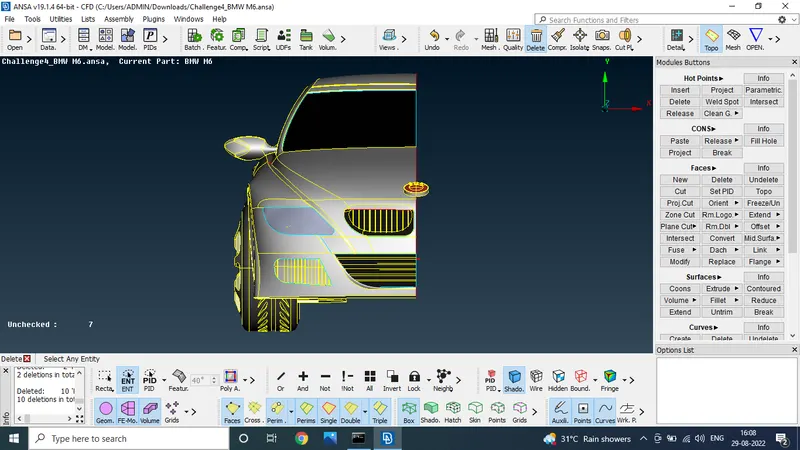
I the given model the half portion is symmetry to the another half portion so only we do the process for half portion
We use the universal delete option to delete the half portion to the given model
STEP 3:
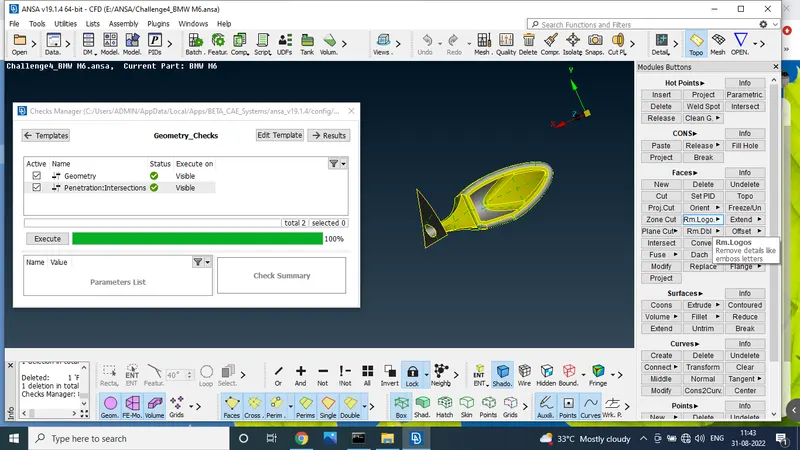
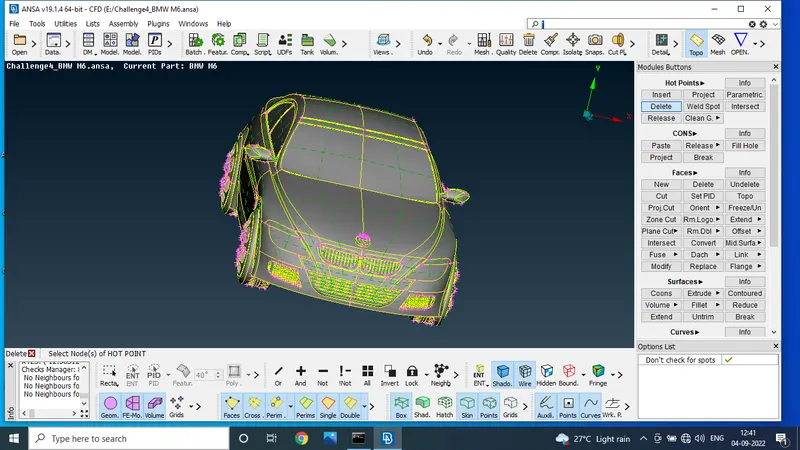
In the stage we use the check manager to find the geometrical error
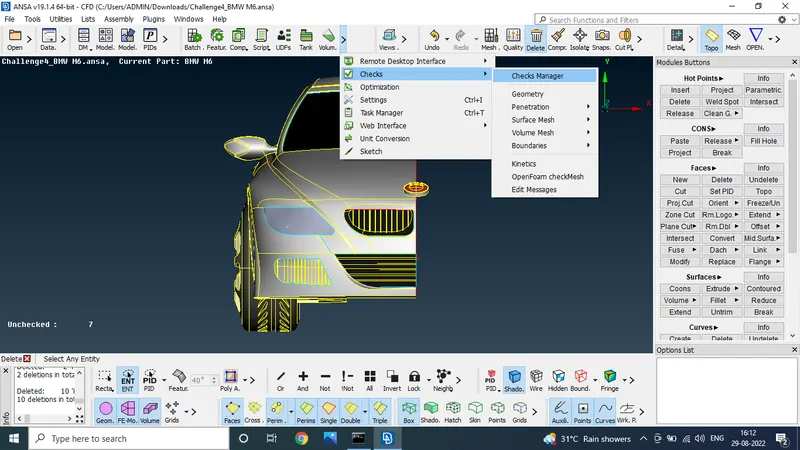
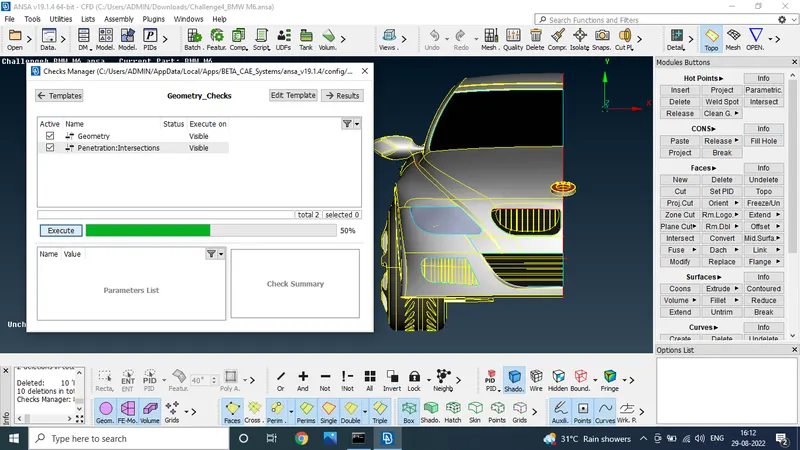
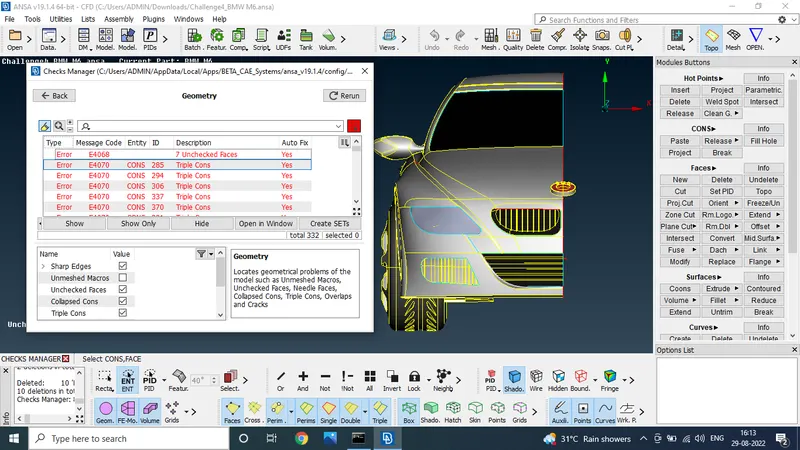
Error was founded and upcoming stages we will solve the error
STEP 4:
Given model is big so we solve the error in sparate part
First three grill presented in the front select the one grill and solve the error
Using the inot option only select the grill one after use the lock option
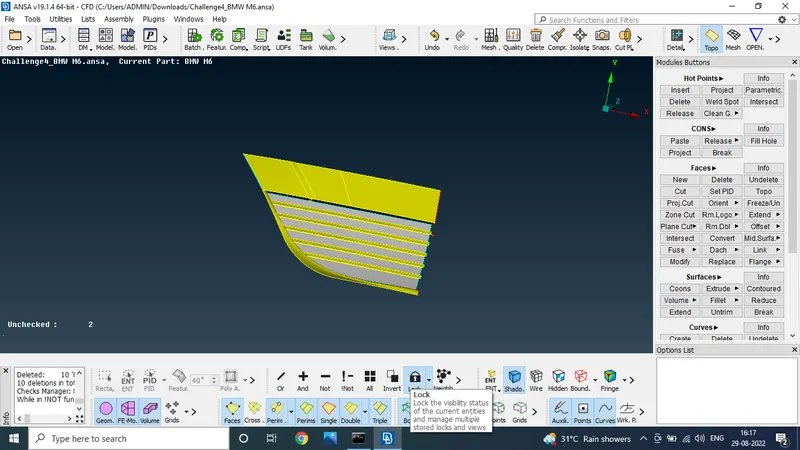
step by step we clear the unwanted surface and cones
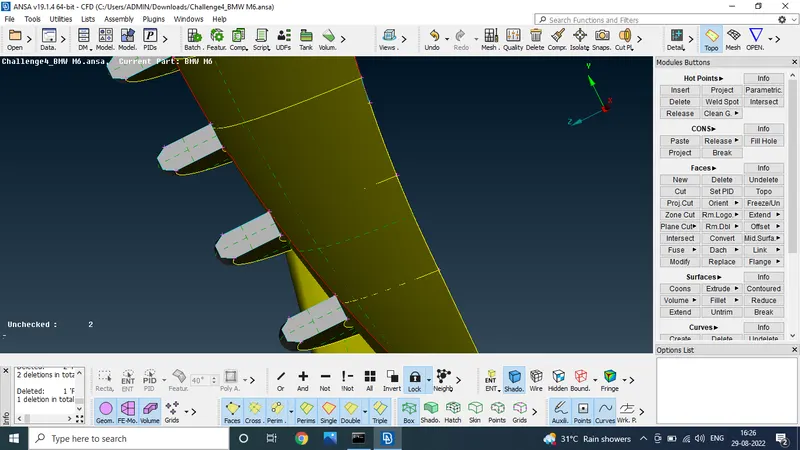
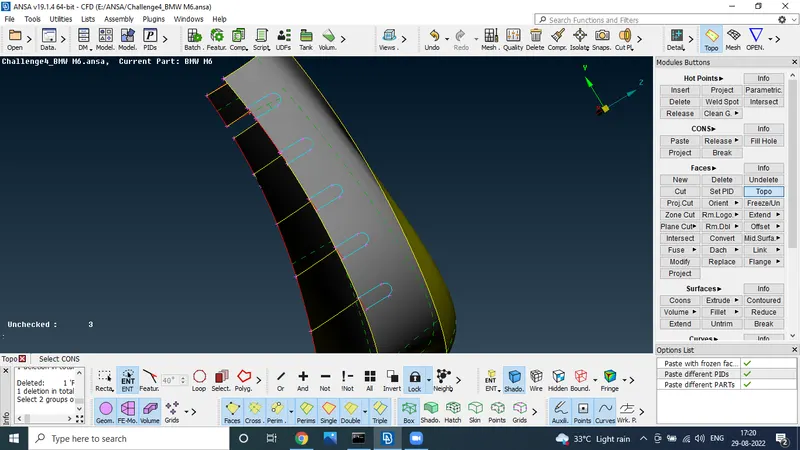
finaly we get the
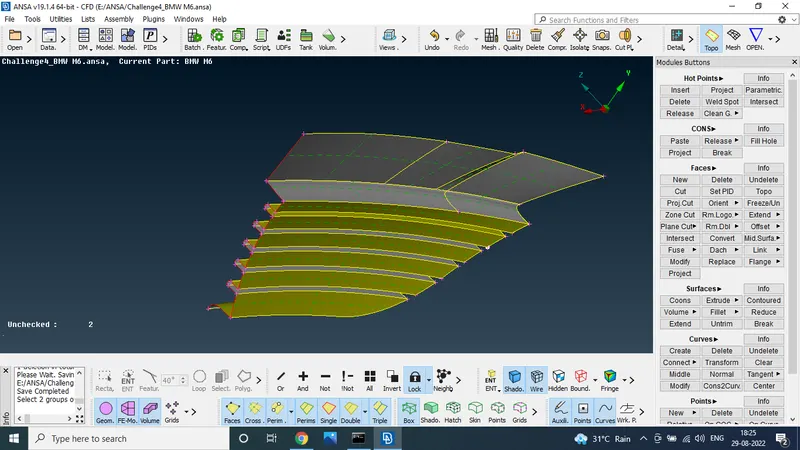
grill one part was solve the all error
STEP 5:
To solve the error in mirror portion
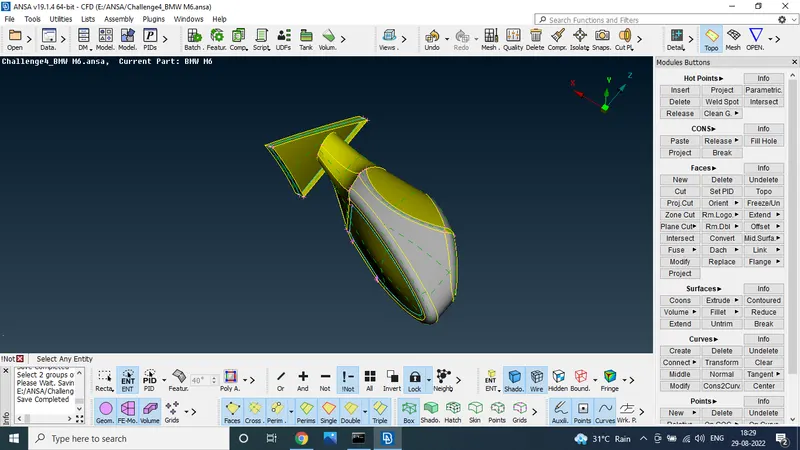
to delete the extra surface for the portion
after check the geometric error that will be fine
STEP 6:
now chose the frontgrill 2
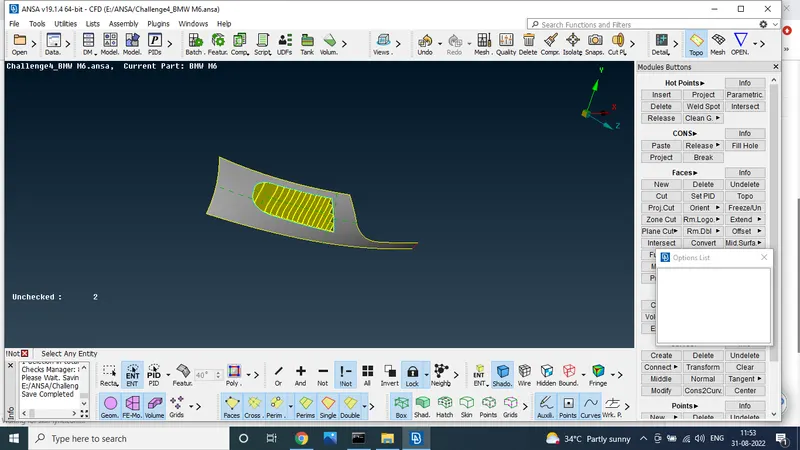
Delete the unwanted surface
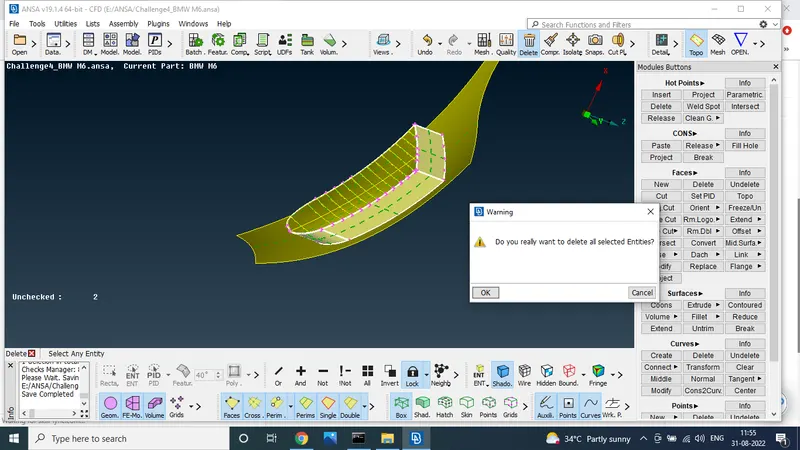
next this surface also deleted
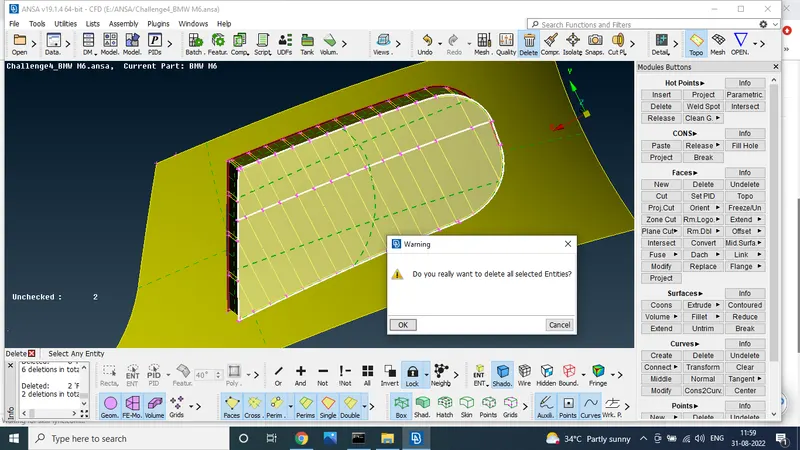
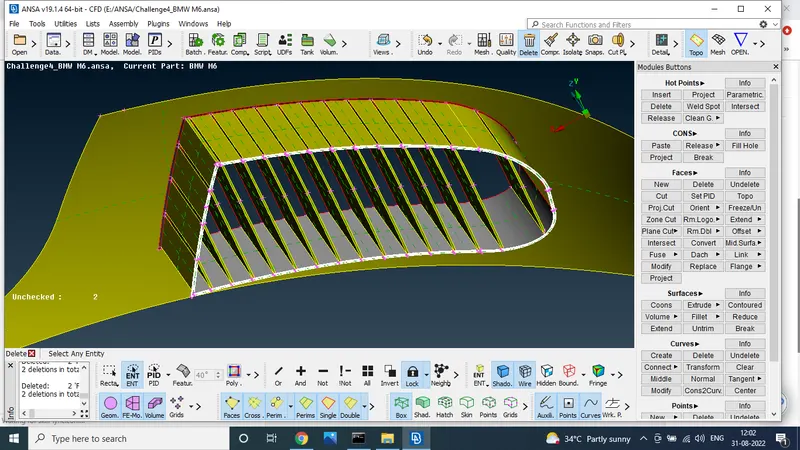
after delting the surface some extra surface also having
this surface also one by one deleting
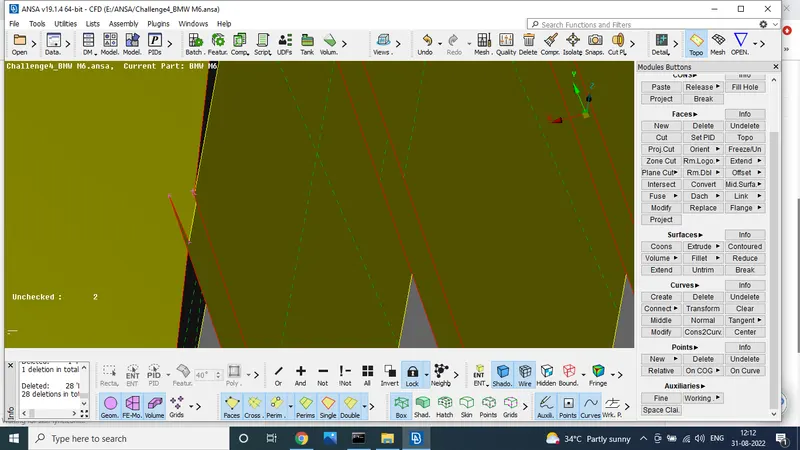
the sharp edges usig the cut and project cut option
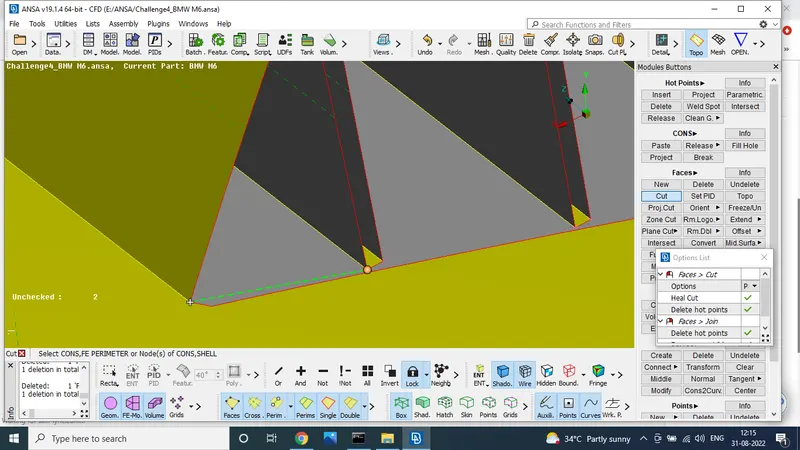
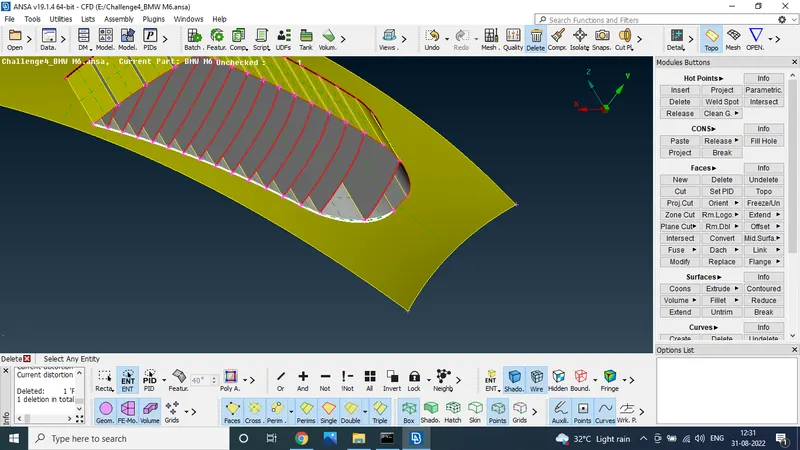
after deleting the unwnated edges and surface we do the face in back side grill usin the new option
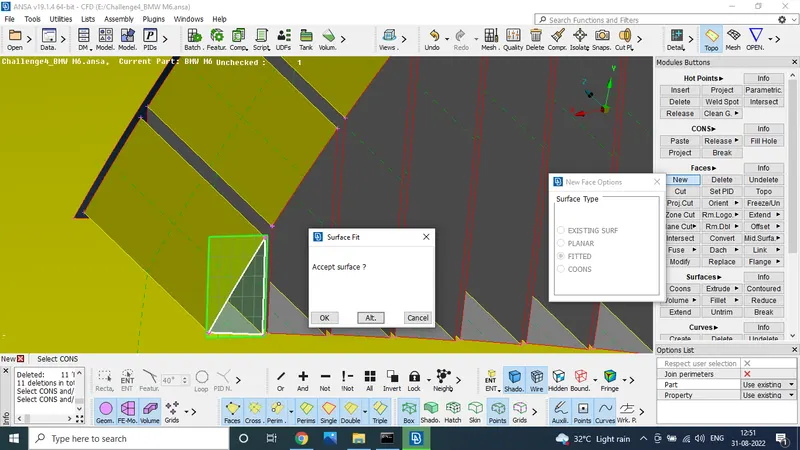
finaly check to the check manager to geomeric error
some errors are observed after step step by corrected
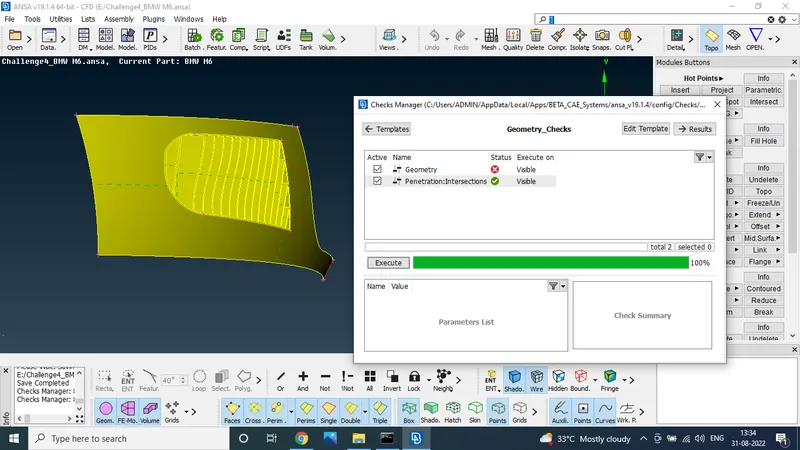
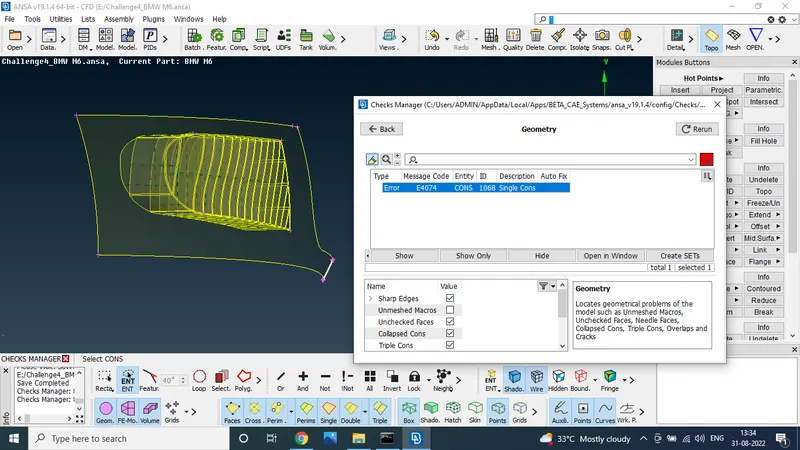
STEP 6:
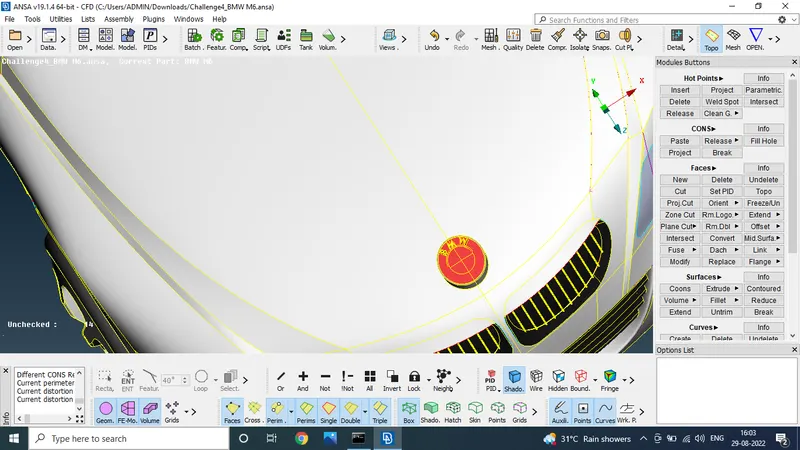
select the logo and solve the geometric errors
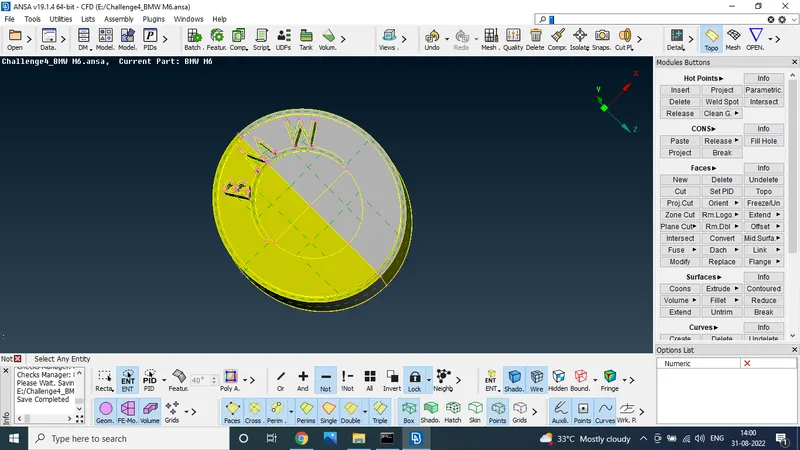
using the delete option to delete the unwanted surface
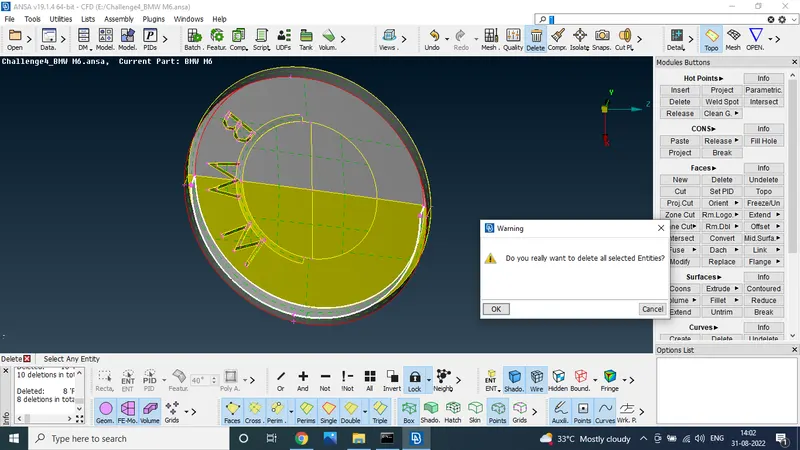
after mension the area ww get trible cone so delete the surface and create the new surface using the new option
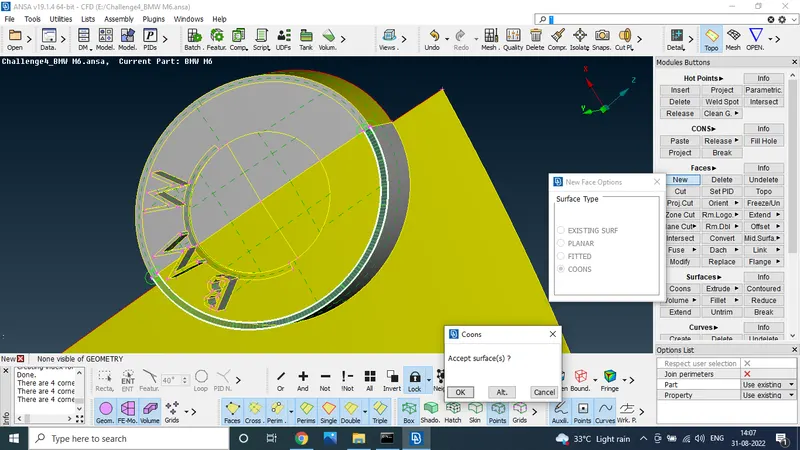
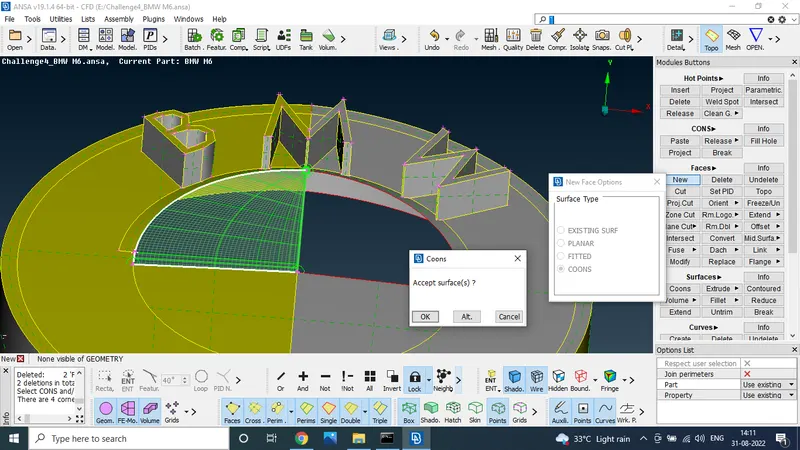
after finish the all surface to check the geometric check
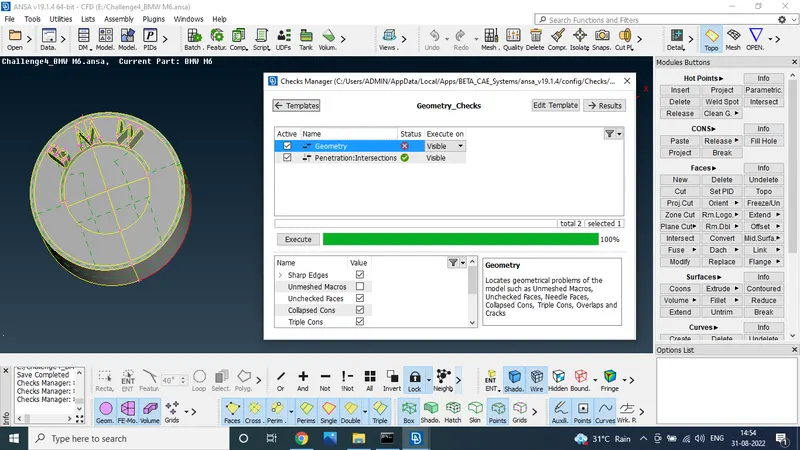
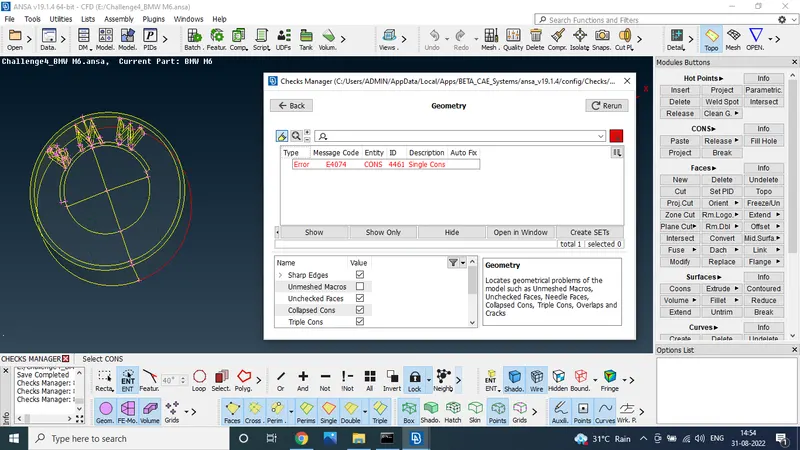
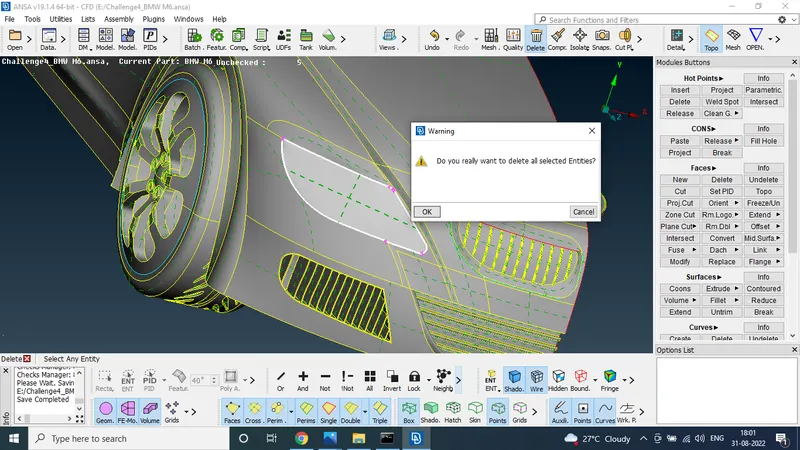
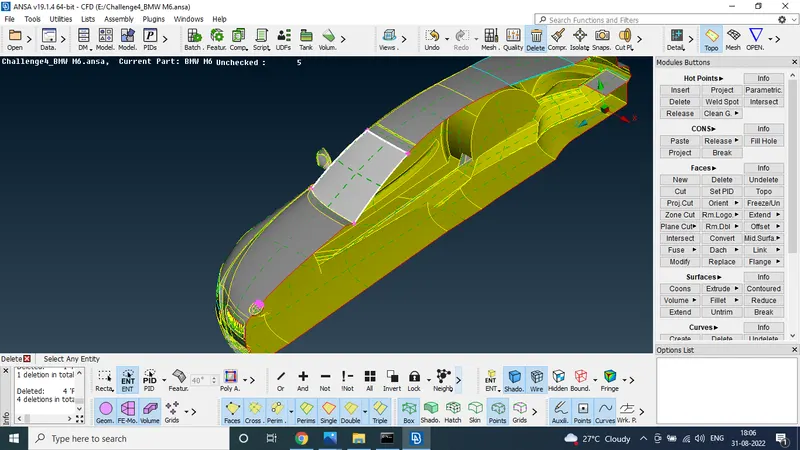
STEP 7:
delete the unwanted surface and trible cones
STEP 8:
Select the tyre and solve the geometrical error for the tyres
first delete the extra and over laping surfaces
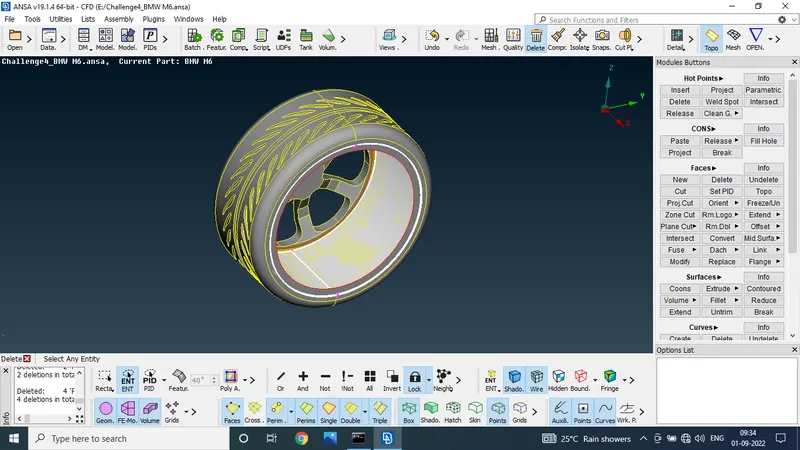
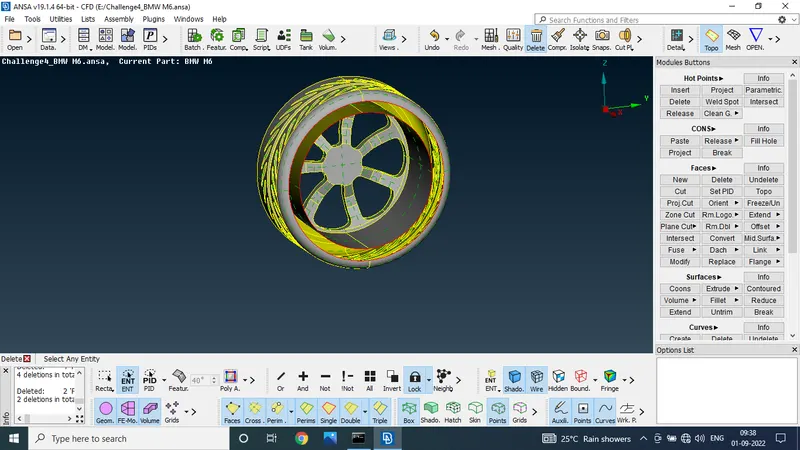
after deleting the surface using the new cones option to make the new surface
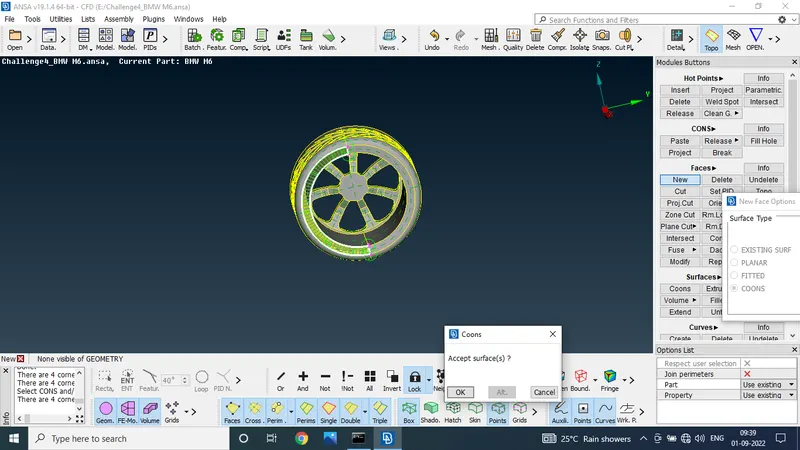
and check the geometrical error it will be fine
STEP 8:
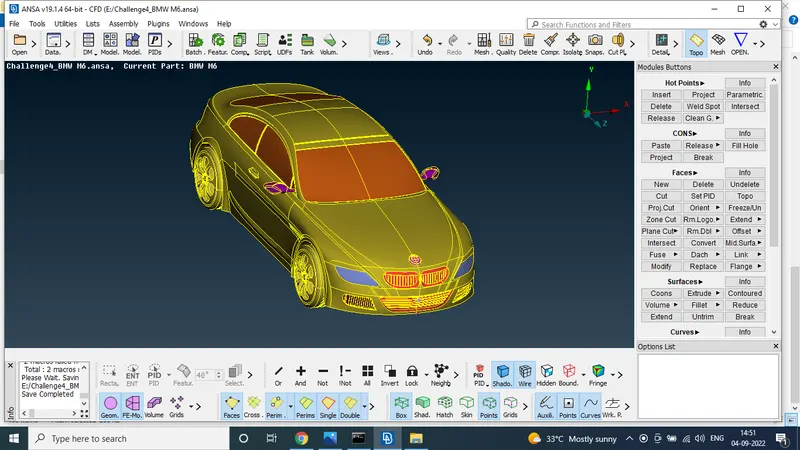
Asign the PIds
totaly we asign 8 pids
using the set PIDs option to select the part and make the new pids
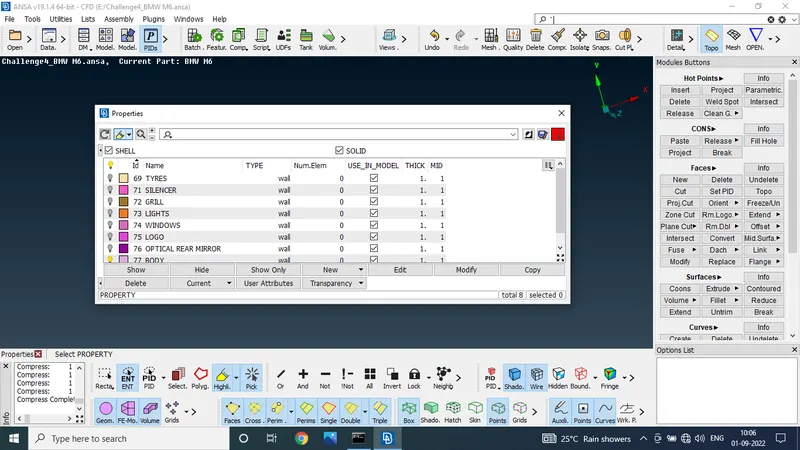
STEP 9:
grill 3
first select the grill 3 part and lock the part
to delete the unwanted surface
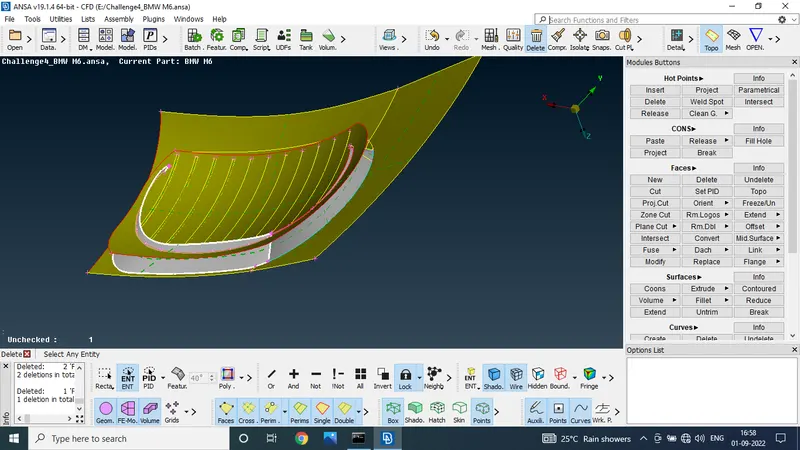
delete that surface
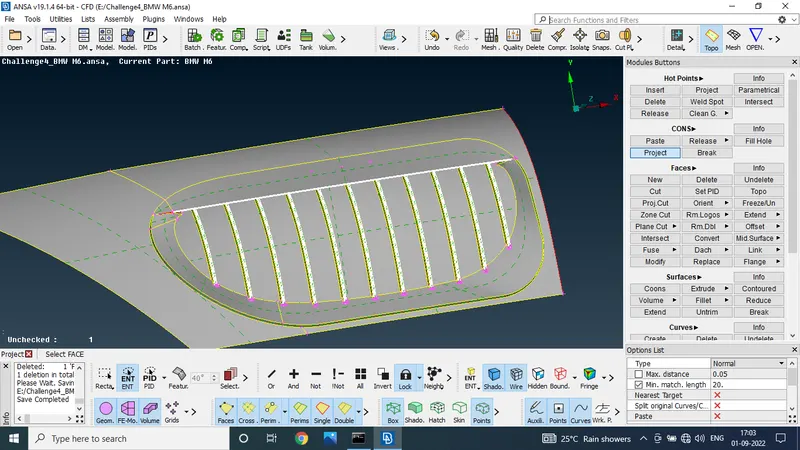
after delete the surface we uss the project cut to cut the surface
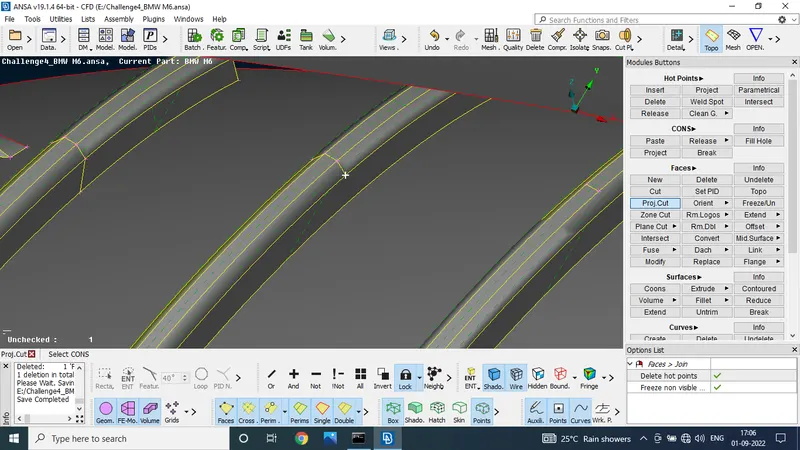
using the universal delete option to delete the below surface
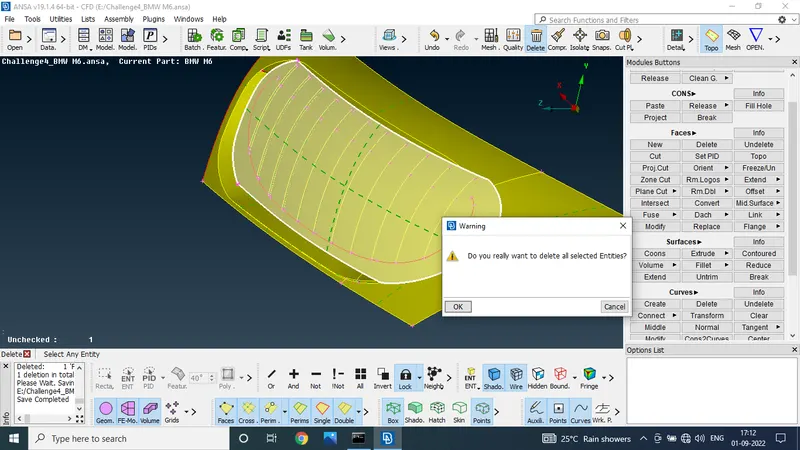
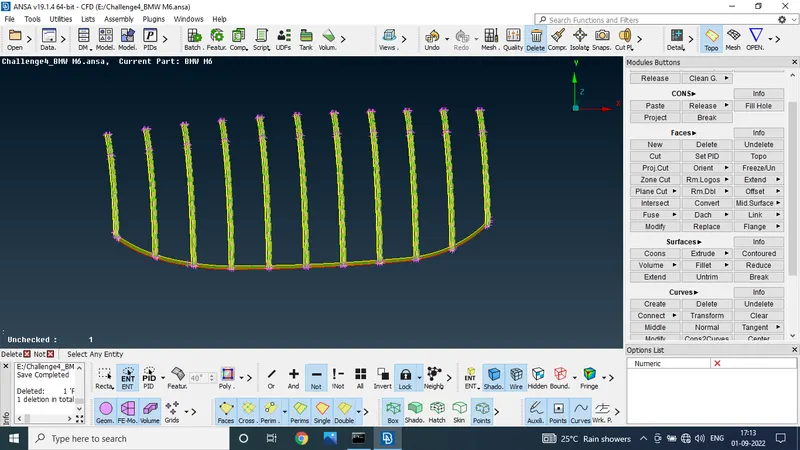
delete the mention surface
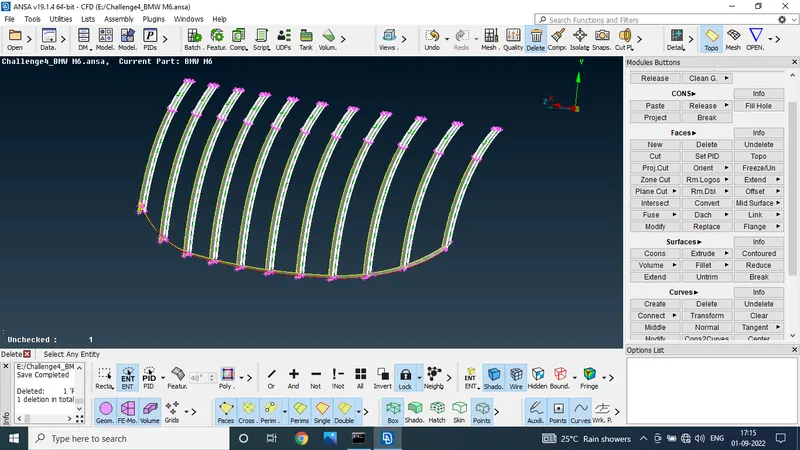
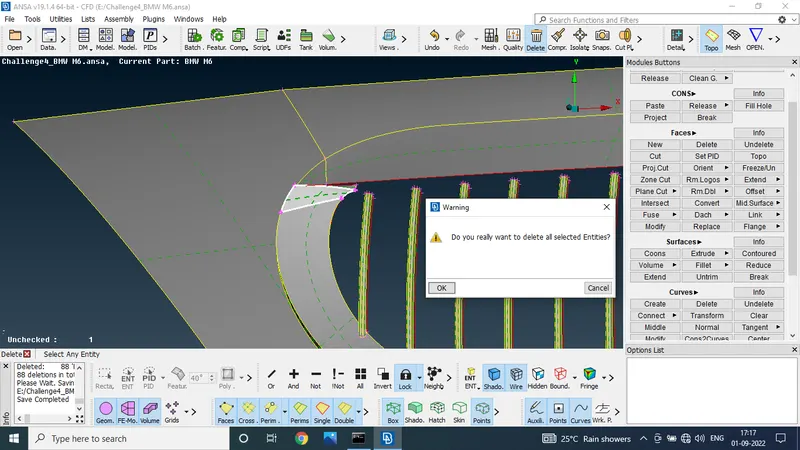
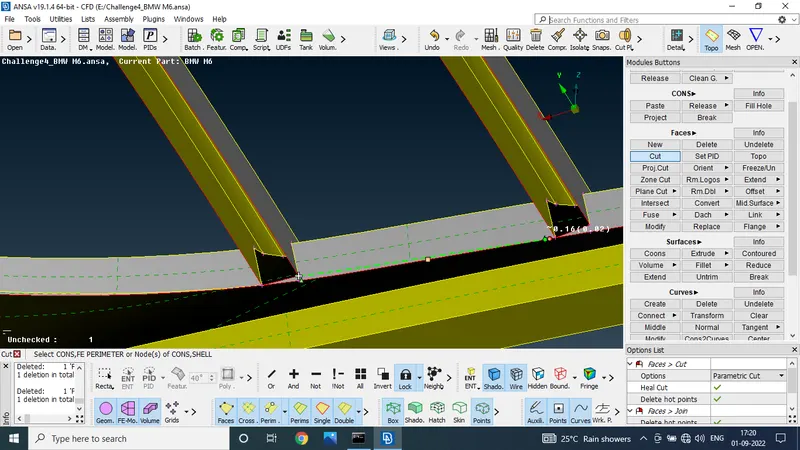
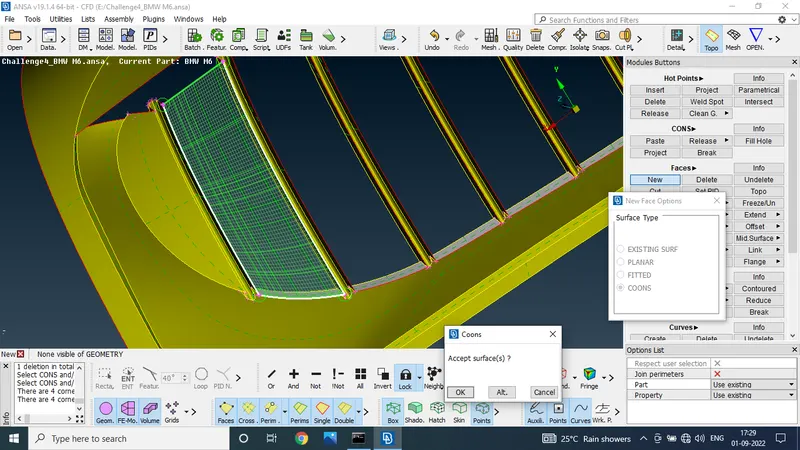
finaly we use the new cones option to make the new surface
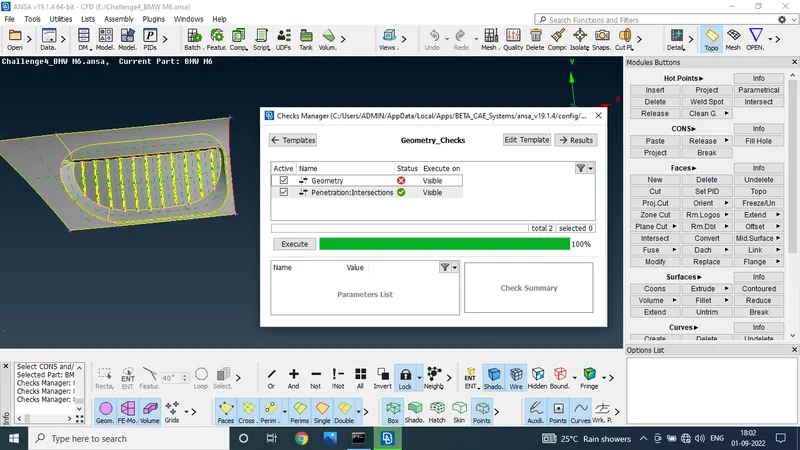
finaly check the check manager all geometrical error was solved
STEP 10:
to use the cones 2 curve option to make the cones
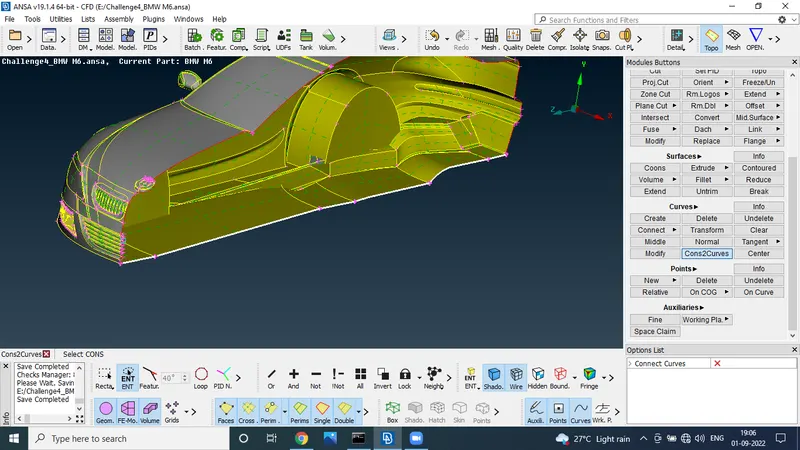
after make the cones delete the unwanted surface to meke the new surface using the new cones option
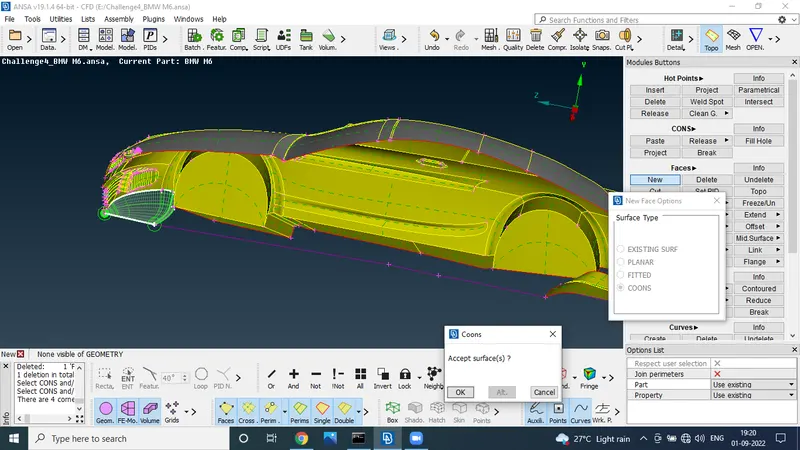
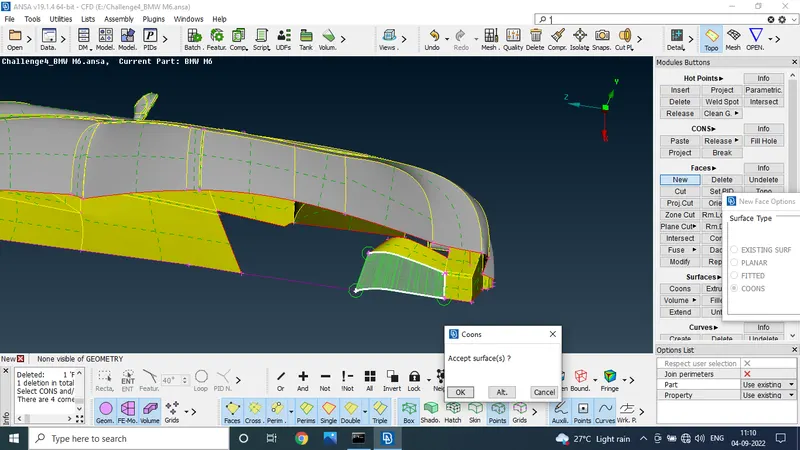
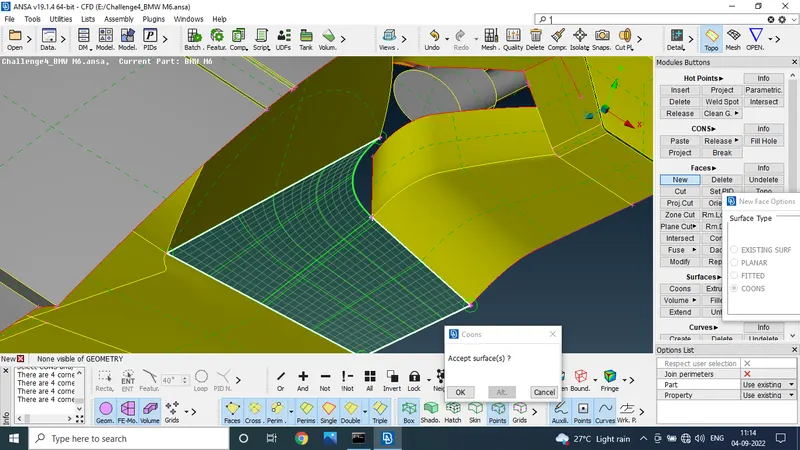
to check the check manager we got the error after to resolve the error
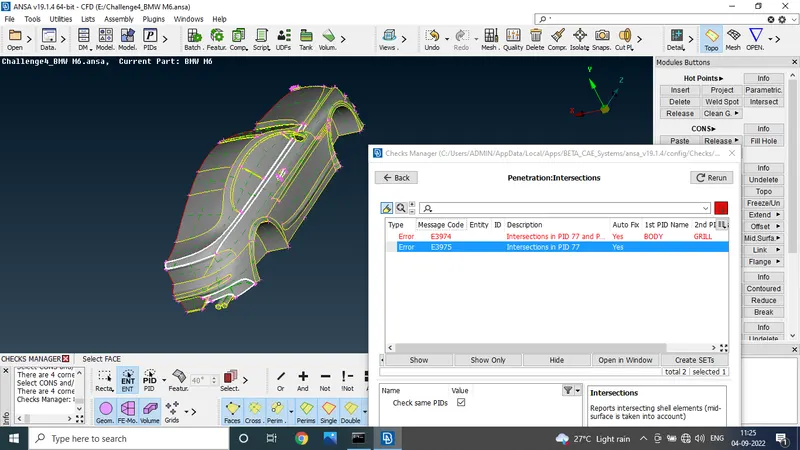
finaly we got the without giometric error part
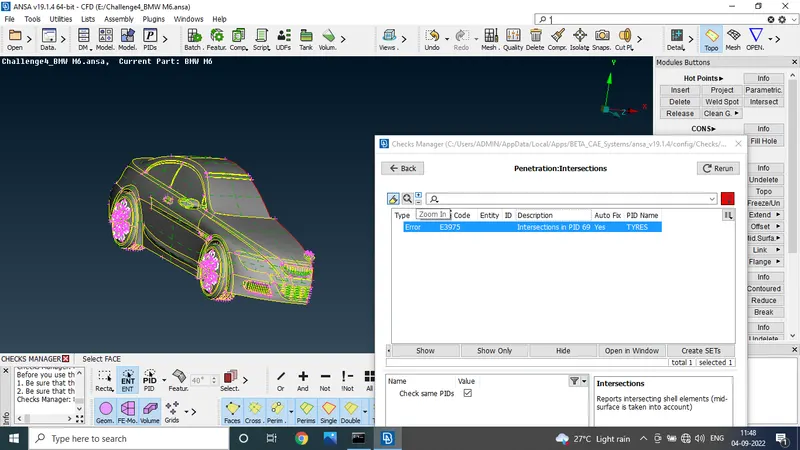
STEP 11:
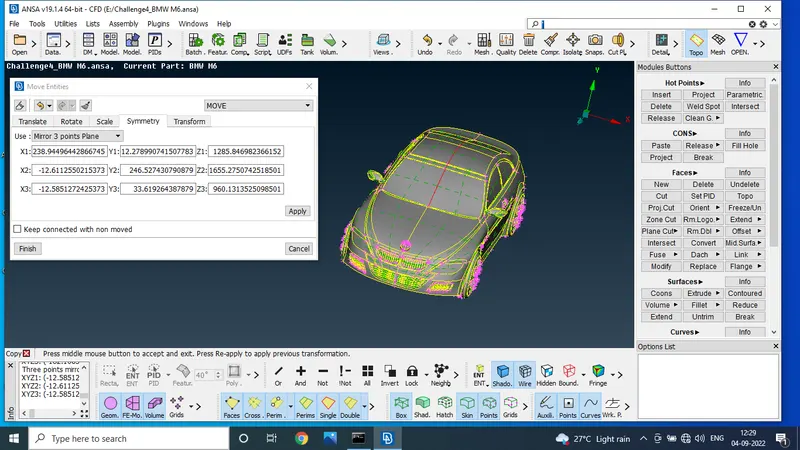
after all giometriuc error was solved goin to the transform option
to click the transform option make the copy
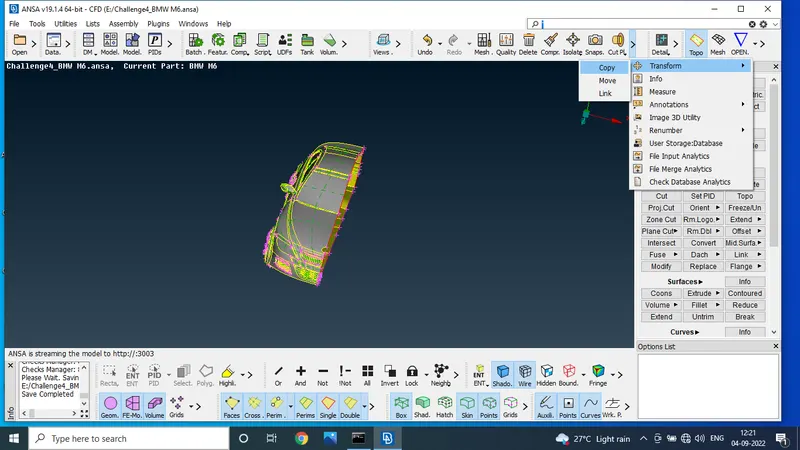
using the symmetric option mirroring the full part
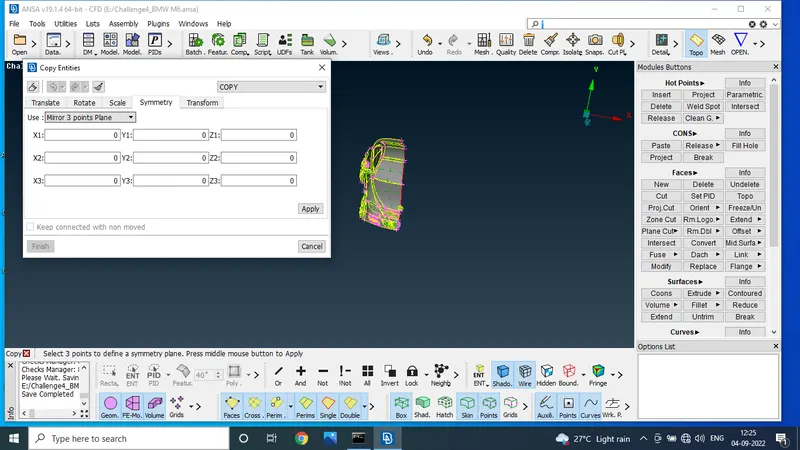
to use the mirror 3 points plane to select the 3 points to mirror the part
PIDs view
STEP 12 :
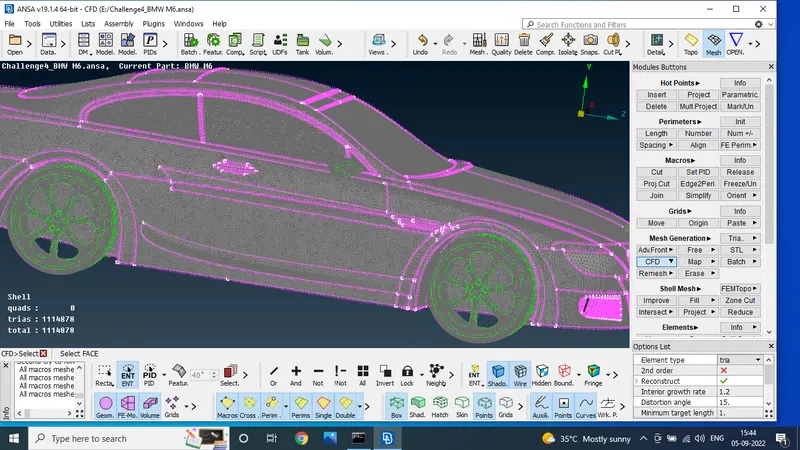
mesh
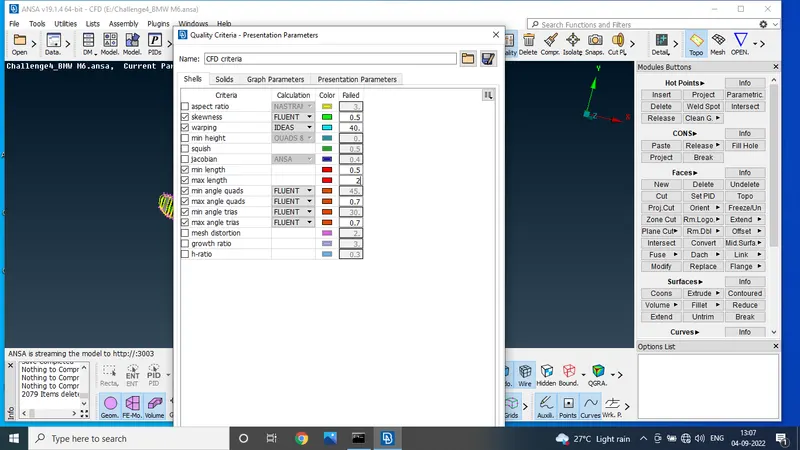
given target length parameters to mesh the all pids
given parameters
- Body - 3 mm
- Lights - 4 mm
- Grills - 1 mm
- Rims and Tyres - 2 mm
- Optical Rear view mirror - 2 mm
- Window - 2 mm
- Silencer - 3 mm
- Logo - 1 mm
logo and grill
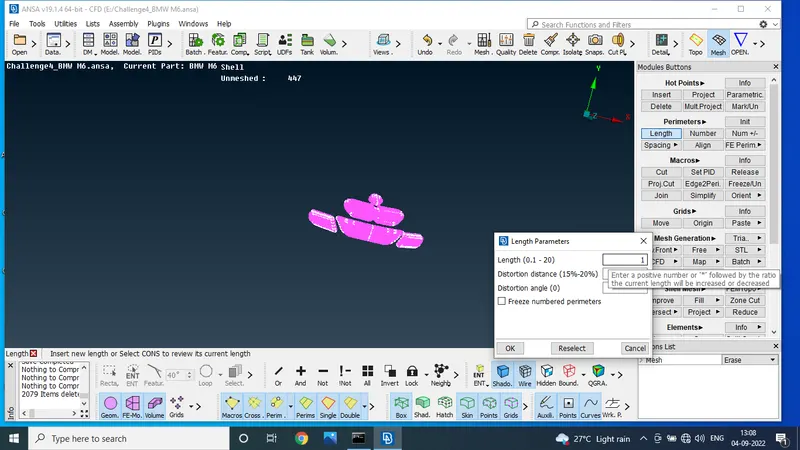
tyres and windows and side mirror
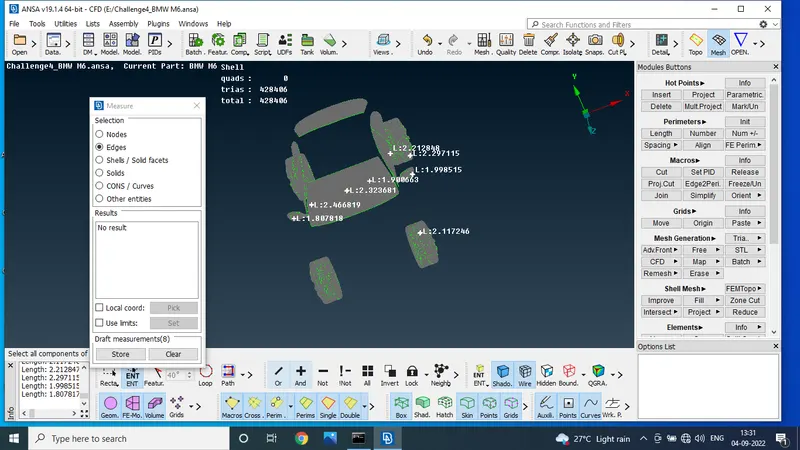
body
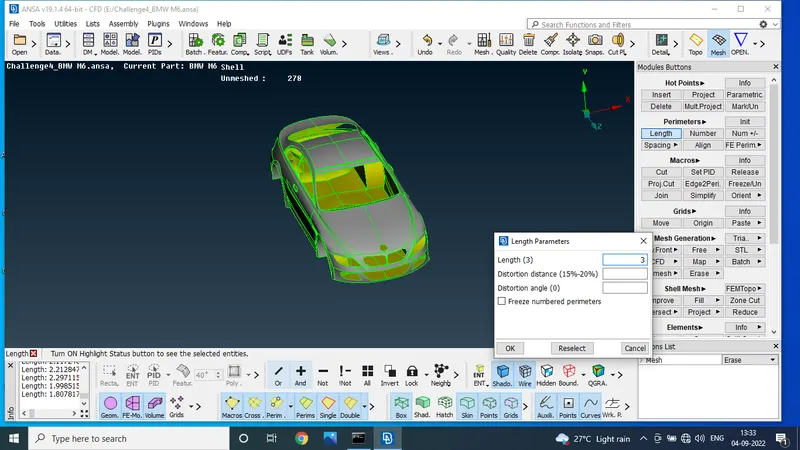
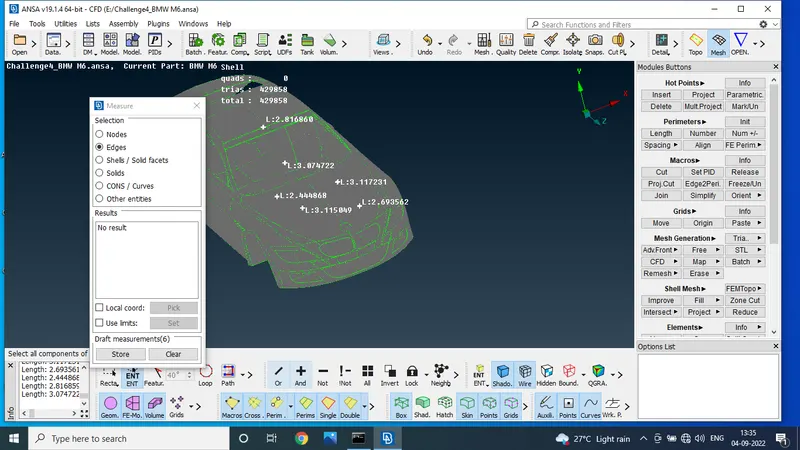
STEP 13:
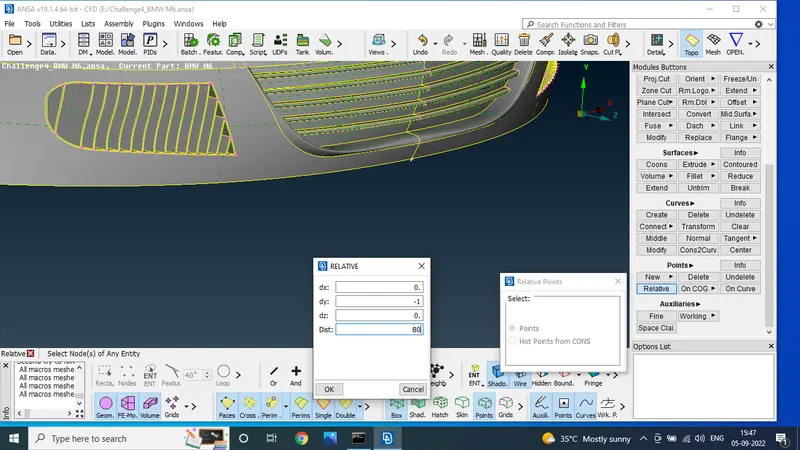
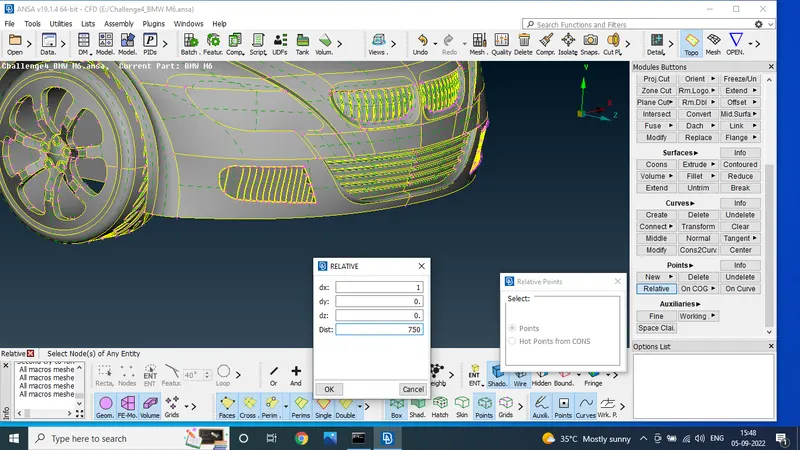
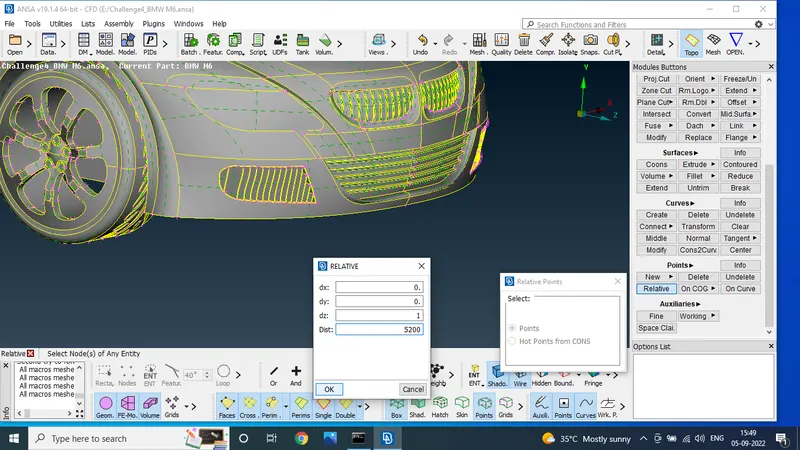
using the points option to create the new nodes to use the relative option
the lengths are meashare length
negative y direction and length is 80 set
x positive direction length is 750 set on one point
z direction length is 5200 one point was mensioned
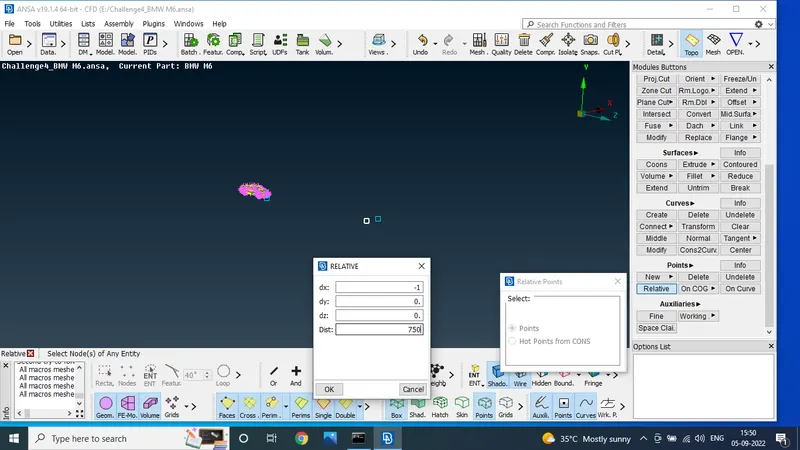
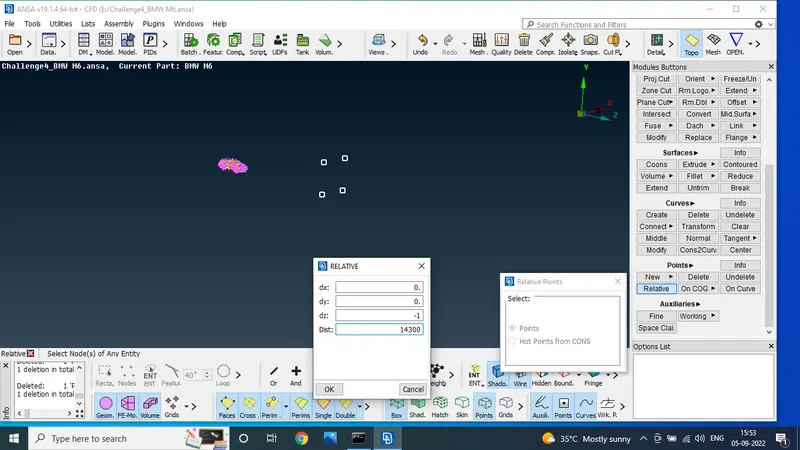
to use the new cones option to make the surface
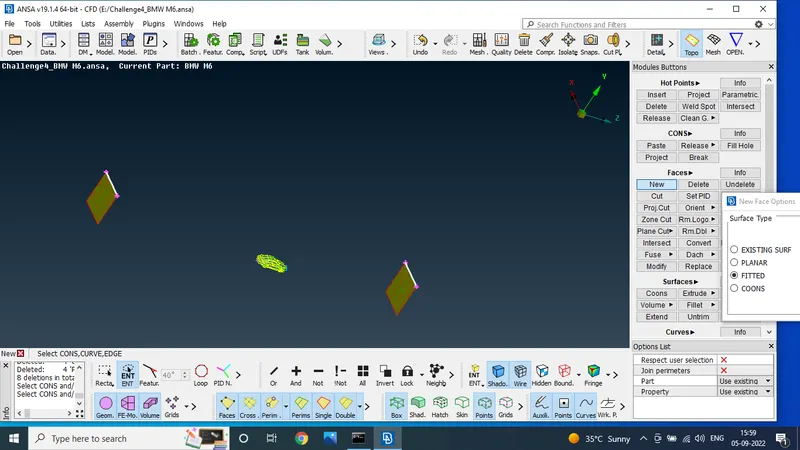
asign the pid s names it self top,bottom,side,rear
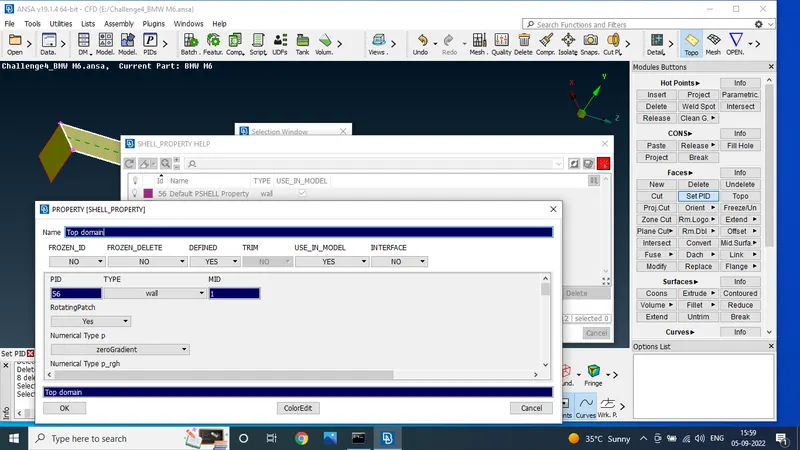
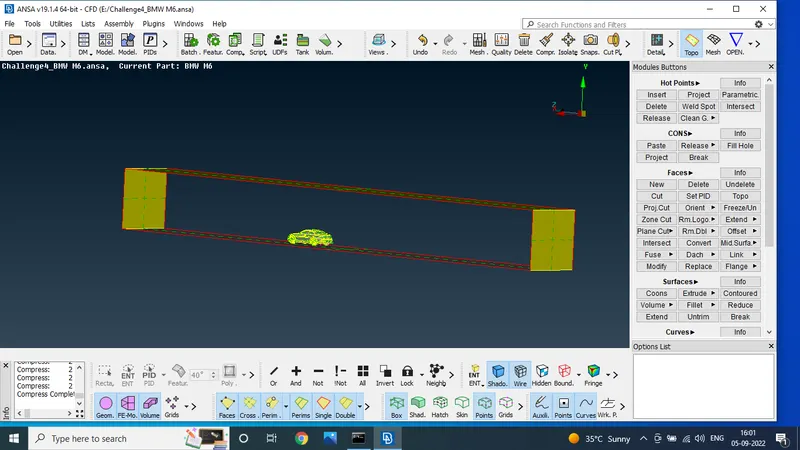
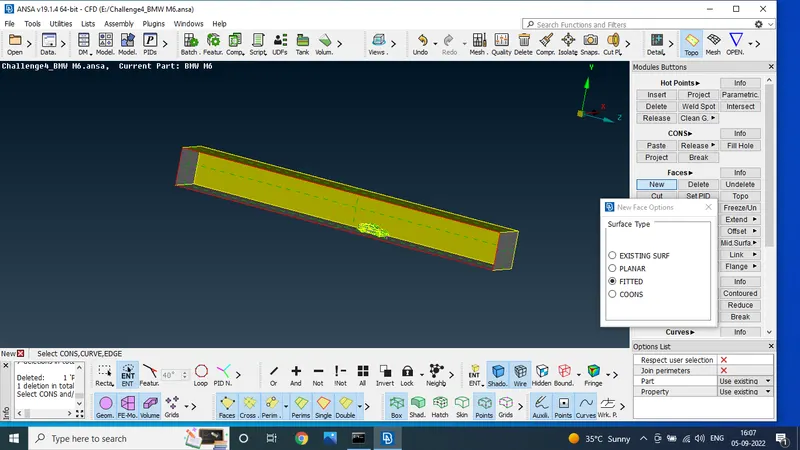
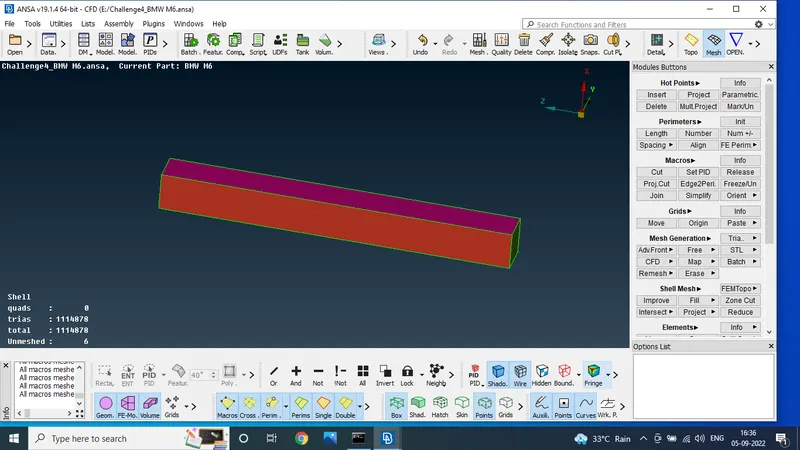
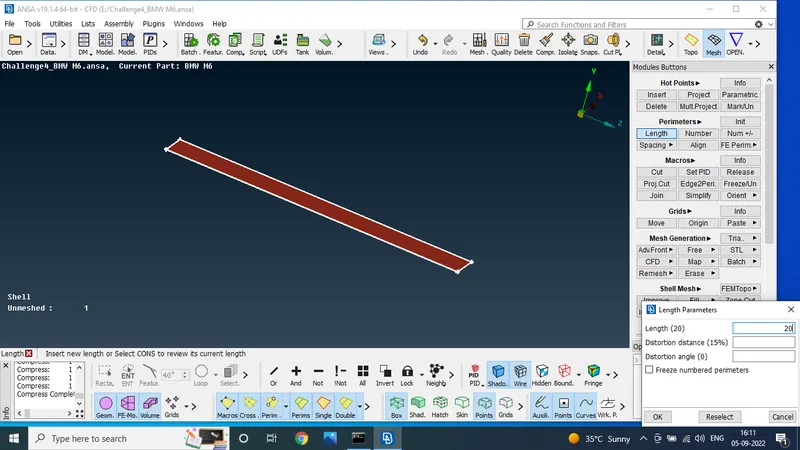
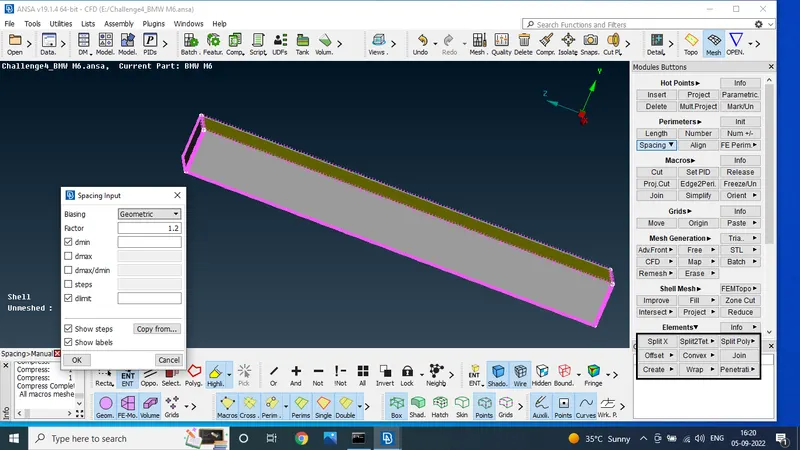
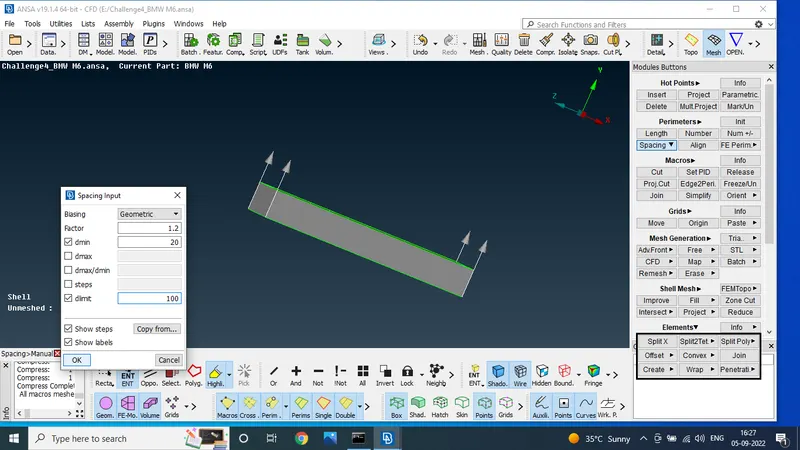
using the spacing option to min length and max length 20 to 100
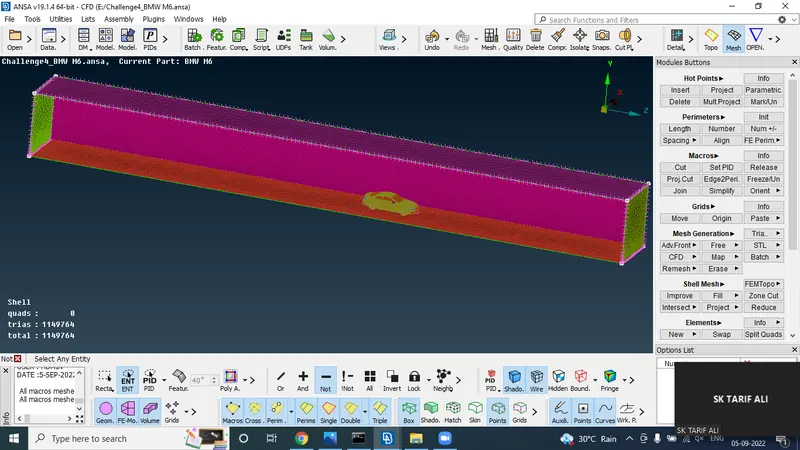
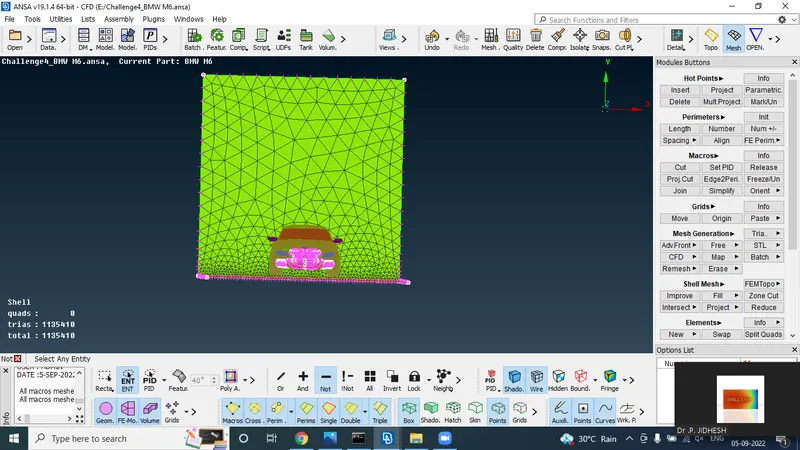
using the cfd algorithm
CONCLUSION:
Given the model to solve the geometricla error and mesh the given target lengths
DRIVE LINK
https://drive.google.com/file/d/1EqotfJB3Ur_WdTbkW1J3DUns-ngAWqg4/view?usp=sharing