Week 4 Challenge : CFD Meshing for BMW car
- Aim:
For the given model, check and solve all geometrical errors on half portion and Assign appropriate PIDs. Perform meshing with the given Target length and element Quality criteria. After meshing the half model, Do symmetry to the other side.
- Objective:
- Target lengths for the different parts of a model are as follow:
- Body - 3 mm
- Lights - 4 mm
- Grills - 1 mm
- Rims and Tyres - 2 mm
- Optical Rear view mirror - 2 mm
- Window - 2 mm
- Silencer - 3 mm
- Logo - 1 mm
- Model: BMW M6
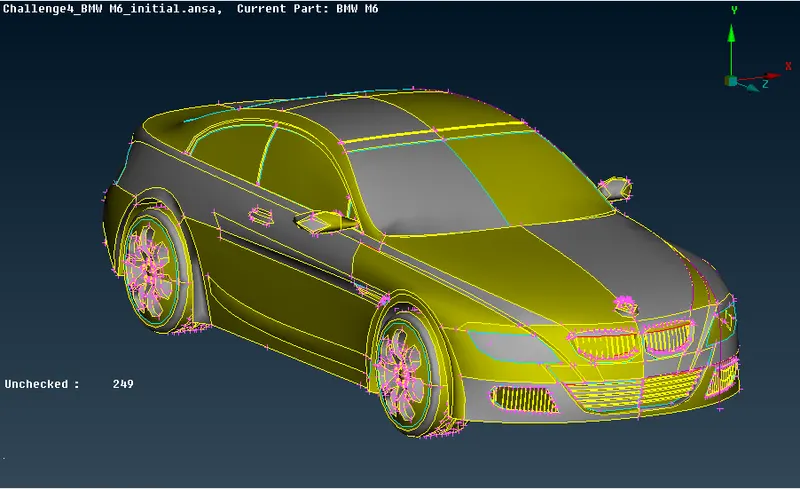
fig 1: BMW M6 car model
- Procedure:
1. Topo/geometry clean-up:
a. Upload the ANSA file onto screen to perform topo/clean and meshing on the later stages.
b. Go to mesh and choose length and enter 1 mm under perimeters to smoothen the sharp curves of the car and give it a fine look.
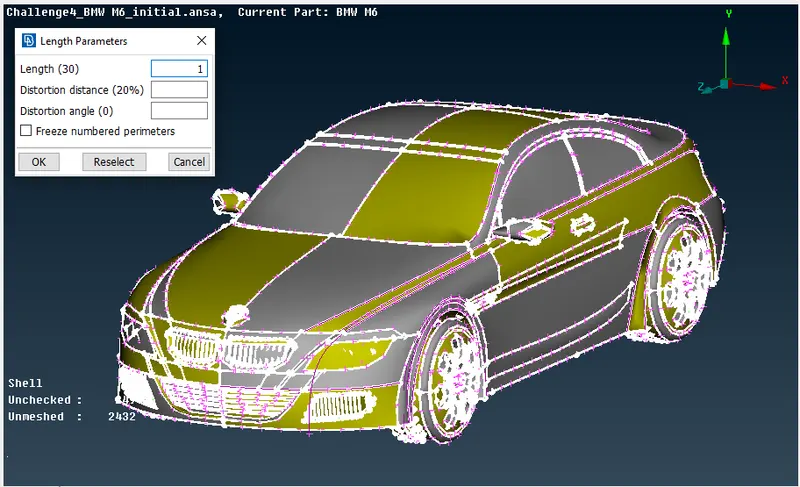
fig 2: meshing for smooth edges
c. Since the car is symmetric from the middle to any end, we can delete one-side of the car and perform the necessary operations on the car and use symmetry option to produce the complete car.
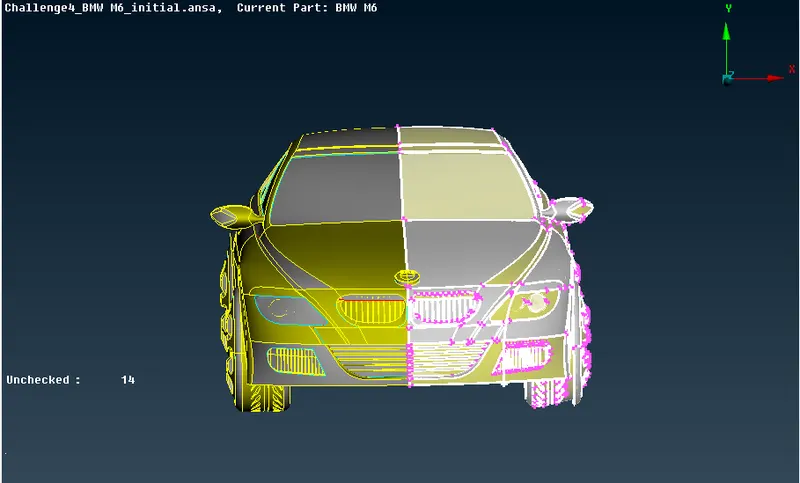
fig 3: deleting half car body
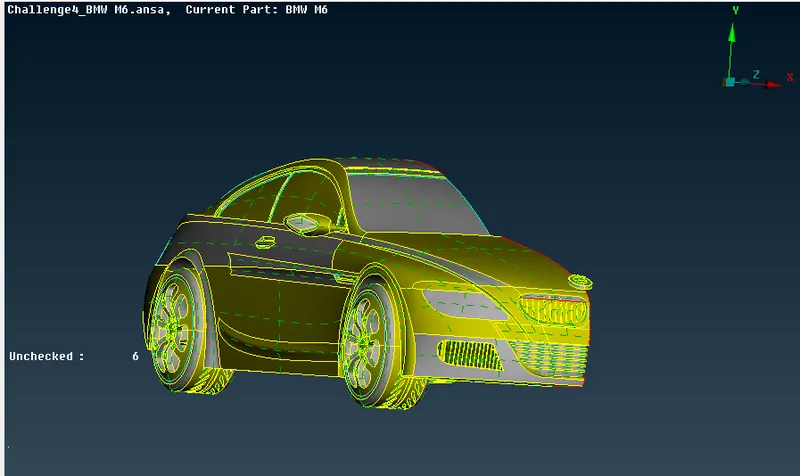
fig 4: performing topo clean up
d. We can now start with the topo clean-up by removing the single and unnecessary triple cons. First click on topo and box select the entire to identify or joins any unjoined single cons or triple cons so that we can identify the required clean-up accordingly.
- Front grill area:
a. Begin with the front grill area and the headlights, delete all the extra parts to have a single volume throughout the car.
b. Now to remove the single and triple cons and to maintain single volume, to create a single volume we need to have double cons everywhere, to do this we need to performs few cuts and re-surfacing of parts to maintain a single volume.
AFter completing the headlight
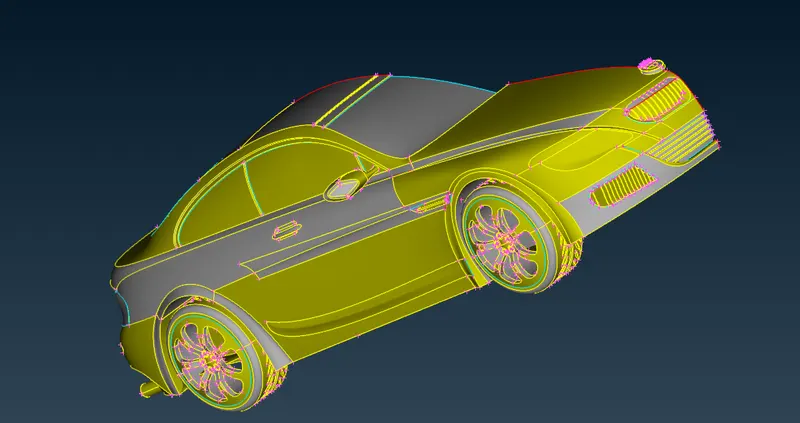
fig 6 : starting from this
After Completing the lower gril
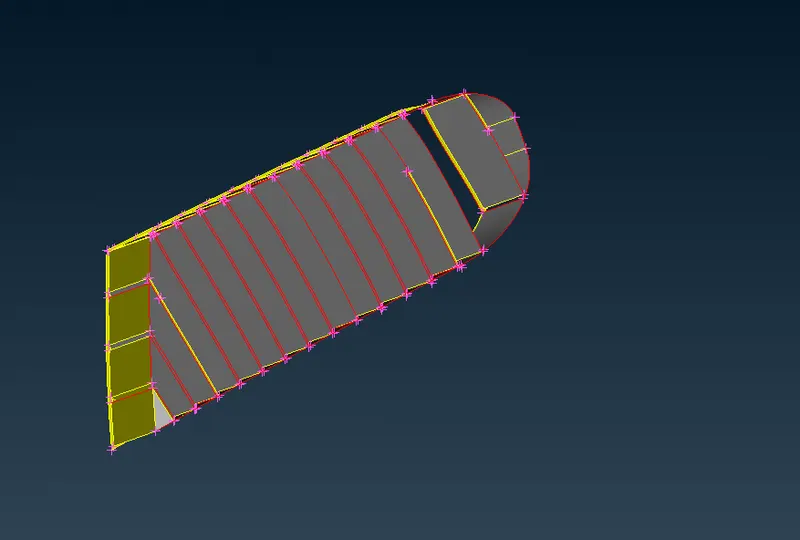
fig 7 : lowar grill body part
it will look like this. here first i have to delete all the unnecessary part and clear all the tripple cone and single cone also,,, then i created new surfaces between the gap.
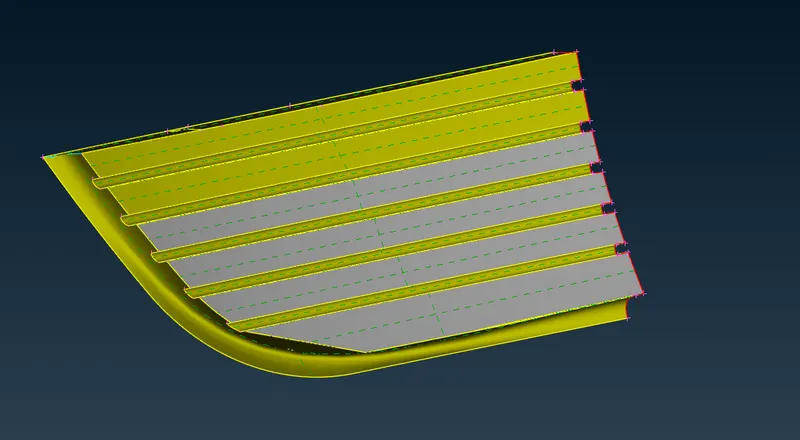
fig 8 : body part
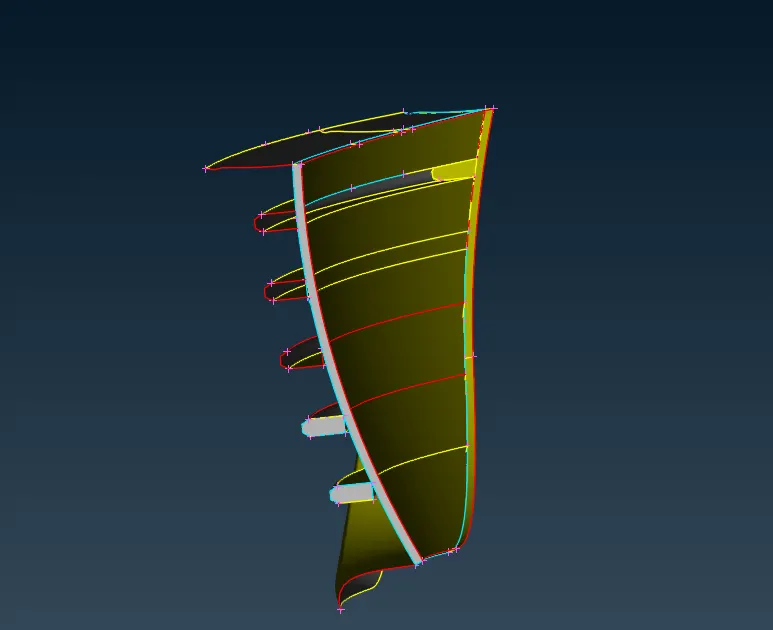
fig 9 : same of the above
After completing the geomtery check.
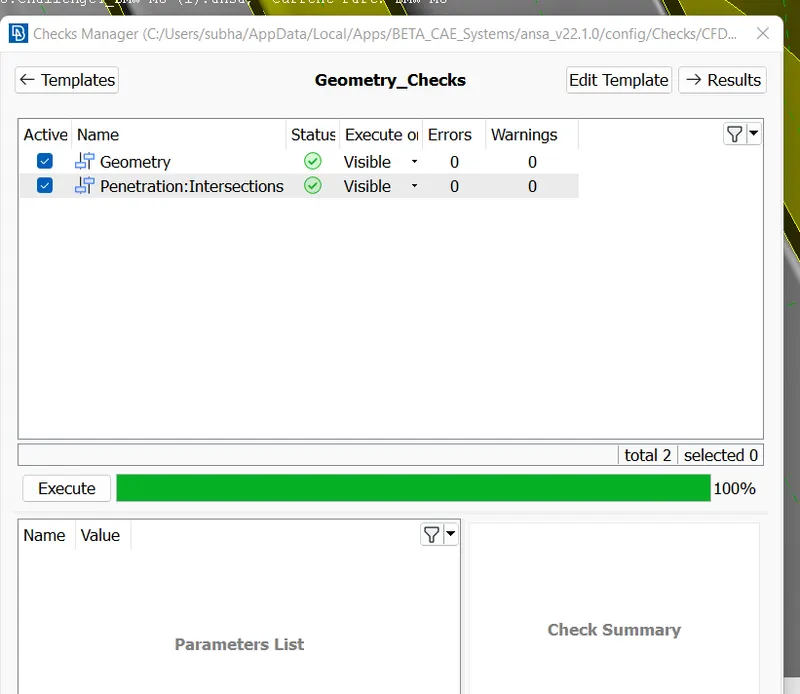
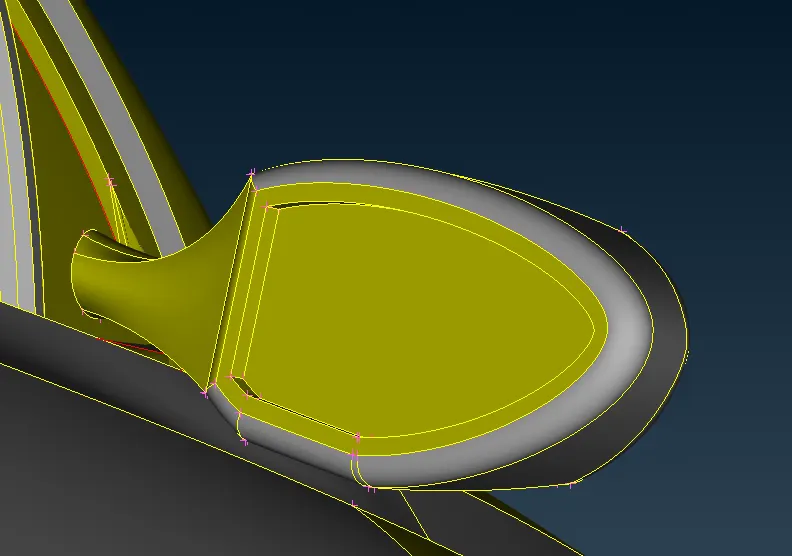
then i have worked in mirror option. first i have to clear all geometry clean up, then i have to clear all blue lines appear on any kind of shape thats called a tripple cone, and then after completing the tripple cone i have to remove all the single cones and do a geometry check. then delete all the unnecessary part of all the items,
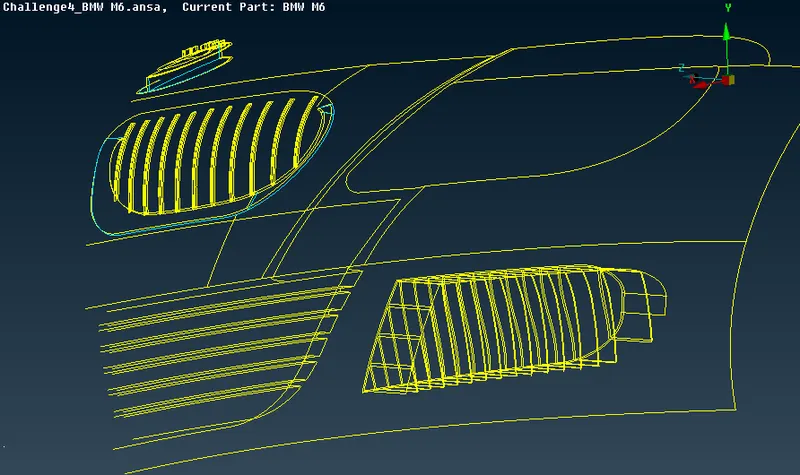
Wire frame mode
then in body grill. i have to do the same thing here also.
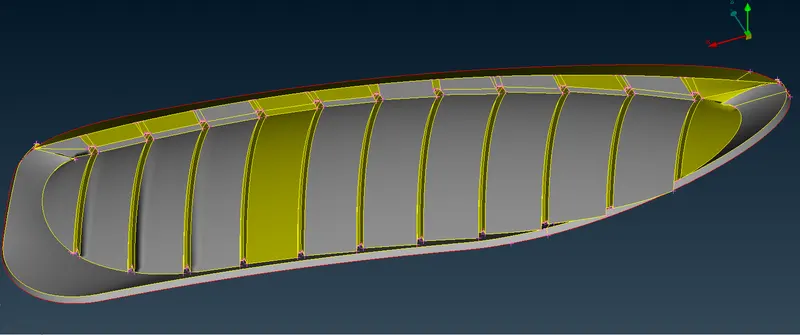
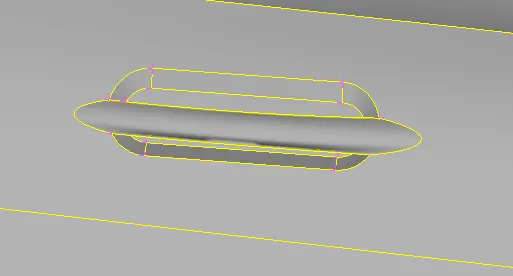
in handle part i have to do the same thing, first i have to clear all geomtry clean up then delete unnecessary part then clear all tripple cone that appear in blue lines and red line is single cone.
then i have worked in bmw logo and here i was doing same thing but in different stages, first i have deleted all the unnecessary things and remove the all the tripple cone and single cone, and create new surface also.
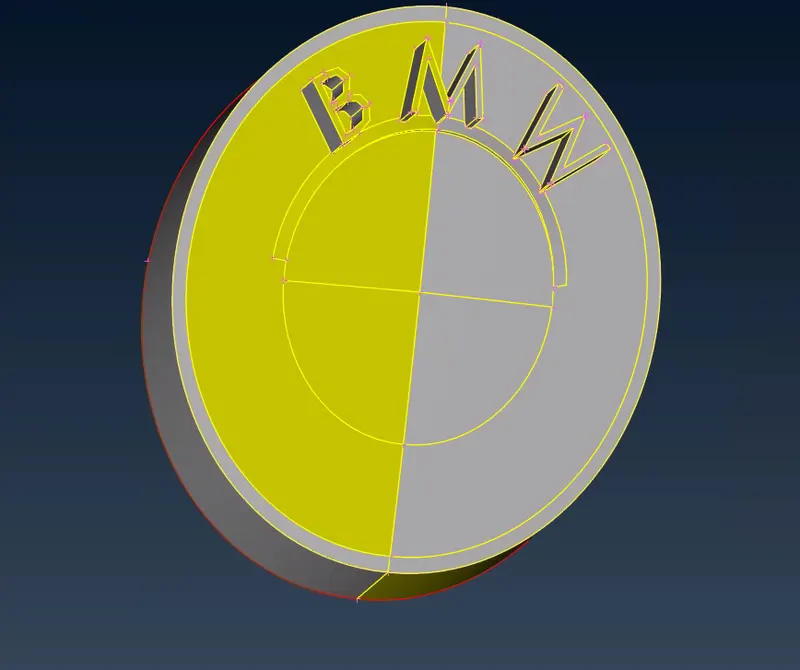
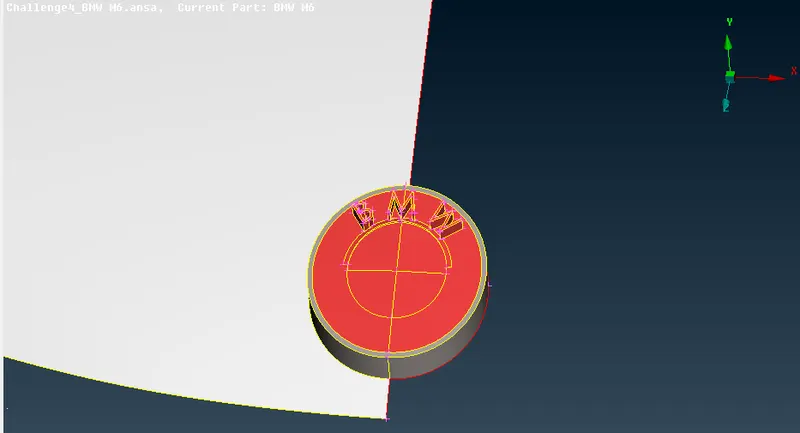
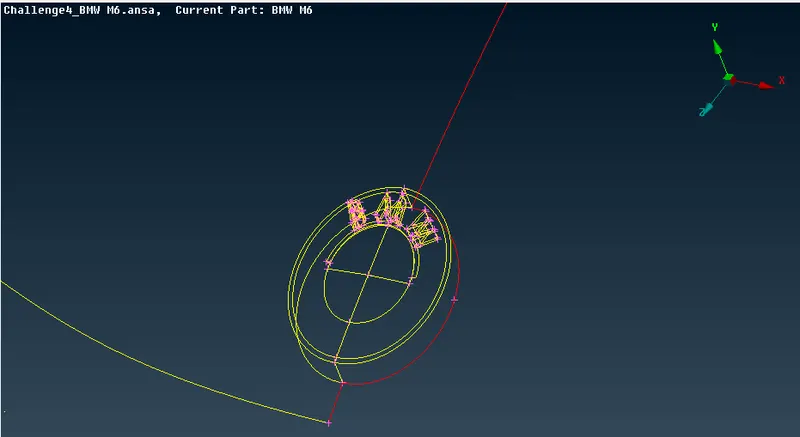
Logo geometry clean-up and wire frame mode
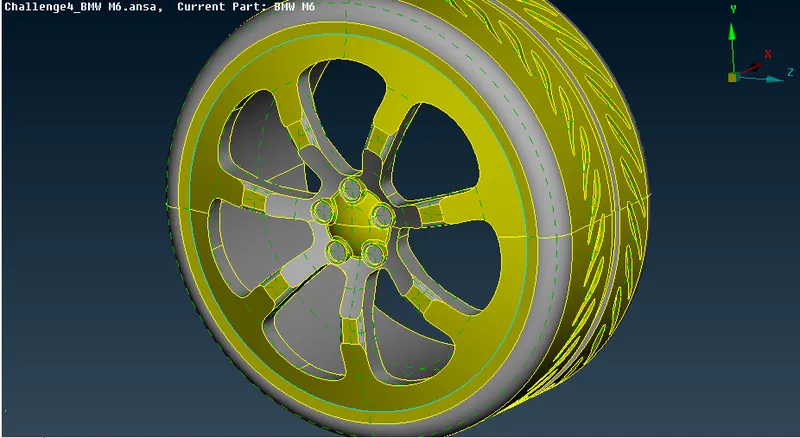
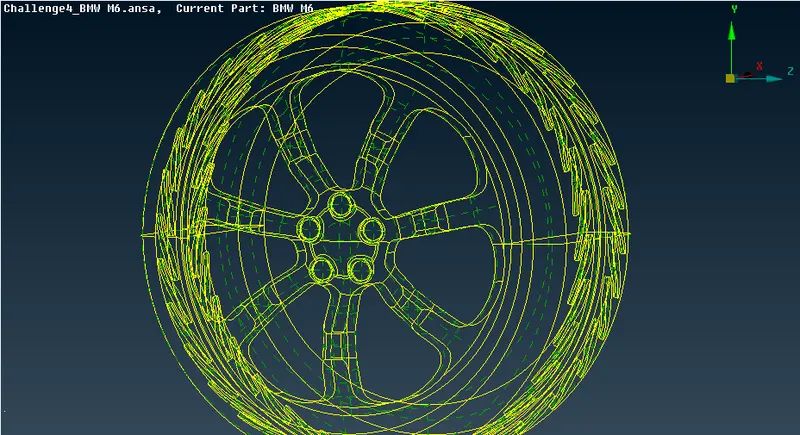
Tyre PID and wire frame model
after copying two sides.
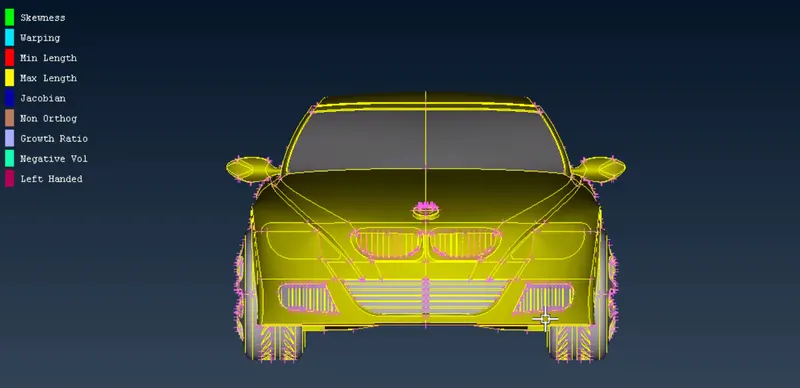
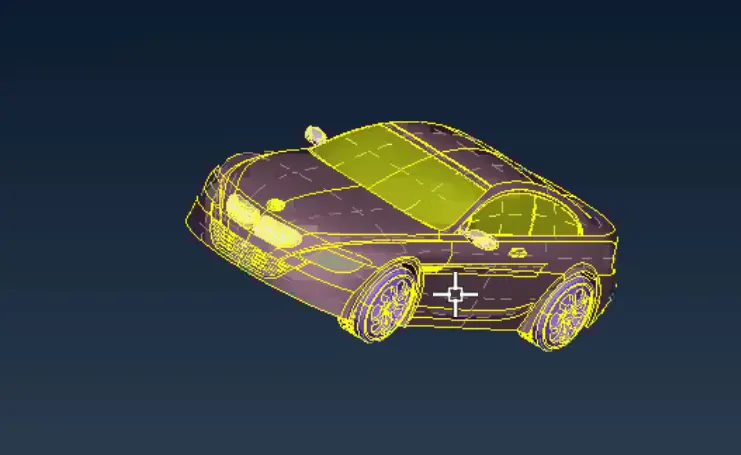
staring meshing
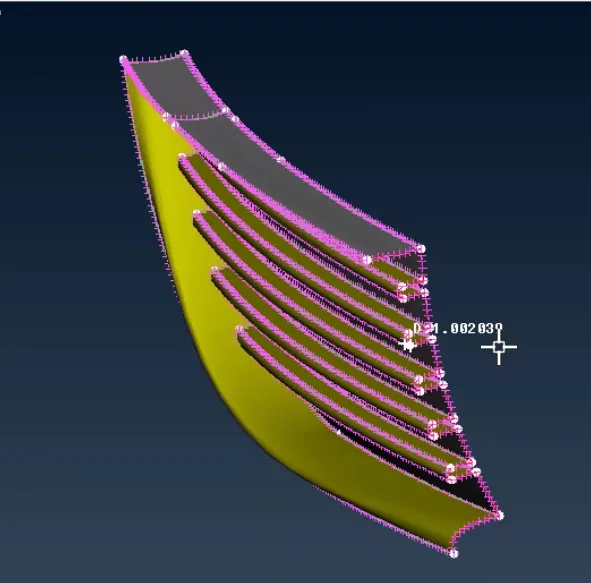
after meshing the handle part
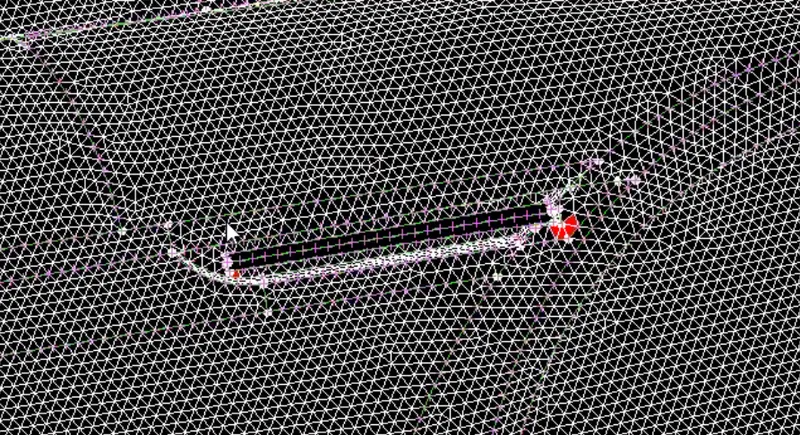
after completing the meshing part of the tire
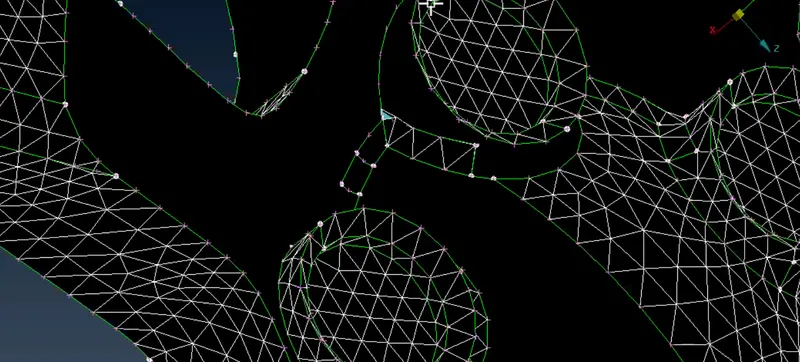
after completing the meshing part of the silencer
Silencer - 3 mm
a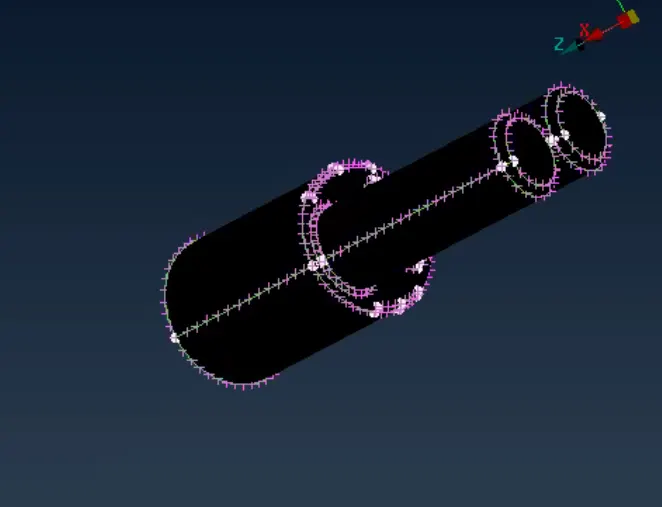
tire 2 mm.
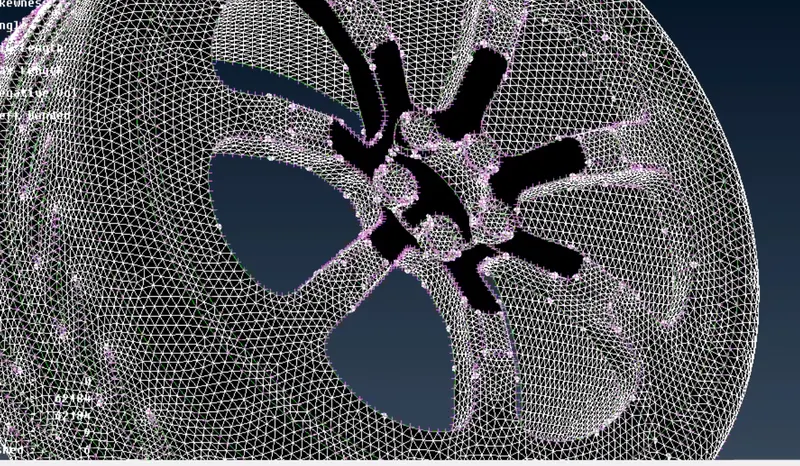
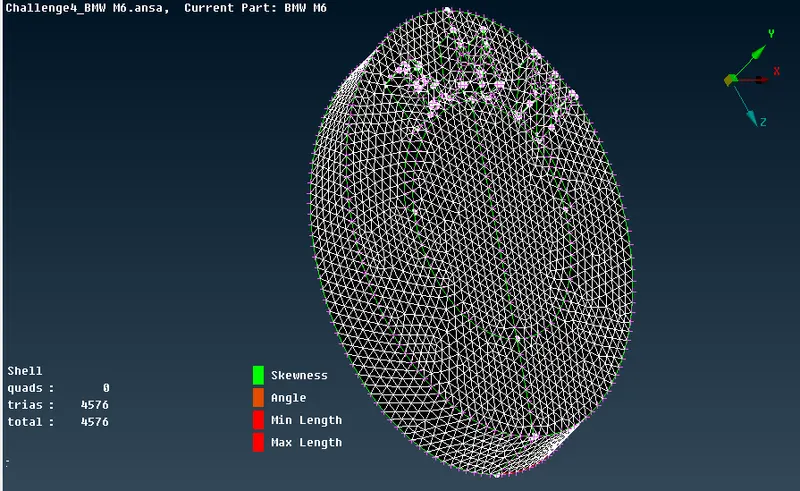
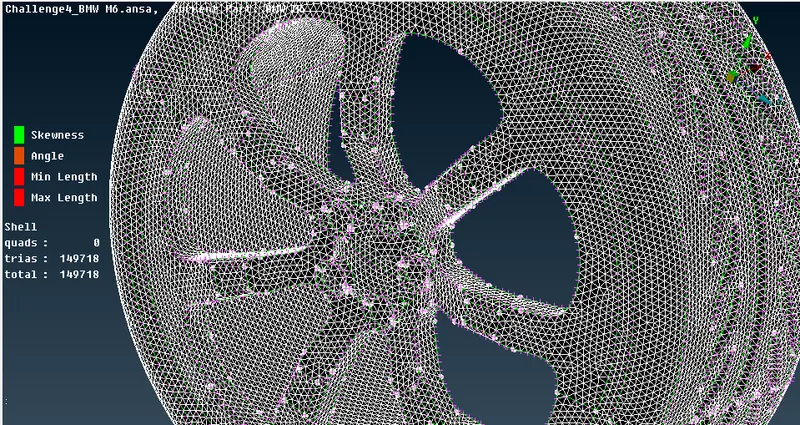
surface mesh of tyre
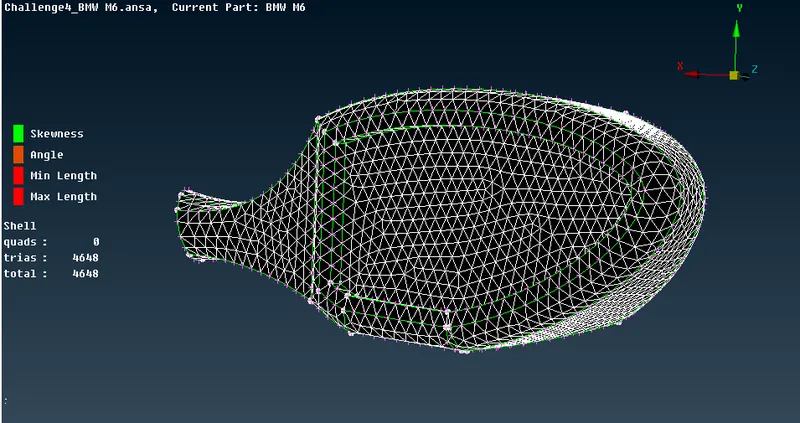
surface mesh on Rear view mirror
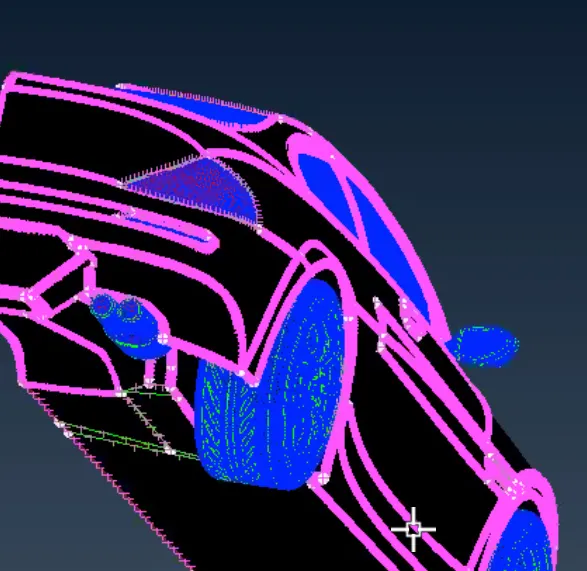
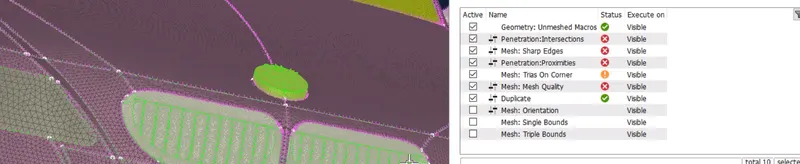
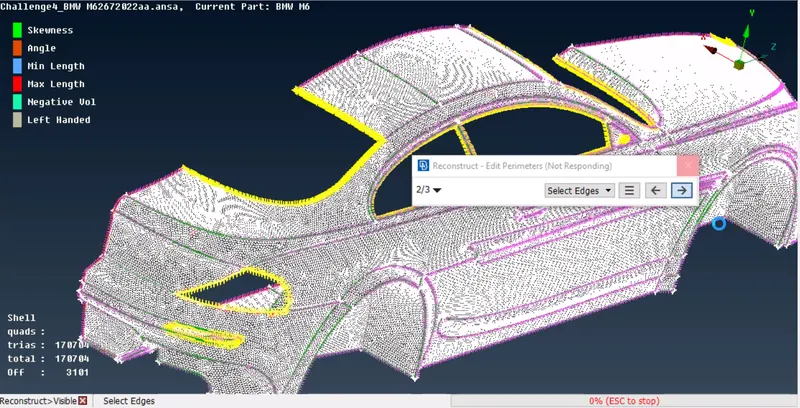
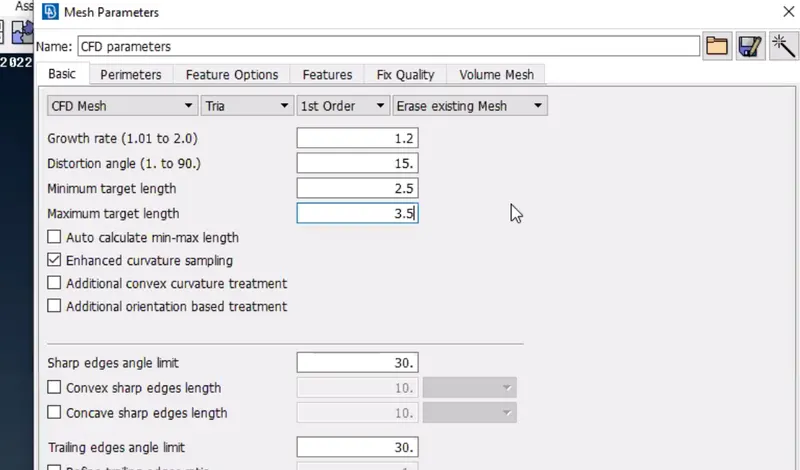
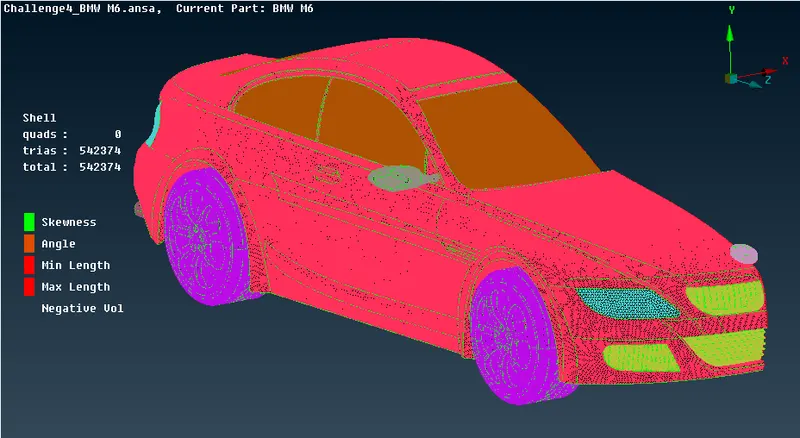
after completing all the surface meshing
- Body - 3 mm
- Lights - 4 mm
- Grills - 1 mm
- Rims and Tyres - 2 mm
- Optical Rear view mirror - 2 mm
- Window - 2 mm
- Silencer - 3 mm
- Logo - 1 mm
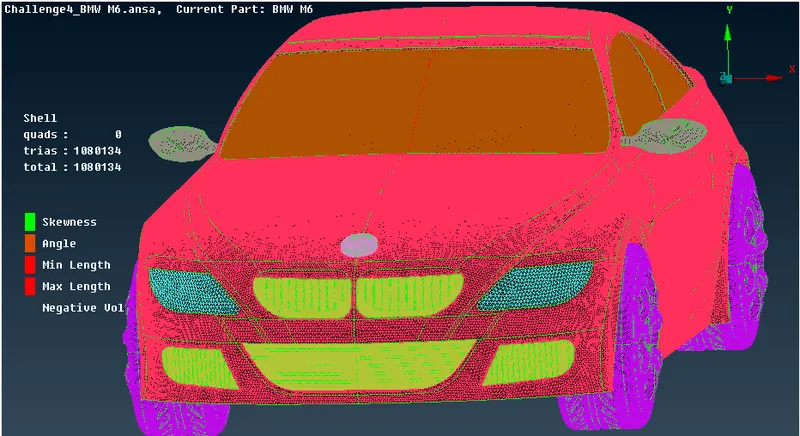
thank you
LINK : https://drive.google.com/file/d/1vDvfQ3GP4btlX3UBQZYO3zlbObaZCwgm/view?usp=sharing